The best AI tools for law firms and paralegals in 2026
Quick answer
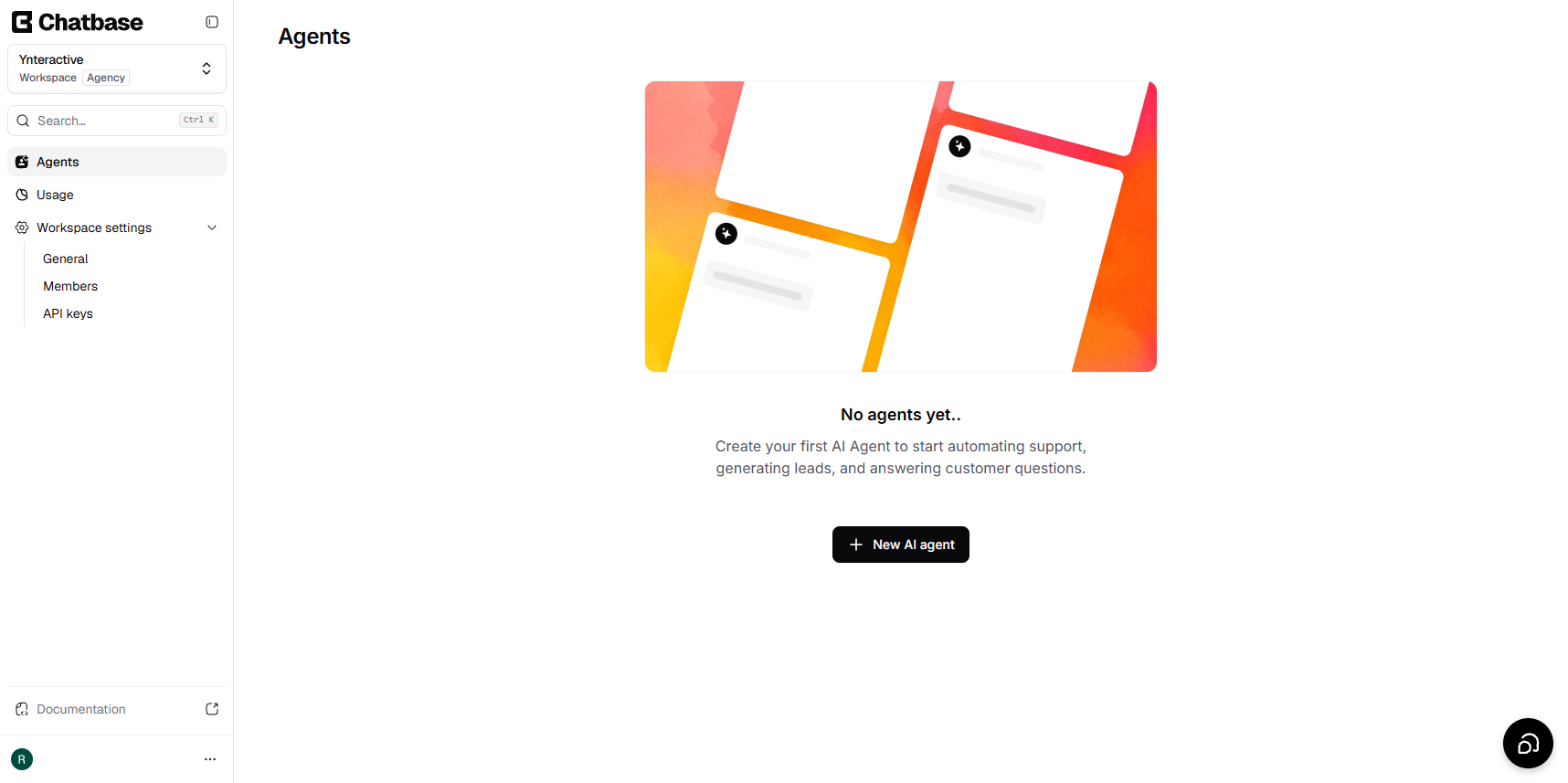
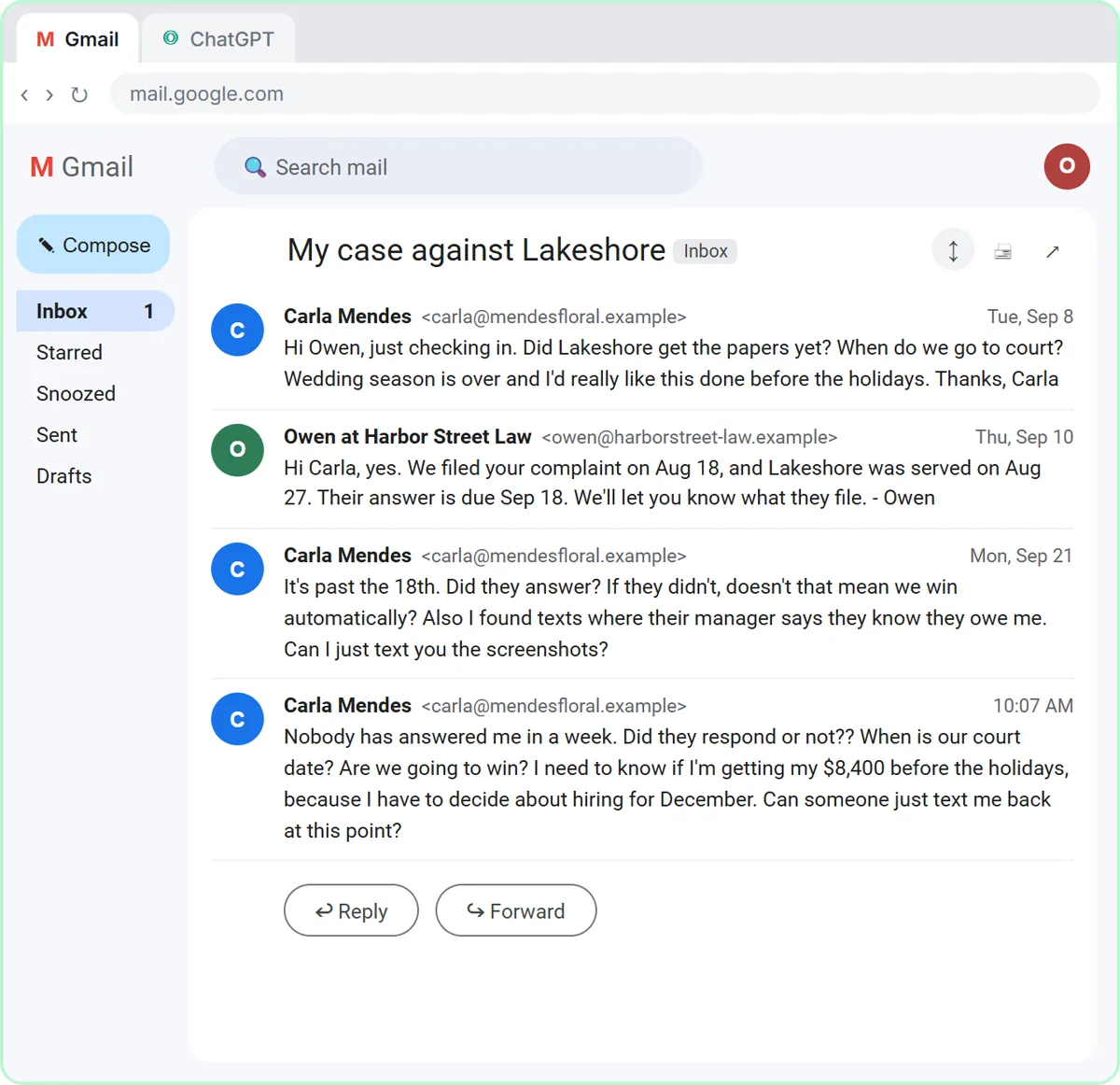
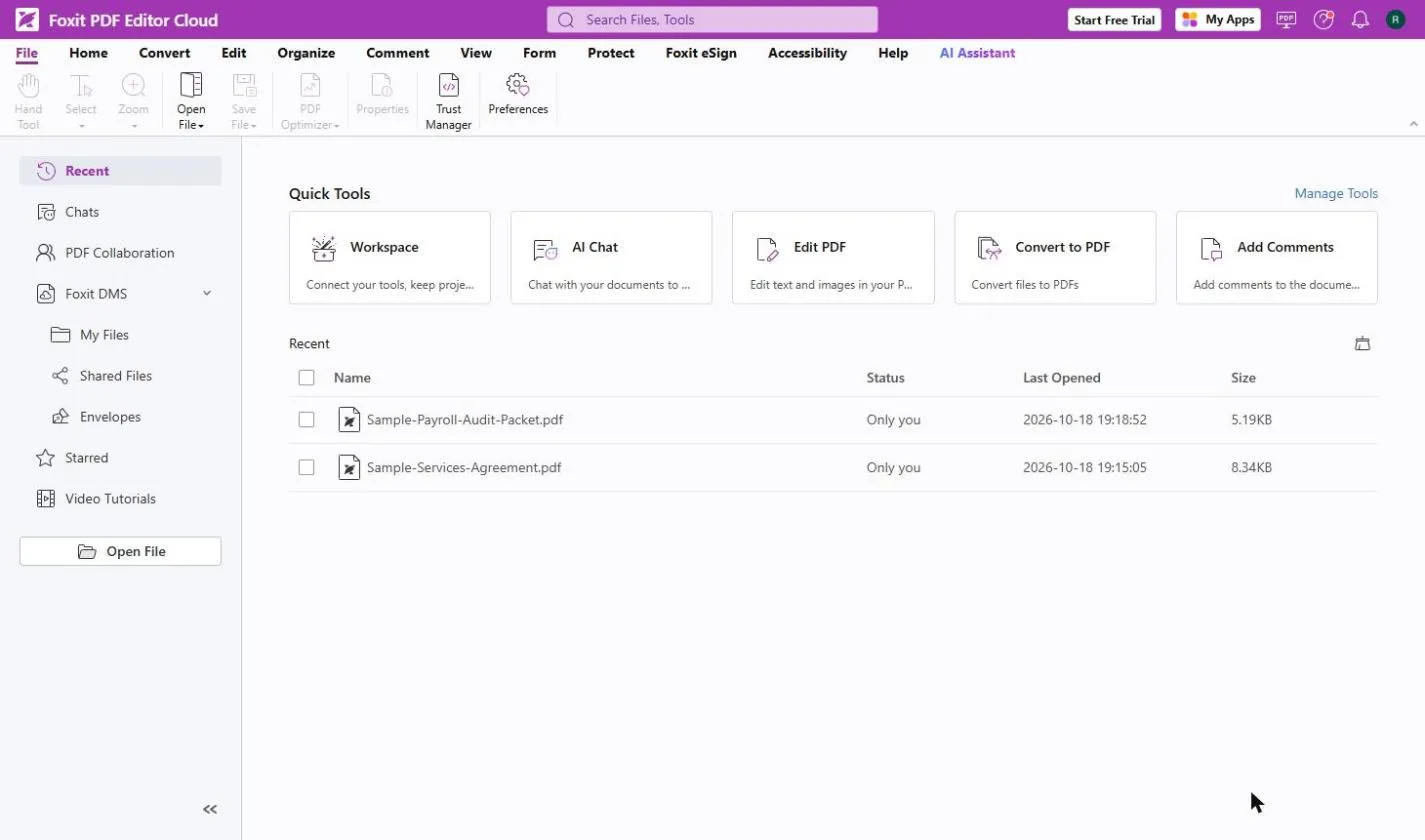
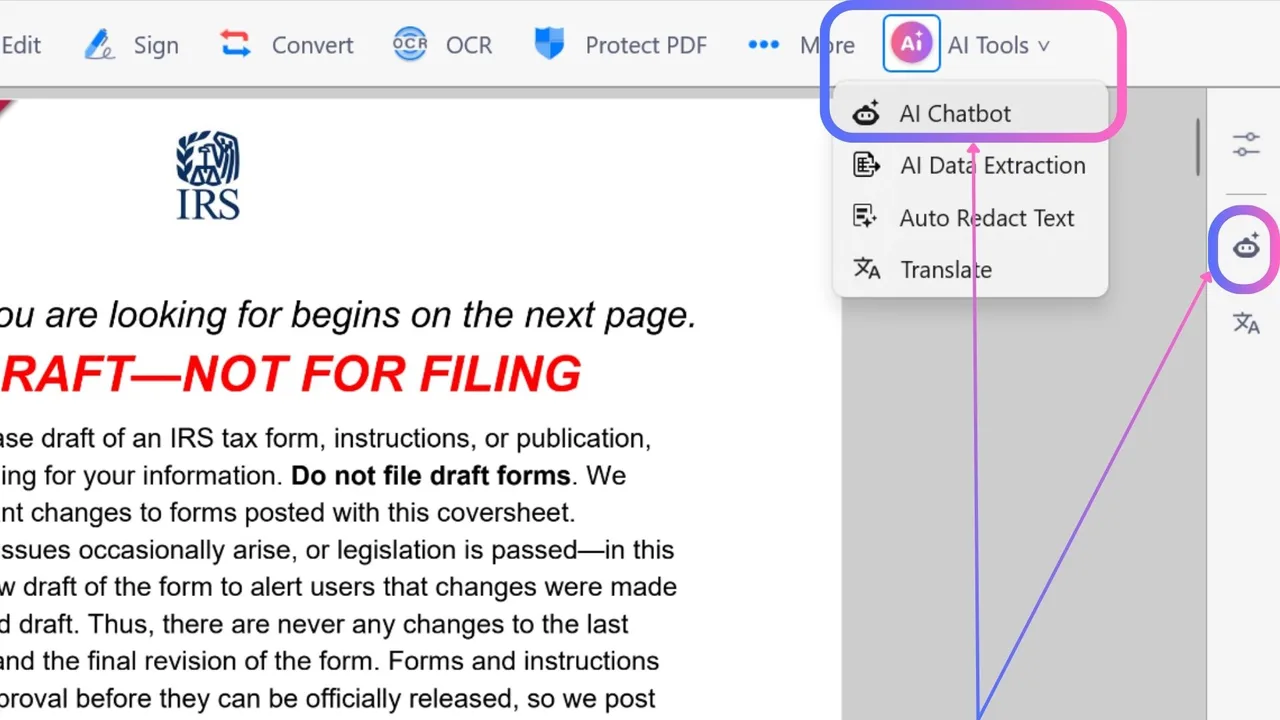
For a small law firm, the best AI tools take over the admin around the legal work: website questions, intake, client updates and document checks. As of October 2026, Chatbase answers common website questions from your own pages and FAQs; Claude handles long documents and can hold your intake rules in a Project; ChatGPT drafts client update emails from your notes; Foxit PDF Editor compares two versions of a contract and redacts personal data; Jotform builds intake forms from a prompt; and KDAN PDF summarizes and explains long PDFs.
Last updated
Take the free module →Module 13 of the free AI for Law Firms course, about 9 minutes. No account needed.
This list is for solo lawyers, small firms, paralegals and legal assistants. It is not legal advice, and none of these tools replaces a lawyer's review. Features come from each vendor's own pages as of October 2026, with no prices, because plans change often. Partner tools with a free Stepthrough lesson come first where they fit; that is not a ranking. Start with the free Claude Project for your intake desk lesson.
How do they compare at a glance?
| Tool | Best for | What the vendor says it does | Practice it free |
|---|---|---|---|
| Chatbase | Website questions at any hour | An AI agent trained on your own files, pages and Q&A; a helpdesk view where staff take over conversations | Answer FAQs with an AI agent |
| Claude | Long documents and an intake desk with rules | Reads Word, PDF and Excel files; Projects keep instructions and files together | Claude Project for intake |
| ChatGPT | Client update emails | Drafts emails and summarizes documents; Projects keep instructions and files in one place | Case-update replies |
| Foxit PDF Editor | Comparing contract versions | Compare two PDF versions, AI chat about the open document, AI Smart Redact for personal data | Catch every change |
| Jotform | New-client intake forms | AI builds a form from text, speech, a file or a URL; conditional logic and branding with no coding | Client intake form |
| KDAN PDF | Reading long PDFs faster | AI assistant that summarizes, translates and pulls data out of a PDF; redaction and encryption | Contract terms with AI |
Can a law firm use a chatbot on its website?
Yes, for general questions such as hours, practice areas and how to book a consultation, as long as it never gives legal advice. Chatbase says its agent answers from the files, pages and Q&A you give it, and a helpdesk view lets staff pick up a conversation, as of October 2026. Write the guardrails first: no legal advice, no promises about outcomes, hand off anything about a specific matter. The free Chatbase lesson shows how, and guardrails explains the idea.
Which AI is best for reading contracts and long documents?
Claude is strong at long documents and careful writing, and reads Word, PDF and Excel files. For side-by-side changes, Foxit PDF Editor says it compares two PDF versions, as of October 2026; the free Foxit compare lesson shows it on a revised contract. The redline and contract key terms entries explain the terms. A lawyer still reviews every result.
How do I keep client information safe with AI?
Use business accounts your firm has approved, share only what the task needs, and check each vendor's data terms. Foxit lists AI Smart Redact to remove personal data before a file is shared, and KDAN lists redaction and file encryption, as of October 2026. See PII for what counts as personal data. Check your bar's guidance on AI before you start.
Who is each one for?
Chatbase
For firms that get the same website questions every day and want them answered from approved content, with staff taking over the rest. Practise free in Chatbase: Answer Customer FAQs with an AI Agent. Official site: chatbase.co. Directory card: Chatbase.
Claude
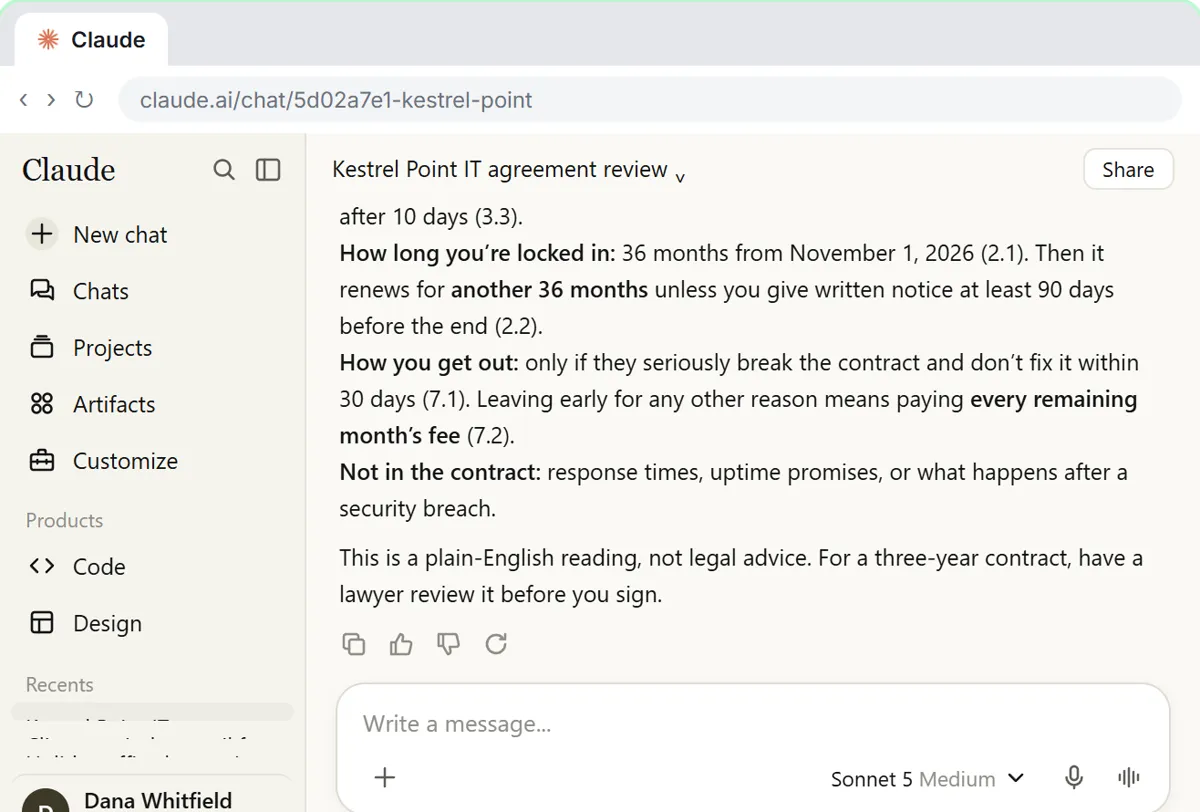
For long documents and an intake assistant that follows your firm's rules. Practise free in A Claude Project for Your Law Firm's Intake Desk and Check a contract for red flags with Claude. Official site: claude.ai. Directory card: Claude.
ChatGPT
For drafting client update emails from your notes, without predicting outcomes. Practise free in Answer Case-Update Emails Without Predicting the Outcome. Official site: chatgpt.com. Directory card: ChatGPT.
Foxit PDF Editor
For comparing contract versions, filling and signing forms and redacting personal data. Practise free in Foxit PDF Editor: Catch Every Change in a Revised Contract. Official site: foxit.com. Directory card: Foxit PDF Editor.
Jotform
For an intake form that collects the right details before the first call. Practise free in the Jotform intake form lesson. Official site: jotform.com. Directory card: Jotform.
KDAN PDF
For summarizing and explaining long PDFs on Windows, Mac, iOS or Android. Practise free in the KDAN contract terms lesson. Official site: pdf-reader.kdandoc.com. Directory card: KDAN PDF.
Which of these tools have a free Stepthrough lesson?
- Chatbase: free lesson: Chatbase: Answer Customer FAQs with an AI Agent
- Claude: free lesson: A Claude Project for Your Law Firm's Intake Desk: Fees, the Conflict Check and No Legal Advice by Email
- ChatGPT: free lesson: Answer Case-Update Emails Without Predicting the Outcome using ChatGPT
- Foxit PDF Editor: free lesson: Foxit PDF Editor: Catch Every Change in a Revised Contract
- Jotform: free lesson: Get Every New Client's Details in One Place using Jotform AI
- KDAN PDF: free lesson: KDAN: Get a Vendor Contract's Key Terms with AI Chatbot
Practice it free, step by step
A Claude Project for Your Law Firm's Intake Desk: Fees, the Conflict Check and No Legal Advice by Email. Create a Claude project for a family-law firm, give it your tone and intake rules, add your fee schedule and engagement policy as project knowledge, and answer a prospective client’s cost question… You do every step yourself in a practice copy of Claude, it checks your work as you go, and “Do it for me” finishes any step you get stuck on. Free, and nothing touches your real accounts.
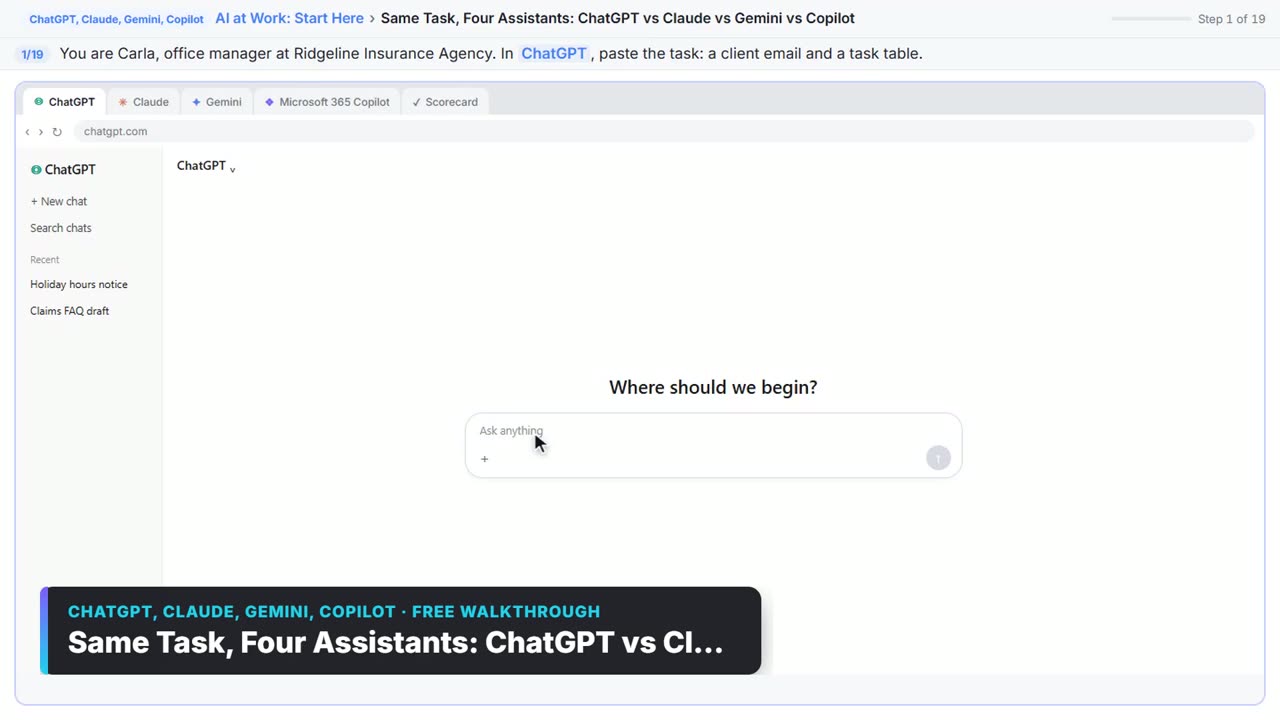
Start the free lessonWatch it in a free lesson: Choose the AI Assistant Your Team Should Use, Tested on ChatGPT, Claude, Gemini and Copilot
 1:51
1:51Same Task, Four Assistants: ChatGPT vs Claude vs Gemini vs Copilot: video walkthrough
Give one real office task to ChatGPT, Claude, Gemini and Microsoft Copilot, check each answer on the facts, and pick the one to use at work. The whole lesson narrated step by step, recorded in Stepthrough’s simulated practice environment.
Key takeaways
- Use AI for the admin around legal work: website questions, intake, updates and document checks.
- A website agent like Chatbase needs firm guardrails: no legal advice, and a hand-off to staff.
- Claude and Foxit help with long documents and version changes; a lawyer still reviews every result.
- Use approved business accounts, share only what the task needs and redact personal data.
Frequently asked questions
What is the best AI for lawyers?
For a small firm, one main assistant such as Claude or ChatGPT on a business plan, plus a PDF tool like Foxit for contract work. Try the free Claude intake lesson.
Can AI give legal advice to my clients?
No. Set every client-facing tool to give general information only and hand specific questions to a lawyer.
Can paralegals use AI to summarize documents?
Yes, with tools the firm has approved. Claude, Foxit and KDAN PDF all summarize documents, as of October 2026. Always check the summary against the source.
Is client data used to train these AI tools?
It depends on the vendor and the plan. Read each vendor's privacy and data pages before you upload anything, and prefer business plans.
Where do these prices and features come from?
Every price and feature on this page was checked against the vendor's own page, as of October 2026. No numbers here are estimates or third-party figures. The example businesses in the Stepthrough lessons are made up.