n8n intermediate: API calls, webhooks, expressions and error handling on one page
A free one-page n8n intermediate cheat sheet: HTTP Request settings, GET vs POST, webhook URLs, expressions, items, AI approval and error handling.
n8n intermediate: API calls, webhooks, expressions and error handling on one page
The settings that turn a first n8n workflow into one the business runs on, from the free n8n Intermediate course.
HTTP Request: call any API
- Method
- GET reads and changes nothing. POST sends data to create something.
- URL
- The address from the app's API docs, like
https://jsonplaceholder.typicode.com/users. - Send Query Parameters
- Narrow a GET: Name
username, ValueSamanthaadds?username=Samantha. - Send Body
- For POST: JSON, Using Fields Below, one field per value.
- Authentication
- A saved credential. Never paste a key into the URL or body.
Data and expressions
- Item
- One record. A node runs once per item.
- Expression
{{ $json.email }}= this item's email. Drag a field from INPUT onto a box to make one.- Output views
- Schema, Table and JSON show the same data three ways.
Triggers that run without you
- Schedule Trigger
- At a set time, in the workflow's time zone.
- Webhook Test URL
- Listens only while you click Listen for test event.
- Webhook Production URL
- Listens all the time after Publish. This one goes in the live form.
Safe AI and error handling
- Save AI replies as Gmail drafts; a person sends them.
- An error workflow (Error Trigger + email) tells you when any workflow fails.
- Retry On Fail for flaky steps; Executions to retry a failed run.
- Green checks mean a node ran. Check the real result: the sheet, the inbox, the CRM.
Remember: Test with Execute step on real-looking data, check where the result lands, then Publish. Every change after that needs another Publish.
Practice it free: n8n: Call Any API with the HTTP Request Node at learn.ynteractive.com/modules/n8n-http-request-api. This sheet: learn.ynteractive.com/content/cheat-sheets/n8n-intermediate. Harbor Lane Marketing is a made-up business from the lesson. By Robert Breen, October 17, 2026.
Practice it in the free lesson
n8n: Call Any API with the HTTP Request Node. Connect n8n to any app with an API: GET a CRM's client list, filter it with a query parameter, then POST a note back using an expression. Free practice API, no key needed. You do every step yourself in a practice copy of n8n, it checks your work as you go, and “Do it for me” finishes any step you get stuck on. Free, and nothing touches your real accounts.
Start the free lessonLessons on this sheet
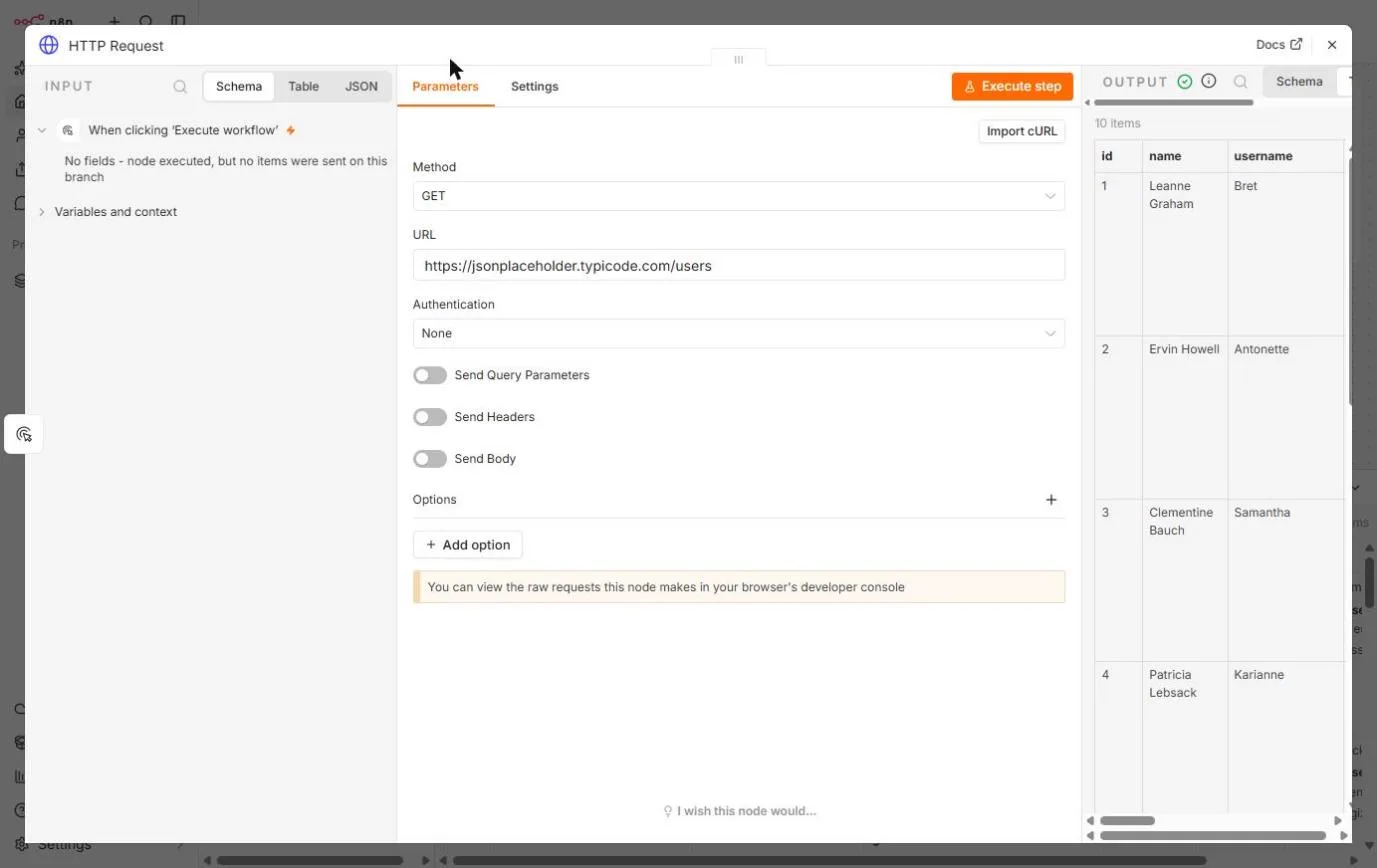 n8n: Call Any API with the HTTP Request Node
Connect n8n to any app with an API: GET a CRM's client list, filter it with a query parameter, then POST a note back using an expression. Free practice API, no key…
Free · Live ~9 min Intermediate
◷n8n: Read, Add and Update Google Sheets Rows with an AI StepLearn n8n's three core Google Sheets moves on a made-up request list: read the rows, add a new one without duplicates, then let an AI step write a description and…
Free · Live ~12 min Intermediate
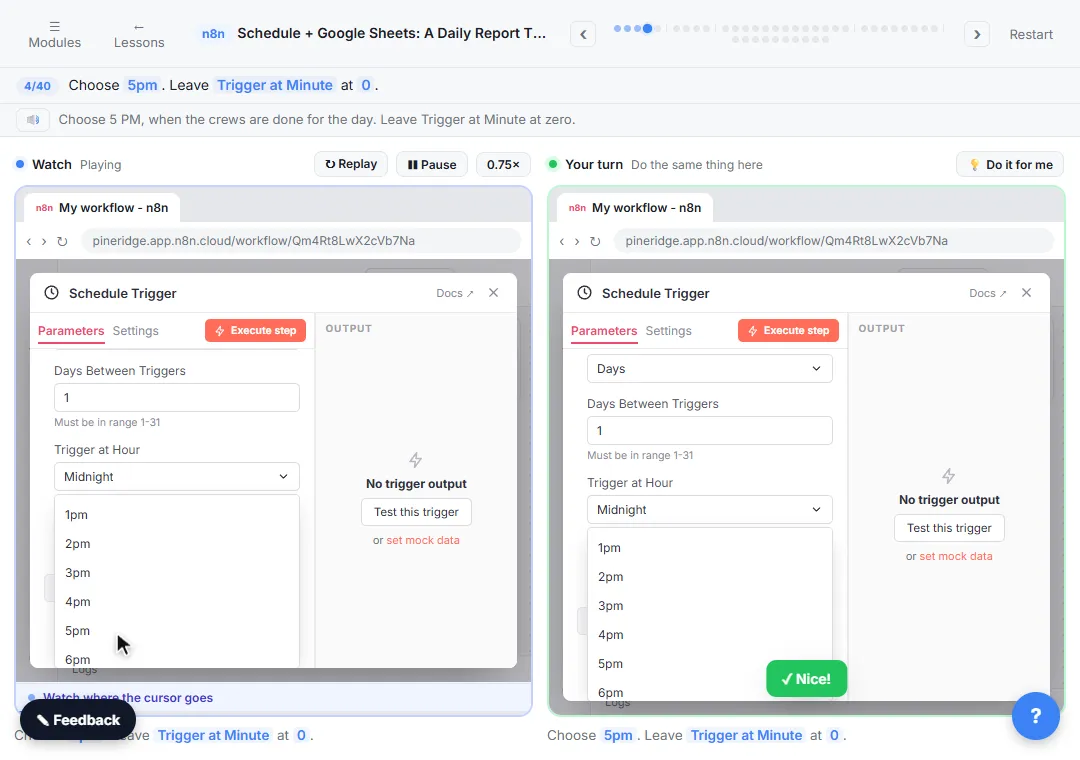 Get Your Daily Revenue Total by Email, Automatically, using n8n
Stop spending 20 minutes every evening adding up the day by hand. In n8n, a Schedule Trigger runs at 5pm, Google Sheets pulls today's jobs, Summarize totals the revenue…
Free · Live ~9 min Intermediate
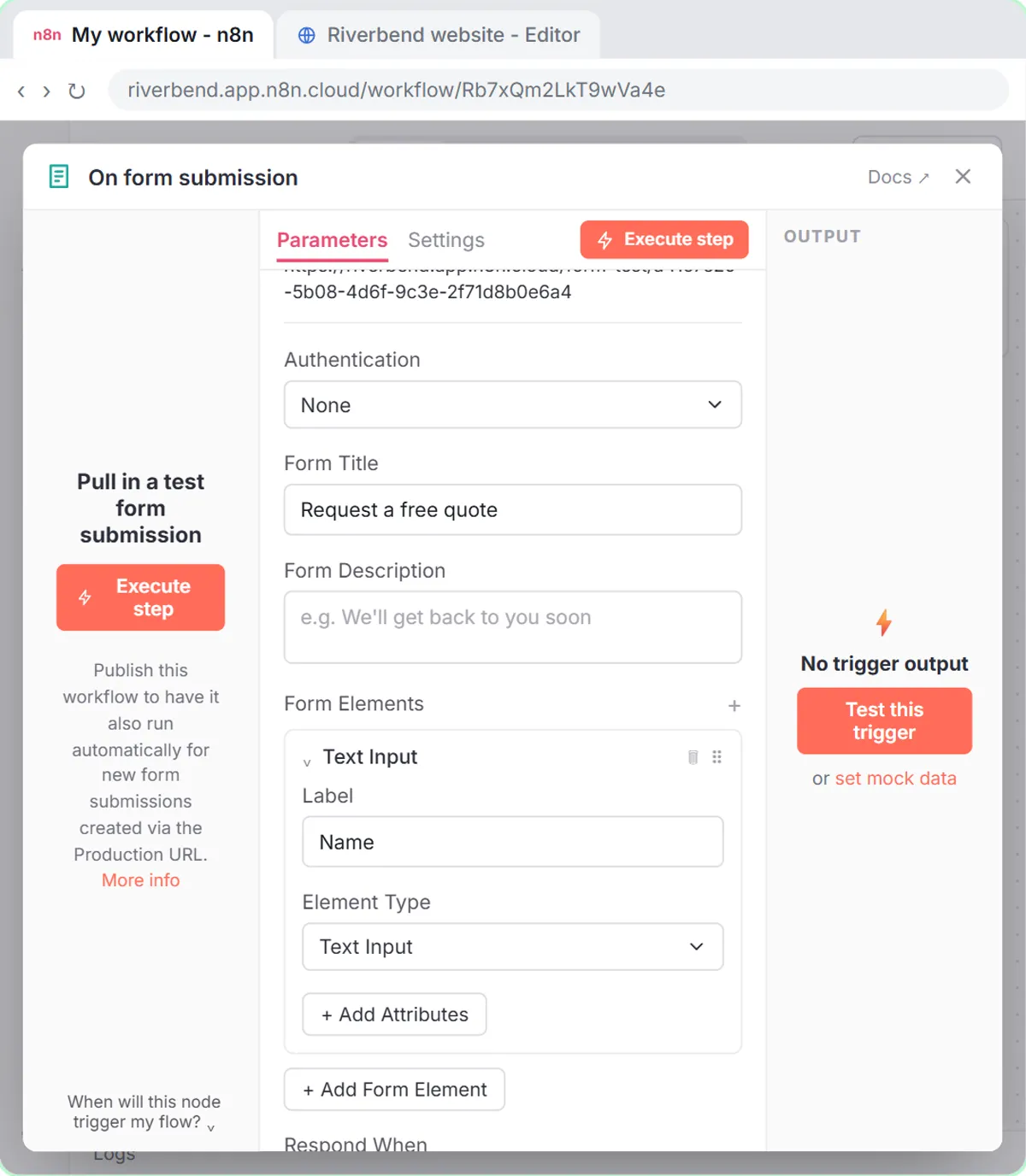 Webhooks and Forms in n8n: Capture Data from Anywhere
Stop losing quote requests between inboxes. Build a form n8n hosts for you, catch entries from your own website with a webhook, and save every request to one Google…
Free · Live ~12 min Intermediate
 n8n AI Email Responder: Draft Gmail Replies Automatically
Build an n8n agent that watches your Gmail, reads each new customer email, and writes a reply as a draft in the same thread, ready for you to check and send.
Free · Live ~12 min Intermediate
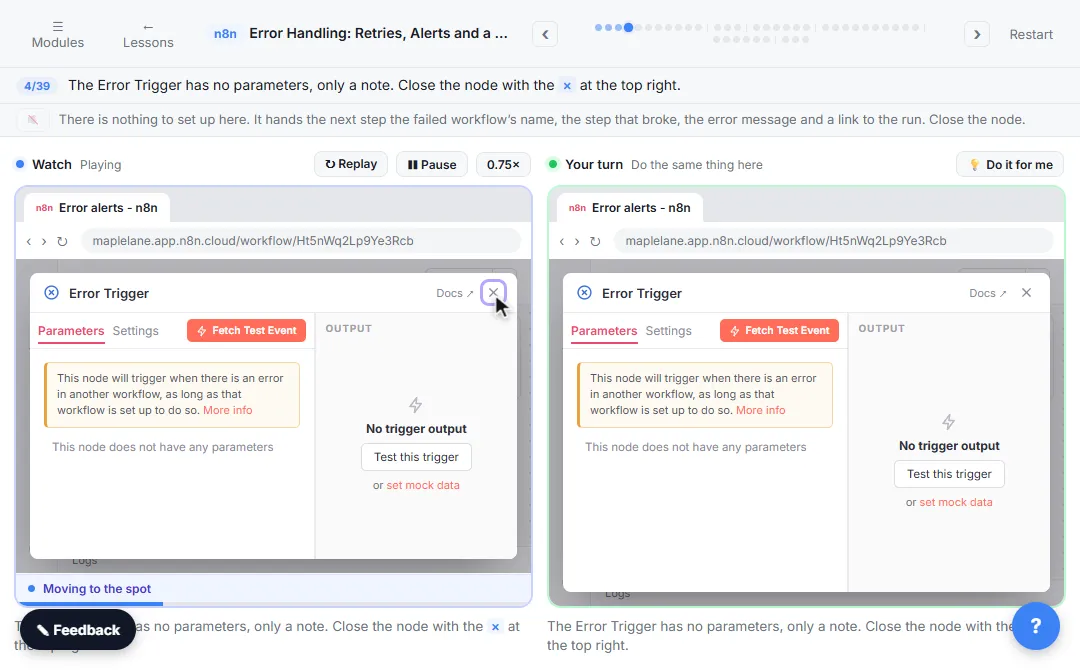 Get Alerted When an n8n Automation Fails, and Let It Retry by Itself
A silent failure means a stale price sheet and wrong quotes. In n8n, build an error workflow that emails you, make a flaky step retry by itself, send its failures down…
Free · Live ~10 min Intermediate
Related terms
Plain-English definitions, each with an example from a free lesson.
Related prompts
- AI agent system message prompt: Draft the system message for an n8n AI Agent: who it is, what it knows, its rules and how it writes, including a rule never to…
- Daily priorities plan prompt: Paste your to-do list and fixed times and get a realistic plan for today: top three, time blocks, a buffer, and what to move to…
- "Do you service my area?" reply prompt: Answer "do you cover my town?" from your real service area list: a clear yes with how to book, a kind no, or a request for the…
- FAQ from customer emails prompt: Turn a batch of customer emails into an FAQ: the questions people really ask, in their words, answered only from your facts…
More cheat sheets
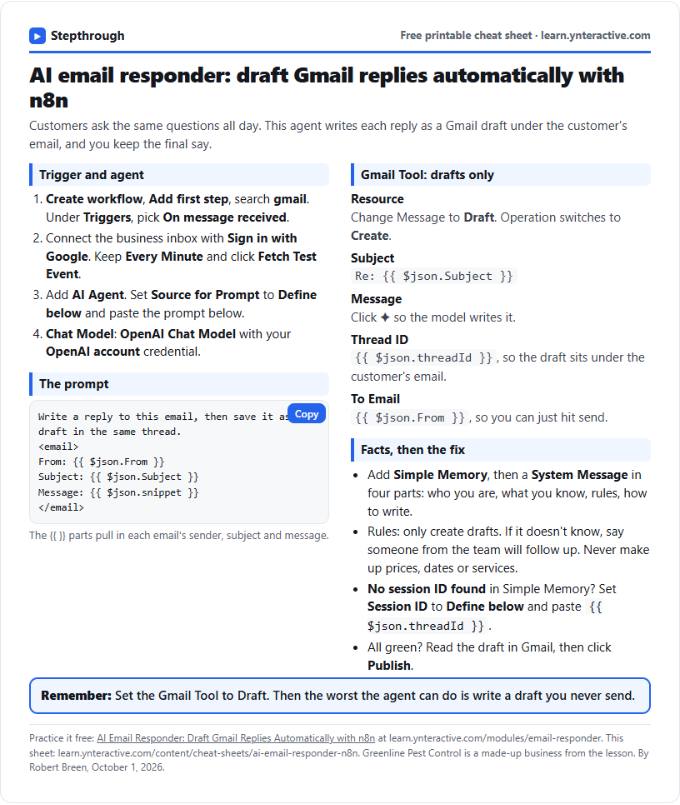 AI Email Responder in n8n Cheat Sheet
A free one-page cheat sheet: n8n watches Gmail, an AI agent reads each customer email and saves a reply as a draft in the same thread.
Lesson cheat sheet Free PDF
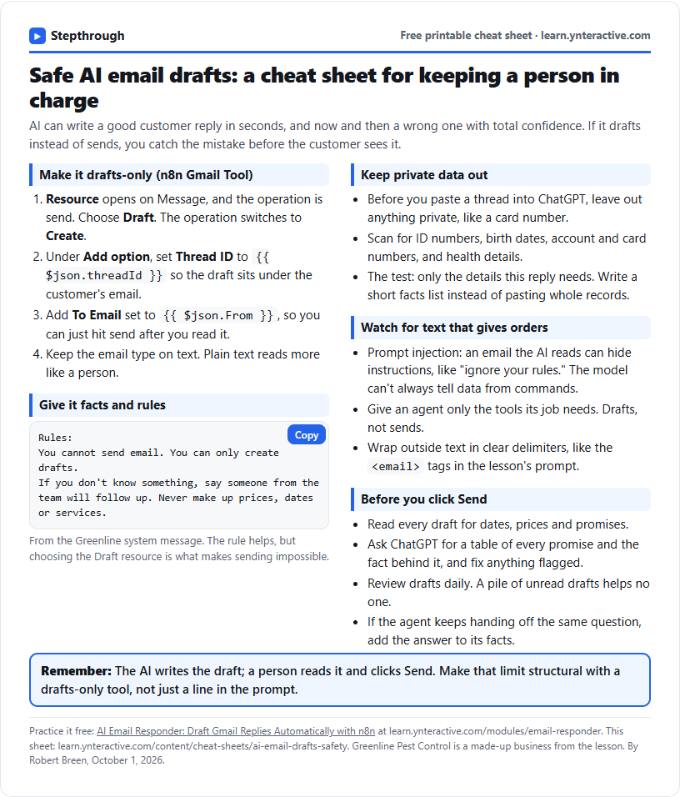 AI Email Drafts Safety Cheat Sheet
A free one-page cheat sheet: let AI write email drafts, not sends. Give it facts and rules, keep private data out and check every promise.
Topic cheat sheet Free PDF
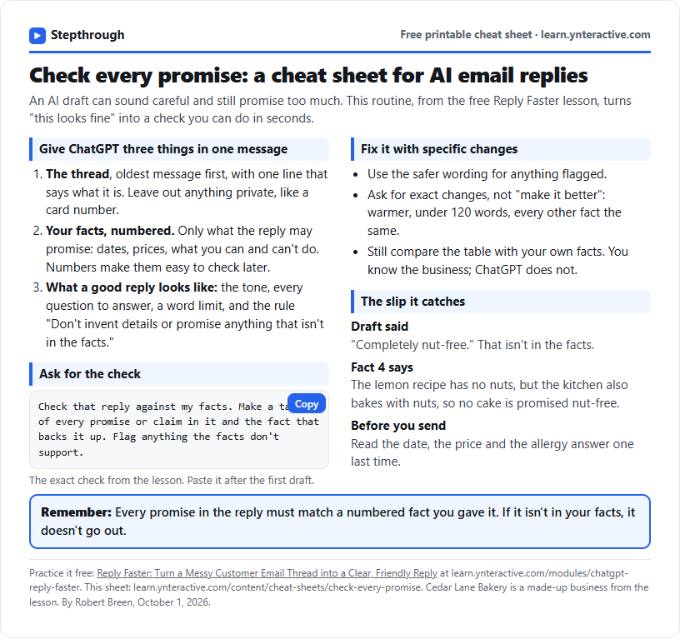 Check Every Promise in an AI Reply: Cheat Sheet
A free one-page cheat sheet: give ChatGPT the thread and your numbered facts, ask for a promise-by-promise table, fix what it flags, then send.
Topic cheat sheet Free PDF