AI for small finance teams: a one-page quick-start
A free one-page cheat sheet for finance teams: the free AI lessons in order, an invoice dispute prompt and what AI must never approve.
AI for small finance teams: a one-page quick-start
The agents suggest, sort and draft; a person decides. All eight lessons are free.
Where to start, in order
- AI Expense Categorizer Agent: sorts a batch of expenses into your categories and saves them to a sheet.
- AI Expense Reimbursement Form: checks each request against your policy and emails the status.
- AI Receipt Extractor: receipt photos become sheet rows.
- Prompt Writing 101: Role, Context, Task, Format.
- Reply Faster: Customer Emails: draft from numbered facts, then check every promise.
- Summarize a Meeting Transcript: who owes what by when.
- AI Email Responder: reply drafts, never sent.
- Find and Use n8n Templates: start from a ready-made workflow.
A prompt to copy: invoice dispute reply
Role: You are [SENDER] at [BUSINESS], replying to a customer who disputes an invoice. You value the relationship and want it settled fairly.
Context: The invoice and each disputed line: [INVOICE DETAILS]. What our records show for each line: [RECORDS]. What we've decided to correct: [OUR DECISION]. Use only these facts. Don't mention late fees, collections, credit reports or legal action, and don't offer anything beyond our decision.
Task: Thank them for raising it, address each disputed line in order with what our records show, state what we're correcting and the new amount due, and give one next step with a date.
Format: Under 180 words, calm and direct, no blame. Show the corrected math in one line. No subject line. Sign as [SENDER].
Check every amount and date against your records.
What AI must not do
- Approve or pay
- The agent sets a status. A person approves and pays.
- Tax advice
- None. A CPA or enrolled agent reviews tax questions.
- Categories
- Suggestions your bookkeeper confirms before posting.
- Private data
- Mask account, card and Social Security numbers first.
Remember: If a number isn't in what you gave it, the draft should say so, not guess.
Have a professional review it. This prompt helps you explain your own numbers, not give financial advice. Have your accountant or financial advisor review anything you will act on.
Practice it free: Build an AI Agent That Categorizes Business Expenses at learn.ynteractive.com/modules/n8n-ai-agent-finance. This sheet: learn.ynteractive.com/content/cheat-sheets/ai-quick-start-finance. Maple Street Bookkeeping is a made-up business from the lesson. By Robert Breen, October 1, 2026.
Practice it in the free lesson
Build an AI Agent That Categorizes Business Expenses. Build an AI agent for Maple Street Bookkeeping that sorts business expenses into categories, writes a short note for each and saves them to Google Sheets — chat trigger, AI Agent, system prompt… You do every step yourself in a practice copy of n8n, it checks your work as you go, and “Do it for me” finishes any step you get stuck on. Free, and nothing touches your real accounts.
Start the free lessonLessons on this sheet
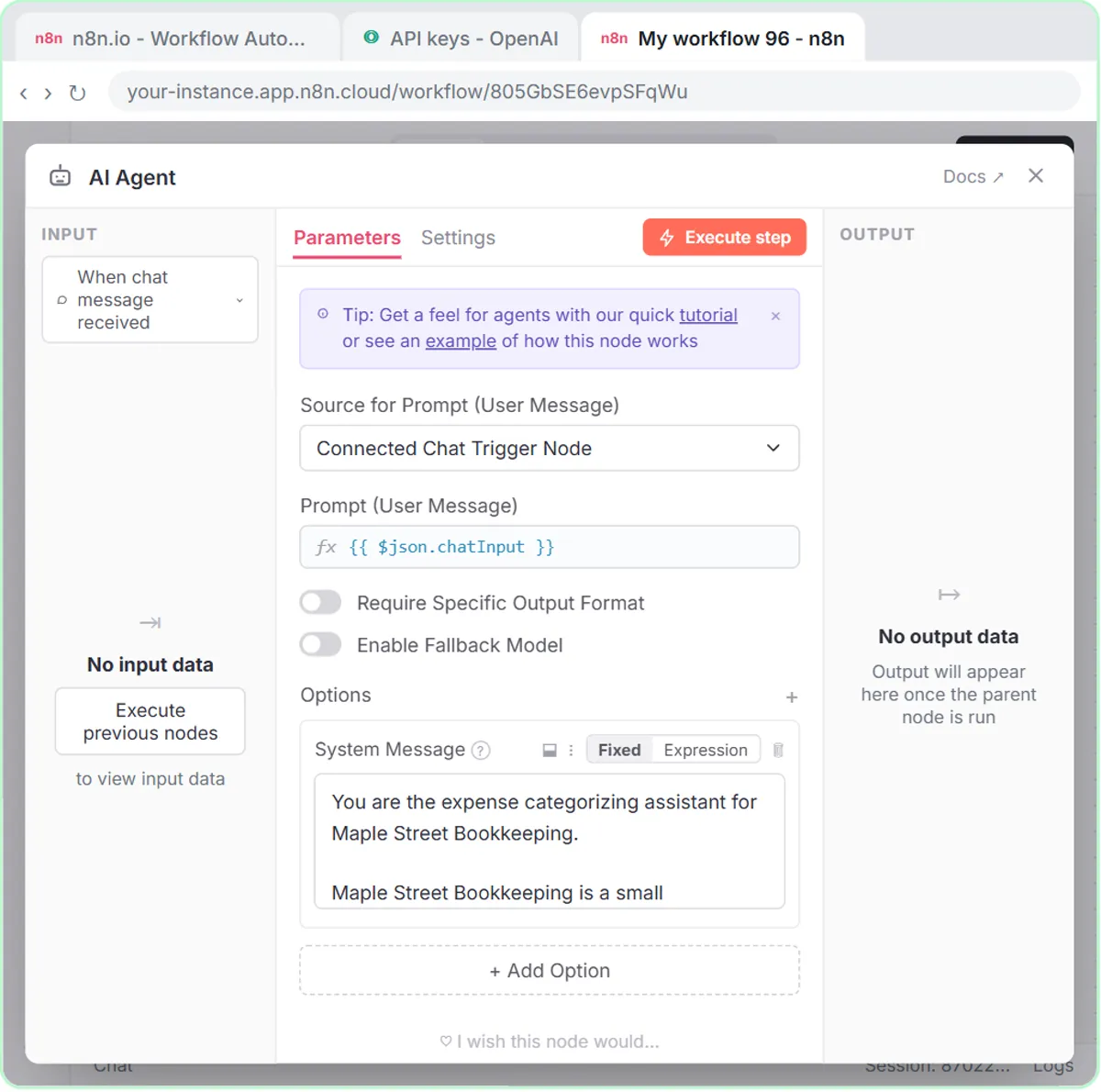 Build an AI Agent That Categorizes Business Expenses
Build an AI agent for Maple Street Bookkeeping that sorts business expenses into categories, writes a short note for each and saves them to Google Sheets — chat…
Free · Live ~12 min
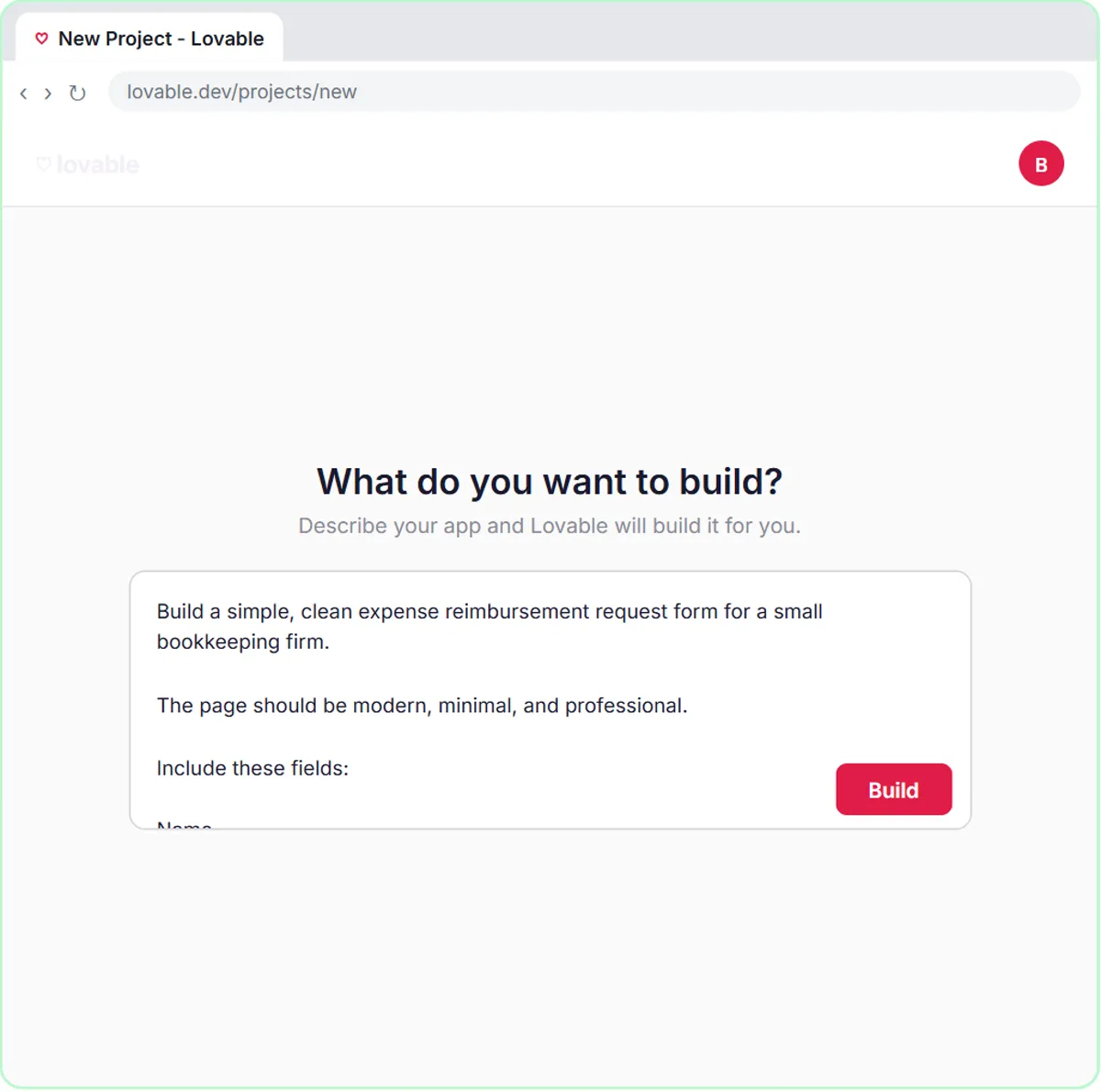 Build an Expense Reimbursement Form With AI Policy Checks
Build an expense reimbursement form in Lovable for Maple Street Bookkeeping and connect it to n8n — the AI agent checks each request against the policy, saves it to…
Free · Live ~15 min
 AI Receipt Extractor: Receipts to Google Sheets with n8n
Drop a photo of a receipt into an n8n chat. An AI agent reads it, pulls out the date, vendor and amount, picks a category, and adds a row to Google Sheets.
Free · Live ~12 min
 Prompt Writing 101: Role, Context, Task, Format
Ask ChatGPT for the same customer email twice, once vaguely and once with a four-part prompt, and see exactly why structure gets a better answer.
Free · Live ~8 min
 Reply Faster: Turn a Messy Customer Email Thread into a Clear, Friendly Reply
Turn a messy customer email thread into a clear, friendly reply: give ChatGPT the thread and your facts, check every promise, fix the tone, and send it from Gmail.
Free · Live ~9 min
 Summarize a Meeting Transcript with ChatGPT
Paste a long meeting transcript into ChatGPT and get the decisions, an action items table with owners and due dates, and a follow-up email ready to send.
Free · Live ~9 min
 AI Email Responder: Draft Gmail Replies Automatically with n8n
Build an n8n agent that watches your Gmail, reads each new customer email, and writes a reply as a draft in the same thread, ready for you to check and send.
Free · Live ~12 min
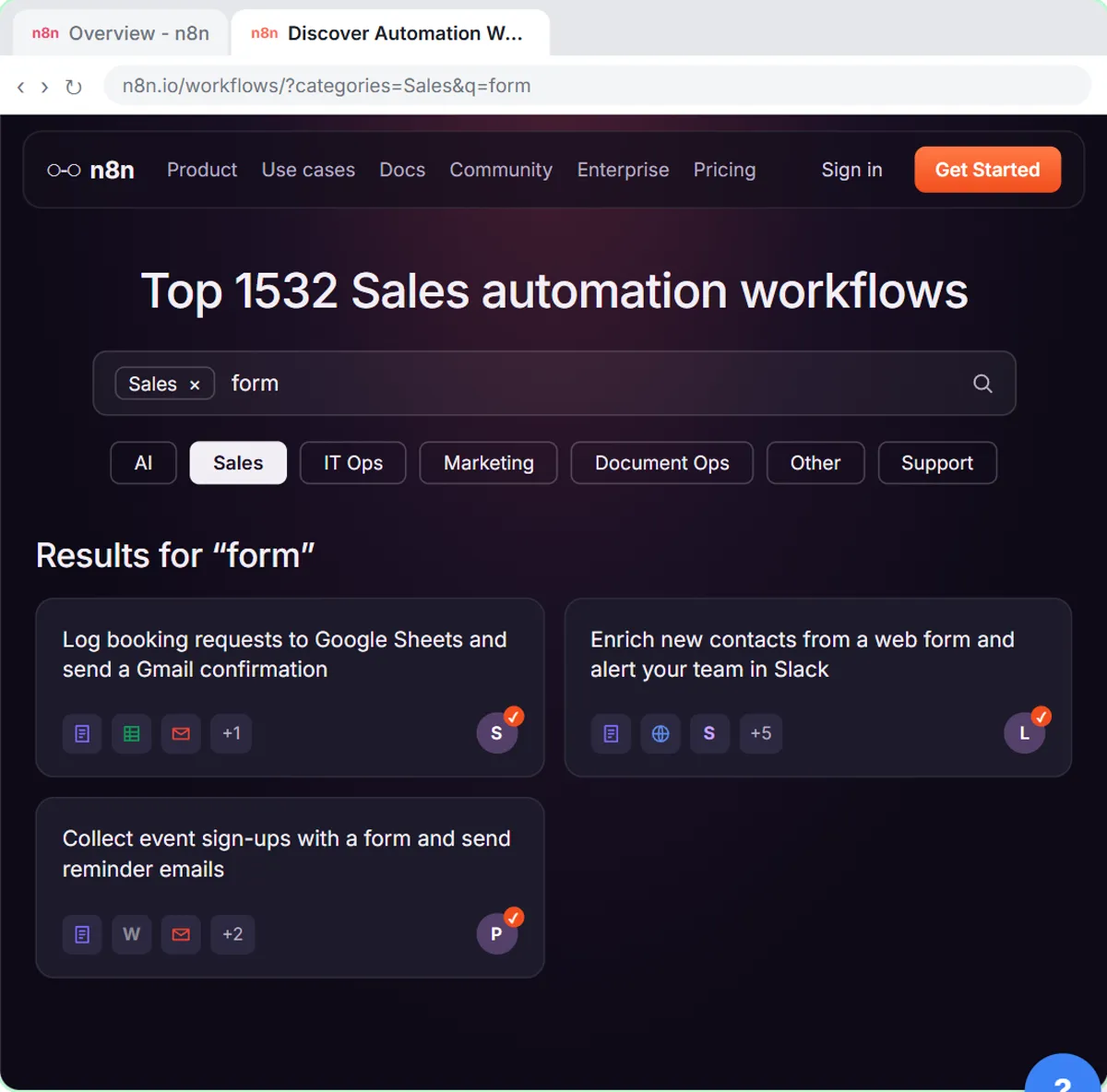 Find and Use n8n Templates
Skip the blank canvas. Find a ready-made workflow in the n8n template gallery, import it into your workspace, connect Google Sheets and Gmail, test it with a real form…
Free · Live ~9 min
Related terms
Plain-English definitions, each with an example from a free lesson.
Related prompts
- Invoice dispute reply prompt: Reply to a customer who disputes an invoice: thank them, explain each charge from your records, fix what's wrong, and give one…
- Action items table prompt: Paste a meeting transcript or rough notes and get a table of every task, owner and due date, with "Not stated" wherever nobody…
- AI agent system message prompt: Draft the system message for an n8n AI Agent: who it is, what it knows, its rules and how it writes, including a rule never to…
- Appointment reschedule reply prompt: A ChatGPT prompt for replying to a reschedule request with only your real open slots, the right weekday for every date and no…
More cheat sheets
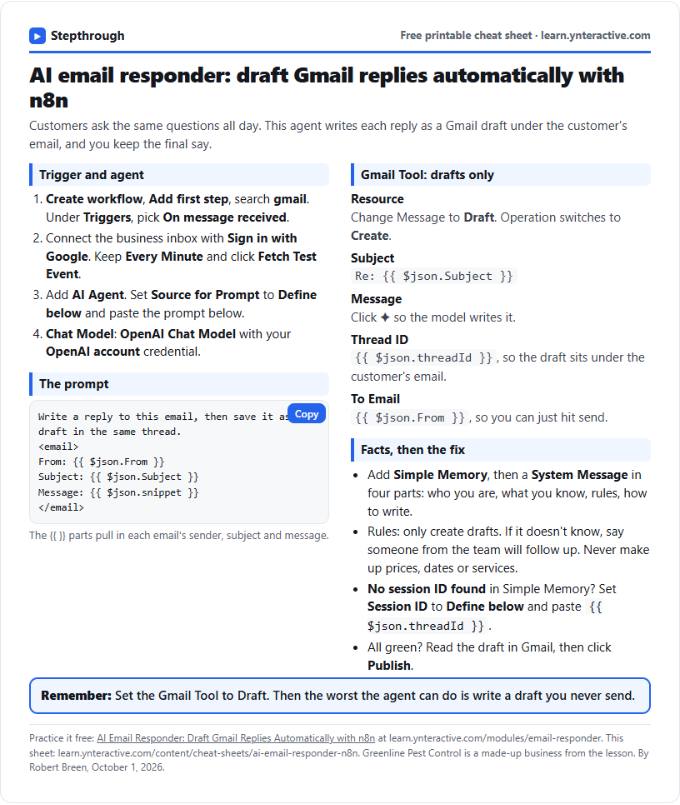 AI Email Responder in n8n Cheat Sheet
A free one-page cheat sheet: n8n watches Gmail, an AI agent reads each customer email and saves a reply as a draft in the same thread.
Lesson cheat sheet Free PDF
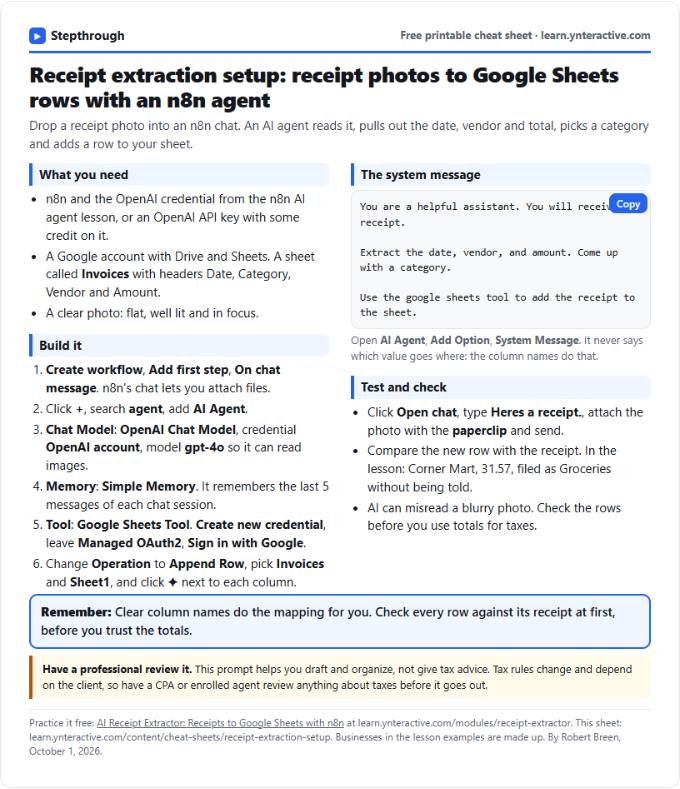 AI Receipt Extractor in n8n Cheat Sheet
A free one-page cheat sheet: attach a receipt photo in n8n chat, and an AI agent pulls the date, vendor and amount into a Google Sheets row.
Lesson cheat sheet Free PDF
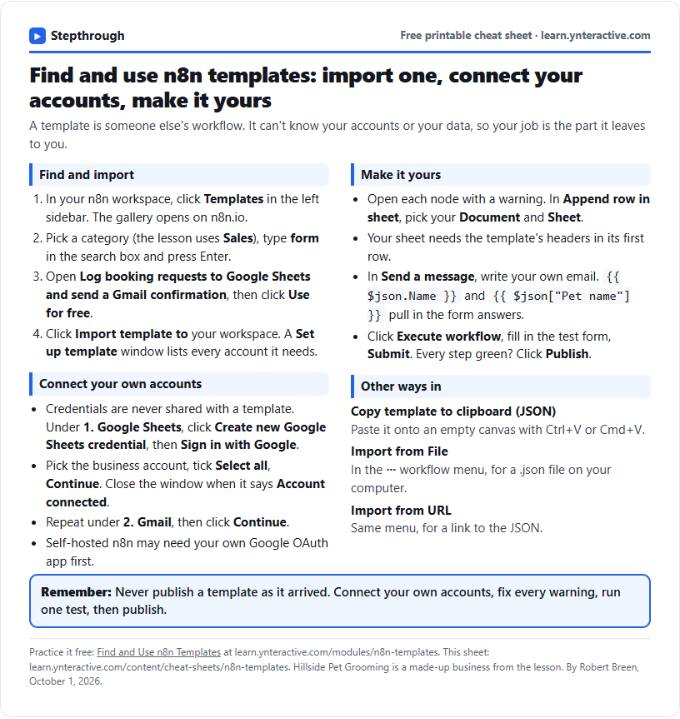 n8n Templates Cheat Sheet: Find, Import, Set Up
A free one-page cheat sheet for n8n templates: find one in the gallery, import it, connect your own accounts, fix the warnings, test and publish.
Lesson cheat sheet Free PDF