This guide explains the term, when to use it, and how to keep ChatGPT from copying the wrong things from your examples.
What is few-shot prompting?
It's prompting with examples. The glossary entry on few-shot prompting defines it as including a few worked examples, sample inputs with the outputs you want, so the AI can copy the pattern.
Its opposite is zero-shot prompting: giving only instructions, with no finished examples. Most everyday prompts are zero-shot, including the four-part prompt in Prompt Writing 101. That's usually enough. Few-shot is what you add when instructions alone keep missing.
| Zero-shot | Few-shot | |
|---|---|---|
| What you give | Instructions only | Instructions plus 2-3 examples |
| Best for | Clear tasks you can describe | Voice, layout or labels that are hard to describe |
| Risk | Generic results | ChatGPT copies details from the examples |
When does few-shot prompting beat instructions?
When you know good output when you see it but struggle to describe it. Common cases at work:
- Your voice. "Friendly and plain" means different things to different people. Two of your real emails show it.
- A fixed layout. A weekly update, a client recap or a job note that must always look the same.
- Labels or categories. Showing three messages already labeled "Lead," "Client" and "Invoice" teaches the line between them faster than definitions.
- Short formats. Subject lines, text messages or social post hooks, where tone is everything.
If instructions are working, don't add examples. They make prompts longer and introduce their own problems.
How do I write a few-shot prompt?
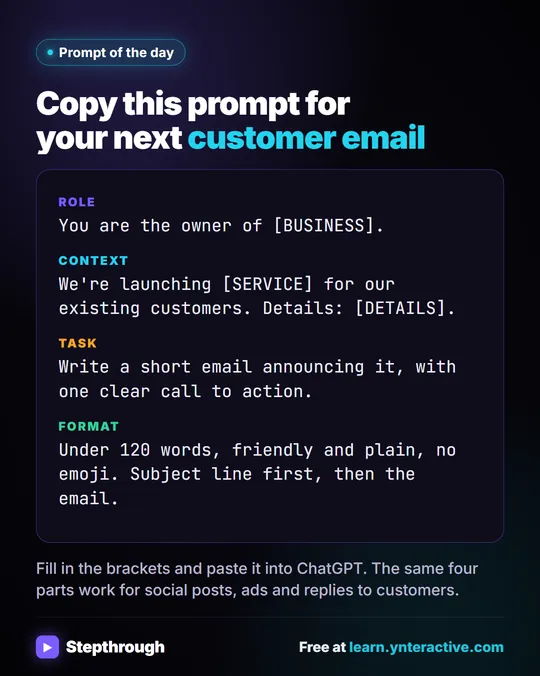
Write your normal four-part prompt, then add the examples in a clearly marked block, and say what to copy from them. A template:
Role: You write customer emails for [BUSINESS].
Context: [THE FACTS FOR THIS EMAIL]
Task: Write [WHAT YOU NEED].
Format: [LENGTH, TONE, LAYOUT].

Here are two past emails whose style I want you to match. Match their tone, length and structure. Do not reuse their facts, names, prices or dates.

<example>
[paste a past email]
</example>

<example>
[paste another past email]
</example>
Two details matter. The tags (<example> and </example>) keep the examples apart from your instructions; What Are Delimiters in a ChatGPT Prompt? explains why. And the line "Do not reuse their facts" stops the most common few-shot mistake.
Try it free, step by step
Prompt Writing 101: Role, Context, Task, Format. Ask ChatGPT for the same customer email twice, once vaguely and once with a four-part prompt, and see exactly why structure gets a better answer. You do every step yourself in a practice copy of ChatGPT, it checks your work as you go, and “Do it for me” finishes any step you get stuck on. Free, and nothing touches your real accounts.
Start the free lessonWhy does ChatGPT copy facts from my examples?
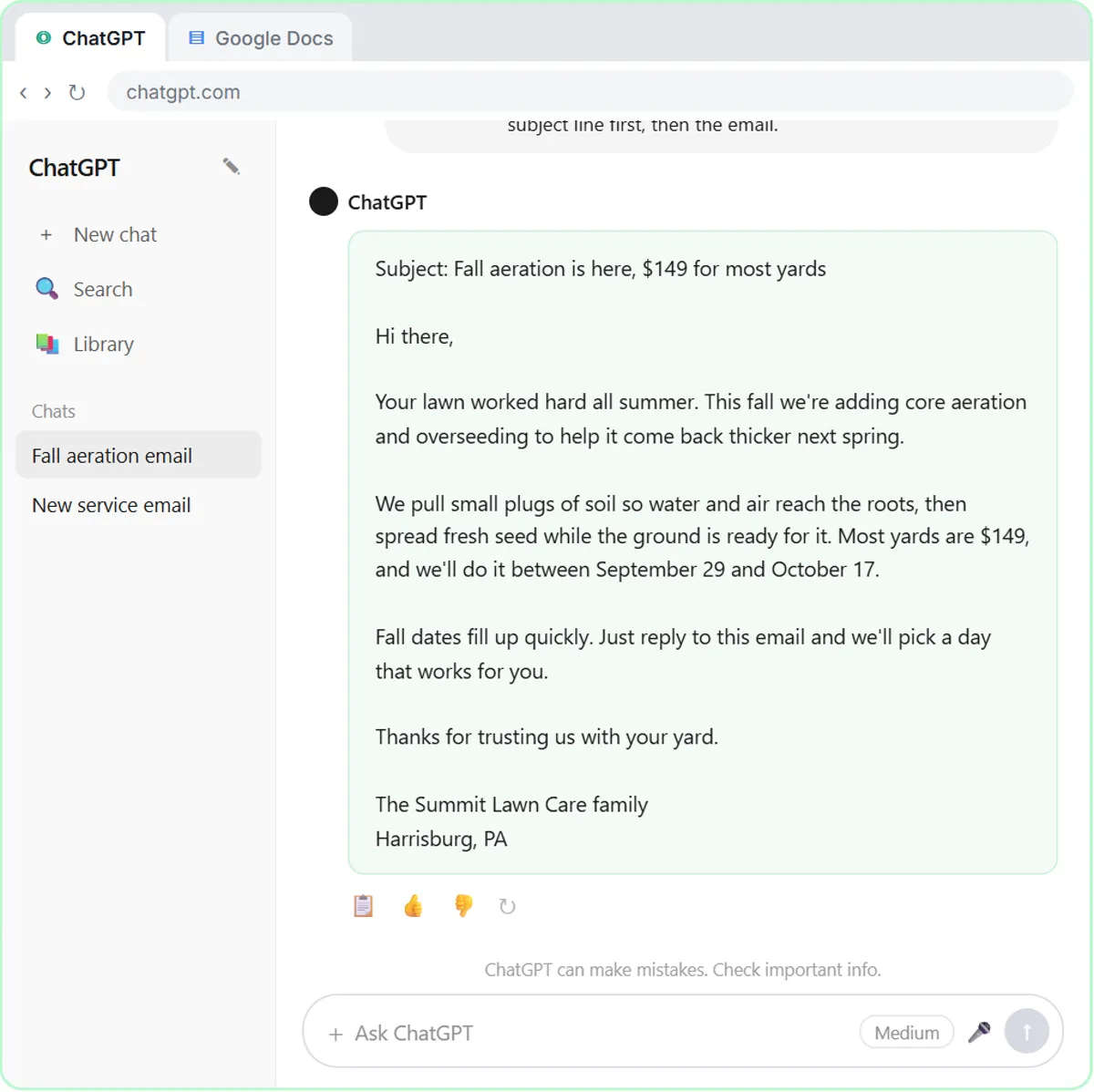
Because examples are strong signals, and the model can't always tell which parts are style and which are content. If your example email mentions a $149 price and next Tuesday, the new email may too. That's worse than a generic email, because it looks right.
Three habits prevent it:
- Say what to copy. "Match tone, length and structure."
- Say what not to copy. "Do not reuse their facts, names, prices or dates."
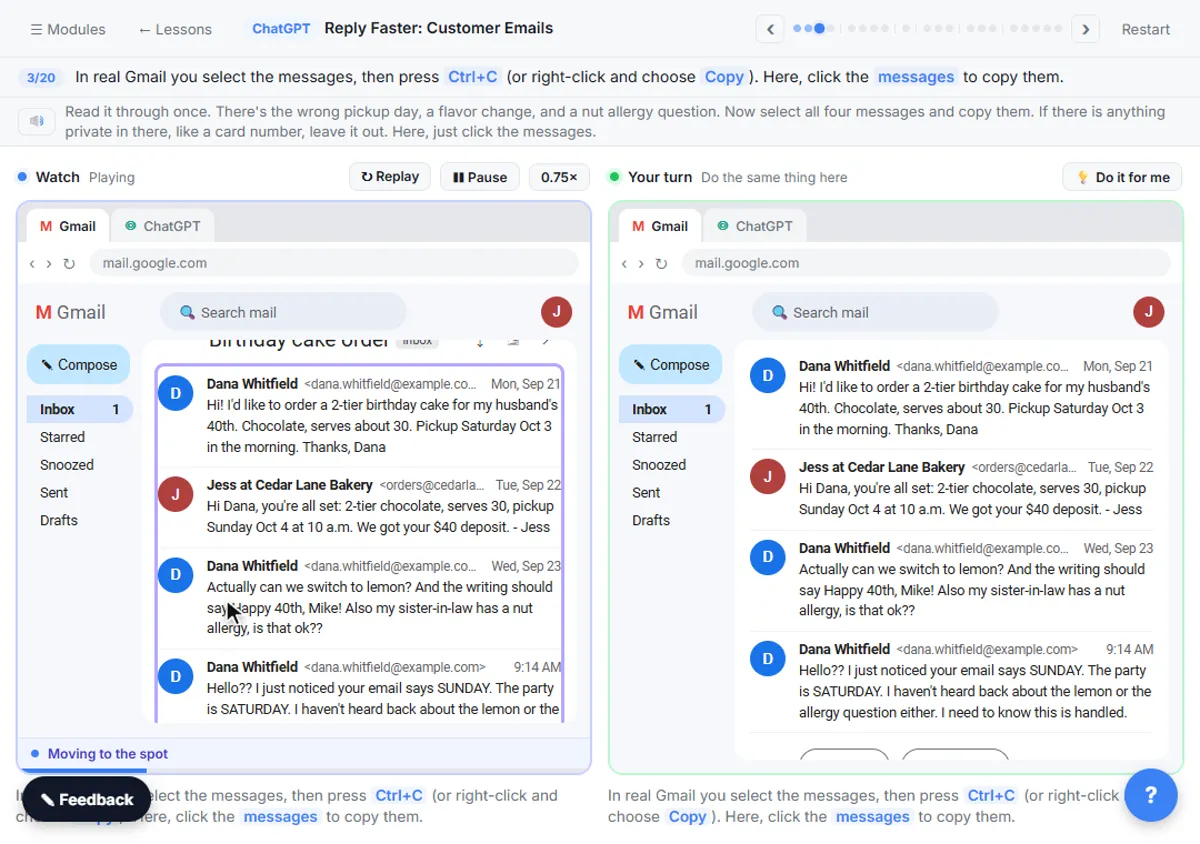
- Give the real facts separately. Put them in the Context part, or in a facts list like the one in Reply Faster: Customer Emails, headed "Facts (only promise what is here):".
Then check the draft. The Reply Faster lesson's check prompt works for any draft:
Check that reply against my facts. Make a table of every promise or claim in it and the fact that backs it up. Flag anything the facts don't support.
Anything that came from an example instead of your facts shows up in that table.
How many examples should I use?
Two or three is usually plenty. One example can be copied too literally; two or three that differ in content but share a style show ChatGPT what's common between them, which is the pattern you want. Pick examples that vary: a short one and a longer one, or a happy customer and an annoyed one.
Use your best real work, with private details removed. Don't paste customer names, account numbers or anything else the new email doesn't need.
Can I save a few-shot prompt as a template?
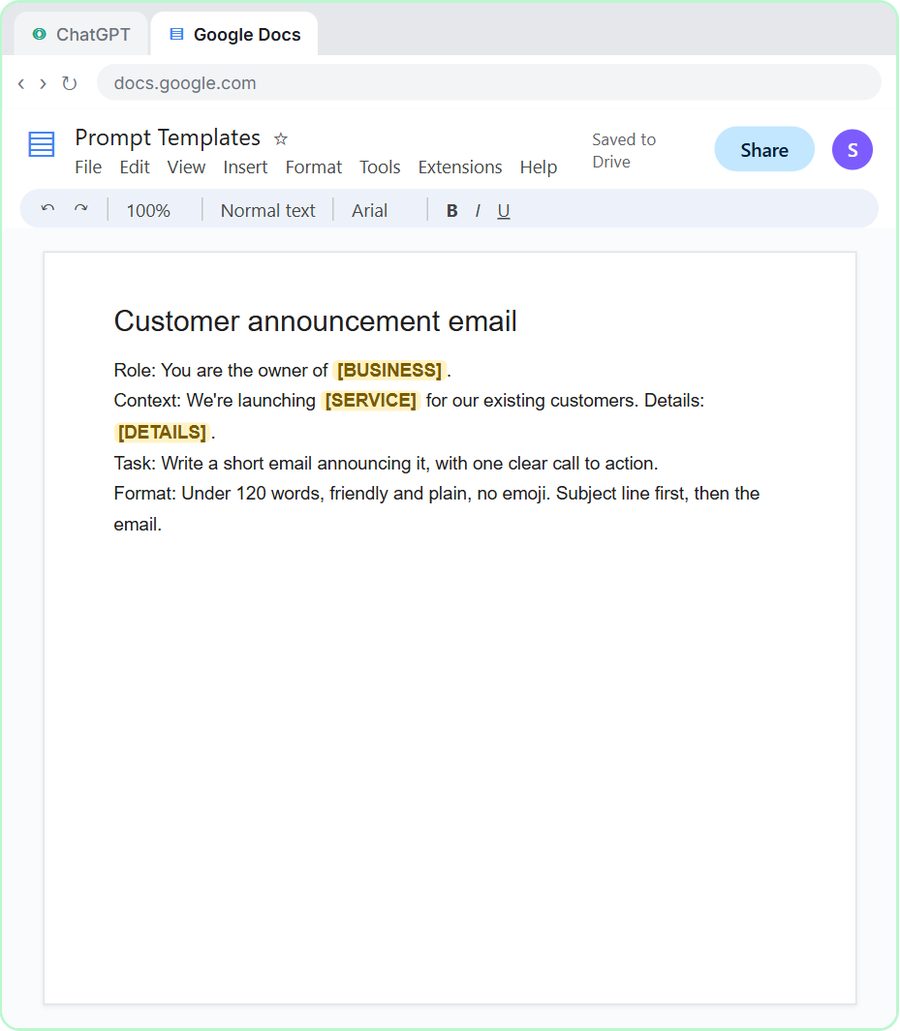
Yes, and that's where it pays off. Prompt Writing 101 ends by saving its prompt in a Google Doc called Prompt Templates, with blanks like [BUSINESS] and [DETAILS]. Save your few-shot prompt the same way, with your two or three best examples already in place. Next time you only fill in the facts.
The glossary entry on prompt templates has more on keeping a library like this. ChatGPT Tone of Voice for Business Emails covers the instructions side of matching your voice, which pairs well with examples.
Does few-shot prompting work in automations too?
Yes. You can put examples in an AI agent's system message in n8n the same way, inside clear tags, with the same "match the style, not the facts" rule. Keep them short, because the system message is sent with every run. The prompt writing course collects the free prompt lessons in order.
Key takeaways
- Few-shot prompting means adding a few worked examples to a prompt so ChatGPT copies their pattern, voice or format.
- Zero-shot prompting gives instructions only and is enough for most clear tasks; add examples when instructions keep missing.
- Put examples in a marked block, such as <example> tags, and say "match tone, length and structure; do not reuse their facts."
- Two or three examples that differ in content but share a style work better than one.
- Check the draft against your real facts, because ChatGPT can copy prices, names or dates from the examples.
Frequently asked questions
- What is the difference between zero-shot and few-shot prompting?
Zero-shot gives the AI instructions only. Few-shot adds a few examples of the output you want so it can copy the pattern.
- How many examples are needed for few-shot prompting?
Usually two or three. More makes the prompt long and doesn't often help; one can be copied too literally.
- Why did ChatGPT copy the price from my example email?
Examples are strong signals. Tell it not to reuse facts, names, prices or dates from the examples, give the real facts separately, and check the draft.
- Is few-shot prompting the same as giving ChatGPT a template?
Not quite. A template is a fill-in-the-blank prompt. Few-shot adds finished examples. You can combine both by saving examples inside your template.