Here's how to run the test yourself in an afternoon, with one task, one prompt and a four-line scorecard.
Why not just read a "best AI assistant" ranking?
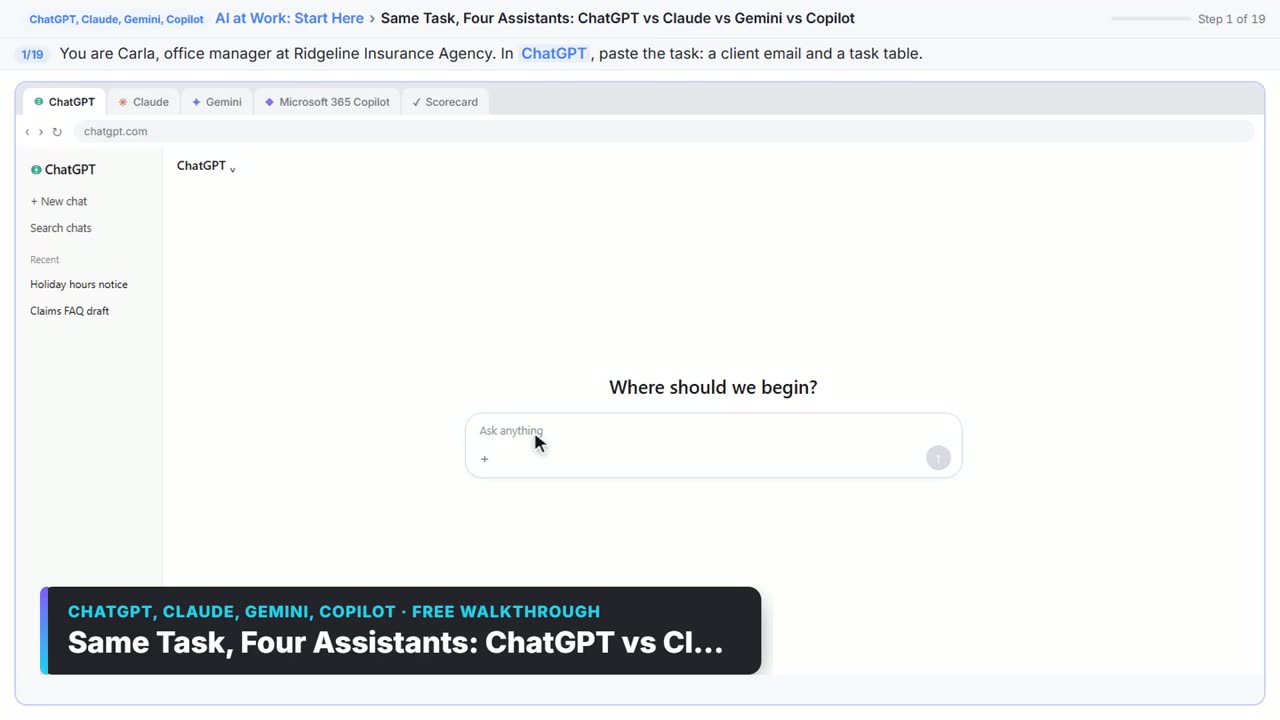
Because rankings test someone else's tasks, and the assistants change often. The ChatGPT vs Claude vs Gemini vs Copilot comparison makes the main point plainly: no single assistant wins every office task, and all four can draft emails, summarize meetings and rewrite documents well enough for everyday office jobs.
What differs day to day is where each one can see your files, what your company already pays for and what your IT or compliance team allows. A test with your own task answers the remaining question: which one gives your team usable drafts with the least fixing.
What task should I test?
Pick one job your team does every week, with a right and a wrong answer. Good candidates:
- A customer or client email that needs a careful reply.
- A meeting transcript that needs a summary and action items.
- A rough set of notes that needs to become a one-page document.
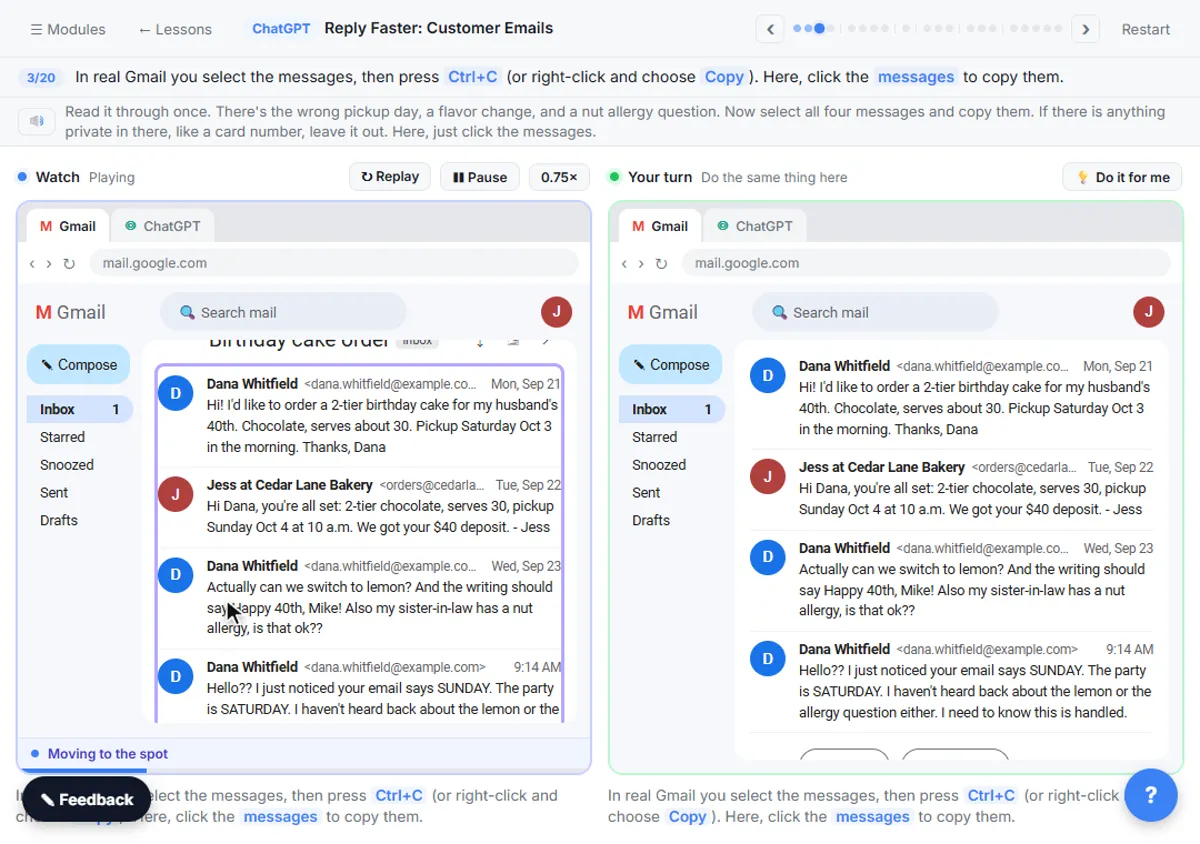
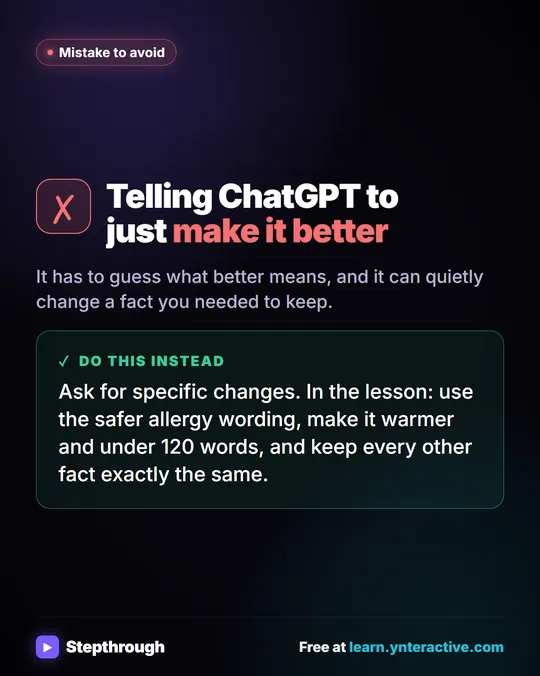
The customer email is the best first test, because mistakes are easy to spot. In Reply Faster: Customer Emails, a customer of Cedar Lane Bakery (made up) changes a 2-tier chocolate cake order to lemon, asks for "Happy 40th, Mike!" on top and asks about a nut allergy. The facts you give ChatGPT say lemon is fine at the same $120 price, the lettering is no charge, and the kitchen bakes with nuts, so no cake can be promised nut-free. A good reply gets all three right. A bad one promises a nut-free cake.
How do I write a prompt that's fair to every assistant?
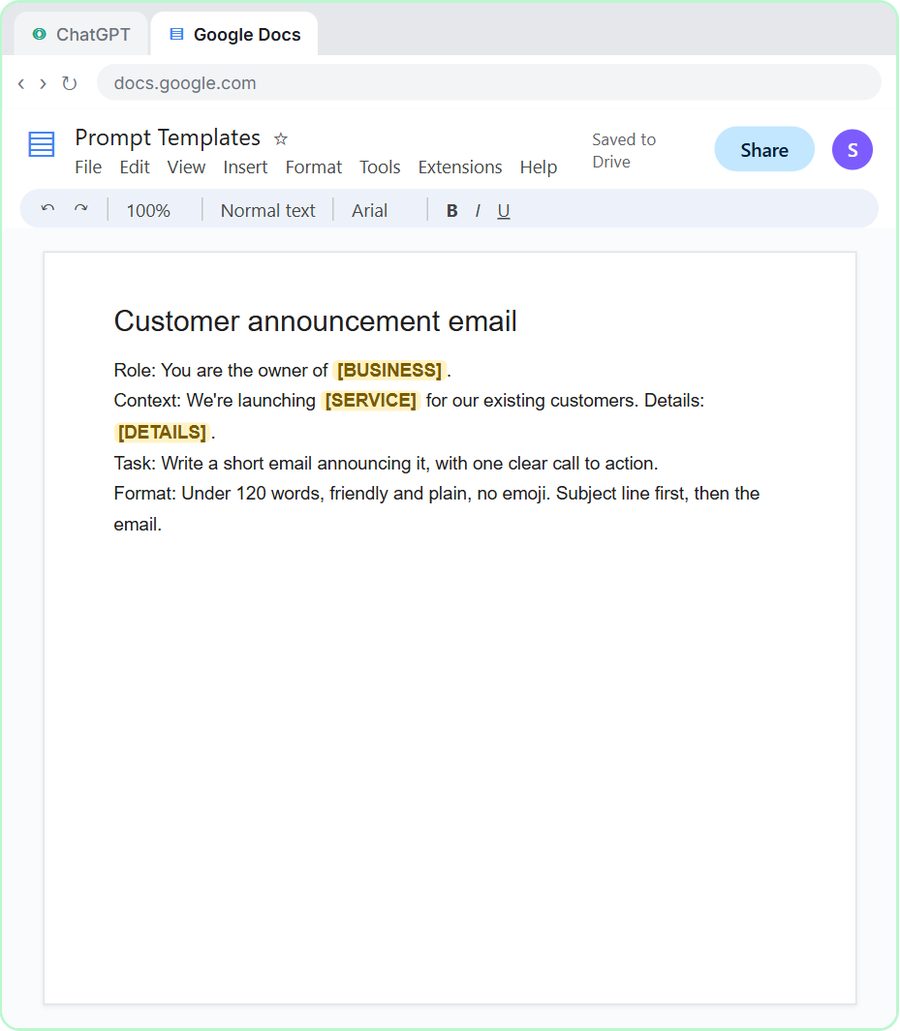
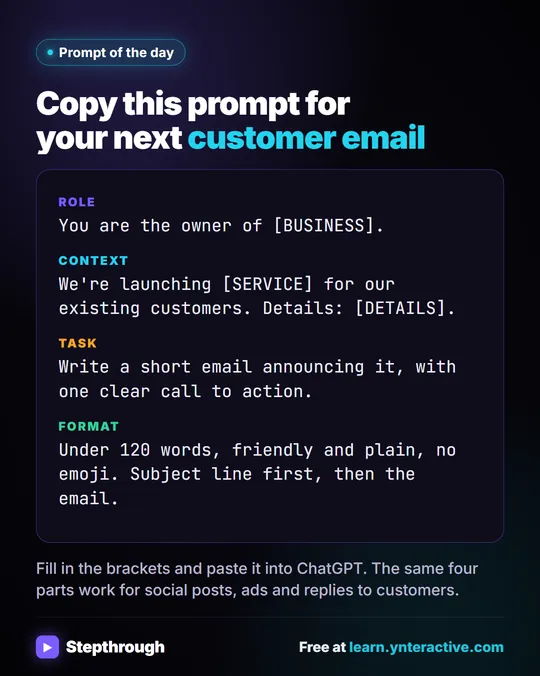
Write it once, in plain text, with all four parts from Prompt Writing 101: Role, Context, Task and Format. A prompt template in plain text works in ChatGPT, Claude, Gemini or Copilot, since it's just a well-structured prompt. A fair test prompt:
Role: You reply to customer emails for [BUSINESS].
Context: Here is the customer's email: [PASTE]. Facts you may use: [NUMBERED FACTS]. Never promise anything that isn't in the facts.
Task: Write a reply that answers every question in the email.
Format: Under 150 words, warm and plain, no emoji, no subject line.
Then keep the test fair:
- Paste the identical prompt into each assistant. Don't improve it halfway through.
- Start a new chat in each tool, so nothing from earlier conversations shapes the answer.
- Use made-up or cleaned data. Remove names, account numbers and anything private before pasting into a tool your company hasn't approved.
- Run it twice. AI answers vary from one try to the next, so one good answer can be luck.
Try it free, step by step
Reply Faster: Turn a Messy Customer Email Thread into a Clear, Friendly Reply. Turn a messy customer email thread into a clear, friendly reply: give ChatGPT the thread and your facts, check every promise, fix the tone, and send it from Gmail. You do every step yourself in a practice copy of ChatGPT, it checks your work as you go, and “Do it for me” finishes any step you get stuck on. Free, and nothing touches your real accounts.
Start the free lessonHow do I score the answers?
Use the same four questions for every answer, and write the scores in a simple table:
| Check | What to look for |
|---|---|
| Accurate | Every claim matches a numbered fact; nothing is invented |
| Complete | Every question in the email is answered |
| Follows the format | Length, tone and "no subject line" were respected |
| Ready to send | How many edits you'd make before sending |
The first row matters most. The Reply Faster lesson shows a quick way to check it in any assistant: ask it to make a table of every promise in its own reply and the fact that backs it up. In the lesson, one line about allergies fails that check and gets rewritten. An assistant that sounds friendlier but promises a nut-free cake loses this test.
What else should decide the winner?
Where the assistant lives and what your company allows. The comparison page sums up the practical rule: Gemini fits teams that work in Gmail and Google Docs, Microsoft Copilot fits teams on Outlook, Word, Excel and Teams, and ChatGPT or Claude suit people who want a strong general assistant in its own window.
Two more questions for the shortlist:
- Cost. All four have a free way in, and Microsoft lists Copilot Chat at no additional cost with eligible Microsoft 365 plans. Check current prices on each vendor's page before you buy; they change often.
- Data terms. Check the data settings for your exact plan, and write the rules into your AI acceptable use policy so everyone uses the same account type.
If two assistants tie on quality, pick the one that's already inside the tools your team opens every day.
Can I use more than one assistant?
Yes, and many people do, for example Copilot inside Outlook and ChatGPT for longer drafting. Follow the same data rules in every tool, and don't paste anything into a personal account that your company would only allow in a business account. The shadow AI glossary entry explains why that matters. Whichever assistant wins, the prompt habits carry over, because a plain-text prompt works in any of them. Role Prompting in ChatGPT and How to Proofread with ChatGPT are two to start with.
Glossary terms used in this post: ChatGPT, Claude and Gemini.
To go from comparing assistants to choosing tools for the whole office, read How to Pick the Right AI Tool for Office Work, or see the lesson’s result as pictures in ChatGPT vs Claude vs Gemini vs Copilot: One Task, Compared.
Key takeaways
- The fairest comparison of ChatGPT, Claude, Gemini and Copilot is one real work task, the same plain-text prompt and the same facts in each.
- Start a new chat in every tool, use cleaned data, and run the test twice, because AI answers vary between tries.
- Score every answer on four checks: accurate, complete, follows the format and ready to send.
- Ask each assistant to make a table of every promise in its reply and the fact behind it; invented promises lose the test.
- When quality ties, choose the assistant built into the tools your team already uses and allowed by your company's policy.
Frequently asked questions
- Which AI assistant is best for office work?
There's no single winner. For most teams the best choice is the one built into the tools they already use, Gemini for Google Workspace and Copilot for Microsoft 365, or ChatGPT or Claude as a separate app. A test with your own task settles it.
- Do I need paid plans to run the test?
No. ChatGPT, Claude and Gemini each have a free option, and Copilot Chat comes at no additional cost with eligible Microsoft 365 plans. Paid plans add higher limits and business data terms, which matter once a team relies on the tool.
- How many tasks should I test?
Start with one task you do every week, then add a second of a different type, such as a meeting summary. Two tasks, run twice each, is usually enough to see a pattern.
- Should I paste real client emails into the test?
Only into tools your company has approved, and only after removing details the reply doesn't need. For tools you're still evaluating, use a made-up email like the one in the lesson.