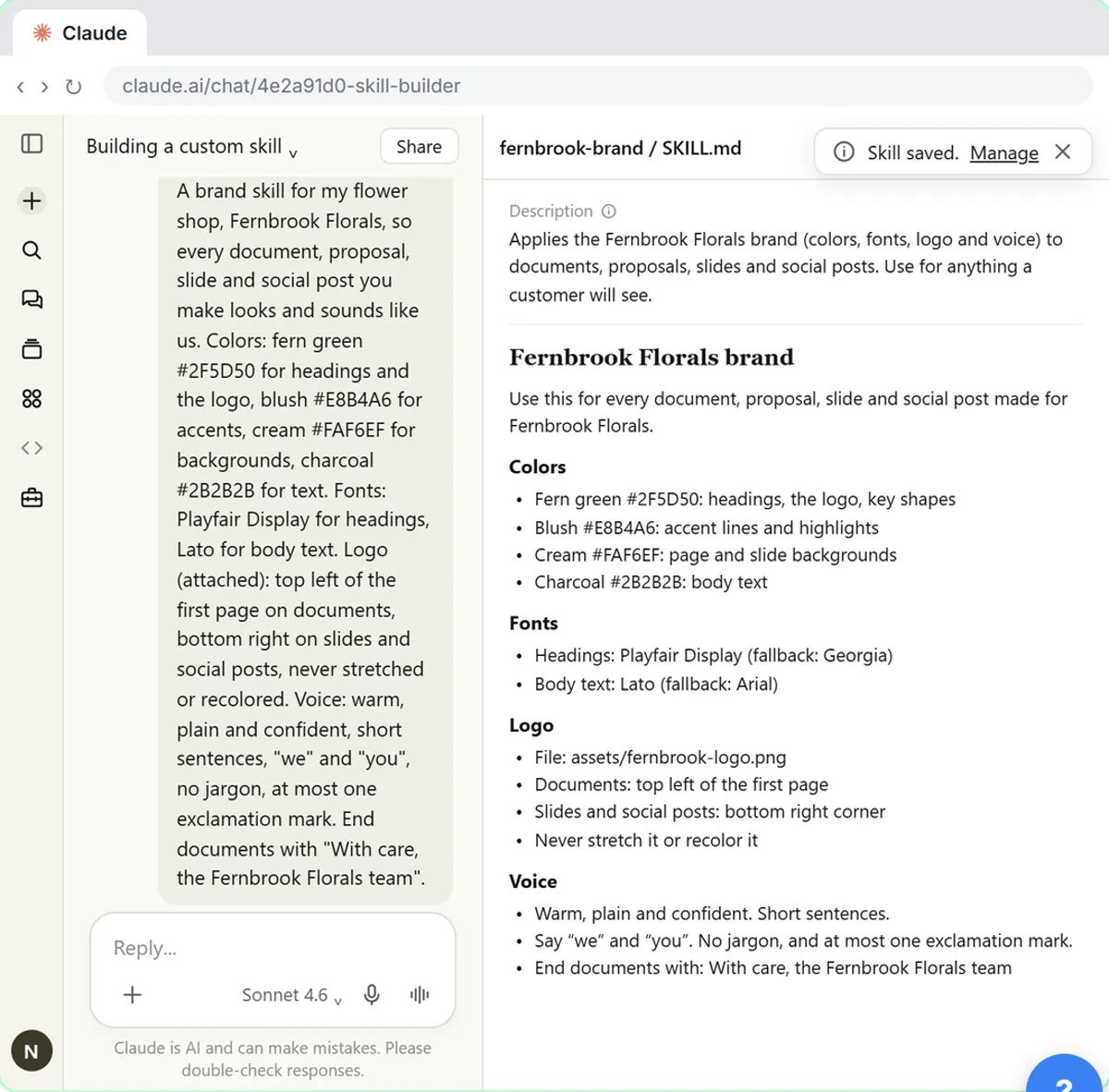
A Claude skill is a folder of instructions Claude opens only when your request matches its description. In Customize, Skills, click + Add, then Create with Claude, and the skill creator interviews you, drafts the skill, tests it and packages it.
How do you use these prompts?
Fill every [BLANK], send one prompt per message, and read the answer before the next. Most prompts go in the builder chat (the one Create with Claude opens), where Claude has the full context. The testing prompts go in a new chat, so you see how the saved skill behaves on its own. Take private details out of real notes first, as the data minimization glossary page explains.
Plan the skill
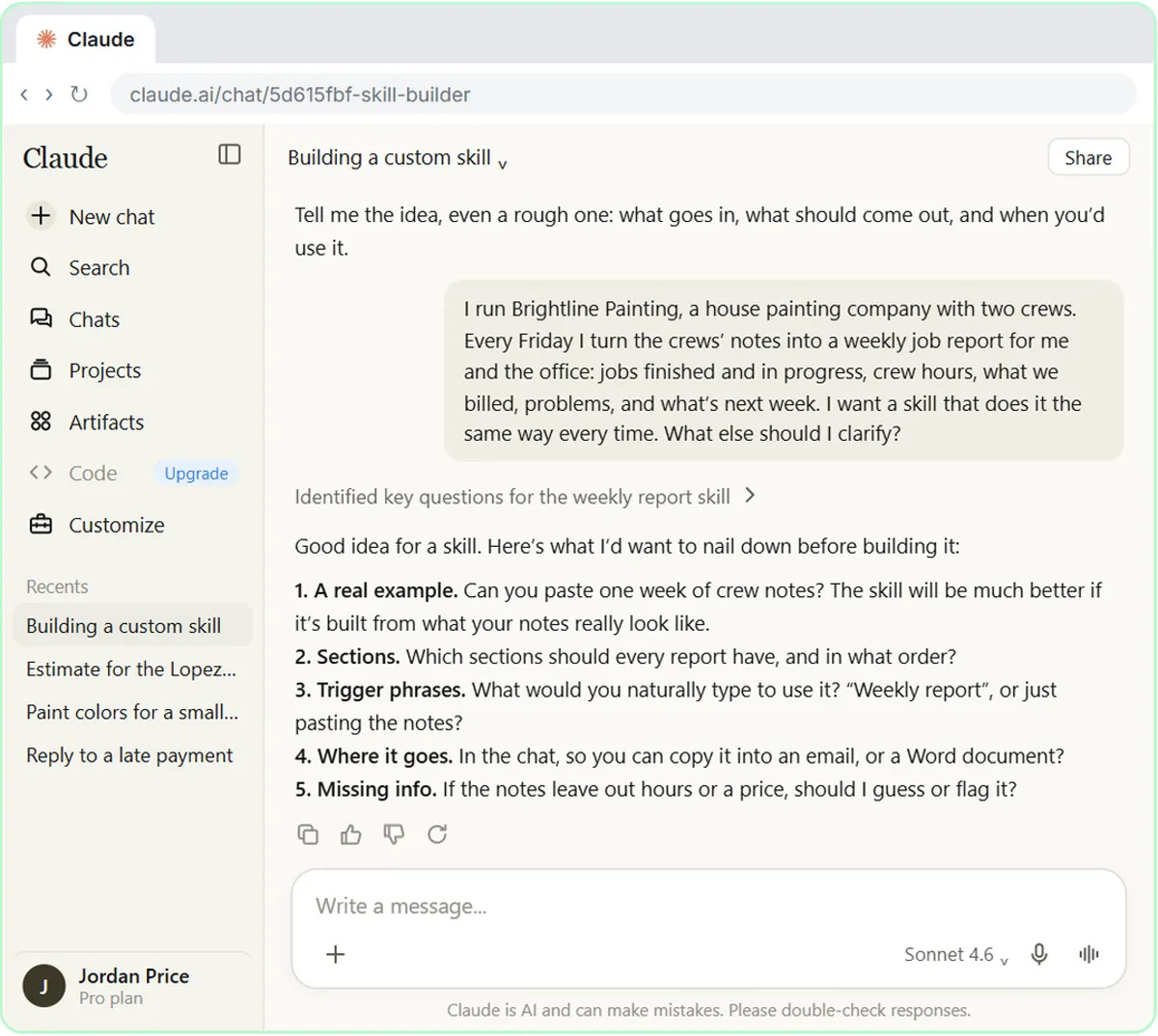
1. Find the job worth turning into a skill
Here is a list of the documents I write in a normal month: [LIST, e.g. Friday job report, client quotes, monthly sales summary, meeting recaps]. For each one, tell me if it is a good fit for a Claude skill: does it follow the same layout every time, start from the same kind of input, and come up often? Rank them and say which one to build first.
The lesson's advice is to keep each skill to one job you repeat. A report with a fixed layout is the easiest first win.
2. Check whether a skill is the right tool
I keep re-explaining [WHAT YOU REPEAT] to Claude. Is that better saved as a skill (a procedure Claude loads when the task comes up), as project instructions, or as a prompt I paste each time? Explain in three short lines, then recommend one.
Facts like a price list often belong in a project, and a procedure belongs in a skill. The skills vs Projects vs custom instructions comparison covers the difference.
3. Clean up the example before you share it
I'm going to use the notes below as the example for a Claude skill. Replace every customer name, phone number, email and address with a placeholder like [CUSTOMER 1], but keep every number, date and the messy wording exactly as it is. [PASTE NOTES]
Keep the mess. The lesson builds the skill from a real week of notes "just as messy as they really are", because that's what the skill will get every Friday.
4. Describe the job, not the topic
I'm the [ROLE] at [COMPANY]. Every [FREQUENCY] I turn [INPUT] into [OUTPUT] for [WHO READS IT]. It always covers [WHAT IT COVERS], and it has to come out the same way every time. What else should I clarify?
Send this as your first answer to the skill creator. Ending with "What else should I clarify?" tells Claude to ask you questions instead of guessing, which is exactly what the lesson does.
Write the skill
5. Answer the interview in one message
Here are my answers. 1. A real example: [PASTE ONE REAL INPUT]. 2. Sections, in order: [SECTIONS]. 3. What I'd type to use it: [PHRASES]. 4. Where it goes: [IN THE CHAT / A WORD DOCUMENT]. 5. Missing information: never guess, mark it [CHECK].
The lesson's skill creator asks for those five things. A real run may ask different questions, so answer the ones you get.
6. Write a description that says when
Rewrite this skill's description so it says when to use it, not just what it is. Include the requests and pasted inputs that should start it, even when I don't name the report. Keep it under 200 characters. Current description: [PASTE]
Claude keeps only skill names and descriptions in mind, and opens a skill when a request matches. The lesson's description stays under the 200-character limit the help center gives.
7. Add a rule for missing facts
Add one rule to the skill: if hours, a price, a date or a name is missing from the input, write [CHECK] in that spot instead of guessing, and list every [CHECK] at the end. Change nothing else.
A visible gap is easy to fix. A number that sounds right but was invented is the expensive mistake.
8. Pin down the layout
In the skill, spell out the report layout as a numbered list of sections in a fixed order, with one line on what goes in each. Add how to read my input: [WHAT EACH LINE OF THE INPUT USUALLY HOLDS].
The lesson's skill has both parts: the sections, and a short "Reading crew notes" section that says each day lists jobs by street, customer, crew and hours.
Try it free, step by step
Build Your Own Claude Skill with the Skill Creator: A Weekly Report Template. Turn a report you make every week into a skill. Claude’s skill creator interviews you, drafts the skill, tests it and packages it. Then you use it on a real week, improve it once, and see the better… You do every step yourself in a practice copy of Claude, it checks your work as you go, and “Do it for me” finishes any step you get stuck on. Free, and nothing touches your real accounts.
Start the free lessonTest it
9. Test the draft on the real example
Yes, test it on those notes. Show me the full report, then list every total you calculated and how you got it, so I can check them.
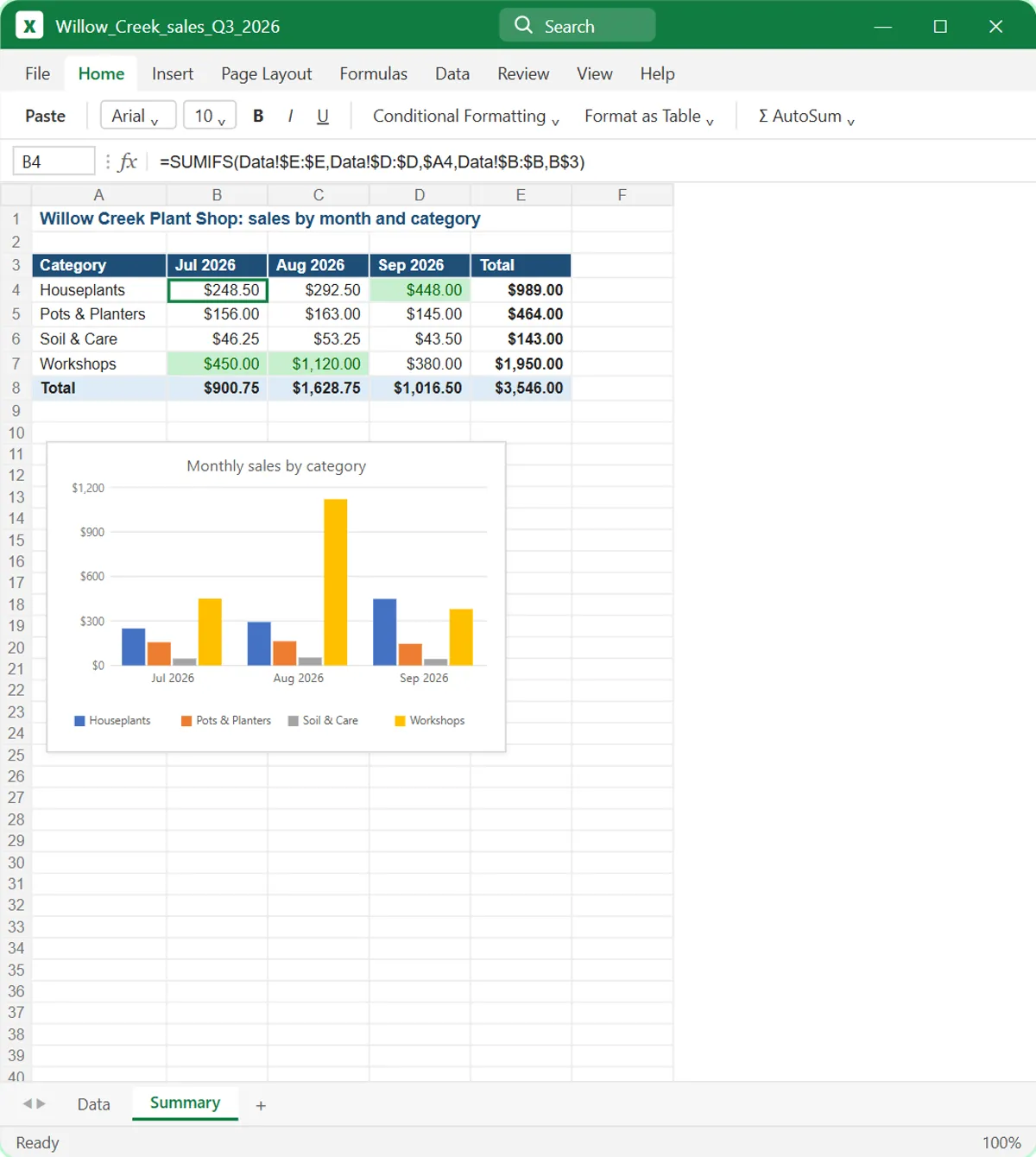
In the lesson the test report shows 47 crew hours and $2,400 billed, and the unknown next job is marked [CHECK]. Add it up yourself before you say "This is good. Create the skill."
10. Test it on a bad week
Now run the skill on this second example, which has gaps on purpose: [PASTE NOTES WITH A MISSING PRICE, A MISSING DATE AND A JOB WITH NO HOURS]. Did every gap get a [CHECK]? List any spot where you filled something in.
One clean example proves little. A messy one shows whether the never-guess rule holds.
11. Check the description triggers correctly
Here is my skill's description: [PASTE]. Write 5 requests that should make you use this skill and 5 similar requests that should not. For each, say whether the current description would pick the right answer, and suggest a fix if not.
The lesson's warning: too narrow, and the skill never kicks in; too broad, and it shows up in the wrong chats. This is a quick way to test both, in the spirit of prompt testing.
12. Run it the plain way
Here are this week's [INPUT]. Can you do the [REPORT NAME]? [PASTE]
Send this in a new chat, with no slash command. Then open Claude's work details above the reply and look for Loaded skill and your skill's name. If it's missing, the description needs work. To force the skill, type / and pick it by name.
Improve it
13. Ask for a change in plain words
Update the skill so [CHANGE 1], and [CHANGE 2]. Keep the other sections and rules the same.
Send it in the builder chat. In the lesson this adds crew hours on each job and a Calls to make list, and your saved skill doesn't change until you click Update on the new card.
14. Turn a repeated fix into a rule
Over the last few reports I keep fixing the same thing by hand: [WHAT YOU FIX]. Write one new rule for the skill that would stop it, and show me exactly where it goes in the SKILL.md.
If you fix it twice in the output, fix it once in the skill.
15. Review the skill for vague rules
Read this SKILL.md as if you were a new coworker following it for the first time. List any rule that is vague, conflicts with another rule or could be read two ways, and suggest a clearer line for each. [PASTE SKILL.MD]
16. Split a skill that does two jobs
This skill handles both [JOB 1] and [JOB 2]. Split it into two separate skills, each with its own name, a description that says when to use it, and only the rules it needs. Show both drafts.
The lesson's closing advice: a quote skill and a report skill are easier to fix than one skill that does both.
What should you check before you save a skill?
The description, the totals and the gaps. Make sure the description says when to use the skill, add up every number yourself, and confirm Claude marked gaps [CHECK] instead of filling them in. That's the human in the loop step.
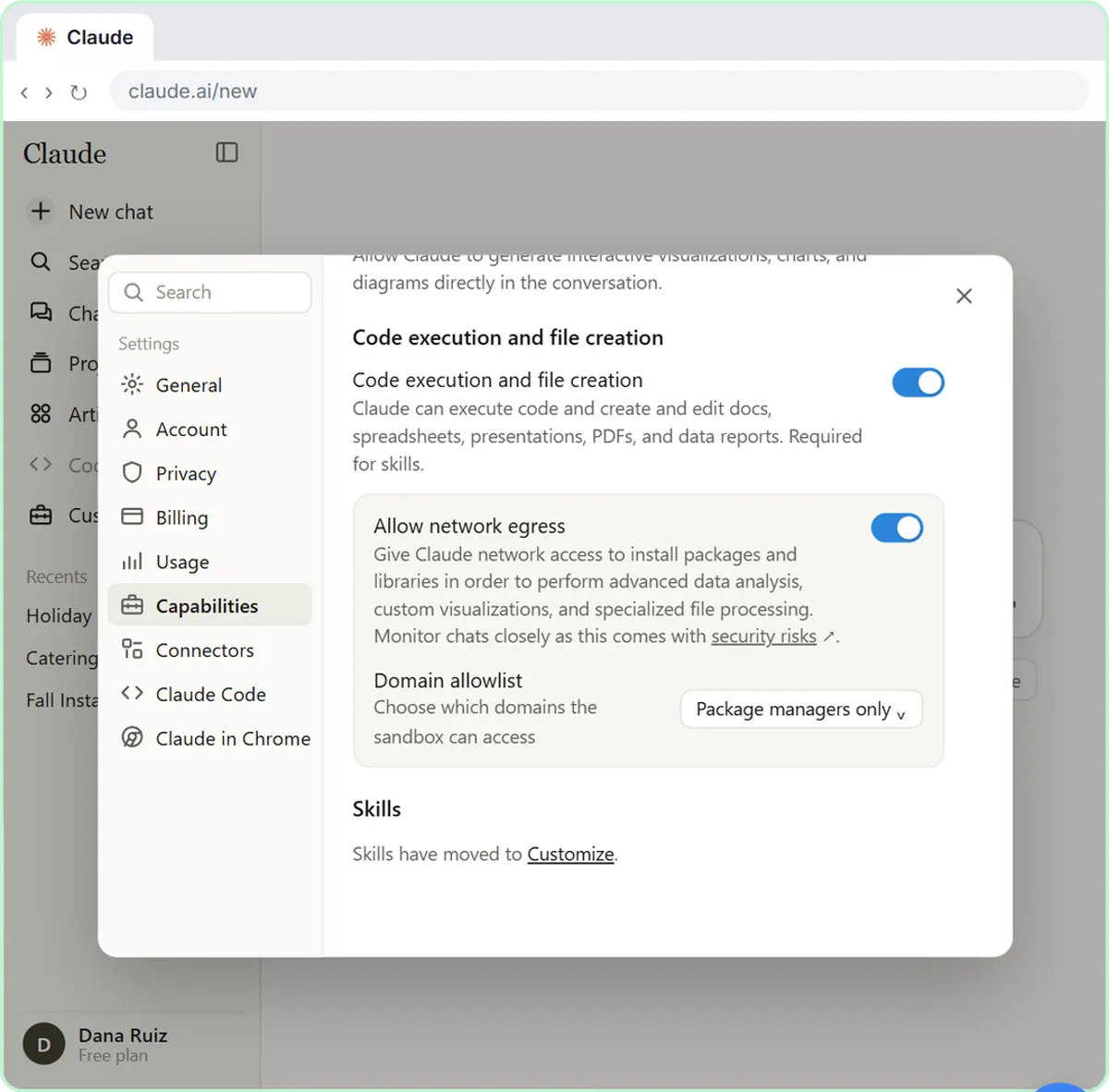
Building a skill is module 5 of the free Claude Skills course. If skills are new to you, start with What are Claude Skills? to switch on Code execution and file creation, which skills need. For the common slip-ups, read Claude Skills Mistakes to Avoid.
Key takeaways
- Pick one job you repeat with the same layout, and keep each skill to that one job.
- End your first message with "What else should I clarify?" so the skill creator asks instead of guessing.
- The description decides when the skill runs, so make it say when, in under 200 characters.
- Test on a real example and on a messy one, and check every total yourself.
- Change the skill in the builder chat and click Update, instead of fixing each report by hand.
Frequently asked questions
- Do I have to write the SKILL.md myself?
No. In the lesson, Create with Claude uses the skill-creator skill to interview you, draft the skill, test it and package it. You read it, then click Save skill.
- Where do I make changes to a skill later?
The lesson goes back to the chat where the skill was built, asks for the change, and clicks Update on the new card. It updates straight away, with an Undo link.
- How do I make Claude use my skill every time?
Write a description that says when to use it. If Claude skips it, type a slash in the message box and pick the skill by name.
- Is Brightline Painting real?
No. Brightline Painting, Jordan Price and the customers in the crew notes are made up for the lesson.