The examples are made up: Jordan, a rep at Clearpath Payroll, just off a discovery call with Harbor & Finch Architects; and Harbor Lane Marketing, a small agency whose CRM has an API.
What does a CRM-ready recap contain?
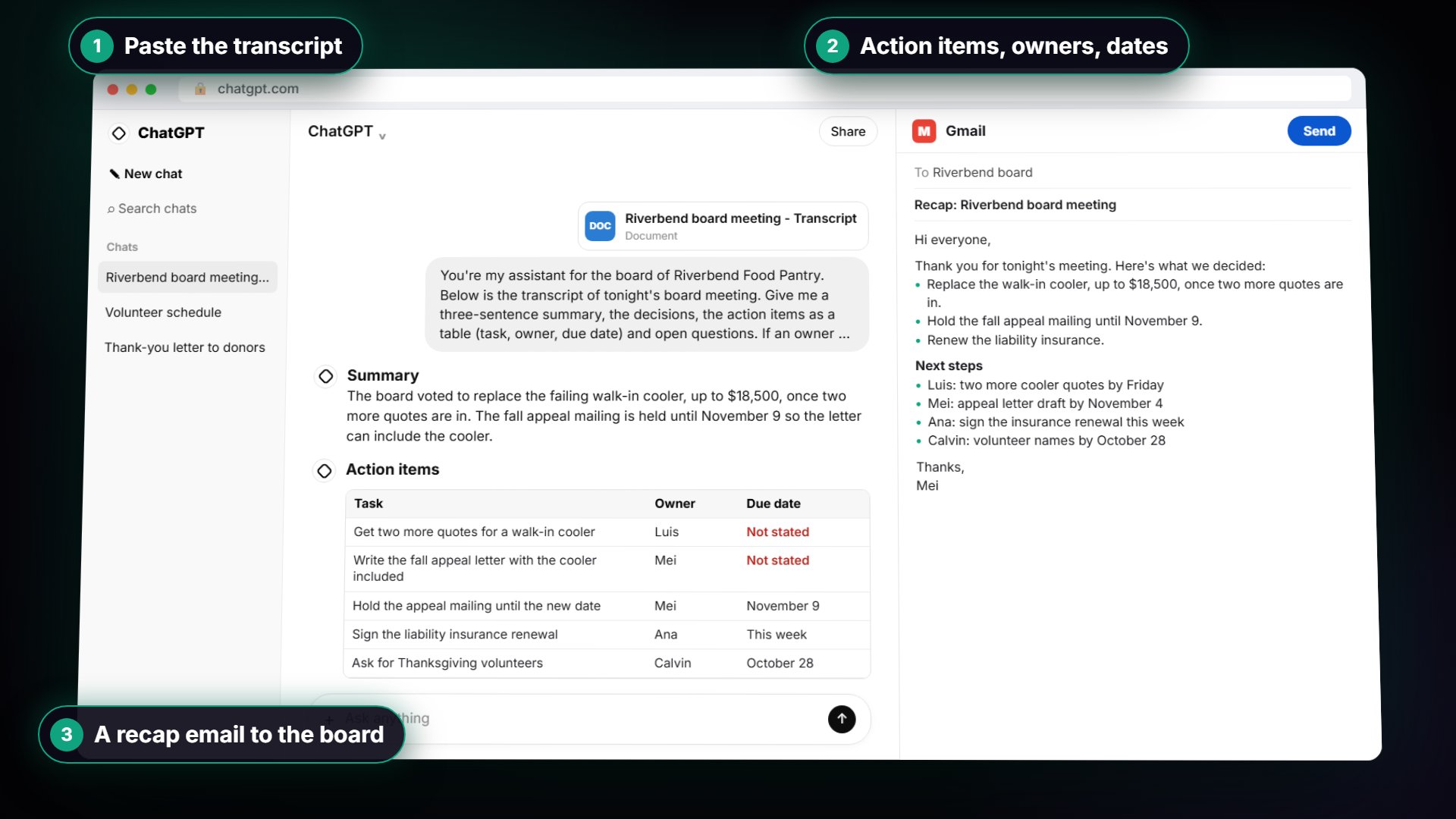
In the sales lesson, ChatGPT gets the call transcript and a five-part request. It returns a summary, three decisions, four next steps with owners and dates, two open questions, and deal notes for the CRM with four fields: budget, decision maker, need and timeline. The request includes one extra line: "Don't guess at budget or timing." So every deal note comes from what the prospect actually said.
Try it free, step by step
Send a Same-Day Follow-up After Every Discovery Call using ChatGPT. Turn a discovery call transcript into the decisions, the next steps with owners and dates, deal notes for your CRM, and a follow-up email the prospect gets the same afternoon. You do every step yourself in a practice copy of ChatGPT, it checks your work as you go, and “Do it for me” finishes any step you get stuck on. Free, and nothing touches your real accounts.
Start the free lessonFrequently asked questions
- What should a deal note for the CRM include?
The lesson uses four fields: budget, decision maker, need and timeline. In the example, the deal notes record who signs, who has to like it, how timesheets are handled today, and when the firm wants to be live.
- Why add "Don't guess at budget or timing"?
So the CRM holds what was said, not wishful thinking. A forecast built on guessed budgets and dates is unreliable. The meeting transcript is the only source.
- What does "Not stated" mean in the recap?
That nobody said it. In the lesson, nobody said when the pricing or a sample export would be sent, so those next steps came back Not stated. You type the real dates in the same chat and the table updates. Those dates then go into the follow-up email as commitments the prospect can hold you to.
- Should the follow-up email go out automatically?
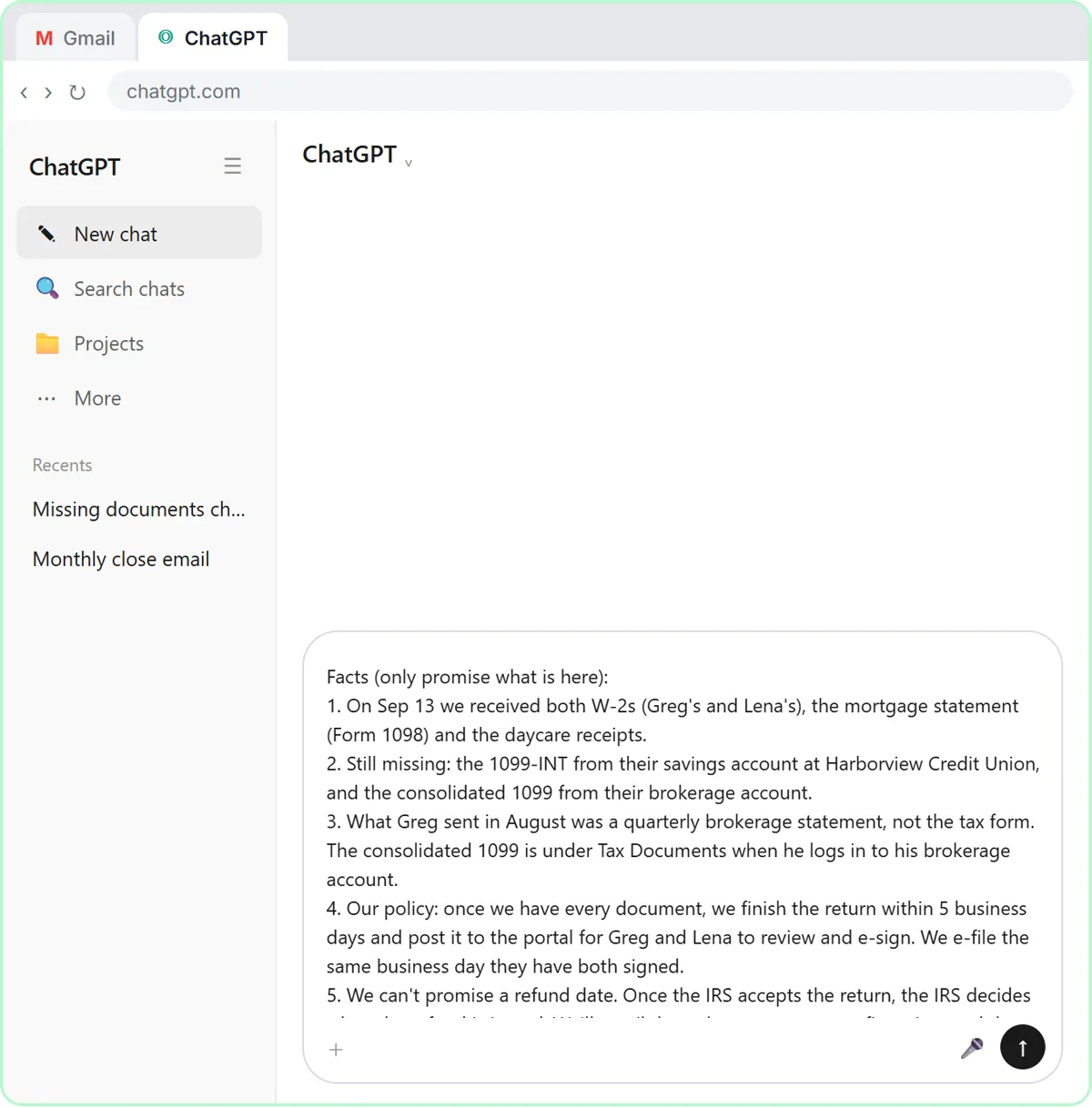
No. In the lesson you ask for a follow-up under 150 words and say what it must not do: don't quote a price, and don't promise anything about the year-end tax forms. An open question becomes "I'm checking with our implementation team". Check names, prices and dates, then send it the same afternoon.
- Do I need a transcript?
A transcript or typed notes of the call. The lesson notes that Google Meet, Zoom and Teams can save one on some plans, and many call recorders export one too. If the call touched anything confidential, follow your company's rules about what goes into an AI tool.
- Can AI turn meeting notes into task rows automatically?
Yes. In n8n: Turn Meeting Notes into Action Items in a Google Sheet, a workflow reads a sheet with one row per meeting (Meeting, Date, Notes), sends each row to OpenAI's Message a model, and asks for JSON with a list called tasks, each with a task, an owner and a due day. Split Out turns that list into one item per task, and the last step adds a row per task to a sheet. In the lesson, two meetings became seven rows of work.
- Why does the n8n AI step need "Output Format" set to JSON?
So n8n reads the answer as data, not one long block of text. In the lesson you add the Output Format option and pick JSON Object, and the prompt says "JSON only", which that setting needs. Then the tasks arrive as a real list that Split Out can split.
- Why did my prompt send the curly braces as plain text?
The Prompt box wasn't switched to Expression. Hover over it and click Expression: the braces turn green and the Result line shows the real meeting name and notes. Skip this and the AI gets the braces as text.
- Will the AI give the same tasks every time?
Not word for word. The lesson notes the AI runs again each time, so your wording may differ a little. Read the rows before anyone relies on them, especially owners and due dates. The action items entry covers what a usable task needs.
- How does a note get into a CRM that has no n8n node?
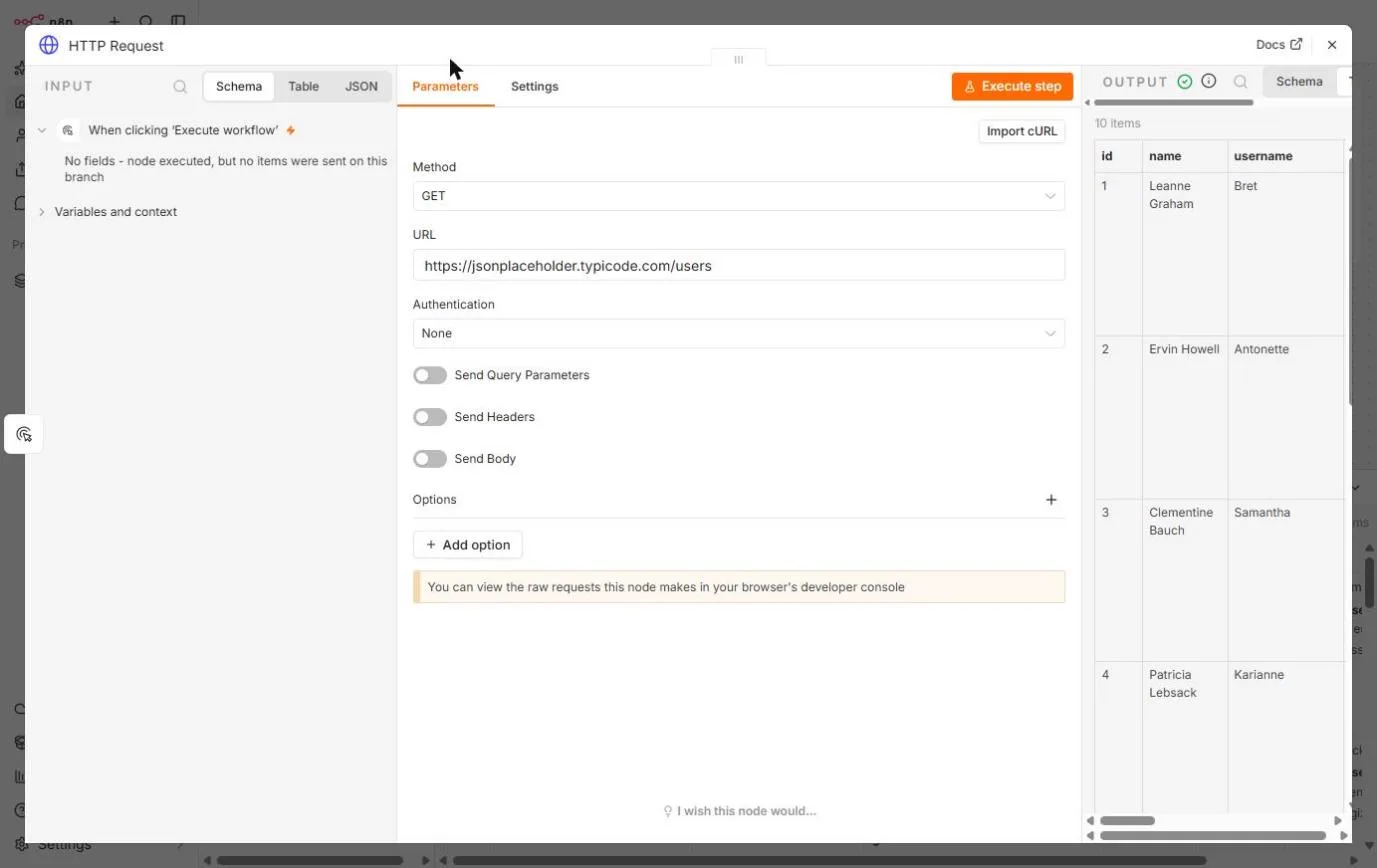
Through its API, with n8n's HTTP Request node. In n8n: Call Any API with the HTTP Request Node, you GET a client list from a practice CRM, narrow it with a query parameter (
username), then POST a follow-up note back, with the client's email filled in by the expression{{ $json.email }}. GET reads and changes nothing; POST writes.- Where does a real CRM's API key go?
Under Authentication, as a saved credential. Never type it into the URL or the body. The practice API in the lesson needs no key and never saves what you send. Keep a real workflow unpublished while you test.
- Make or Zapier instead of n8n?
If your CRM has a listed Make or Zapier integration, that is often the quickest setup. The meeting notes to CRM guide compares the routes. Check what your CRM offers before you build.
Key takeaways
- Get the recap right by hand first: summary, decisions, next steps, open questions and deal notes.
- "Don't guess" and "Not stated" keep guesses out of your CRM.
- n8n can split one meeting's tasks into rows with Message a model, JSON output and Split Out.
- A CRM with no connector can still take notes through its API and the HTTP Request node.
- Read every AI-written note and email before it reaches a client or a forecast.
For more on turning transcripts into tasks, see meeting transcript to action items, or go back to the meeting notes to CRM use-case guide.