Prompt of the Day: Update a Candidate After an Interview
A visual prompt card: the email a candidate gets after an interview, with thanks, where things stand, the next step and no hint of the decision.
![Prompt of the day. Update a candidate after the interview. Role: You are the hiring manager at [BUSINESS], writing to a candidate after their interview. Context: The candidate is [CANDIDATE AND ROLE]. Where things stand: [WHERE THINGS STAND]. Next step and when they'll hear: [NEXT STEP]. Use only these facts. Don't mention scores, other candidates, the panel's discussion or pay, don't hint at the likely outcome, and don't promise a date we haven't set. Part 1 of 2. Replace every [BLANK] with your own details.](/content/visual/prompt-update-a-candidate-after-an-interview/01.webp)
Slide 1 of 4 ![Prompt of the day. Where things stand, no hints. Task: Write a short follow-up email that thanks them for the interview, tells them plainly where things stand, gives the next step with its date, and tells them who to contact with questions. Format: Under 120 words, friendly and plain. Subject line first, then the email. Sign it: [SIGN OFF]. Works in ChatGPT, Claude, Gemini and Copilot.](/content/visual/prompt-update-a-candidate-after-an-interview/02.webp)
Slide 2 of 4 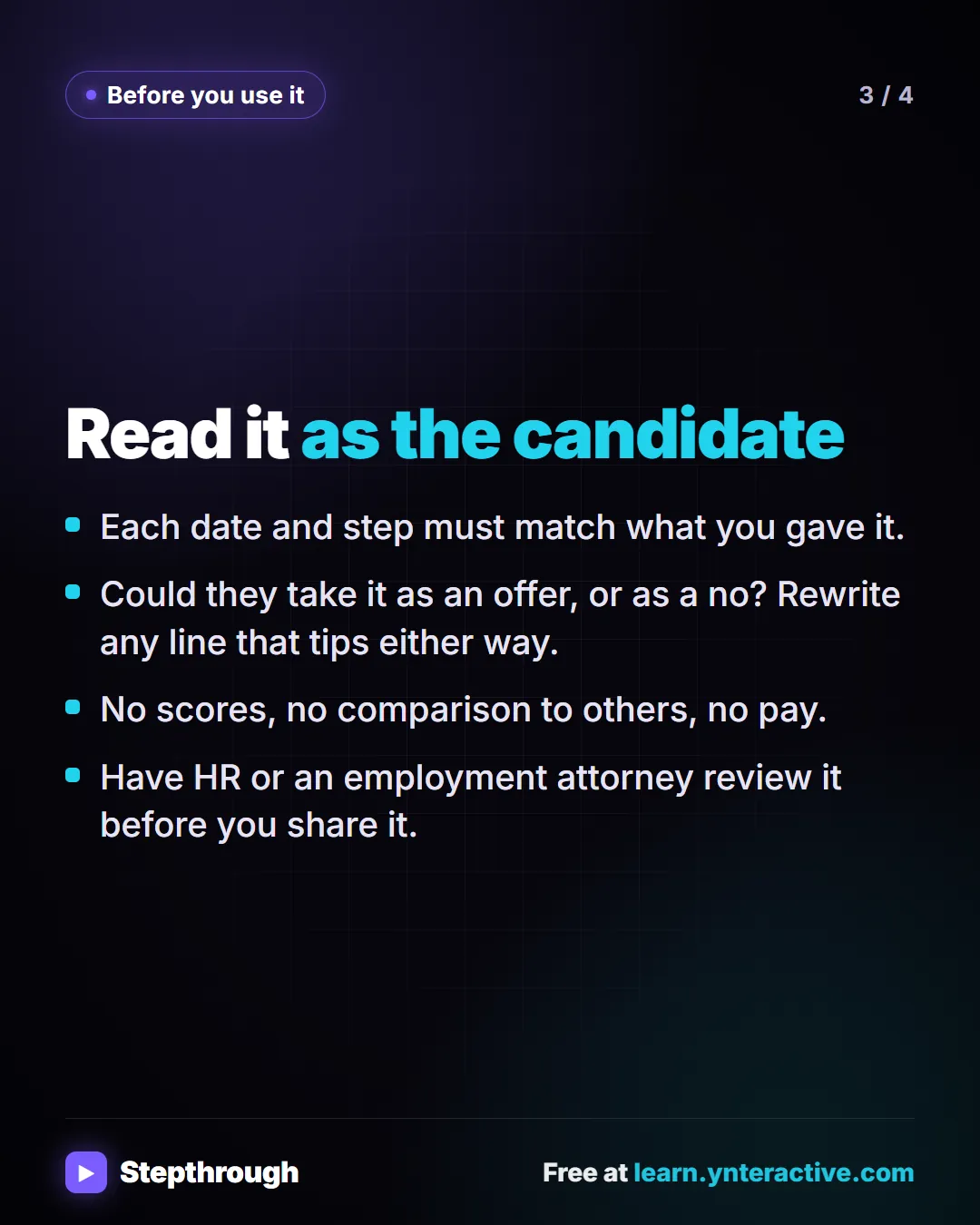
Slide 3 of 4 
Slide 4 of 4
The guide in text
Update a candidate after the interview
Copy it into ChatGPT, Claude, Gemini or Copilot and replace every [BLANK] with your own details.
Role: You are the hiring manager at [BUSINESS], writing to a candidate after their interview.
Context: The candidate is [CANDIDATE AND ROLE]. Where things stand: [WHERE THINGS STAND]. Next step and when they'll hear: [NEXT STEP]. Use only these facts. Don't mention scores, other candidates, the panel's discussion or pay, don't hint at the likely outcome, and don't promise a date we haven't set.
Task: Write a short follow-up email that thanks them for the interview, tells them plainly where things stand, gives the next step with its date, and tells them who to contact with questions.
Format: Under 120 words, friendly and plain. Subject line first, then the email. Sign it: [SIGN OFF].
Works in ChatGPT, Claude, Gemini and Copilot.
Read it as the candidate
- Each date and step must match what you gave it.
- Could they take it as an offer, or as a no? Rewrite any line that tips either way.
- No scores, no comparison to others, no pay.
- Have HR or an employment attorney review it before you share it.
The full template: Candidate follow-up after interview prompt, with every blank explained, a filled-in example and how to check the answer.
Businesses and people in the examples are made up. The steps, screens and wording come from the free lesson and the Stepthrough glossary and prompt library.
Do it yourself, free
Turn an Interview Debrief into a Scorecard and a Candidate Follow-Up (Recruiting & HR). Turn the transcript of an interview panel's debrief into a scorecard against the role's must-haves, the decisions, action items with owners and dates, and a follow-up email to the candidate. You do every step yourself in a practice copy of ChatGPT, it checks your work as you go, and “Do it for me” finishes any step you get stuck on. Free, and nothing touches your real accounts.
Start the free lessonRelated terms
Plain-English definitions, each with an example from a free lesson.
Related prompts
- Action items table prompt: Paste a meeting transcript or rough notes and get a table of every task, owner and due date, with "Not stated" wherever nobody…
- Interview debrief agenda prompt: Plan a short interview debrief that goes must-have by must-have, keeps the talk on job evidence and ends with a decision, owners…
- Interview scorecard prompt: Turn interview notes or a debrief transcript into a scorecard: each must-have rated with a quote as evidence, gaps marked Not…
- Meeting agenda prompt: Turn a list of topics into a timed meeting agenda where every item has an owner, a question to settle and minutes that add up to…
From the blog
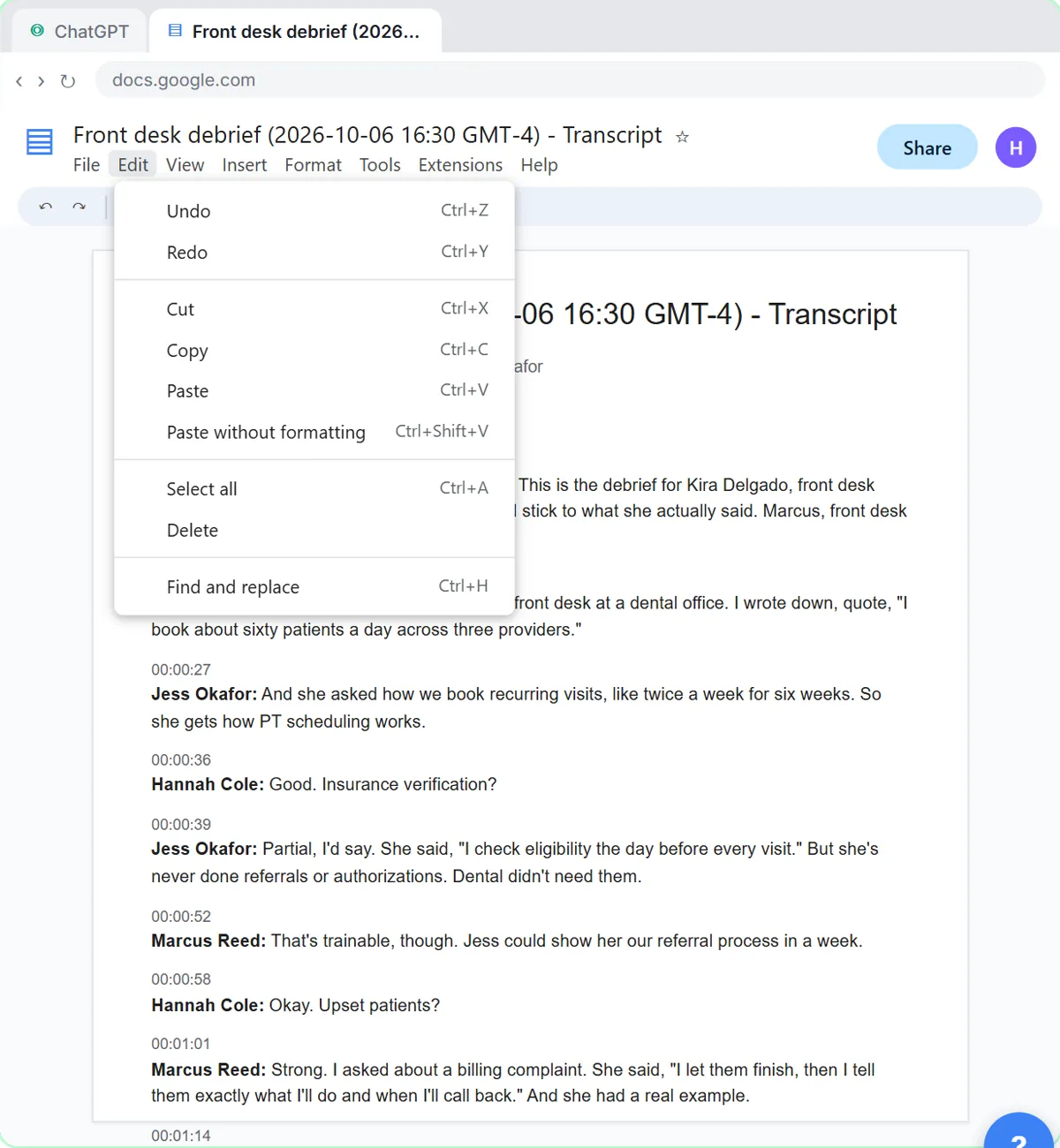 Interview Debrief Template: Run It Fair, Then Score It
An interview debrief template for small teams: a must-have-by-must-have agenda, how to park off-topic comments, and a ChatGPT prompt for the scorecard.
Oct 1, 2026 6 min read
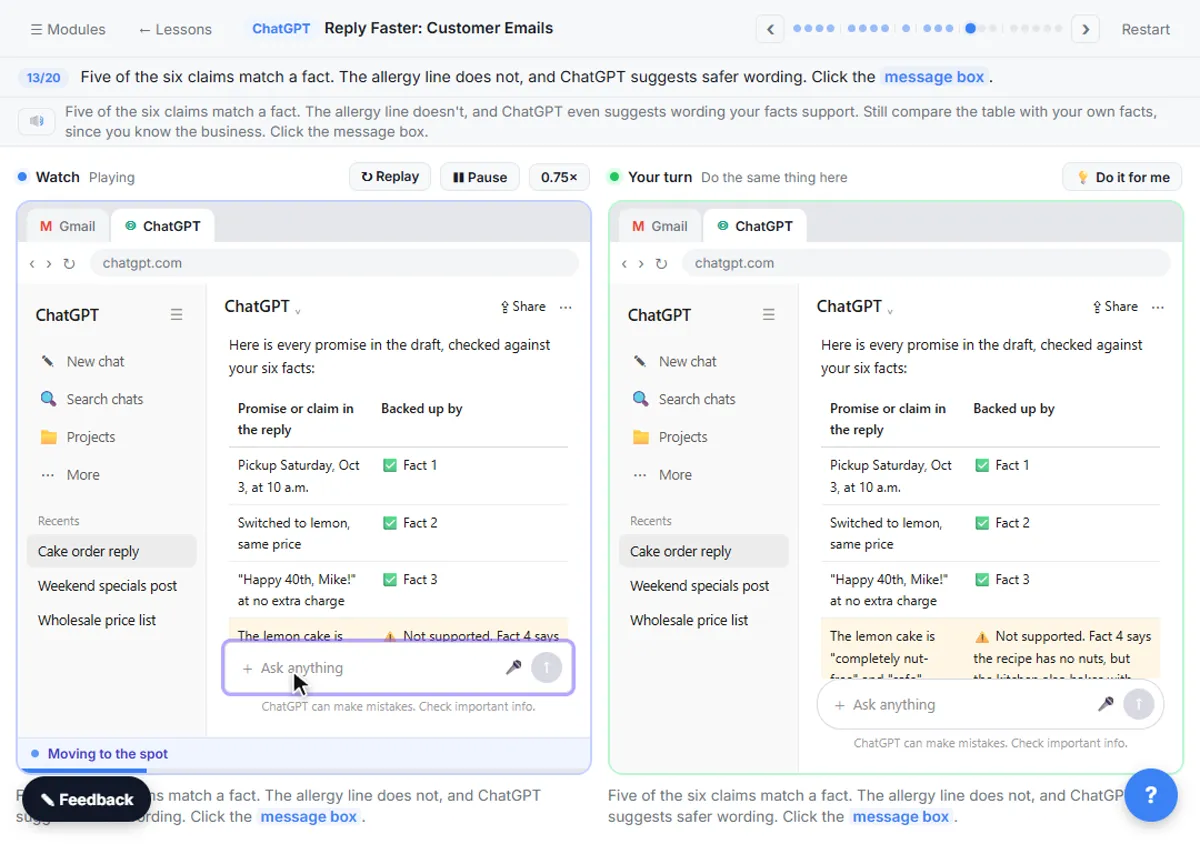 How to Ask ChatGPT for a Table (Prompts That Work)
Ask ChatGPT for a table by naming the columns and saying what goes in an empty cell. Three work prompts: action items, a promise check and a scorecard.
Oct 1, 2026 6 min read
 Is It Safe to Paste Client Emails into ChatGPT?
Is it safe to put client data in ChatGPT? A practical checklist: what to remove first, which plan settings to check, and the rules your industry points to.
Oct 1, 2026 6 min read
More visual guides
 5 Steps to Turn an Interview Debrief into a Scorecard
A visual guide: turn an interview panel's debrief transcript into a ChatGPT scorecard with evidence for each must-have, then a candidate follow-up.
Step-by-step guide 7 slides
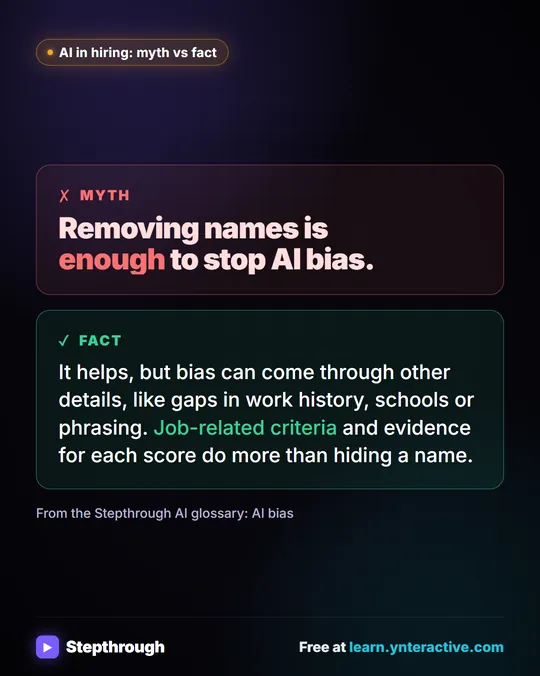 Myth: Removing Names Is Enough to Stop AI Bias
Myth vs fact: hiding names helps, but bias comes through other details. Job-related criteria and evidence for each score do more.
Myth vs fact One graphic
 What Is Structured Output? A Visual Guide
A visual guide to structured output: AI answers in fixed fields people can scan and software can read, shown with a real interview scorecard.
AI term explained 4 slides