ChatGPT: New Chat or Same Chat? Decide in 6 Steps
A step-ladder guide to ChatGPT context: stay in the same chat when the job is the same, start a new chat for a new customer, and check the numbers.
Slide 1 of 8 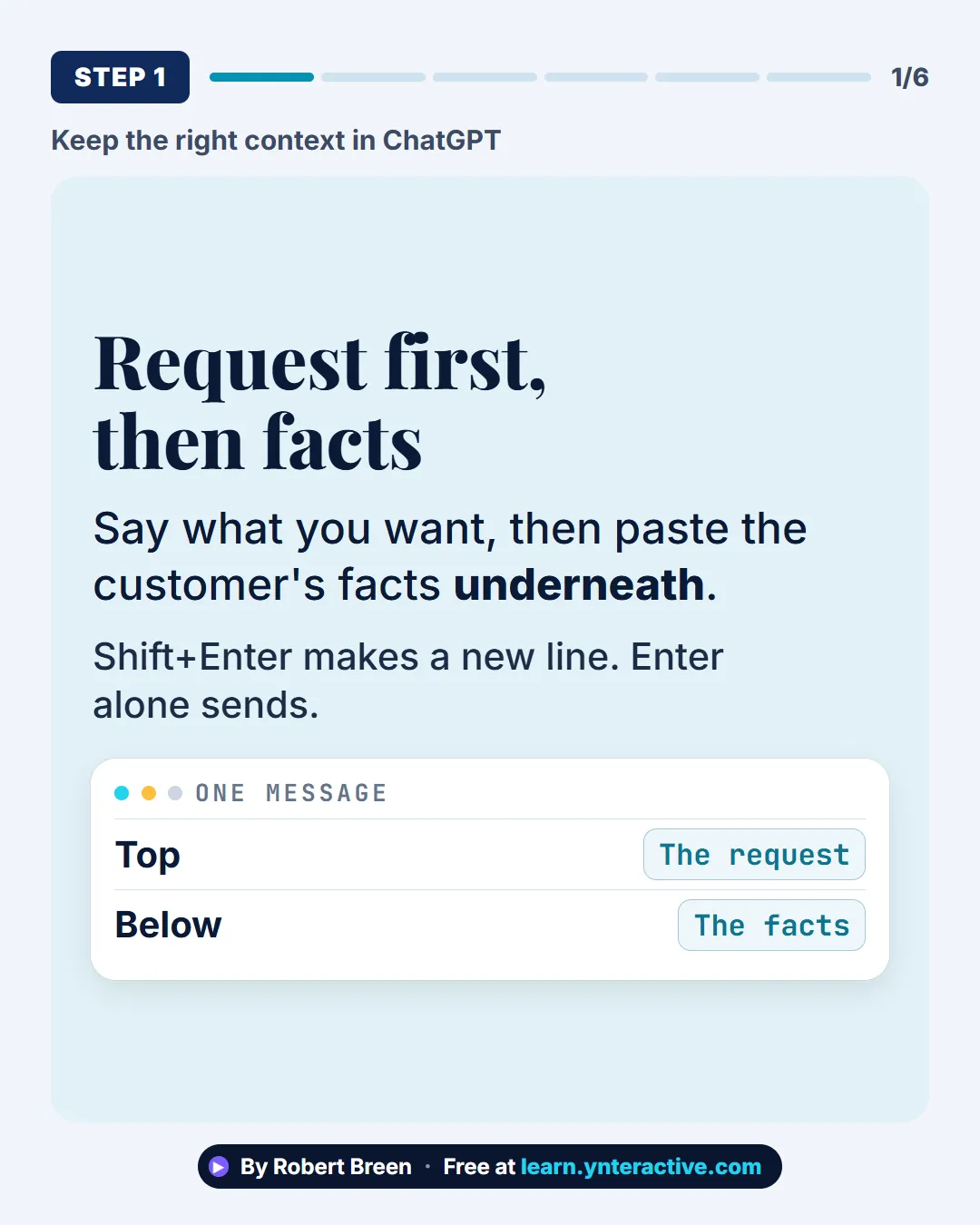
Slide 2 of 8 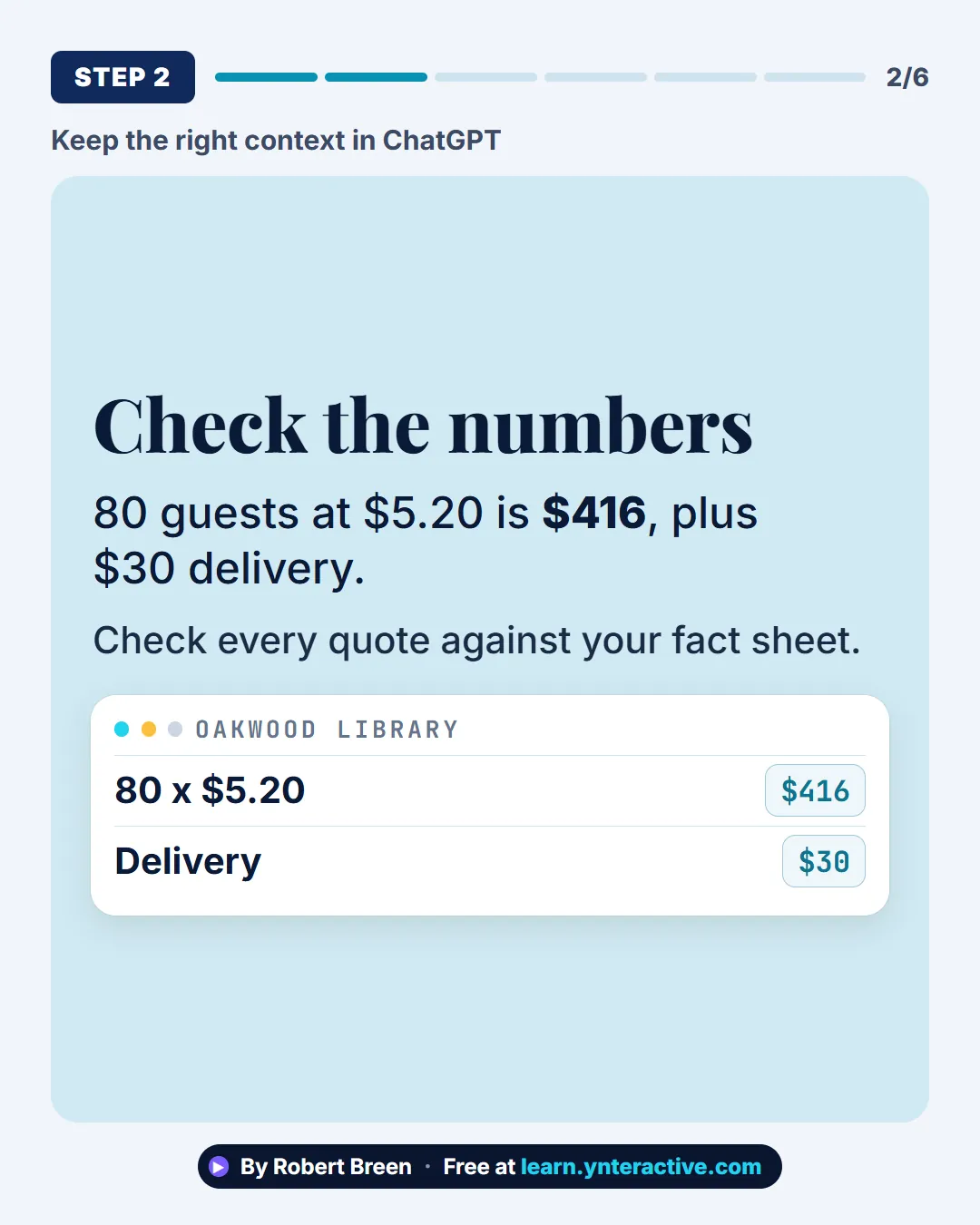
Slide 3 of 8 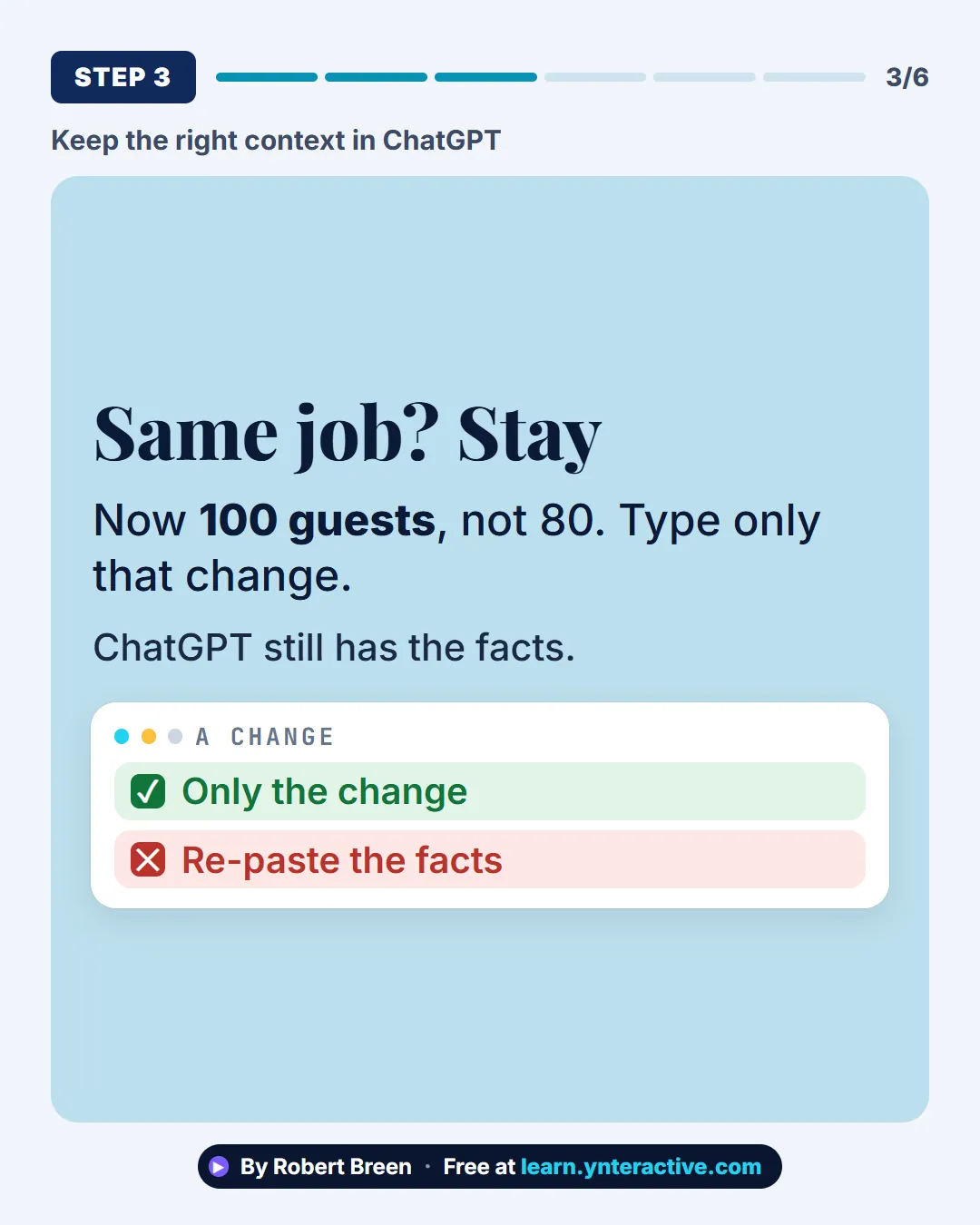
Slide 4 of 8 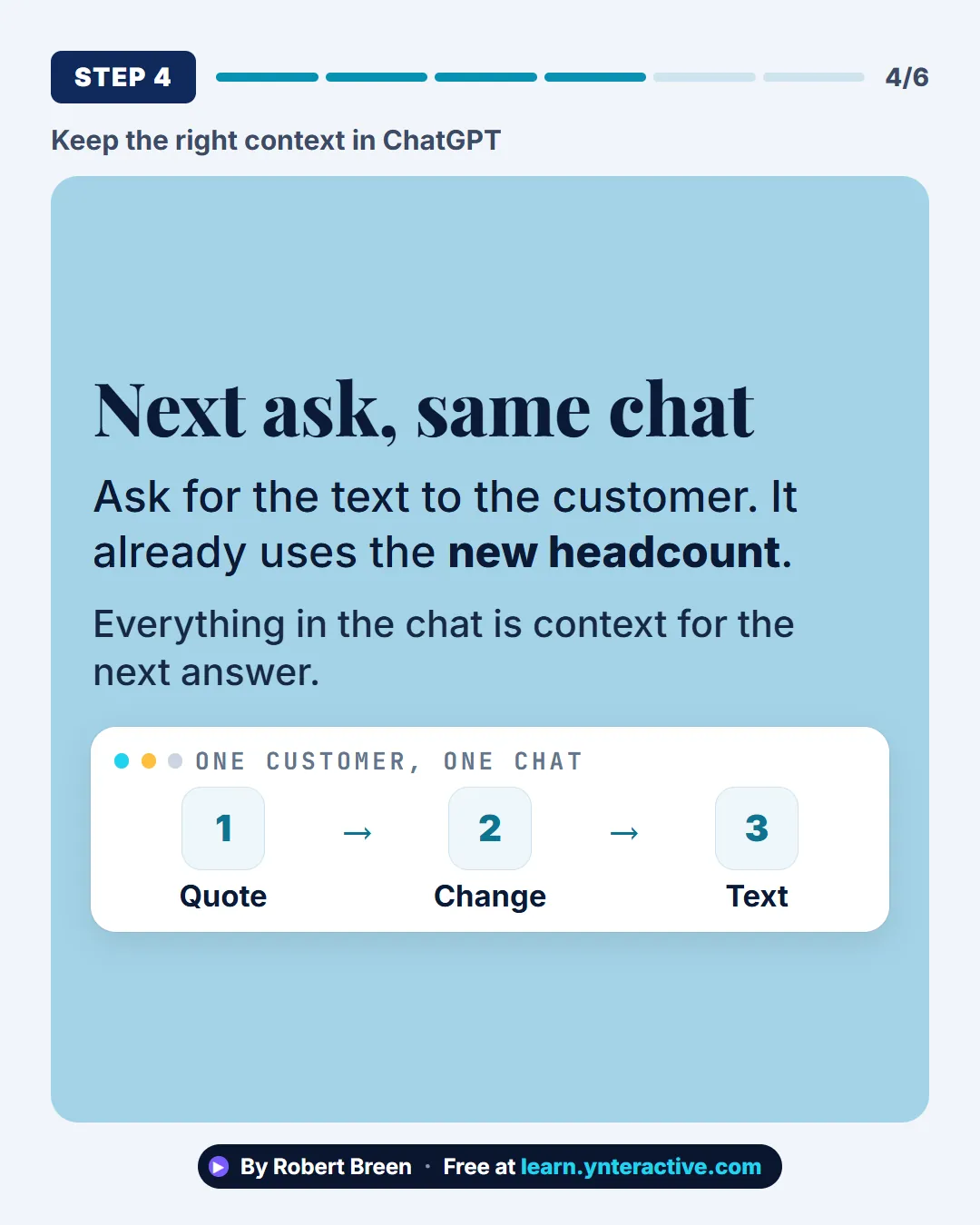
Slide 5 of 8 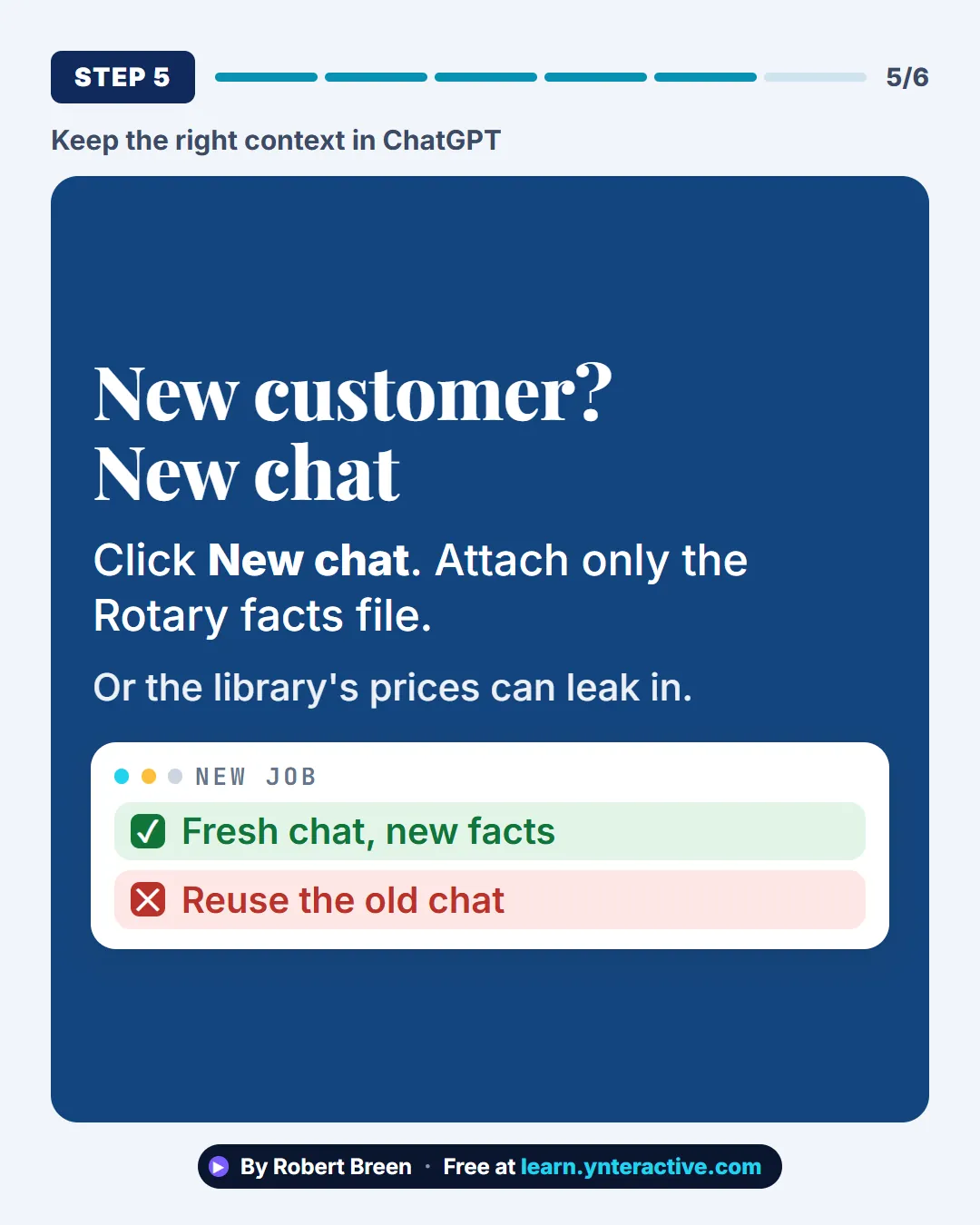
Slide 6 of 8 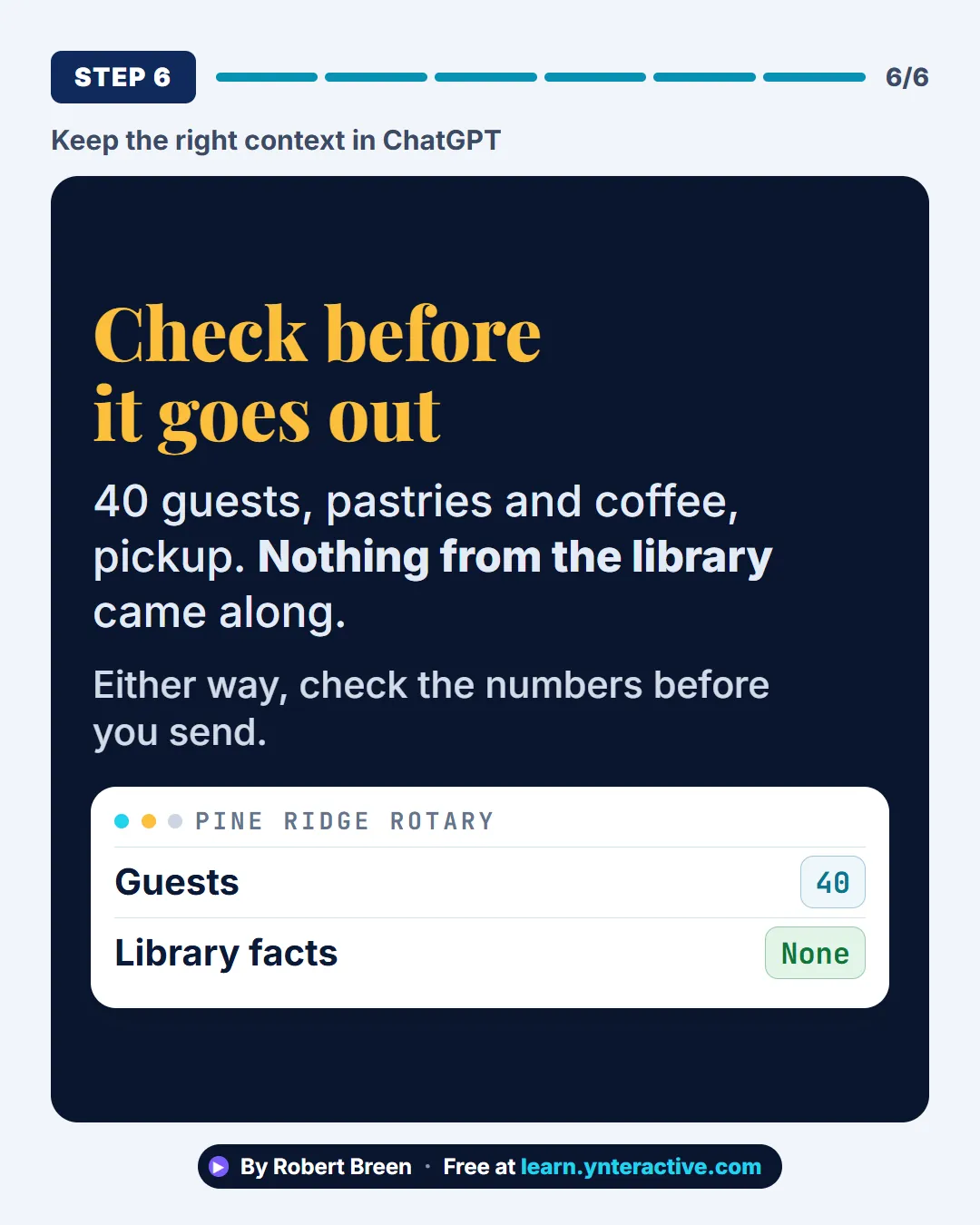
Slide 7 of 8 
Slide 8 of 8
The guide in text
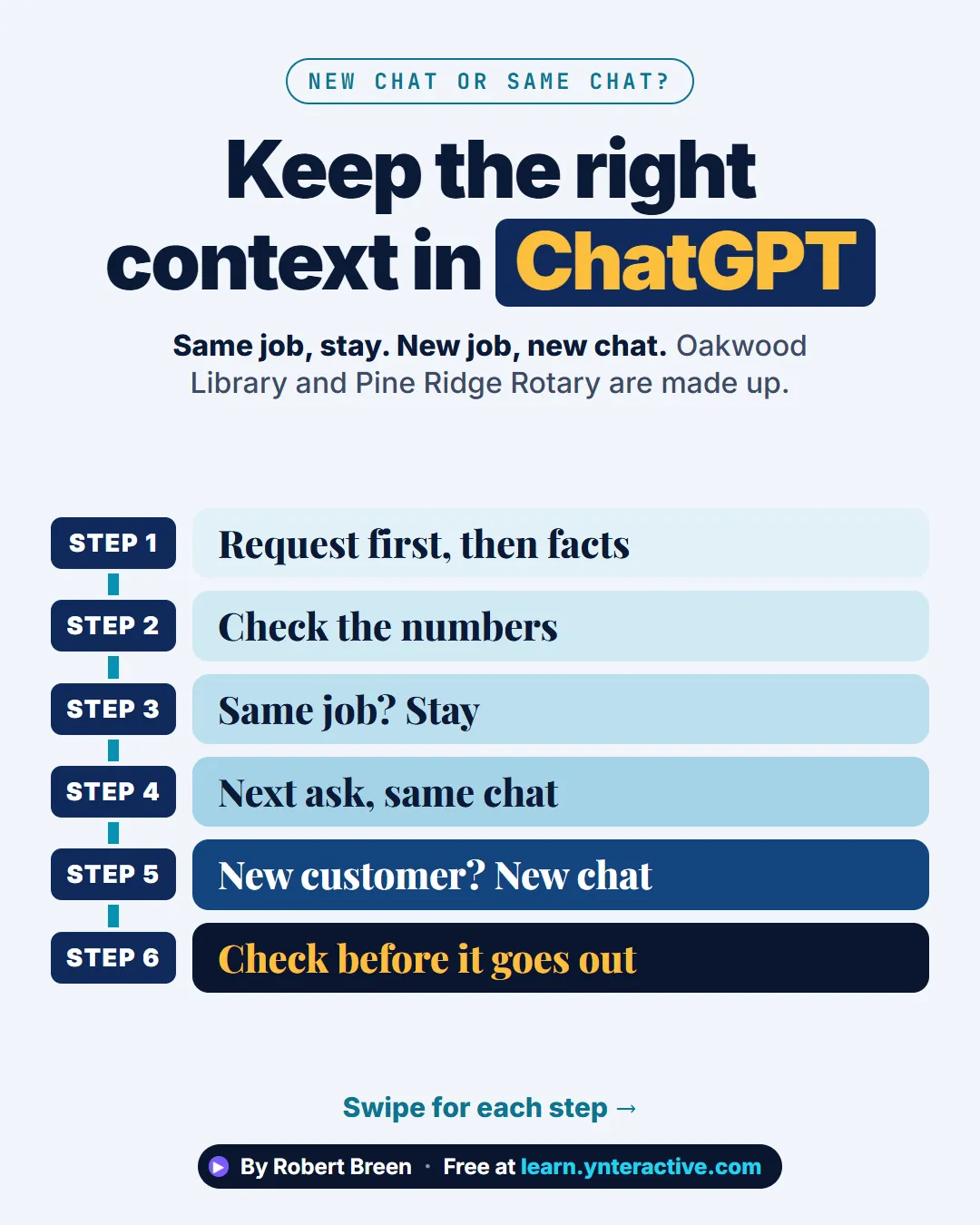
Same job, stay. New job, new chat. Oakwood Library and Pine Ridge Rotary are made up.
Step by step
Request first, then facts
Say what you want, then paste the customer's facts underneath. Shift+Enter makes a new line. Enter alone sends.
Check the numbers
80 guests at $5.20 is $416, plus $30 delivery. Check every quote against your fact sheet.
Same job? Stay
Now 100 guests, not 80. Type only that change. ChatGPT still has the facts.
Next ask, same chat
Ask for the text to the customer. It already uses the new headcount. Everything in the chat is context for the next answer.
New customer? New chat
Click New chat. Attach only the Rotary facts file. Or the library's prices can leak in.
Check before it goes out
40 guests, pastries and coffee, pickup. Nothing from the library came along. Either way, check the numbers before you send.
Businesses and people in the examples are made up (Oakwood Library is a made-up business). The steps, screens and wording come from the free lesson and the Stepthrough glossary and prompt library.
Do it yourself, free
Stop Losing Context: When to Start a New Chat vs Keep Going using ChatGPT. Quote a customer in one ChatGPT chat, change the numbers without re-pasting anything, then start a clean chat for the next customer so their details never mix. You do every step yourself in a practice copy of ChatGPT, it checks your work as you go, and “Do it for me” finishes any step you get stuck on. Free, and nothing touches your real accounts.
Start the free lessonRelated terms
Plain-English definitions, each with an example from a free lesson.
Related prompts
- Action items table prompt: Paste a meeting transcript or rough notes and get a table of every task, owner and due date, with "Not stated" wherever nobody…
- Change one fact, show what moved prompt: A follow-up prompt for a ChatGPT chat that tells the AI one new fact, then asks it to redo the work and list exactly which…
- Feedback conversation script prompt: Plan a short, direct feedback talk with a teammate: the specific moment, why it mattered, a question to hear their side and one…
- Meeting agenda prompt: Turn a list of topics into a timed meeting agenda where every item has an owner, a question to settle and minutes that add up to…
From the blog
 ChatGPT Projects: One Home per Client, Set Up Once
Stop re-explaining each client to ChatGPT. Give every client one Project with instructions, files and project-only memory. Setup steps and upkeep.
Oct 17, 2026 5 min read
Does ChatGPT Remember Other Chats? Chat History vs MemoriesChatGPT can remember other chats through saved memories and the Reference chat history setting. What each one does, and how to control both at work.
Oct 17, 2026 6 min read
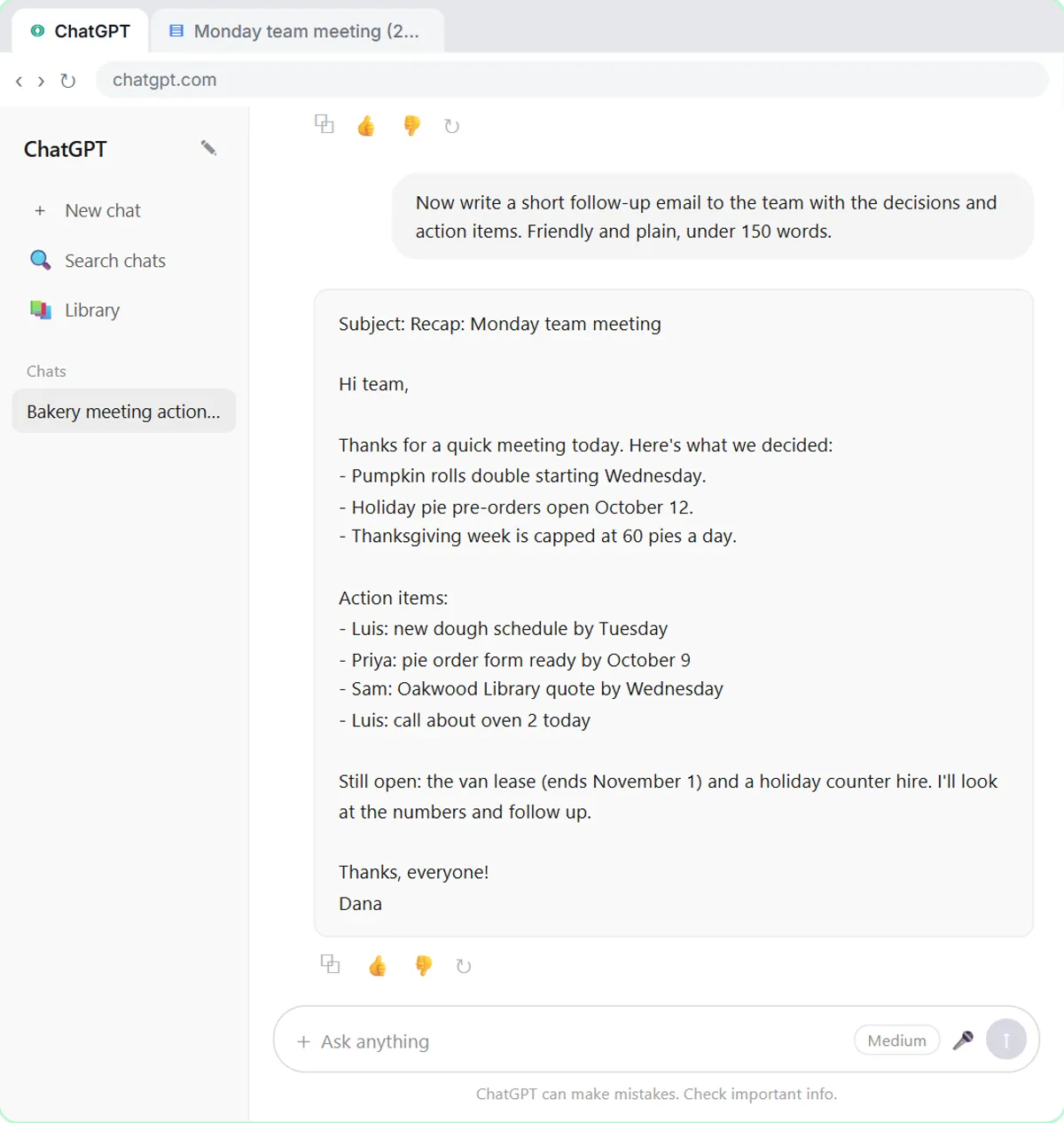 Is It Better to Start a New Chat in ChatGPT? When and Why
Yes, start a new chat in ChatGPT when you switch tasks or customers, or after a bad answer. Stay in the same chat to build on the last reply. Examples.
Oct 3, 2026 8 min read
More visual guides
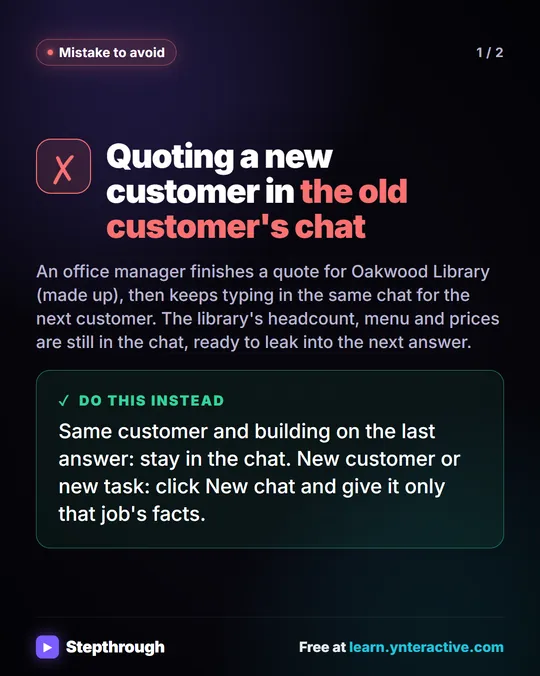 Mistake: One ChatGPT Chat for Every Customer
A visual guide to a common ChatGPT mistake: quoting a second customer in the first customer's chat. Start a new chat for each customer.
Mistake to avoid 2 slides
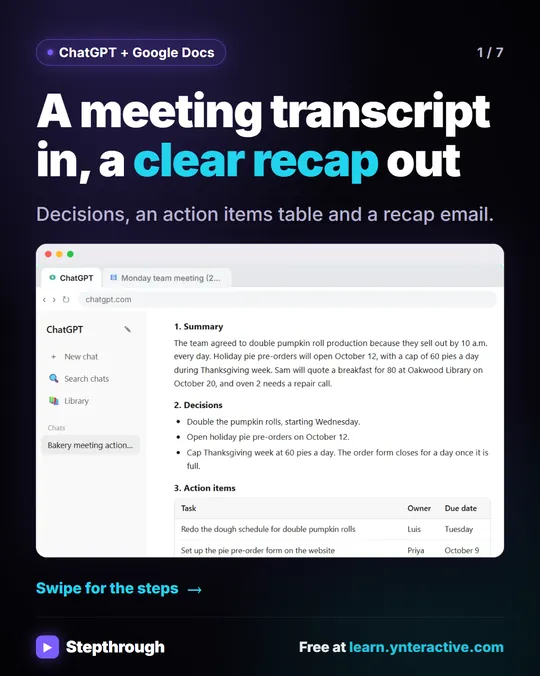 Summarize a meeting transcript with ChatGPT
A meeting transcript is useful for about five minutes, and then nobody reads it again.
Step-by-step guide 7 slides
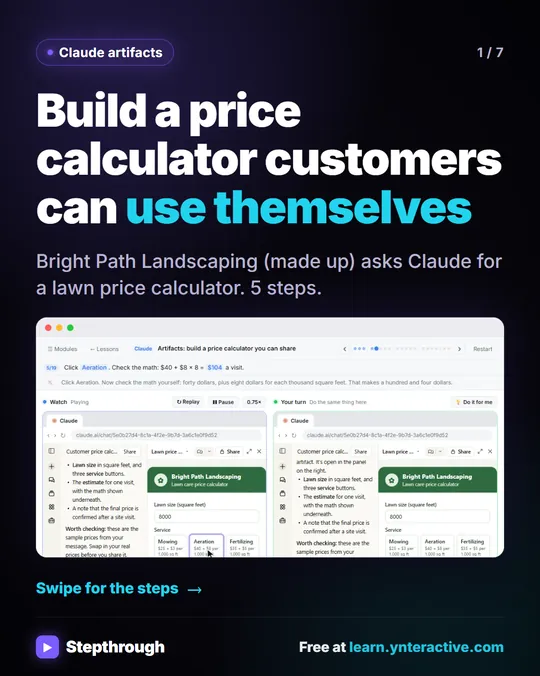 5 Steps to Build a Shareable Price Calculator in Claude
A visual guide to Claude artifacts: ask for a price calculator, check the math, ask for one change and share it by link. Five steps, free.
Step-by-step guide 7 slides