Updated . Built against the tool’s current screens and checked step by step. How we check this lesson
Small firms write one blog post a week and share it once, if at all. Five short social posts from that article would keep the firm visible all week, but writing and scheduling them by hand takes most of an hour. TryPost is a social media scheduler for 13 networks with a REST API, and n8n can call it. In this free starter lesson an n8n workflow already has AI write five LinkedIn posts from the blog post. You make a TryPost API key, save it in n8n as a Bearer Auth credential, and send the five posts to TryPost's Create post endpoint with status scheduled and queue next, so one goes out each weekday at 9:00 AM.
At a glance
| Question | Answer |
|---|---|
| What you build | Write one blog post, get a week of LinkedIn posts. Make a TryPost API key, give it to n8n, and queue five AI-written posts into Monday to Friday at 9:00 AM in one run. |
| Tools | TryPost |
| Time | About 8 minutes, 15 steps in 3 parts |
| Level | Advanced |
| Cost | Free |
| Ways to learn it | Practice it step by step |
The 3 parts, in short
- Get a TryPost API key: Open your account menu, Open Settings, Open API, Generate API Key, and 2 more steps.
- Give n8n the key: Go to n8n, Open Queue in TryPost, Open the credential list, Create a new credential, and 2 more steps.
- Queue the week: Paste the body, Execute step, Check the queue in TryPost.
Start here first: Build an n8n AI Agent That Plans Your Content Calendar (module 1 of AI Automation for Marketing)
Part of: AI for Marketing Teams (step 46 of 46)
Part of: AI Apps Worth Knowing (step 133 of 140). Next up: Add Your Company Email Signature to Every Zoho Mail Message with Signatoro
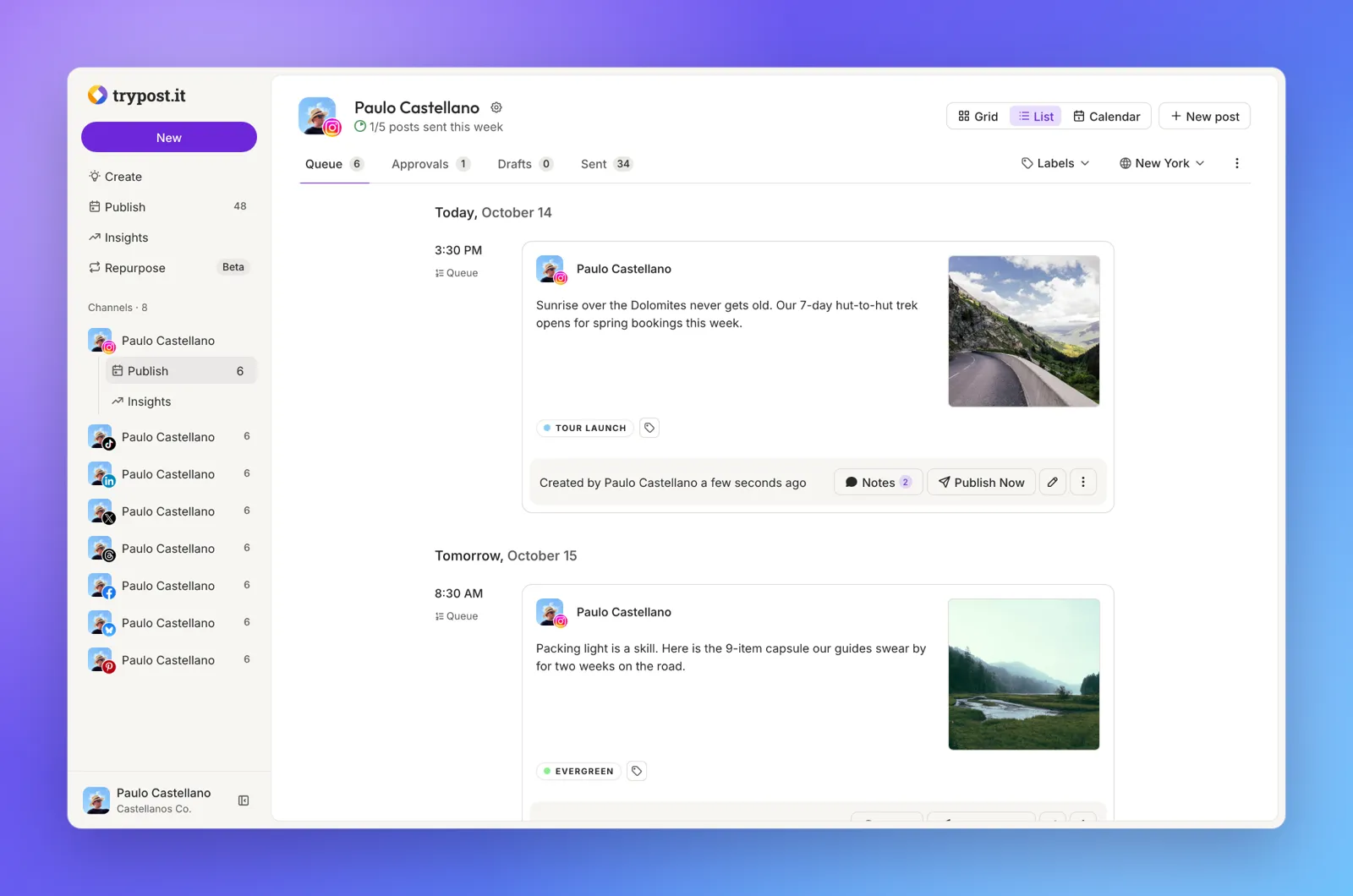
The business case: one article, five mornings
Picture Jordan, who does the marketing at Larkspur Bookkeeping, a made-up 12-person firm. Every Thursday the firm publishes a blog post such as 7 receipts small business owners forget to keep. It gets one LinkedIn post, then nothing. With example numbers you should replace with your own, writing five posts and scheduling them by hand is 45 to 60 minutes a week, about 40 hours a year.
With this workflow, n8n has AI write five short posts from the article and TryPost's queue puts one on each weekday at the channel's posting time. Jordan reads the five posts in TryPost's Queue before Monday and fixes anything that needs it.
Who this is for, and what you need
Marketing coordinators, owners and office managers at small firms who already use n8n or want to. To do it for real you need a TryPost plan (its Quickstart says plans start with a $1 first month; check trypost.it for current prices), a connected LinkedIn channel with posting times, n8n, and an AI model for the writing step. Only workspace admins can create TryPost API keys.
How the TryPost queue works
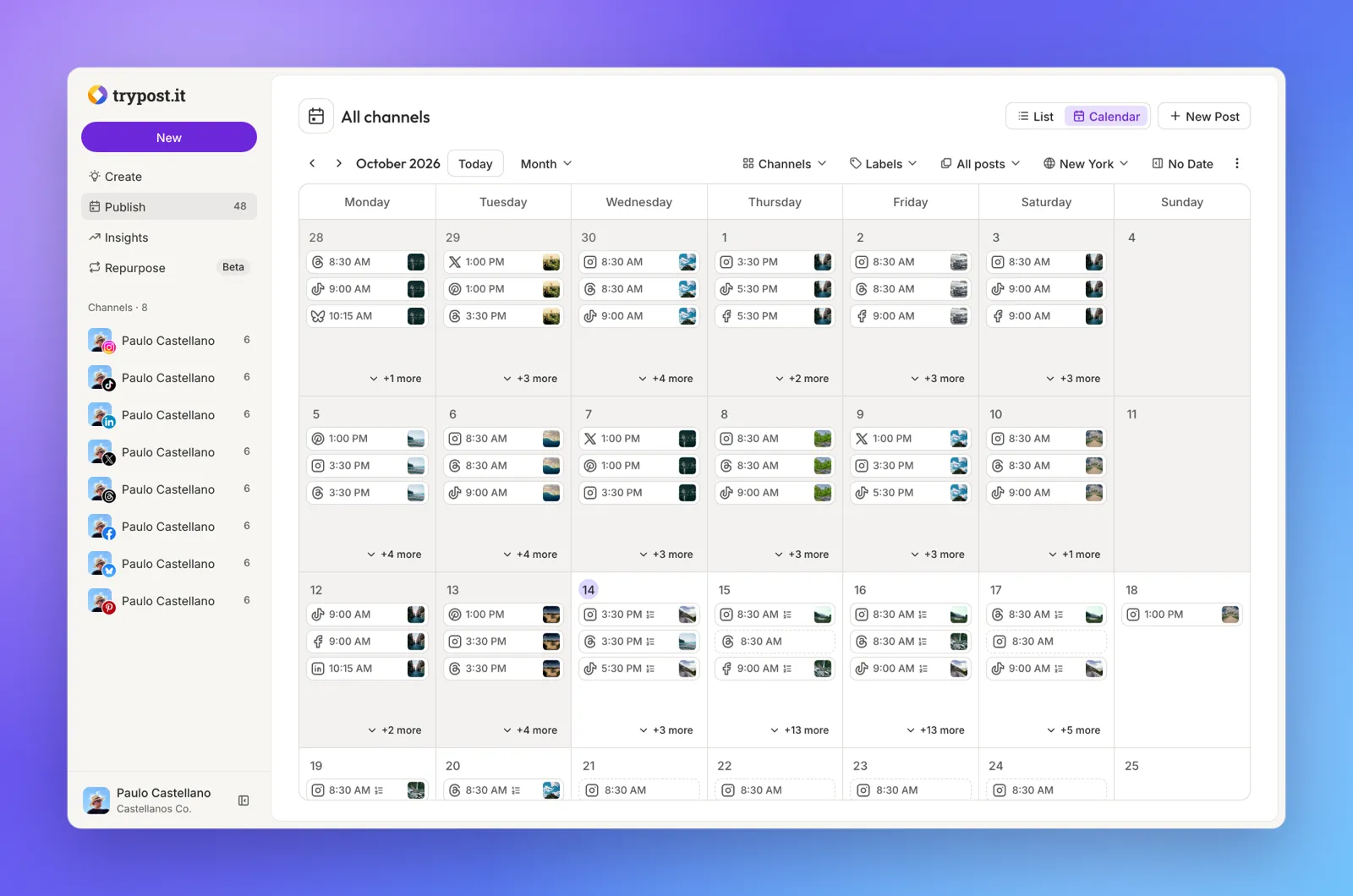
Each TryPost channel can have posting times, set when you connect it by answering How many times a week would you like to post? When you create a post through the API with status scheduled and queue next, TryPost puts it in the channel's next free posting time. Send five posts and they fill five slots in order, so n8n never has to work out dates. You can also send scheduled_at with an exact time instead, or status publishing to post now.
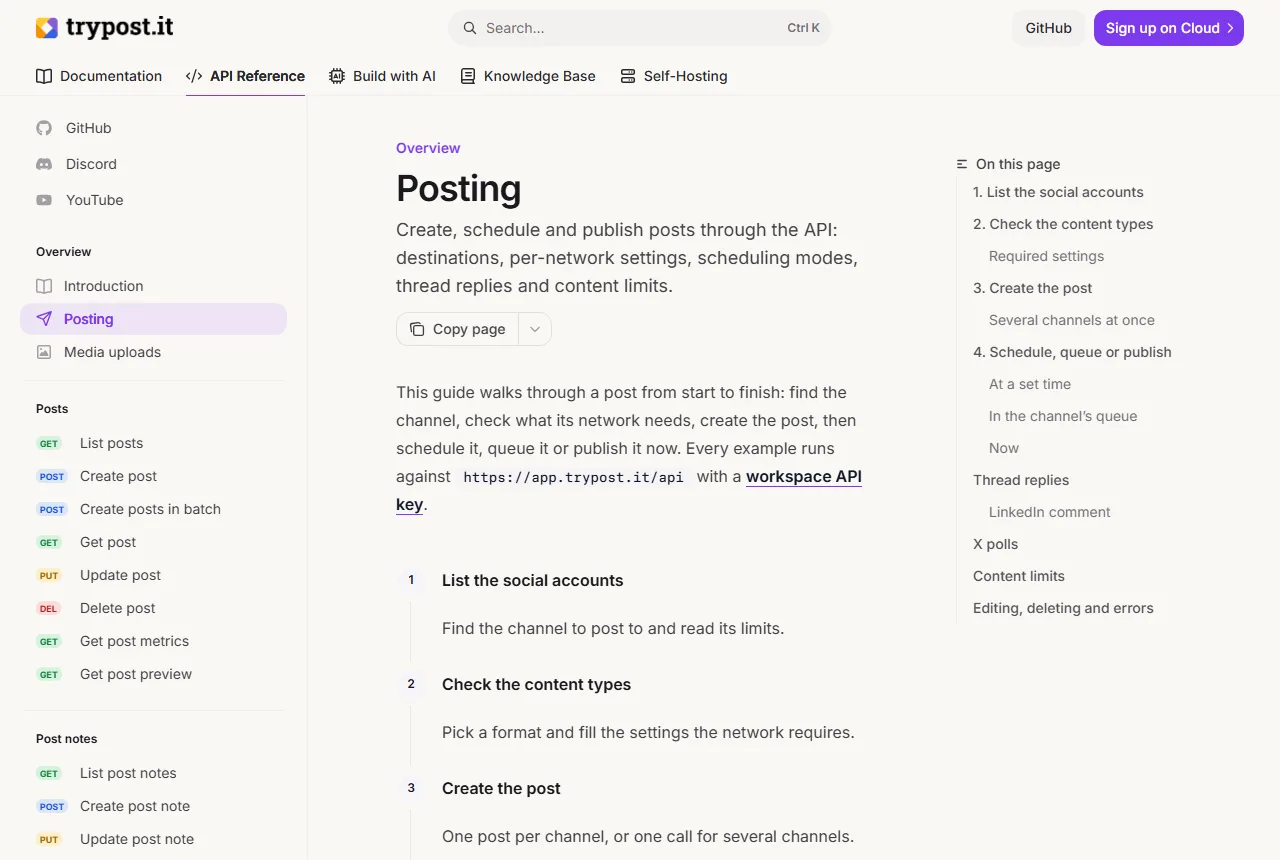
The body needs the channel's social_account_id. Get it once with GET https://app.trypost.it/api/social-accounts, which lists every connected channel with its id, network, time zone and text limit. Posts made with an API key skip approvals, because keys belong to workspace admins, so review the queue yourself.
Keep it safe
- Keep the API key in an n8n credential, never in the URL or the body. TryPost shows it only once; if it leaks, delete it in Settings and generate a new one.
- Read the five posts in the Queue before they go out. AI can get a number or a claim wrong, and on a firm's LinkedIn page that matters.
- Run the workflow once per blog post. Running it twice queues ten posts.
What this saves you
- About an hour a week of writing and scheduling.
- A blog post that is shared every weekday instead of once.
- What it does not do: it does not check the posts for you, add images, or post to other networks unless you add them (TryPost's Create posts in batch endpoint sends one post to several channels).
How this lesson was built
This is a starter lesson built from TryPost's public docs (Quickstart, API Introduction, Posting guide, Create post and List social accounts), the English interface text of its open-source app and the screenshots in its GitHub README, on 6 November 2026. We did not sign in to TryPost, so the steps were not tested in a real account, and the TryPost screens in the practice copy are redrawn from those sources. A full TryPost course, tested in the real app, is planned.
Links
- TryPost API: Posting guide: how to list your channels, create a post, and schedule it, queue it or publish it now.
- TryPost API: Introduction: the base URL, Bearer API keys (Settings, API, Generate API Key), errors and rate limits.
- TryPost Quickstart: sign up, connect a channel and set its posting times.
- TryPost on GitHub: TryPost is open source, and you can self-host it.
Try it yourself, free
Reading the steps is a start. Doing them is how it sticks. The interactive module walks you through every click in a practice copy of TryPost, checks each step, and never touches your real accounts.
Start “TryPost: Turn One Blog Post into a Week of Scheduled Social Posts”Step by step: TryPost: Turn One Blog Post into a Week of Scheduled Social Posts
All 15 steps of the interactive module, in order. In the module you watch each one, then do it yourself in a practice copy that checks your work.
1. Get a TryPost API key
- Open your account menu. You do the marketing at Larkspur Bookkeeping, a made-up 12-person firm. This is the firm's LinkedIn channel in TryPost, with a posting time every weekday at 9:00 AM and an empty queue. First you need an API key, so n8n can add posts for you. Click your name at the bottom of the sidebar.
You do the marketing at Larkspur Bookkeeping. This is the firm's LinkedIn channel in TryPost, with a posting time every weekday, and an empty queue. First, get an API key, so n8n can add posts for you.
- Open Settings. Click Settings.
- Open API. API keys belong to a workspace, and only workspace admins can make them. Under Integrations, click API.
API keys belong to the workspace, and only admins can make them. Under Integrations, click API.
- Generate API Key. No keys yet. Click Generate API Key.
No keys yet.
- Name the key. Give the key a name that says where it is used, so you know what breaks if you ever delete it. Type n8n blog to social. Leave Expiration date empty.
Name the key after where it is used, so you know what breaks if you ever delete it.
- Generate the key. Click Generate API Key. TryPost shows the key once: in real life, click Copy in the next window and keep the key somewhere safe, like a password.
TryPost shows the key only once. In real life, copy it and keep it safe, like a password.
2. Give n8n the key
- Go to n8n. The workflow is already built up to the last node: it takes this week's blog post, has an AI node write five LinkedIn posts from it, and splits them into five items. The last node, Queue in TryPost, sends each one to TryPost. Click the n8n tab.
Now go to n8n. The workflow takes this week's blog post, has AI write five LinkedIn posts, and splits them into five items. The last node sends each one to TryPost.
- Open Queue in TryPost. Double-click Queue in TryPost, an HTTP Request node.
It's an HTTP Request node.
- Open the credential list. The node already says POST to https://app.trypost.it/api/posts, the address TryPost's docs give for Create post, with Generic Credential Type and Bearer Auth. TryPost wants the key as a Bearer token. Open the Bearer Auth drop-down.
The method and address come from TryPost's docs for Create post. TryPost wants the key as a bearer token.
- Create a new credential. Click + Create new credential.
- Paste the key. Paste your TryPost key into Bearer Token. Here it is a placeholder: Paste in the key.
In this practice copy it's a placeholder.
- Save the credential. Click Save. n8n keeps the key encrypted, so it never sits in the workflow itself.
n8n keeps the key encrypted, so it never sits in the workflow itself.
3. Queue the week
- Paste the body. Now what to send. The body has four fields from TryPost's Posting guide: social_account_id (the LinkedIn channel), content (each AI post), status: scheduled and queue: next, which drops each post into the channel's next free posting time. Paste in the body.
Now the body. It names the LinkedIn channel, takes each AI post as the content, and says scheduled, queue next. That drops each post into the next free posting time.
{ "social_account_id": "4f1c2a9e-7b3d-4e8a-9c6f-2d5b8a1e0c47", "content": {{ JSON.stringify($json.post) }}, "status": "scheduled", "queue": "next" } - Execute step. The node runs once for each of the 5 items, so it creates 5 posts. Click Execute step.
The node runs once for each of the five items, so it creates five posts.
- Check the queue in TryPost. Each answer says status: scheduled with its own scheduled_at, Monday to Friday. Click the TryPost tab to see the week.
Each answer says scheduled, with its own time, Monday to Friday.
Screenshots
Frequently asked questions
- Does TryPost have an API?
- Yes. TryPost has a REST API at https://app.trypost.it/api and an MCP server for AI assistants. You send a workspace API key as a Bearer token. Admins create keys in Settings, API, Generate API Key.
- How do I schedule posts in TryPost from n8n?
- Use an HTTP Request node: POST https://app.trypost.it/api/posts with a Bearer Auth credential holding your TryPost key, and a JSON body with social_account_id, content, status scheduled and either scheduled_at or queue next.
- What does queue next do in the TryPost API?
- It puts the post in the channel's first free posting time. The channel needs posting times; without them the API refuses the queue. queue top takes the first slot and moves the queued posts behind it.
- Where do I find a TryPost channel's social_account_id?
- Call GET https://app.trypost.it/api/social-accounts with your API key. Each connected channel comes back with its id, network, status, time zone and text limit.
- Is this lesson free, and was it tested in the real TryPost app?
- The lesson is free and runs in a practice copy with no account. It is a starter lesson built from TryPost's public docs and screenshots; it was not tested in a TryPost account.
More in AI Automation for Marketing
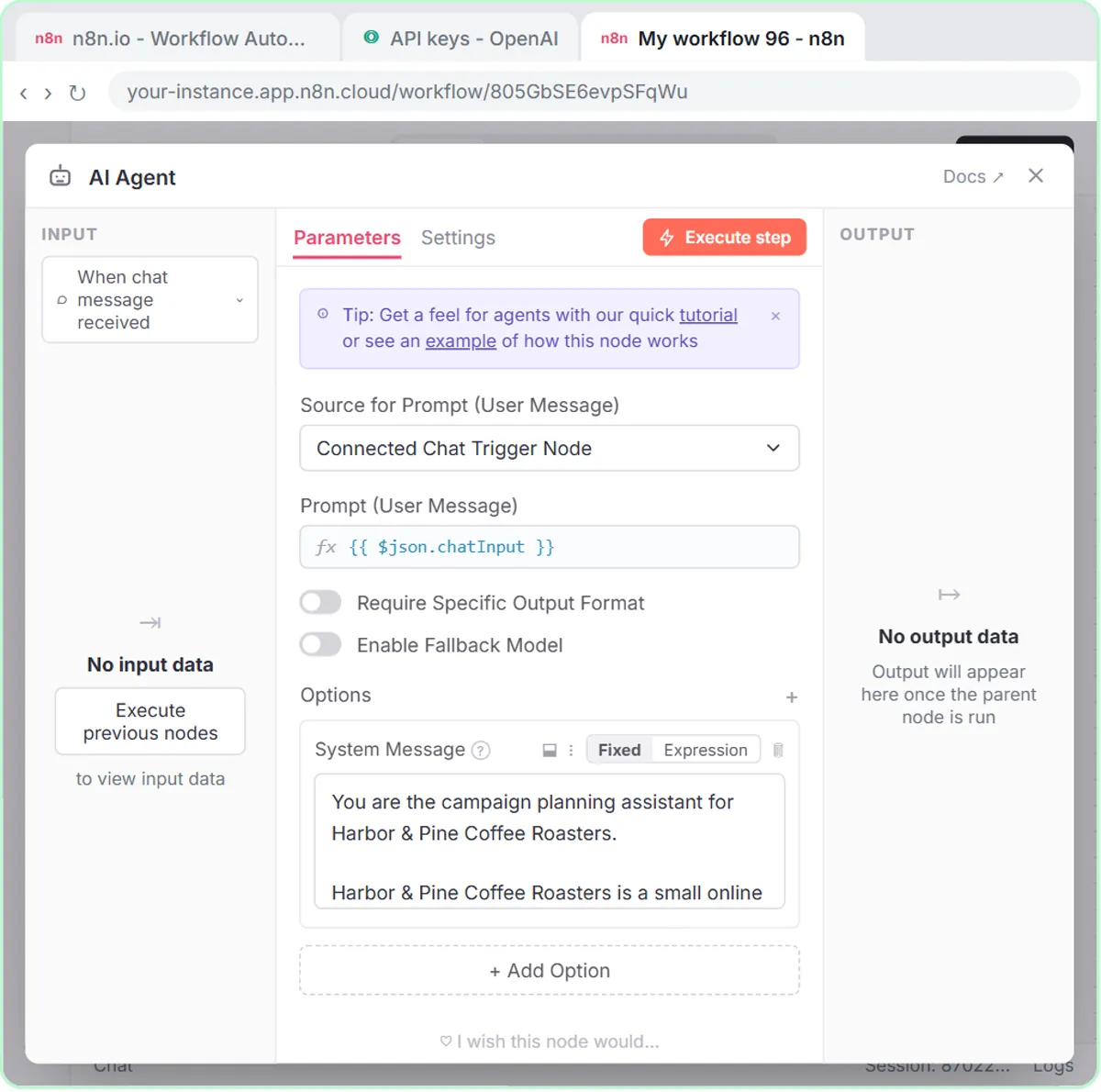 Build an n8n AI Agent That Plans Your Content Calendar
Build an AI agent for Harbor & Pine Coffee Roasters that turns one campaign theme into a two-week email and content calendar in Google Sheets — chat trigger, AI Agent…
Free · Live ~12 min Intermediate
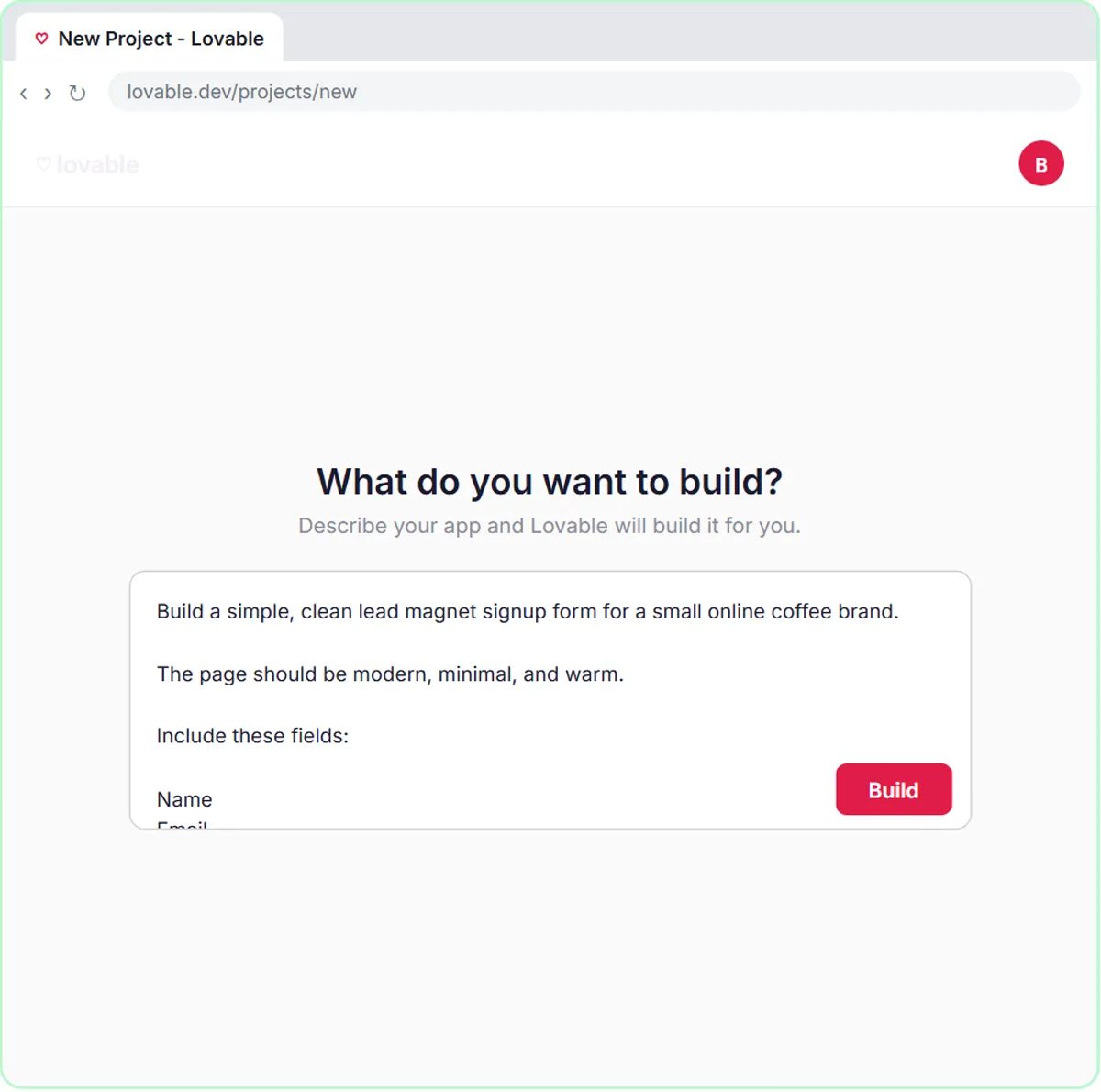 Build a Lead Magnet Signup Form with an AI Welcome Email
Build a "Get the free guide" signup form in Lovable for Harbor & Pine Coffee Roasters and connect it to n8n — the AI agent tags each lead by interest, saves it to…
Free · Live ~15 min Advanced
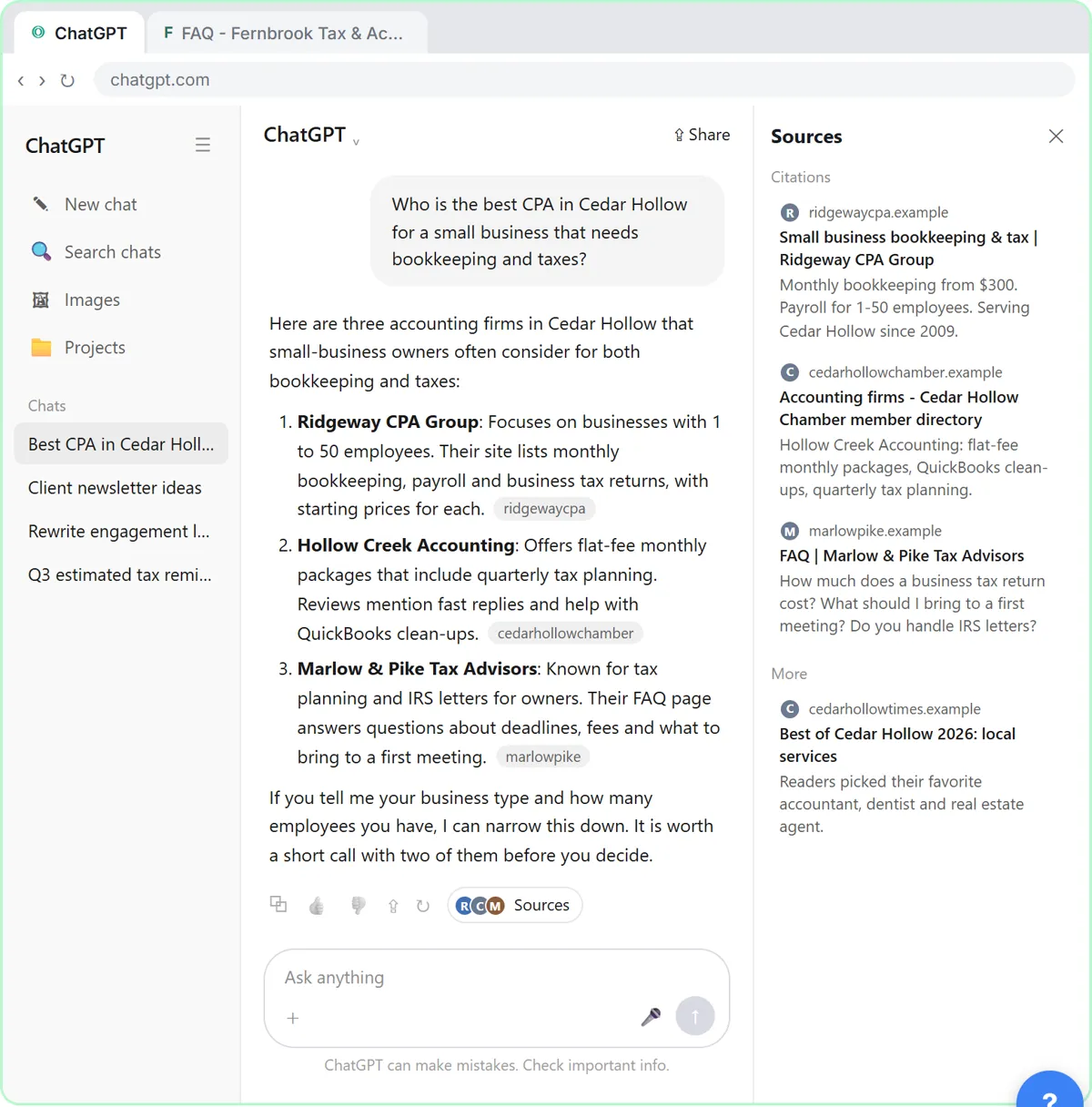 Get Your Business Recommended by ChatGPT
Ask ChatGPT who it recommends in your town, see which pages it trusts, then use it to write an FAQ page and Business Profile copy that answer real customer questions.
Free · Live ~10 min Intermediate
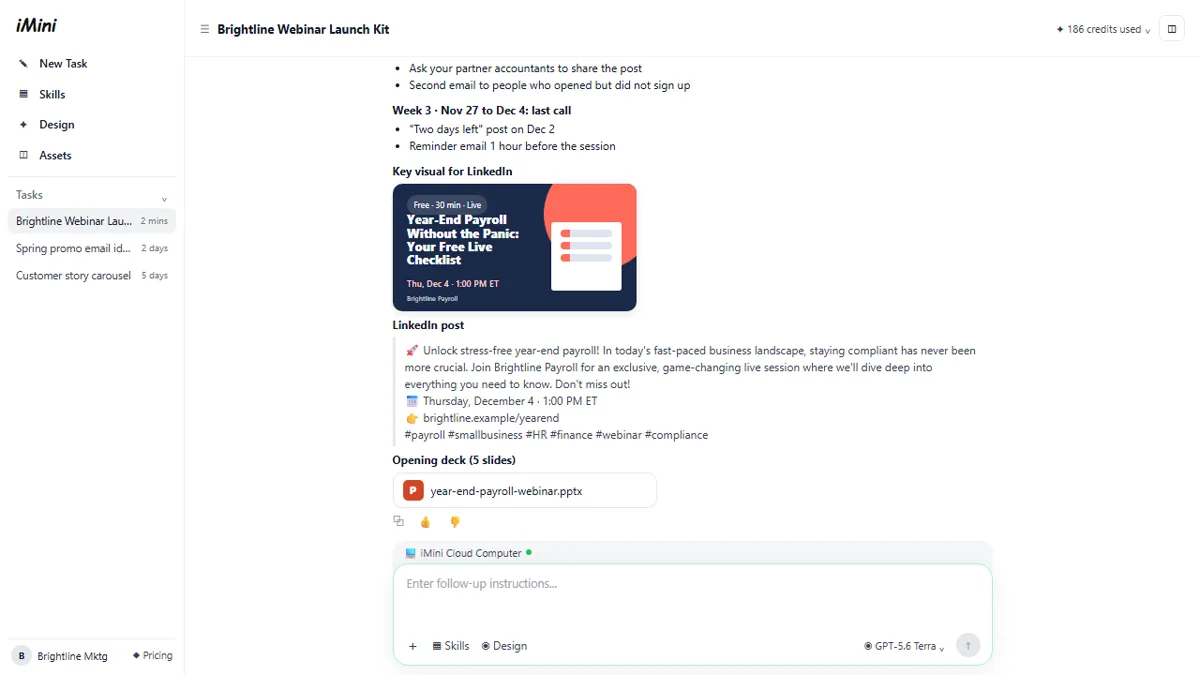 iMini AI Agent: Turn a Rough Idea into a Launch Kit
Brief the iMini Creative Agent once and get a launch plan, a LinkedIn visual, a post and a 5-slide deck, then fix the visual and humanize the post with follow-ups.
Free · Live ~8 min Beginner
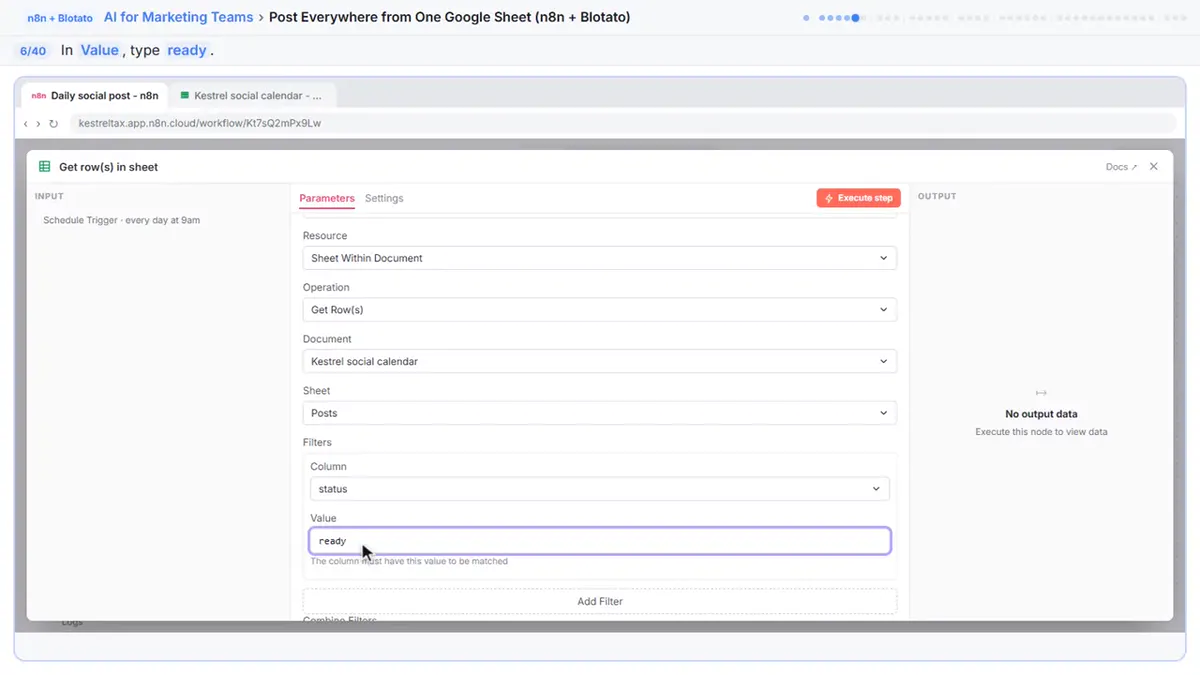 Post to Every Channel Daily from One Sheet using n8n + Blotato
Copying the same post into every social app can take half an hour a day, and on busy days nothing goes out. Plan a week of posts in one Google Sheet; every morning n8n…
Free · Live ~14 min Advanced
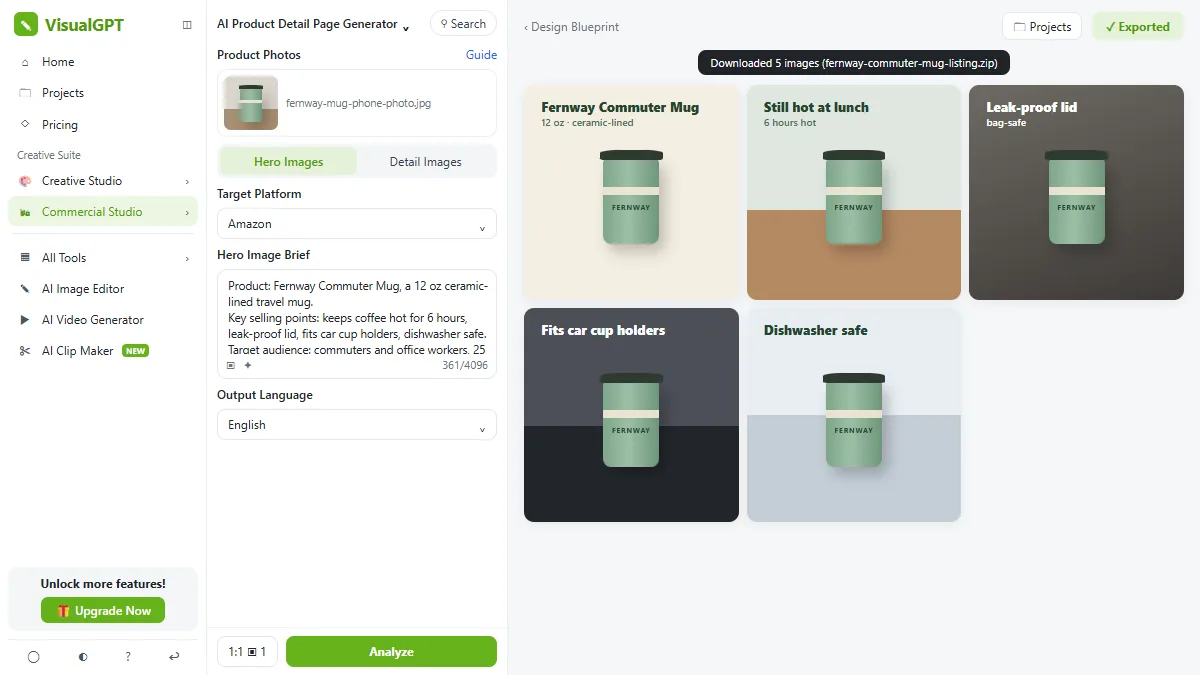 VisualGPT: Product Photos, Listing Images and Ads from One Phone Photo
Turn one phone photo into a lifestyle product shot, a five-image Amazon listing set and three launch ads in VisualGPT's Commercial Studio, checking the plan and every…
Free · Live ~8 min Beginner
All 25 modules in AI Automation for Marketing
Terms in this lesson
Plain-English definitions, each with an example from a free lesson.