Updated . Built against the tool’s current screens and checked step by step. How we check this lesson
Your firm ranks on Google but never shows up when clients ask ChatGPT. Score your AI visibility, let AI answer bots read your site while blocking training crawlers, and write an llms.txt file, with three free Rankite tools and no sign-up.
At a glance
| Question | Answer |
|---|---|
| What you build | Your firm ranks on Google but never shows up when clients ask ChatGPT. Score your AI visibility, let AI answer bots read your site while blocking training crawlers, and write an llms.txt file, with three free Rankite tools and no sign-up. |
| Tools | Rankite |
| Time | About 7 minutes, 11 steps in 3 parts |
| Level | Beginner, no coding needed |
| Cost | Free |
| Ways to learn it | Practice it step by step |
The 3 parts, in short
- Score your AI visibility: Tick what is already true, Read the score and the next fix.
- Let AI search read your site: Block the training crawlers, Leave the answer bots open, Copy the block.
- Give AI a map of your best pages: Name the firm, Write the one-line summary, Replace the sample rows, Check one row, and 2 more steps.
Start here first: AI Receipt Extractor: Receipts to Google Sheets with n8n (module 1 of Business Automations)
In the course: Part 9 · n8n Automation Toolkit (Module 117 of the full course)
Part of: AI for Marketing Teams (step 8 of 51). Next up: Rankite: Get Your SaaS FAQ Quoted in Google's AI Overviews
Part of: AI Apps Worth Knowing (step 48 of 157). Next up: Rankite: Get Your SaaS FAQ Quoted in Google's AI Overviews
What you'll build
Harbor & Pine Employment Law is made up. A partner asked ChatGPT for the best employment lawyer in Portland and the firm was not named. As the firm's marketing coordinator, you score its AI visibility with Rankite's free checker, build a robots.txt block that keeps AI training crawlers out but lets ChatGPT, Perplexity and Claude read the site to answer questions, and write an llms.txt file that points AI tools to the firm's key pages. Every tool is free and needs no account.
The checker put the firm at 40 out of 100 and named the first fix. The robots.txt block keeps five AI training crawlers out while ChatGPT search, Perplexity and Claude can still read the site to answer questions, and the llms.txt file points them to the pages that answer real client questions. Neither file guarantees a mention, so ask ChatGPT the same question in a few weeks and run the checker again.
- Tools: Rankite
- Time: about 7 minutes, 11 steps in 3 chapters
- Level: beginner, no coding needed
- Price: free
Practice first, then build it for real
Practice copy built from real screens of Rankite's free tools (rankite.com/free-seo-tools), used with no account on 9 November 2026. Nothing here touches your website. Harbor & Pine Employment Law, its site and its pages are made up. The tools run in your browser, so your results match what you type. To build it for real you need your own Rankite account, and some services charge once you use them for real work, so check each tool's current pricing.
Try it yourself, free
Reading the steps is a start. Doing them is how it sticks. The interactive module walks you through every click in a practice copy of Rankite, checks each step, and never touches your real accounts.
Start “Rankite: Get Your Firm Found by ChatGPT and AI Search”
November 2026 spotlight
Rankite
SEO and AI search visibility for SaaS companies and service businesses, plus free software buying guides that compare tools by price and limits.
Step by step: Rankite: Get Your Firm Found by ChatGPT and AI Search
All 11 steps of the interactive module, in order. In the module you watch each one, then do it yourself in a practice copy that checks your work.
1. Score your AI visibility
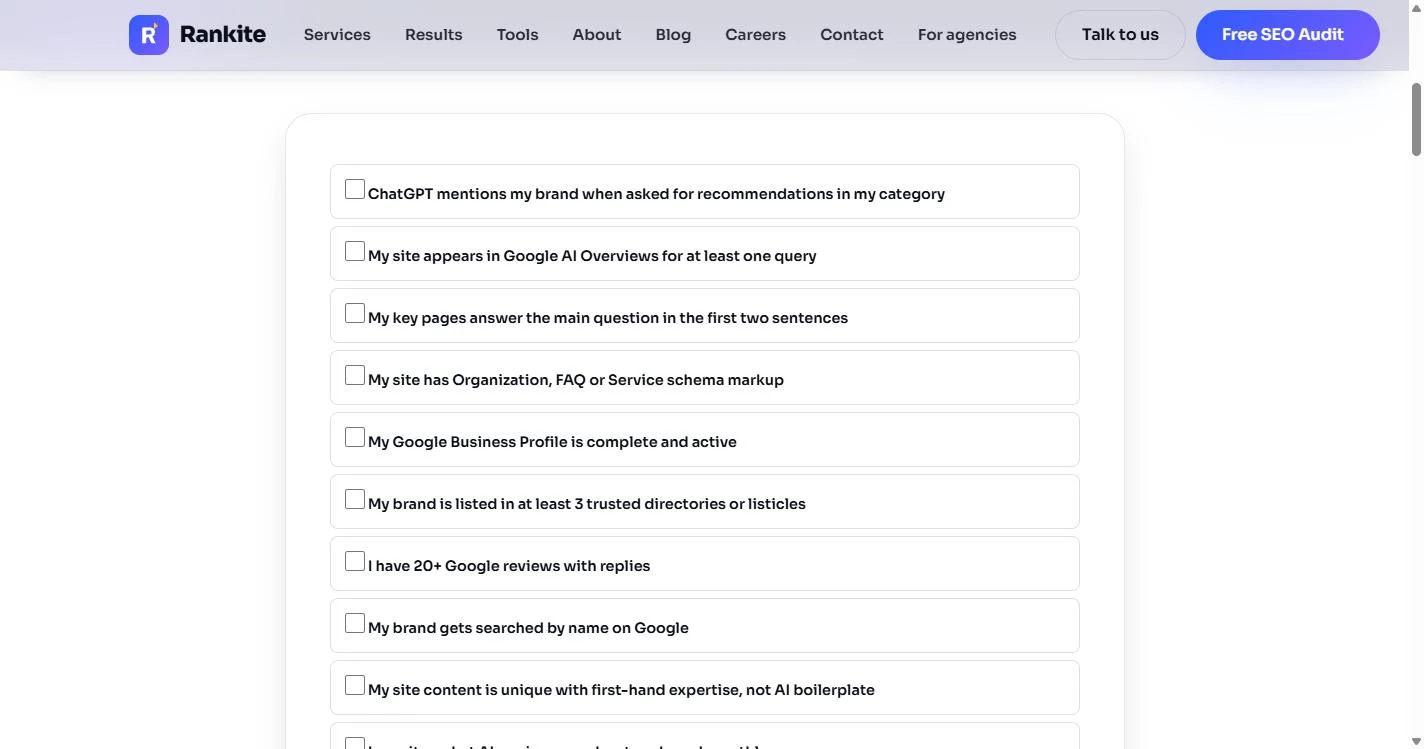
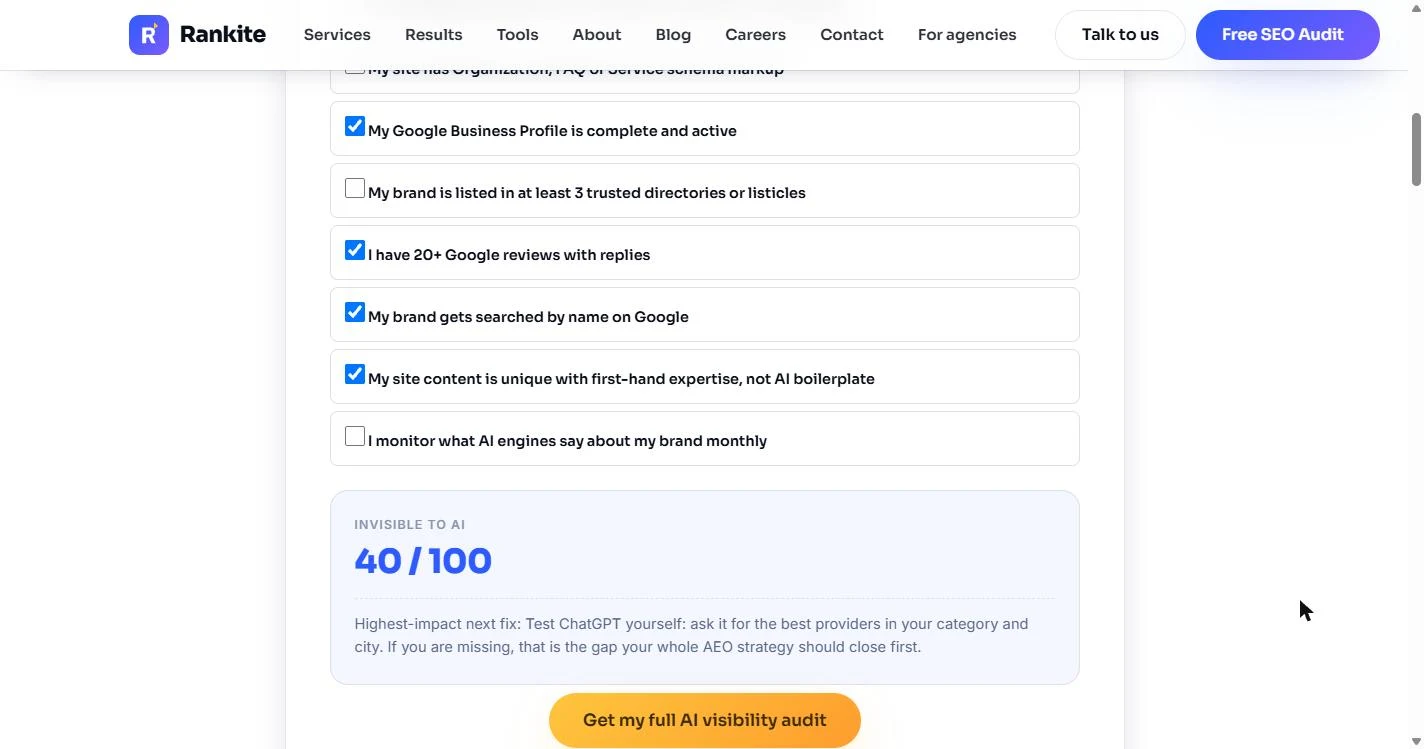
- Tick what is already true. You are Maya, marketing coordinator at Harbor & Pine Employment Law, a made-up 9-person firm in Portland, Oregon. A partner asked ChatGPT for "the best employment lawyer in Portland" and the firm was not in the answer. Start with Rankite's free AI Brand Visibility Checker (no sign-up). Be honest: four lines are true for the firm. Its Google Business Profile is complete, it has 20+ Google reviews with replies, people search it by name, and its articles are written by its own lawyers. Click My Google Business Profile is complete and active (we tick the other three for you).
A partner asked ChatGPT for the best employment lawyer in Portland, and your firm was not in the answer. Start with Rankite's free visibility checker. Tick only what is really true.
- Read the score and the next fix. The score updates as you tick: 40 / 100, Invisible to AI. Strong on Google, invisible to AI: that is common for firms that did classic SEO well. Under the score Rankite names the highest-impact next fix: ask ChatGPT for the best providers in your category and city yourself. If you are missing, close that gap first. Click the score.
Forty out of a hundred. Invisible to AI. Rankite says the first fix is to check what ChatGPT says about you, then close that gap.
2. Let AI search read your site
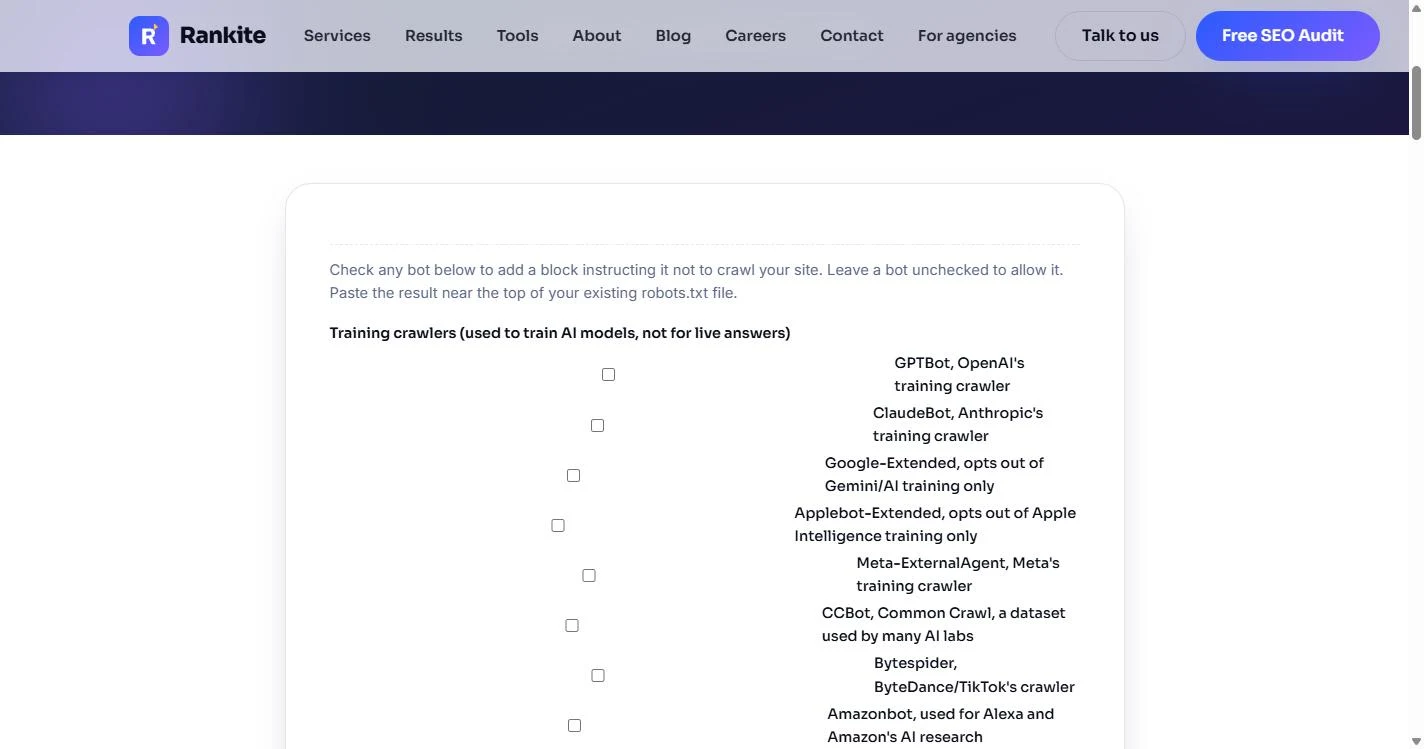
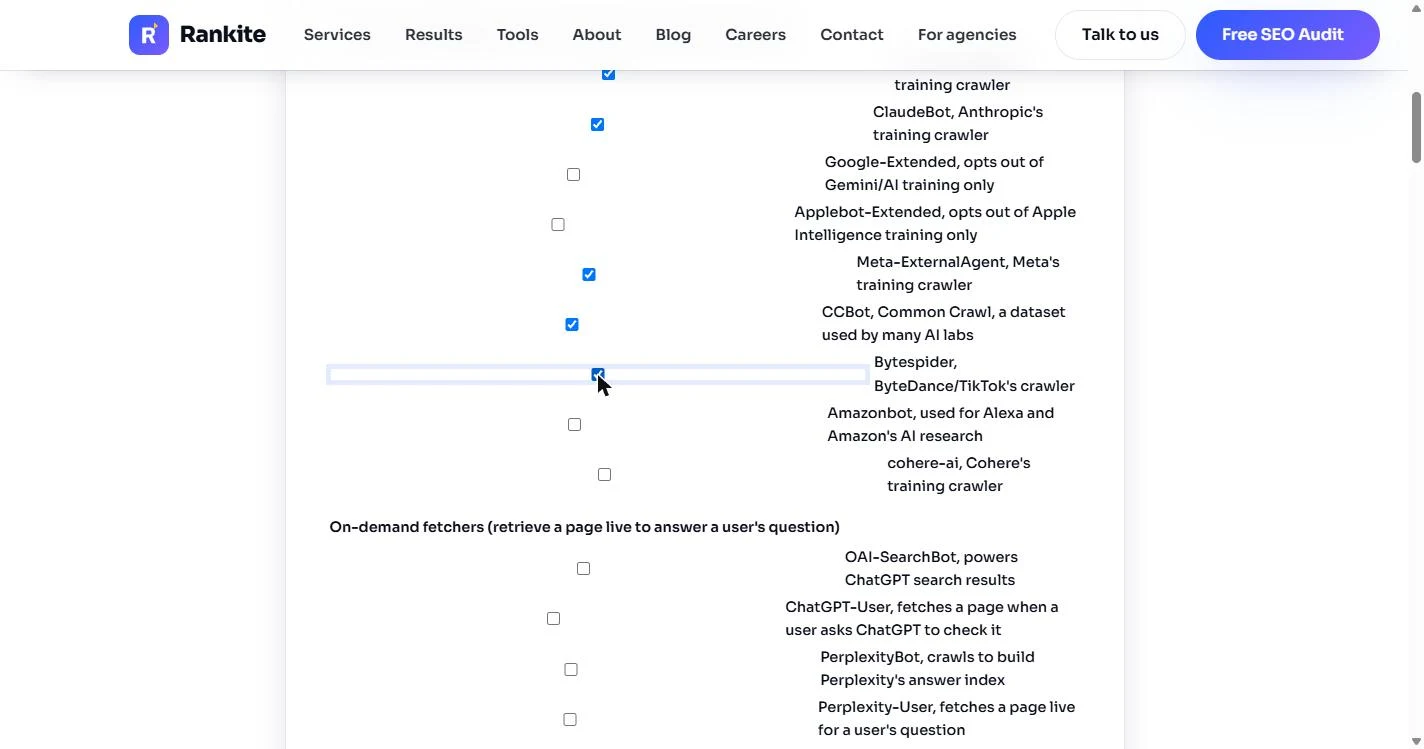
- Block the training crawlers. One common reason a site never shows up in AI answers: a robots.txt file that blocks every AI bot. The partners want the opposite of that, but with one limit: they do not want their articles used to train AI models. Open Rankite's AI Crawler robots.txt Generator. A ticked bot gets blocked. Tick the training crawlers GPTBot, ClaudeBot, Meta-ExternalAgent, CCBot and Bytespider. Click GPTBot.
A ticked bot is blocked. Tick the five training crawlers, starting with GPTBot.
- Leave the answer bots open. Now the important part: leave every on-demand fetcher unticked. OAI-SearchBot powers ChatGPT search, ChatGPT-User and Perplexity-User fetch a page when someone asks about it, and Claude-SearchBot powers Claude's web search. Blocking these is what keeps a firm out of cited answers. Click the On-demand fetchers list.
Leave the on-demand fetchers unticked. These are the bots that fetch your page when someone asks ChatGPT or Perplexity a question. Blocking them keeps you out of the answers.
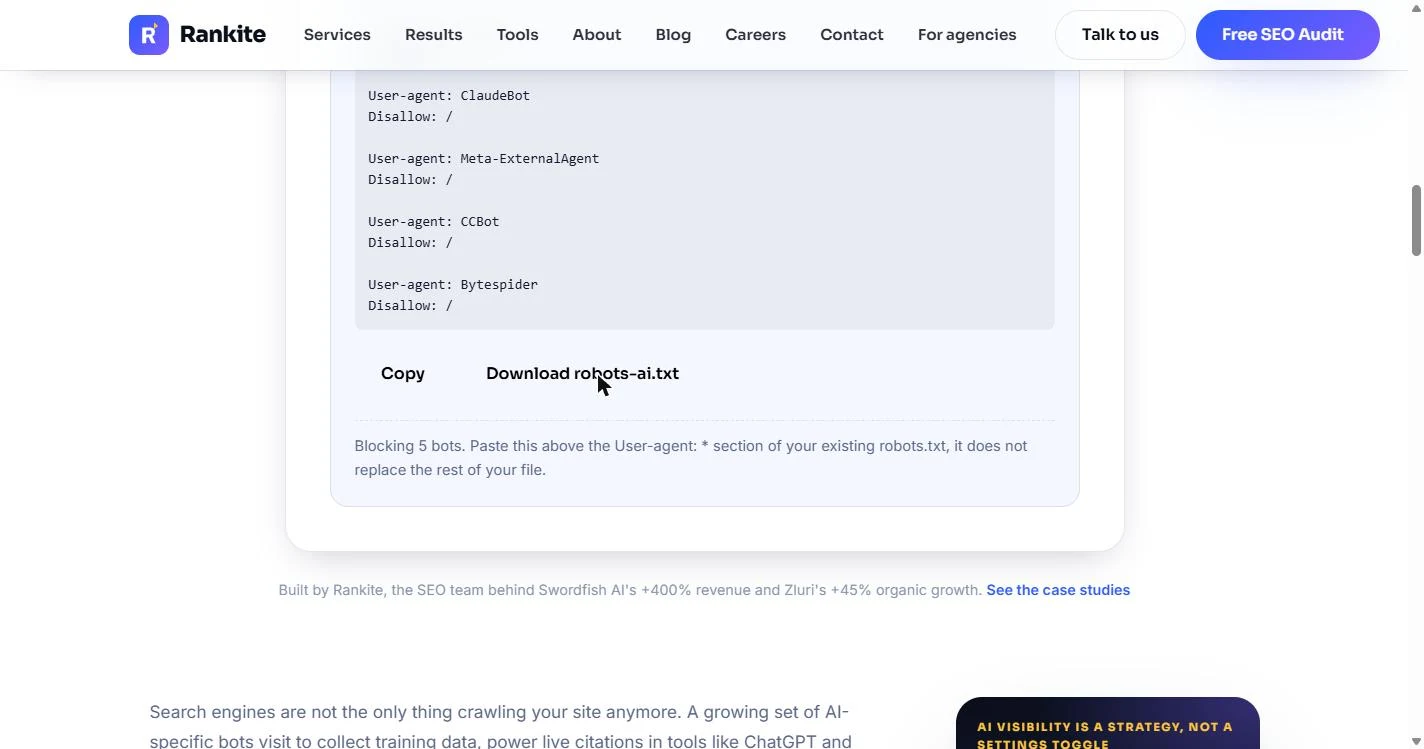
- Copy the block. Rankite writes the lines: a User-agent and Disallow: / for each of the five, and a note: *Blocking 5 bots. Paste this above the User-agent: \* section of your existing robots.txt.* It adds to the file; it does not replace it. Click Copy and send it to whoever runs the website, with the instruction to paste it near the top.
Rankite writes five short blocks. Copy them, and ask whoever runs the website to paste them near the top of the existing robots dot text file.
3. Give AI a map of your best pages
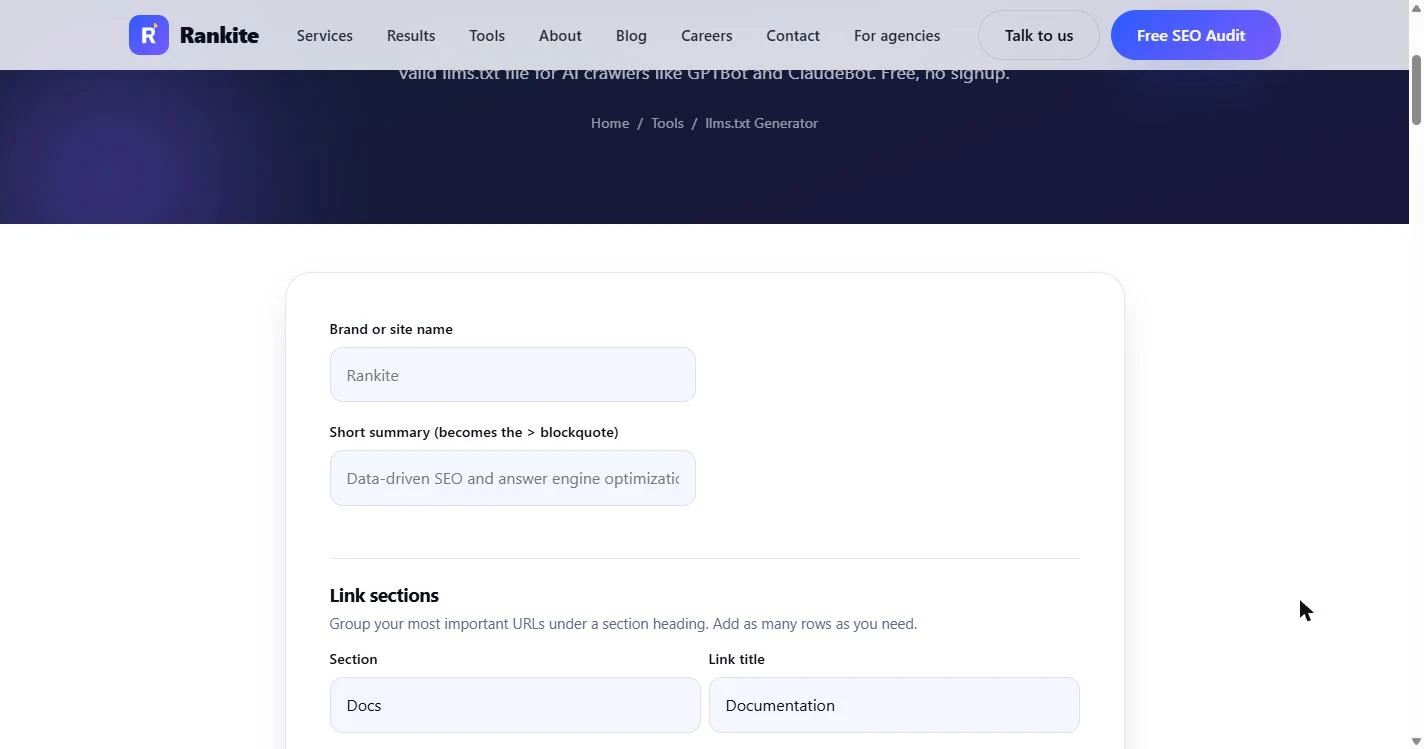
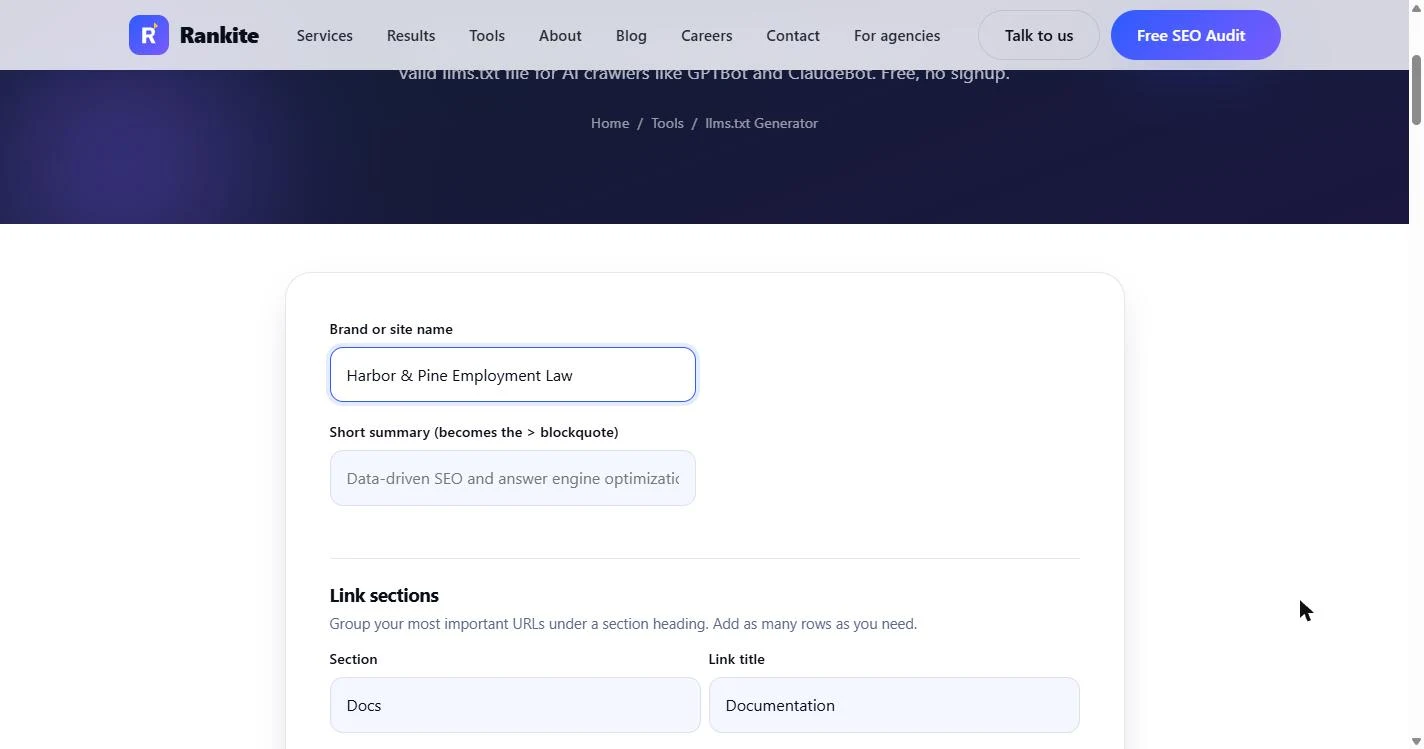
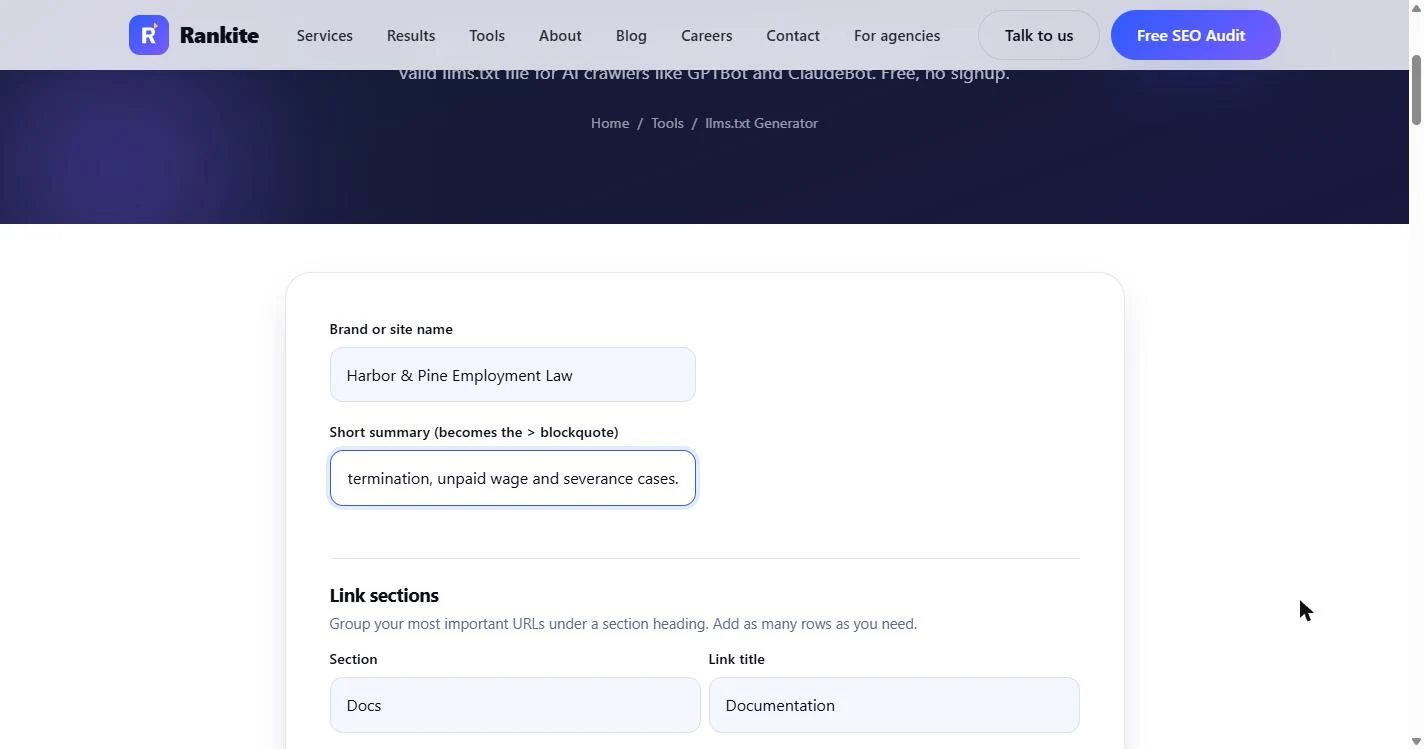
- Name the firm. Next, give AI tools a clean map of the firm's most important pages: an llms.txt file. Open Rankite's free llms.txt Generator. In Brand or site name, type the firm's name.
Now give AI tools a map of your best pages, called an L L M S dot text file.
- Write the one-line summary. The Short summary becomes the quoted line AI tools read first, so say who you are, where, and for whom, in one sentence. No slogans.
Write one plain sentence. Who you are, where you are, and who you help. No slogans.
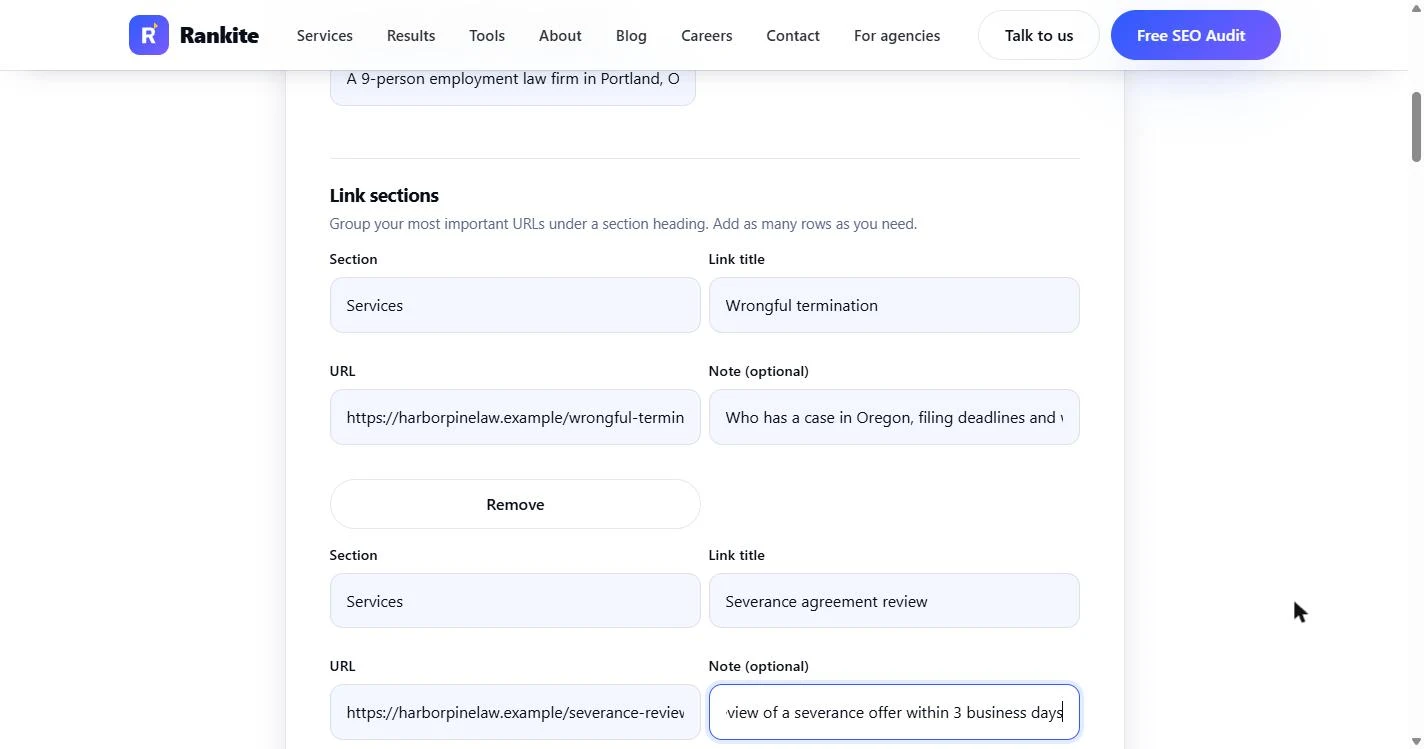
- Replace the sample rows. The link rows start with sample text (Docs, Documentation, example.com). Replace all three with the firm's real pages: two under Services (Wrongful termination, Severance agreement review) and one under Optional (Our attorneys), each with its URL and a one-line note. Click the first Section box and we fill the rows for you.
Replace the sample rows with your real pages. Two services, and one optional page about your attorneys.
- Check one row. Each row is a page AI should know about, with a note that says what it answers: *Who has a case in Oregon, filing deadlines and what the free consult covers.* Write notes the way a client would ask. Click the first row.
Write each note the way a client would ask the question. That is what AI tools match against.
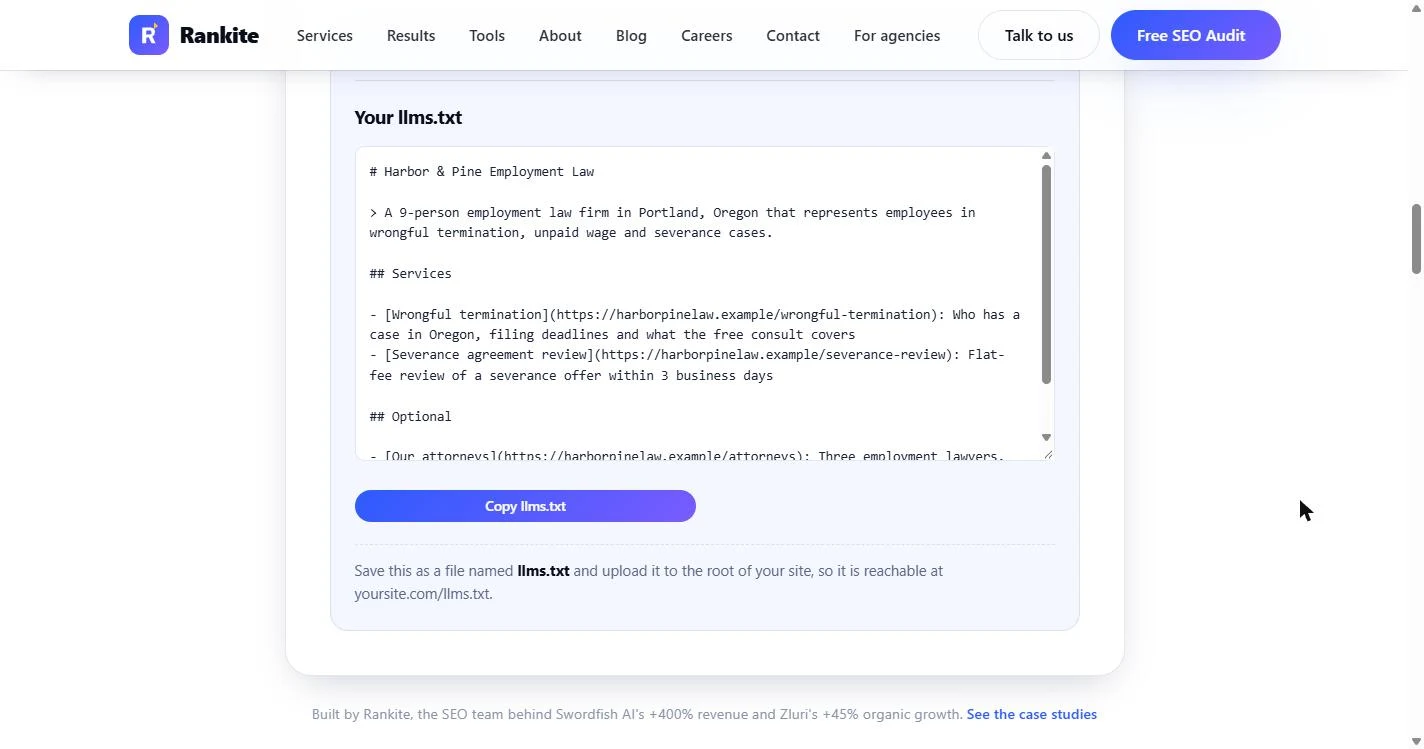
- Read the finished file. Rankite builds the file as you type: the firm name as a heading, the summary as a quote, then ## Services and ## Optional with a link line for each page. *Optional* is a real part of the llms.txt format: pages an AI can skip when it is short on room. Click the file.
Here is the finished file. Your name, one summary line, and your key pages with a note for each.
- Copy llms.txt. Click Copy llms.txt. Save it as a file named llms.txt at the root of the site, so it opens at yoursite.com/llms.txt. Then, a few weeks after both files are live, ask ChatGPT the partner's question again and run the checker one more time.
Copy it, and save it at the root of your site. In a few weeks, ask ChatGPT the same question again.
Screenshots
More in Business Automations
 AI Receipt Extractor: Receipts to Google Sheets with n8n
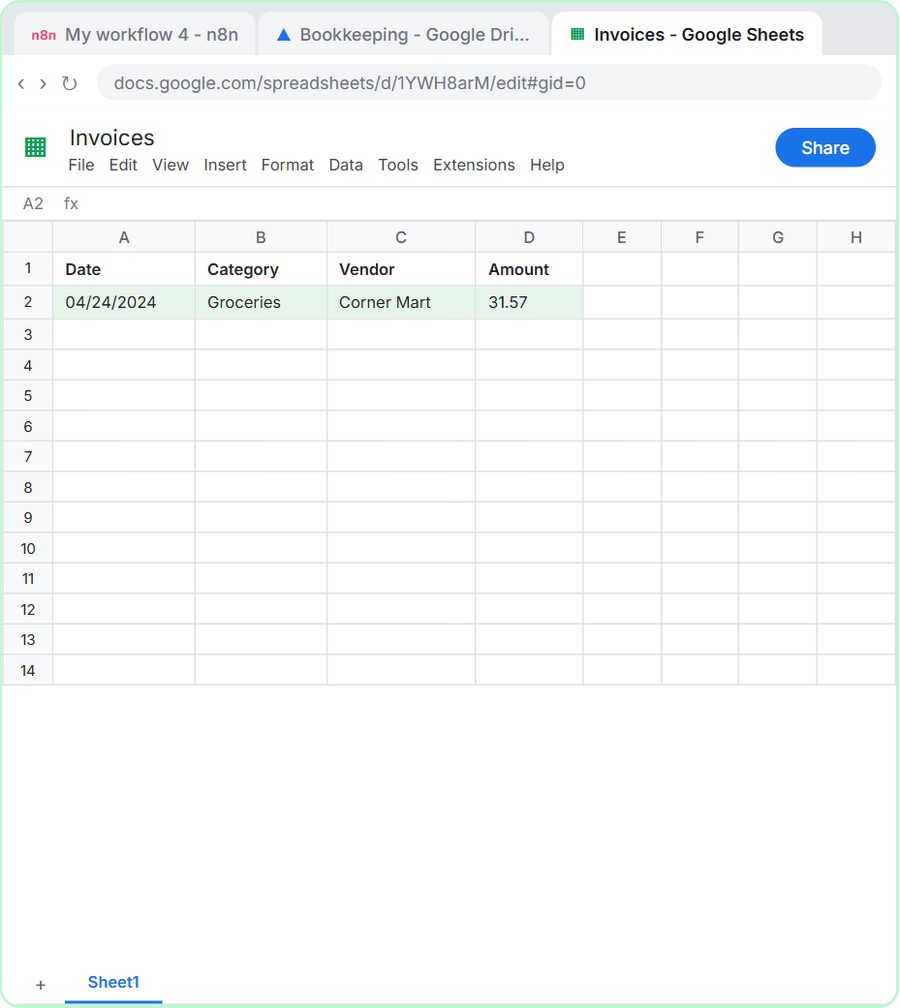
Drop a photo of a receipt into an n8n chat. An AI agent reads it, pulls out the date, vendor and amount, picks a category, and adds a row to Google Sheets.
Free · Live ~12 min Intermediate
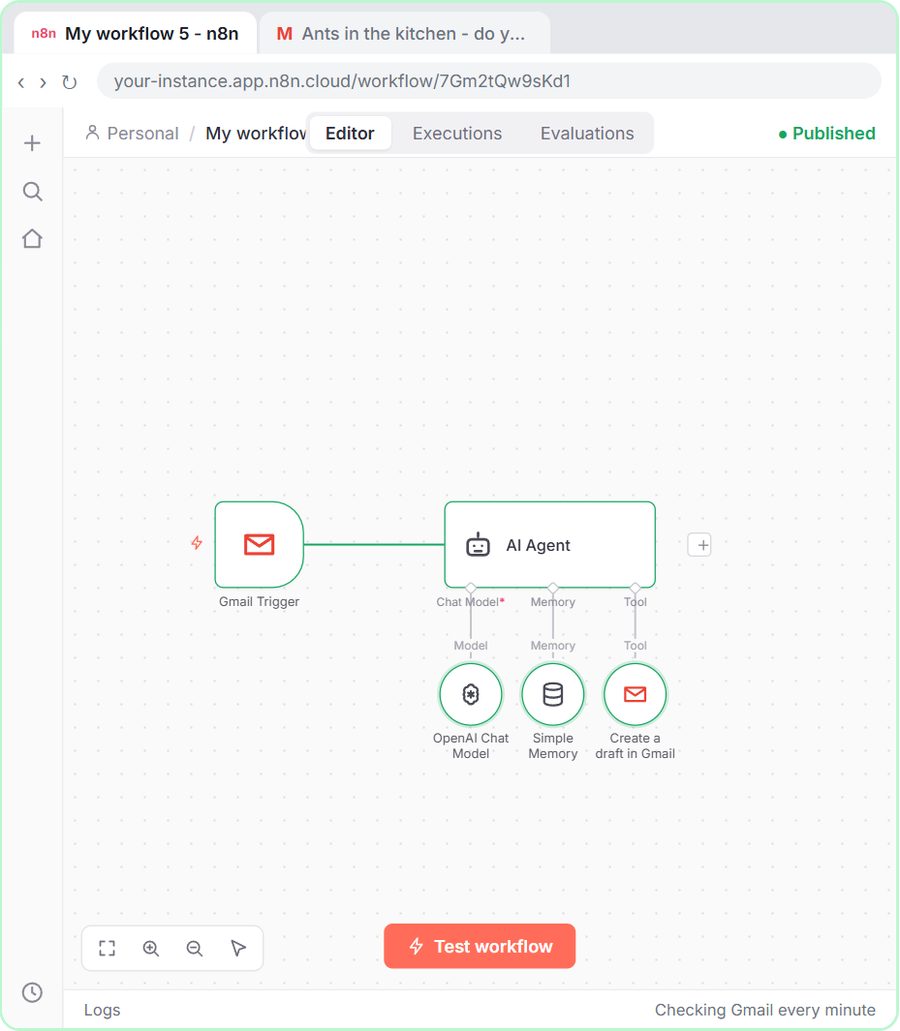 n8n AI Email Responder: Draft Gmail Replies Automatically
Build an n8n agent that watches your Gmail, reads each new customer email, and writes a reply as a draft in the same thread, ready for you to check and send.
Free · Live ~12 min Intermediate
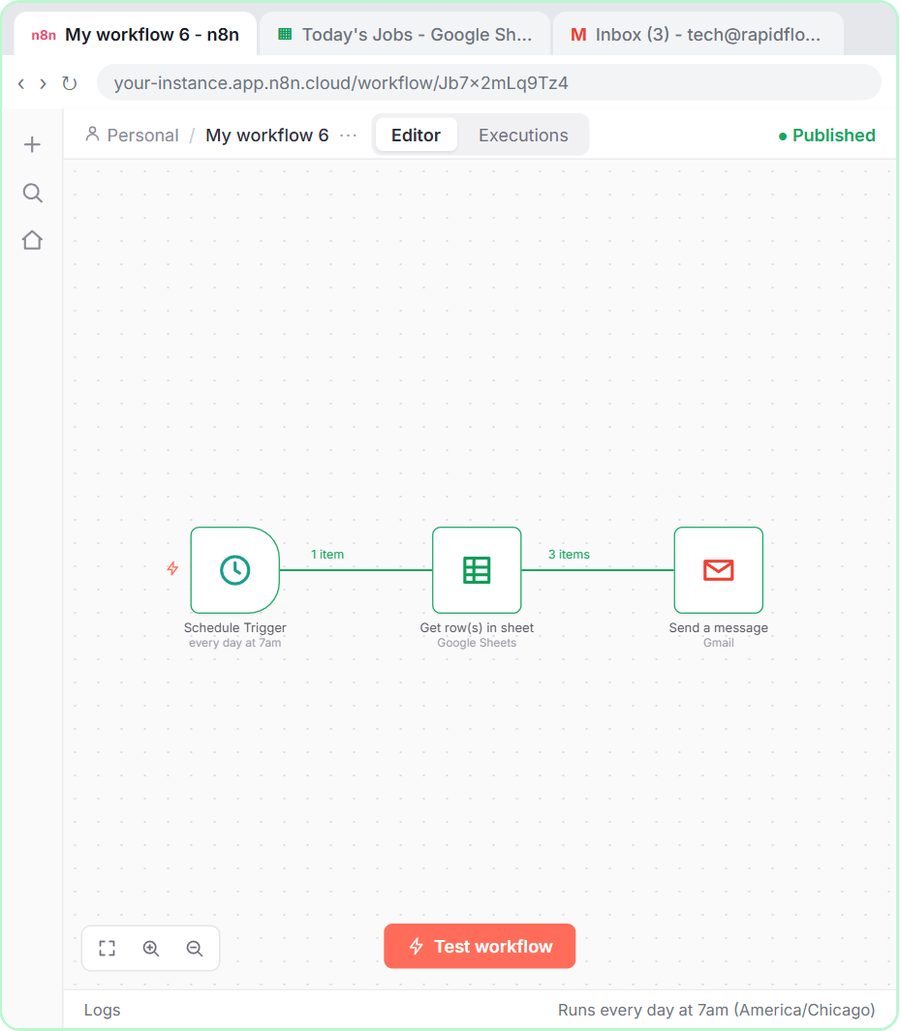 Daily Job Alerts: Email Each Tech Their Jobs from Google Sheets with n8n
Every morning at 7, n8n reads a plumbing company's jobs sheet, skips anything not assigned yet, and emails each job to the tech it's assigned to — customer, address…
Free · Live ~10 min Intermediate
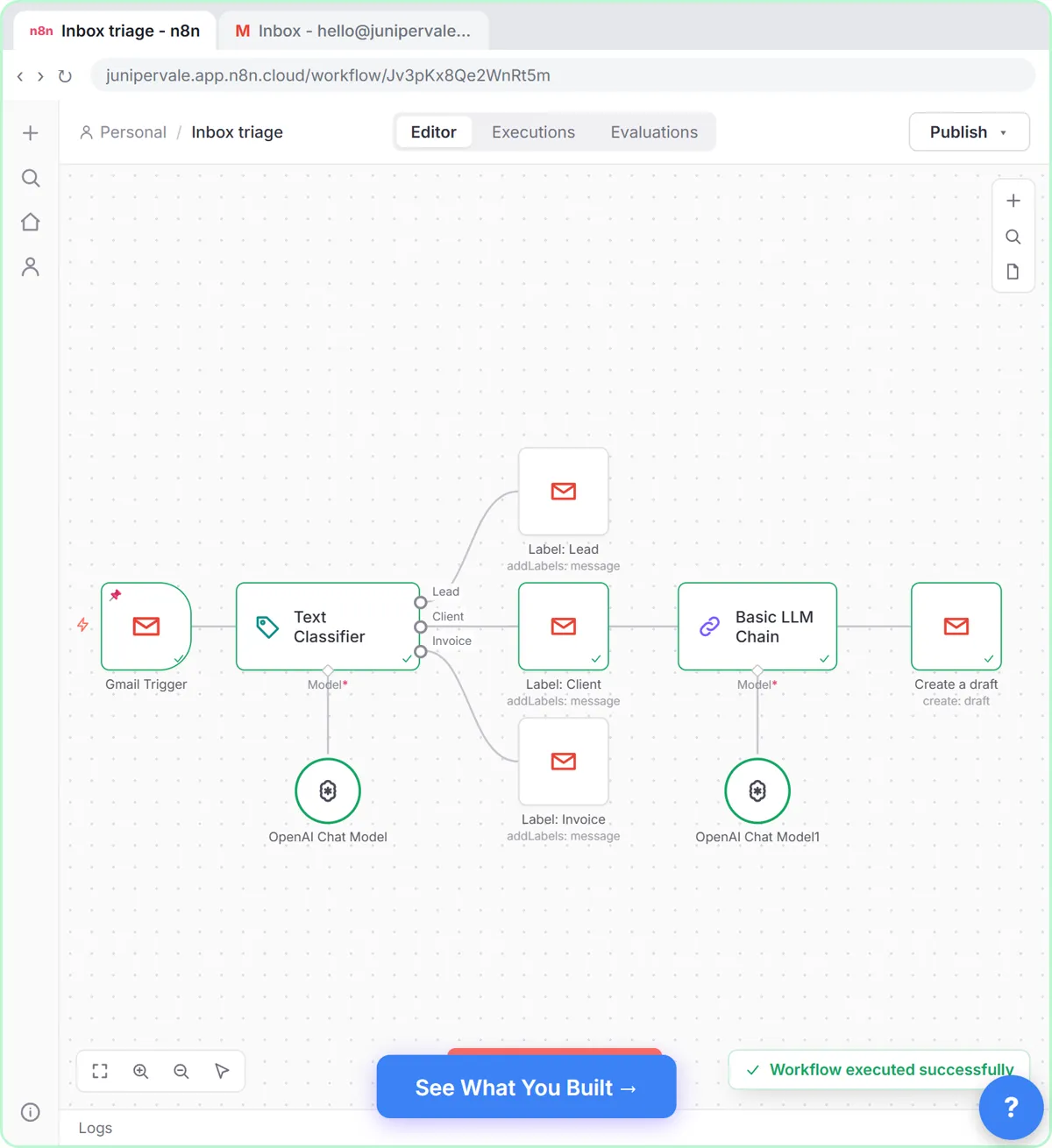 Gmail AI Triage: Auto-Label Every Email and Draft Replies
Build an n8n workflow that reads each new email, sorts it as a lead, a client or an invoice with a Text Classifier, adds the matching Gmail label, and drafts a reply to…
Free · Live ~18 min Advanced
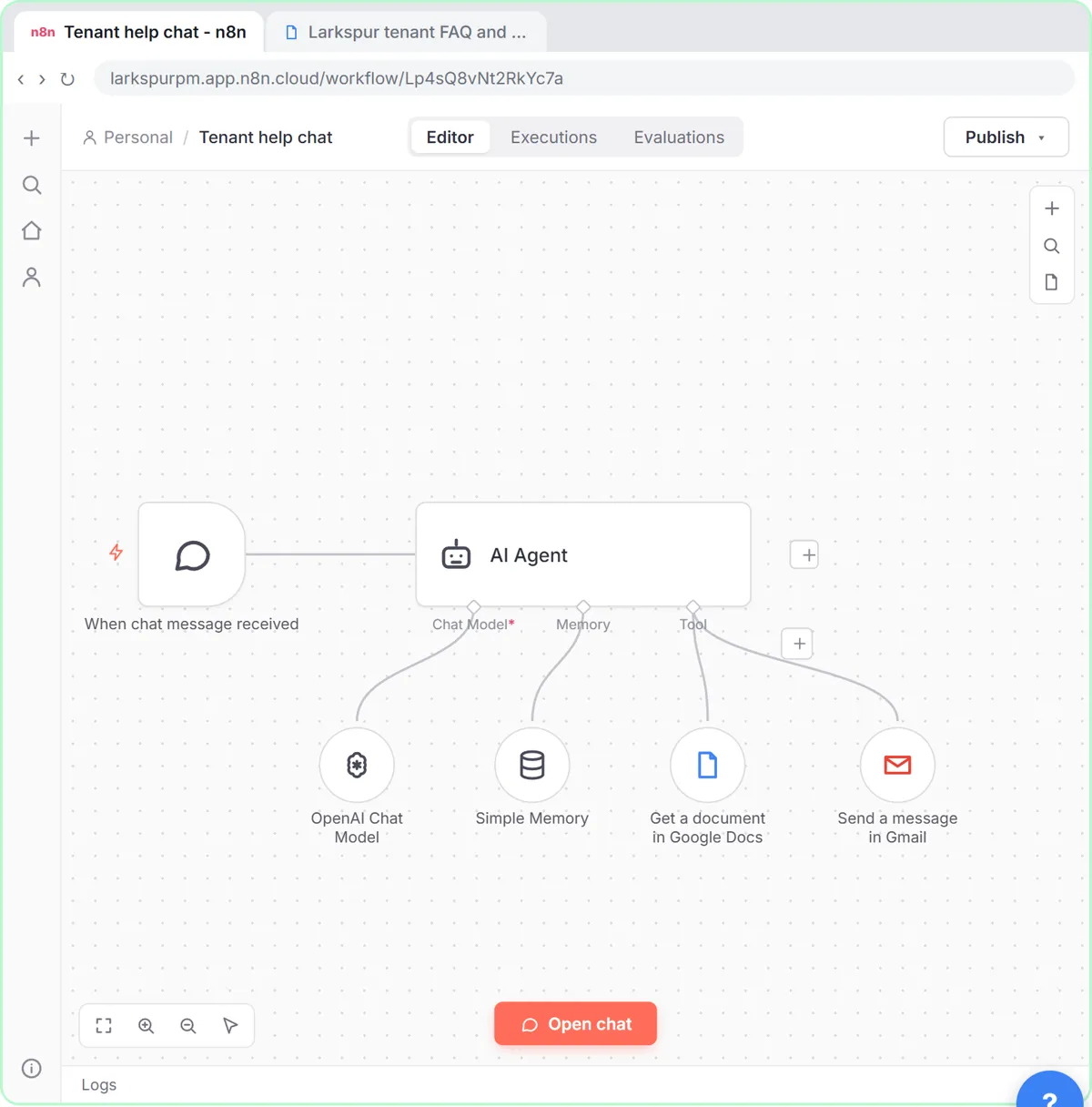 A Support Agent That Answers from Your Own Docs
Turn an n8n chat agent into a support agent that answers only from your policies in a Google Doc, refuses what it should, and hands off to a person by email.
Free · Live ~13 min Advanced
 Chatbase: Answer Customer FAQs with an AI Agent
A business case for a small firm that answers the same customer questions every week: build a Chatbase AI agent on your FAQ in the real app, make it say when it does…
Free · Live ~15 min Beginner
All 47 modules in Business Automations
More Rankite tutorials
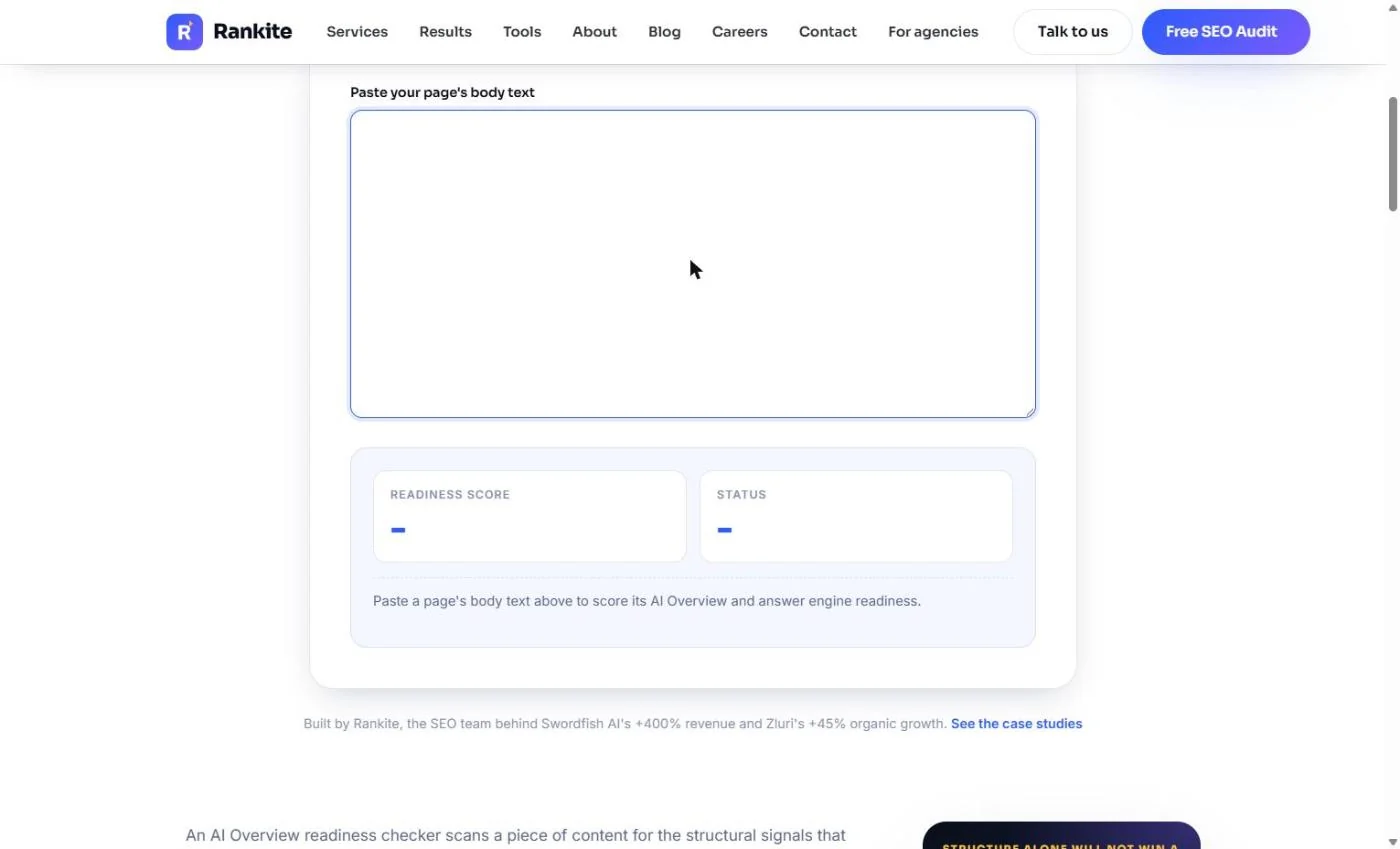 Rankite: Get Your SaaS FAQ Quoted in Google's AI Overviews
Buyers ask Google what your software costs and the AI answer quotes a competitor. Score your pricing page, rewrite it around the questions buyers ask, add FAQ and…
Free · Live ~9 min Beginner
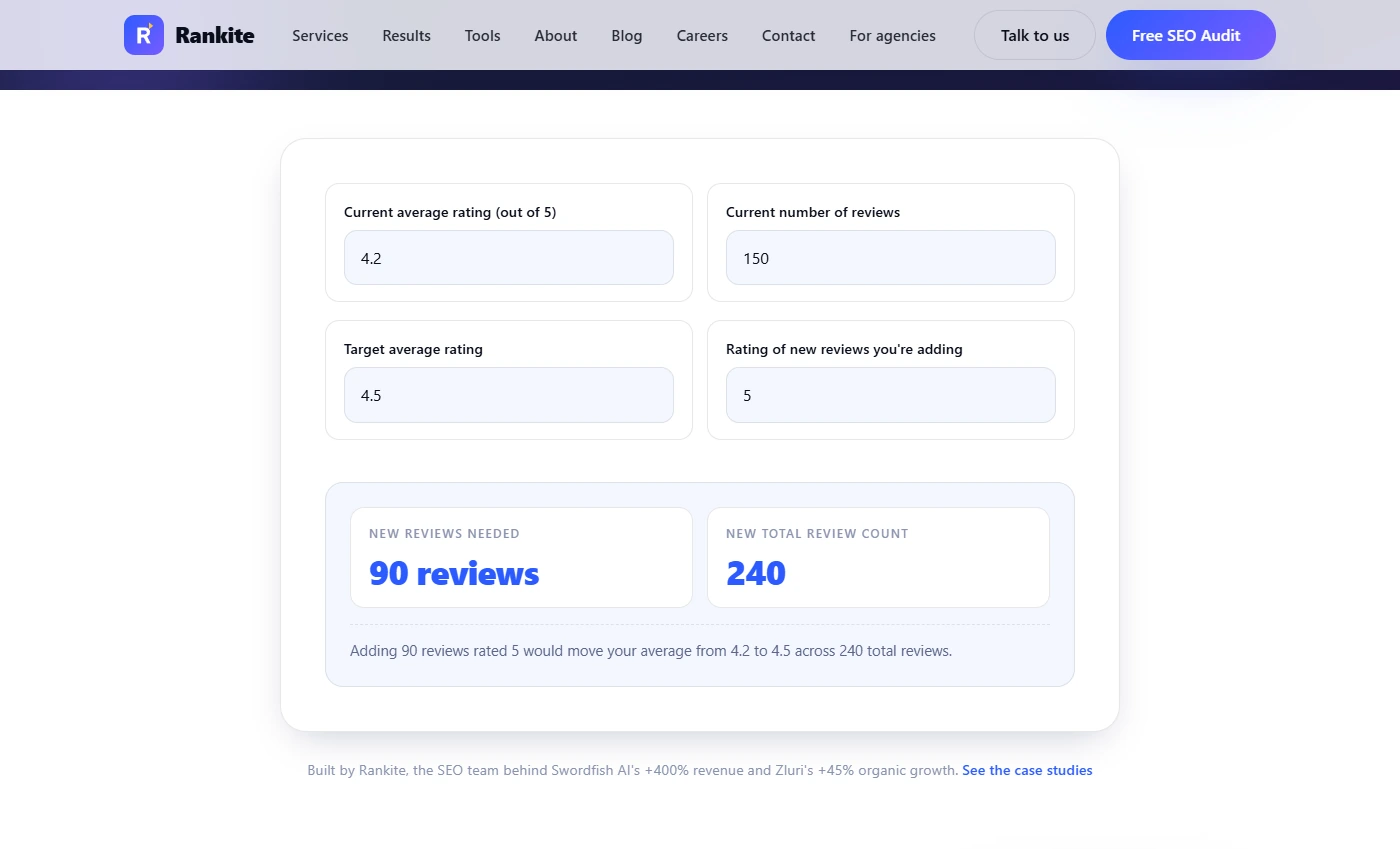 Rankite: Win More Google Reviews for Your Insurance Agency
Your agency shows 4.3 stars and the one down the road shows 4.7, so local searchers call them first. Work out how many reviews it takes, make a one-tap review link, ask…
Free · Live ~8 min Beginner
Terms in this lesson
Plain-English definitions, each with an example from a free lesson.