ChatGPT vs Claude for contract review: a small business first read
Quick answer
Both ChatGPT and Claude can give a small business a solid first read of a contract: a plain-English summary, the key terms with section numbers and the clauses worth questioning. Stepthrough has a tested lesson for each, and they show different strengths. Claude is the one we use for a red-flag review of a long agreement, because it is good at quoting the exact clause behind each point and can keep a review routine in a project. ChatGPT is a quick fit for pulling every key term into a table, working out a notice deadline and drafting the letter that follows. If your company already pays for one on a business plan, use that one.
Last updated
Take the free module →Module 7 of the free Claude Jump Start course, about 11 minutes. No account needed.
This page is for office managers, owners and operations staff, not lawyers. It is general information, not legal advice, and we have not run a head-to-head accuracy test, so we do not call either one more accurate. Facts are as of October 2026. Start with Check a contract for red flags with Claude or Find the key terms in a vendor contract with ChatGPT.
How do they compare at a glance?
| What you need | ChatGPT | Claude |
|---|---|---|
| Tested Stepthrough lesson | Key terms of a copier contract in one table with section numbers, the non-renewal deadline and a non-renewal letter. | Red flags in a three-year managed IT contract with clause numbers and exact words, then questions for the vendor. |
| Reads an uploaded PDF or Word contract | Yes, on plans that can read files. | Yes. |
| Long documents | Fine for a typical 20-page contract; OpenAI lists larger context on paid business plans. | Anthropic lists context windows of up to 1 million tokens for current models. |
| Reuse the same review | Save the prompt, or use a ChatGPT Project with instructions. | A Claude project runs the same review on the next contract in one line, as the lesson shows. |
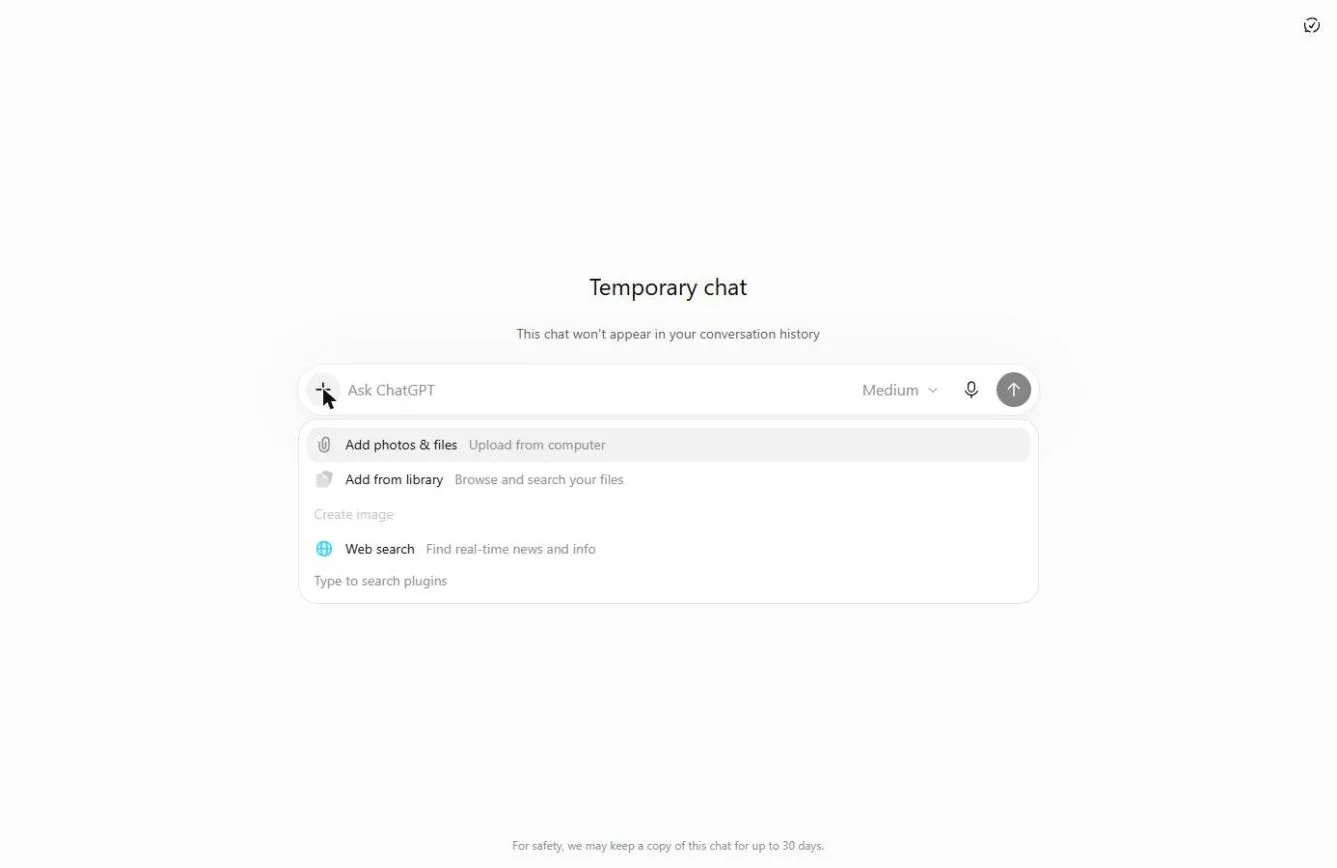
| Privacy option for a one-off contract | Temporary Chat (used in the lesson), or a business plan; check data controls. | A business plan; check the training and privacy settings. |
| Gives legal advice | No. Use it for a first read. | No. Use it for a first read. |
Which is better for contract review, ChatGPT or Claude?
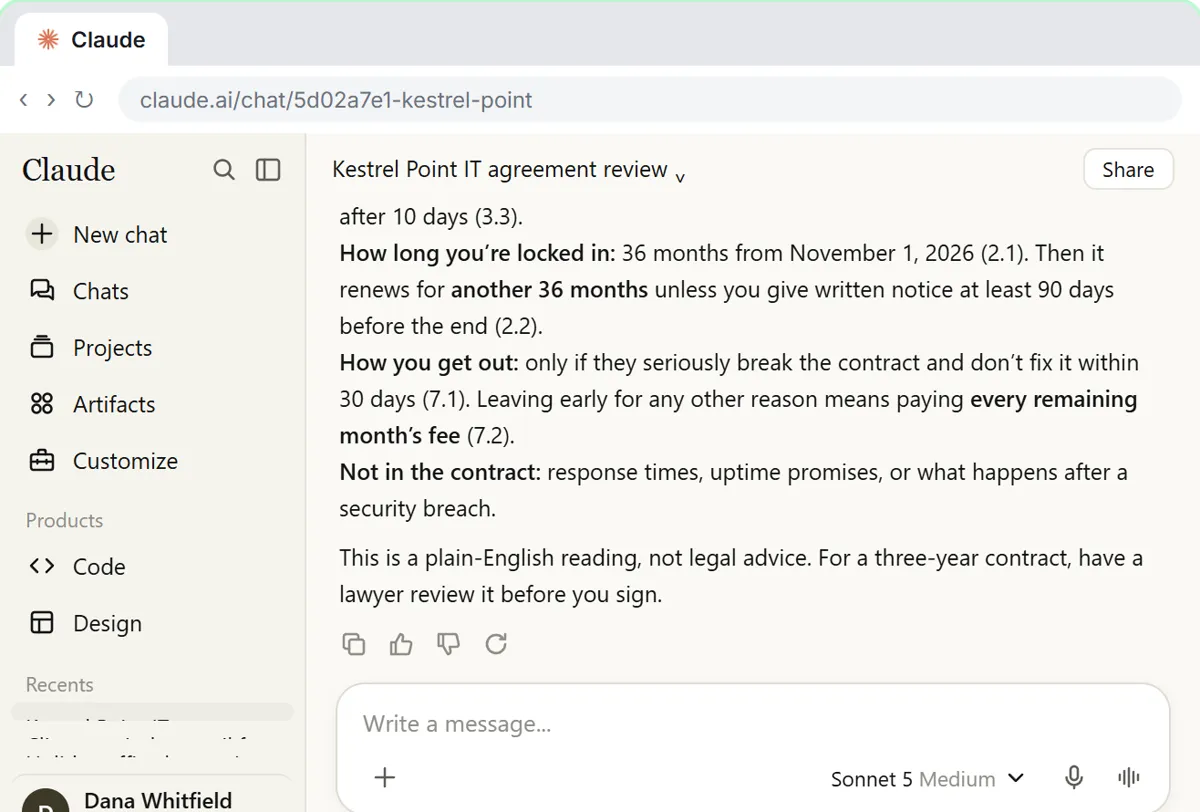
Neither replaces a lawyer, and we have not tested them side by side on the same contract. In our lessons, Claude did the deeper red-flag review: for Harbor Lane Accounting, a made-up office, it found a 36-month auto-renewal, a large early exit fee, a liability cap of three months' fees, an uncapped price increase and a one-way indemnity, each with its clause number and exact words. ChatGPT did the practical follow-through: for Brightline Painting, also made up, it listed every key term with its section number, and the owner checked the November 30, 2026 notice deadline and sent a non-renewal letter quoting Section 2.2.
If you are choosing, run the same contract through both with the same request, then check every quote against the document. The broader picture for office work is in ChatGPT vs Claude.
How do I review a contract with ChatGPT or Claude?
The routine is the same in both. Ask for a plain-English summary first (who, what, how long, how much, how to leave), then ask for the risky clauses by name: auto-renewal, price increases, termination fees, limits on liability and indemnity. Ask for the clause number and exact words for each, and tell it to write "not in the contract" when something is missing. Finish with three polite questions for the other side.
The contract red flags prompt has the whole request ready to copy, and AI contract review for small business walks through each step.
Is it safe to upload a contract to ChatGPT or Claude?
Only on an account your company allows for contracts. Both vendors offer business plans and privacy settings; check whether chats can be used for training before you upload anything confidential. The ChatGPT lesson uses a Temporary Chat for the copier contract. Remove signatures and personal details the review does not need.
The ChatGPT data controls lesson shows the settings to check, and Safe AI at Work covers what never goes into a chat.
What can neither ChatGPT nor Claude do in contract review?
Neither knows the law where you are, what is normal in your industry or what you agreed in other contracts unless you give it to them. Both can misread or miss a clause. Use them to find where to look and what to ask, then have a lawyer review anything that costs real money or runs a long time. See legal information vs legal advice.
Who is each one for?
ChatGPT
A good fit if you want the key terms of a vendor contract in one table, a deadline worked out and the follow-up letter drafted. Practice in Find the key terms in a vendor contract. Prices vary by plan; see OpenAI's pricing page.
Claude
A good fit for a careful red-flag read of a long agreement with exact quotes, and for saving the review as a project for the next contract. Practice in Check a contract for red flags. Prices vary by plan; see Anthropic's pricing page.
Which of these tools have a free Stepthrough lesson?
- ChatGPT: free lesson: Never Miss a Contract Renewal Deadline using ChatGPT
- Claude: free lesson: Check a Contract for Red Flags with Claude
Practice it free, step by step
Check a Contract for Red Flags with Claude. Upload a vendor contract, get it in plain English, find the risky clauses with the exact words quoted, draft questions for the vendor, and save the review as a project for the next one. You do every step yourself in a practice copy of Claude, it checks your work as you go, and “Do it for me” finishes any step you get stuck on. Free, and nothing touches your real accounts.
Start the free lessonWatch it in a free lesson: Choose the AI Assistant Your Team Should Use, Tested on ChatGPT, Claude, Gemini and Copilot
 1:51
1:51Same Task, Four Assistants: ChatGPT vs Claude vs Gemini vs Copilot: video walkthrough
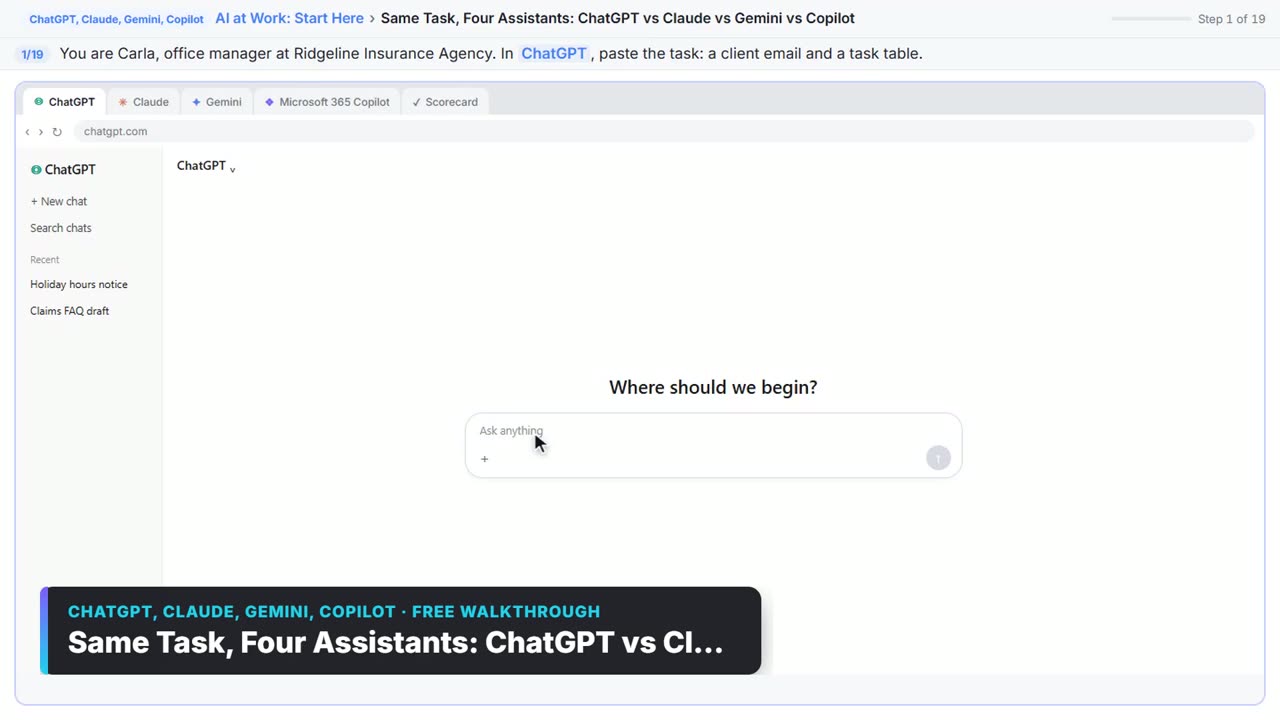
Give one real office task to ChatGPT, Claude, Gemini and Microsoft Copilot, check each answer on the facts, and pick the one to use at work. The whole lesson narrated step by step, recorded in Stepthrough’s simulated practice environment.
Key takeaways
- Both can give a useful first read of a contract; neither gives legal advice.
- Claude's tested lesson is a red-flag review with exact clause quotes; ChatGPT's is key terms, a notice deadline and a letter.
- Ask for clause numbers and exact words, and check every quote against the contract.
- Upload contracts only on a plan your company approves, and check the privacy settings first.
Frequently asked questions
Is Claude better than ChatGPT for contract review?
For a long red-flag review, Claude is the one our lesson uses because it quotes the exact clause behind each point. We have not tested the two head to head, and ChatGPT handles key terms and follow-up letters well.
Can ChatGPT review a contract?
Yes, as a first read. It can list key terms with section numbers and flag risky clauses. Check each one against the contract and have a lawyer review anything important.
Can Claude read a PDF contract?
Yes. You can upload a PDF or Word contract and ask for a summary and the risky clauses with clause numbers, as the Claude lesson does.
What is the best AI for contract review for a small business?
Usually the assistant your company already pays for on a business plan. For dedicated legal software, see the AI tools directory's legal contracts category.
Where do these prices and features come from?
Every price and feature on this page was checked against the vendor's own page, as of October 2026. No numbers here are estimates or third-party figures. The example businesses in the Stepthrough lessons are made up.