This guide is for founders and small teams who built an AI app or AI tool and now need users. No ad budget, no growth team, no code needed for any step.
What are the steps to promote an AI app?
Ten steps, in this order. The early ones make every later one work better.
- Fix onboarding first: a free tier and no credit card.
- Write a clear one-line value proposition.
- Get listed in AI tool directories.
- Get a hands-on tutorial or lesson made for your tool.
- Publish use-case pages for specific roles and industries.
- Get into comparison and "best X" articles.
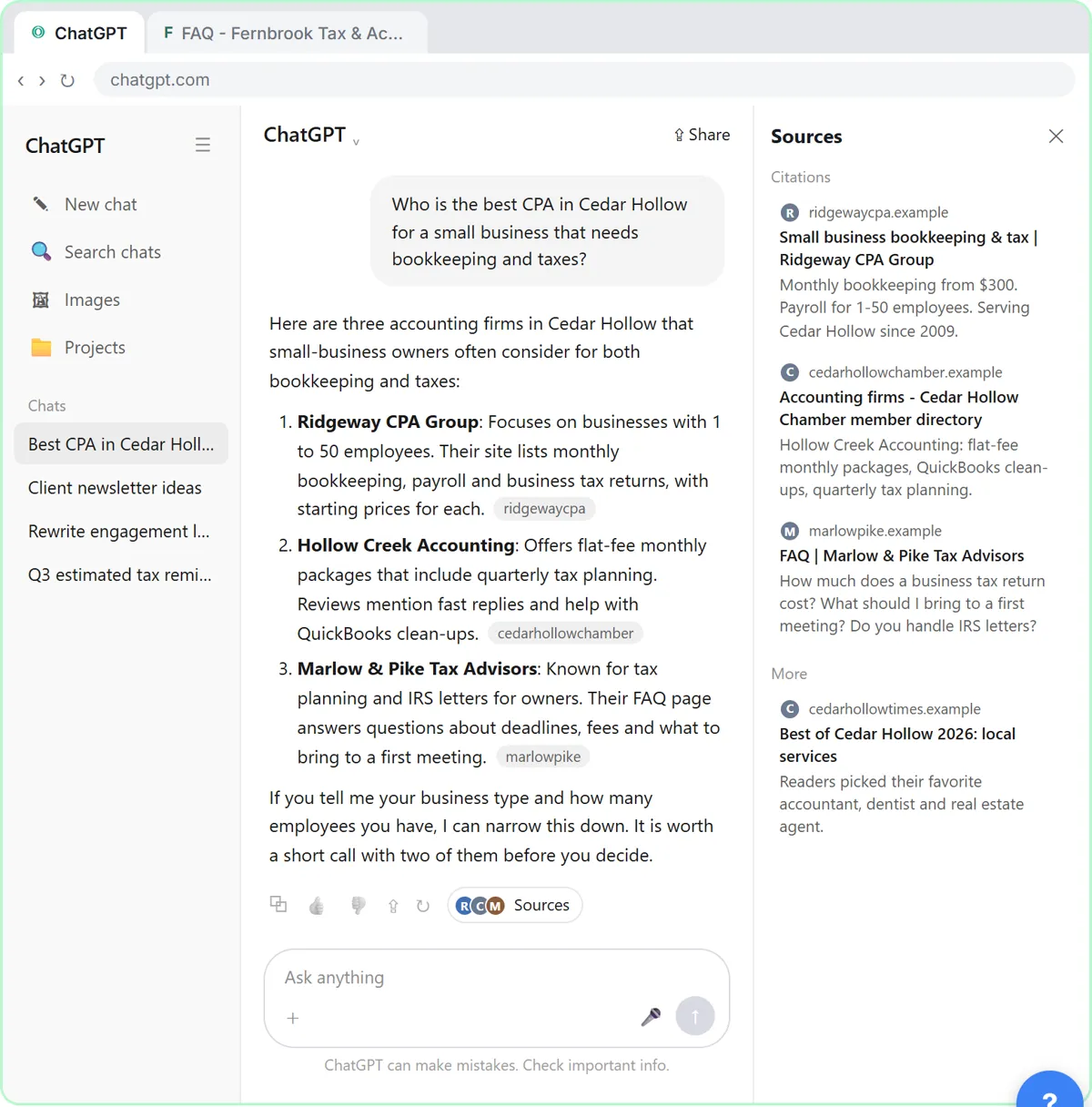
- Show up in AI answers (ChatGPT, Perplexity).
- Use communities: launch platforms, Reddit, Indie Hackers and maker groups.
- Run partnerships and integrations.
- Measure activation and first-session completion, not just signups.
Step 1: Why fix onboarding before promoting?
Because every visitor you win is wasted if they can't try the app. Promotion sends people to your sign-up page. If that page asks for a card, a sales call or a long form, most of them leave.
Offer a free tier or a free trial with no card. Let people reach the first useful result in a few minutes. Remove every field you don't need on day one. Then sign up yourself in a private window and time it. If it takes more than five minutes to see value, fix that before you spend a minute on promotion.
Step 2: How do I write a one-line value proposition?
Name who it is for, the job it does and the result. A simple pattern: "[Tool] helps [who] [do what] so they [result]." For example: "Helps bookkeepers turn bank statements into categorized spreadsheets in minutes."
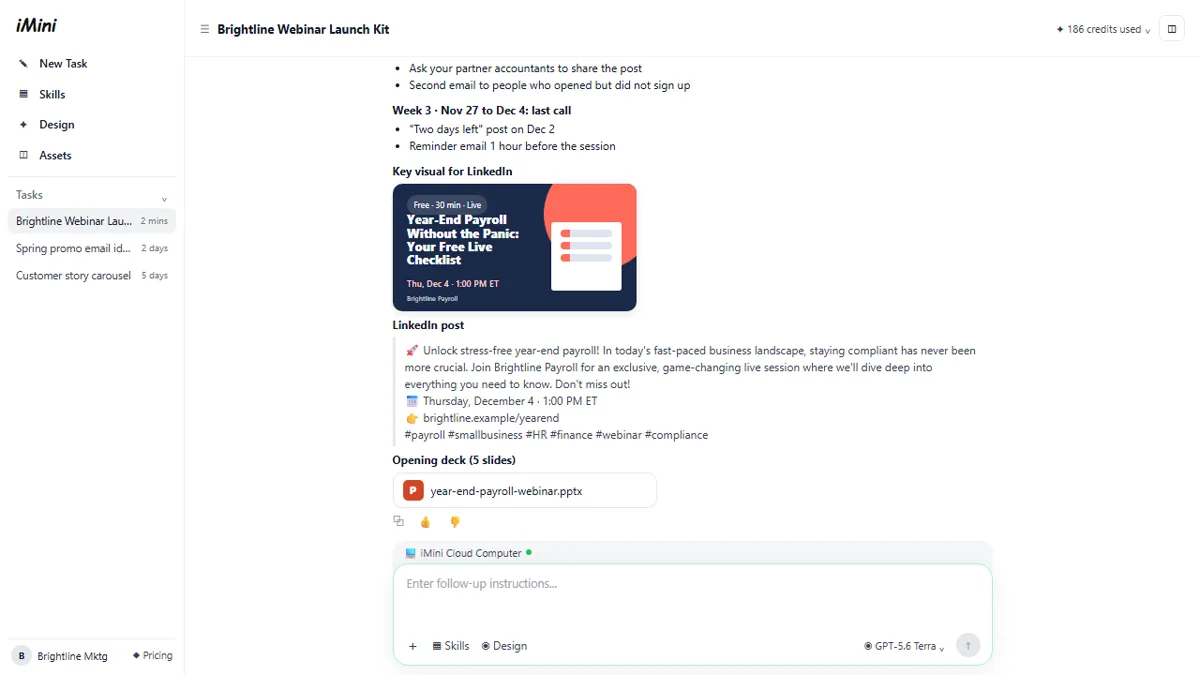
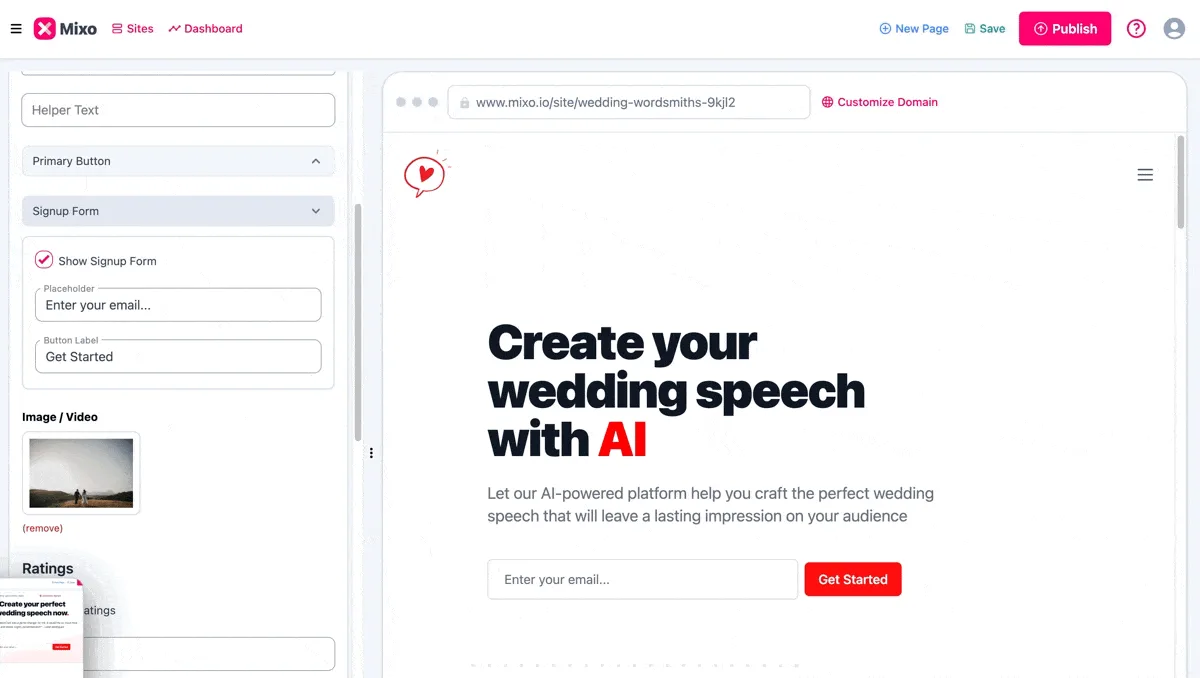
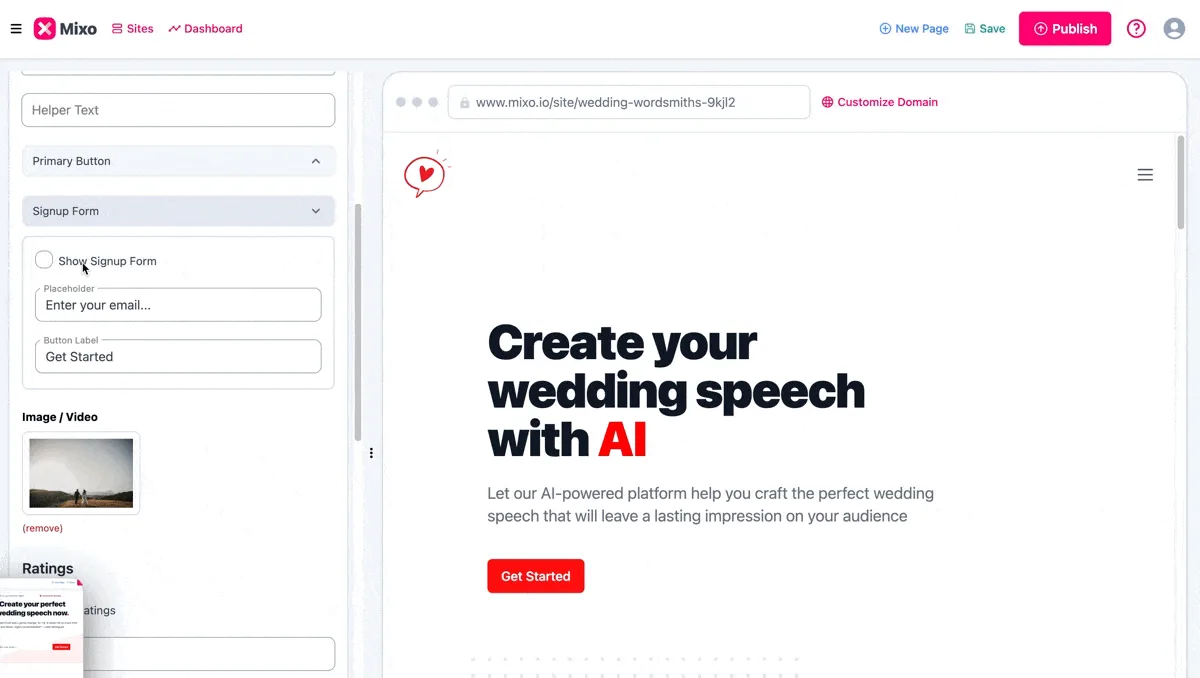
Avoid "AI-powered platform for productivity." It says nothing. Put the line at the top of your homepage, in every directory listing and in your social bios, word for word. To test it cheaply, put it on a landing page and see who signs up: the Mixo lesson builds a sign-up page from one sentence. The iMini lesson turns a rough idea into a launch plan and copy you can edit.
Step 3: Where should I list my AI tool?
In AI tool directories that real people browse, plus the big launch platforms. Submit to several, and keep the same name, one-liner and category everywhere.
Be honest with yourself about what a listing gives you. Many directories mark outbound links "nofollow," so a listing alone may do little for your Google ranking. Some directories are mostly lists of submissions that few people read. The good ones still send visitors, and AI assistants often cite directory pages when someone asks "what tool does X?" Favor directories that write real descriptions, sort tools by job and get traffic. Skip the ones that charge to list you and show no visitors.
The Stepthrough AI tools directory is free to join, and each card links to your site with a normal link. The AI tool directories lesson shows how buyers use directories to pick a tool.
Step 4: Why get a hands-on tutorial made?
Because people buy tools they have already tried. A tutorial that walks a reader through one real task in your app answers "can it do my job?" better than a feature list. It also gives search engines and AI assistants a clear how-to page about your tool.
Write your own in your docs, and ask others to make them too: bloggers, YouTubers and course makers. Stepthrough builds free, hands-on lessons for selected AI tools from your public docs, usually within about 48 hours, with no login to your tool needed. Request one on the makers page.
Step 5: Should I make use-case pages for each role?
Yes. "AI tool for accountants" and "AI tool for recruiters" are different searches with different buyers. One page per role or industry, each showing the real task, the before and after and a screenshot, often converts better than one general homepage.
Start with the two or three roles that already use your app most. Use their words, not yours. Link each page from your homepage so people and crawlers can find it.
Step 6: How do I get into "best X" and comparison articles?
Find the articles that rank today for "best [category] tools" and "[competitor] alternatives," then email the authors. Offer what makes their job easy: a free account, a one-paragraph description, a screenshot and an honest note on who your tool is not for.
Make your own honest comparison pages too: your tool versus the main alternative, with a table and a clear "choose them if" section. Readers trust a page that admits when the other tool is the better pick. Stepthrough's tool comparisons are one example of the format.
Step 7: How do I show up in ChatGPT and Perplexity answers?
Nobody can promise an AI assistant will mention your tool. What tends to get cited is a page that answers one narrow question clearly: a how-to with steps, a comparison with a table, an FAQ with short direct answers, or a directory page that lists your tool by job.
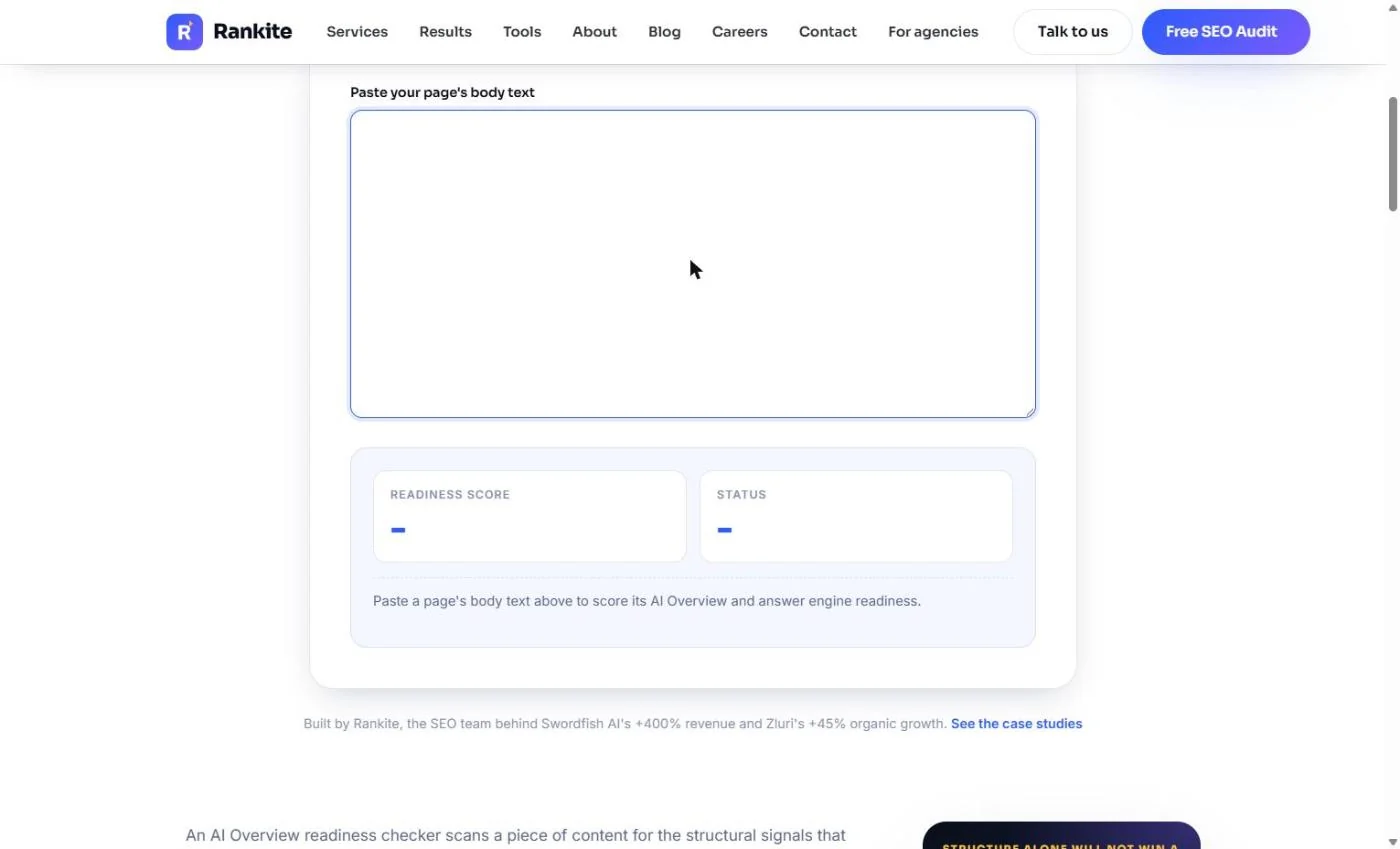
So write those pages, put the answer in the first two or three sentences, and use plain question headings. Get listed on sites that assistants already cite for your category. Make sure your site loads without logins or heavy scripts, and that Bing can index it too, since some AI search tools rely on it. The Rankite SaaS FAQ lesson shows how to shape an FAQ for AI answers. Our AI citations check shows which pages ChatGPT, Perplexity and Gemini cited in our own monthly test.
Try it free, step by step
Rankite: Get Your SaaS FAQ Quoted in Google's AI Overviews. Buyers ask Google what your software costs and the AI answer quotes a competitor. Score your pricing page, rewrite it around the questions buyers ask, add FAQ and product schema, and check the code… You do every step yourself in a practice copy of Rankite, it checks your work as you go, and “Do it for me” finishes any step you get stuck on. Free, and nothing touches your real accounts.
Start the free lessonStep 8: How should I use Product Hunt, Reddit and Indie Hackers?
As places to help and listen first, and to post second. Each one has its own rules.
- Launch platforms like Product Hunt: prepare a short demo video, screenshots and your one-liner, and be there all day to answer comments. A launch is a single day of attention, so line up your own audience to visit.
- Reddit: read each subreddit's rules before posting. Many ban self-promotion outright. Answer questions where your tool genuinely helps, and say that you made it.
- Indie Hackers and similar founder sites: share what you are learning, with real numbers, rather than an ad.
- Maker communities: join a few where people swap feedback. The Stepthrough Makers Slack is free, for people who build apps and AI tools.
Step 9: How do partnerships and integrations bring users?
They put your tool in front of people who already use something else. Build an integration with a tool your users live in, such as Slack, Google Sheets, Zapier or n8n, then ask to be listed in that tool's app directory or integrations page.
Partner with tools that sell to the same buyer but don't compete with you. Swap a guest post, a joint webinar or a mention in each other's onboarding emails. Small, specific offers get a yes more often than "let's partner."
Step 10: What should I measure when promoting an AI app?
Activation, not signups. Track how many new users reach the first useful result, and how many finish their first session. Then track who comes back in week two.
A channel that brings 50 signups and 30 active users beats one that brings 500 signups and 10. Tag every link you share with UTM parameters so you know which channel each user came from. Review the numbers every week, double down on the channels that bring active users and drop the rest.
What does Stepthrough do free for AI app makers?
Everything below is free. No tool can pay for a lesson or a better spot in the directory.
- A directory listing in the AI tools directory, with a normal link to your site.
- A hands-on lesson for selected tools, where learners do one real task in your app step by step. Request one.
- A badge and embed snippet so you can show the lesson in your docs.
- The monthly Partner spotlight for tools with a lesson.
- The Stepthrough Makers Slack, a free community to swap launch notes and feedback.
What we ask in return: a link to your lesson from your site or docs, if it helps your users.
Key takeaways
- Fix onboarding first: a free tier, no card, and a first result within minutes.
- Use one clear line about who it is for and what it does, everywhere.
- List in directories people actually browse, and know that many links there are nofollow.
- Hands-on tutorials and use-case pages turn visitors into users and give AI assistants something to cite.
- Judge every channel by activation and first-session completion, not signups.
Frequently asked questions
- How much does it cost to promote an AI app?
It can cost nothing but time. Every step in this guide can be done free: directory listings, tutorials, use-case pages, community posts and outreach to writers. Paid ads are optional and work better once onboarding is fixed.
- How long does it take to get users for an AI tool?
Directory listings and community posts can bring first visitors within days. Search and AI answer traffic usually takes weeks to months, because pages need to be found and trusted first. Plan for steady weekly work, not one big launch.
- Are AI tool directories worth it?
The good ones are. They send real visitors and get cited by AI assistants. Many use nofollow links, so don't count on them for Google rankings, and skip directories that charge to list you without showing real traffic.
- Should I launch my AI app on Product Hunt?
Yes, if your onboarding works and you can spend the launch day answering comments. Treat it as one day of attention, not a growth plan. Keep doing the other steps before and after.
- How do I get my AI app into ChatGPT answers?
Publish clear pages that answer one question each, like how-tos, comparisons and FAQs, and get listed on sites that AI assistants already cite. Nobody can guarantee a mention, so measure it by asking the assistants your buyers' questions every month.
- Should I use paid ads or organic promotion first?
Start organic. It costs time, not money, and it shows which message and audience work. Once you know that and onboarding converts, small paid tests make sense.
- Can I launch an AI startup with no budget?
Yes. A free tier, a clear one-liner, free directory listings, a hands-on tutorial, community posts and honest outreach cost nothing but time. Spend money only after you see which channel brings active users.
- Where should I list my AI tool first?
Start with directories that real buyers browse and that sort tools by job, then the big launch platforms. Submit to the Stepthrough AI tools directory free, and request a free lesson on the makers page.