This guide covers what to put in the description, the prompt, and how it fits with the rest of your online facts.
Why does the Google Business Profile description matter?
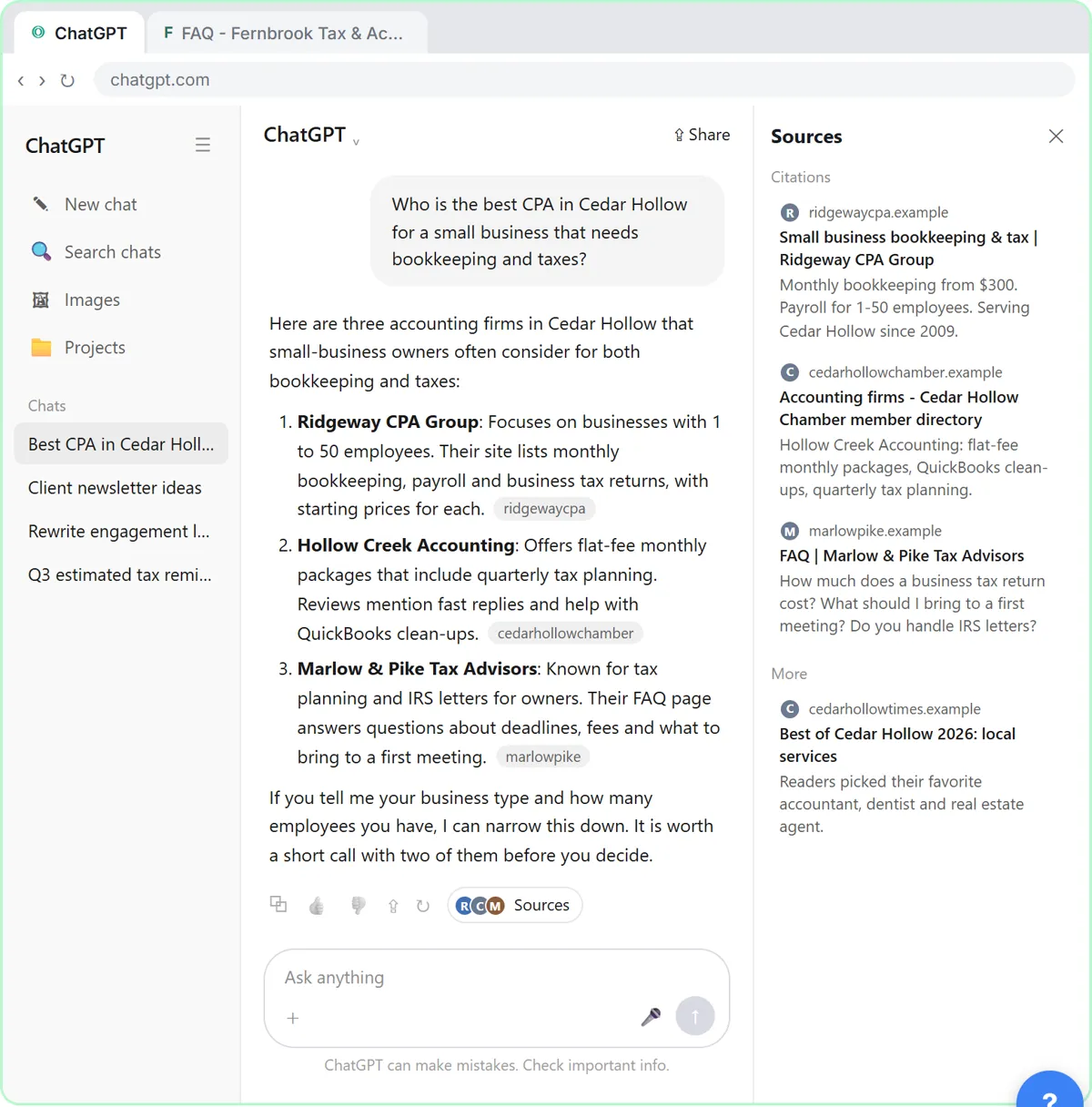
Because it's one of the places both people and AI tools read about you. In the lesson's voice-over, the Business Profile is "the other place these answers come from," alongside your website. When ChatGPT answers a local question, a map often appears too, with each firm's star rating and review count, and those come from map listings like your Google Business Profile.
The description won't win customers by itself, but a vague or outdated one leaves a gap. The AI search glossary entry recommends keeping your services, areas, hours and starting prices consistent across your website, your Business Profile and directories, so customers hear the same answer everywhere.
How long can a Google Business Profile description be?
Up to 750 characters. That's characters, not words, and spaces count. The lesson's finished description for Fernbrook Tax & Accounting comes in at 460 characters, well under the limit, which leaves room to add a detail later.
AI models read and write in tokens, chunks of text rather than single letters, so treat ChatGPT's character count as an estimate. Paste the final text into a character counter or your word processor's count before you publish. If it's over, ask ChatGPT to cut one specific sentence rather than to "shorten it."
What should the description include?
The facts a new customer needs to decide whether to call. The lesson's version covers six things:
- What you do and for whom. "Helps small businesses in Cedar Hollow keep clean books and file their taxes on time."
- Who does the work. The two CPAs by name.
- Who you serve. Professional offices, shops and contractors with 1 to 25 employees.
- Your main services. Monthly bookkeeping, payroll, catch-up bookkeeping and business tax returns.
- How to meet. At the office or on Zoom.
- A promise you keep. "We reply to every email within one business day."
Leave out anything you can't stand behind, and skip keyword stuffing. The lesson's voice-over points out the finished text has the same facts and no keyword stuffing.
What prompt should I use?
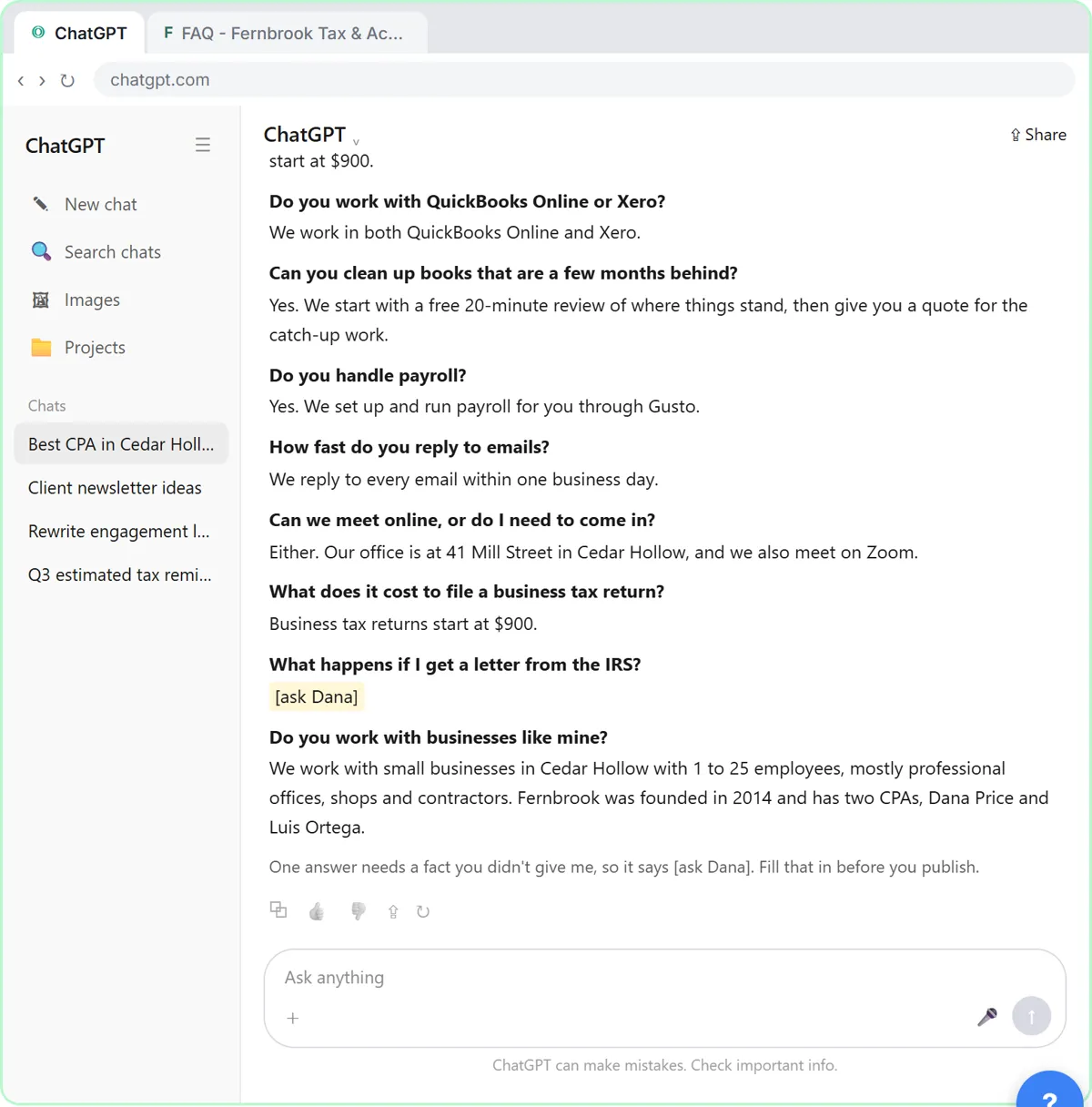
Give ChatGPT your facts first, then ask for the description in the same chat. In the lesson, the facts list was already pasted for an FAQ page, so the request is short:
Now write our Google Business Profile description, under 750 characters, and a list of services with a one-line description each. Same facts only. Tell me the character count.
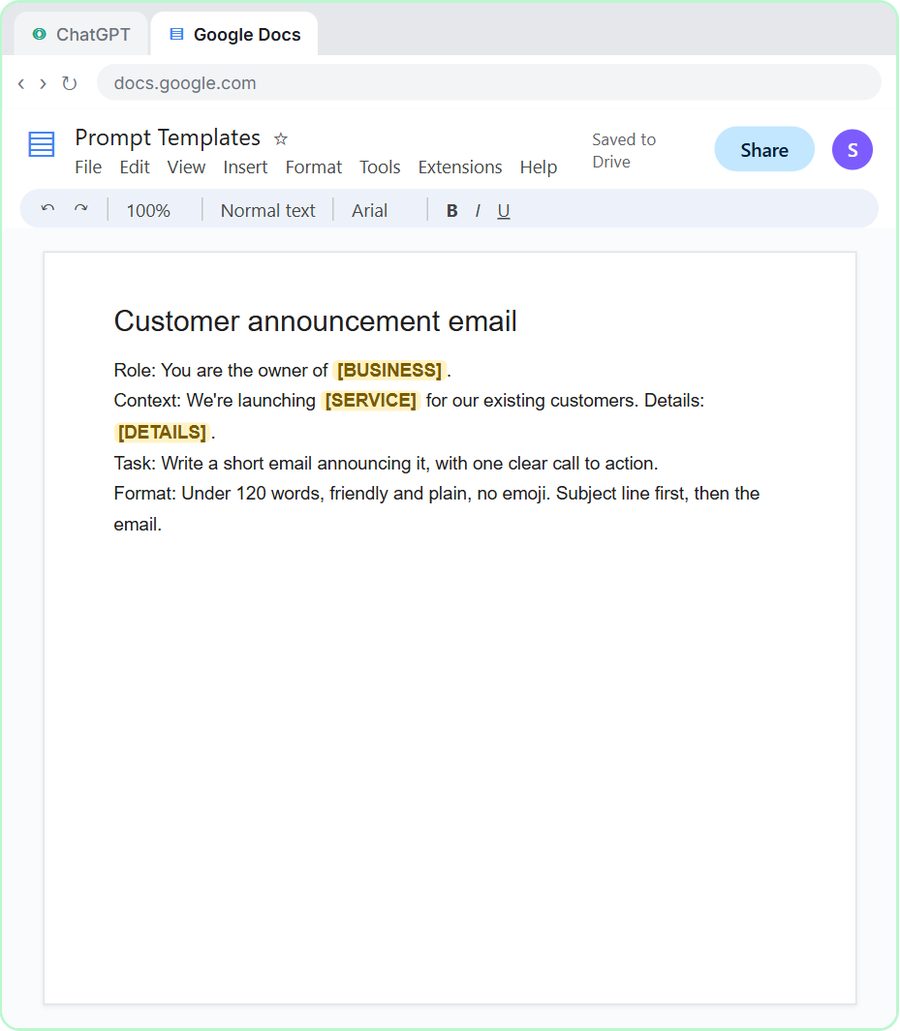
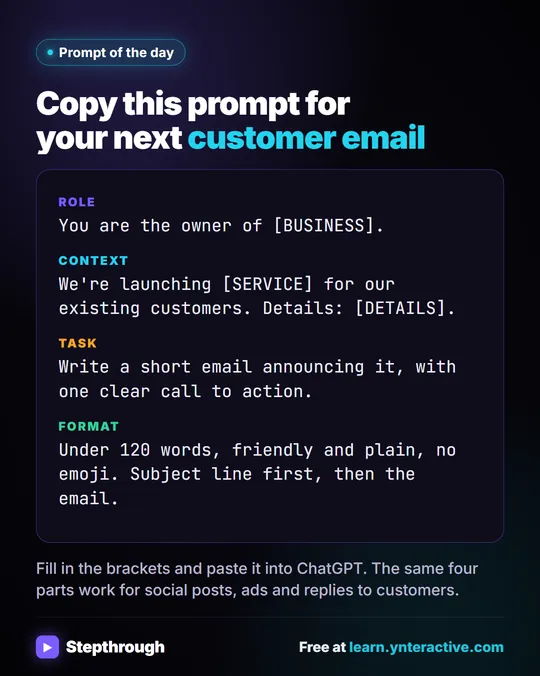
If you're starting fresh, use the four parts from Prompt Writing 101, Role, Context, Task and Format, and paste your facts as a list:
Role: You write plain, accurate copy for [BUSINESS], a [TYPE] in [TOWN].
Context: Our facts: [ADDRESS, WHO WE SERVE, SERVICES, STARTING PRICES IF YOU SHARE THEM, HOURS OR MEETING OPTIONS, REPLY PROMISE, WHO WE ARE].
Task: Write our Google Business Profile description and a services list with one line each.
Format: Under 750 characters for the description, plain words, no hype, no emoji. Use only these facts. If something important is missing, tell me instead of guessing. Give me the character count.
Try it free, step by step
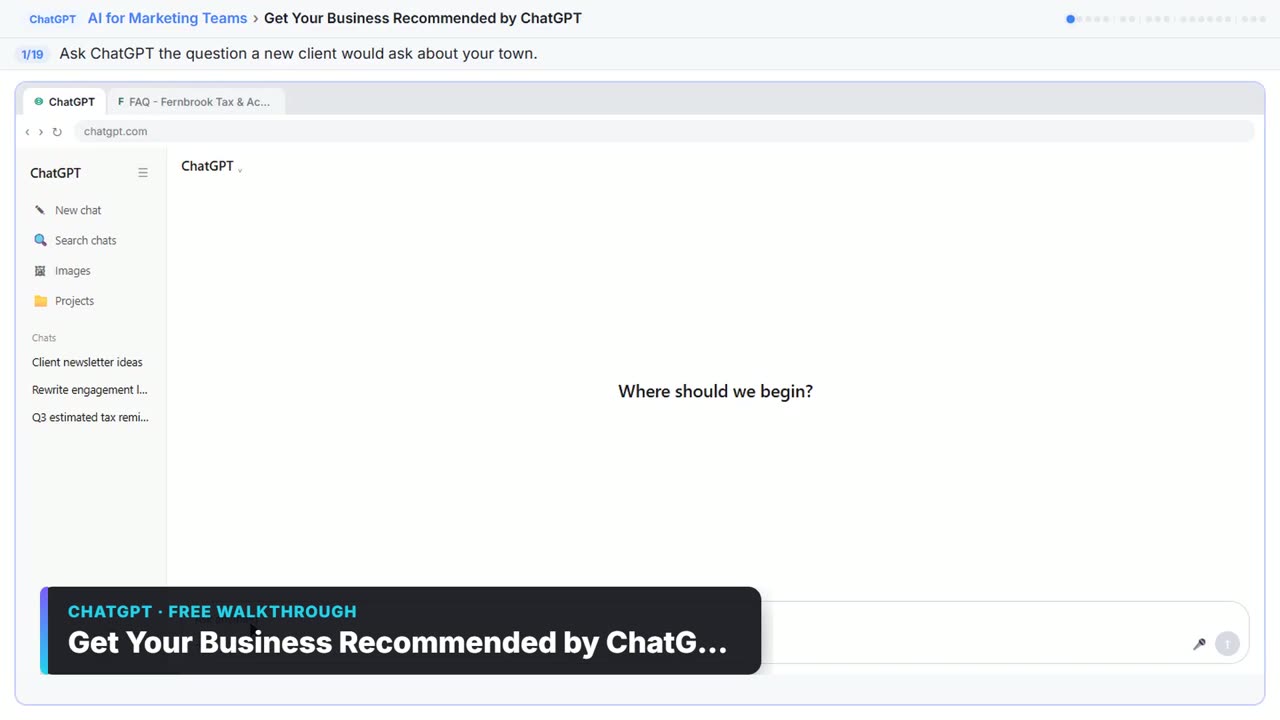
Get Your Business Recommended by ChatGPT. Ask ChatGPT who it recommends in your town, see which pages it trusts, then use it to write an FAQ page and Business Profile copy that answer real customer questions. You do every step yourself in a practice copy of ChatGPT, it checks your work as you go, and “Do it for me” finishes any step you get stuck on. Free, and nothing touches your real accounts.
Start the free lessonWhat does a services list look like?
One line per service, written from the same facts. The lesson's list for Fernbrook has four entries:
| Service | One-line description |
|---|---|
| Monthly bookkeeping | Your books kept up to date every month in QuickBooks Online or Xero. |
| Business tax returns | Preparation and filing of your business tax return. |
| Payroll | Payroll set up and run for you through Gusto. |
| Catch-up bookkeeping | Books brought up to date, quoted after a free 20-minute review. |
Each line names the service a customer would search for and one concrete detail. No line promises anything the firm didn't list in its facts.
How do I add it to my profile?
Copy it from ChatGPT and paste it in your profile under Edit profile. In the lesson you click Copy under the answer. In real ChatGPT, longer answers may open in their own card; use the copy icon at the top of that card. Then, in your Business Profile, choose Edit profile, paste the description and add the services.
Read it once more in place. Check the town name, the prices and the hours against your website, because the whole point is that they match.
What else should match my description?
Your website's FAQ page and any directory listings. The lesson builds the FAQ page first from the same facts, which is why the description and the page agree. Why ChatGPT Recommends Your Competitors explains how all of these pieces work together, and What Is GEO? covers the bigger idea behind them. For a steady list of ideas for your social channels from the same facts, see AI Social Media Post Ideas.
Reviews matter too. The lesson's final check finds that Fernbrook has no reviews or outside mentions yet, and suggests asking happy clients for a Google review and checking the local Chamber directory listing. Nobody can promise a place in ChatGPT's answers, but consistent, clear facts give you a real chance.
Glossary terms used in this post: AI search and grounding.
Key takeaways
- A Google Business Profile description can be up to 750 characters, and it should say who you serve, where, what you do and how to reach you.
- Give ChatGPT your real facts and tell it to use only those facts, then ask for the description and a one-line-per-service list.
- Check the character count yourself before publishing, because ChatGPT works in tokens and its count is only an estimate.
- Paste the description under Edit profile in your Business Profile and confirm every price and hour matches your website.
- Keep the same facts on your website, your Business Profile and directories so people and AI tools get one consistent answer.
Frequently asked questions
- Can I use ChatGPT to write my Google Business Profile description?
Yes. Give it your facts, the 750-character limit and the instruction to use only those facts. Read the result and check it against your website before you paste it in.
- Should I put keywords in my Business Profile description?
Name your real services and town in plain sentences; that covers the words customers use. Stuffing extra keywords makes it harder to read and adds nothing a customer needs.
- Should I include prices in the description?
Only if you're comfortable stating them everywhere. The lesson's firm lists starting prices on its FAQ page; whatever you choose, keep the description, website and listings consistent.
- How often should I update it?
Whenever a fact changes, such as a new service, a price, your hours or your team. A quick check every few months keeps it current.