Mistake to Avoid: Promising a Date Nobody Confirmed
A visual tip for late orders: give the AI only timing you have confirmed. If there is no date yet, say when you will update the customer.
The guide in text
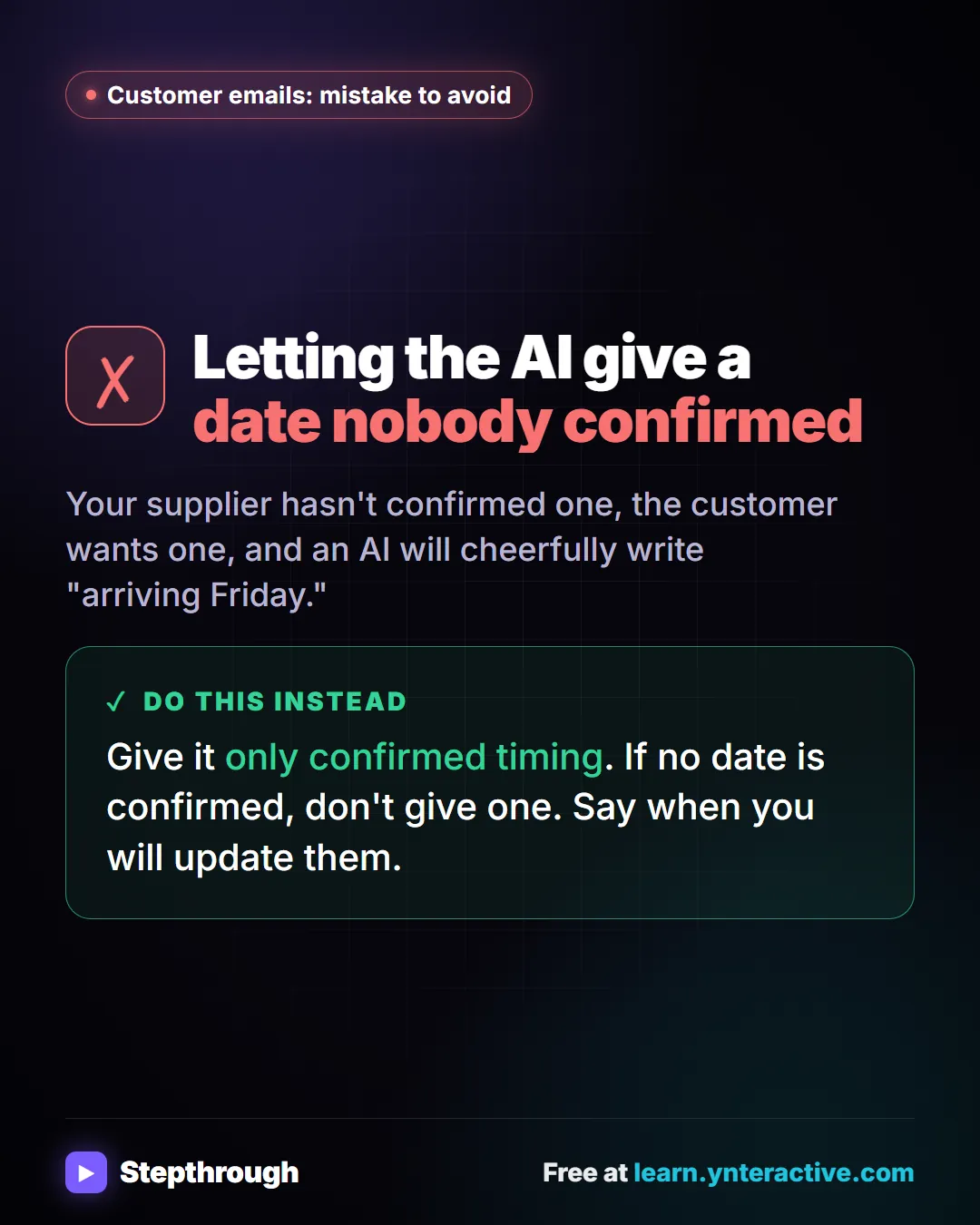
The mistake
Letting the AI give a date nobody confirmed
Your supplier hasn't confirmed one, the customer wants one, and an AI will cheerfully write "arriving Friday."
Do this instead
Give it only confirmed timing. If no date is confirmed, don't give one. Say when you will update them.
The full template: Late order apology email prompt, with every blank explained, a filled-in example and how to check the answer.
Businesses and people in the examples are made up. The steps, screens and wording come from the free lesson and the Stepthrough glossary and prompt library.
Do it yourself, free
Reply Faster: Turn a Messy Customer Email Thread into a Clear, Friendly Reply. Turn a messy customer email thread into a clear, friendly reply: give ChatGPT the thread and your facts, check every promise, fix the tone, and send it from Gmail. You do every step yourself in a practice copy of ChatGPT, it checks your work as you go, and “Do it for me” finishes any step you get stuck on. Free, and nothing touches your real accounts.
Start the free lessonRelated terms
Plain-English definitions, each with an example from a free lesson.
Related prompts
- Check reply promises prompt: A ChatGPT prompt that checks a draft before you send it: a table of every promise, the fact behind each, and safer wording for…
- Email newsletter prompt: A ChatGPT prompt for a short customer newsletter built from your numbered updates: one section each, one main call to action, no…
- Payment received thank-you prompt: Confirm a payment and say thanks in a few lines: the amount, what it was for, the balance now owed, and what happens next…
- Shift handoff notes prompt: Turn end-of-shift scribbles into a clear handoff for the next shift: what to do first, work in progress, promises to customers…
From the blog
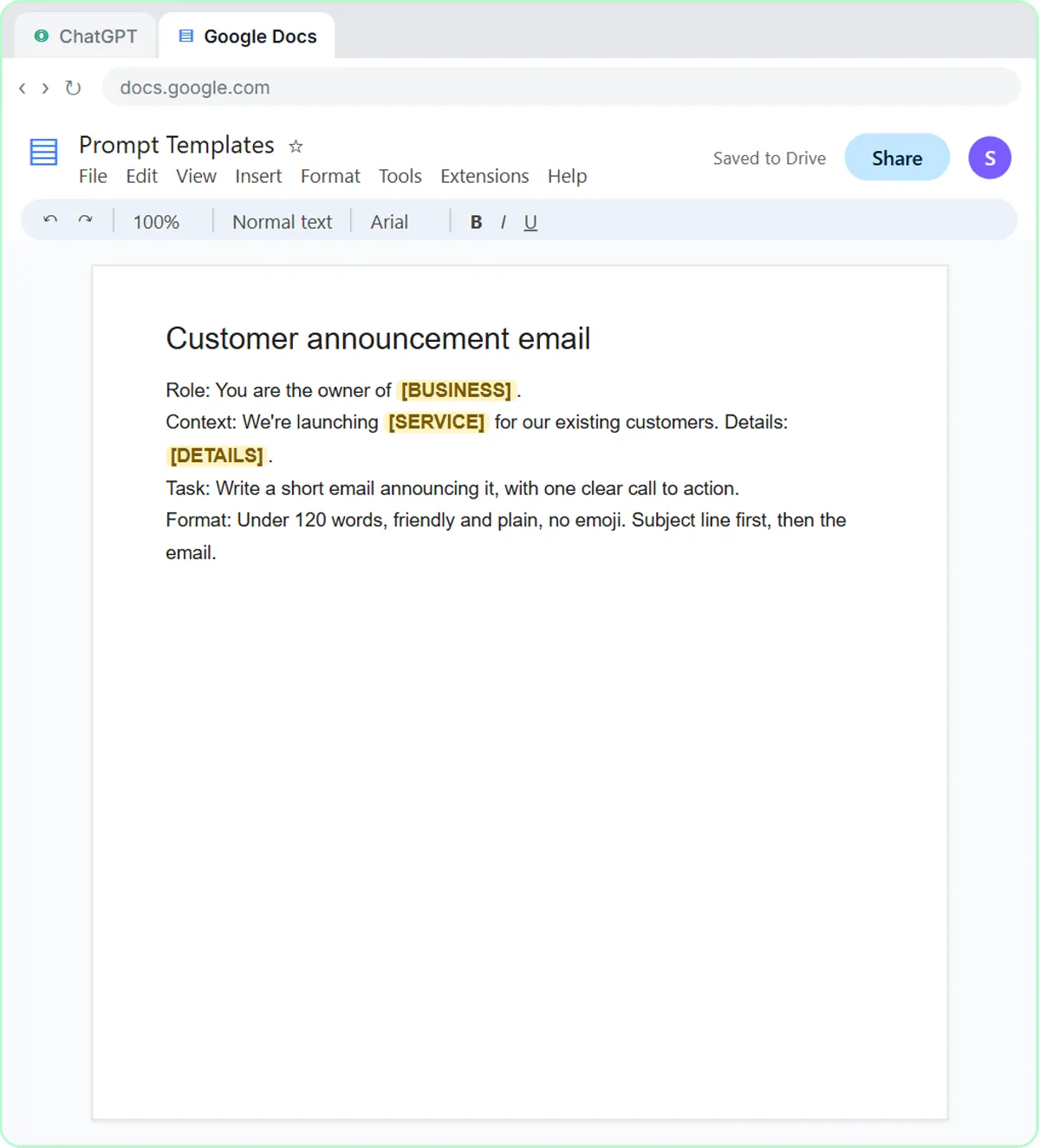 AI Training for Employees: A Free Plan for Small Teams
AI training for employees on a small-business budget: one rule set, three shared ChatGPT lessons, then role-based picks, all free in practice copies.
Oct 1, 2026 6 min read
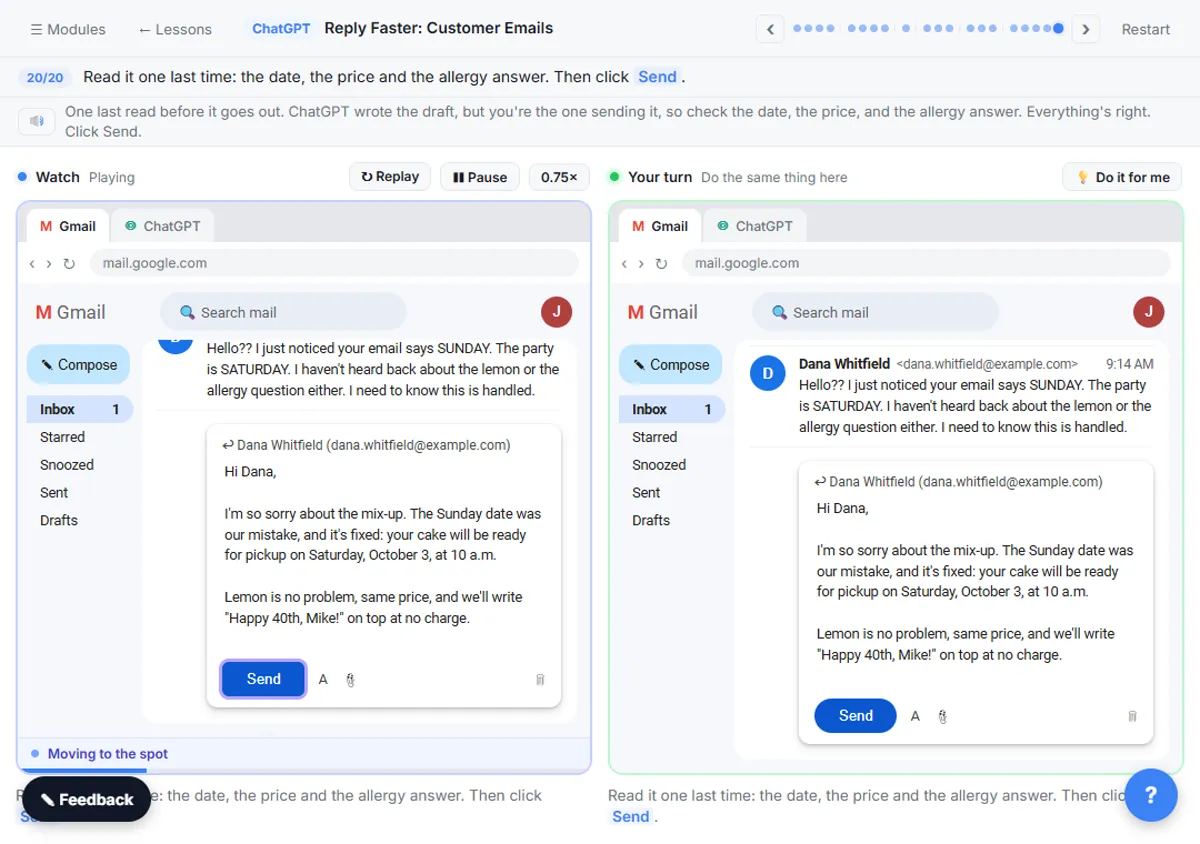 ChatGPT Tone of Voice for Business Emails: Lines That Work
Set ChatGPT's tone of voice for business emails with one Format line, a "sound like" comparison and specific fixes, using tone lines from real lessons.
Oct 1, 2026 6 min read
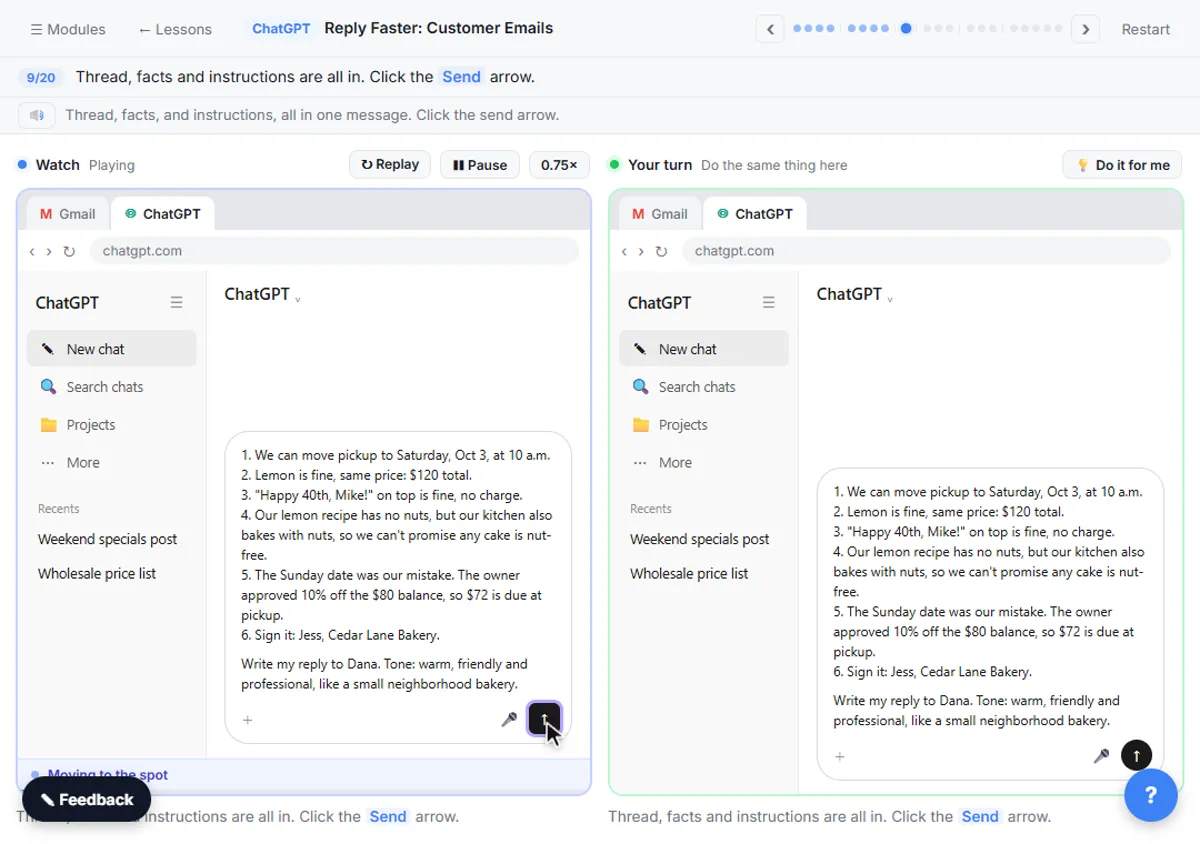 How to Stop ChatGPT from Making Things Up: 5 Guardrails
Stop ChatGPT from making things up with five guardrails: a facts list, a Not stated rule, never-invent rules, a closed category list and a final check.
Oct 1, 2026 6 min read
More visual guides
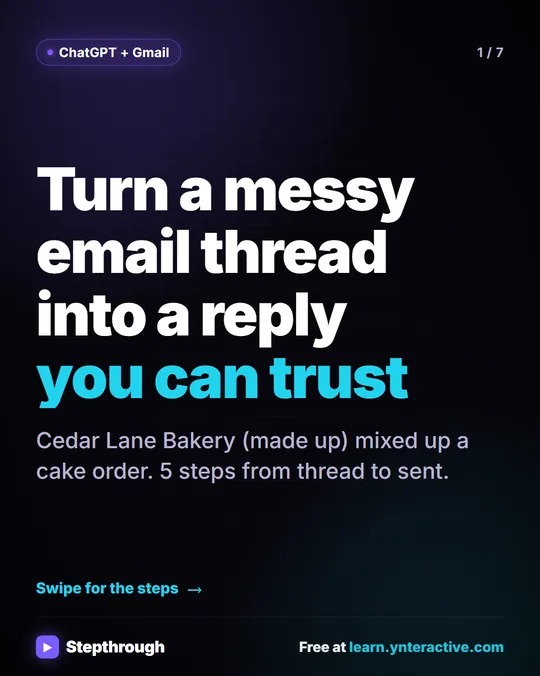 5 Steps to Turn a Messy Email Thread into a Clear Reply
A visual guide: paste a customer thread with numbered facts, check every promise in ChatGPT's draft, fix it and send it from Gmail.
Step-by-step guide 7 slides
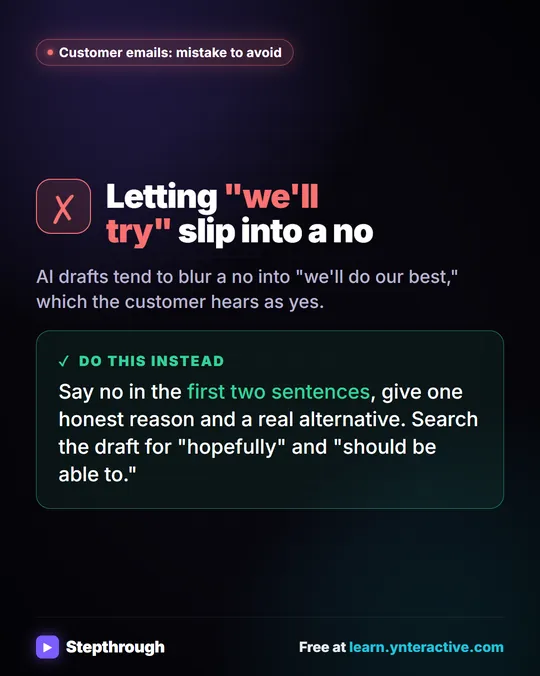 Mistake to Avoid: A Soft Yes When You Mean No
A visual tip for customer emails: AI drafts blur a no into "we'll do our best." Say no early, give one reason and a real alternative.
Mistake to avoid One graphic
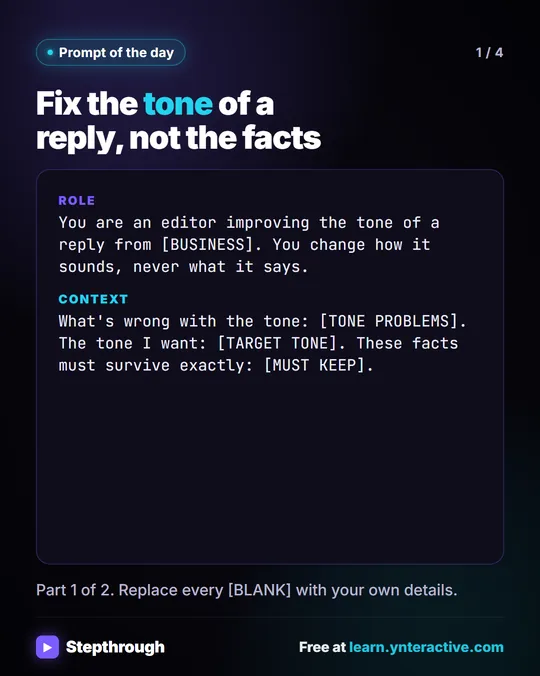 Prompt of the Day: Fix the Tone of a Reply
A visual prompt card: fix a reply that sounds stiff, defensive or long, while every fact, number and "we can't" stays exactly as it was.
Prompt to copy 4 slides