Updated . Built from real Higgsfield runs on 29 October 2026 and redone click by click in the Higgsfield web app the same day; every app screen in the practice is a real capture. The inputs, outputs, mistakes and credit costs in the lesson are what Higgsfield produced in those runs. Every business and person is made up, and every person shown is AI-generated. How we check this lesson
A volunteer posted an AI-made "patient" with a recovery story and no label, and a donor asked if she was real. In this free lesson you follow Grace Kim (made up) as she writes a one-page AI image and video policy: disclose realistic AI content, get consent for anyone's face or voice, and never make content that pretends to be a real person, event or testimonial. You see what Higgsfield's terms make you responsible for, where each platform's AI label lives, and sort this course's outputs into OK and not OK. Not legal advice.
At a glance
| Question | Answer |
|---|---|
| What you build | A business case for any team publishing AI content: a one-page policy to disclose realistic AI images and video, get consent for faces and voices, and never make fake testimonials or deepfakes. With the platform AI labels to switch on. |
| Tools | Higgsfield |
| Time | About 7 minutes, 9 steps in 5 parts |
| Level | Beginner, no coding needed |
| Cost | Free |
| Ways to learn it | Practice it step by step |
The 5 parts, in short
- One post, one donor question: See what was at stake, Write the rule once.
- Three rules on one page: Disclose, consent, don't deceive.
- What Higgsfield asks of you: Read Higgsfield's own rules, The upload agreement asks the same, Keep client work private.
- Decide: OK to post?: Find the one that is not OK.
- Your policy: Adopt the policy, Finish the course.
Start here first: Turn One Product Photo into a 5-Second Video Ad using Higgsfield (module 1 of AI Video and Images with Higgsfield)
Part of: AI Apps Worth Knowing (step 98 of 102)
The business case: trust is the asset
AI images are now good enough that viewers cannot tell. That is the value and the risk: an unlabeled AI "customer" or "patient" breaks trust the moment someone asks, and fake testimonials are treated as deceptive advertising.
A one-page policy lets a team use AI images and video freely, with three rules that cover almost everything.
Disclose, consent, never deceive
Disclose: label realistic AI content in the caption and switch on the platform's AI setting (Instagram and Facebook AI info, TikTok's AI-generated content toggle, YouTube's altered or synthetic content question). Consent: use a person's face, body or voice only with their written OK and approval. Never: fake testimonials, staff, patients or events, or real people in made-up scenes.
Links
- Higgsfield pricing: current plans and credits. Check them before you rely on a free tier: generation uses credits.
Try it yourself, free
Reading the steps is a start. Doing them is how it sticks. The interactive module walks you through every click in a practice copy of Higgsfield, checks each step, and never touches your real accounts.
Start “Use AI Images and Video Responsibly: Labels, Consent and Likeness using Higgsfield”Step by step: Use AI Images and Video Responsibly: Labels, Consent and Likeness using Higgsfield
All 9 steps of the interactive module, in order. In the module you watch each one, then do it yourself in a practice copy that checks your work.
1. One post, one donor question
- See what was at stake. A volunteer posted an AI-made "patient" with a recovery story and no label. A donor asked if she was real. What is at stake is trust, and fake testimonials are treated as deceptive advertising. Click the trust row.
An AI patient, with a recovery story, and no label. A donor asked if she was real.
- Write the rule once. Not a ban: a one-page policy. Three rules cover almost everything. Click the policy card.
Not a ban. A one page policy. Three rules.
2. Three rules on one page
- Disclose, consent, don't deceive. Disclose realistic AI images and video. Get consent before using anyone's face, body or voice. Don't deceive: no fake testimonials, staff, events, or real people in made-up scenes. Download the template, then click the image.
Disclose. Get consent. Don't deceive. Download the template, and click the image.
3. What Higgsfield asks of you
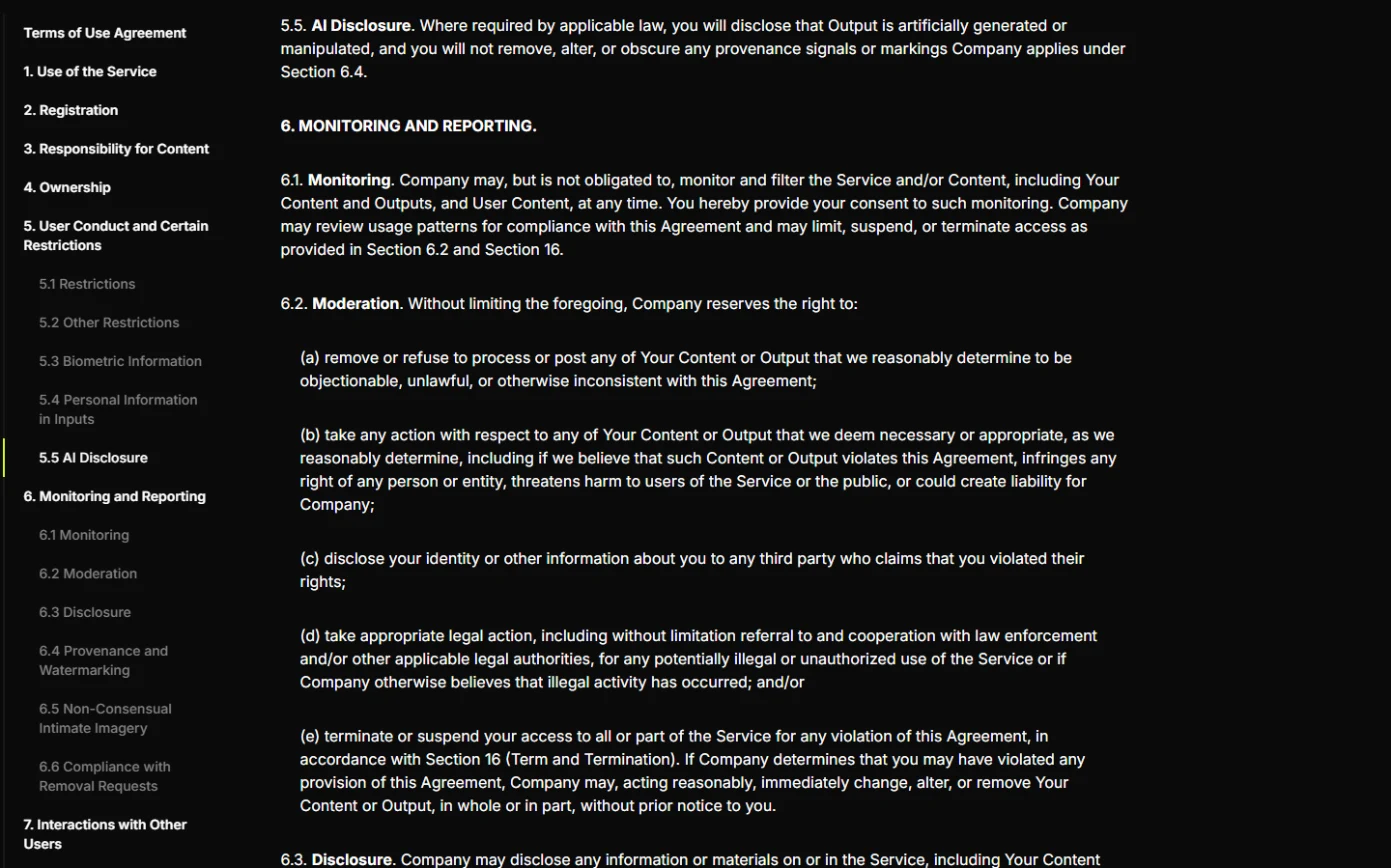
- Read Higgsfield's own rules. Higgsfield's Terms of Use (higgsfield.ai/terms, checked 29 October 2026) make you responsible for what you upload: you need the consents for anyone's face, name or voice (sections 4.2 and 5.3), you may not impersonate anyone or pass AI output off as human-made (5.2), and section 5.5 AI Disclosure says you disclose AI output where the law requires and never remove its provenance marks. Your uploads may also be used to train its models unless you are on an enterprise agreement (4.4), so keep confidential material out. Click 5.5 AI Disclosure.
Higgsfield's terms make you responsible for consent, for not impersonating anyone, and for disclosure.
- The upload agreement asks the same. The first time you upload a photo, Higgsfield asks you to agree that you own the media and that everyone visible in it has consented. Treat that box as a real promise: only agree when it is true, and keep the consent form.
The first upload asks you to confirm you own the photo, and everyone in it consented. Only agree when that's true.
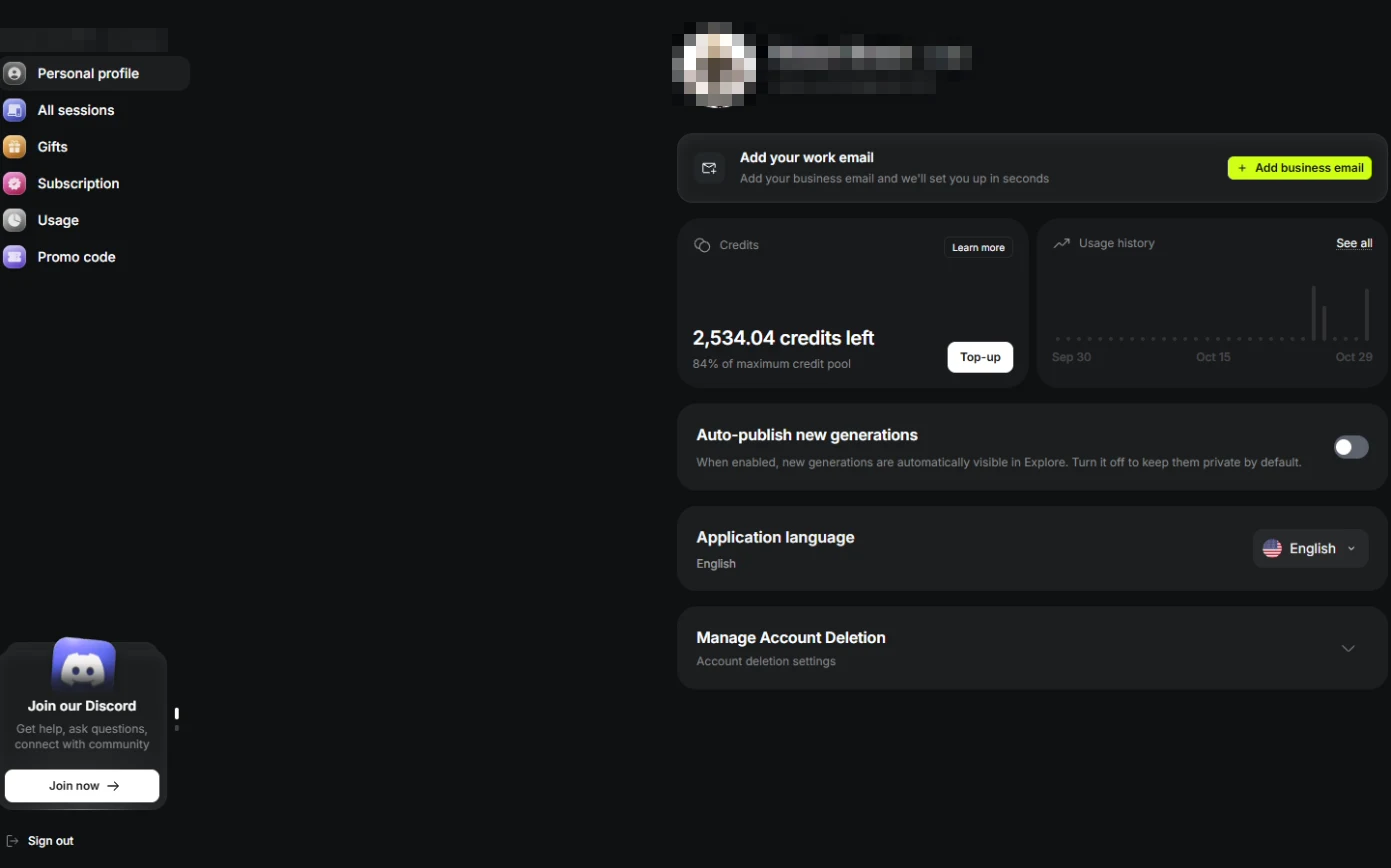
- Keep client work private. In Settings, Auto-publish new generations puts every new image and video in the public Explore feed. Keep it off for client and unreleased work. Click the setting.
In settings, auto-publish puts new work in the public feed. Keep it off for client work.
4. Decide: OK to post?
- Find the one that is not OK. Four outputs from this course. A labeled product video, a consented headshot and an obvious mascot are fine. The AI person captioned as a real patient is a fake testimonial. Click it.
A labeled product video. A consented headshot. A mascot. Fine. The AI person sold as a real patient is not.
5. Your policy
- Adopt the policy. Label, consent, never deceive, keep records, and have counsel review it. Click What you have now.
Label. Consent. Never deceive. Keep records.
- Finish the course. That is the whole course. Pick the module closest to this week's work and do it for real. Click the last card.
That's the course. Pick one module, and do it for real this week.
Screenshots
Frequently asked questions
- Do I have to label AI-generated images on social media?
- Major platforms ask you to label realistic AI content, and some require it. Say "AI-generated" in the caption and use the platform's AI label setting. Rules vary by country; check with counsel.
- Can I make an AI image of a real person?
- Only with their written consent for that use and their approval of the result. Never of someone who has not agreed, and never real people (public figures included) doing or saying things they did not.
- Are AI-generated testimonials allowed?
- No. A testimonial from a person who does not exist, or words a real customer never said, is deceptive. A label does not fix it.
More in AI Video and Images with Higgsfield
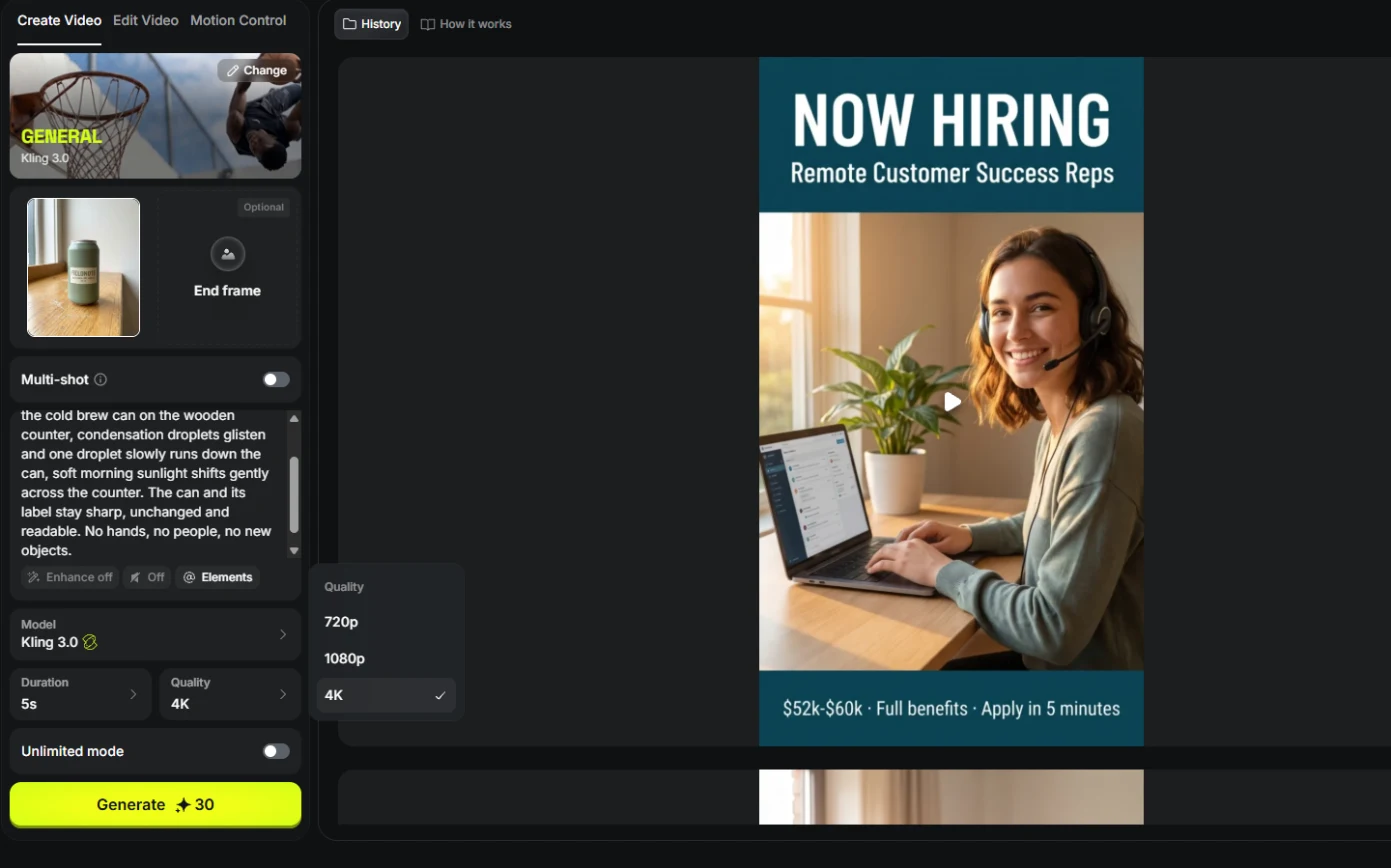 Turn One Product Photo into a 5-Second Video Ad using Higgsfield
A business case for small brands: turn one product photo into a 5-second vertical video ad with Higgsfield, draft it cheap on Kling 3.0, catch a smeared label, and…
Free · Live ~9 min Beginner
 Professional Headshots for the Whole Team, No Photo Shoot, using Higgsfield
A business case for firms with new hires: turn one casual photo into a matching set of professional headshots (LinkedIn, website, square) with Higgsfield, keep the…
Free · Live ~8 min Beginner
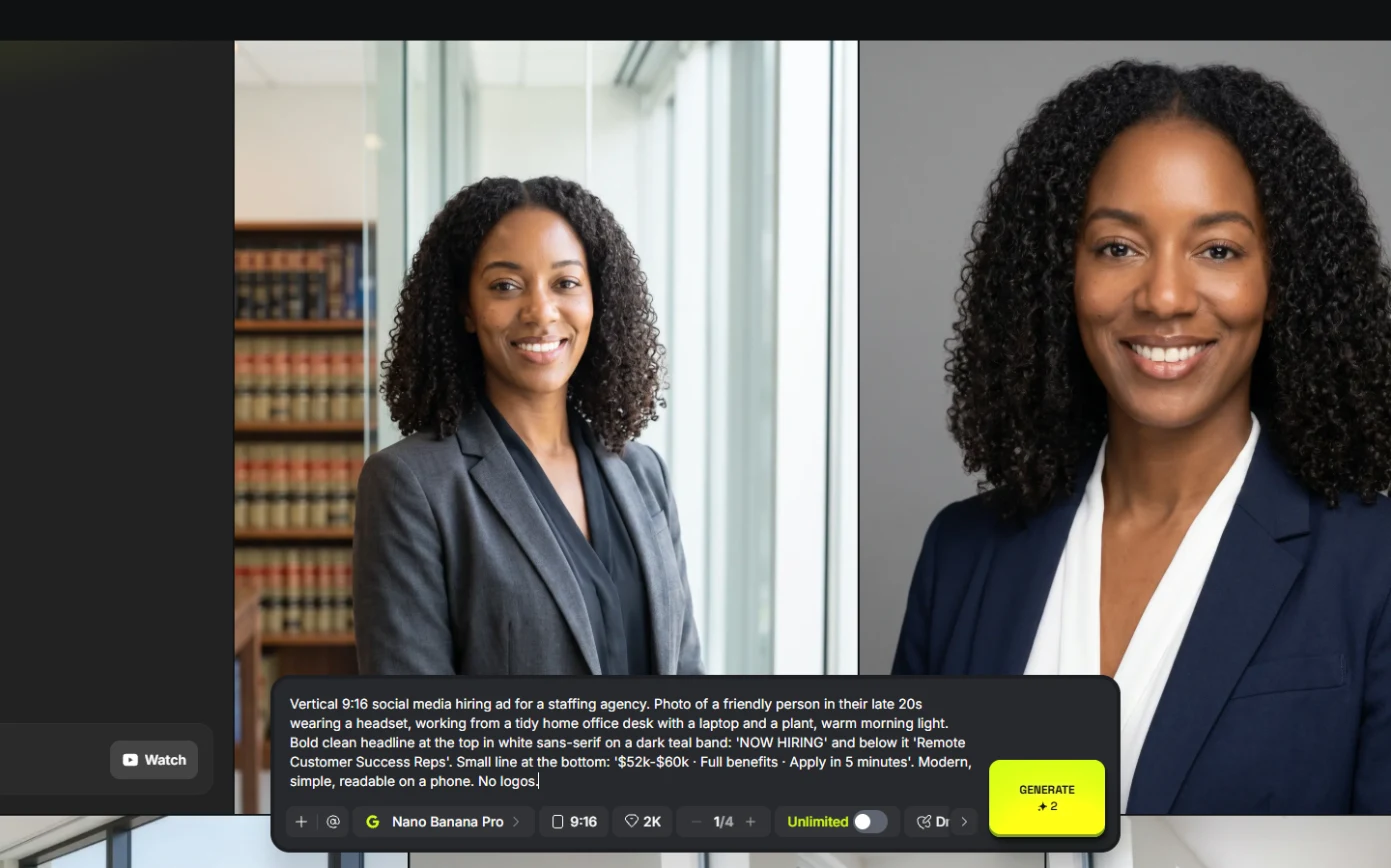 Turn a Text Idea into a 9:16 Hiring Ad using Higgsfield (and Keep the Words Right)
A business case for recruiters: turn a one-paragraph idea into a vertical hiring ad with Higgsfield, catch the misspelled line AI video added, and fix it the right way…
Free · Live ~10 min Beginner
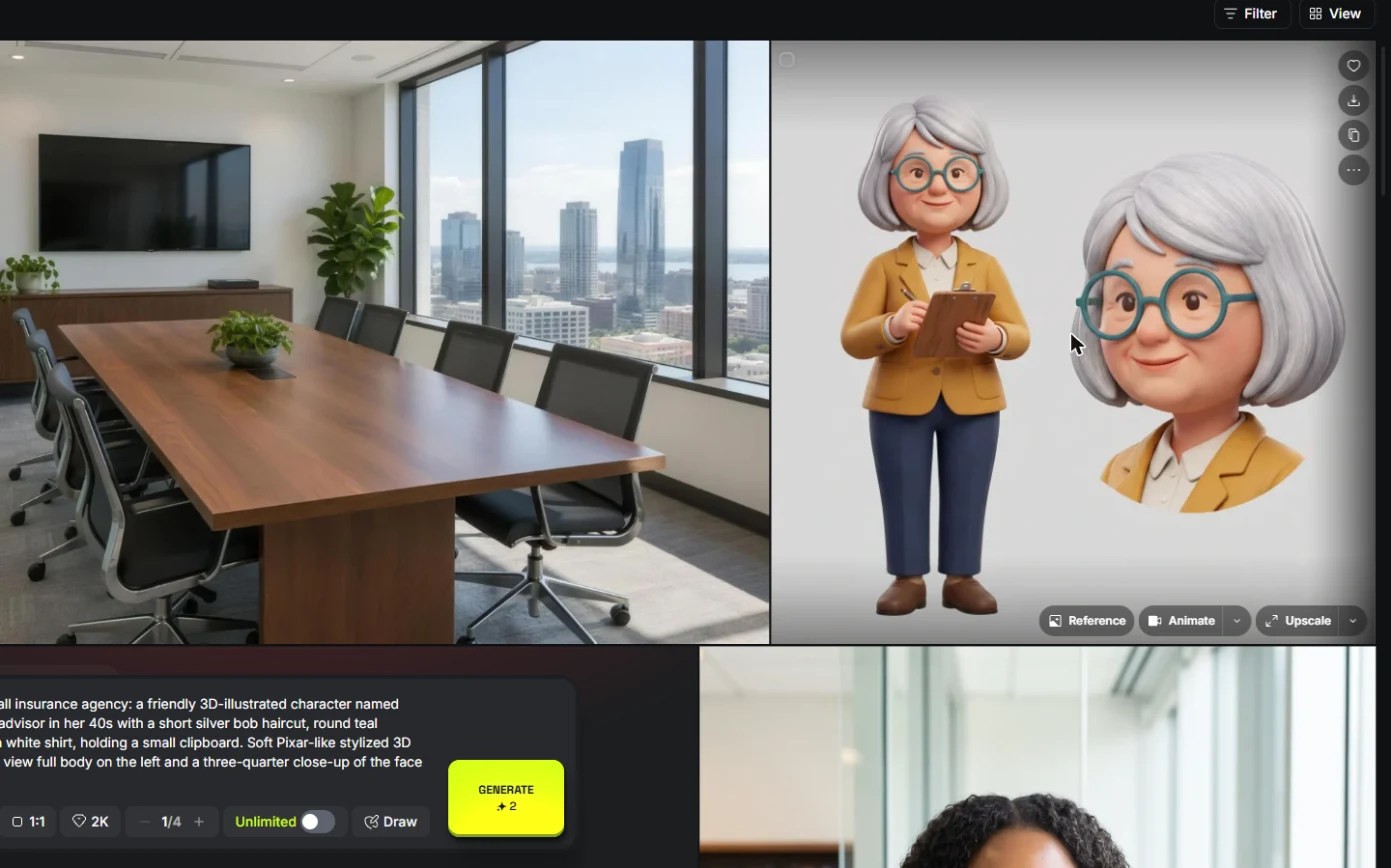 Keep One Brand Character Across Every Post using Higgsfield
A business case for small agencies and brands: design one illustrated character in Higgsfield, use the sheet as a reference to put it in any scene, catch a borrowed…
Free · Live ~9 min Beginner
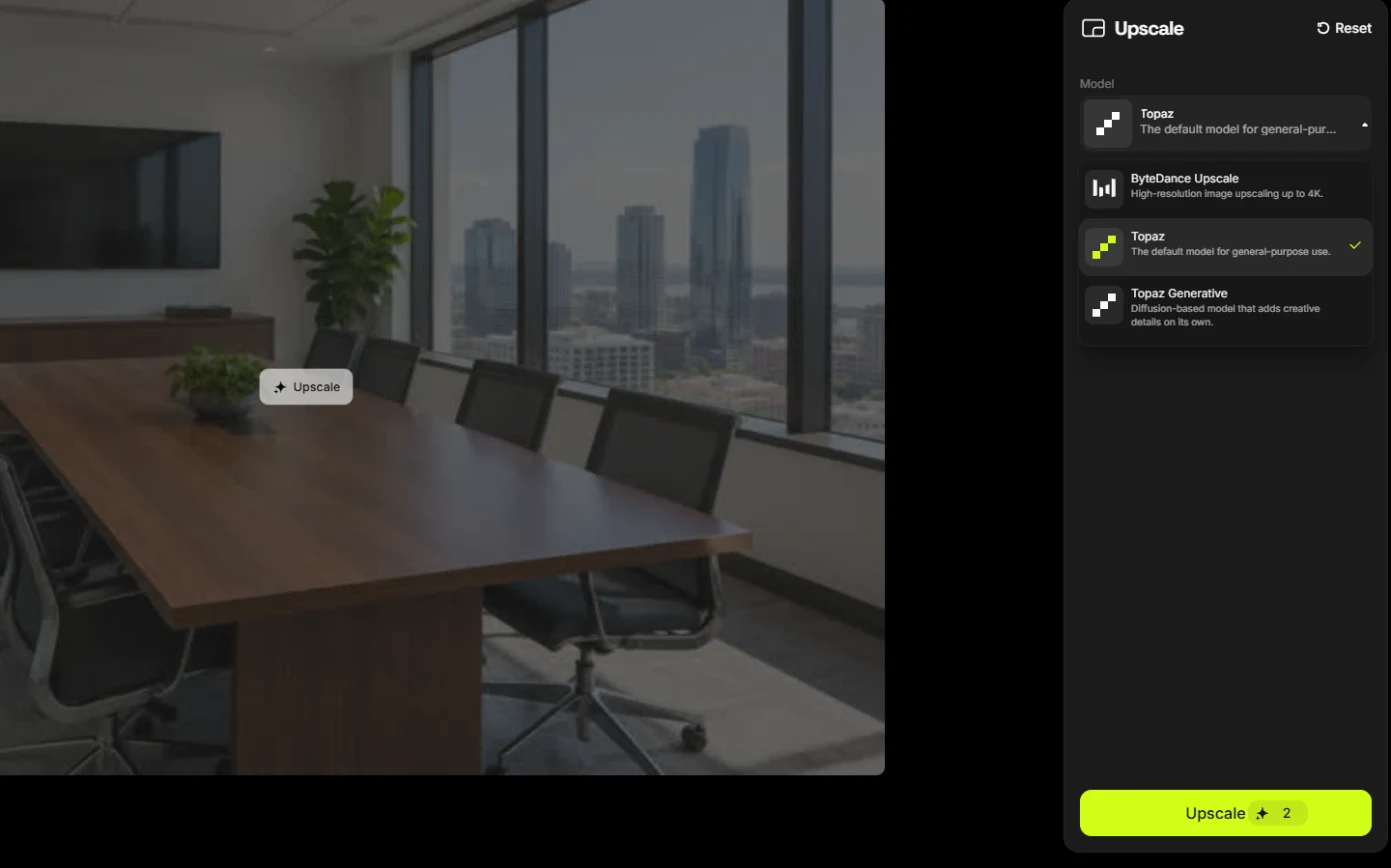 Rescue a Low-Res Photo for a Proposal or Print using Higgsfield Upscale
A business case for proposal and marketing teams: upscale a 640-pixel photo to 4K with Higgsfield for 2 credits, and learn what upscaling invents and when not to use…
Free · Live ~6 min Beginner
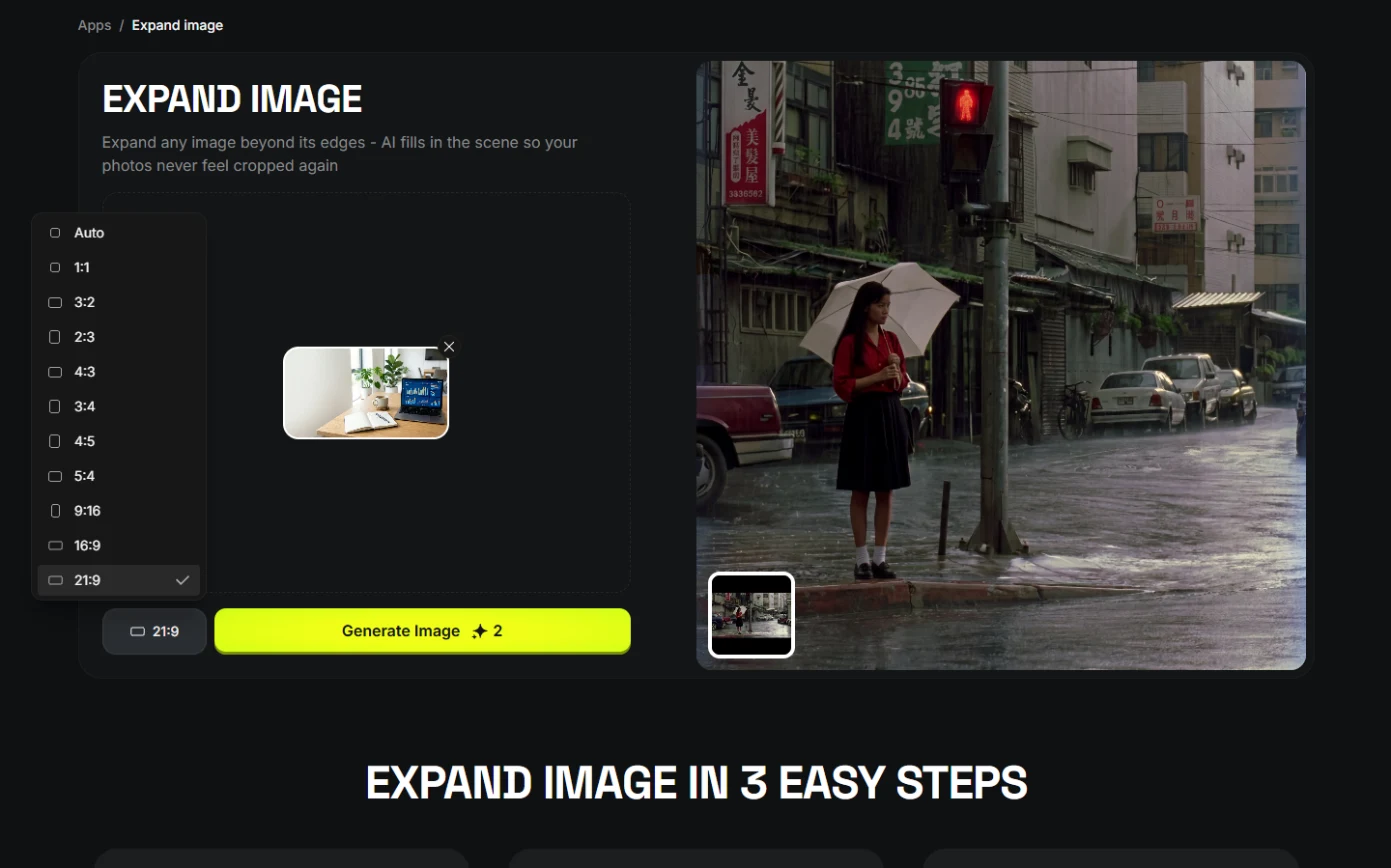 One Webinar Image, Every Channel Size using Higgsfield (Expand, Don't Crop)
A business case for sales and marketing teams: expand one 16:9 webinar image to 9:16 and 1:1 with Higgsfield instead of cropping it, and place the headline in the new…
Free · Live ~6 min Beginner
All 8 modules in AI Video and Images with Higgsfield
Terms in this lesson
Plain-English definitions, each with an example from a free lesson.