Free Higgsfield tutorials for small business
Updated
Higgsfield. These 8 free modules teach it by building real projects, not by reading about features: Turn One Product Photo into a 5-Second Video Ad using Higgsfield, Professional Headshots for the Whole Team, No Photo Shoot, using Higgsfield, Turn a Text Idea into a 9:16 Hiring Ad using Higgsfield (and Keep the Words Right) and Keep One Brand Character Across Every Post using Higgsfield, and more.
The Higgsfield modules cover AI Video and Images with Higgsfield. Every module runs in a practice copy of Higgsfield, so you can learn it without an account, then set it up for real.
8 modules
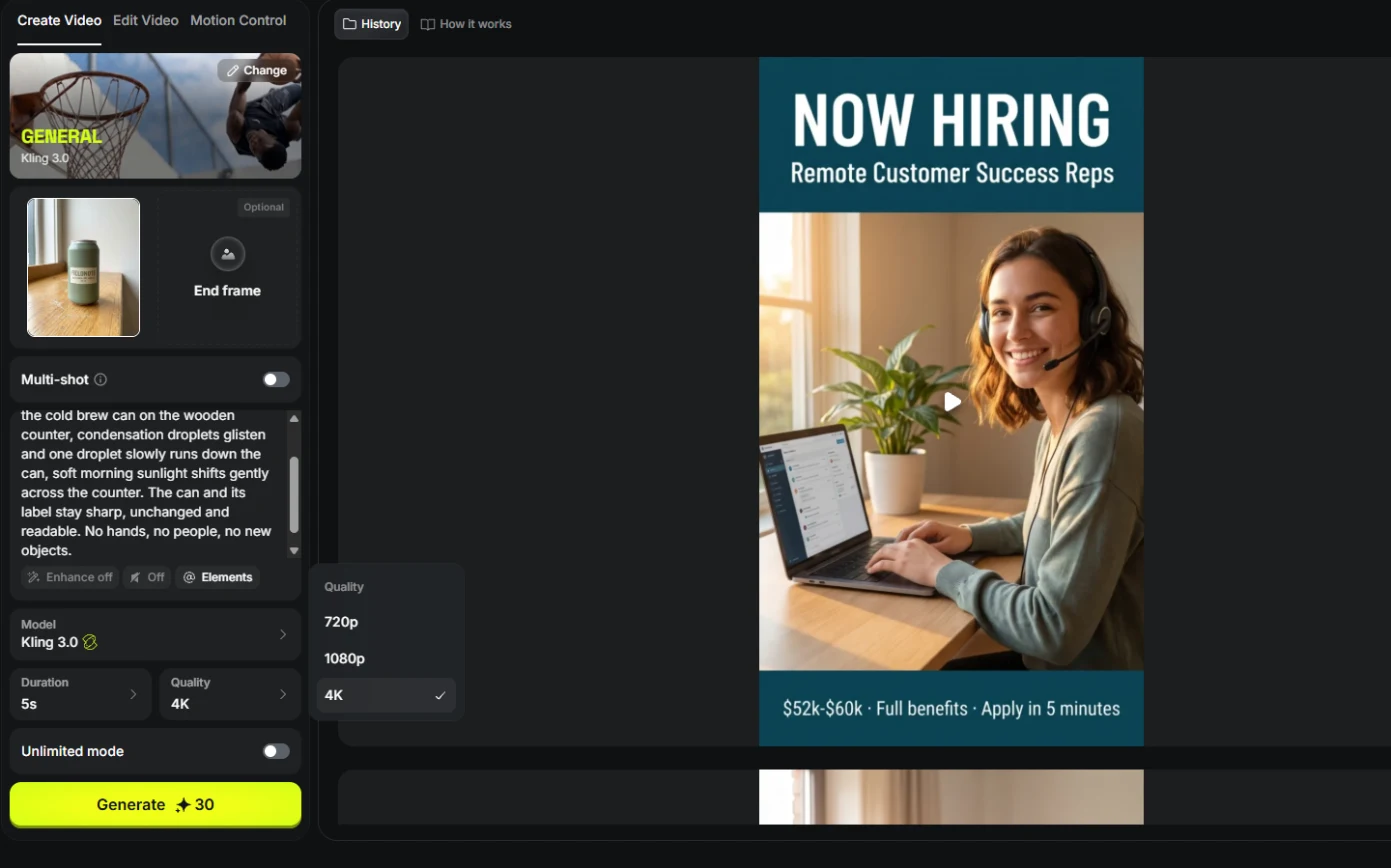 Turn One Product Photo into a 5-Second Video Ad using Higgsfield
A business case for small brands: turn one product photo into a 5-second vertical video ad with Higgsfield, draft it cheap on Kling 3.0, catch a smeared label, and…
Free · Live ~9 min Beginner
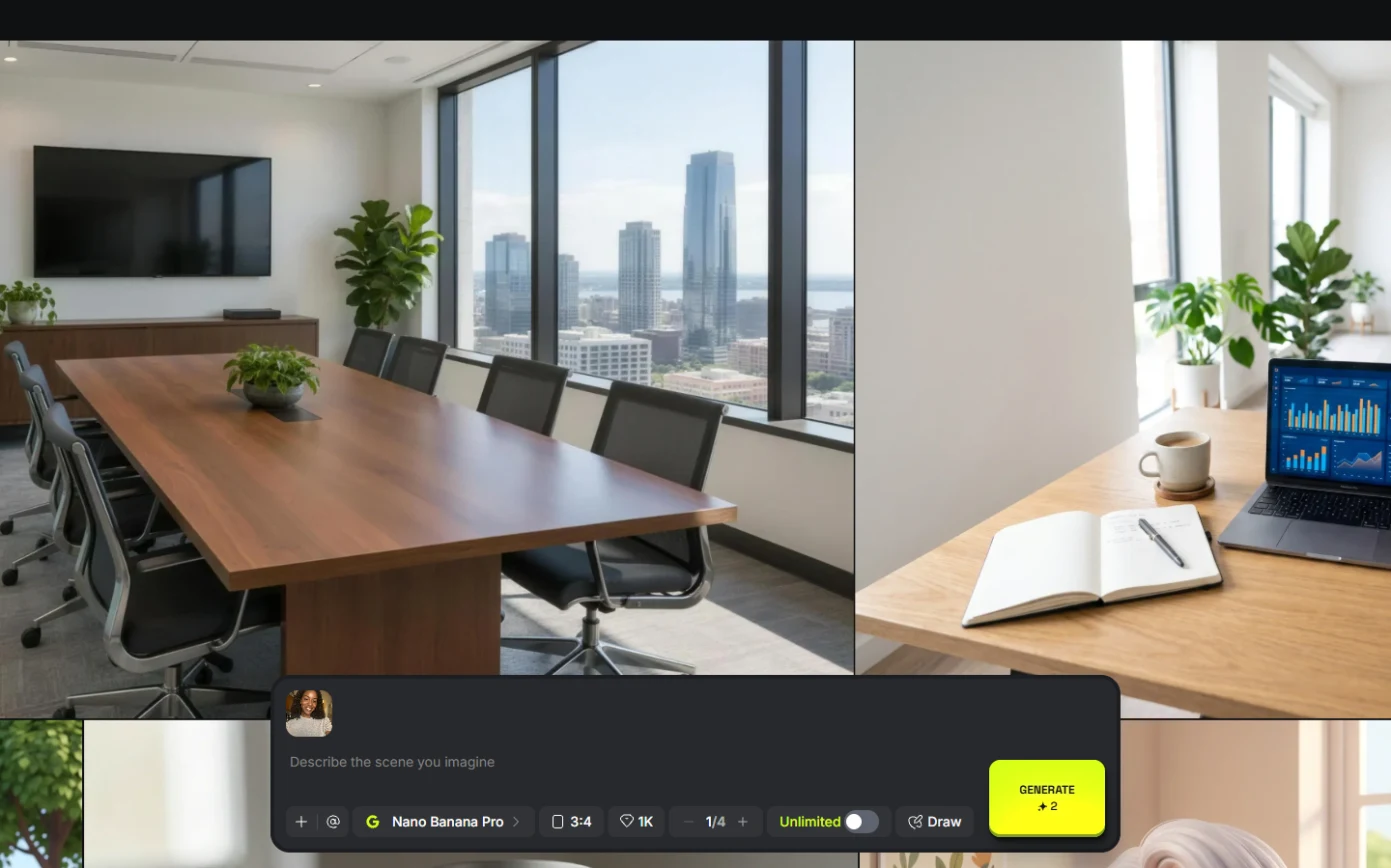 Professional Headshots for the Whole Team, No Photo Shoot, using Higgsfield
A business case for firms with new hires: turn one casual photo into a matching set of professional headshots (LinkedIn, website, square) with Higgsfield, keep the…
Free · Live ~8 min Beginner
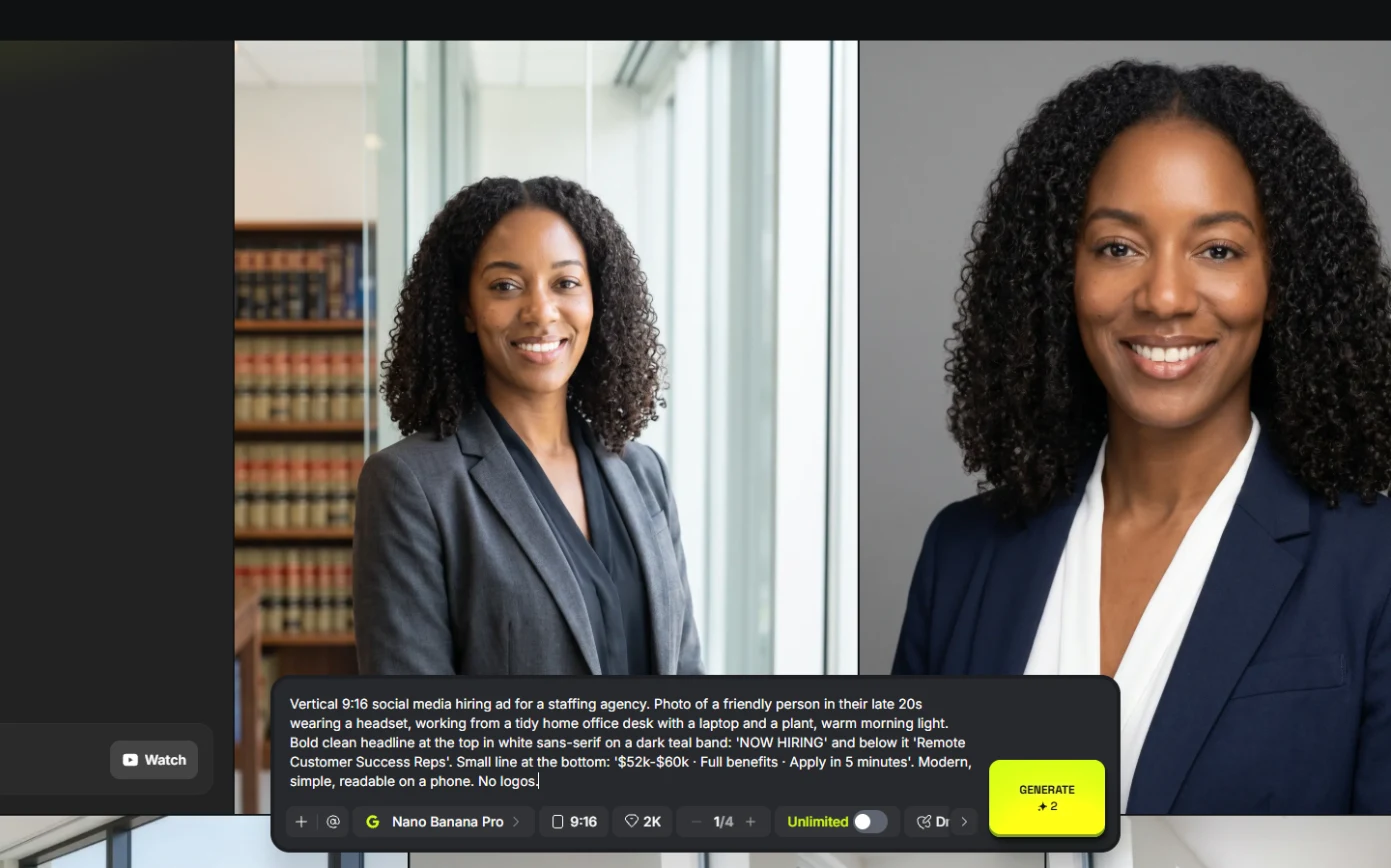 Turn a Text Idea into a 9:16 Hiring Ad using Higgsfield (and Keep the Words Right)
A business case for recruiters: turn a one-paragraph idea into a vertical hiring ad with Higgsfield, catch the misspelled line AI video added, and fix it the right way…
Free · Live ~10 min Beginner
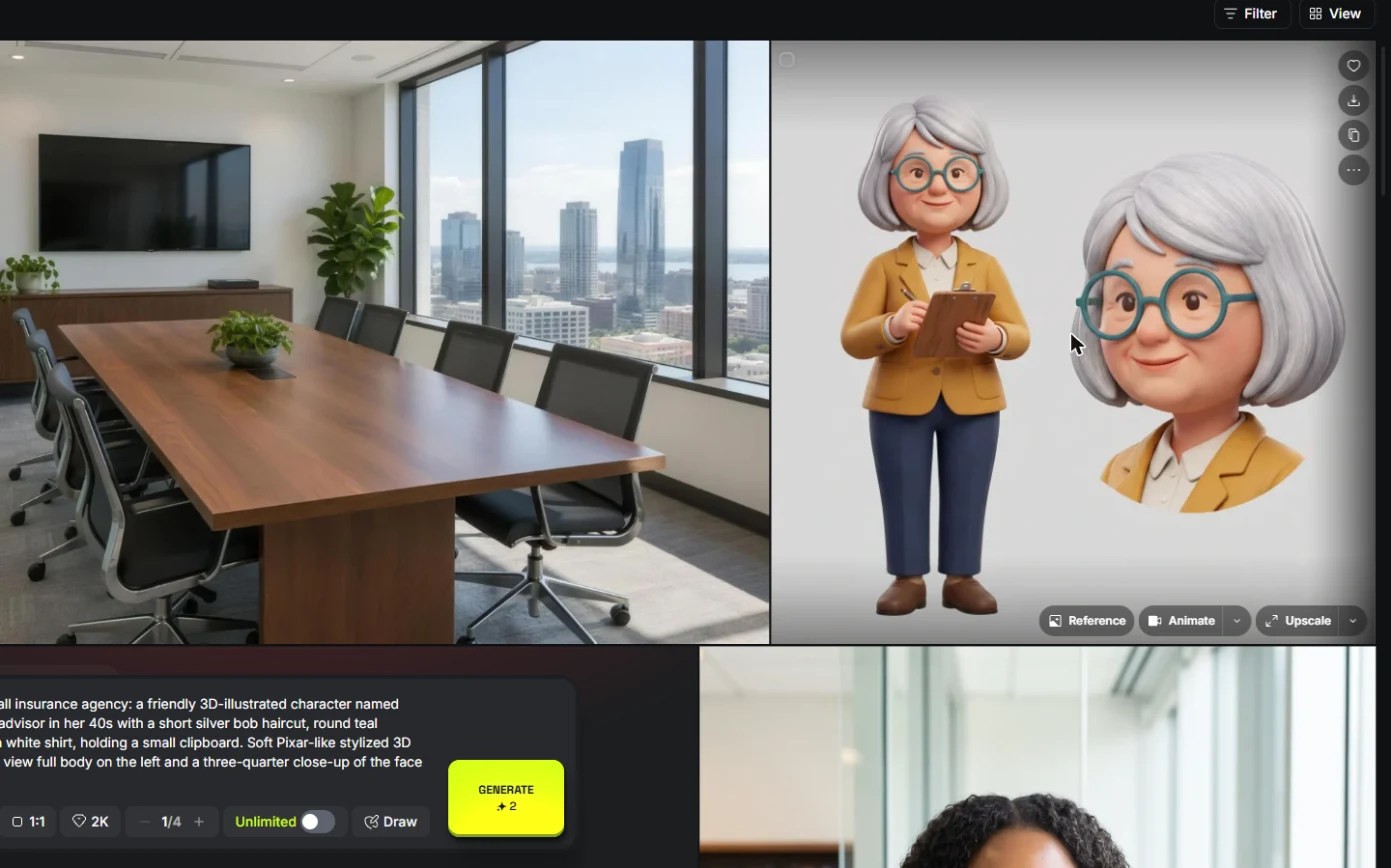 Keep One Brand Character Across Every Post using Higgsfield
A business case for small agencies and brands: design one illustrated character in Higgsfield, use the sheet as a reference to put it in any scene, catch a borrowed…
Free · Live ~9 min Beginner
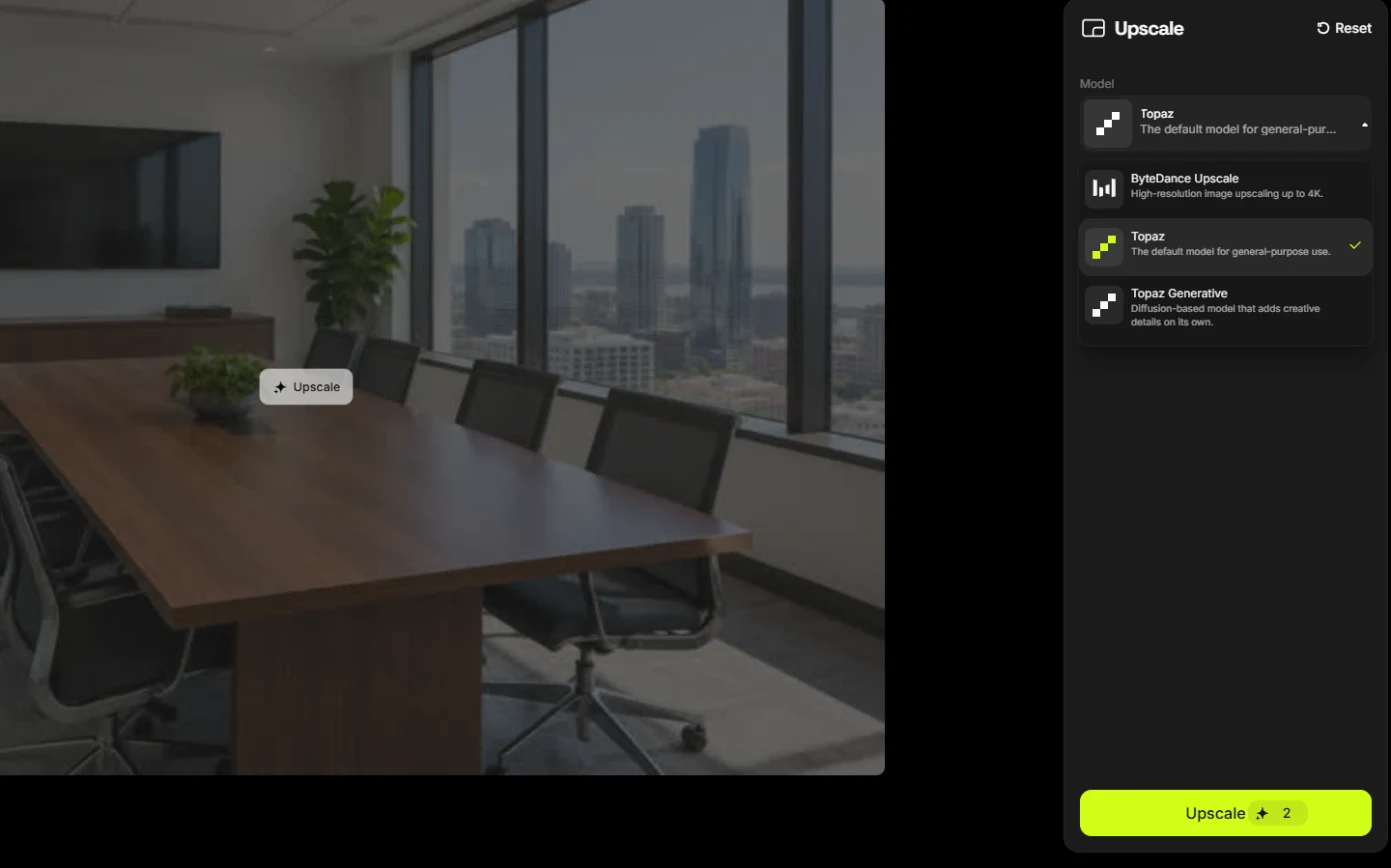 Rescue a Low-Res Photo for a Proposal or Print using Higgsfield Upscale
A business case for proposal and marketing teams: upscale a 640-pixel photo to 4K with Higgsfield for 2 credits, and learn what upscaling invents and when not to use…
Free · Live ~6 min Beginner
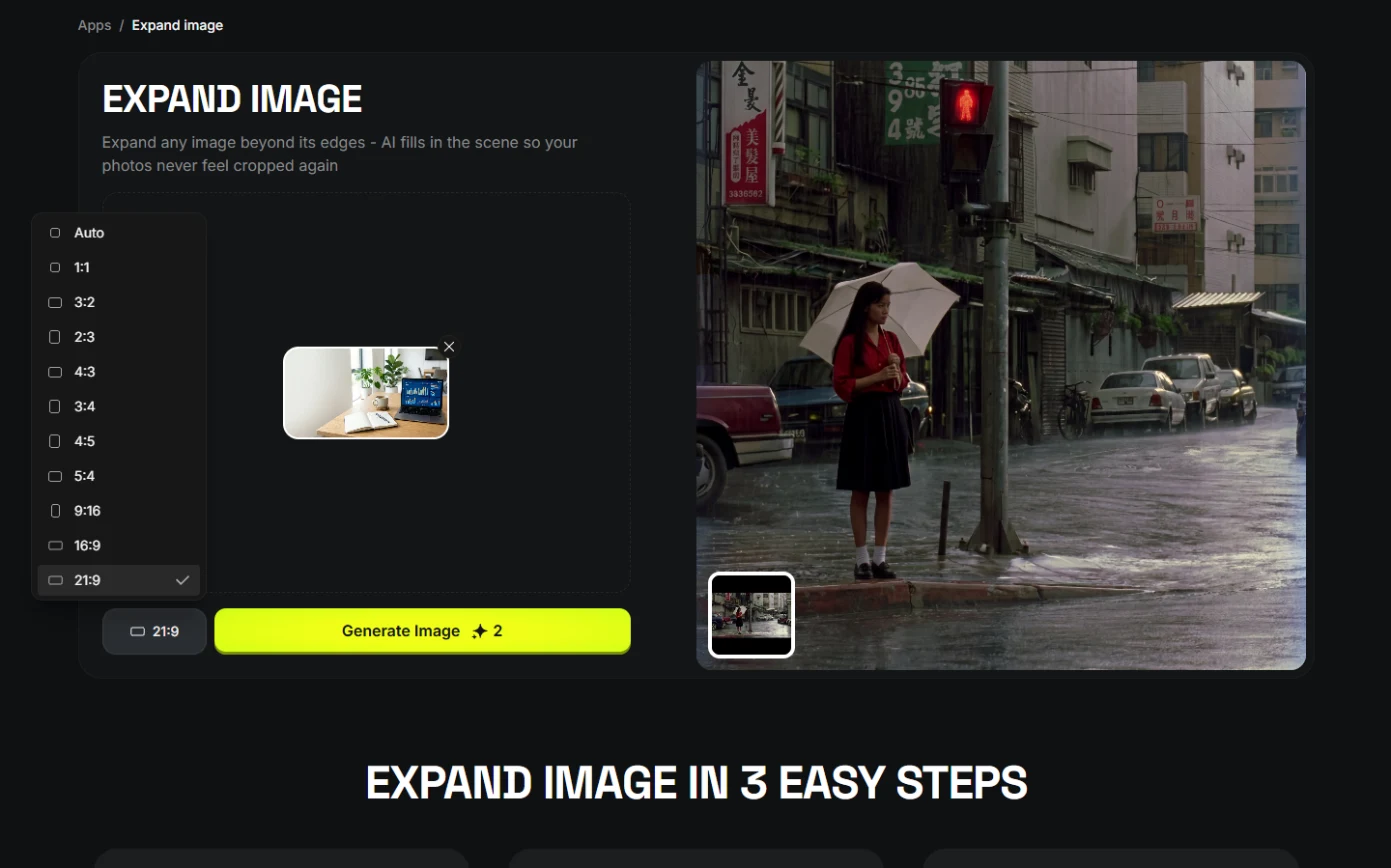 One Webinar Image, Every Channel Size using Higgsfield (Expand, Don't Crop)
A business case for sales and marketing teams: expand one 16:9 webinar image to 9:16 and 1:1 with Higgsfield instead of cropping it, and place the headline in the new…
Free · Live ~6 min Beginner
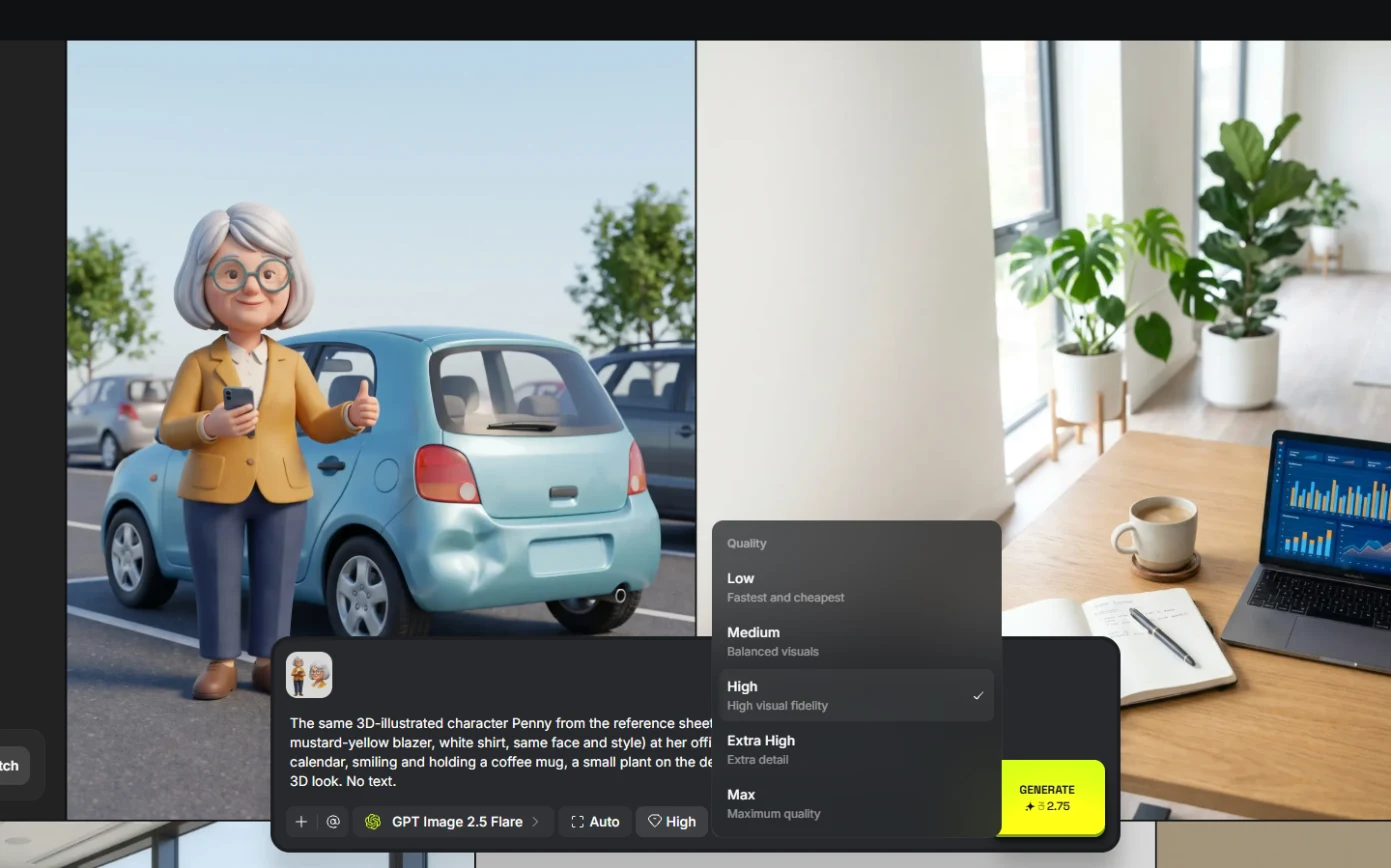 Pick the Right Model and Make Your Credits Last using Higgsfield
A business case for teams sharing one plan: read the cost before you generate, draft on cheap models, finish once on the right one, and compare four image models on the…
Free · Live ~8 min Beginner
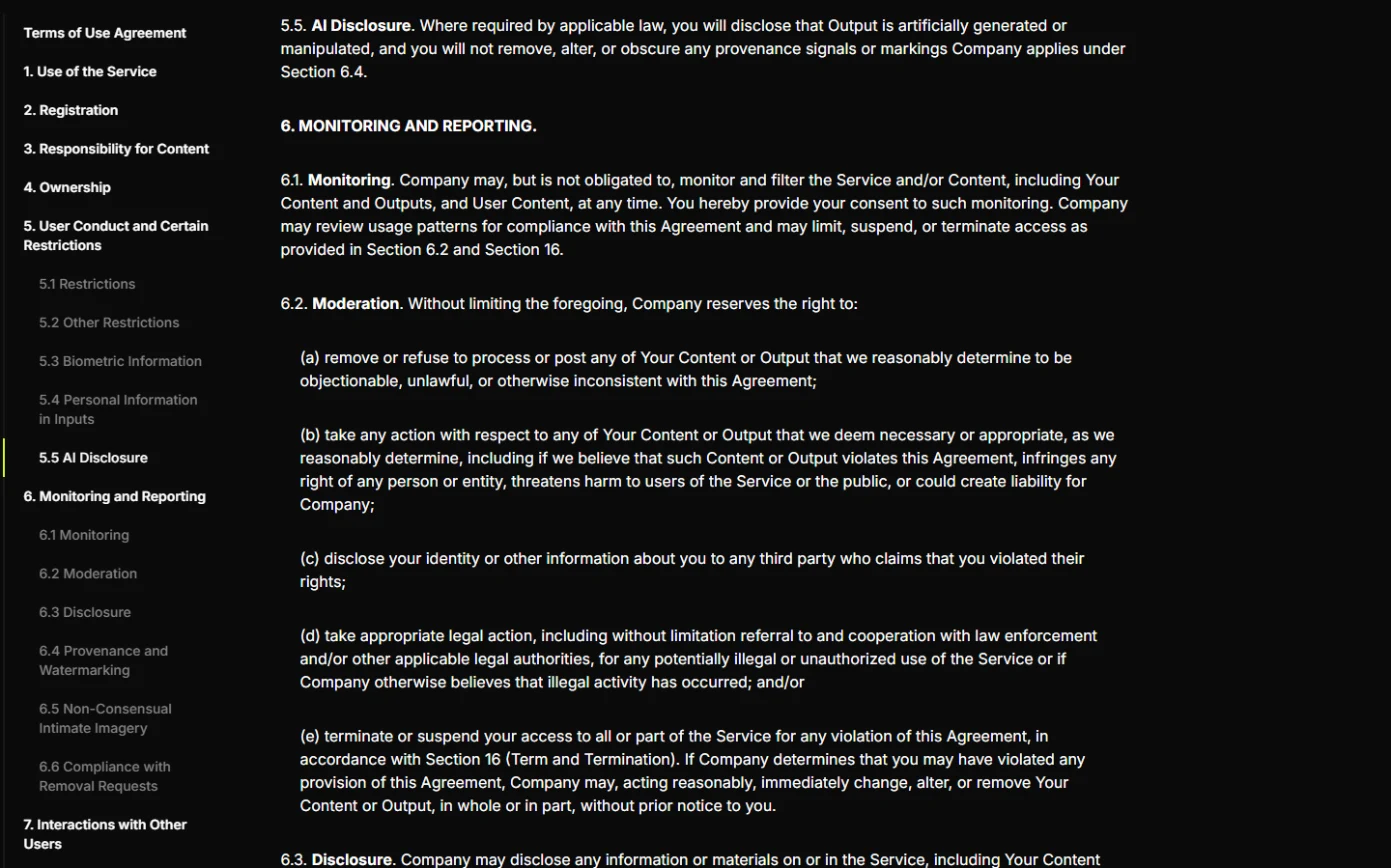 Use AI Images and Video Responsibly: Labels, Consent and Likeness using Higgsfield
A business case for any team publishing AI content: a one-page policy to disclose realistic AI images and video, get consent for faces and voices, and never make fake…
Free · Live ~7 min Beginner
Compare tools
Side-by-side comparisons, with prices and features checked against the vendors’ own pages.
Frequently asked questions
- Are these Higgsfield tutorials free?
- Yes. All 8 live Higgsfield lessons here are free, and you can start without signing up. Each one is a real project you build step by step in a practice copy of Higgsfield that checks your work.
- Where should a beginner start with Higgsfield?
- Start with Turn One Product Photo into a 5-Second Video Ad using Higgsfield, about 9 minutes. Every step shows you where to click, and "Do it for me" finishes any step you get stuck on.
- Do I need my own Higgsfield account to practice?
- No. The lessons run in a practice copy of Higgsfield in your browser, so nothing touches your real accounts. To build the same workflow for real afterwards you need your own Higgsfield account; check Higgsfield's current pricing first.
Related
How every module works
Each step is shown on the left, with a cursor pointing to exactly where to click. You do the same thing on the right, in a practice copy of the real tool. Get it right and it moves on. Nothing touches your real accounts until you're ready to build it for real.
Start learning free