What is a help article, and what makes a good one?
Quick answer
A help article is a short page that shows how to do one task, one numbered step at a time, usually with a screenshot of each step. It lives in a help center or knowledge base so people can find the answer without asking.
Last updated
Take the free module →Module 51 of the free AI Apps Worth Knowing course, about 10 minutes. No account needed.
Updated · By Robert Breen
Why it matters for a small business
Every question a coworker or customer asks twice is a help article waiting to be written. The article answers it at 2 a.m., the same way every time, and frees the person who used to answer it by hand. A good one covers one task, starts from where the reader is, uses the exact button names on screen and ends with what "done" looks like.
The slow part has always been the screenshots: capturing each step, cropping, pointing at the right button and hiding anything private. Tools that work from a screen recording now draft the steps and screenshots for you, so the job becomes checking and tidying instead of writing from scratch.
In a real lesson: Clueso: Turn a Rough Screen Recording into a Training Video and Help Article
In the Clueso lesson, Dana at Northgate Benefits Group (made up) records how to add a new client in the portal. She uploads the recording, adds it as the source in Clueso's Start with Prompt workflow and asks for a training video and a help article, with a step and a screenshot for each click.
Before sharing the article, she checks every screenshot for client data, blurs anything private, and reads every step against the video.
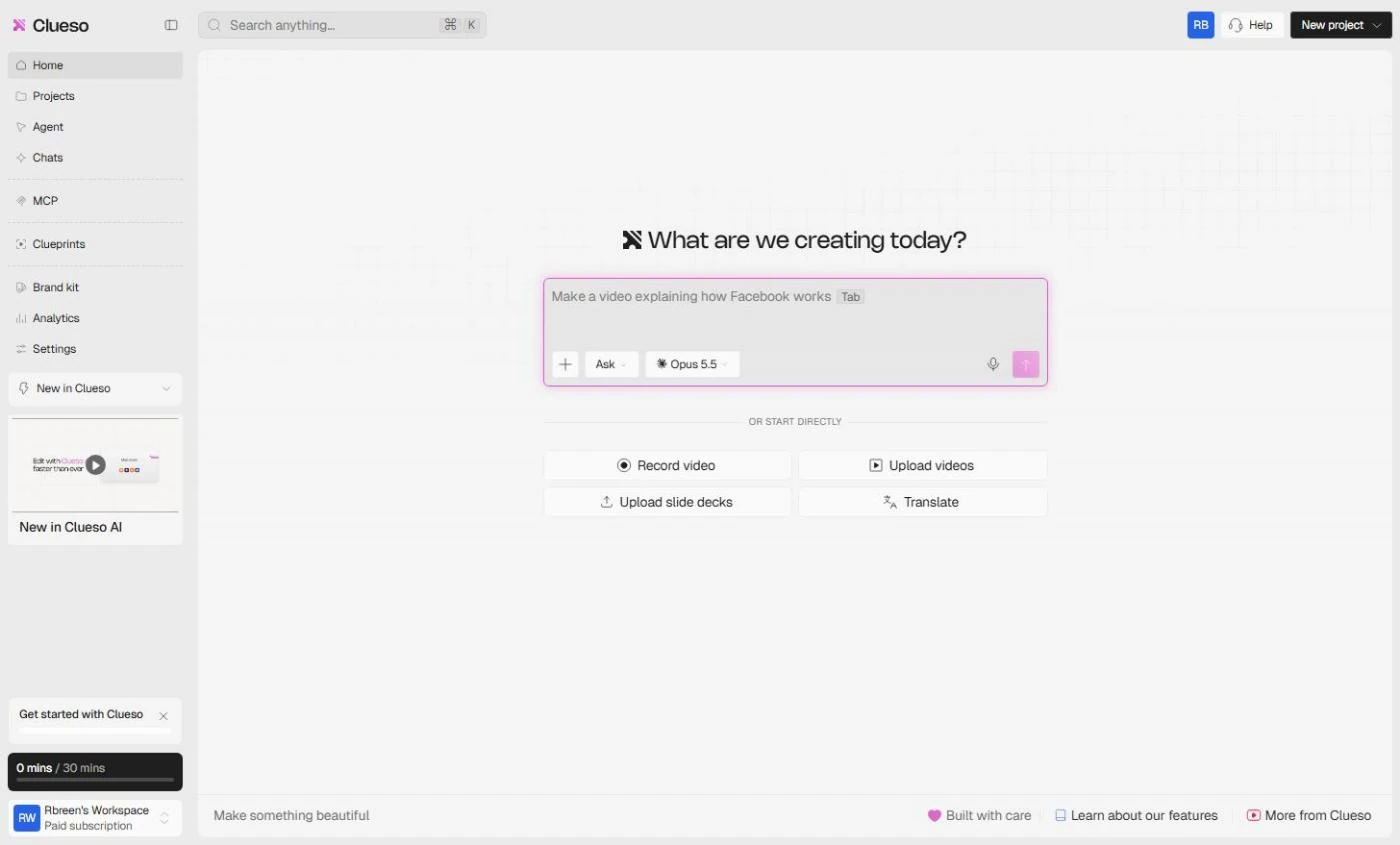
Try this lesson free or read the step-by-step guide.
Common confusions
Help article vs SOP
A help article shows how to do one task in a tool. An SOP is the agreed way the team does a whole process, often linking to several help articles.
Help article vs knowledge base
A knowledge base is the library; help articles are the pages in it.
Tips
- One task per article, with a title that says the task in the reader's words ("Add a new client"), not the feature name.
- Use the exact labels on screen, and put them in bold.
- Blur names, emails and account numbers in every screenshot before you publish.
- Give each article an owner and a review date, and update it when the screen changes.
Related terms
More Business terms
Where you use it: free lessons
- Clueso: Turn a Rough Screen Recording into a Training Video and Help Article (Clueso, 10 min)
- ChatGPT: Turn Rough Notes into a One-Page SOP in an Editable Document (ChatGPT, 5 min)
- Mixo: Launch a Landing Page and Collect Early Sign-ups (Mixo, 12 min)
- HubSpot: Capture a Web Lead and Follow Up the Same Day (HubSpot, 12 min)
Frequently asked questions
- How long should a help article be?
- As short as the task allows. Most good ones are 4 to 10 steps. If it runs much longer, split it into two tasks.
- Can AI write help articles for me?
- It can draft them, for example from a screen recording or your notes. Check every step against the real screen and every screenshot for private data before you publish.