What is a fillable PDF?
Quick answer
A fillable PDF is a form with interactive fields built into it: text boxes you can click and type in, check boxes and sometimes a signature field. A flat PDF only shows lines and boxes printed on the page, so you need a fill and sign tool to place text on top of it.
Last updated
Take the free module →Module 5 of the free AI Apps Worth Knowing course, about 8 minutes. No account needed.
Updated · By Robert Breen
Why it matters for a small business
Forms are small jobs that hold up big ones. A client will not set you up as a vendor, a bank will not open the account, a new hire cannot start, until the PDF comes back complete. The old route of print, write, sign, scan and email is slow at a desk and impossible from a hotel, and the handwriting is often hard to read.
A fillable form fixes that for the person filling it in: click a field, type, tab to the next. Many forms you receive are flat, though, so it helps to know the second route. A PDF editor with fill and sign lets you click anywhere on the page and type, add check marks and a signature, then download the finished copy in a few minutes.
In a real lesson: Foxit PDF Editor: Fill and Sign a Form without Printing
In the free Foxit fill and sign lesson, Jordan Ellis at Bright Path Marketing needs to return Lakeview Dental Partners' New Vendor Setup Form before a $4,800 invoice can be paid. It is a flat PDF with no boxes to type in. On the Protect tab you click Fill & Sign, then Add Text, which stays on as you click one line after another.
The check mark tool drops a tick in the LLC box and the ACH box, Predefined Text supplies today's date, and you place a typed ink signature on the line (not a certificate digital signature) before clicking Apply All Signature and Download File. The lesson's estimate is about 4 minutes in the browser instead of about 15 with a printer and scanner.
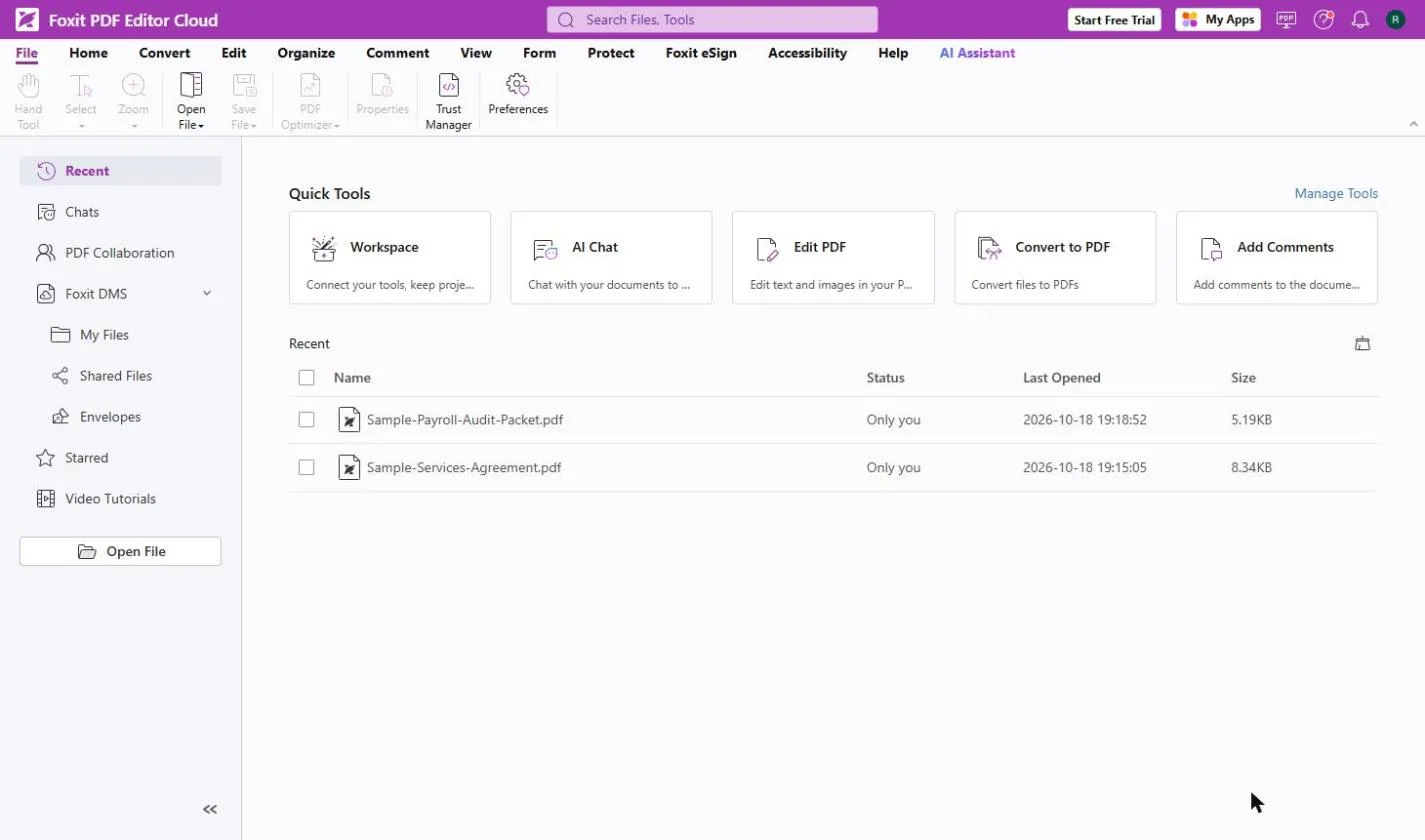
Try this lesson free or read the step-by-step guide.
Common confusions
Fillable PDF vs flat PDF
A fillable PDF has fields saved in the file. A flat PDF is just a picture of a form, as far as typing goes. Fill and sign tools handle both by placing text on top of the page.
Fillable PDF vs web form
A web form is filled in a browser page and sends answers straight to a system. A fillable PDF is a file you complete and send back as an attachment.
Tips
- Click on a blank line first: if a cursor appears in a box, the form is fillable.
- Read the form's own instructions; never type bank or tax numbers into a form that says to send them another way.
- Make sure the business name matches your W-9 exactly.
- On a shared computer, do not save your signature to the account.
Related terms
More Business terms
Where you use it: free lessons
- Foxit PDF Editor: Fill and Sign a Form without Printing (Foxit, 8 min)
- Foxit PDF Editor: Catch Every Change in a Revised Contract (Foxit, 8 min)
- AI Contract Review in 10 Minutes using Foxit AI (Foxit, 10 min)
AI tools that use it
Frequently asked questions
- How do I fill in a PDF that is not fillable?
- Open it in a PDF editor with a fill and sign tool, such as Foxit PDF Editor's Fill & Sign, and click where each answer goes to type on top of the page.
- How can I tell if a PDF is fillable?
- Click on a blank line. If a text cursor appears in a box, or fields highlight when you hover, it is fillable. If nothing happens, it is flat.
- Can I tick boxes on a flat PDF?
- Yes. Fill and sign tools have check, cross and dot marks you can place on any box, which is how the Foxit lesson ticks LLC and ACH.