What is a digital signature?
Quick answer
A digital signature is a certificate-based way of signing a document. A digital ID tied to the signer is used to seal the file, so anyone can check who signed it and whether a single character changed afterwards. It is a stricter kind of electronic signature than typing or drawing your name.
Last updated
Take the free module →Module 5 of the free AI Apps Worth Knowing course, about 8 minutes. No account needed.
Updated · By Robert Breen
Why it matters for a small business
Most everyday paperwork only needs a quick signature: a vendor form, an internal approval, a client intake sheet. Some documents carry more risk, though, such as a large contract or a filing where the other side must be sure the signer is real and the file was not edited after signing. Using the wrong kind wastes a round trip, or worse, leaves you with a signature nobody can verify.
A certificate signature answers two questions a picture of a signature cannot: who really signed, and has the file changed since. If someone edits a sealed PDF, a reader that checks the signature flags it. So the practical skill is knowing which documents need that proof and asking the other side what they accept before you sign.
Three ways to sign a PDF
| Method | What it is | Good for |
|---|---|---|
| Typed or drawn ink signature | Your name placed on the line as an image | Most vendor and client forms |
| E-signature service | Signers invited by email, with an audit trail | Several signers, signing order |
| Digital certificate signature | Sealed with a digital ID that can be verified | Documents that must prove identity and no changes |
In a real lesson: Foxit PDF Editor: Fill and Sign a Form without Printing
In the free Foxit fill and sign lesson, Jordan Ellis clicks + to open Create Signature, which offers Type, Draw, Import, Paste and Online. Jordan types the name, unticks Save signature online, places the signature on the certification line of the flat vendor form (not a fillable PDF) and clicks Apply All Signature.
The lesson is clear about what that is. Foxit's site separates quick ink signatures, which is what the lesson places, from legally binding digital certificate signatures. A placed signature is what most vendor forms ask for. Collecting signatures from several people with an audit trail is Foxit eSign, a separate service the lesson does not test.
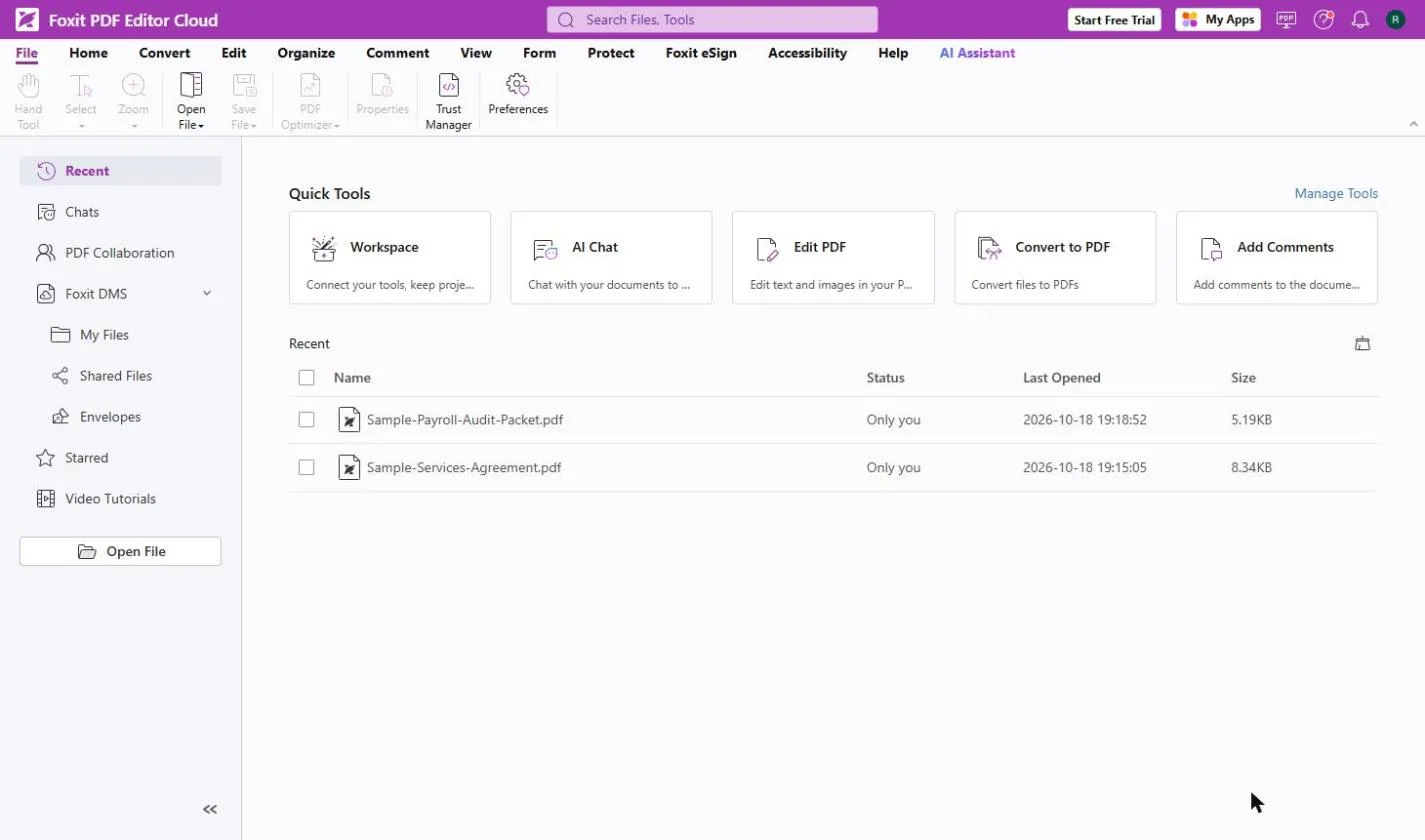
Try this lesson free or read the step-by-step guide.
Common confusions
Digital signature vs e-signature
An e-signature is any electronic way of agreeing to a document. A digital signature is one specific, certificate-based kind that can prove identity and detect changes.
Digital signature vs a signature image
Pasting a scan of your handwriting is quick but proves little. A certificate signature can be checked by the reader that opens the file.
Tips
- Ask the other side which signature type they accept before you sign.
- Do not edit a PDF after a certificate signature is applied; it will show as changed.
- Keep the signed file and any completion record together.
- For high-stakes documents, ask an attorney what is required.
Related terms
More Business terms
Where you use it: free lessons
- Foxit PDF Editor: Fill and Sign a Form without Printing (Foxit, 8 min)
- AI Contract Review in 10 Minutes using Foxit AI (Foxit, 10 min)
AI tools that use it
Frequently asked questions
- Is a typed signature a digital signature?
- Not in the strict sense. A typed or drawn signature is an electronic signature. A digital signature uses a certificate to seal the file.
- When do I need a digital signature?
- When the other side asks for one, or when the document must prove who signed and that nothing changed. Most routine vendor forms accept a placed signature.
- Is a digital signature legally binding?
- Often, but rules vary by country and document type. This is general information, not legal advice; ask a lawyer when it matters.