The best AI tools for Excel and Google Sheets in 2026
Quick answer
Spreadsheet AI does two different jobs: getting data into the sheet, and making sense of it once it is there. As of October 2026, Coefficient pulls live data from CRMs, databases and finance tools into Google Sheets and Excel, and Docparser pulls data out of PDFs and documents into a spreadsheet. For the analysis, Copilot in Excel and Gemini in Google Sheets write formulas, build charts and pivot tables inside the app you already use, ChatGPT analyzes an uploaded file and can run inside Excel and Sheets as a sidebar, and Claude for Excel works in a sidebar with cell-level citations.
Last updated
Take the free module →Module 26 of the free AI Apps Worth Knowing course, about 12 minutes. No account needed.
This list is for analysts, bookkeepers, sales ops and managers who live in spreadsheets. Features come from each vendor's own pages as of October 2026, with no prices, because plans change often. Partner tools with a free Stepthrough lesson come first; that is not a ranking. Check every total an AI gives you before you share it. Practise for free in Coefficient: Pull Live Pipeline Data into Google Sheets and Auto-Refresh It Daily.
How do they compare at a glance?
| Tool | Job | What the vendor says it does | Practice it free |
|---|---|---|---|
| Coefficient | Live data into the sheet | Pulls data from Salesforce, HubSpot, Pipedrive, databases and finance tools into Sheets and Excel; Sheets Assistant; GPT functions | Live pipeline data in Sheets |
| Docparser | Documents into the sheet | Reads PDFs, Word files and images with zonal OCR, tables, checkboxes and barcodes; exports Excel, CSV, JSON or XML | Invoice data from PDFs |
| Copilot in Excel | Analysis inside Excel | Writes formulas, answers questions with charts and PivotTables, sorts, filters and formats; edit, plan and chat modes | Not yet |
| Gemini in Google Sheets | Analysis inside Google Sheets | Builds tables and charts, summarizes sheets, fixes formula errors, previews changes for approval, =AI() function | Not yet |
| ChatGPT | Analysis of an uploaded file | Upload XLSX or CSV files for trends, tables and charts; runs Python; sidebar for Excel and Google Sheets | Analyze a spreadsheet |
| Claude for Excel | Models and error fixing in Excel | Sidebar with cell-level citations, keeps formula links when changing assumptions, traces #REF! and #DIV/0 errors | Messy export to clean workbook |
Which spreadsheet AI should I start with?
The one inside the app you already use. If your company licenses Microsoft 365 Copilot, Microsoft's help page says Copilot in Excel writes formulas, answers questions with charts and PivotTables, and has a plan mode that proposes changes before making them. If you are on Google Workspace, Google's help pages say Gemini in Sheets builds tables and charts, fixes formula errors and shows a preview you approve first, as of October 2026.
Add a separate tool for what the built-in AI does not do. Getting fresh data in every morning is Coefficient's job; pulling numbers out of 200 invoice PDFs is Docparser's. The pivot table entry is a good refresher if the AI suggests one.
How do I get live data into a spreadsheet automatically?
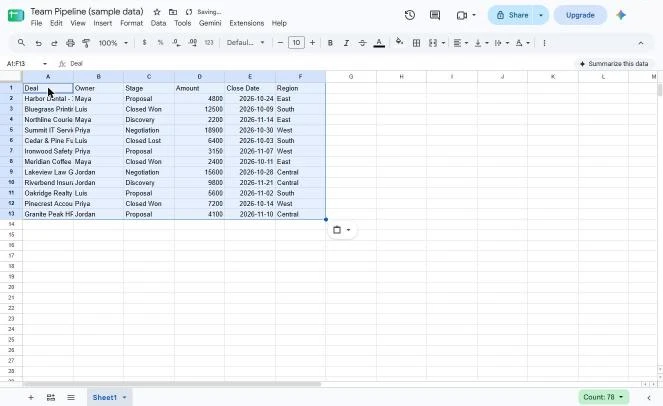
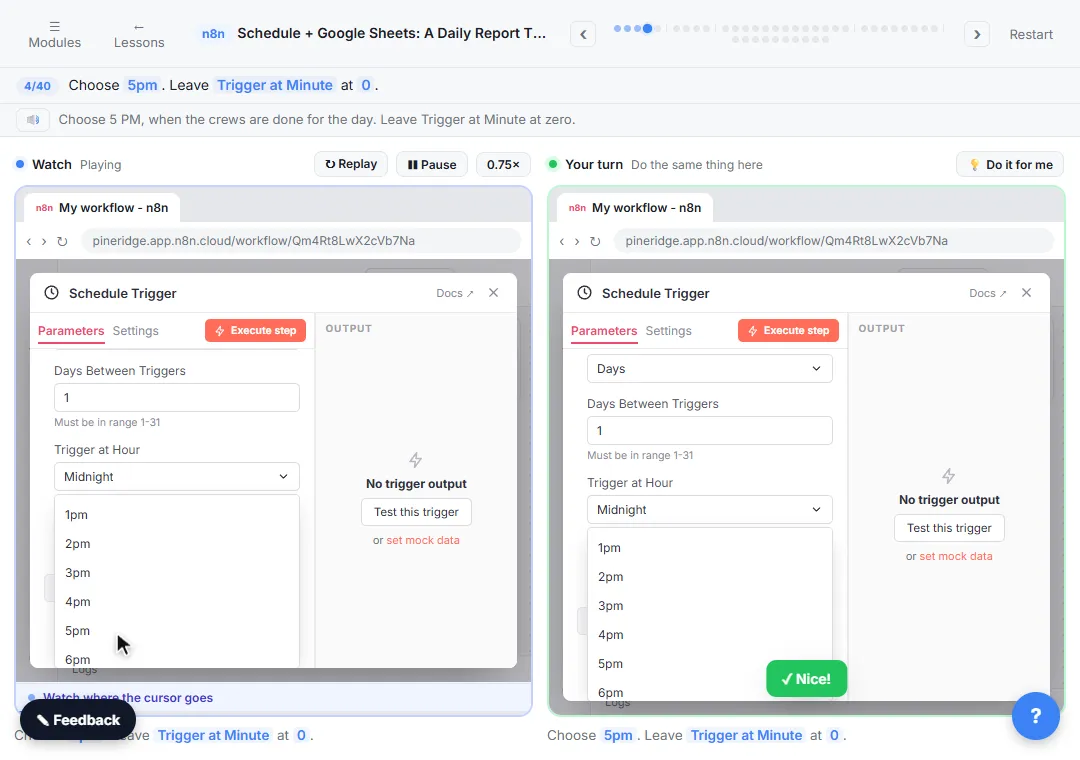
Use a connector instead of exporting and pasting. Coefficient lists live connections from CRMs such as Salesforce, HubSpot and Pipedrive, databases such as Snowflake and BigQuery, and finance tools such as QuickBooks and Stripe, into both Google Sheets and Excel. The free Coefficient lesson connects a pipeline and sets it to refresh daily. If you would rather build it yourself, an automation tool can append rows on a schedule; the free n8n schedule and Sheets report lesson shows how.
Can AI turn PDFs and invoices into spreadsheet rows?
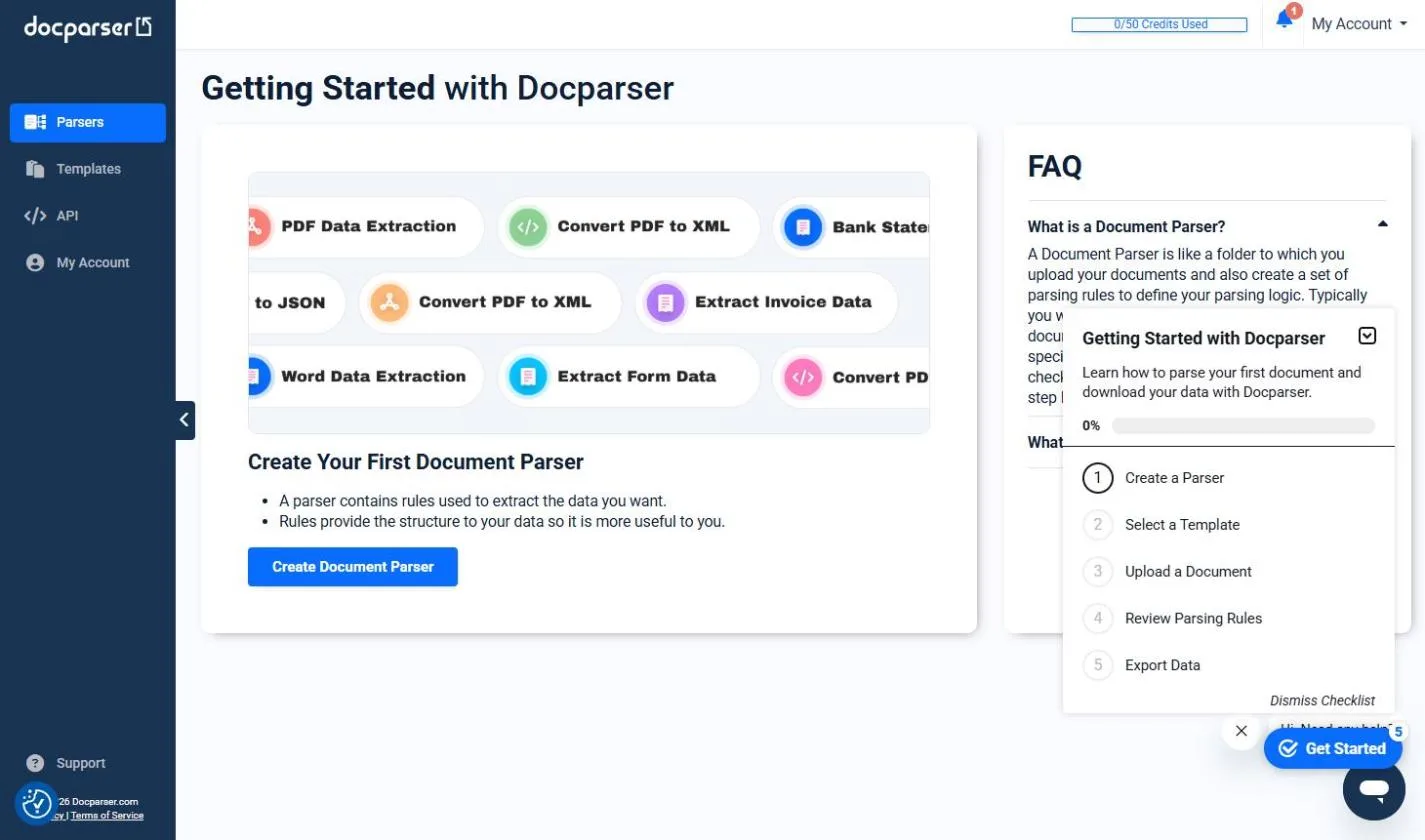
Yes, and it is one of the biggest time savers in an office. Docparser says it reads PDFs, Word files and images, including invoices, purchase orders and bank statements, and exports to Excel, CSV, JSON or XML. The free Docparser: Pull Invoice Data from PDFs into a Spreadsheet lesson walks through one invoice batch. The best AI document data extraction tools list compares Docparser with Parseur, Nanonets and the cloud options.
Is it better to upload a spreadsheet to ChatGPT or Claude?
Upload when you want a quick read of trends, a cleaned-up table or a chart, and you do not need the result to stay connected to the original file. OpenAI's help center says ChatGPT accepts XLSX, XLS, CSV and TSV files, summarizes trends and outliers, and writes and runs Python for some analysis. The free ChatGPT spreadsheet lesson practises it.
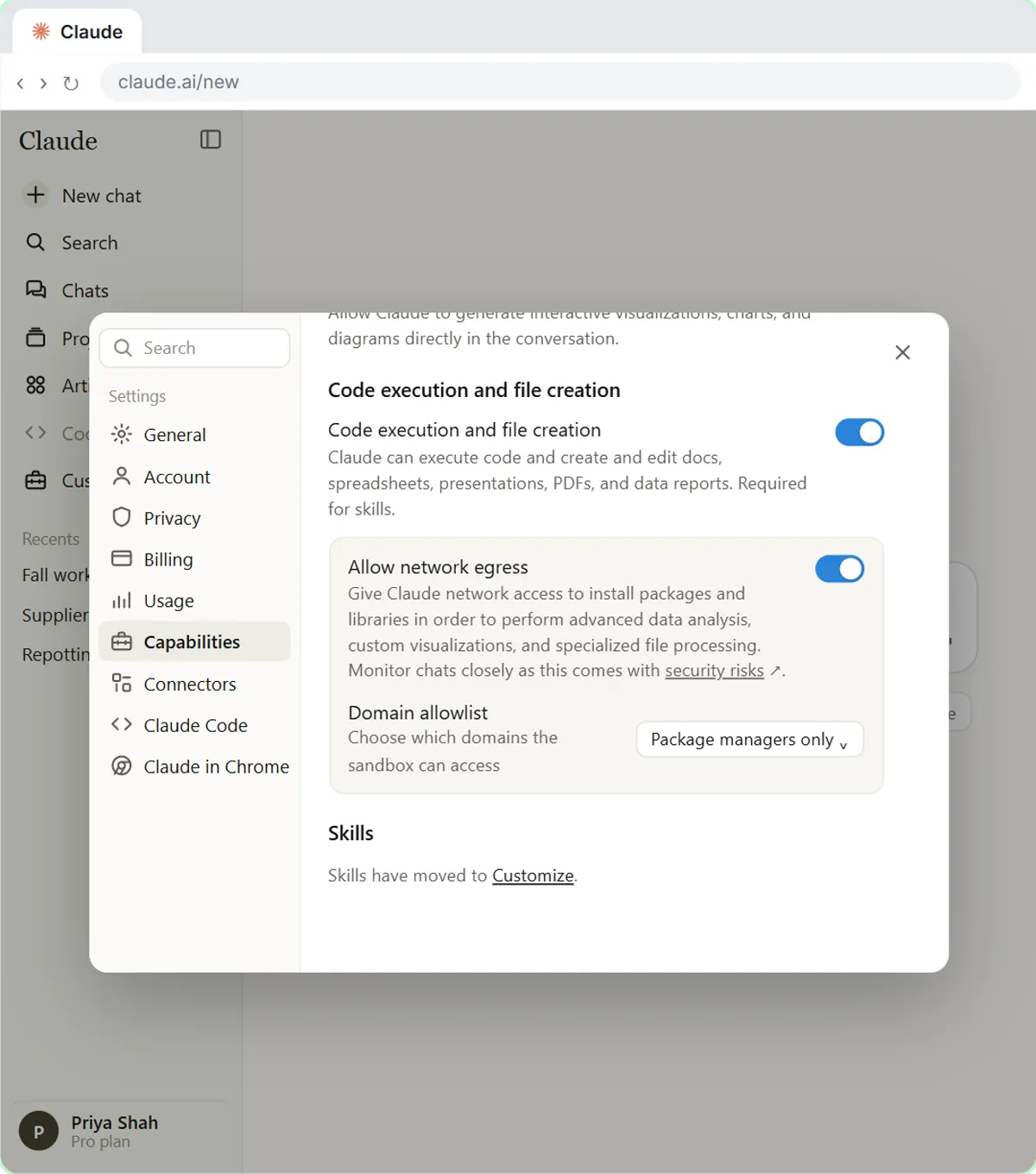
Work inside Excel when the model has to keep its formulas. Anthropic says Claude for Excel changes assumptions while keeping formula links, so dependent cells recalculate, and that its answers cite the cells they used. It runs on Excel for the web, Windows and Mac, and does not support macros or VBA, as of October 2026. The free messy export to clean Excel workbook lesson uses Claude on a typical export cleanup.
Who is each one for?
Coefficient
For sales ops, finance and managers who rebuild the same report from exports every week and want live, refreshing data in Sheets or Excel. Practise free in Coefficient: Pull Live Pipeline Data into Google Sheets and Auto-Refresh It Daily. Official site: coefficient.io. Directory card: Coefficient.
Docparser
For AP, operations and admin teams typing data out of invoices, purchase orders and statements. Practise free in Docparser: Pull Invoice Data from PDFs into a Spreadsheet. Official site: docparser.com. Directory card: Docparser.
Copilot in Excel
For Microsoft 365 offices with Copilot licenses that want formulas, charts and PivotTables built from a plain-English request. Official help: Get started with Copilot in Excel. Directory card: Microsoft Excel with Copilot.
Gemini in Google Sheets
For Google Workspace offices that want charts, tables and formula fixes from the Ask Gemini panel, with a preview before changes land. Official help: Gemini in Google Sheets. Directory card: Google Sheets with Gemini.
ChatGPT
For a quick analysis of an exported file, with charts and a written summary, or as a sidebar inside Excel and Google Sheets. Practise free in the ChatGPT spreadsheet analysis lesson. Official help: Data analysis with ChatGPT. Directory card: ChatGPT.
Claude for Excel
For analysts building or checking models in Excel who want answers that cite cells and keep formula links intact. Official docs: Claude for Excel. Directory card: Claude.
Which of these tools have a free Stepthrough lesson?
- Coefficient: free lesson: Coefficient: Pull Live Pipeline Data into Google Sheets and Auto-Refresh It Daily
- Docparser: free lesson: Docparser: Pull Invoice Data from PDFs into a Spreadsheet
- Copilot in Excel: a free Stepthrough lesson is coming.
- Gemini in Google Sheets: a free Stepthrough lesson is coming.
- ChatGPT: free lesson: Analyze a Spreadsheet with ChatGPT: Upload a CSV, Get a Chart and Three Takeaways
- Claude for Excel: a free Stepthrough lesson is coming.
Practice it free, step by step
Coefficient: Pull Live Pipeline Data into Google Sheets and Auto-Refresh It Daily. A business case for sales managers who copy the team pipeline into the weekly report by hand: price the Monday copy-and-paste, then use Coefficient to pull the pipeline into Google Sheets, pick the… You do every step yourself in a practice copy of Coefficient, it checks your work as you go, and “Do it for me” finishes any step you get stuck on. Free, and nothing touches your real accounts.
Start the free lessonWatch it in a free lesson: Analyze a Spreadsheet with ChatGPT: Upload a CSV, Get a Chart and Three Takeaways
 3:04
3:04Analyze a Spreadsheet: video walkthrough
Upload a CSV of sales to ChatGPT, have it check the data first, ask your questions, get a chart you can download, and finish with the three takeaways that matter. The whole lesson narrated step by step, recorded in Stepthrough’s simulated practice environment.
Key takeaways
- Separate the two jobs: getting data in (Coefficient, Docparser) and making sense of it (Copilot, Gemini, ChatGPT, Claude).
- Start with the AI inside the spreadsheet you already use, and add a connector for live data.
- As of October 2026, Claude for Excel keeps formula links and cites cells; ChatGPT analyzes uploaded files and runs Python.
- Check every total and formula an AI gives you before you share it.
Frequently asked questions
What is the best AI for Excel?
Copilot in Excel if your company licenses it, since it is built in. Claude for Excel and the ChatGPT sidebar are the add-in options, as of October 2026. For data that arrives as PDFs, add Docparser.
What is the best AI for Google Sheets?
Gemini in Sheets for Workspace offices, plus Coefficient when you need live data from a CRM or database. Try the live-data side in the free Coefficient lesson.
Can AI write Excel formulas for me?
Yes. Copilot in Excel writes formulas from a request, and Gemini in Sheets fixes formula errors, as of October 2026. Test each formula on a few rows you can check by hand.
Can I ask questions about my spreadsheet in plain English?
Yes. Copilot, Gemini, ChatGPT and Claude all answer plain-English questions about your data. The free n8n Talk to Google Sheets lesson builds a chat assistant over a sheet.
Where do these prices and features come from?
Every price and feature on this page was checked against the vendor's own page, as of October 2026. No numbers here are estimates or third-party figures. The example businesses in the Stepthrough lessons are made up.