The best AI tools for executive assistants in 2026
Quick answer
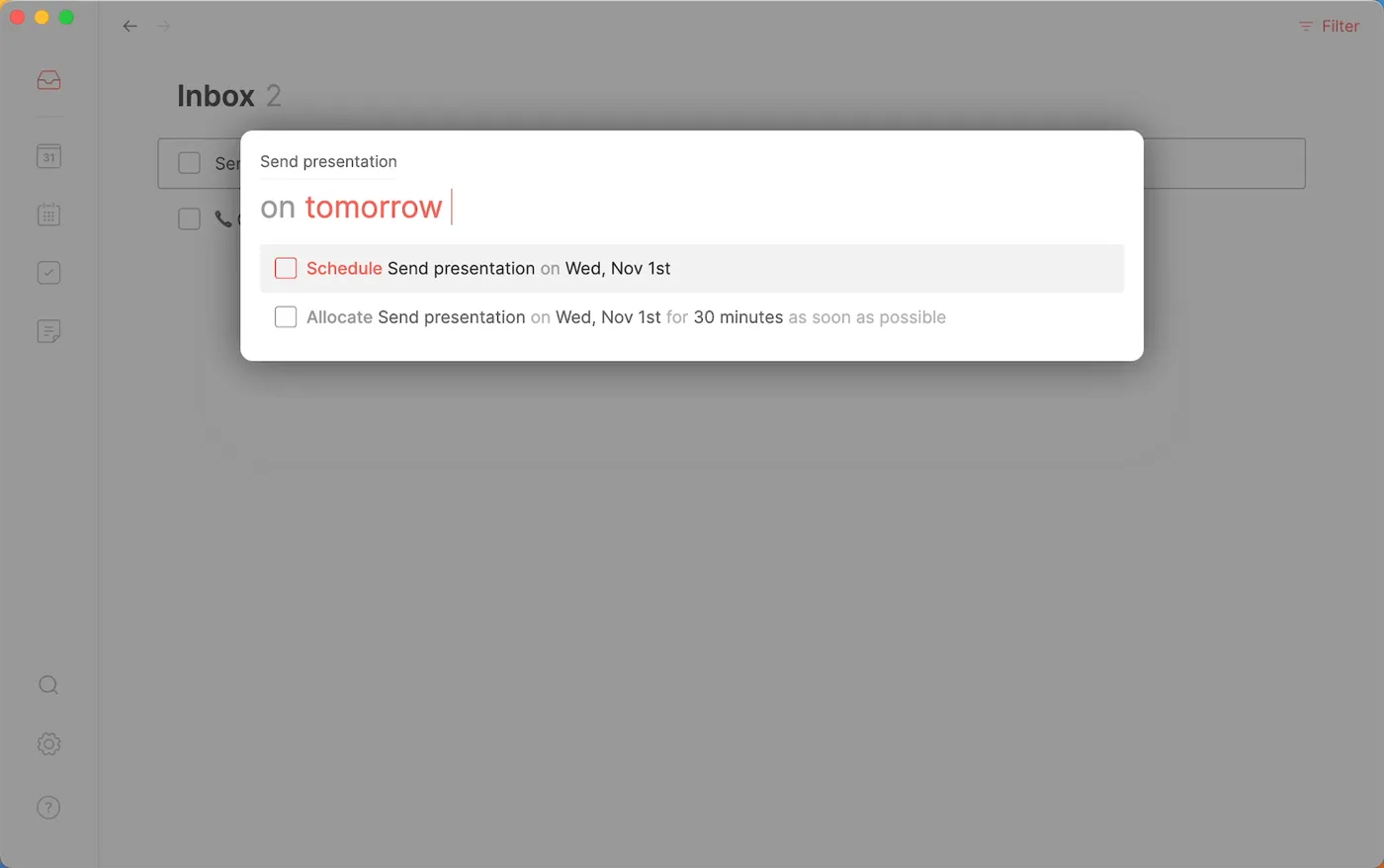
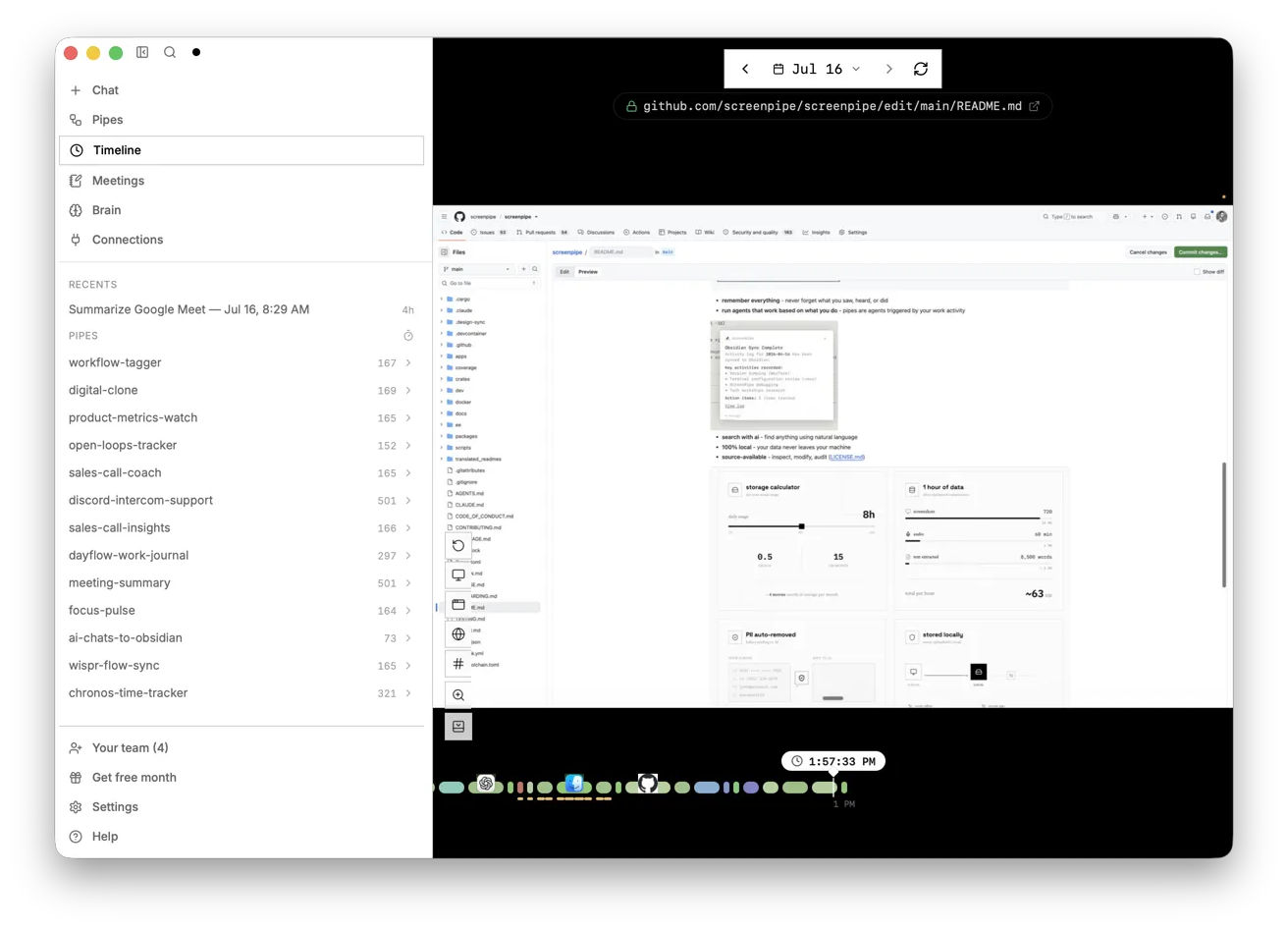
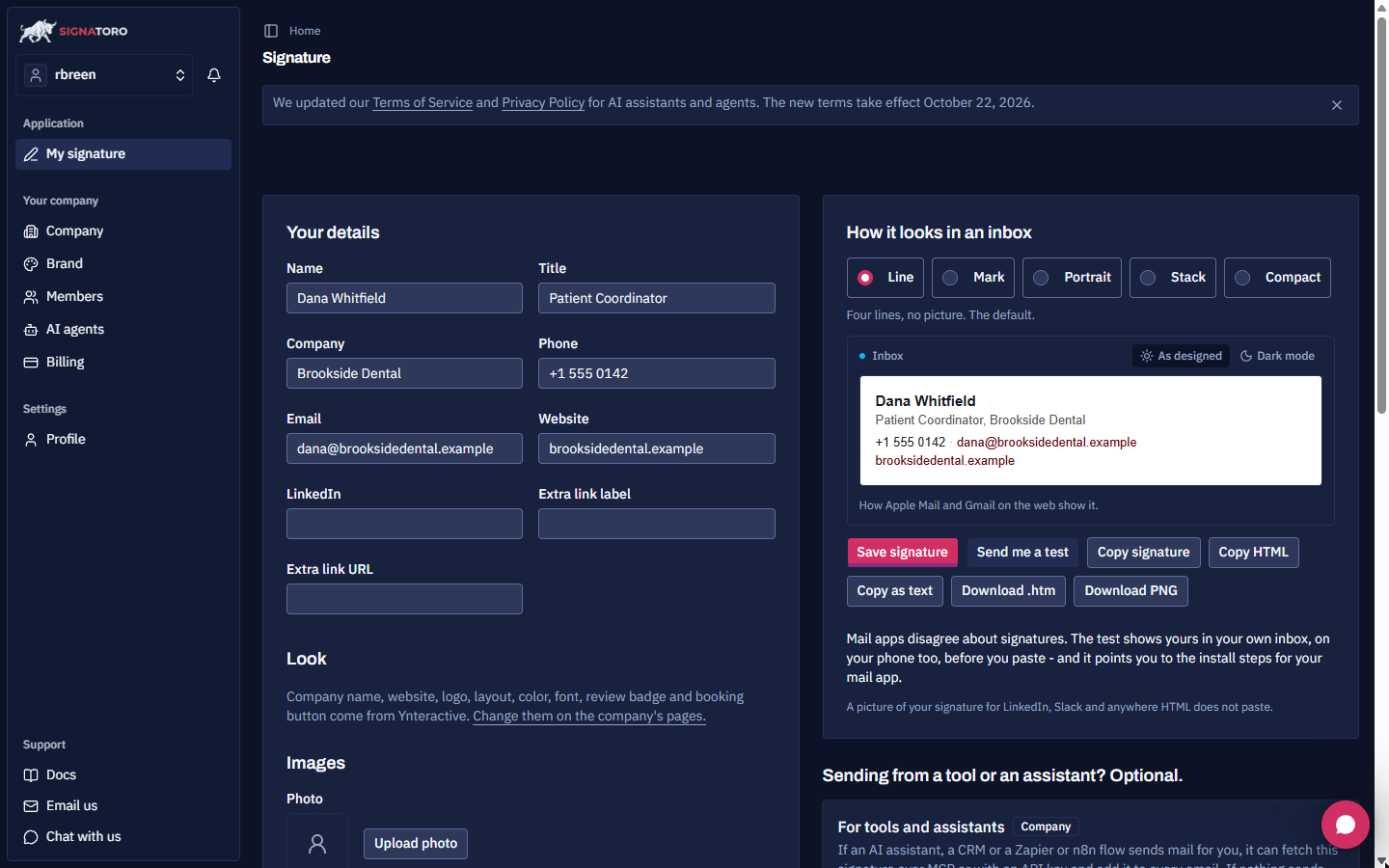
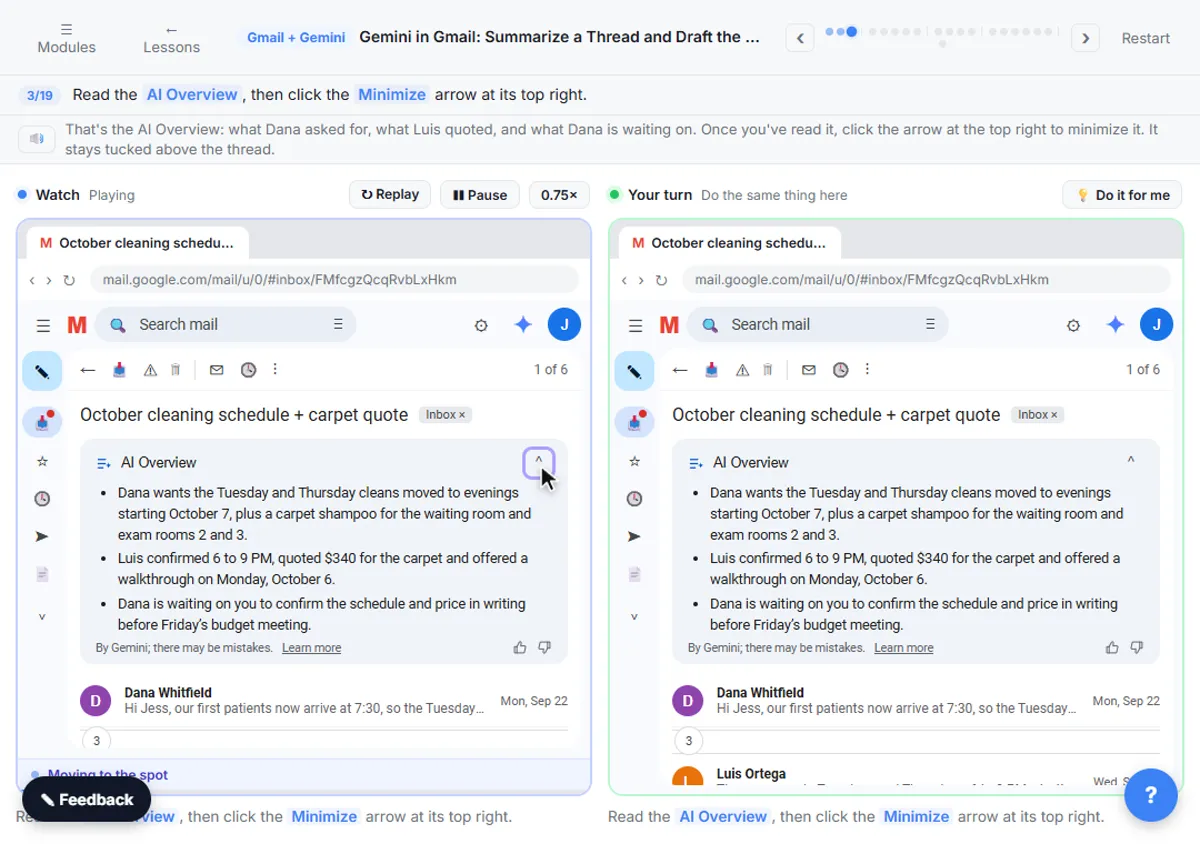
The best AI tools for executive assistants keep the calendar, the inbox and the to-do list under control without losing the personal touch. As of October 2026, Routine puts tasks, calendar and notes in one app with an AI assistant that spots clashes; Screenpipe records how a recurring task is done so you can hand it off or automate it; Signatoro keeps one signature on every email you, your executive and your automations send; Lindy triages mail and drafts replies for your review; Gemini in Gmail summarizes threads and drafts replies inside Google Workspace; Akiflow collects tasks from your tools and time-blocks them; and Wispr Flow turns speech into clean text in any app.
Last updated
Take the free module →Module 20 of the free AI Apps Worth Knowing course, about 8 minutes. No account needed.
This list is for executive assistants, personal assistants, chiefs of staff and office managers. Features come from each vendor's own pages as of October 2026, with no prices, because plans change often. Partner tools with a free Stepthrough lesson come first where they fit; that is not a ranking. Disclosure: Stepthrough has an affiliate relationship with Lindy, and Signatoro gave us a free plan to build its lessons; there are no affiliate links on this page. Start with the free Routine lesson.
How do they compare at a glance?
| Tool | Best for | What the vendor says it does | Practice it free |
|---|---|---|---|
| Routine | One place for tasks, calendar and notes | Console captures tasks in plain words; an AI assistant reads tasks, calendars and notes and proposes changes | Plan your week from one inbox |
| Screenpipe | Writing down how a task is done | Records screen and audio on your computer and makes it searchable for you or an AI assistant | Map a recurring task |
| Signatoro | The right signature on every email | One saved signature used by people, automations and AI agents; install guides for Gmail and Outlook | AI drafts, Signatoro signs |
| Lindy | An assistant that triages and drafts | Handles email, scheduling and meeting notes from plain-English instructions; send actions can wait for approval | Client email replies |
| Gemini in Gmail | Google Workspace inboxes | Summarizes threads, drafts replies, answers questions from your inbox and Drive | Summarize and draft the reply |
| Akiflow | Tasks from every tool, time-blocked | Universal inbox for tasks, a unified calendar, time-blocking and an AI assistant with daily briefings | Not yet |
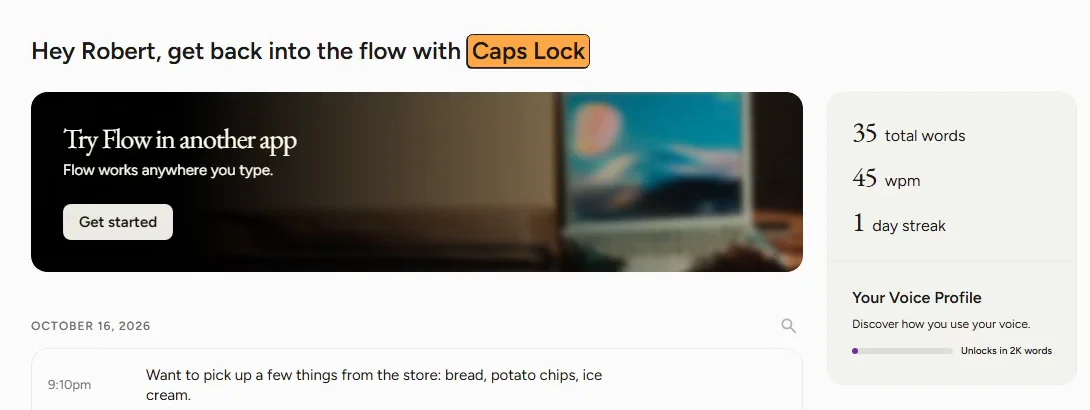
| Wispr Flow | Typing by voice | Dictation in any app on Mac, Windows, iPhone and Android; removes filler words and formats lists | Dictate emails and prompts |
What is the best AI planner for an executive assistant?
One that sees tasks and the calendar together. Routine says its AI assistant reads your tasks, calendars and notes to answer questions and propose changes, and it works with Google, Outlook and iCloud calendars, as of October 2026. Akiflow says it puts work and personal calendars next to a task list and can plan your day and week. The free Routine lesson follows its weekly loop. See time blocking and inbox zero.
Can AI handle my executive's email?
It can sort and draft; a person should still send. Lindy says actions that write or send something can wait for your approval first, and Gemini in Gmail drafts replies inside the inbox, as of October 2026. The free Lindy lesson and Gemini in Gmail lesson show both routes. The best AI email assistants list compares more options.
How do I hand off a recurring task without writing a manual?
Record it once and let AI write the steps. Screenpipe says it records your screen and audio and makes the history searchable, so an AI assistant can describe the task from what actually happened, and history stays on your computer by default, as of October 2026. The free Screenpipe lesson turns a recording into a step list with timestamps. See SOP.
Who is each one for?
Routine
For assistants who juggle tasks from email, chat and meetings and need one plan. Practise free in Routine: Plan Your Week from One Inbox. Official site: routine.co. Directory card: Routine.
Screenpipe
For documenting a recurring task before you hand it off or automate it. Practise free in Screenpipe: Map a Recurring Task Before You Automate It. Official site: screenpipe.com. Directory card: Screenpipe.
Signatoro
For keeping one correct signature across your team, your mail apps and your automations. Practise free in n8n + Signatoro: AI Drafts Every Reply, Signatoro Signs It. Official site: signatoro.com. Directory card: Signatoro.
Lindy
For an AI teammate that sorts mail, books meetings and has drafts ready for your review. Practise free in Answer Client Emails in Half the Time using Lindy. Official site: lindy.ai. Directory card: Lindy.
Gemini in Gmail
For Google Workspace offices: thread summaries and drafts without leaving Gmail. Practise free in Gemini in Gmail: Summarize a Thread and Draft the Reply. Official site: Gmail. Directory card: Gmail with Gemini.
Akiflow
For assistants who want tasks from every tool in one list, dragged onto the calendar. Official site: akiflow.com. Directory card: Akiflow.
Wispr Flow
For writing emails, notes and AI prompts by voice in any app. Practise free in Wispr Flow: Answer Emails and Write AI Prompts by Voice. Official site: wisprflow.ai. Directory card: Wispr Flow.
Which of these tools have a free Stepthrough lesson?
- Routine: free lesson: Routine: Plan Your Week from One Inbox
- Screenpipe: free lesson: Screenpipe: Map a Recurring Task Before You Automate It
- Signatoro: free lesson: n8n + Signatoro: AI Drafts Every Reply, Signatoro Signs It
- Lindy: free lesson: Answer Client Emails in Half the Time using Lindy
- Gemini in Gmail: free lesson: Gemini in Gmail: Summarize a Thread and Draft the Reply
- Akiflow: a free Stepthrough lesson is coming.
- Wispr Flow: free lesson: Wispr Flow: Answer Emails and Write AI Prompts by Voice
Practice it free, step by step
Routine: Plan Your Week from One Inbox. Get scattered client tasks into one place with Routine: capture them in plain words, clear the Inbox in minutes, give the important work a day and let the AI assistant catch a calendar clash. You do every step yourself in a practice copy of Routine, it checks your work as you go, and “Do it for me” finishes any step you get stuck on. Free, and nothing touches your real accounts.
Start the free lessonKey takeaways
- Keep tasks and the calendar in one planner, such as Routine or Akiflow, so nothing slips.
- Let Lindy or Gemini in Gmail sort and draft; keep a person sending anything important.
- Record a recurring task once with Screenpipe to hand it off or automate it.
- Small helpers add up: one signature everywhere with Signatoro, and dictation with Wispr Flow.
Frequently asked questions
Will AI replace executive assistants?
No. It takes over sorting, drafting and scheduling so assistants can spend more time on judgment and people. Every email tool here supports a review step, as of October 2026.
What is the best AI for managing a calendar?
Routine or Akiflow if you want tasks and calendar together. Try the free Routine lesson.
Is it safe to give an AI assistant access to my executive's inbox?
Only on tools your company has approved, with send actions set to wait for approval. Check each vendor's privacy terms first.
How do I get a meeting summary for my executive?
Use the notetaker your company already has, or see the best AI meeting note-takers list.
Where do these prices and features come from?
Every price and feature on this page was checked against the vendor's own page, as of October 2026. No numbers here are estimates or third-party figures. The example businesses in the Stepthrough lessons are made up.