The best AI meeting note takers for client calls in 2026
Quick answer
The best AI meeting note taker depends on one question first: is a bot joining the call acceptable to your clients? As of October 2026, OLVA is bot-free and helps live during the call, CoHear records on your phone and turns sessions into notes, action lists and handouts, Speak AI is built for analyzing interviews into themes, and Fathom, Fireflies.ai and Otter.ai are the established note takers that sync summaries and action items to CRMs like Salesforce and HubSpot. Fathom and Otter also offer a way to record without a bot.
Last updated
Take the free module →Module 18 of the free AI Apps Worth Knowing course, about 9 minutes. No account needed.
This list is for consultants, account managers, recruiters and team leads who spend half their week in calls. Features come from each vendor's own pages as of October 2026, with no prices, because plans change often. Tools with a free Stepthrough lesson come first; that is not a ranking. Disclosure: OLVA is a Stepthrough partner and links to Stepthrough from its website. Whatever you choose, tell people when a call is recorded and follow your local consent rules. Practise for free in OLVA: a private AI assistant on your client calls.
How do they compare at a glance?
| Tool | Best for | How it captures the call | What the vendor says it does |
|---|---|---|---|
| OLVA | Live help during client calls | Bot-free: captures audio on your device; Zoom, Meet, Teams, Slack huddles, Webex, plus in-person via mobile apps | Live captions, question detection, live answers and "say next" suggestions; minutes with action items, decisions and risks; 60 languages |
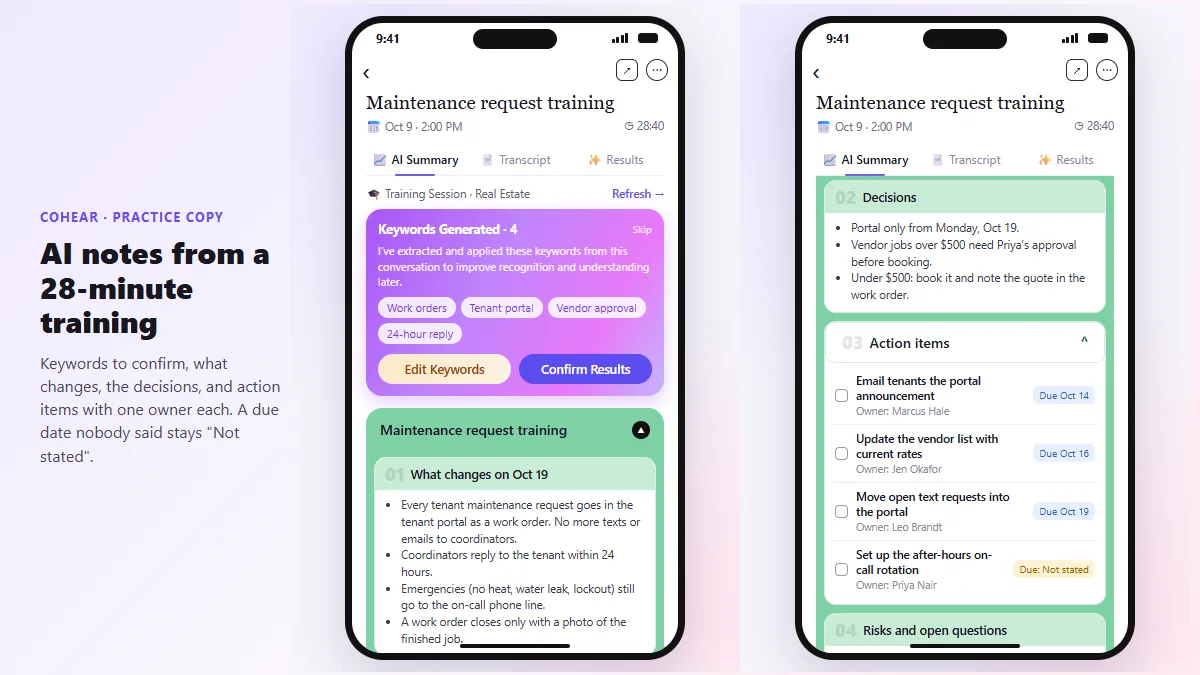
| CoHear | Training sessions and in-person meetings | Records on your phone, no extra hardware | Summaries, action lists with owners and dates, slides and infographics from a recording; exports PPTX, DOCX and PDF |
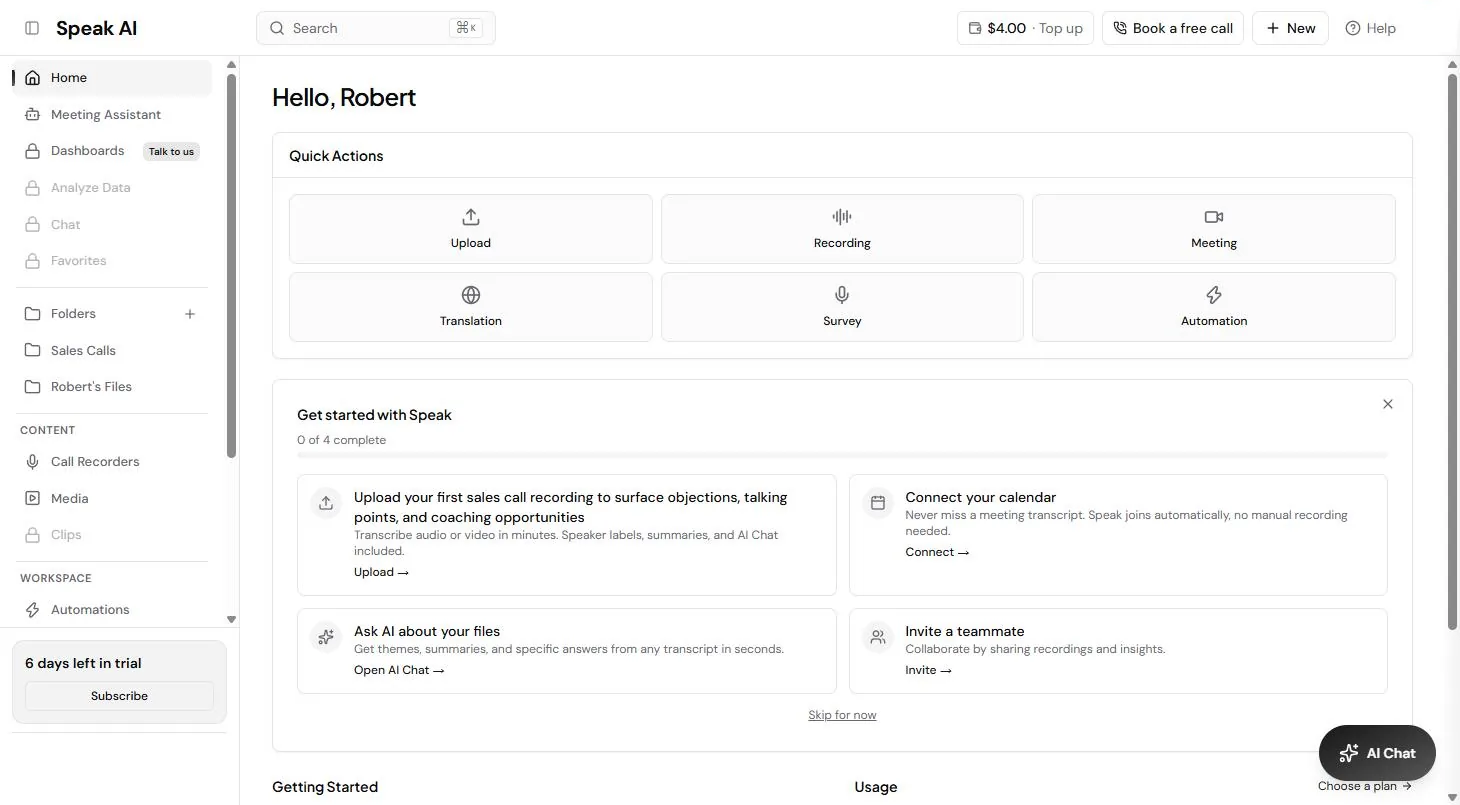
| Speak AI | Customer and research interviews | Assistant joins Zoom, Teams, Meet and Webex; also uploads and mobile recordings | Transcripts with speakers, sentiment and theme analysis across a dataset, 100+ languages, searchable library |
| Fathom | Sales calls synced to a CRM | Meet, Zoom and Teams, with or without a bot | Summaries soon after the call, action items, Salesforce and HubSpot sync, Ask Fathom across meetings |
| Fireflies.ai | Teams on many meeting platforms | Bot that auto-joins from your calendar; Zoom, Meet, Teams, Webex and more | Summaries and action items, CRM sync, 100+ languages, search down to the sentence, AskFred |
| Otter.ai | Live transcripts and a searchable archive | Bot, or the Mac and Windows desktop app without a bot | Summaries with decisions and action items, HubSpot and Salesforce sync, Otter AI Chat across meetings |
Bot or bot-free: which kind of note taker should I use?
A bot joins the call as a named participant, which everyone sees. That is clear about recording, but some clients dislike it. A bot-free tool captures audio on your own device instead. As of October 2026, OLVA says it is bot-free and does not join the meeting, Fathom says it records with or without a bot, and Otter's desktop app records without one. Fireflies' main capture method is a bot you invite or that joins from your calendar.
Bot-free does not mean consent-free. Tell everyone the call is recorded, and check the rules where you and your clients are. The meeting transcript and speaker diarization entries explain how the transcript side works.
Which note taker helps during the call, not just after?
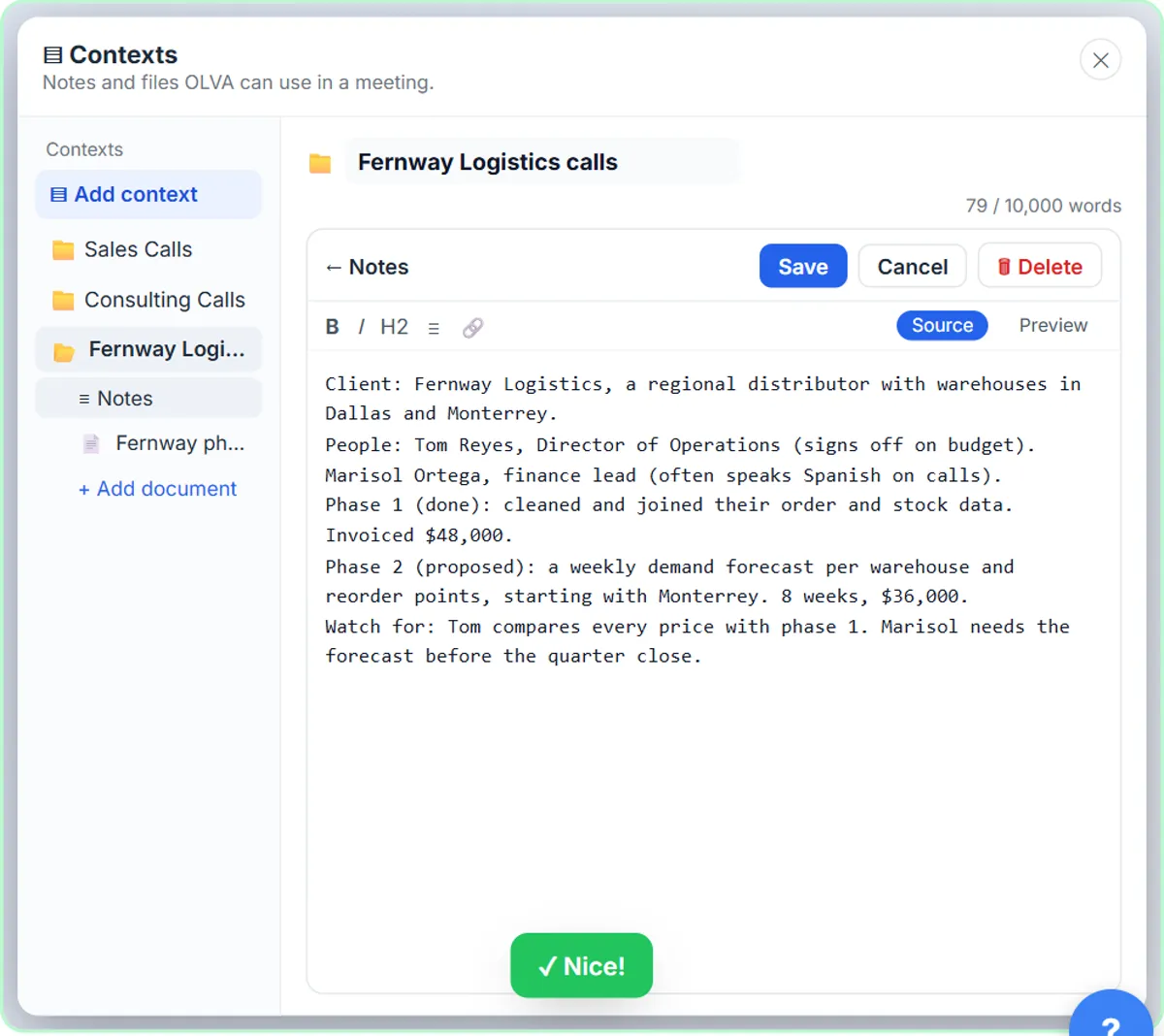
OLVA is built for that. It lists live captions, question detection, live answers, fact checks and "say next" suggestions while the call is happening, then minutes with action items, decisions and risks afterwards. The free OLVA client calls lesson walks through a client call with it. Fathom also lists real-time coaching. The others focus on what happens after the call: the summary, the action items and the CRM update.
Which tool is best for interviews and research calls?
Speak AI. Beyond transcripts, it lists sentiment and theme analysis, custom fields and trend charts across a whole set of recordings, which is what you need after ten customer interviews. The free Speak AI: Turn Customer Interviews into Themes and Quotes lesson shows the routine. For training sessions and workshops, CoHear can turn one recording into notes, an action list and a handout, as in the free CoHear training session lesson.
Can I get good meeting notes without a note taker app?
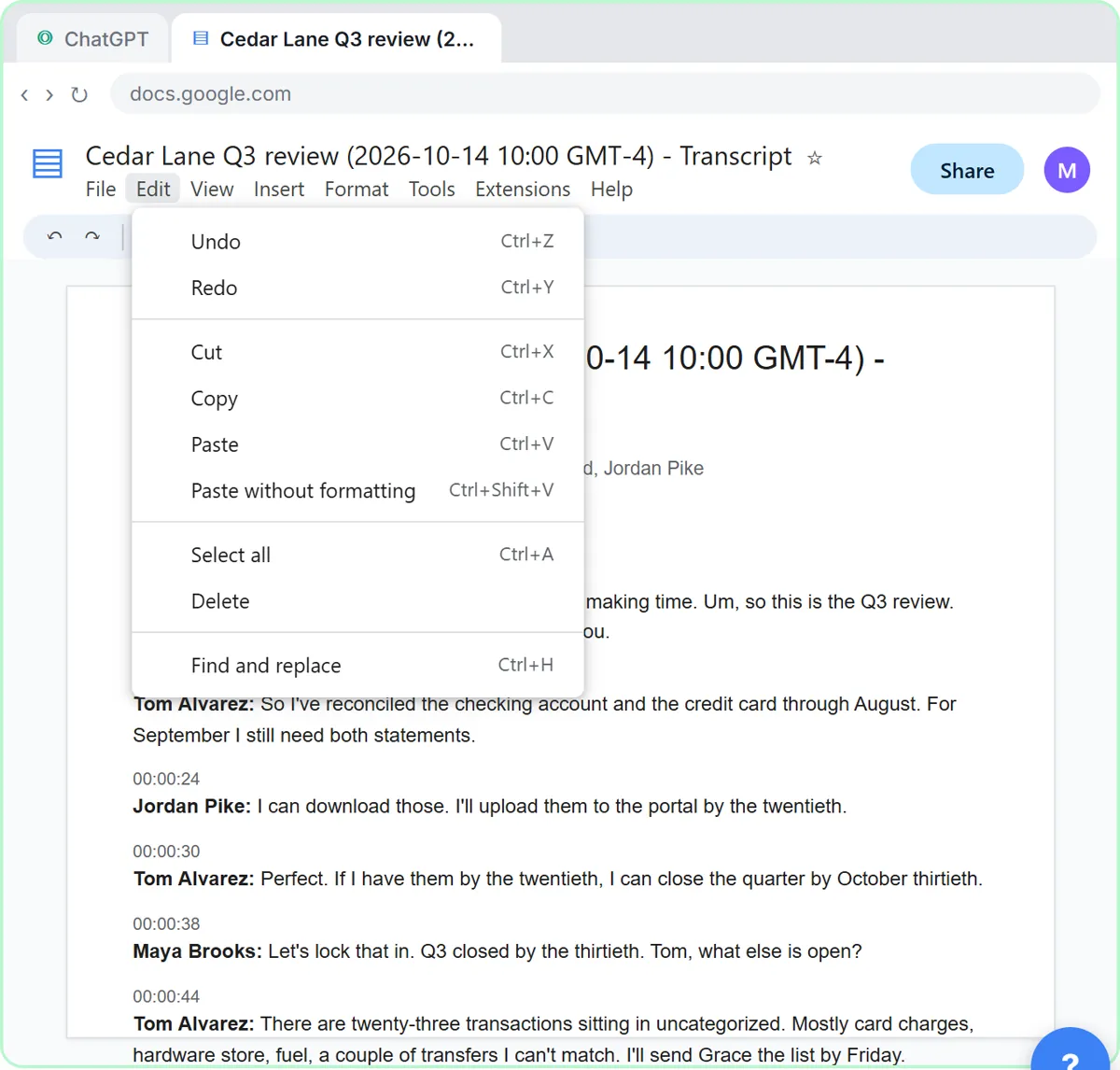
Yes, if your meeting platform already gives you a transcript. Paste it into ChatGPT, Claude or Gemini and ask for decisions, an action items table with owners and dates, and a follow-up email. The free Summarize a Client Meeting lesson does exactly that. A dedicated note taker saves the copy and paste and keeps every call searchable. For Fathom, Fireflies and Otter side by side, see Fathom vs Fireflies vs Otter.
Who is each one for?
OLVA
For consultants and account managers on client calls who want help in the moment and no bot in the meeting, across Zoom, Meet, Teams, Slack huddles, Webex and in person. Practise free in OLVA: a private AI assistant on your client calls. Official site: olva.ai. Directory card: OLVA.
CoHear
For trainers and team leads who want one recording turned into notes, an action list with owners and dates, and a handout or slides. Practise free in CoHear: turn a team training session into notes, action items and a handout. Official site: cohear.work. Directory card: CoHear.
Speak AI
For researchers, marketers and product teams analyzing many interviews for themes, sentiment and quotes, in 100+ languages. Practise free in Speak AI: Turn Customer Interviews into Themes and Quotes. Official site: speakai.co. Directory card: Speak AI.
Fathom
For sales teams that want summaries and action items pushed into Salesforce or HubSpot, with the option to record without a bot. Official site: fathom.ai. Directory card: Fathom.
Fireflies.ai
For teams on many meeting platforms that want a bot to join every calendar meeting and a searchable record of all of them. Official site: fireflies.ai. Directory card: Fireflies.ai.
Otter.ai
For live transcripts with speaker recognition and a chat that searches across past meetings, with a desktop app that records without a bot. Official site: otter.ai. Directory card: Otter.ai.
Which of these tools have a free Stepthrough lesson?
- OLVA: free lesson: OLVA: A Private AI Assistant on Your Client Calls
- CoHear: free lesson: CoHear: AI Meeting Notes from a Team Training Session
- Speak AI: free lesson: Speak AI: Turn Customer Interviews into Themes and Quotes
- Fathom: a free Stepthrough lesson is coming.
- Fireflies.ai: a free Stepthrough lesson is coming.
- Otter.ai: a free Stepthrough lesson is coming.
Practice it free, step by step
OLVA: A Private AI Assistant on Your Client Calls. Give OLVA your client notes, get private answers and fact checks during a Zoom call, then turn the meeting into minutes, a follow-up email and a PowerPoint deck. You do every step yourself in a practice copy of OLVA, it checks your work as you go, and “Do it for me” finishes any step you get stuck on. Free, and nothing touches your real accounts.
Start the free lessonWatch it in a free lesson: OLVA: A Private AI Assistant on Your Client Calls
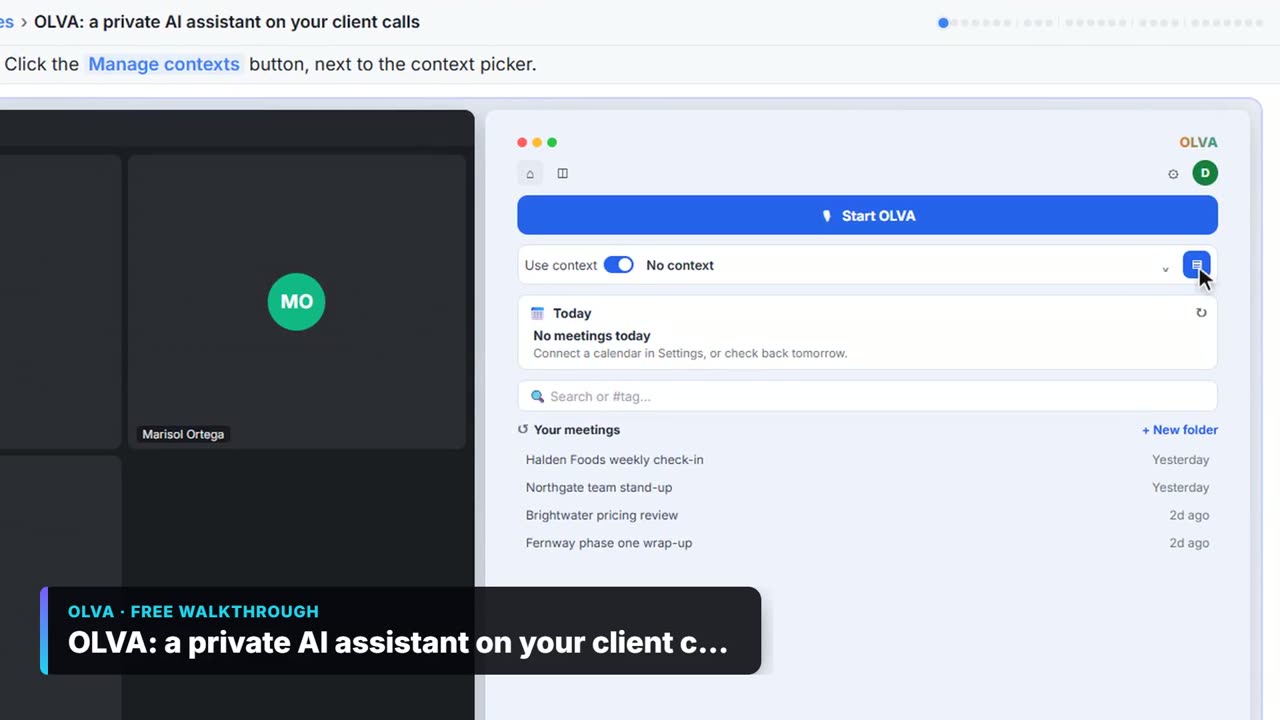 3:06
3:06OLVA: a private AI assistant on your client calls: video walkthrough
Give OLVA your client notes, get private answers and fact checks during a Zoom call, then turn the meeting into minutes, a follow-up email and a PowerPoint deck. The whole lesson narrated step by step, recorded in Stepthrough’s simulated practice environment.
Key takeaways
- Decide bot or bot-free first; as of October 2026 OLVA is bot-free, and Fathom and Otter offer a no-bot option.
- OLVA helps during the call; Fathom, Fireflies and Otter focus on summaries, action items and CRM sync after it.
- Speak AI fits interview analysis; CoHear fits training sessions and in-person meetings.
- Always tell people a call is recorded, whichever tool you use.
Frequently asked questions
What is the best AI note taker for Zoom?
All six on this list work with Zoom, according to their own pages as of October 2026. Pick on bot or bot-free, live help or after-call summaries, and which CRM you use.
Is there an AI note taker that does not join the call?
Yes. OLVA says it captures audio on your device and does not join the meeting, and Fathom and Otter's desktop app can record without a bot, as of October 2026.
Can an AI note taker update my CRM?
Fathom, Fireflies and Otter all list Salesforce and HubSpot sync as of October 2026. Check each summary before it lands in a client record.
Do I need consent to record a meeting with AI?
Rules vary by state and country, and some require everyone's consent. Tell people the call is recorded and check the rules where you and your clients are.
Where do these prices and features come from?
Every price and feature on this page was checked against the vendor's own page, as of October 2026. No numbers here are estimates or third-party figures. The example businesses in the Stepthrough lessons are made up.