What is time blocking?
Quick answer
Time blocking means reserving a slot on your calendar for a specific task, the way you would book a meeting, so the work has protected time instead of fitting around everything else.
Last updated
Take the free module →Module 20 of the free AI Apps Worth Knowing course, about 8 minutes. No account needed.
Updated · By Robert Breen
Why it matters for a small business
Meetings fill a calendar first because they have a time. Deliverables do not, so they get done in the gaps or not at all. Putting a block on the calendar for the work that matters gives it the same standing as a meeting.
It also makes the week honest. If the blocks do not fit, the plan does not fit, and you find out on Monday instead of Thursday night.
Time blocking works best for the few tasks that need focus: a client report, a proposal, a workshop agenda. Blocking every small task turns the calendar into a second to-do list that is out of date by lunchtime. A common pattern is to schedule most tasks to a day, then block time only for the one to three that matter most, and to treat each block like a meeting with yourself that you move rather than cancel. Many planners, including Routine, let you drag a task straight from a list onto the calendar to create a block.
In a real lesson: Routine: Plan Your Week from One Inbox
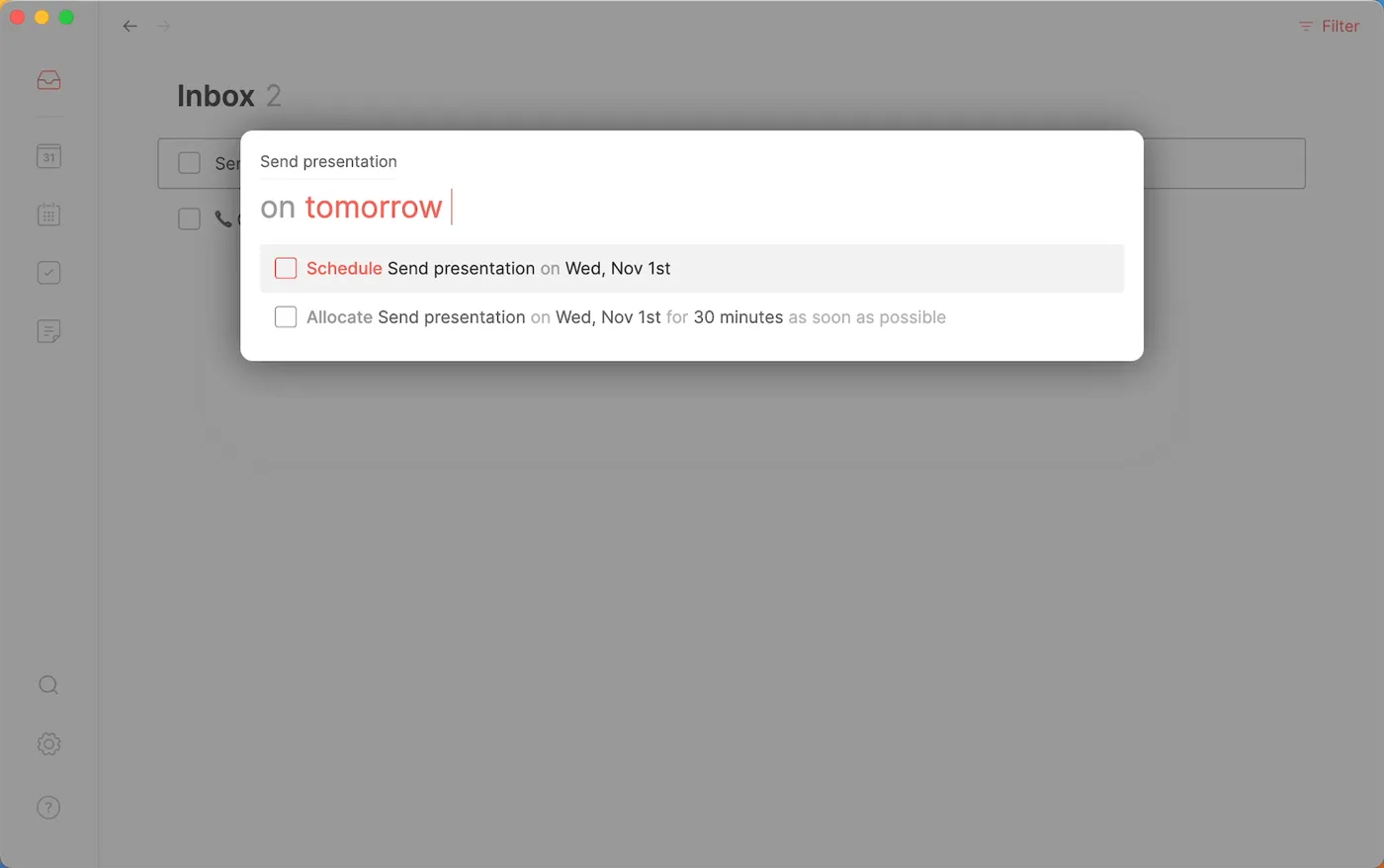
Routine separates three actions. Scheduling puts a task on a day without reserving time. Time blocking drags a task onto a time slot, and one task can have several blocks. Postponing hides a task until later.
In the Routine lesson, Nina schedules a slipped workshop agenda to Wednesday. On Routine's paid plans she could also drag it onto a two-hour slot to block the time.
Routine's help center adds two details: you can hold Option or Alt and drag again to give the same task a second block, and you can choose a separate calendar for time-blocked tasks so they do not mix with your events.
Try this lesson free or read the step-by-step guide.
Common confusions
Time blocking vs scheduling a task
Scheduling says which day a task belongs to. Time blocking says which hours you will spend on it.
Time blocking vs a to-do list
A list says what to do. Blocks say when, and show whether it fits.
Tips
- Block time only for the one to three tasks that matter most each day.
- Leave gaps between blocks for the work that always turns up.
- When a block moves, move it on the calendar instead of dropping it.
Related terms
More Business terms
Where you use it: free lessons
- Routine: Plan Your Week from One Inbox (Routine, 8 min)
Frequently asked questions
- Is time blocking the same as time boxing?
- They overlap. Time blocking reserves calendar time for a task; time boxing usually also sets a fixed limit, so you stop when the box ends.
- Do I need a special app for time blocking?
- No. Any calendar works. Planners such as Routine, Motion or Akiflow make it quicker by letting you drag tasks onto the calendar.
- Will other people see my time blocks?
- That depends on the calendar they are saved to and its sharing settings. Some planners let you save blocks to a separate calendar so colleagues see you as busy without the task details.