What is Inbox Zero, and how does it work for tasks?
Quick answer
Inbox Zero is a habit of processing an inbox, of email or tasks, until it is empty. Each item gets one decision: delete it, do it now if it is quick, schedule it, put it off on purpose, or hand it to someone.
Last updated
Take the free module →Module 20 of the free AI Apps Worth Knowing course, about 8 minutes. No account needed.
Updated · By Robert Breen
Why it matters for a small business
An inbox you work from becomes a list you reread all day. Every glance costs a little attention, and the important item hides between the newsletter and the quick reply. Deciding once, in one sitting, is faster than deciding the same thing five times.
The goal is not an empty screen for its own sake. It is that nothing waits without a decision, so you can trust that anything important already has a day, an owner or a reminder.
The idea started with email, but it fits task apps even better. Modern planners pull tasks in from email, chat, project tools and meeting notes, so the inbox fills faster than any one person can read it. Processing it on a schedule, with a short list of possible decisions, keeps that flood from turning into the to-do list itself. For a manager who runs several client projects, a ten-minute session on Monday morning replaces the hour of hunting through threads to work out what is due.
In a real lesson: Routine: Plan Your Week from One Inbox
In the Routine lesson, Nina at Calder & Moss Advisory (made up) clears four items in a couple of minutes. She ticks off a kickoff confirmation that takes under two minutes, discards a webinar invite, schedules the SOW redlines for Tuesday and postpones a new proposal template to next month.
Routine's help center calls its Inbox a capture buffer, not a planning tool, and suggests processing it on a regular cadence, daily or weekly.
The help center lists the decisions in order: discard what no longer matters, mark done anything under two minutes, schedule items with a known date, postpone the ones you are unsure about, link an item to a project, or assign it to a teammate. Each one has a keyboard shortcut, so a full Inbox takes a few minutes rather than a morning.
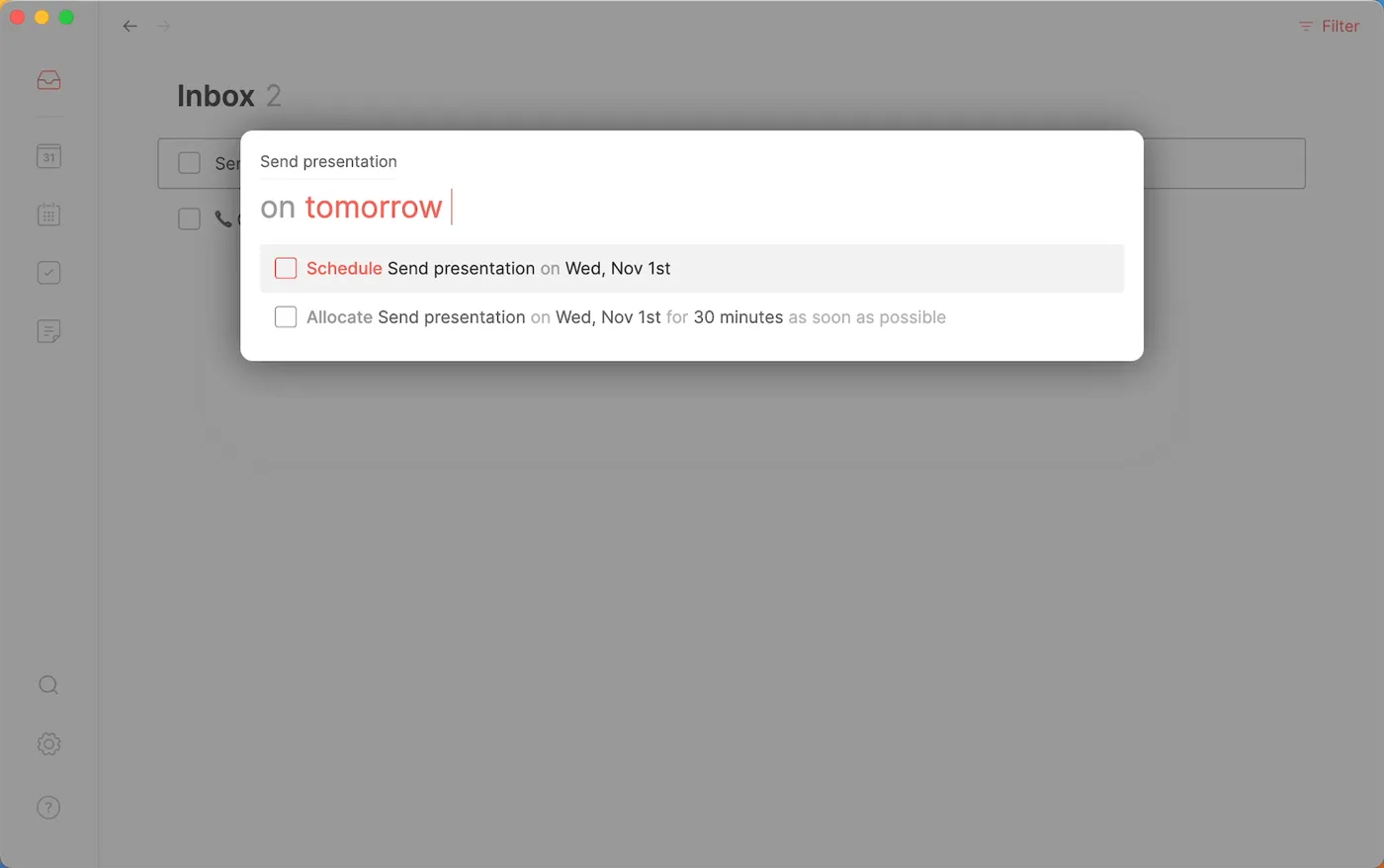
Try this lesson free or read the step-by-step guide.
Common confusions
Inbox Zero vs doing everything
Processing is not completing. Most items leave the inbox with a date or a decision, not finished.
Inbox Zero vs deleting everything
Postponing or archiving keeps an item without letting it clutter today. Delete only what no longer matters.
Tips
- Use the 2-minute rule: if it takes less than two minutes, do it now.
- Give anything with a deadline a day, not just a reminder.
- Process at a set time, such as first thing Monday, instead of all day.
Related terms
More Business terms
Where you use it: free lessons
- Routine: Plan Your Week from One Inbox (Routine, 8 min)
Frequently asked questions
- Does Inbox Zero work for task apps as well as email?
- Yes. Planners such as Routine collect tasks from email, chat and other tools in one inbox, and the same one-decision-per-item method applies.
- How often should I process my inbox?
- Pick a cadence you will keep, often once a day or a couple of times a week. The point is that it happens on purpose, not constantly.
- What if an item does not fit any decision?
- It usually needs a next step. Turn it into a small task with a date, such as "ask Priya about the budget on Tuesday", or postpone it to a day when you will know more.