Claude Projects: instructions, project knowledge and one better rule
A free one-page Claude Projects cheat sheet: create a project, write instructions, add files as project knowledge, chat inside it and fix rules once.
Claude Projects: instructions, project knowledge and one better rule
A Claude project gives one business or job its own instructions and files, so every chat inside it starts out knowing your work. Bright Path Landscaping is a made-up company.
Set it up
- Click Projects in the sidebar, then New project.
- Fill in What are you working on? and What are you trying to achieve?
- Click Add next to Instructions: who Claude helps, the tone, the sign-off and your policies. Click Save instructions.
- Click Add next to Context, then Upload from device and pick the files (hold Ctrl, or Cmd on a Mac, for more than one).
Instructions or knowledge?
- Instructions
- How Claude behaves: "Quote only from the price sheet. Quotes are good for 30 days. Never promise a start date."
- Context
- What Claude knows: the price sheet and warranty policy. Swap a file when prices change.
- Memory
- Fills in after a few chats with what Claude learned about this work. It stays in the project.
Chat inside the project
A customer, [NAME], emailed: "[PASTE EMAIL]". Write my reply with a quote.
No prices, policies or tone needed. Then open the line above the reply to see where each number came from.
Check, then fix at the source
- Add it up: $285 + $570 + $260 = $1,115; a 25% deposit is $278.75.
- Read what Claude flagged, like a shrub size the customer didn't give.
- Fixing the same thing twice? Click Edit next to Instructions and add one rule.
- Upload only the files the work needs. Leave out complaints, schedules and private details.
Remember: Put how Claude should behave in Instructions and the facts in files, then fix the instructions, not the chat.
Practice it free: Claude Projects for Your Business: Instructions, Knowledge and Quotes at learn.ynteractive.com/modules/claude-projects. This sheet: learn.ynteractive.com/content/cheat-sheets/claude-projects. Bright Path Landscaping is a made-up business from the lesson. By Robert Breen, October 20, 2026.
Practice it in the free lesson
Claude Projects for Your Business: Instructions, Knowledge and Quotes. Create a project for your business, give it instructions for tone and policies, add your price sheet and warranty as project knowledge, and get a customer quote that uses all of it. You do every step yourself in a practice copy of Claude, it checks your work as you go, and “Do it for me” finishes any step you get stuck on. Free, and nothing touches your real accounts.
Start the free lessonLessons on this sheet
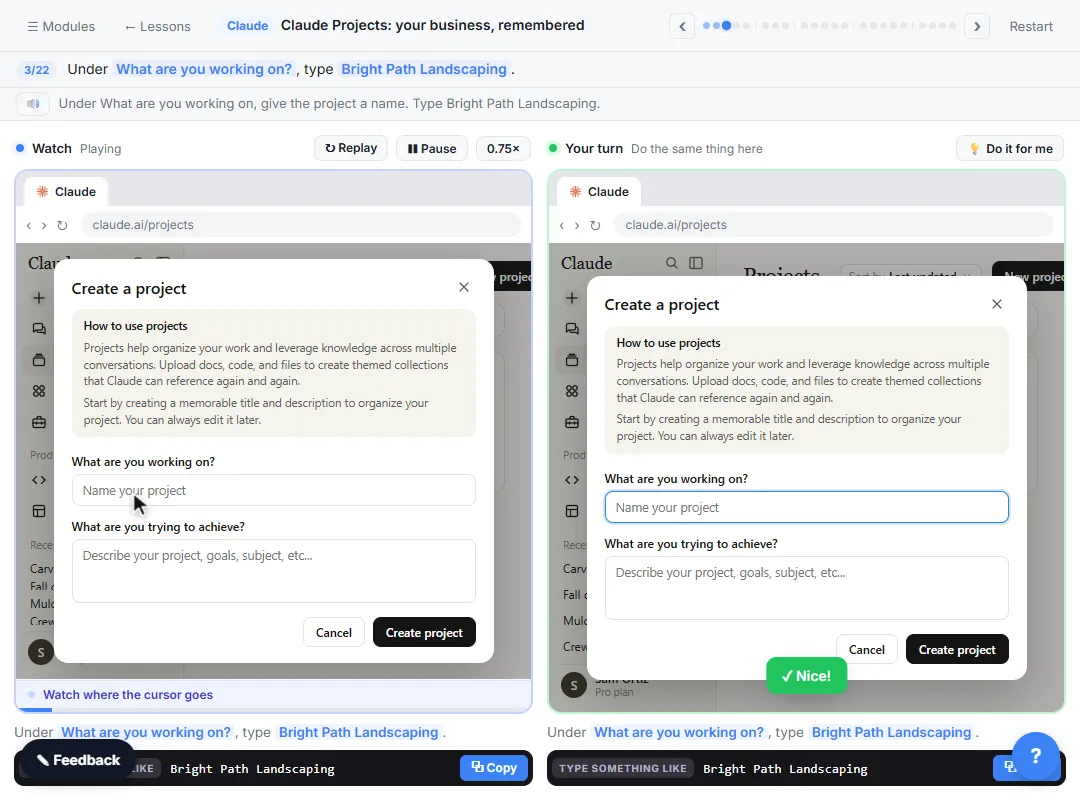 Claude Projects for Your Business: Instructions, Knowledge and Quotes
Create a project for your business, give it instructions for tone and policies, add your price sheet and warranty as project knowledge, and get a customer quote that…
Free · Live ~8 min Beginner
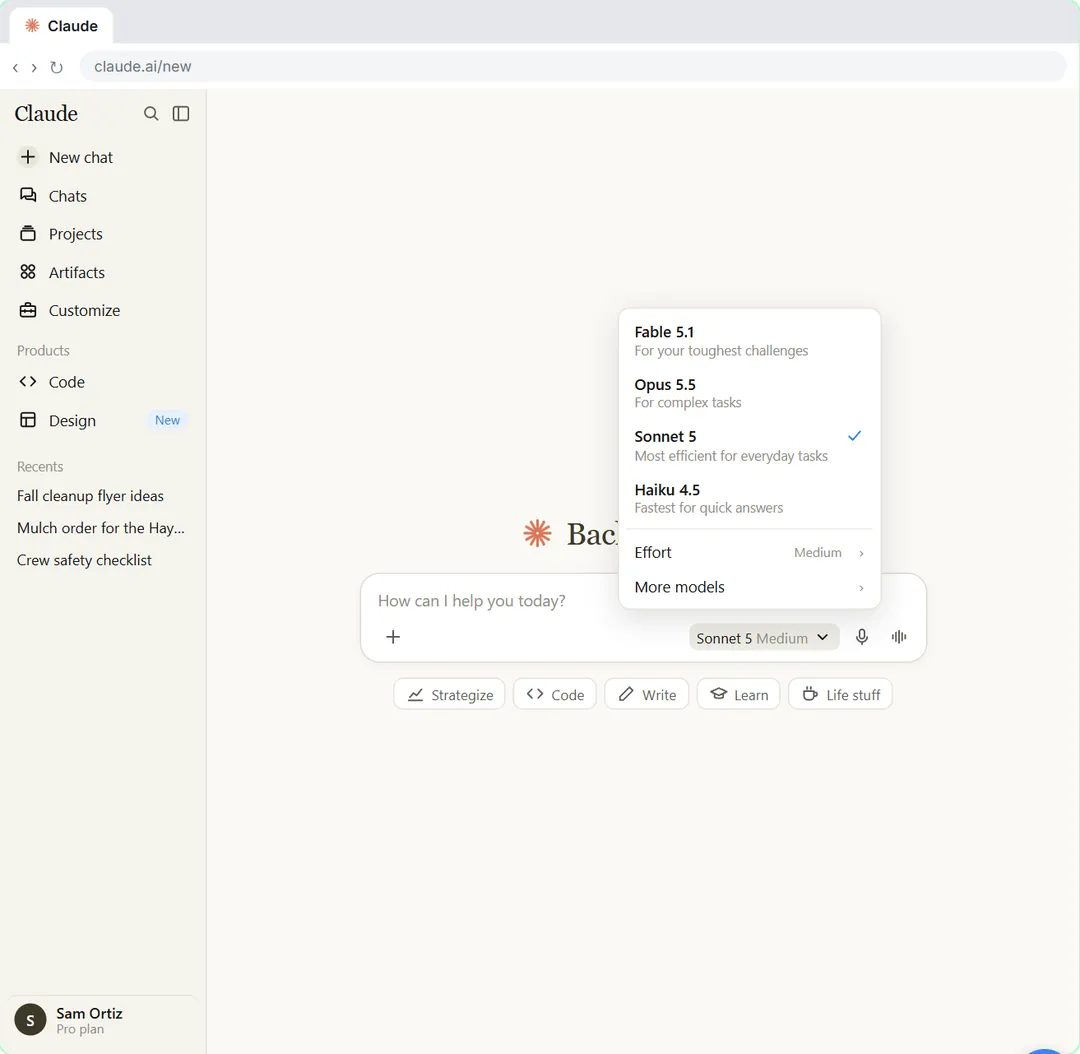 Your First Chat with Claude: Models, Files and a Great First Prompt
Pick a model, attach a customer's complaint email with the + menu, write a four-part prompt, read Claude's reply, ask a follow-up, then pin and rename the chat.
Free · Live ~7 min Beginner
Related terms
Plain-English definitions, each with an example from a free lesson.
Related prompts
- Complaint reply four-part prompt: A four-part prompt for your first AI chat: a role, the context, the task and the format, to reply to an unhappy customer and…
More cheat sheets
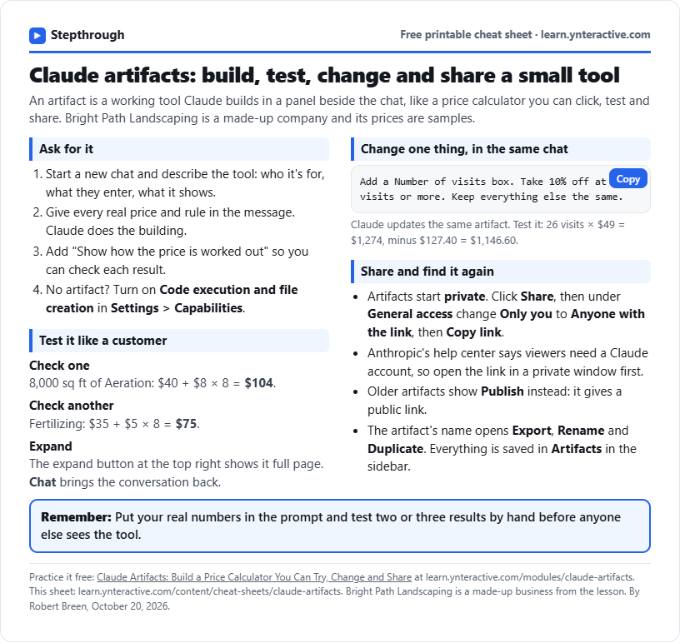 Claude Artifacts Cheat Sheet
A free one-page Claude artifacts cheat sheet: how to ask for a working tool, check the math, change it in the same chat and share it with a link.
Lesson cheat sheet Free PDF
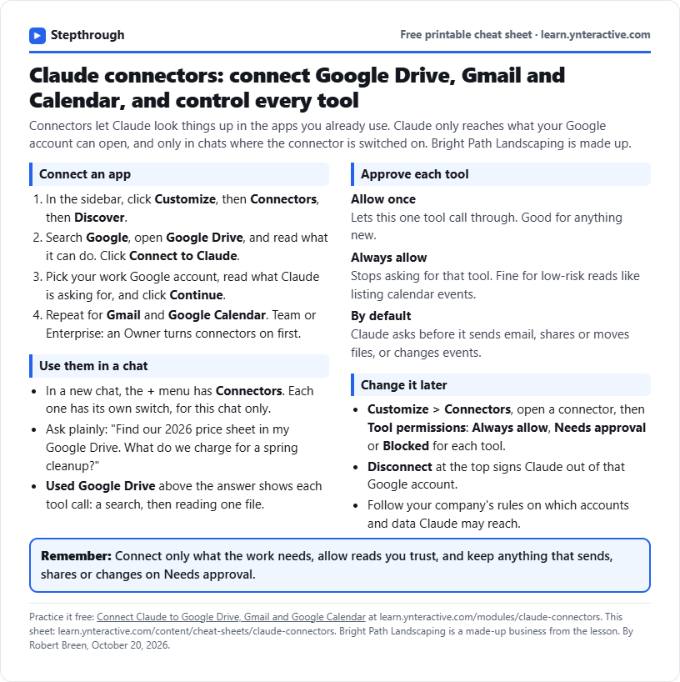 Claude Connectors Cheat Sheet: Drive, Gmail, Calendar
A free one-page Claude connectors cheat sheet: connect Google Drive, Gmail and Calendar, approve tools in a chat, and set or remove permissions later.
Lesson cheat sheet Free PDF
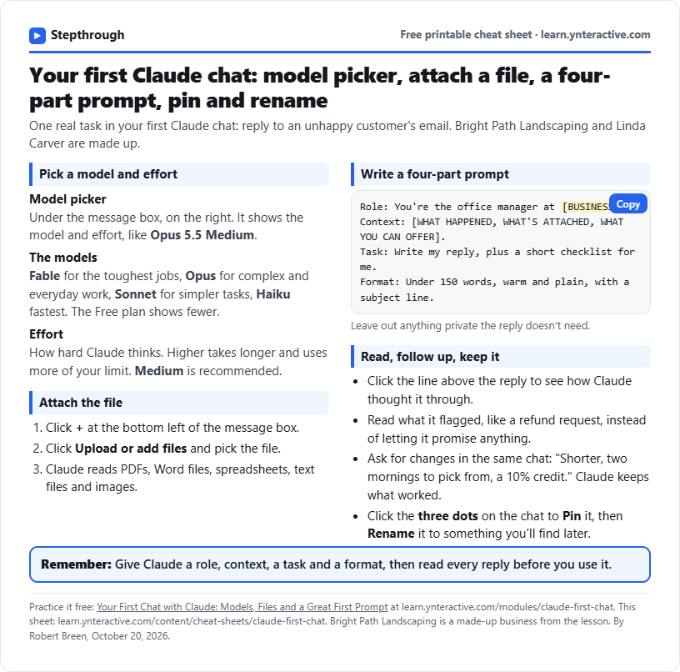 Claude First Chat Cheat Sheet: Models, Files, Prompts
A free one-page cheat sheet for your first Claude chat: the model picker and effort, attaching a file, a four-part prompt, follow-ups, pin and rename.
Lesson cheat sheet Free PDF