Your first Claude chat: model picker, attach a file, a four-part prompt, pin and rename
A free one-page cheat sheet for your first Claude chat: the model picker and effort, attaching a file, a four-part prompt, follow-ups, pin and rename.
Your first Claude chat: model picker, attach a file, a four-part prompt, pin and rename
One real task in your first Claude chat: reply to an unhappy customer's email. Bright Path Landscaping and Linda Carver are made up.
Pick a model and effort
- Model picker
- Under the message box, on the right. It shows the model and effort, like Opus 5.5 Medium.
- The models
- Fable for the toughest jobs, Opus for complex and everyday work, Sonnet for simpler tasks, Haiku fastest. The Free plan shows fewer.
- Effort
- How hard Claude thinks. Higher takes longer and uses more of your limit. Medium is recommended.
Attach the file
- Click + at the bottom left of the message box.
- Click Upload or add files and pick the file.
- Claude reads PDFs, Word files, spreadsheets, text files and images.
Write a four-part prompt
Role: You're the office manager at [BUSINESS].
Context: [WHAT HAPPENED, WHAT'S ATTACHED, WHAT YOU CAN OFFER].
Task: Write my reply, plus a short checklist for me.
Format: Under 150 words, warm and plain, with a subject line.
Leave out anything private the reply doesn't need.
Read, follow up, keep it
- Click the line above the reply to see how Claude thought it through.
- Read what it flagged, like a refund request, instead of letting it promise anything.
- Ask for changes in the same chat: "Shorter, two mornings to pick from, a 10% credit." Claude keeps what worked.
- Click the three dots on the chat to Pin it, then Rename it to something you'll find later.
Remember: Give Claude a role, context, a task and a format, then read every reply before you use it.
Practice it free: Your First Chat with Claude: Models, Files and a Great First Prompt at learn.ynteractive.com/modules/claude-first-chat. This sheet: learn.ynteractive.com/content/cheat-sheets/claude-first-chat. Bright Path Landscaping is a made-up business from the lesson. By Robert Breen, October 20, 2026.
Practice it in the free lesson
Your First Chat with Claude: Models, Files and a Great First Prompt. Pick a model, attach a customer's complaint email with the + menu, write a four-part prompt, read Claude's reply, ask a follow-up, then pin and rename the chat. You do every step yourself in a practice copy of Claude, it checks your work as you go, and “Do it for me” finishes any step you get stuck on. Free, and nothing touches your real accounts.
Start the free lessonLessons on this sheet
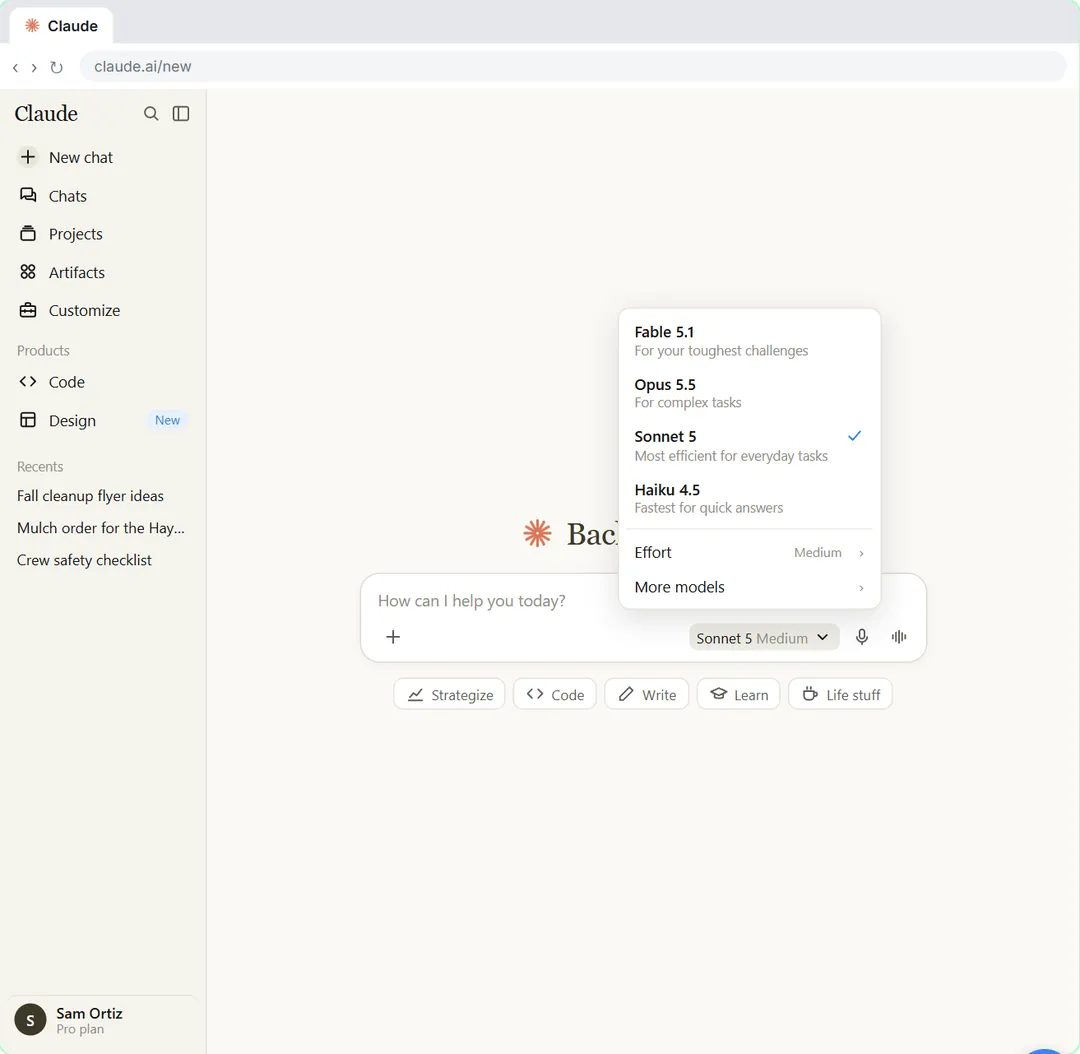 Your First Chat with Claude: Models, Files and a Great First Prompt
Pick a model, attach a customer's complaint email with the + menu, write a four-part prompt, read Claude's reply, ask a follow-up, then pin and rename the chat.
Free · Live ~7 min Beginner
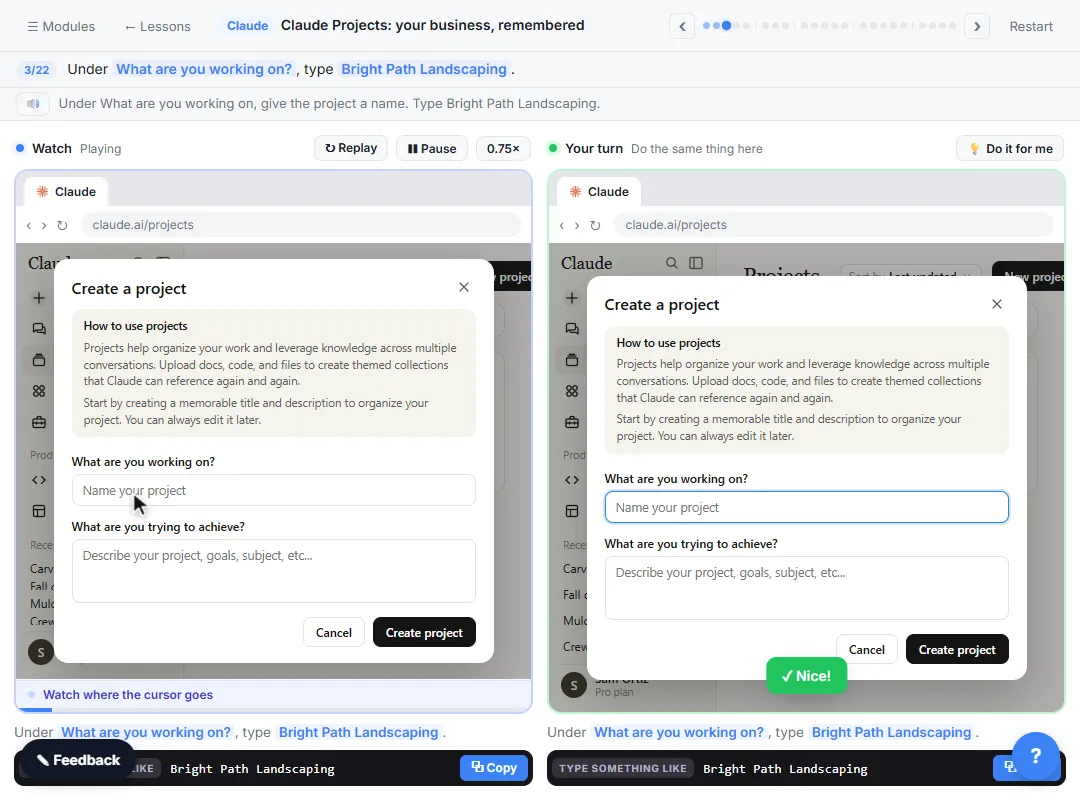 Claude Projects for Your Business: Instructions, Knowledge and Quotes
Create a project for your business, give it instructions for tone and policies, add your price sheet and warranty as project knowledge, and get a customer quote that…
Free · Live ~8 min Beginner
Related terms
Plain-English definitions, each with an example from a free lesson.
Related prompts
- Complaint reply four-part prompt: A four-part prompt for your first AI chat: a role, the context, the task and the format, to reply to an unhappy customer and…
More cheat sheets
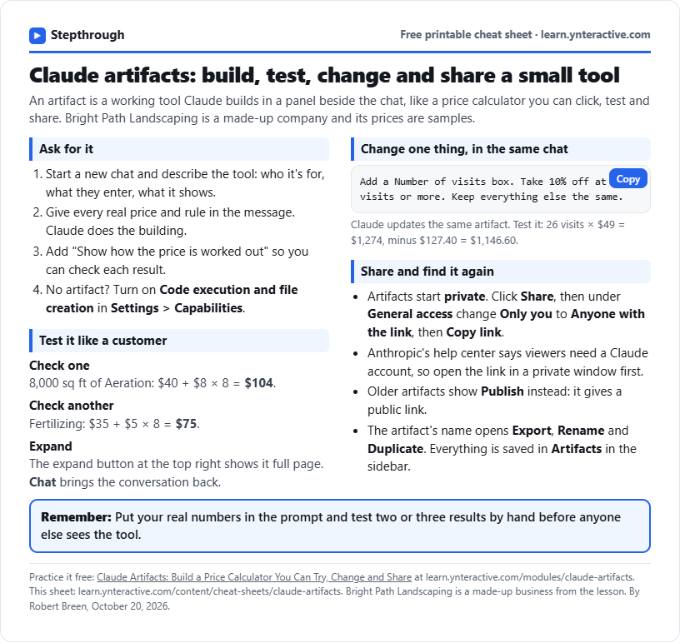 Claude Artifacts Cheat Sheet
A free one-page Claude artifacts cheat sheet: how to ask for a working tool, check the math, change it in the same chat and share it with a link.
Lesson cheat sheet Free PDF
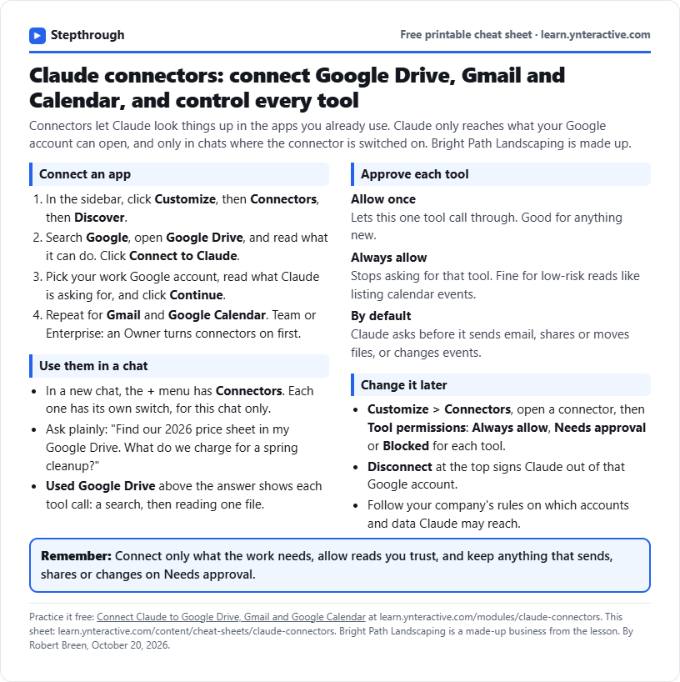 Claude Connectors Cheat Sheet: Drive, Gmail, Calendar
A free one-page Claude connectors cheat sheet: connect Google Drive, Gmail and Calendar, approve tools in a chat, and set or remove permissions later.
Lesson cheat sheet Free PDF
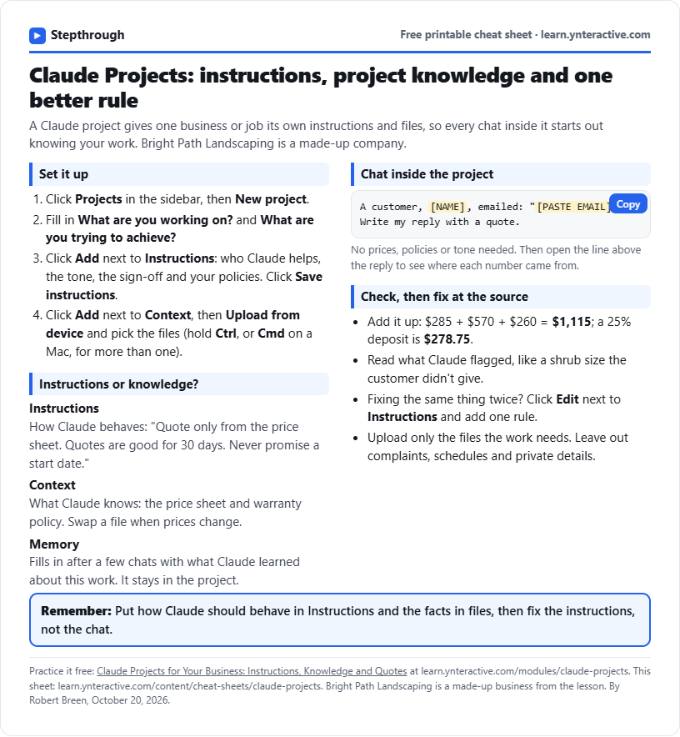 Claude Projects Cheat Sheet
A free one-page Claude Projects cheat sheet: create a project, write instructions, add files as project knowledge, chat inside it and fix rules once.
Lesson cheat sheet Free PDF