Claude connectors: connect Google Drive, Gmail and Calendar, and control every tool
A free one-page Claude connectors cheat sheet: connect Google Drive, Gmail and Calendar, approve tools in a chat, and set or remove permissions later.
Claude connectors: connect Google Drive, Gmail and Calendar, and control every tool
Connectors let Claude look things up in the apps you already use. Claude only reaches what your Google account can open, and only in chats where the connector is switched on. Bright Path Landscaping is made up.
Connect an app
- In the sidebar, click Customize, then Connectors, then Discover.
- Search Google, open Google Drive, and read what it can do. Click Connect to Claude.
- Pick your work Google account, read what Claude is asking for, and click Continue.
- Repeat for Gmail and Google Calendar. Team or Enterprise: an Owner turns connectors on first.
Use them in a chat
- In a new chat, the + menu has Connectors. Each one has its own switch, for this chat only.
- Ask plainly: "Find our 2026 price sheet in my Google Drive. What do we charge for a spring cleanup?"
- Used Google Drive above the answer shows each tool call: a search, then reading one file.
Approve each tool
- Allow once
- Lets this one tool call through. Good for anything new.
- Always allow
- Stops asking for that tool. Fine for low-risk reads like listing calendar events.
- By default
- Claude asks before it sends email, shares or moves files, or changes events.
Change it later
- Customize > Connectors, open a connector, then Tool permissions: Always allow, Needs approval or Blocked for each tool.
- Disconnect at the top signs Claude out of that Google account.
- Follow your company's rules on which accounts and data Claude may reach.
Remember: Connect only what the work needs, allow reads you trust, and keep anything that sends, shares or changes on Needs approval.
Practice it free: Connect Claude to Google Drive, Gmail and Google Calendar at learn.ynteractive.com/modules/claude-connectors. This sheet: learn.ynteractive.com/content/cheat-sheets/claude-connectors. Bright Path Landscaping is a made-up business from the lesson. By Robert Breen, October 20, 2026.
Practice it in the free lesson
Connect Claude to Google Drive, Gmail and Google Calendar. Connect Google Drive, Gmail and Google Calendar to Claude, then find your price sheet, summarize a customer's email thread and check your week, approving each tool as Claude asks. You do every step yourself in a practice copy of Claude, it checks your work as you go, and “Do it for me” finishes any step you get stuck on. Free, and nothing touches your real accounts.
Start the free lessonLessons on this sheet
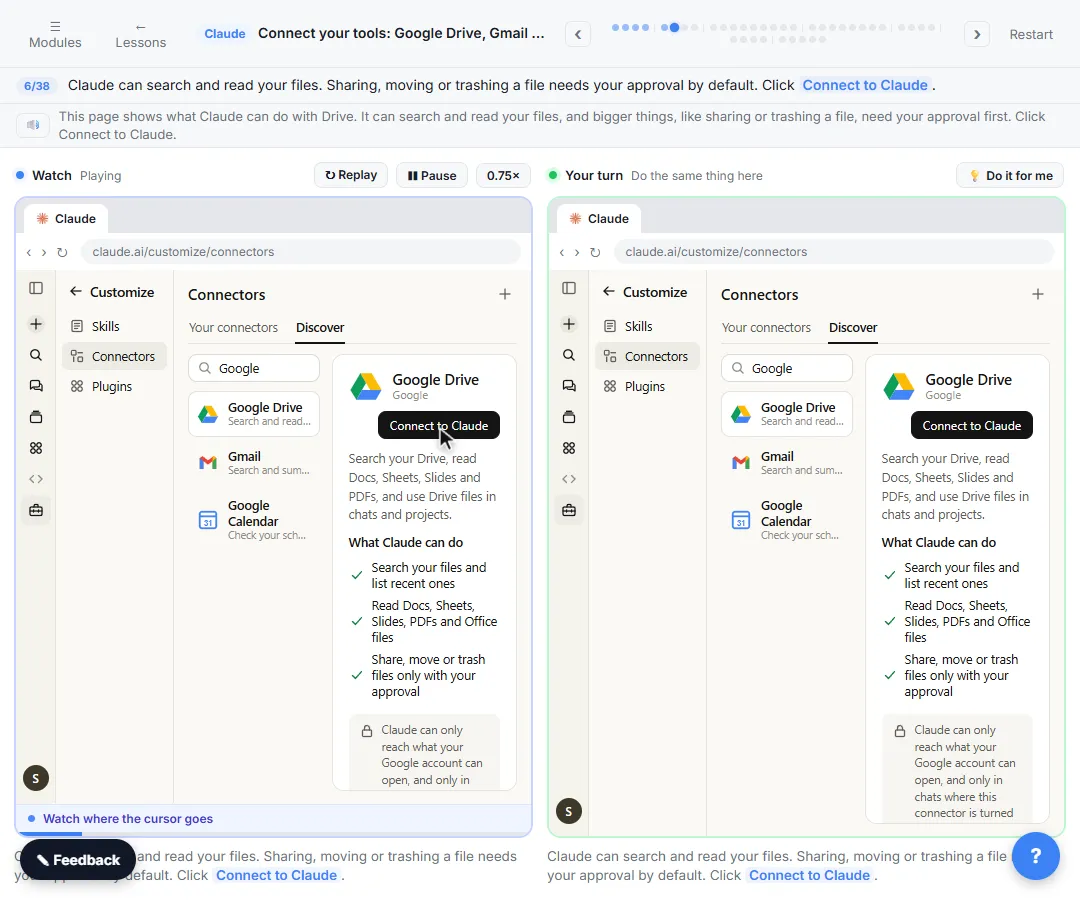 Connect Claude to Google Drive, Gmail and Google Calendar
Connect Google Drive, Gmail and Google Calendar to Claude, then find your price sheet, summarize a customer's email thread and check your week, approving each tool as…
Free · Live ~8 min Intermediate
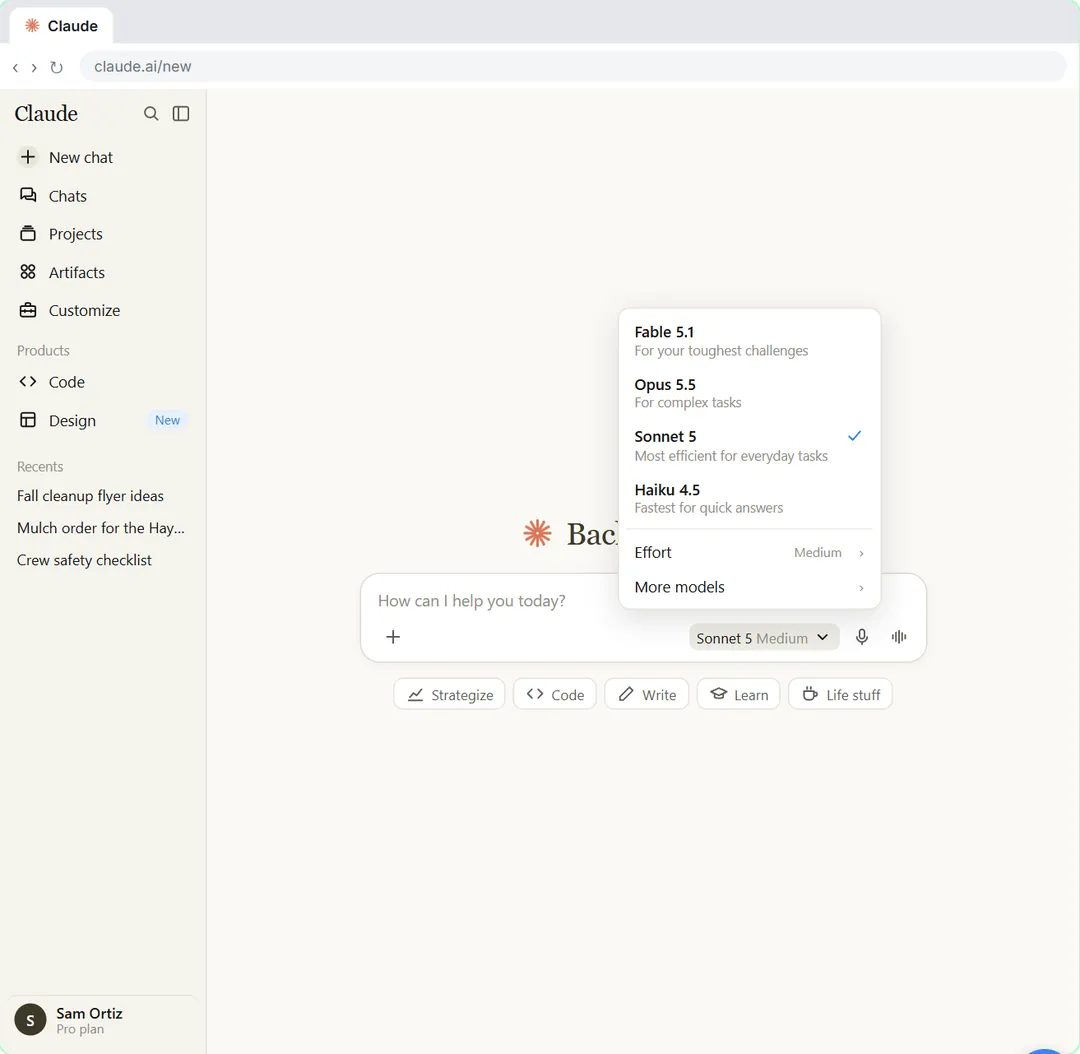 Your First Chat with Claude: Models, Files and a Great First Prompt
Pick a model, attach a customer's complaint email with the + menu, write a four-part prompt, read Claude's reply, ask a follow-up, then pin and rename the chat.
Free · Live ~7 min Beginner
Related terms
Plain-English definitions, each with an example from a free lesson.
Related prompts
- Complaint reply four-part prompt: A four-part prompt for your first AI chat: a role, the context, the task and the format, to reply to an unhappy customer and…
More cheat sheets
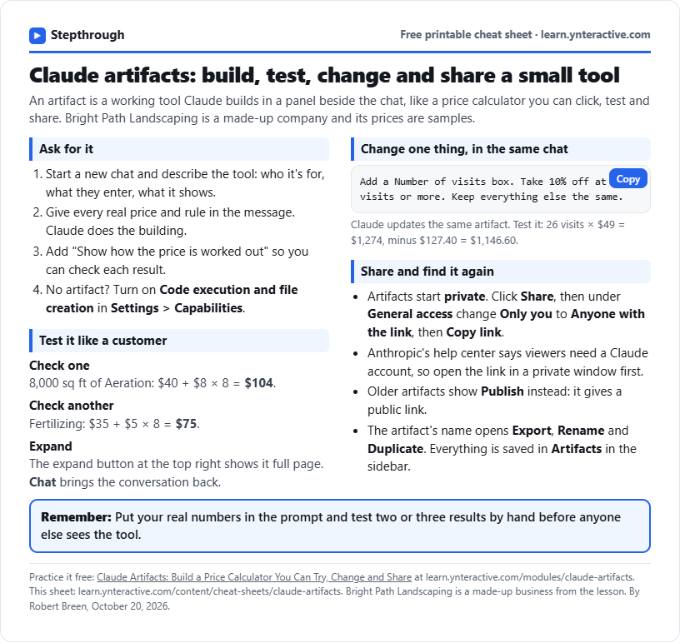 Claude Artifacts Cheat Sheet
A free one-page Claude artifacts cheat sheet: how to ask for a working tool, check the math, change it in the same chat and share it with a link.
Lesson cheat sheet Free PDF
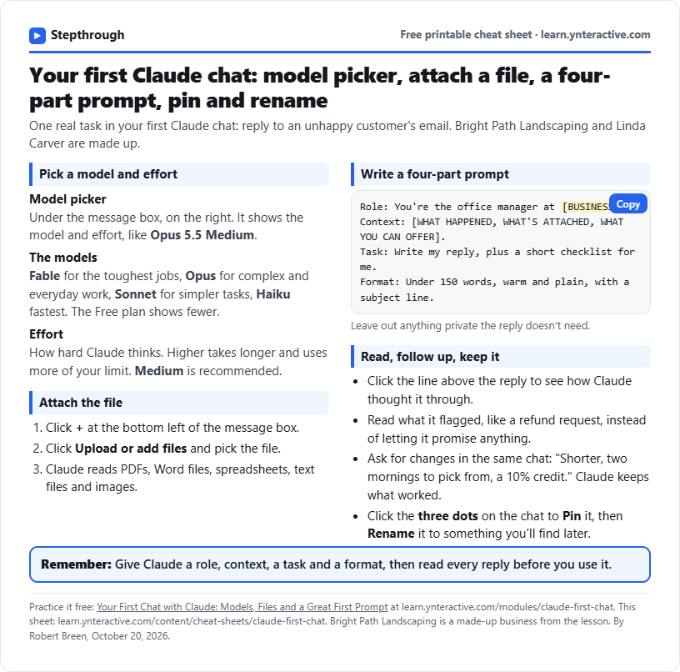 Claude First Chat Cheat Sheet: Models, Files, Prompts
A free one-page cheat sheet for your first Claude chat: the model picker and effort, attaching a file, a four-part prompt, follow-ups, pin and rename.
Lesson cheat sheet Free PDF
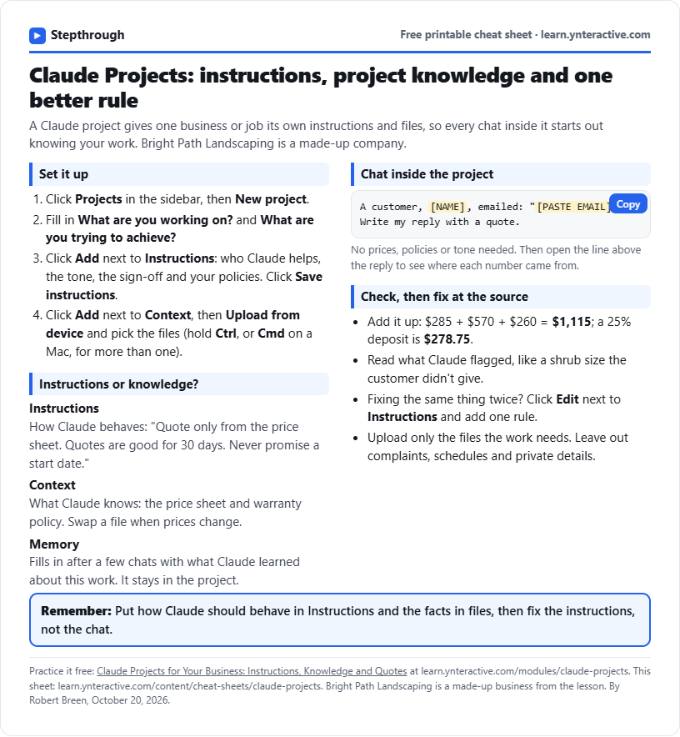 Claude Projects Cheat Sheet
A free one-page Claude Projects cheat sheet: create a project, write instructions, add files as project knowledge, chat inside it and fix rules once.
Lesson cheat sheet Free PDF