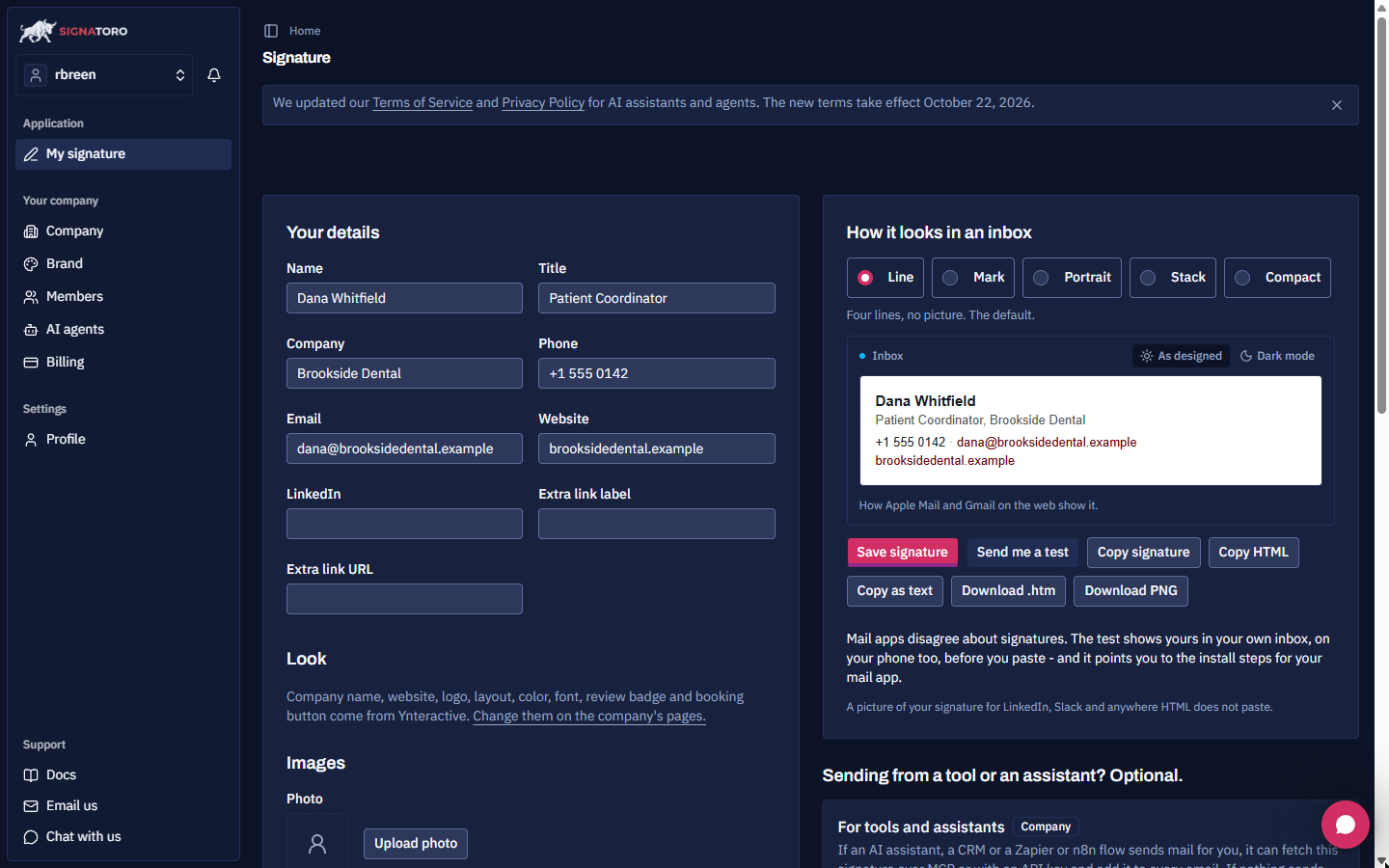
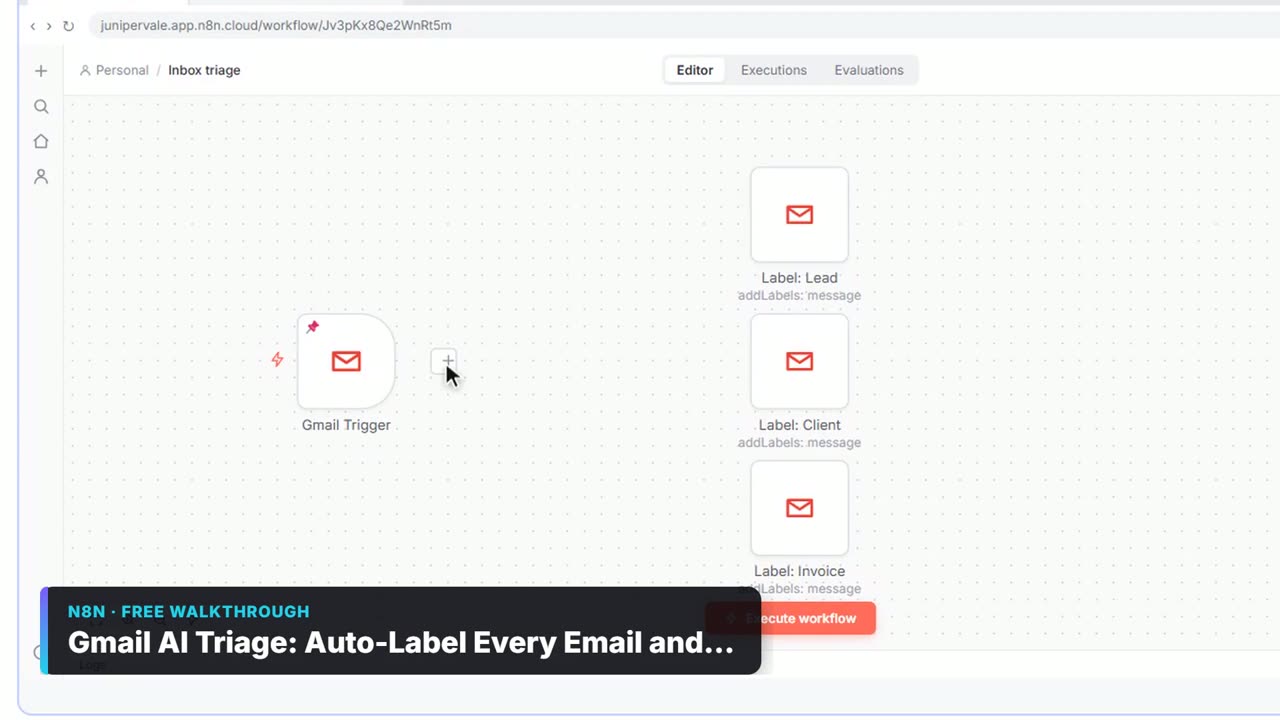
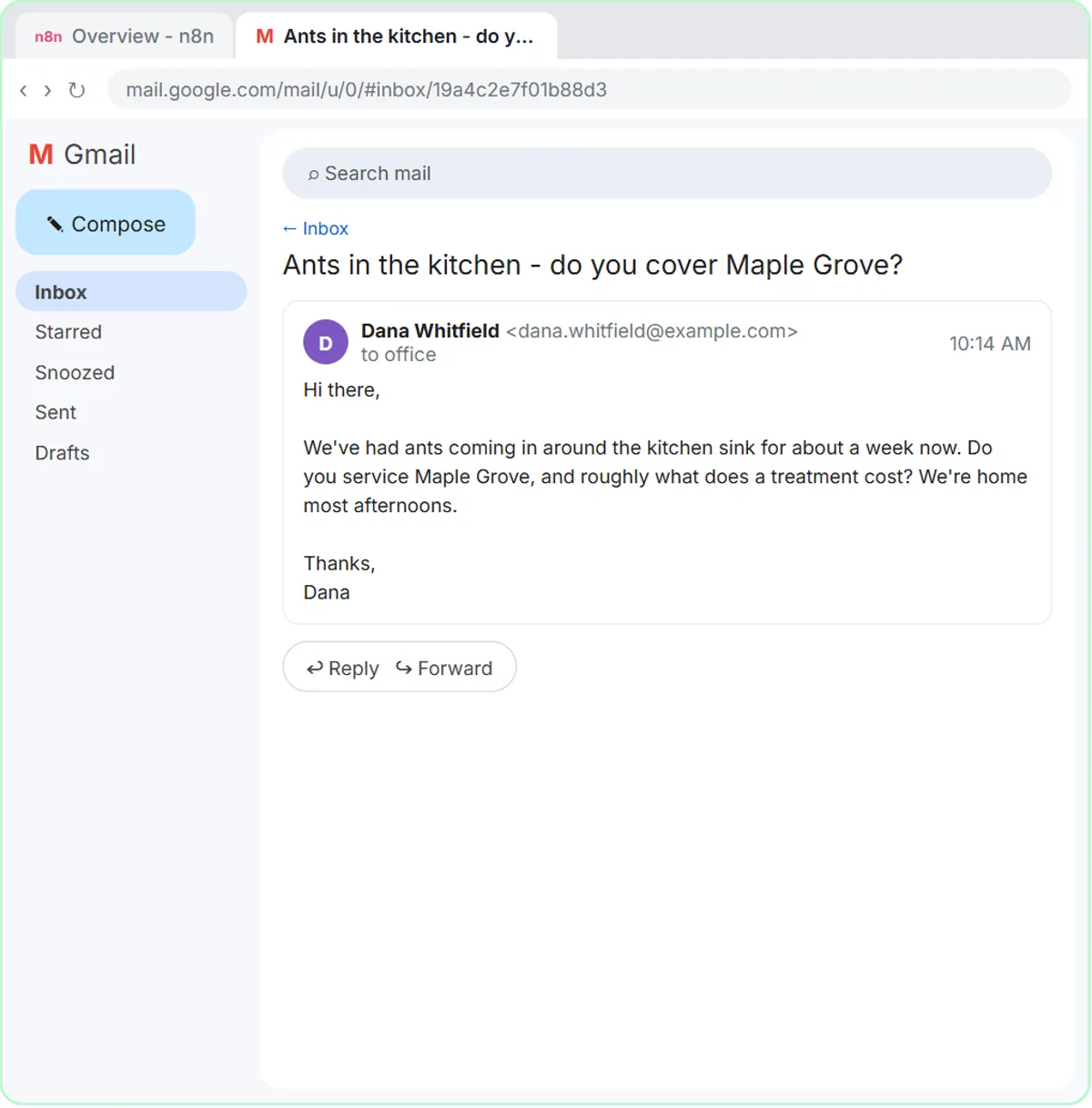
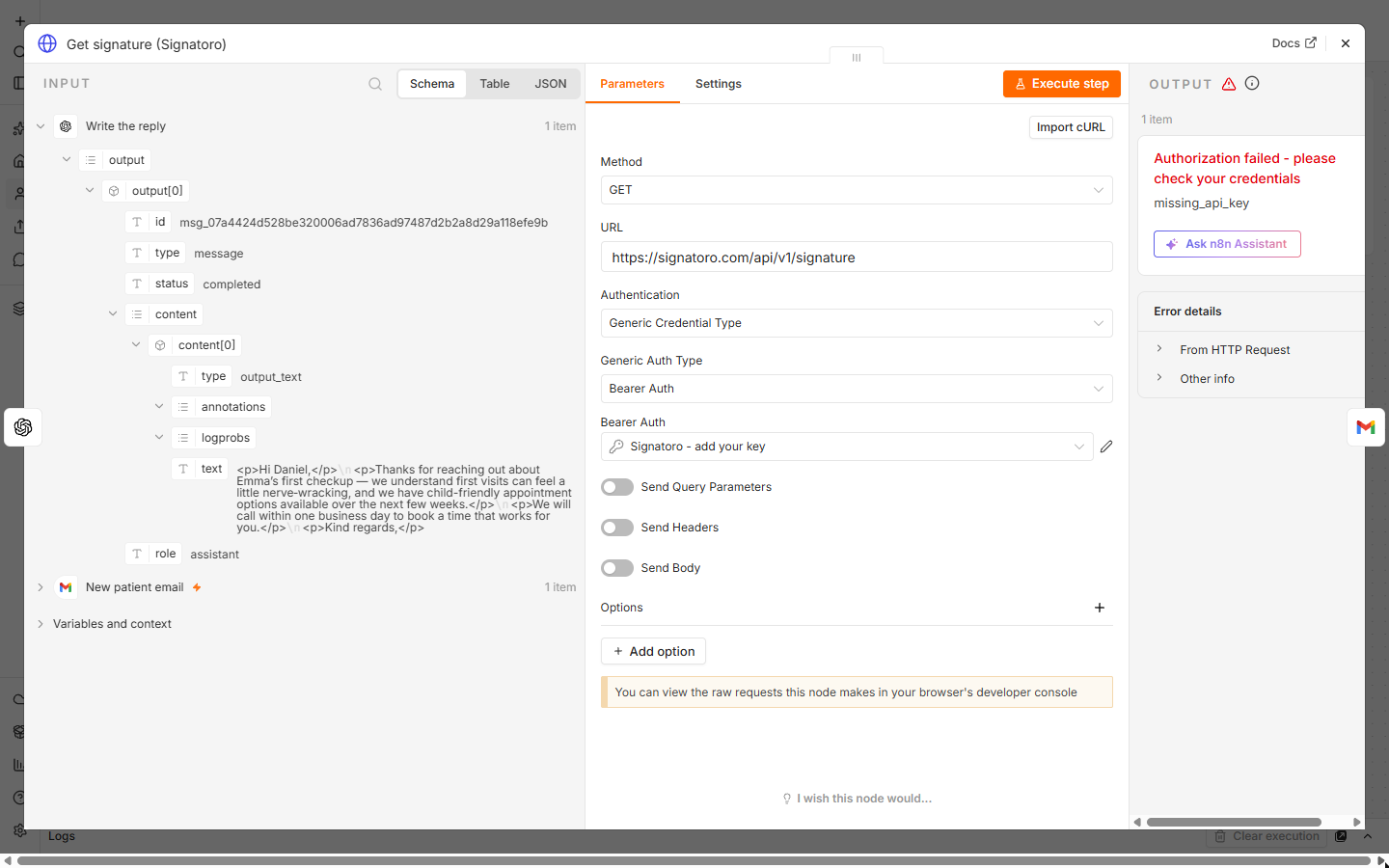
The example is Brookside Dental and its patient coordinator, Dana Whitfield (both made up). In the lesson the trigger ran on a pinned sample email, the OpenAI step ran for real, and the Signatoro call used a placeholder key, so it stopped on missing_api_key. No draft was saved.
What are the most common mistakes?
| # | Mistake | Fix |
|---|---|---|
| 1 | Key in the URL, prompt or a note | Bearer Auth credential, Bearer Token |
| 2 | Reading missing_api_key as a broken node | Paste the real key and run again |
| 3 | Simplify left on in the trigger | Turn Simplify off |
| 4 | Asking the AI to sign | End with Kind regards, and no name |
| 5 | Signature before the reply, or missing | Message: the AI reply, then {{ $json.html }} |
| 6 | Email Type left as text | Set Email Type to HTML |
| 7 | Draft lands as a new email | Set Thread ID and To Email under Options |
| 8 | Sending, or publishing before a test | Resource: Draft, test, then Publish |
Where should the Signatoro key go?
1. Key in the URL, prompt or a note. The lesson's learning card is blunt: anyone who has the key can use it, and pasted into a prompt, a URL or a sticky note, it ends up in exports and screenshots. In Get signature (Signatoro), set Authentication to Generic Credential Type and Generic Auth Type to Bearer Auth. Create a credential, name it clearly (the lesson uses Signatoro - add your key), paste the key into Bearer Token and click Save. If a key leaks, make a new one on Signatoro. More in the API key entry.
2. Reading missing_api_key as a broken node. With a placeholder in the credential, Signatoro answered Authorization failed with missing_api_key. A wrong key gives invalid_api_key. Both mean n8n reached Signatoro. Fix the key, not the node.
Why does the AI reply come out empty or generic?
3. Simplify left on. The Gmail Trigger (New patient email) needs Simplify off so the full email reaches the next nodes: text, subject, threadId and the sender's address. The prompt reads the email from {{ $json.text }}. While you test, pin a sample email as pinned data so you don't wait for real mail, as the lesson does with Daniel Brooks' made-up email.
4. Asking the AI to sign. Write the reply asks for a greeting by first name, one or two warm sentences, a promise to call within one business day, no medical advice, prices or promises, and a closing line such as "Kind regards," with no name or signature. A model asked to sign can get the name or phone number wrong, and a hard-coded name goes stale when someone changes role. Signatoro holds the real details.
Why is the signature missing or in the wrong place?
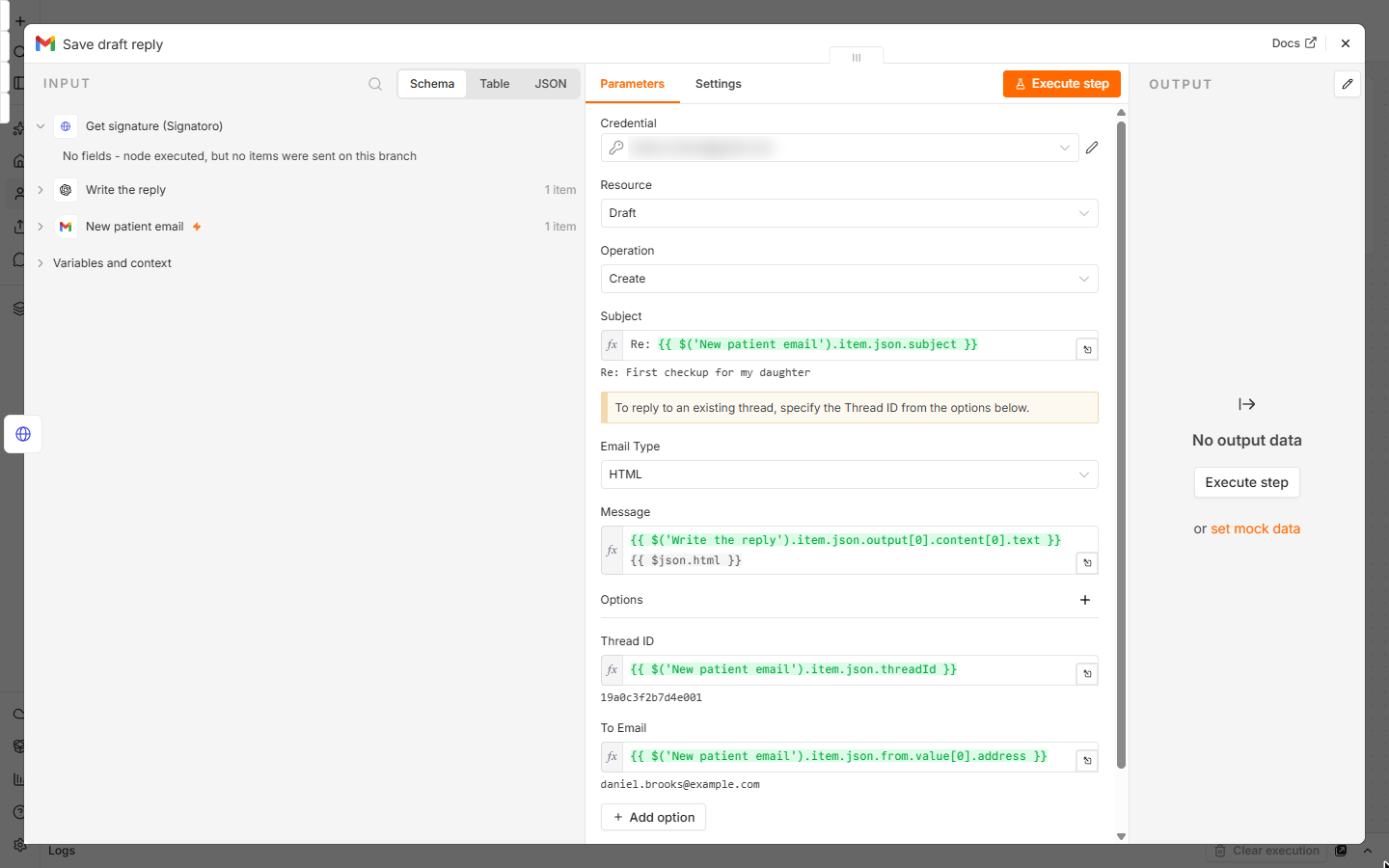
5. Signature before the reply, or missing. In Save draft reply, Message is the AI's reply followed by {{ $json.html }}, the signature Signatoro returns. If the HTTP Request node failed, there is no html to add, so check that node first.
6. Email Type left as text. The reply is written as simple HTML and the signature comes back as HTML, so Email Type must be HTML.
Why does the draft show up as a new email?
7. No Thread ID. Under Options, Thread ID is the trigger's threadId, which puts the draft in the patient's own thread. To Email is the sender's address from the trigger, and Subject is Re: plus the email's subject. The Gmail draft entry has more.
8. Sending, or publishing before a test. The last node uses Resource: Draft and Operation: Create, so a person reads every reply before it goes. Send yourself a practice email, click Execute, and read the draft in Gmail. Only then click Publish.
Try it free, step by step
n8n + Signatoro: AI Drafts Every Reply, Signatoro Signs It. Stop leaving client emails waiting. A Gmail Trigger starts it, OpenAI writes a personal reply, one HTTP Request node fetches the sender's real signature from Signatoro, and Gmail saves a draft reply… You do every step yourself in a practice copy of n8n, it checks your work as you go, and “Do it for me” finishes any step you get stuck on. Free, and nothing touches your real accounts.
Start the free lessonKey takeaways
- The Signatoro key lives only in a Bearer Auth credential.
- missing_api_key or invalid_api_key means the request reached Signatoro.
- Turn Simplify off so the reply has the full email and thread.
- The AI writes the closing line. Signatoro signs.
- Draft in the same thread, with Email Type HTML, and test before Publish.
Frequently asked questions
- Does the HTTP Request node need a body?
No. It is a GET request to
https://signatoro.com/api/v1/signaturewith the Bearer Auth credential. Add?mode=shortto the URL for a shorter signature.- Will the workflow use up my Signatoro requests?
Each draft is one API request. Check Signatoro's own docs for its API usage terms before you use it on a busy inbox.
- Is this the same as the Make and Zapier versions?
Same practice, same prompt rules, different tool. Their errors differ: see Signatoro in Make and Signatoro in Zapier.
- Where are more answers?
The n8n Signatoro signed reply FAQ covers each node, and the cheat sheets page has a one-page version.