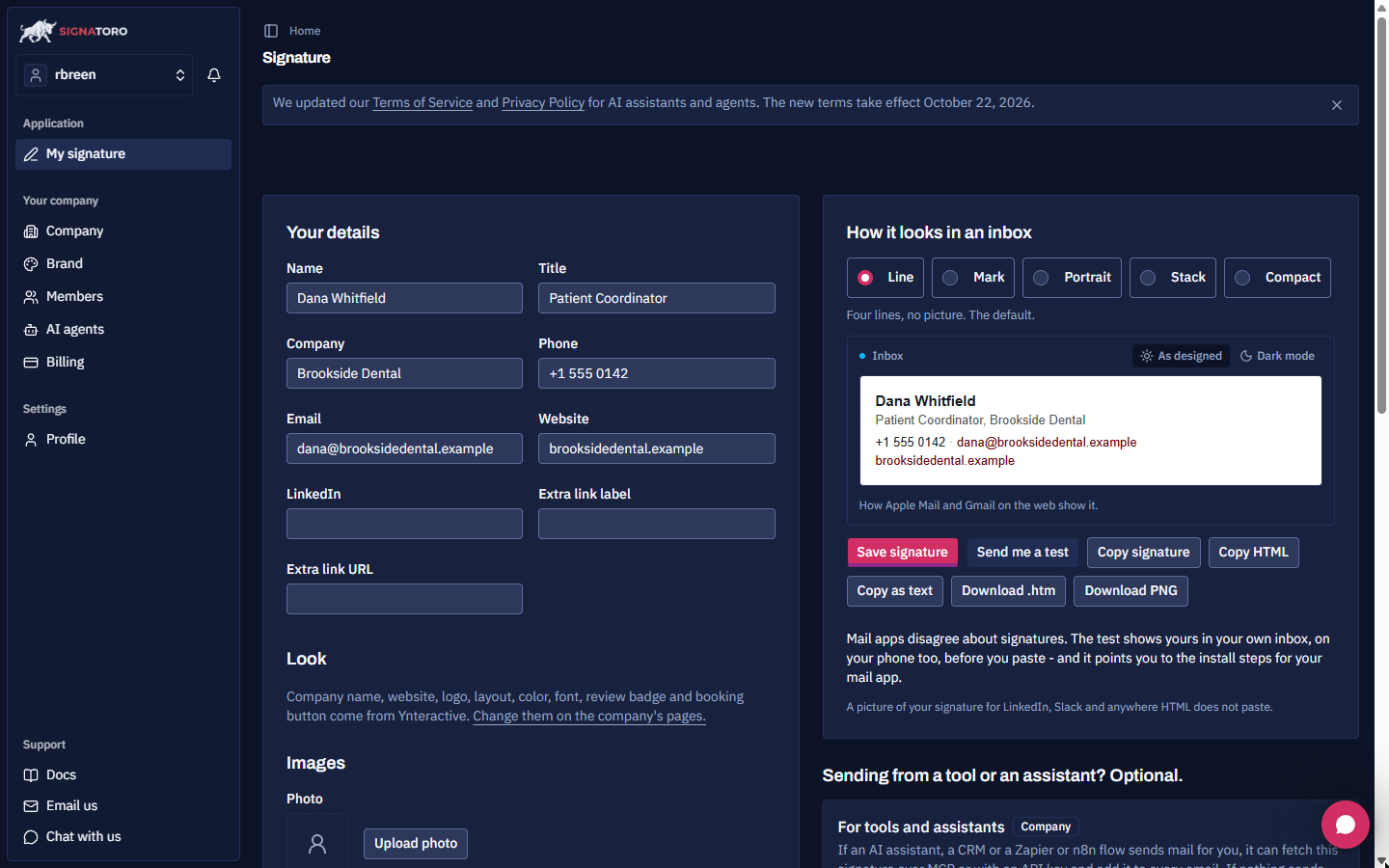
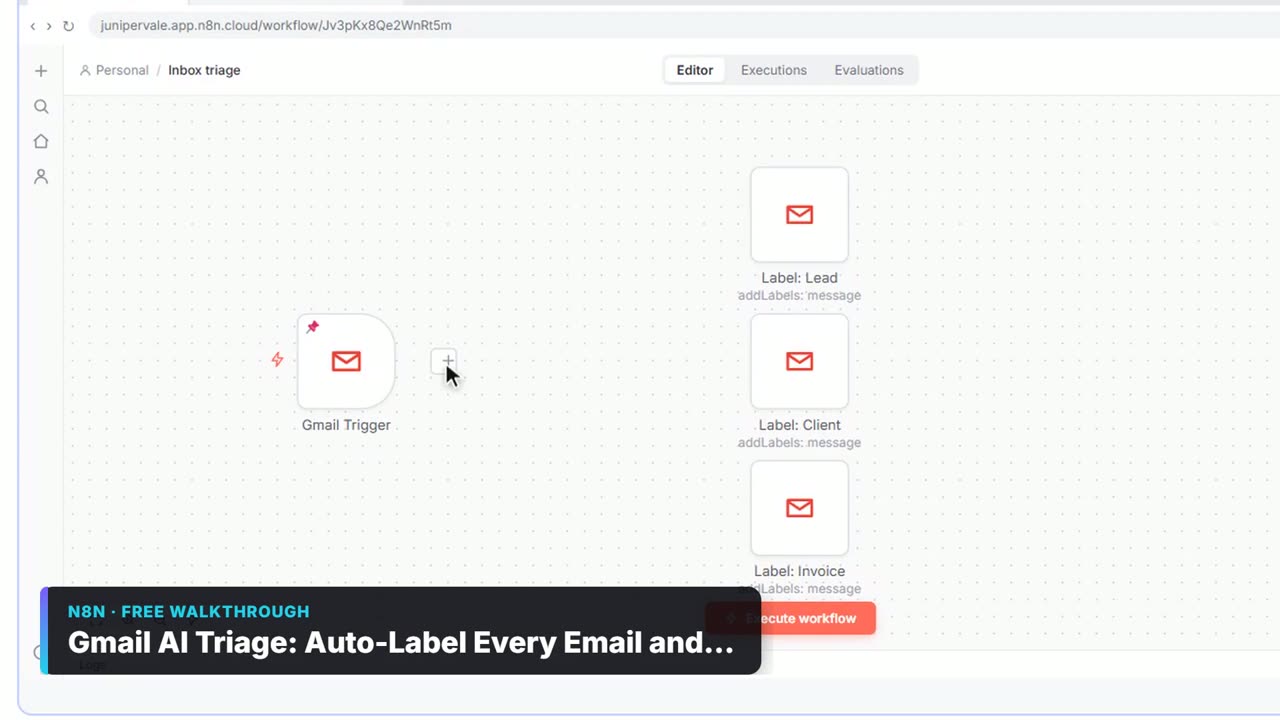
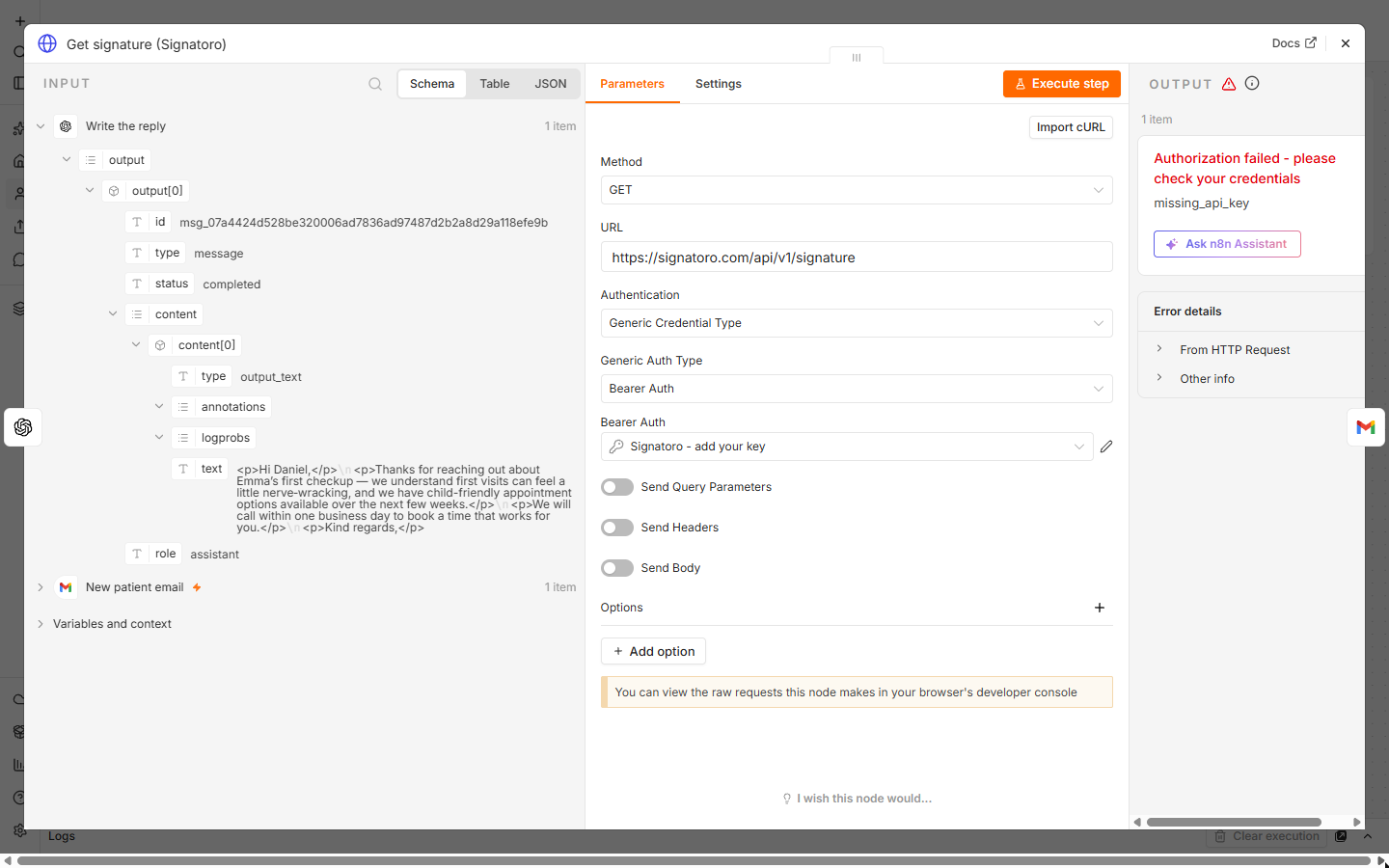
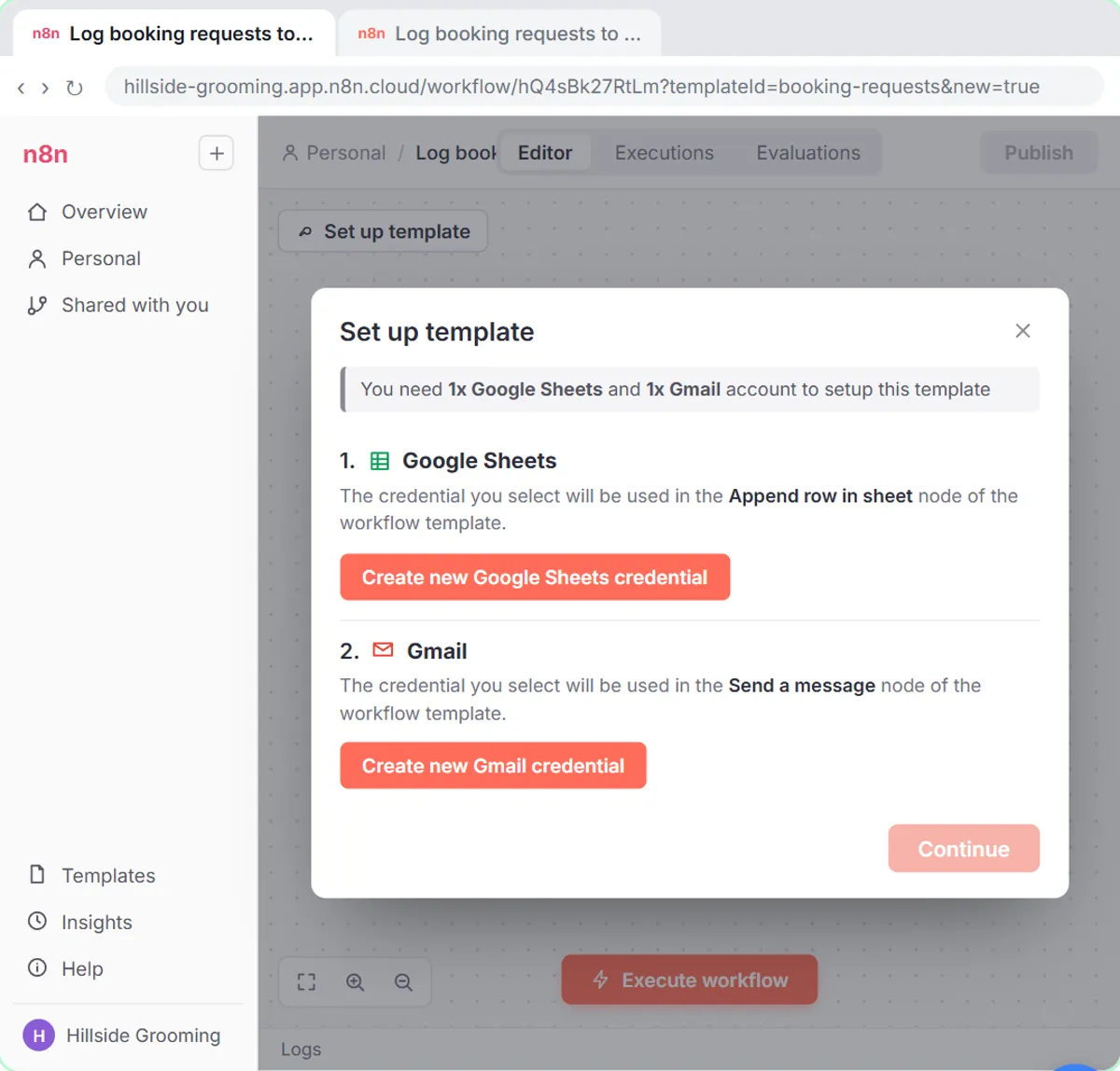
What the lesson actually ran: the trigger used a pinned sample email from Daniel Brooks (made up), and the OpenAI step ran for real on the OpenAI credential that came with the n8n Cloud account. The Signatoro call used a placeholder key, so it shows Signatoro's own missing_api_key answer. No key was created and no draft was saved. The practice, Brookside Dental, and its patient coordinator, Dana Whitfield, are made up.
What does each node do?
| Node | Name on the canvas | What it does |
|---|---|---|
| Gmail Trigger | New patient email | Checks the inbox every minute |
| OpenAI | Write the reply | Writes the reply, ending with a closing line and no name |
| HTTP Request | Get signature (Signatoro) | Returns Dana's signature as HTML |
| Gmail | Save draft reply | Saves a draft in the patient's thread |
How is the Signatoro request set up?
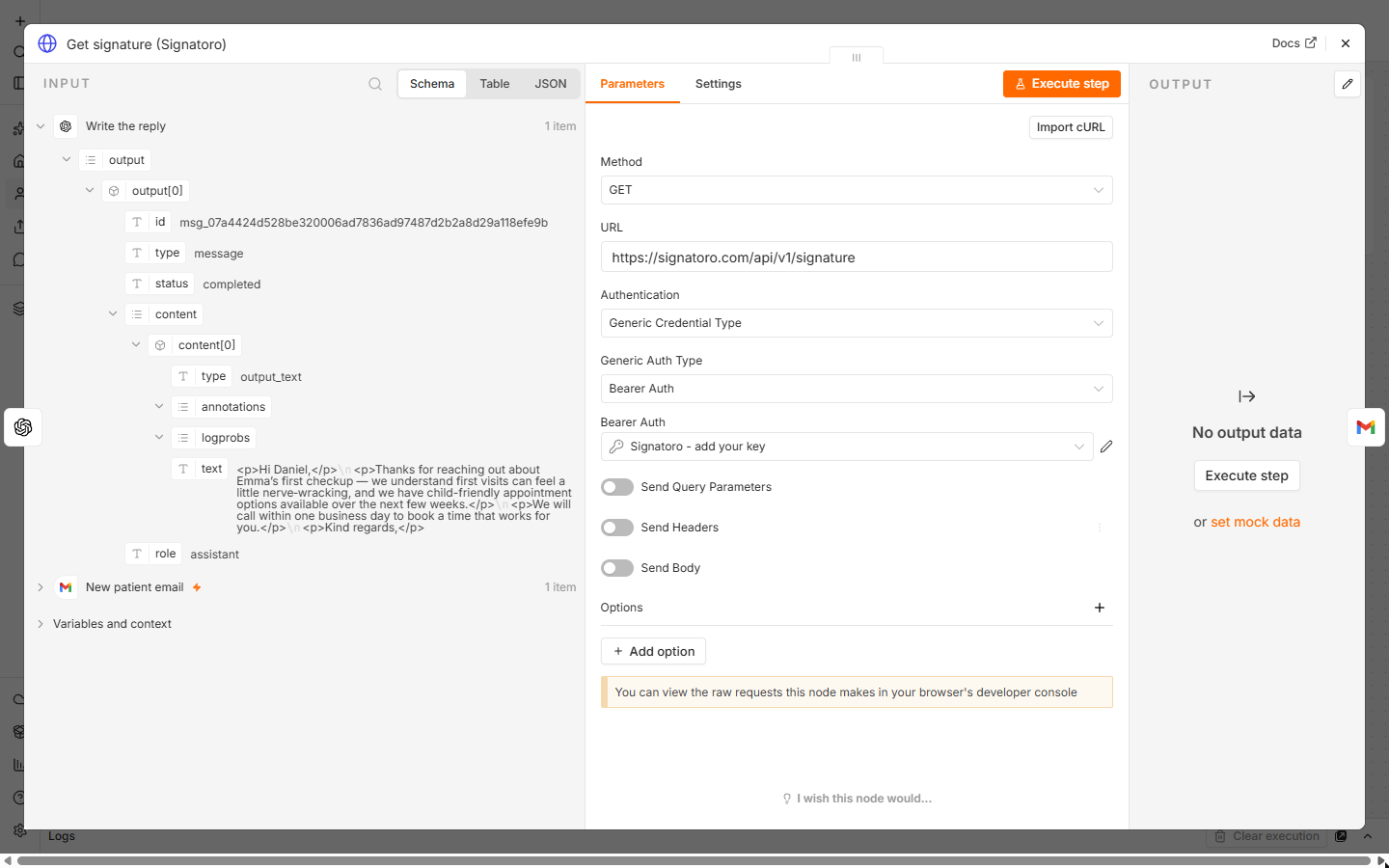
In Get signature (Signatoro), Method is GET and URL is https://signatoro.com/api/v1/signature. Authentication is Generic Credential Type and Generic Auth Type is Bearer Auth, because Signatoro reads the key from an Authorization: Bearer header. The lesson's credential is named Signatoro - add your key: click the pencil, paste your key into Bearer Token and click Save. Signatoro answers with html, text and sender. The HTTP Request node entry covers the basics.
How does the draft come together?
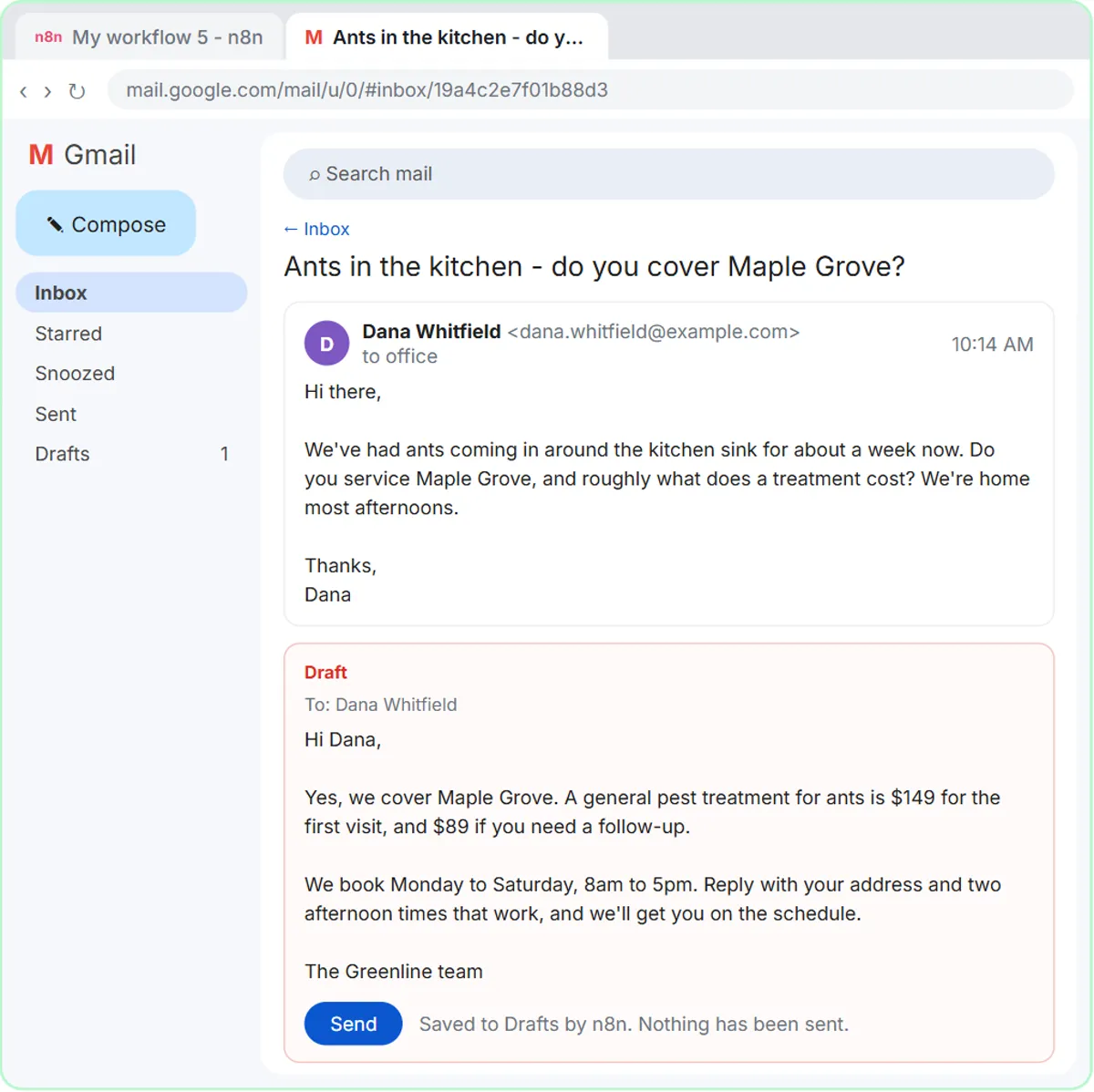
Save draft reply is a Gmail node with Resource: Draft and Operation: Create. Subject is Re: plus the email's subject. Email Type is HTML. Message is the AI's reply followed by {{ $json.html }}, the signature from Signatoro. Under Options, Thread ID puts the draft in the patient's own thread and To Email is the sender's address, both taken from the trigger. Reply first, signature second: the lesson calls that order the whole trick.
What did the AI write in the test?
GPT-5 mini answered Daniel's made-up email in short HTML paragraphs. It greeted him by name, thanked him for asking about Emma's first checkup, said the practice would call within one business day to book a time, and ended with "Kind regards," and no name. That ending is on purpose: Signatoro signs, the AI doesn't.
Try it free, step by step
n8n + Signatoro: AI Drafts Every Reply, Signatoro Signs It. Stop leaving client emails waiting. A Gmail Trigger starts it, OpenAI writes a personal reply, one HTTP Request node fetches the sender's real signature from Signatoro, and Gmail saves a draft reply… You do every step yourself in a practice copy of n8n, it checks your work as you go, and “Do it for me” finishes any step you get stuck on. Free, and nothing touches your real accounts.
Start the free lessonFrequently asked questions
- Where do I get the Signatoro API key?
On signatoro.com, save your signature first: fill in Your details and click Save signature. Then scroll to For tools and assistants and click Generate API key. Copy it straight away: it's shown once. The example request under the button is what n8n sends.
- Where does the key go in n8n?
Only in the Bearer Auth credential, in Bearer Token. n8n stores it encrypted and adds it to every request, so it never shows in the workflow, the prompt or an exported file. If it leaks, make a new key on Signatoro.
- Why does the test run say Authorization failed?
The lesson used a placeholder key, so Signatoro answered Authorization failed with missing_api_key. A wrong key gives invalid_api_key. Either way, n8n reached Signatoro. Paste your real key and the node returns the signature.
- Why turn Simplify off in the Gmail Trigger?
The full email has text, subject, threadId and the sender's address, and the next nodes need all of them. The Gmail Trigger entry explains polling and Simplify.
- How fast does a draft appear?
Poll Times is Every Minute, so a draft is ready about a minute after the email lands.
- Why doesn't the AI sign the reply?
A model asked to sign with a name and phone number can get them wrong, and a hard-coded name goes stale when someone changes role. Fetching the signature on every run means a change on Signatoro reaches the next email.
- Can I get a shorter signature?
Yes. Add
?mode=shortto the URL for a shorter one: name, role and one link.- Do I need my own OpenAI key?
Not to start. The lesson's OpenAI node used the OpenAI credential that came with the n8n Cloud account. You can connect your own key instead.
- What does each draft use on Signatoro?
Each draft is one API request. Check Signatoro's own docs for its API usage terms before you rely on it for a busy inbox.
- Can it send the reply automatically?
Start with drafts. A person reading every reply is what makes an AI reply safe to use with clients, which is the idea behind human in the loop.
- Is there a Make or Zapier version?
Yes, with the same practice and prompt rules: the Make lesson and the Zapier lesson. The Signatoro email signature FAQ covers both.
Key takeaways
- Four nodes: Gmail Trigger, OpenAI, one GET request to Signatoro, Gmail draft.
- The Signatoro key lives in a Bearer Auth credential only.
- missing_api_key in the test means only the key is missing.
- The AI ends with a closing line. Signatoro adds the signature after it.
- Save drafts in the same thread and let a person click Send.
For setup errors, read the n8n Signatoro signed reply mistakes, browse the cheat sheets, or start the lesson.