From a Google Sheets row
Sheet columns become fields named after the header.
| Need | Expression |
|---|---|
| A simple column | {{ $json.Tech }} |
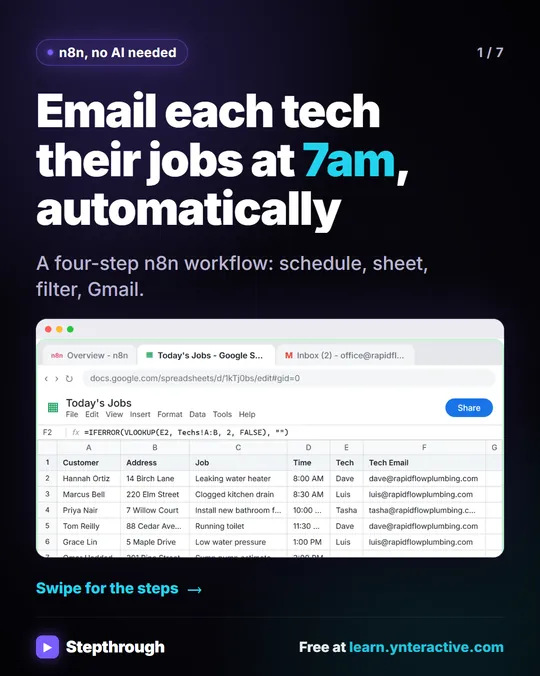
| A column with a space | {{ $json["Tech Email"] }} |
| A column with an apostrophe or symbol | {{ $json['Next Step'] }} |
| Two columns in a subject | {{ $json.Time }} job: {{ $json.Customer }} |
| The row number | {{ $json.row_number }} |
From a webhook or form
Data a website form posts to a webhook sits under body.
| Need | Expression |
|---|---|
| The lead's email | {{ $json.body.email }} |
| The service they picked | {{ $json.body.service }} |
| From a later node | {{ $('Webhook').item.json.body.email }} |
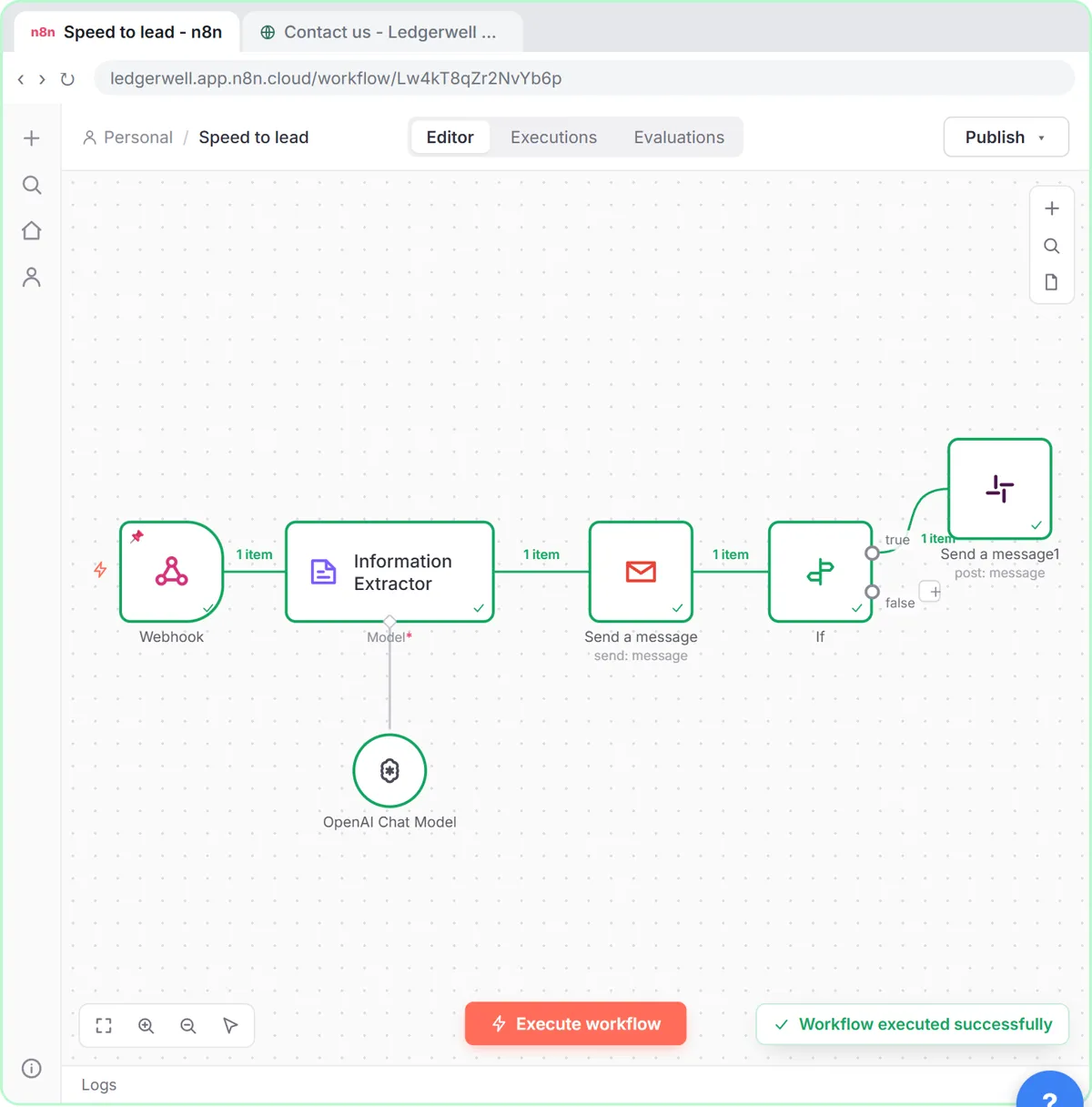
The speed-to-lead lesson feeds {{ $json.body.service }}, {{ $json.body.budget }} and {{ $json.body.timeline }} into its AI scoring prompt.
From AI nodes
| Node | Expression |
|---|---|
| OpenAI Message a model (text) | {{ $json.output[0].content[0].text }} |
| Information Extractor field | {{ $json.output.score }} |
| Information Extractor, later | {{ $('Information Extractor').item.json.output.total }} |
| AI Agent | {{ $json.output }} |
From an earlier node
$json only sees the previous node. Name the node to reach further back: {{ $('Get row(s) in sheet').item.json.Project }}. n8n Reference a Previous Node explains when you need it.
Dates and times
n8n expressions use Luxon for dates, with lowercase yyyy.
| Need | Expression |
|---|---|
| Today, 2026-10-20 style | {{ $now.toFormat('yyyy-MM-dd') }} |
| A readable date | {{ $now.toFormat('cccc, LLLL d') }} |
| In three days | {{ $now.plus({ days: 3 }).toFormat('yyyy-MM-dd') }} |
| Today only (start of day) | {{ $today }} |
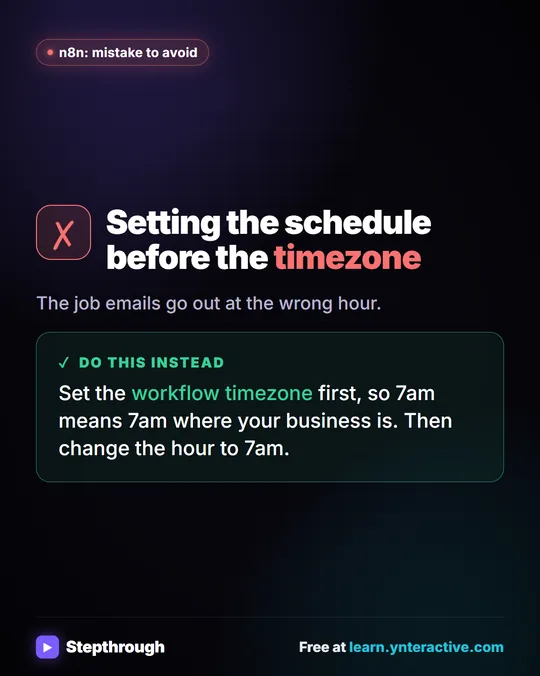
The workflow's timezone setting decides what "now" means; set it first under Settings > Timezone, as the job alerts lesson does.
Defaults and clean-up
| Need | Expression |
|---|---|
| A default when empty | {{ $json.Phone ? $json.Phone : 'not given' }} |
| Lowercase an email | {{ $json.Email.toLowerCase() }} |
| Remove spaces | {{ $json.Name.trim() }} |
| First name only | {{ $json.Contact.split(' ')[0] }} |
Try it free, step by step
Daily Job Alerts: Email Each Tech Their Jobs from Google Sheets with n8n. Every morning at 7, n8n reads a plumbing company's jobs sheet, skips anything not assigned yet, and emails each job to the tech it's assigned to — customer, address, time and what's wrong. No AI… You do every step yourself in a practice copy of n8n, it checks your work as you go, and “Do it for me” finishes any step you get stuck on. Free, and nothing touches your real accounts.
Start the free lessonFixed vs Expression: the one setting to check
A field only fills in values when it's in Expression mode. Hover over the field and click Expression: the braces turn green and a Result line shows the first item's real value. If you skip it, the braces are sent as plain text. The client status and meeting notes lessons both point this out after a real test failed that way.
Typing expressions without typos
- Drag fields from the INPUT panel instead of typing; n8n writes the expression.
- Field names are case sensitive:
Emailis notemail. - Use the Result line as your check before running.
- For numbers in an If node, map a plain number like 1240.5, not "$1,240.50". The invoice lesson asks the AI for "a number with no $ sign" for this reason.
Key takeaways
- Sheet columns are
$json.Column; names with spaces need$json["Column Name"]. - Webhook form data sits under
$json.body. - AI output lives under
output; OpenAI's text is atoutput[0].content[0].text. - Switch fields to Expression and read the Result line before you run.
Frequently asked questions
- What is data mapping in n8n?
Data mapping fills a node's fields with values from earlier nodes, using expressions or drag-and-drop, so each item carries its own data through the workflow.
- How do I reference a field with a space in n8n?
Use bracket notation with quotes: {{ $json["Tech Email"] }}.
- Can I use JavaScript in n8n expressions?
Yes. Expressions accept small JavaScript snippets, such as .toLowerCase(), .split() and a ? : check for defaults.
- Where can I practice?
The free n8n Jump Start course. Also read What Is JSON? and n8n Expressions for Beginners.


![n8n + Gmail: mistake to avoid. Mistake: Typing one address in the To field. Every job email goes to the same person. Do this instead: Make To an expression for the Tech Email column. The name has a space, so write it as $json["Tech Email"].](/content/visual/mistake-one-address-for-every-job/01-540.webp)