Mistake to Avoid: Sending Every Job Email to One Address
A visual tip for n8n and Gmail: make the To field an expression for the Tech Email column, written in square brackets because of the space.
![n8n + Gmail: mistake to avoid. Mistake: Typing one address in the To field. Every job email goes to the same person. Do this instead: Make To an expression for the Tech Email column. The name has a space, so write it as $json["Tech Email"].](/content/visual/mistake-one-address-for-every-job/01.webp)
The guide in text
The mistake
Typing one address in the To field
Every job email goes to the same person.
Do this instead
Make To an expression for the Tech Email column. The name has a space, so write it as $json["Tech Email"].
The full definition: What is an expression in n8n? in the AI glossary, with an example from a free lesson, common confusions and tips.
Businesses and people in the examples are made up. The steps, screens and wording come from the free lesson and the Stepthrough glossary and prompt library.
Do it yourself, free
Daily Job Alerts: Email Each Tech Their Jobs from Google Sheets with n8n. Every morning at 7, n8n reads a plumbing company's jobs sheet, skips anything not assigned yet, and emails each job to the tech it's assigned to — customer, address, time and what's wrong. No AI… You do every step yourself in a practice copy of n8n, it checks your work as you go, and “Do it for me” finishes any step you get stuck on. Free, and nothing touches your real accounts.
Start the free lessonRelated terms
Plain-English definitions, each with an example from a free lesson.
Related prompts
- Appointment reminder text prompt: Write day-before reminder texts for each job on tomorrow's schedule: the time window, who's coming, one prep step and an easy…
- Automation time savings estimate prompt: Estimate what one automation saves from your own numbers only: minutes before and after, setup and upkeep, costs you look up…
- Rental property repair coordination prompt: Coordinate a repair at a rental: a clear email to the owner or property manager about approval and billing, and a short access…
- Tech daily job briefing prompt: Turn today's job schedule and office notes into a short morning briefing for each technician, in time order, with unassigned…
From the blog
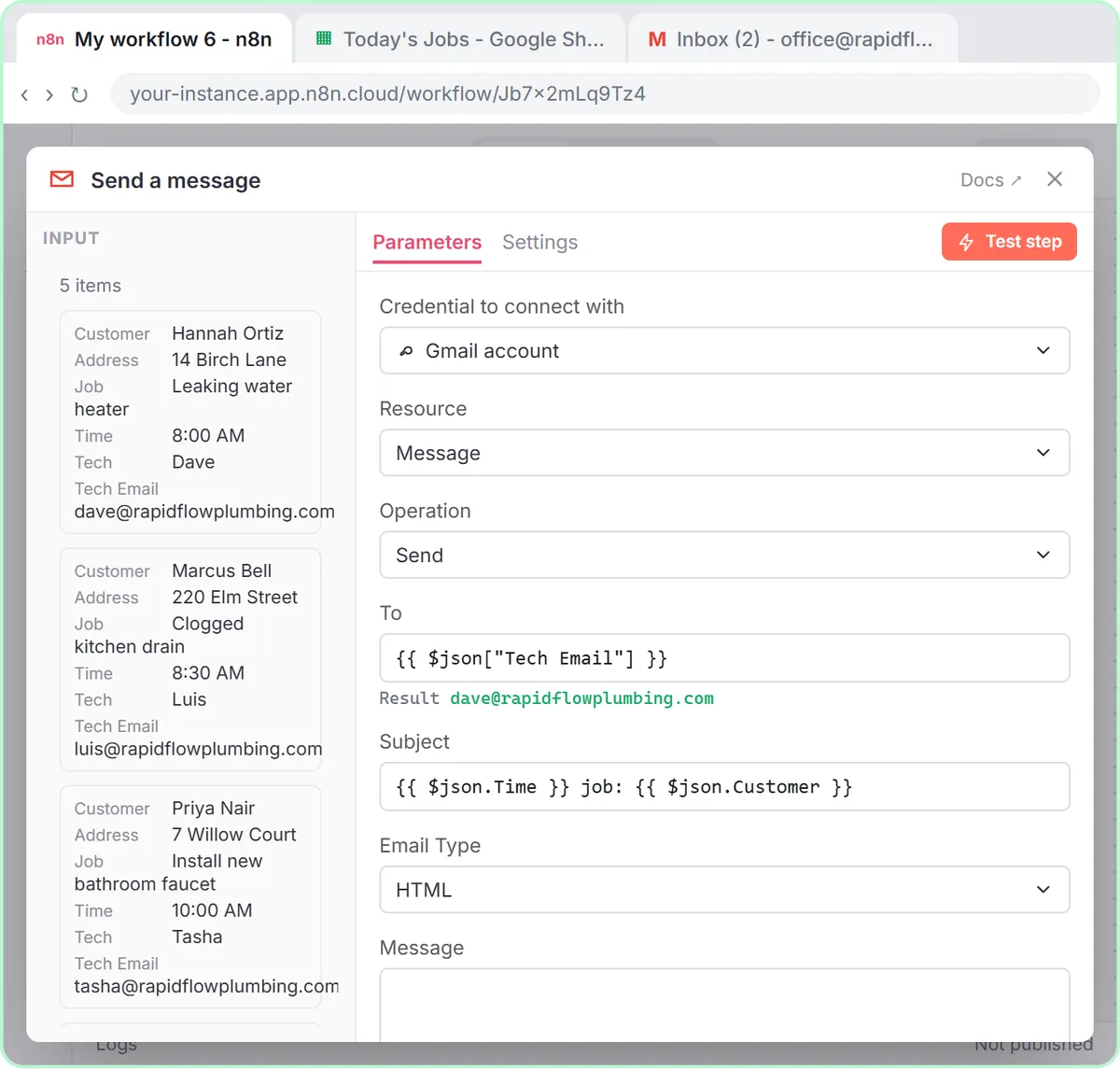 Mail Merge from Google Sheets to Gmail with n8n
Mail merge from Google Sheets to Gmail with n8n: one personalized email per row, with a filter, safe test sends and the settings that matter.
Oct 1, 2026 6 min read
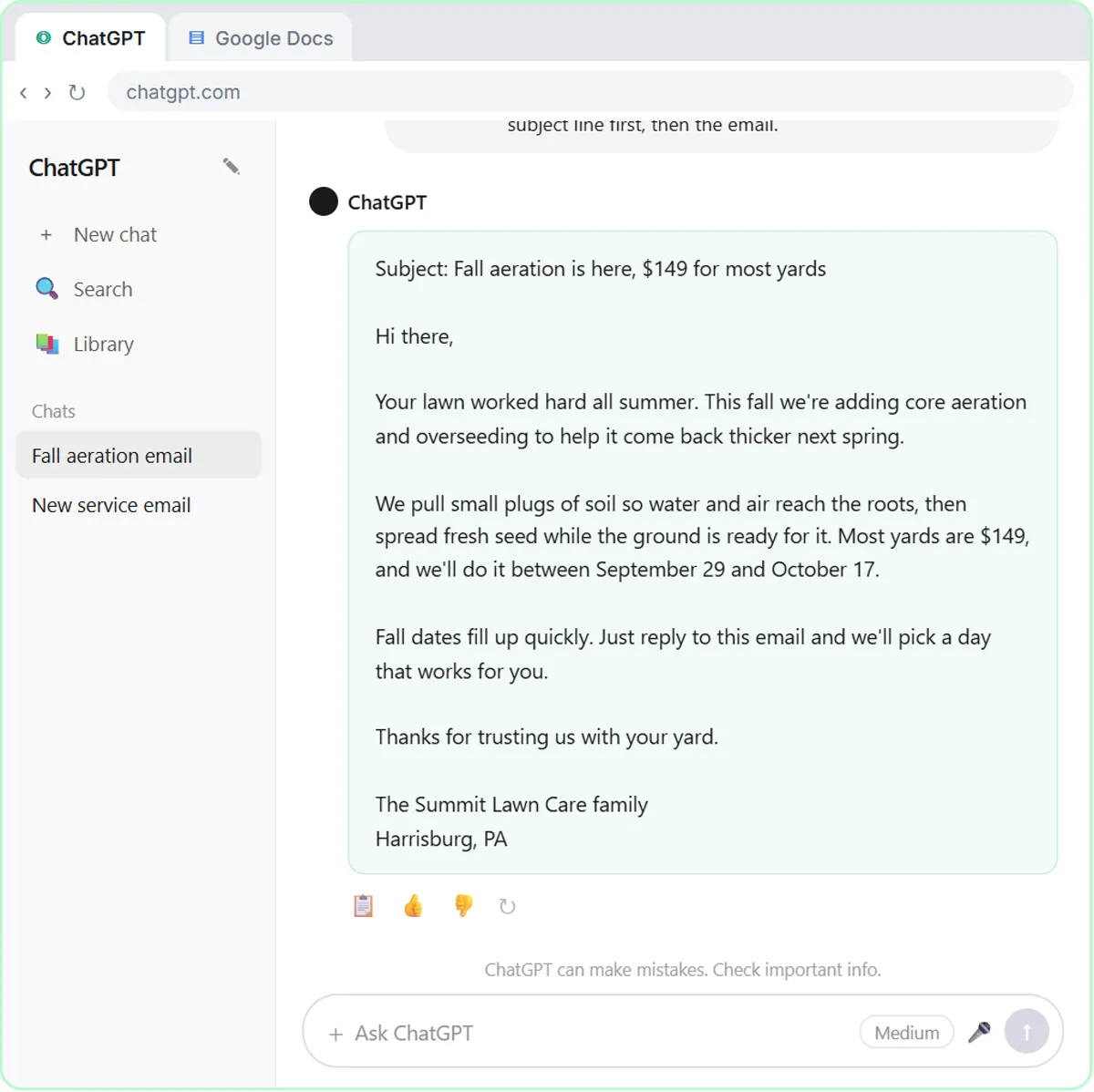 AI for Lawn Care Businesses: 3 Off-Season Projects
AI for lawn care and landscaping owners: three off-season projects, from ChatGPT customer emails to morning crew job emails and an online estimate form.
Oct 1, 2026 6 min read
 n8n Triggers Explained: Which One Starts Your Workflow?
n8n triggers explained: schedule, Gmail, chat, webhook and form triggers, how to test each one, and how the trigger changes your AI Agent's prompt.
Oct 1, 2026 7 min read
More visual guides
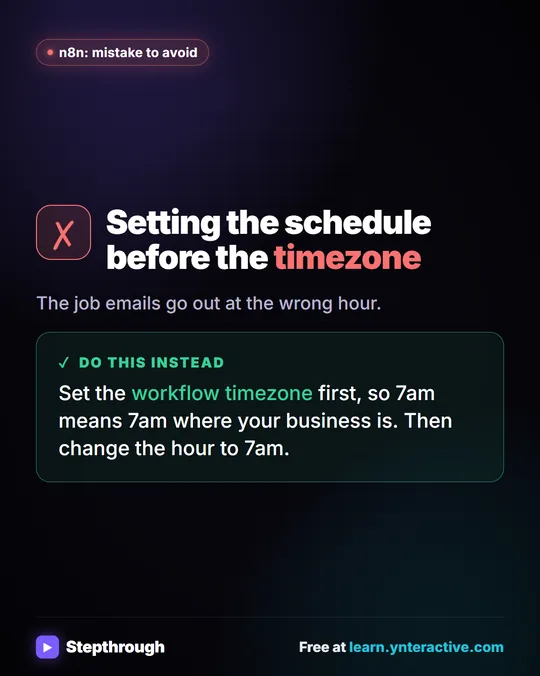 Mistake to Avoid: Scheduling Before Setting the Timezone
A visual tip for n8n schedules: set the workflow timezone before the schedule, so 7am means 7am where your business is.
Mistake to avoid One graphic
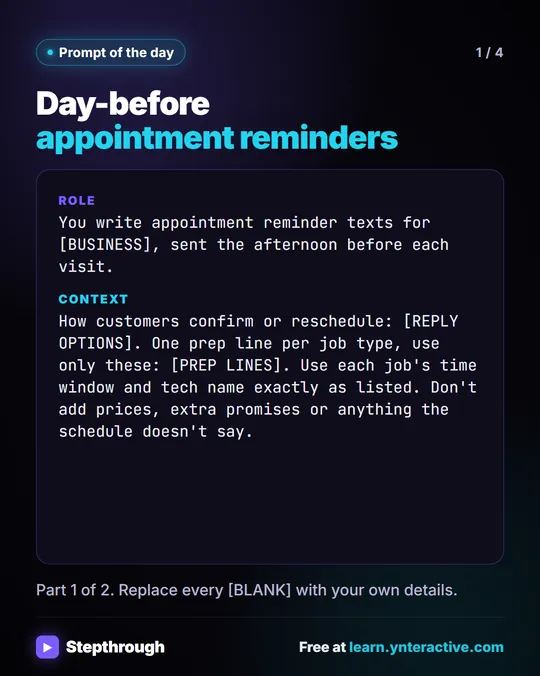 Prompt of the Day: Day-Before Appointment Reminder Texts
A visual prompt card: paste tomorrow's schedule and get one short reminder text per job, with the time window, the tech and one prep step.
Prompt to copy 4 slides
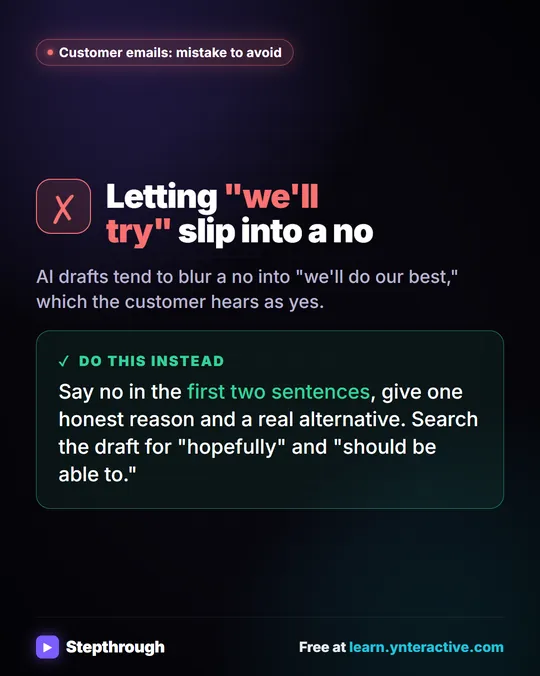 Mistake to Avoid: A Soft Yes When You Mean No
A visual tip for customer emails: AI drafts blur a no into "we'll do our best." Say no early, give one reason and a real alternative.
Mistake to avoid One graphic