This guide is for managers, consultants, accountants and anyone who has to put a short summary on top of something long for a reader who won't read the rest.
What is an executive summary?
It's a short section at the start of a report, proposal or long message that gives a busy reader the main point, the key findings, what you recommend and what needs to happen next. The executive summary glossary entry adds the test that matters: a good summary stands alone. Someone who reads only that section should know what happened, what you suggest, what it costs and what you need from them.
It isn't an introduction. An introduction sets up the topic and may build slowly. An executive summary gives away the ending.
How long should an executive summary be?
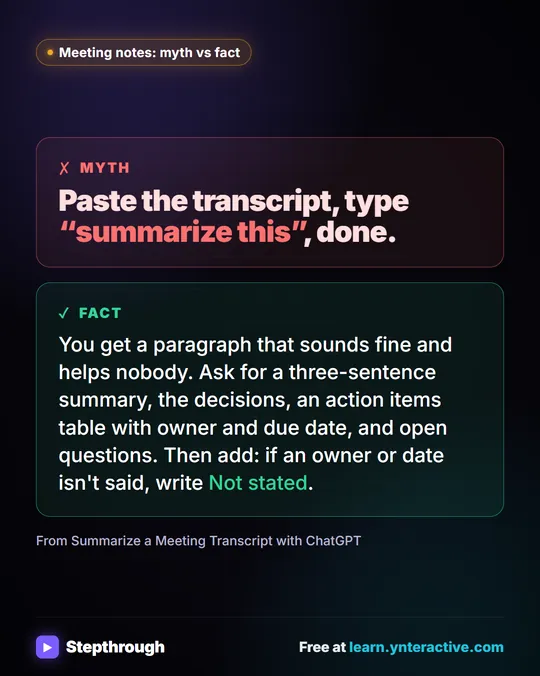
About one page for a long report, or a few sentences for an email or meeting recap. If the reader still has to scroll, it's too long. The meeting lesson's request sets the length in the prompt itself: "A three-sentence summary." A sentence count is easier for ChatGPT to follow than "keep it brief."
What should I give ChatGPT?
The whole source, plus a request with named parts. Use the structure from the lesson and adjust the parts for a decision-maker:
Write an executive summary of the report below for [READER], who has two minutes.
Include, in this order:
1. The main point or recommendation, in one sentence.
2. Two or three key facts that support it, with the numbers.
3. What it will cost or require, if the report says.
4. What we need from [READER], and by when.
Keep it under [N] sentences. Only use what's in the report. If something in this list isn't in the report, write "Not stated" instead of guessing.
The last two lines come straight from the lesson's request, which ends: "Only use what's in the transcript. If an owner or date isn't said, write 'Not stated'." That rule keeps the summary honest. It can't add an invented date to sound complete.
How do I write one from a meeting?
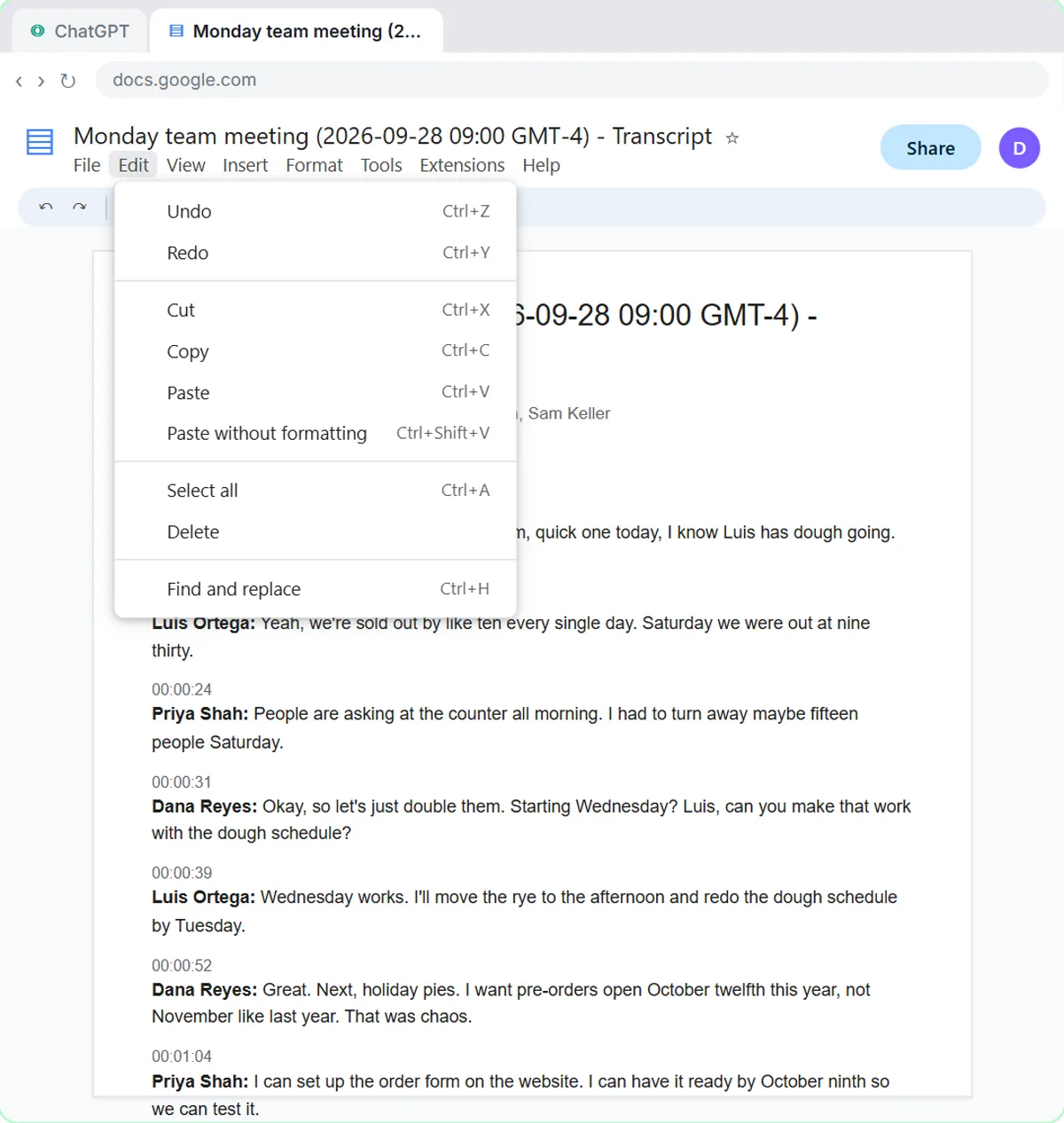
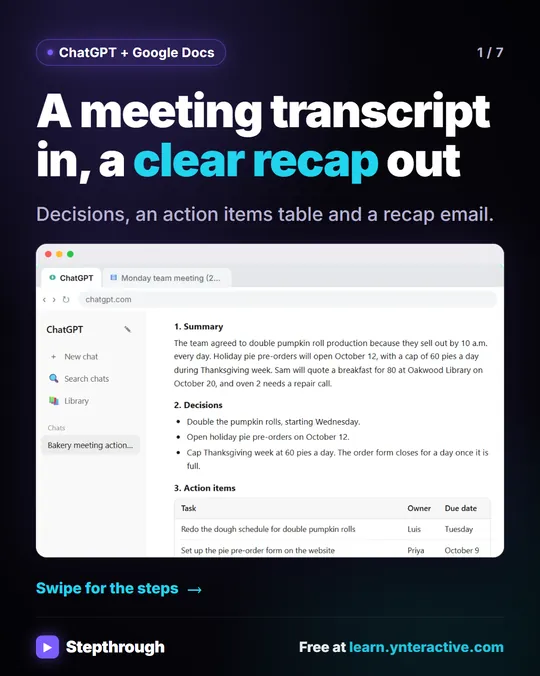
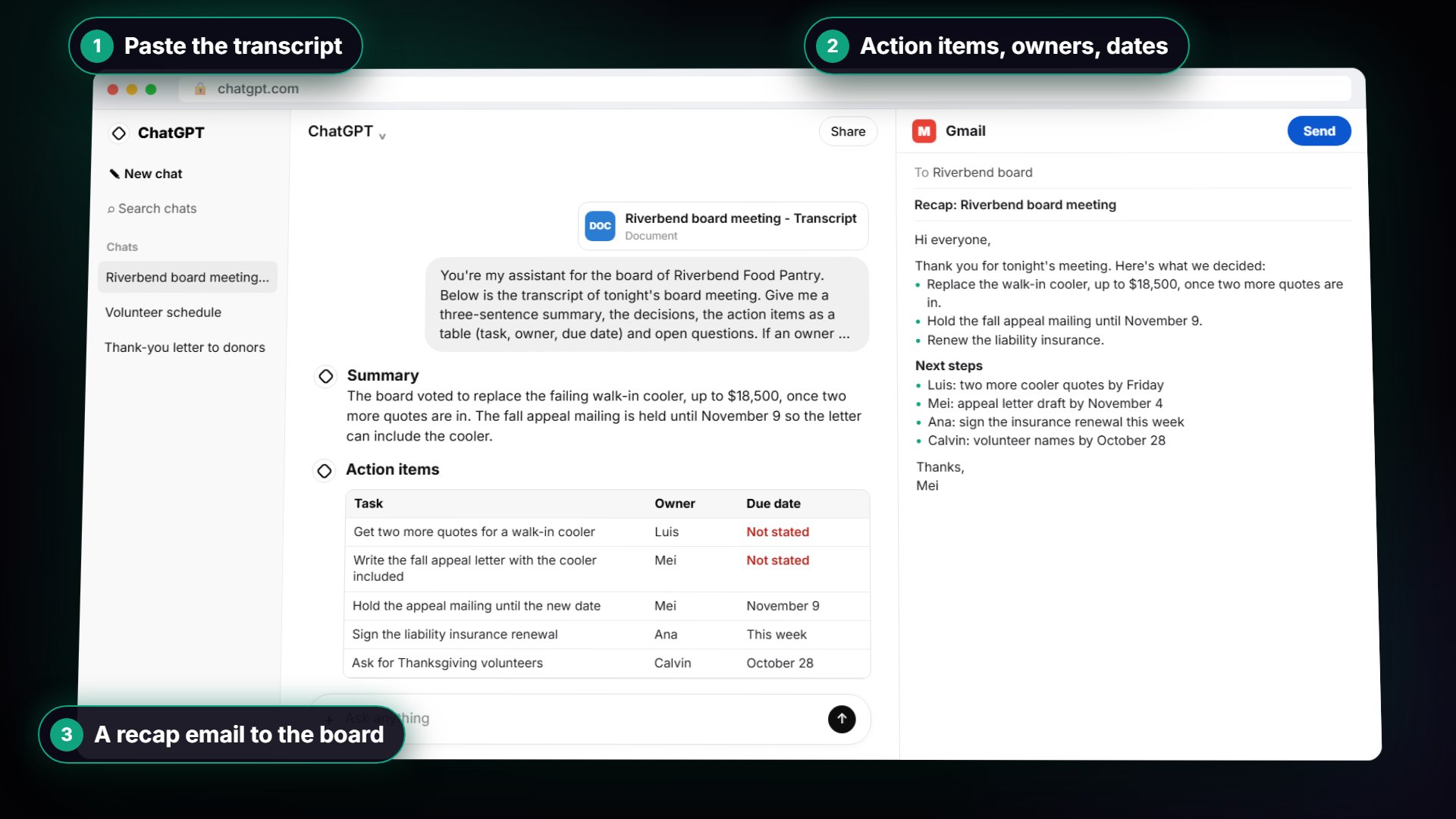
Paste the transcript and ask for the summary first, then the details. In Summarize a Meeting Transcript, you copy the transcript Google Meet saved after a Monday team meeting at Harbor Street Bakery (a made-up business), using Edit > Select all, then Edit > Copy. In ChatGPT you paste a request for four things: a three-sentence summary, the decisions, an action items table with task, owner and due date, and open questions. You paste the transcript underneath and send it.
The result is a small executive summary with the evidence below it: three decisions, four action items and two open questions. Two due dates come back as Not stated, so you type them in yourself and ChatGPT updates the table.
For a long transcript you don't need to copy anything. Start a new chat, click the + button, choose Add photos & files, attach the transcript file and paste a one-line request.
Try it free, step by step
Summarize a Meeting Transcript with ChatGPT. Paste a long meeting transcript into ChatGPT and get the decisions, an action items table with owners and due dates, and a follow-up email ready to send. You do every step yourself in a practice copy of ChatGPT, it checks your work as you go, and “Do it for me” finishes any step you get stuck on. Free, and nothing touches your real accounts.
Start the free lessonWhat about a client-facing summary?
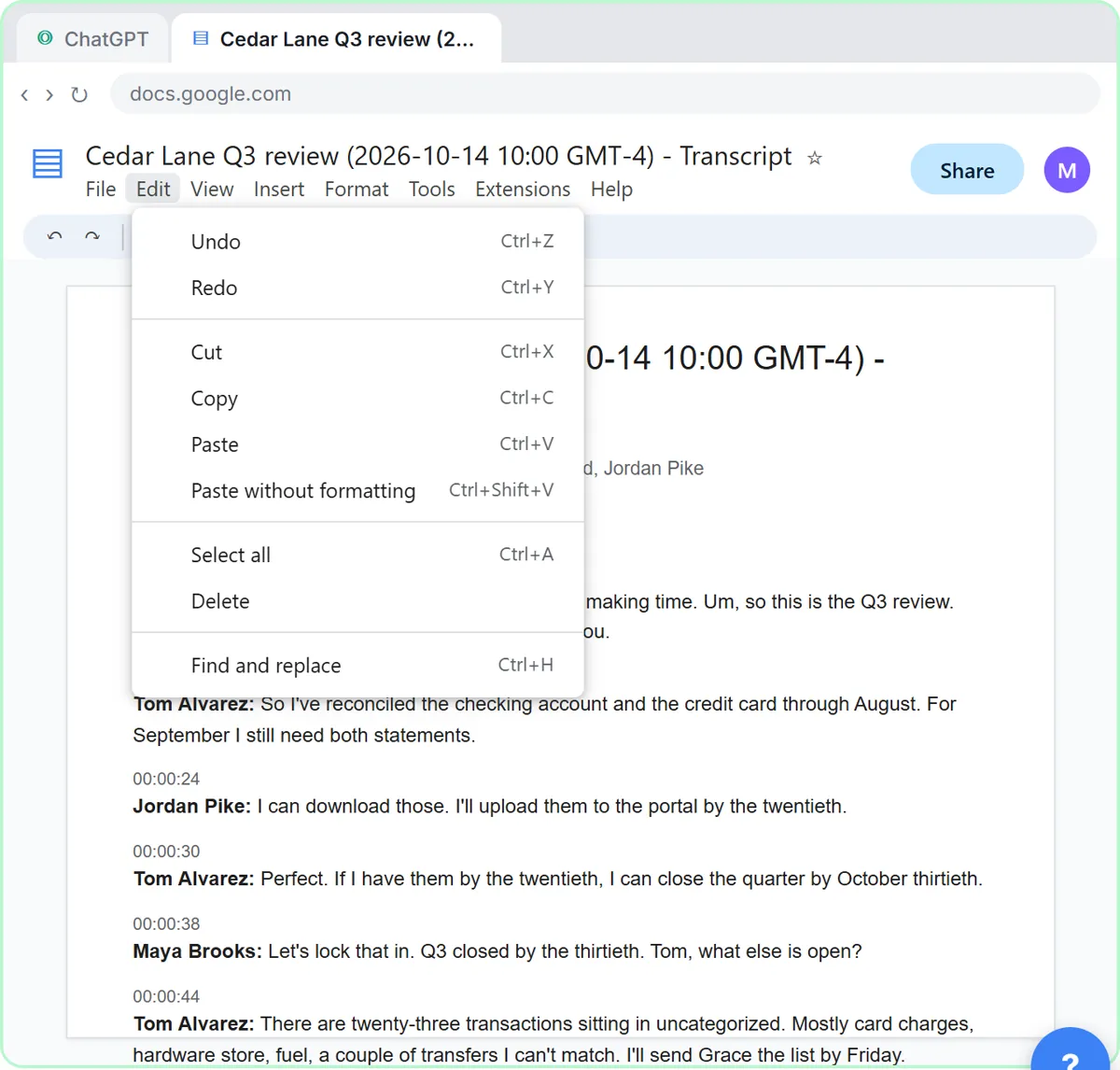
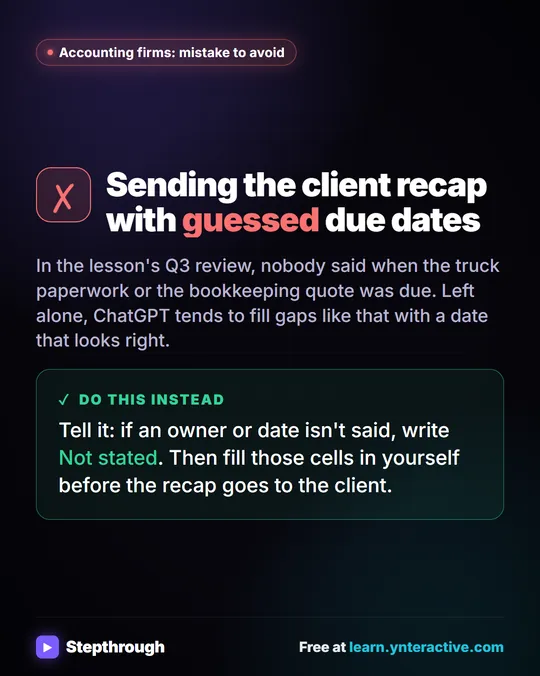
Make it shorter and check it twice, because it becomes a record. In the client version of the lesson, Turn a Client Meeting into Action Items, Millbrook Accounting (a made-up firm) reviews Q3 with its client Cedar Lane Landscaping. The summary that comes back has three decisions: close Q3 by October 30, record a truck as equipment with a loan, and collect W-9s now instead of in January. It has six action items and two open questions.
That's the core of a quarterly business review summary. The lesson's warning applies to any client summary: left to itself, an AI model may fill a gap with a plausible deadline nobody agreed to, and in a client email that becomes a promise. The "Not stated" rule makes the gaps visible so you decide what goes out.
How do I check an AI-written executive summary?
Read it against the source, line by line, before anyone else does. Three checks catch most problems:
- Every number. Amounts, dates and counts should appear in the source exactly as written.
- Every recommendation. If the summary recommends something, the source should support it. Summaries can drop caveats or shift emphasis.
- Nothing new. A summary shouldn't contain information that appears nowhere else in the document.
If something fails, ask for one specific fix ("Remove the cost estimate; the report doesn't give one") rather than "make it better." How to Revise a ChatGPT Draft has more on fixing drafts with targeted requests.
What should I keep out of ChatGPT?
Anything the summary doesn't need, and anything your policy doesn't allow. The meeting lesson's advice is to check your company's rules before sharing a transcript with private details. The client version goes further: use a business plan such as ChatGPT Business or Enterprise, which OpenAI doesn't use to train its models by default, and take out account numbers, Social Security numbers or EINs.
For a long report rather than a meeting, How to Summarize a Long Document with ChatGPT covers uploading the file and working section by section. And if you write summaries for an executive every day, Manage an Executive's Inbox with AI Drafts shows how to take routine replies off your plate too.
Glossary terms used in this post: executive summary and AI summarization.
Key takeaways
- An executive summary gives a busy reader the main point, key facts, recommendation and ask, and should make sense on its own.
- Tell ChatGPT the exact length, such as "a three-sentence summary," and list the parts it must include, in order.
- Add the rule "Only use what's in the source; write 'Not stated' if something is missing" so ChatGPT doesn't invent dates or figures.
- Check every number and recommendation against the source, and remove anything that appears nowhere else in the document.
- Remove account numbers and private details before pasting client material, and follow your company's AI policy.
Frequently asked questions
- Can ChatGPT write an executive summary of a long report?
Yes, if you give it the full report and say how long the summary should be and what to include. You can paste the text or upload the file with + and Add photos & files. Read it against the original afterward.
- Should I write the executive summary first or last?
Last, after the facts and recommendation are settled. With ChatGPT, that means drafting the full document or recap first, then asking for the summary from it.
- What's the difference between an executive summary and an abstract?
An abstract describes what a paper covers, mostly in academic writing. An executive summary supports a business decision and usually states a recommendation and next steps.
- Why does ChatGPT's summary leave out caveats?
Summaries compress, and caveats are often the first thing to go. Ask for them explicitly ("include any risks or conditions the report mentions") and check the source.