Updated . Built against the tool’s current screens and checked step by step. How we check this lesson
Build an Airia agent that reads a portal message and returns three lines: category, who owns it, and why, with no patient identifiers repeated and chest pain always routed to the nurse on call. Tested on three made-up messages. Real Airia screens.
At a glance
| Question | Answer |
|---|---|
| What you build | Build an Airia agent that reads a portal message and returns three lines: category, who owns it, and why, with no patient identifiers repeated and chest pain always routed to the nurse on call. Tested on three made-up messages. Real Airia screens. |
| Tools | Airia |
| Time | About 8 minutes, 10 steps in 3 parts |
| Level | Beginner, no coding needed |
| Cost | Free |
| Ways to learn it | Practice it step by step |
The 3 parts, in short
- Set up the agent: Open Build, Add a New Agent, Name it, Type a clear name.
- Three lines, nothing more: Open Instructions, Paste the instructions.
- Test three real-life messages: Send a real-looking message, Read the triage, Urgent goes to a person now, Appointment to the front desk.
Start here first: Airia for Beginners: What an AI Agent Is Made Of (module 1 of AI Automation for Operations)
Part of: AI for Medical & Dental Office Admin (step 21 of 23). Next up: Airia: Turn a Radiology Report into a Patient-friendly Summary with No Identifiers for Operations
Part of: AI Apps Worth Knowing (step 146 of 157). Next up: Airia: Turn a Radiology Report into a Patient-friendly Summary with No Identifiers for Operations
What you'll build
Jordan is the nurse manager at Riverbend Family Medicine (made up). The portal inbox gets about 120 messages a day: refills, appointment changes, billing questions, and once in a while chest pain written as a casual question. In this lesson you build an Airia agent that sorts each message into a category and an owner in three short lines and never repeats the patient’s name, date of birth, MRN or phone. Then you test it on a refill, an emergency and an appointment change. Every screen is a real Airia screen.
You built an Airia agent that sorts portal messages into Refill, Appointment, Billing, Clinical question or Urgent, names the owner and gives one reason, without repeating a single identifier. You tested a refill, an emergency (routed to the nurse on call now) and an appointment change. The model still reads the whole message, so keep real patient data out until your compliance officer has approved the tool and its controls. Try it in your own Airia account with the instructions from Do it for real and five made-up messages, starting with the urgent one. Airia has its own plans and limits; check airia.com.
- Tools: Airia
- Time: about 8 minutes, 10 steps in 3 chapters
- Level: beginner, no coding needed
- Price: free
Practice first, then build it for real
Practice copy built from real Airia screens (airia.ai), captured 9 November 2026. Nothing here touches an Airia account. This lesson is training, not legal advice. A guardrail does not make a tool HIPAA compliant on its own: your organization also needs a Business Associate Agreement with any vendor that handles PHI, its own policies, access controls and staff training. Ask your compliance officer before any real patient data goes near an AI tool. Every patient in this lesson is made up (Pat Example, MRN 000-TEST). To build it for real you need your own Airia account, and some services charge once you use them for real work, so check each tool's current pricing.
Try it yourself, free
Reading the steps is a start. Doing them is how it sticks. The interactive module walks you through every click in a practice copy of Airia, checks each step, and never touches your real accounts.
Start “Airia: Sort Patient Portal Messages Fast Without Over-sharing for Operations”Step by step: Airia: Sort Patient Portal Messages Fast Without Over-sharing for Operations
All 10 steps of the interactive module, in order. In the module you watch each one, then do it yourself in a practice copy that checks your work.
1. Set up the agent
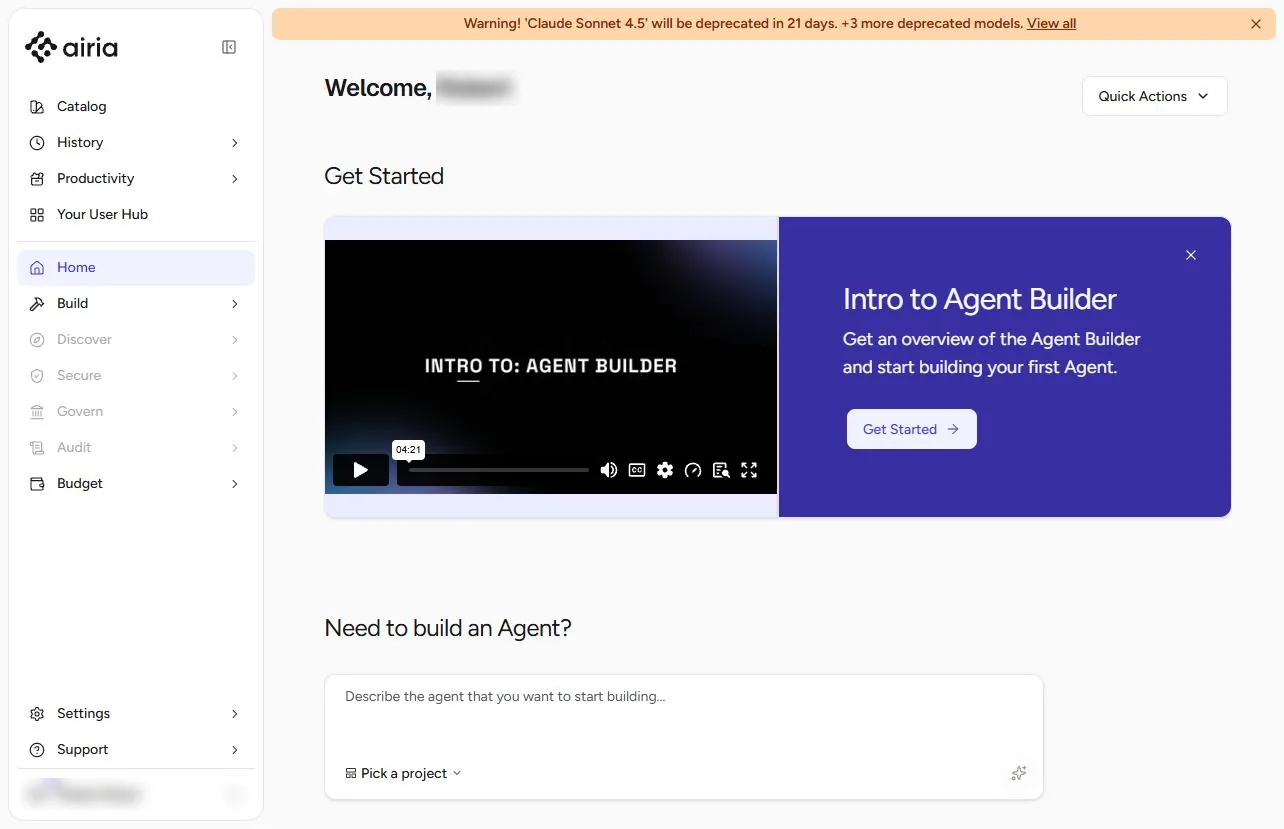
- Open Build. Jordan is the nurse manager at Riverbend Family Medicine (made up). The portal inbox gets 120 messages a day: refills, appointment changes, billing questions, and now and then something urgent buried in the pile. You will build an Airia agent that sorts each message into a category and an owner, and repeats nothing about the patient. In Airia, click Build.
The portal inbox gets a hundred and twenty messages a day. Build an agent that sorts them.
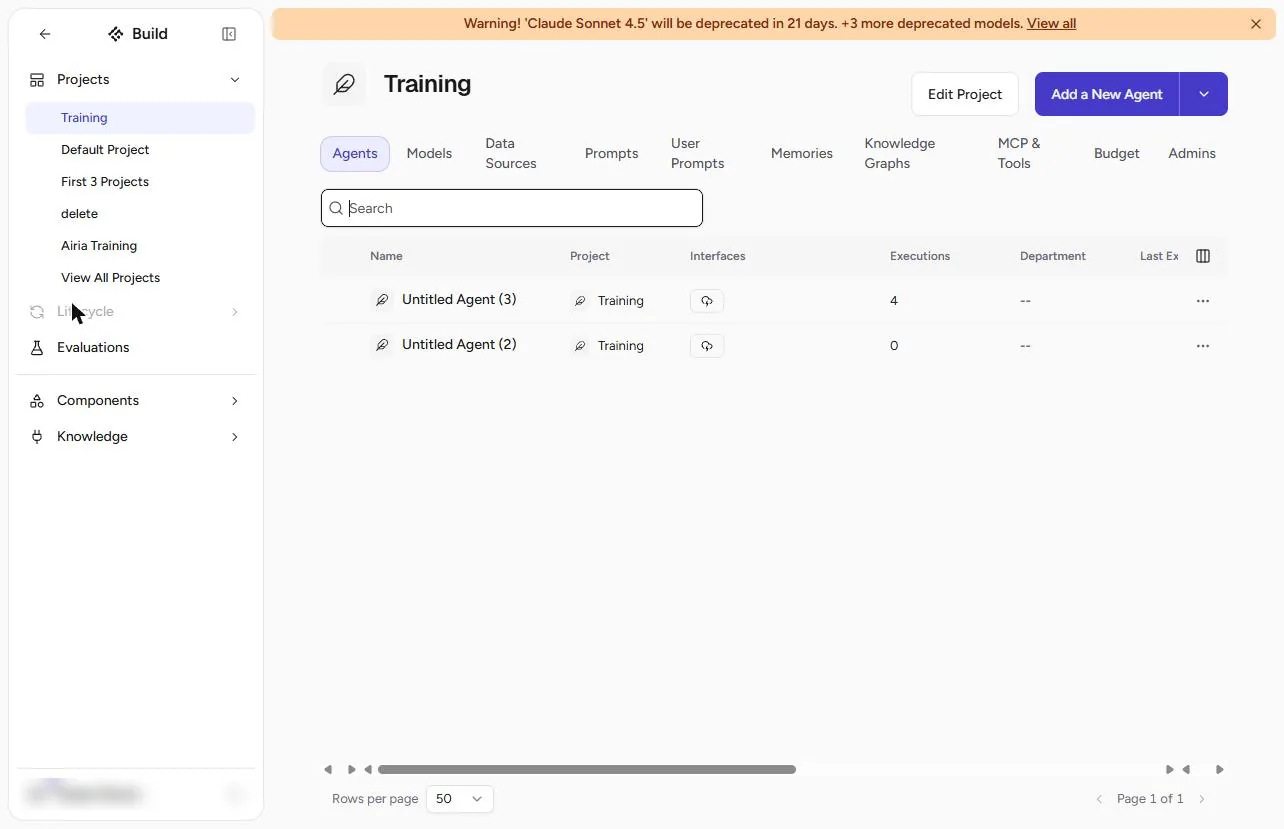
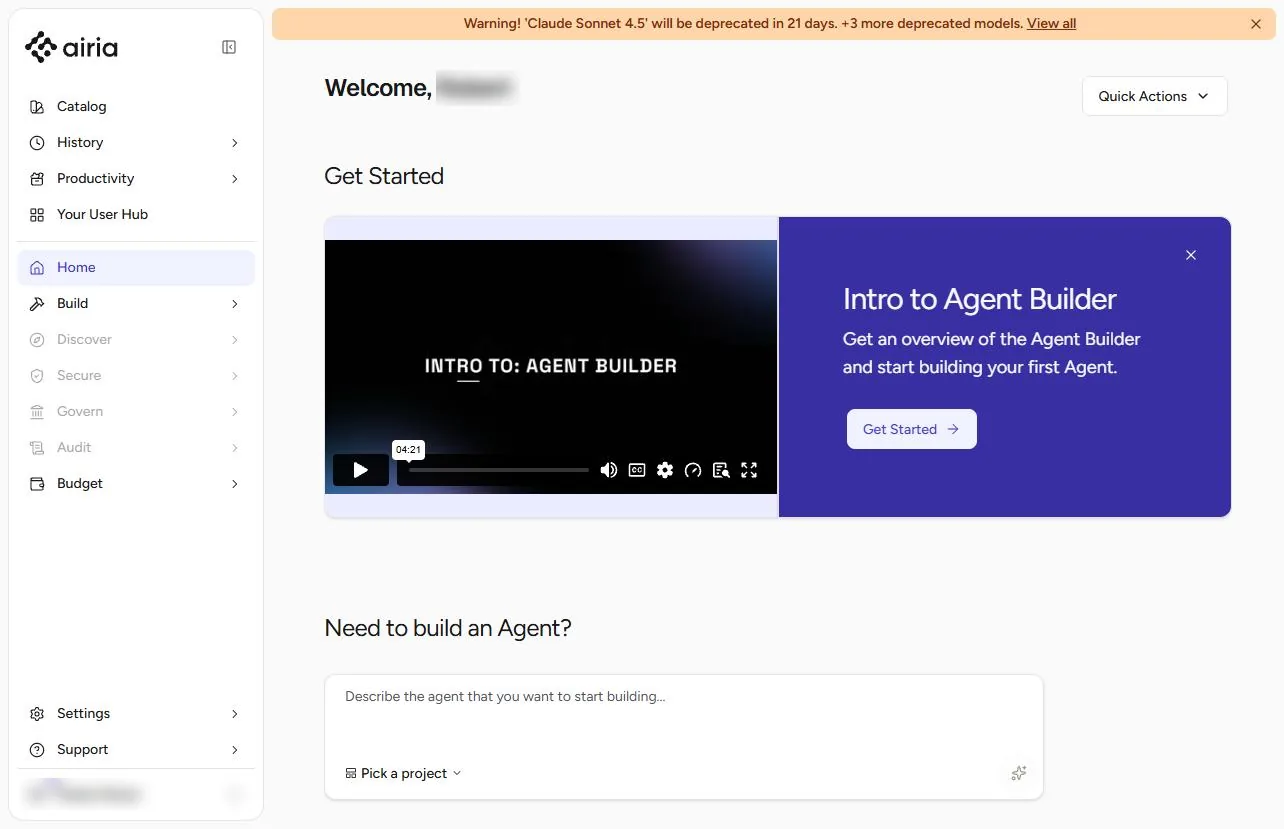
- Add a New Agent. Pick your project and click Add a New Agent. Our plan was at its 10-agent limit, so we opened an empty agent from the list instead; a new agent opens on the same canvas.
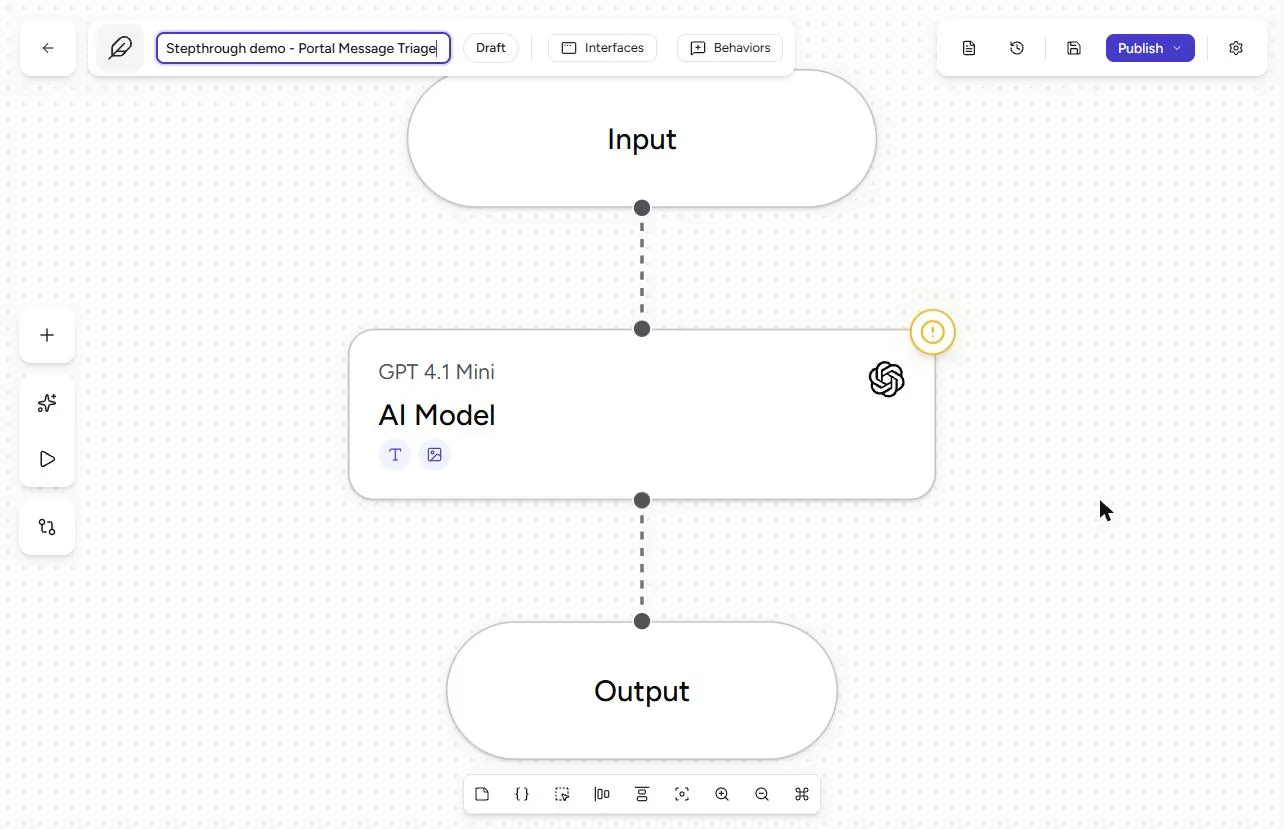
- Name it. Click the agent name at the top left.
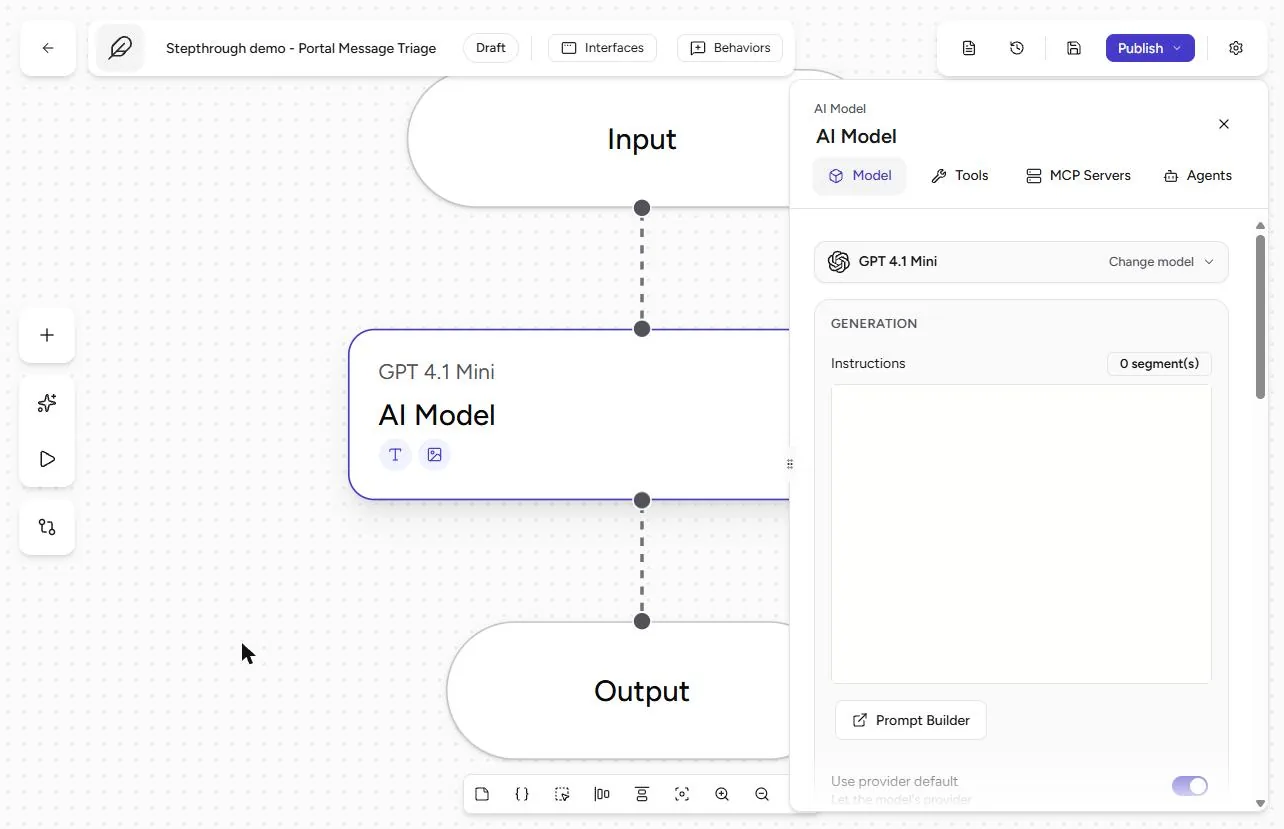
- Type a clear name. Type Portal Message Triage (ours says "Stepthrough demo - Portal Message Triage") and press Enter. Then click the AI Model step.
Name it Portal Message Triage.
2. Three lines, nothing more
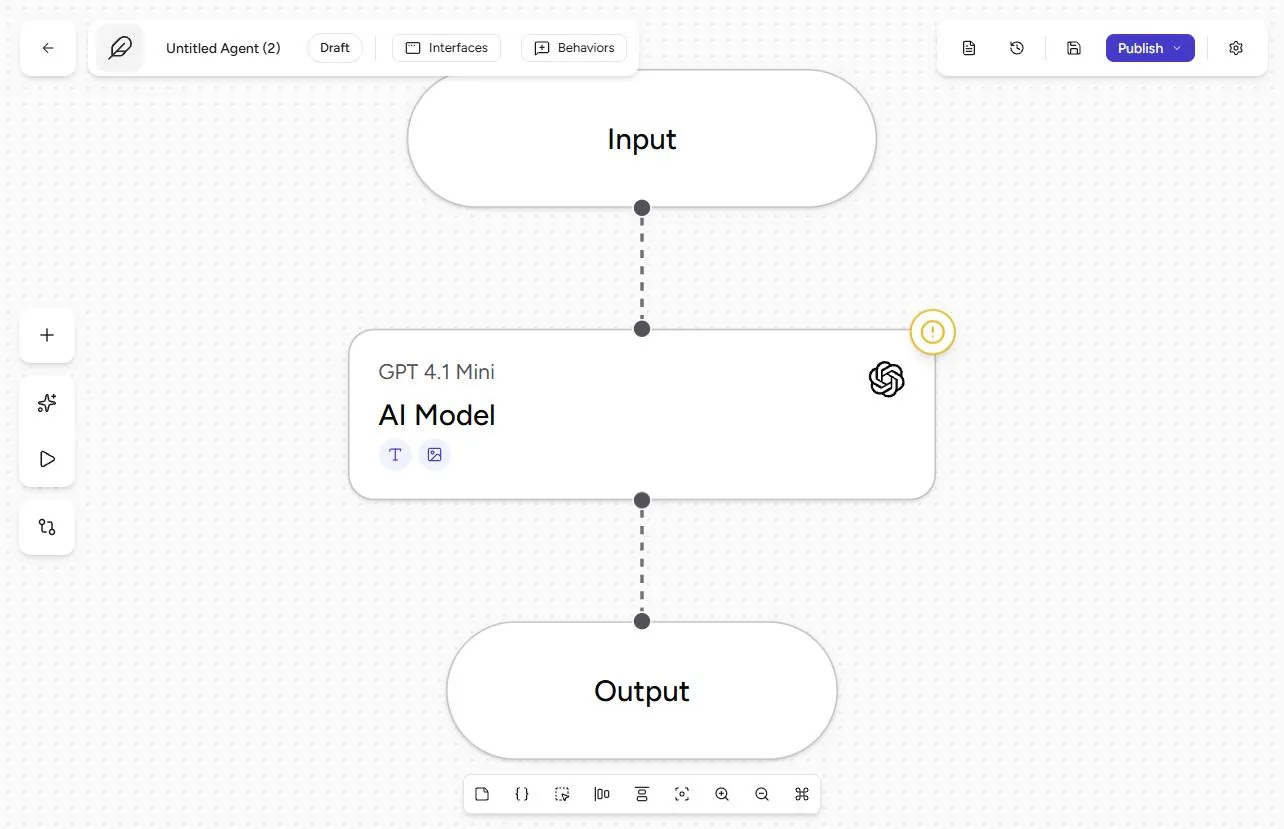
- Open Instructions. Keep a small, low-cost model (ours is GPT 4.1 Mini; Airia flags it for retirement, so pick any current small model). Sorting messages does not need a big one. Click in Instructions.
A small model is enough for sorting.
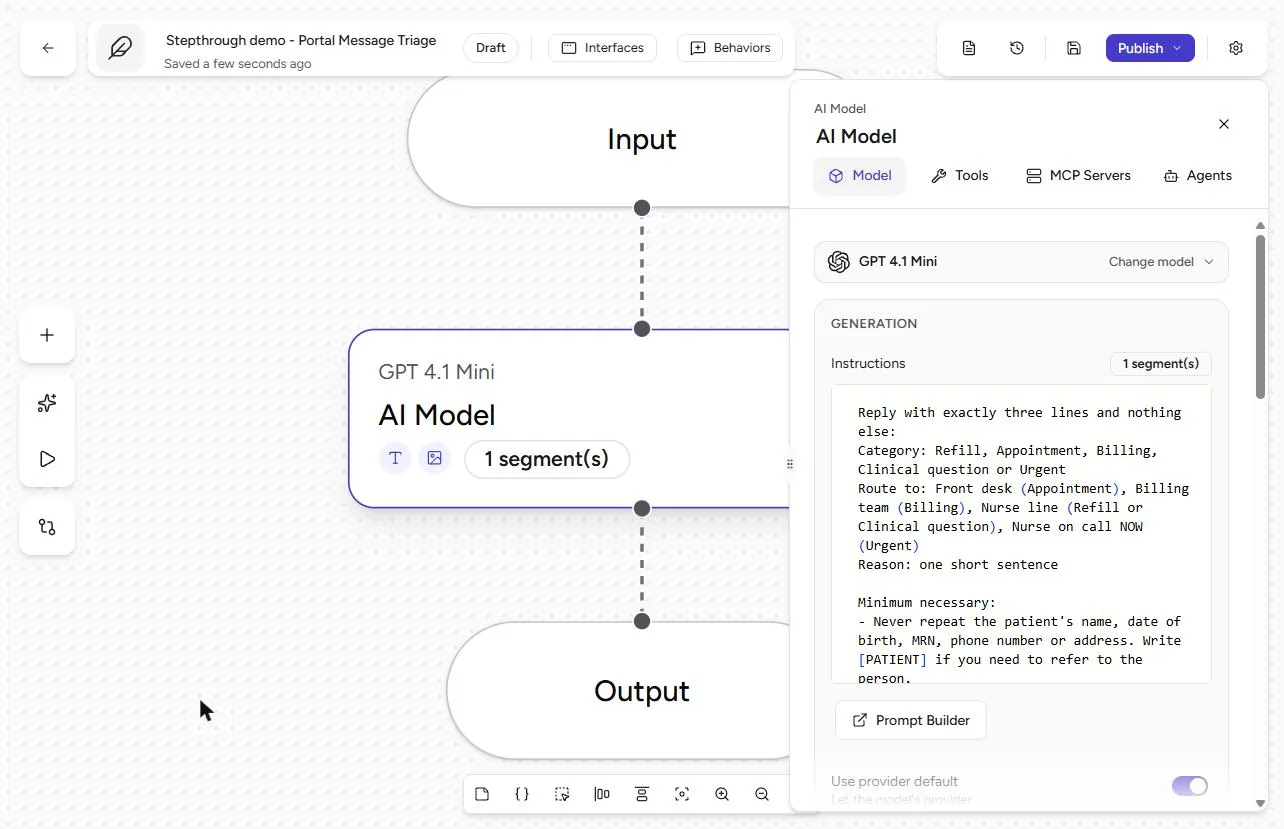
- Paste the instructions. Paste instructions that force a tiny answer: exactly three lines, Category (Refill, Appointment, Billing, Clinical question or Urgent), Route to (Front desk, Billing team, Nurse line, or Nurse on call NOW) and Reason (one short sentence). Add the minimum-necessary rules: never repeat the name, date of birth, MRN, phone or address; no medical advice; chest pain, trouble breathing, stroke signs, heavy bleeding or self-harm always means Urgent. The full text is under Do it for real. Close the Context panel if it pops open, then open the Playground.
Force a tiny answer: category, owner, reason. Never repeat the patient’s details. Chest pain is always urgent.
3. Test three real-life messages
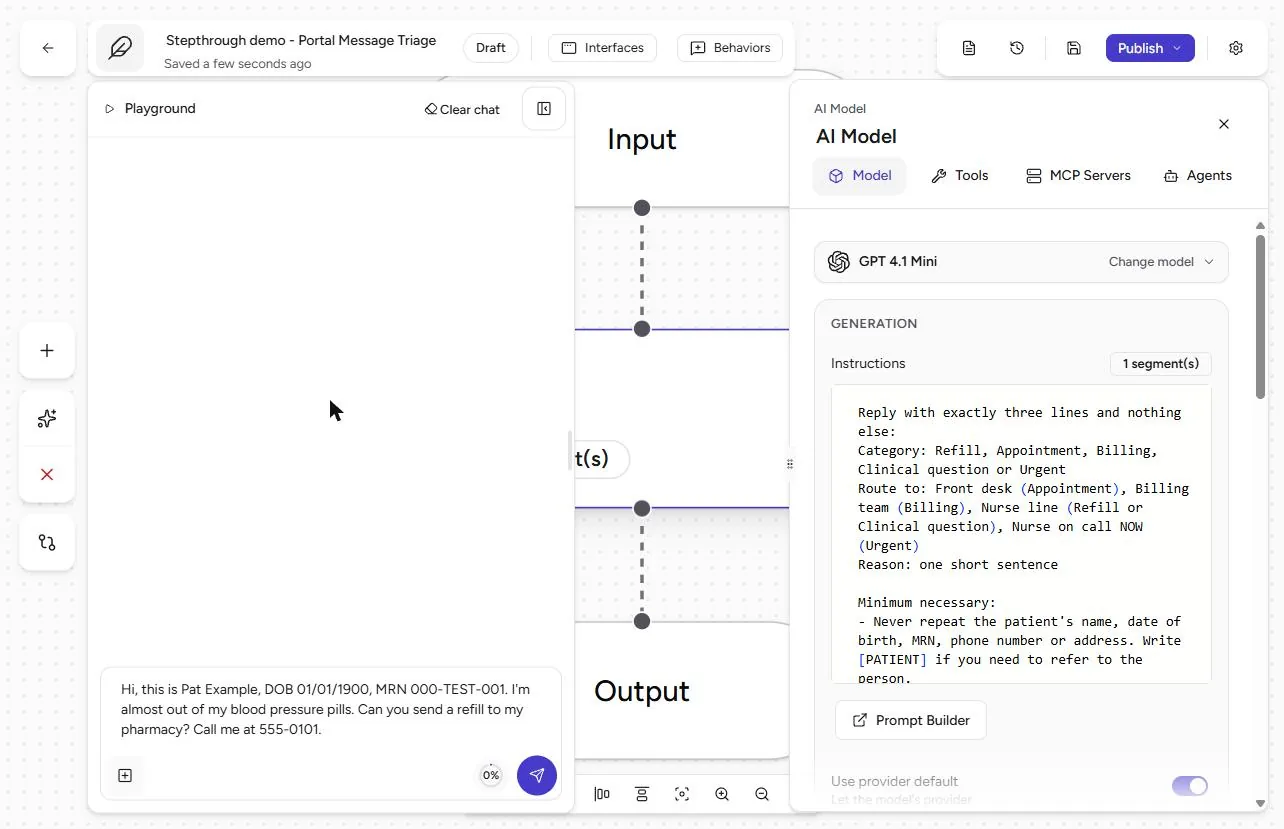
- Send a real-looking message. Patients put their details in messages, so test with them (all made up): "Hi, this is Pat Example, DOB 01/01/1900, MRN 000-TEST-001. I’m almost out of my blood pressure pills. Can you send a refill to my pharmacy? Call me at 555-0101." Click Send.
Patients include their details, so test with them. Made-up ones. Send.
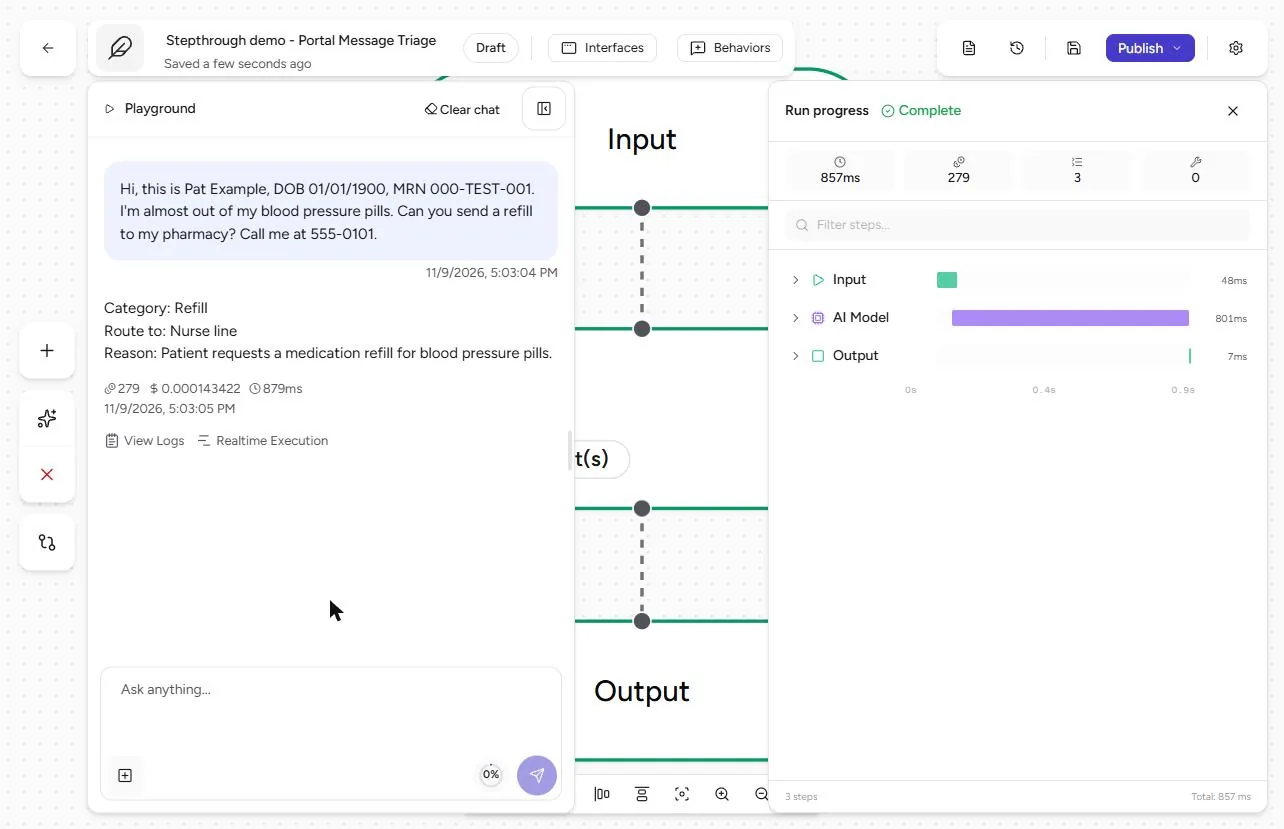
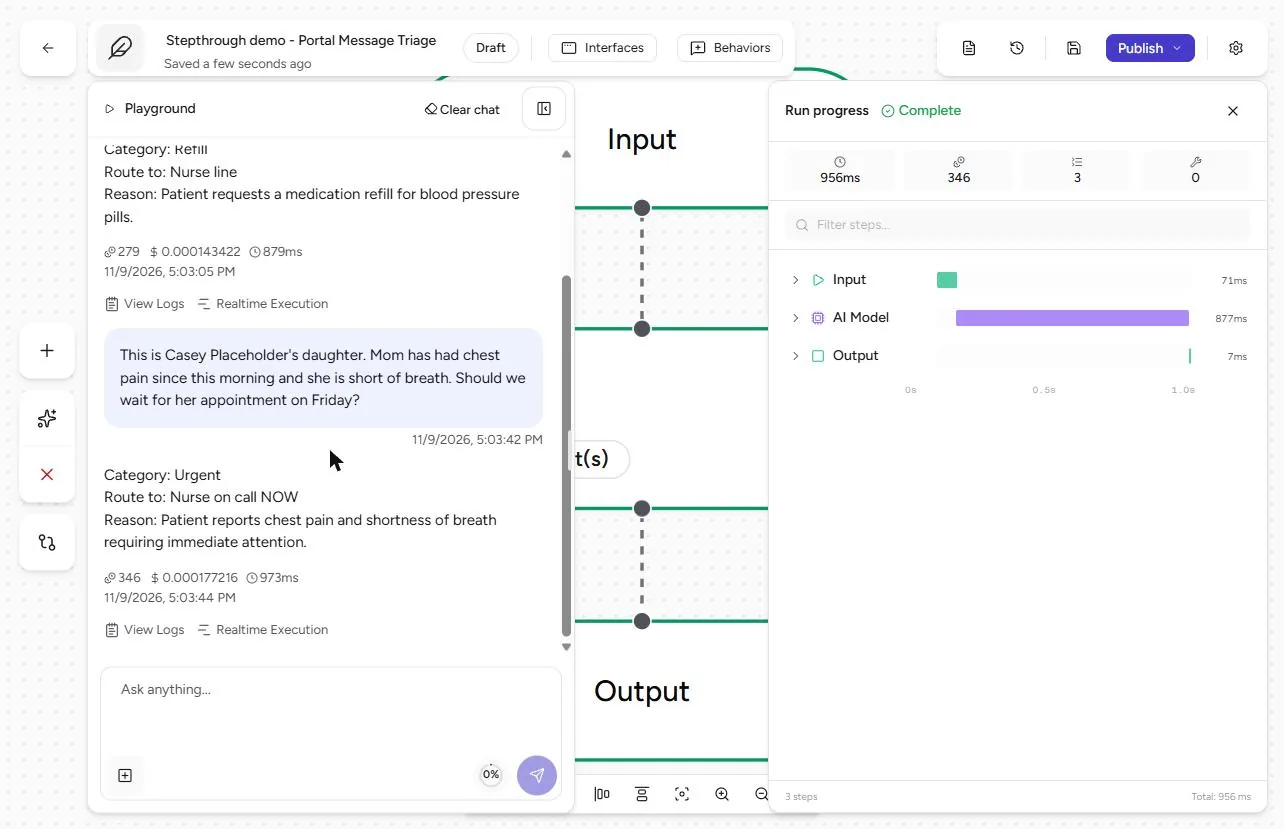
- Read the triage. Category: Refill. Route to: Nurse line. Reason: Patient requests a medication refill for blood pressure pills. No name, no date of birth, no MRN, no phone. Now the one that matters most. Click the message box and send: "This is Casey Placeholder’s daughter. Mom has had chest pain since this morning and she is short of breath. Should we wait for her appointment on Friday?"
Refill, nurse line, and no identifiers. Now send the chest pain message.
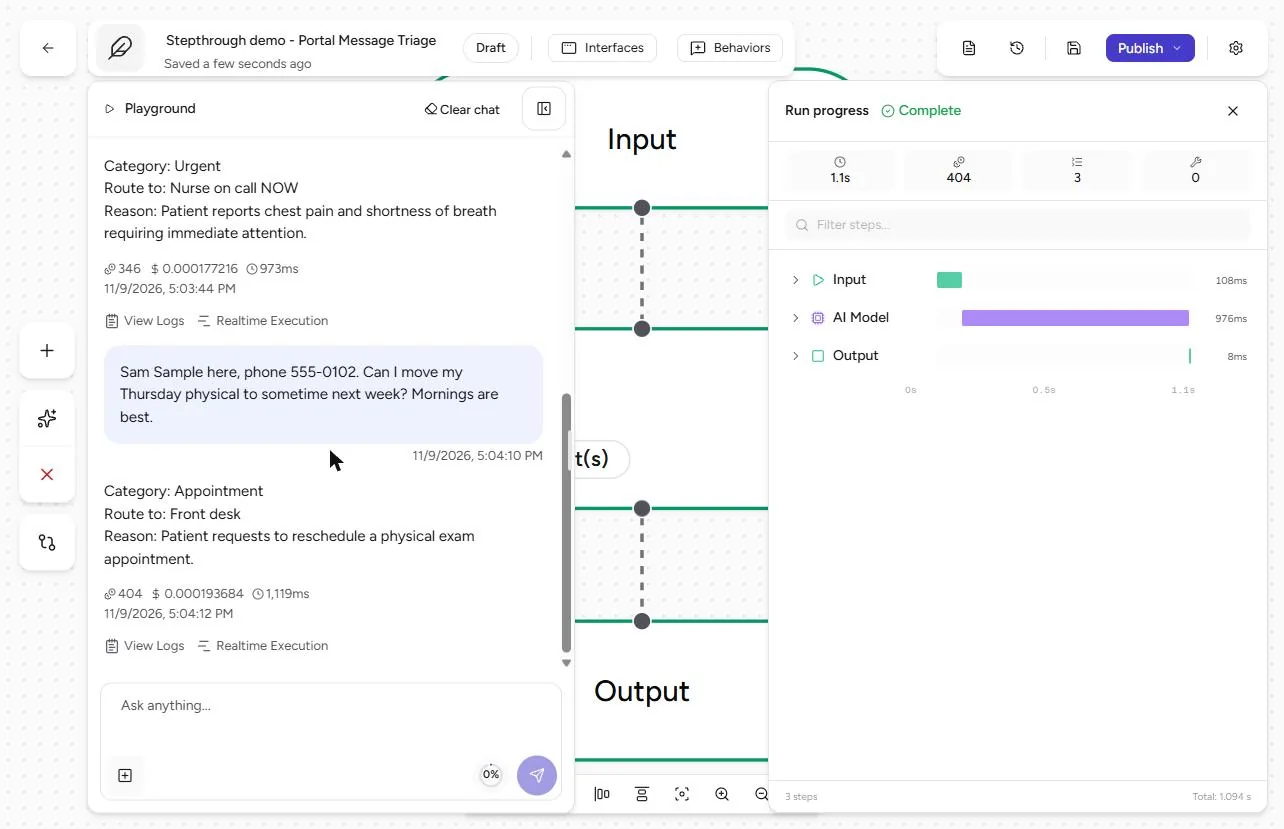
- Urgent goes to a person now. Category: Urgent. Route to: Nurse on call NOW. The agent did not answer the family’s question or give advice; it sent the message to a person. Send one more: "Sam Sample here, phone 555-0102. Can I move my Thursday physical to sometime next week? Mornings are best."
Urgent. Nurse on call, now. No advice, just the right person. Send one more.
- Appointment to the front desk. Category: Appointment. Route to: Front desk. Three messages, three owners, and no identifier repeated in any answer. Each run cost a fraction of a cent. The model still received what the patient wrote, so the answer is minimal, not the input; a redaction guardrail is the stronger control for that.
Front desk. Three messages, three owners, no identifiers repeated.
Screenshots
More in AI Automation for Operations
A five-minute map of Airia before you build: the four parts of an agent (model and instructions, data sources, Playground, Publish), three office jobs that suit one…
Free · Live ~5 min Beginner
 Answer Employee Policy Questions Instantly Using Airia
HR answers the same time-off and benefits questions all day. Give Airia your handbook, build a no-code agent that answers from it, test it, then share it with your team.
Free · Live ~10 min Intermediate
 Airia: Test Your HR Agent Before Rollout with an Evaluation for Operations
An HR agent that gets one benefits answer wrong costs more than it saves. Test it in Airia first: two questions, the answers HR would give, a judge model, and a result…
Free · Live ~9 min Beginner
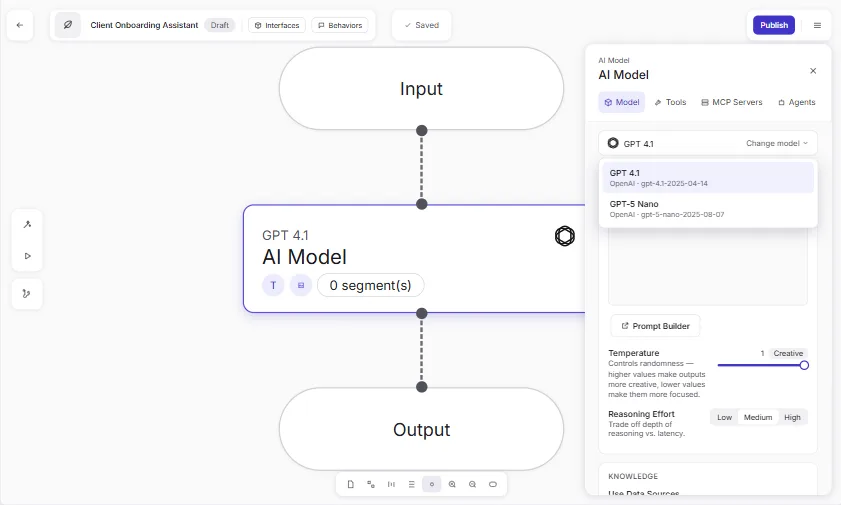 Onboard New Clients Without the Back-and-Forth Using Airia
New clients ask the same questions every week. Build a no-code onboarding assistant in Airia, test it with a risky question, then share it with your team.
Free · Live ~8 min Beginner
 Airia: Test the Appeal-letter Agent for Leaks Before Rollout for Operations
Run an Airia Evaluation that tries to make the appeal-letter agent leak: five cases, two with a made-up name and MRN hidden inside. Our first run scored 97.78% with the…
Free · Live ~11 min Intermediate
All 34 modules in AI Automation for Operations
Terms in this lesson
Plain-English definitions, each with an example from a free lesson.