Updated . Built from Sitelemetry’s official docs and help center. Screens may differ slightly in your account. How we check this lesson
Admissions and marketing teams launch new application sites on a deadline, and the settings that break them, the certificate, the HTTPS redirect, security headers and mail records, sit with IT where marketing can't see them. Sitelemetry is a website audit tool for security, technical SEO, AI visibility, accessibility, performance and integrations, with a free public Launch Readiness check. In this free starter lesson, built from Sitelemetry's own pages, you run that check on the new application site at Halbrook College, a made-up private college, read the score and the SPF, DMARC and CAA card, copy the result link for IT, then connect Sitelemetry to Claude Code over MCP and ask for a security audit with a fix prompt. 7 steps, about six minutes, no account needed to practice.
At a glance
| Question | Answer |
|---|---|
| What you build | A new application site goes live with nobody sure the certificate, mail records and security headers are right. Run Sitelemetry's free Launch Readiness Score, read each check, share the result with IT, then run a security audit from Claude Code over MCP, all from Sitelemetry's own pages. |
| Tools | Sitelemetry |
| Time | About 6 minutes, 7 steps in 2 parts |
| Level | Beginner, no coding needed |
| Cost | Free |
| Ways to learn it | Practice it step by step |
The 2 parts, in short
- Run the free check: Type the site address, Get the score, Open the mail policy check, Copy the result link for IT.
- Get the evidence and a fix prompt: Add Sitelemetry to Claude Code, Authenticate, Ask for a security audit, then try it yourself.
The business case: a launch marketing can't check
Picture Dana, digital marketing manager in the admissions office at Halbrook College, a made-up private college. The new application site goes live two weeks before the early-decision deadline. At the last launch, applicants saw a certificate warning for a day and offer emails went to spam for a week. Nobody in admissions knew how to look at those settings, and IT only heard about it from applicants.
Sitelemetry's Launch Readiness page gives marketing a way in. You type the public address, click See my free score, and get a score out of 100 with eight checks, each with its measured values and an explanation. The result link goes to IT, and if IT works in Claude Code, Sitelemetry's MCP server lets them run a security audit whose findings carry evidence and an AI-ready remediation prompt.
Who this is for, and what you need
Marketing, admissions and communications staff who own a website launch but not its servers, and the IT or web teams who fix what the check finds. The free check needs no account. Sitelemetry says to audit only sites you own or are authorized to test; protected checks need ownership verified in an account, and the MCP connection needs a Sitelemetry sign-in through the browser.
What the pages say about the check and its limits
The Launch Readiness page lists eight areas: DNS resolution, SPF, DMARC and CAA mail policy, the TLS certificate, HTTP security headers, HTTPS redirect posture, Stack technology signals, Delivery (cache, compression and CDN) and WHOIS domain status. Results are sanitized: IP addresses, cookie values, tokens and the name part of email addresses are removed, and URLs are reduced to scheme and host. The page is plain that the snapshot is passive and point-in-time, sends only bounded, non-mutating requests, and is not a penetration test, certification or compliance guarantee. Public snapshots block localhost, private ranges and IP targets.
The MCP guide lists seven tools: audit_security, audit_seo, audit_ai_visibility, audit_integrations, audit_accessibility, audit_performance and audit_full. On the Free plan only audit_security, and the security part of audit_full, are available within a monthly allowance; the other areas need a paid plan, and protected modules and the six-area audit_full need a verified site. The guide also says the SEO, AI visibility, accessibility and integrations audits read static HTML only and do not render JavaScript.
What this saves you
- Finding a certificate, redirect or mail-record problem before applicants do, in the weeks that matter most.
- A shared result IT can act on, instead of a vague report that the site seems broken.
- What it does not do: it does not prove the site is secure or test the application form's own logic; Sitelemetry says manual review should focus on business logic and multi-step authorization flaws.
How this lesson was built
This is a starter lesson based on Sitelemetry's documentation (the three pages linked above), read on 13 November 2026. The practice screen is a plain frame that uses the labels from those pages; it is not a copy of Sitelemetry's own screens, and the lesson was not run in a Sitelemetry account. Halbrook College, its site and the example score are made up. The full lesson on real Sitelemetry screens is Check Your Website Is Campaign-Ready and AI-Visible: verification, a Passive security scan, SEO, AI visibility, accessibility and performance audits on a live site.
Links
- Sitelemetry: Free Website Check, Launch Readiness Score: the Public website URL field, See my free score, the eight checks, the score out of 100 and its counters, Your results at a glance, Share score card, Copy result link, Download PNG, and the page's limits.
- Sitelemetry blog: Website Launch Security Checklist, 8 Checks to Run: what each of the eight checks looks for, from DNS resolution and SPF, DMARC and CAA to the TLS certificate, HTTPS redirect, security headers and domain registration.
- Sitelemetry: Website Audit MCP Server setup guide: claude mcp add --transport http, /mcp and Authenticate for Sitelemetry, the seven audit tools, what the Free plan includes, verification rules, and revoking access under My account › Connected MCP applications.
Try it yourself, free
Reading the steps is a start. Doing them is how it sticks. The interactive module walks you through every click in a practice copy of Sitelemetry, checks each step, and never touches your real accounts.
Start “Sitelemetry: Check Your Admissions Site Is Launch-Ready Before Applications Open”Step by step: Sitelemetry: Check Your Admissions Site Is Launch-Ready Before Applications Open
All 7 steps of the interactive module, in order. In the module you watch each one, then do it yourself in a practice copy that checks your work.
1. Run the free check
- Type the site address. You are Dana, digital marketing manager in admissions at Halbrook College, a made-up private college. The new application site launches in two weeks, and the last launch sent admissions emails to spam. In Public website URL, type the site's address.
You are Dana, digital marketing manager in admissions at Halbrook College. The new application site launches in two weeks.
- Get the score. Click See my free score. The page shows a score out of 100 and four counters: Hardening, Risk signals, Passed checks and Tested. Below, Your results at a glance lists the eight checks, from DNS to WHOIS.
You get a score out of one hundred, four counters, and the eight checks, from DNS to WHOIS.
- Open the mail policy check. Admissions email is the worry, so click SPF · DMARC · CAA. Its measured values and explanation open in the same card. The launch checklist asks for one SPF record, a DMARC record with a report address, and CAA records naming your certificate authorities.
Email is the worry, so open the SPF, DMARC and CAA check. Its measured values and explanation open in the same card.
- Copy the result link for IT. Click Copy result link and send it to the IT web team. Share score card and Download PNG are there too. The page says IP addresses, cookie values, tokens and the name part of email addresses are removed from the results.
Personal values such as email names are removed from the results.
2. Get the evidence and a fix prompt
- Add Sitelemetry to Claude Code. IT works in Claude Code. The MCP guide's command adds Sitelemetry as a remote server over HTTP. Type it in the Terminal.
The IT team works in Claude Code.
- Authenticate. Open /mcp in Claude Code and choose Authenticate for Sitelemetry. The guide says sign-in is OAuth 2.1 in the browser, with no API key, and you can revoke it later under My account › Connected MCP applications.
You sign in in the browser, with no API key.
- Ask for a security audit, then try it yourself. The request asks for audit_security, the tool the Free plan includes. Click Send. Each finding has an observed signal, its evidence and an action, plus an AI-ready remediation prompt that still needs human review. This lesson was built from Sitelemetry's pages, not run in an account: in your own browser, open sitelemetry.com/launch-readiness and only check sites you are authorized to audit.
The request asks for audit security, the tool the free plan includes. Each finding comes with its evidence and a fix prompt that still needs human review. Try the free check on your own site.
Frequently asked questions
- Is Sitelemetry's launch readiness check free?
- Yes. Sitelemetry's Launch Readiness page is a free public check with no account: type the Public website URL and click See my free score. It reads public settings only and does not change the site.
- What does the Launch Readiness Score check?
- The page lists eight areas: DNS, SPF · DMARC · CAA, TLS, HTTP security headers, HTTPS redirect, Stack technology signals, Delivery (cache, compression and CDN) and WHOIS domain status. The result is a score out of 100 with Hardening, Risk signals, Passed checks and Tested counters.
- How do I connect Sitelemetry to Claude Code?
- The MCP guide says to run claude mcp add --transport http sitelemetry https://sitelemetry.com/mcp, then open /mcp in Claude Code and choose Authenticate for Sitelemetry. Sign-in is OAuth in the browser with no API key, and you can revoke it under My account › Connected MCP applications.
- Was this lesson tested in a real Sitelemetry account?
- No. It is a free starter lesson built from Sitelemetry's public pages. The practice frame is generic and the labels come from those pages; check them against your own screen.
More in AI Automation for Marketing
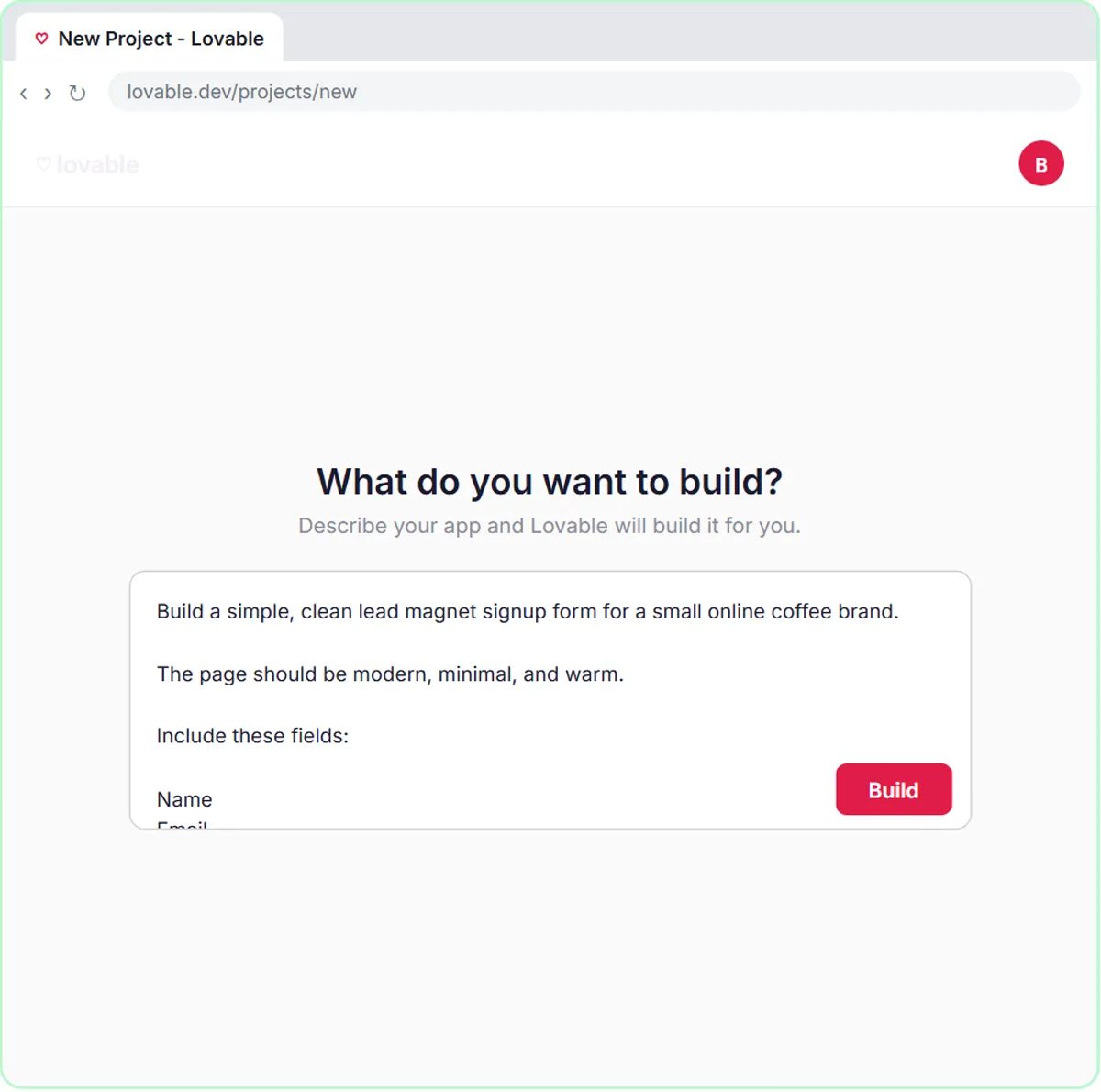 Build a Lead Magnet Signup Form with an AI Welcome Email
Build a "Get the free guide" signup form in Lovable for Harbor & Pine Coffee Roasters and connect it to n8n — the AI agent tags each lead by interest, saves it to…
Free · Live ~15 min Advanced
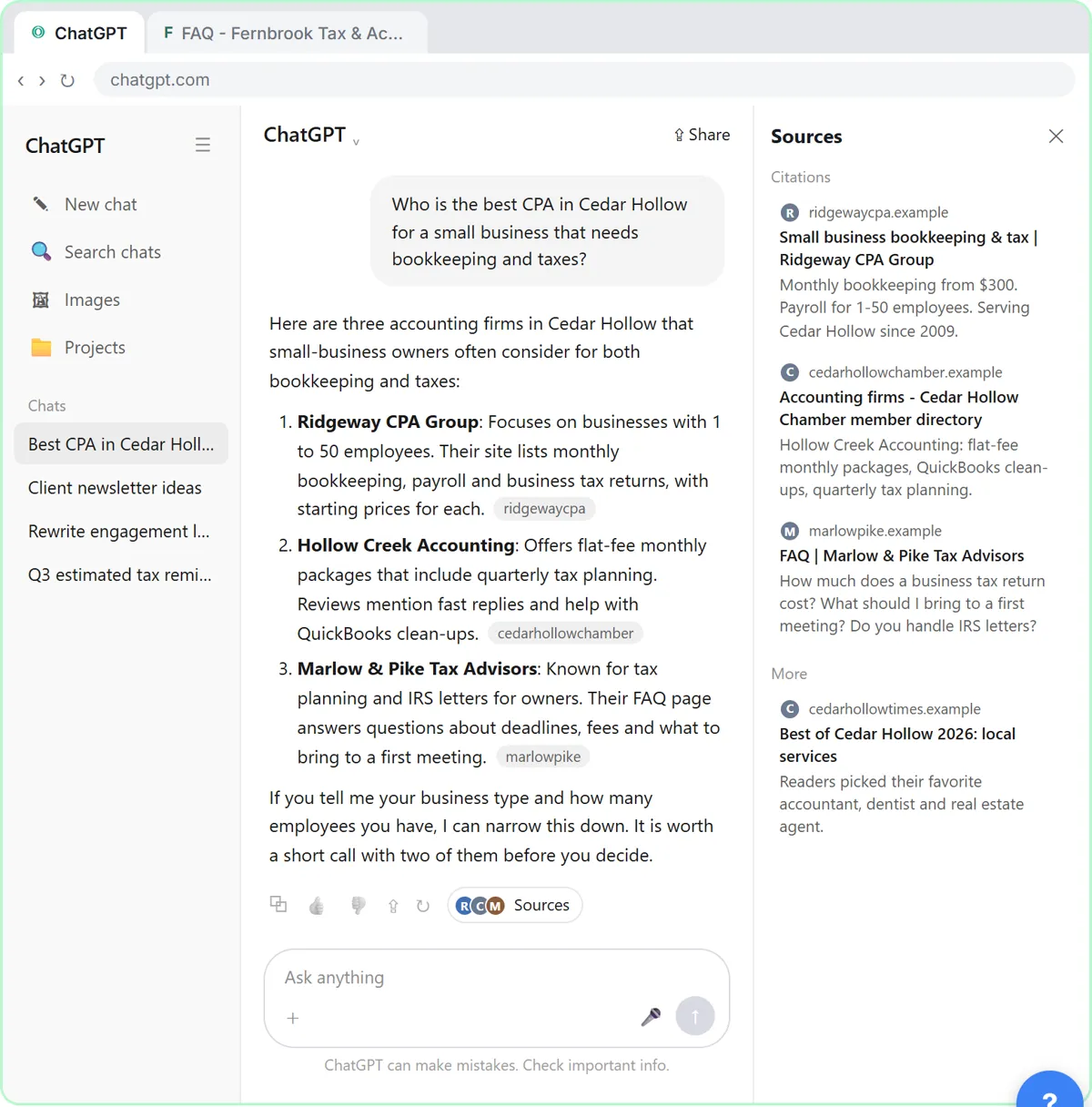 Get Your Business Recommended by ChatGPT
Ask ChatGPT who it recommends in your town, see which pages it trusts, then use it to write an FAQ page and Business Profile copy that answer real customer questions.
Free · Live ~10 min Intermediate
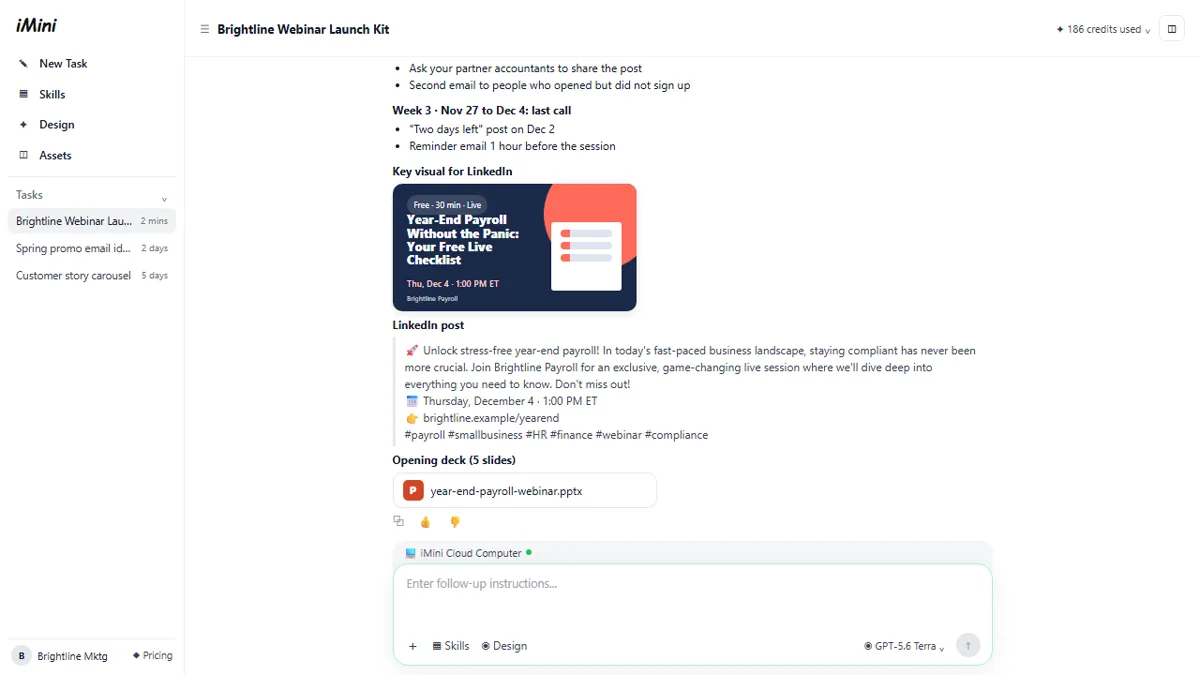 iMini AI Agent: Turn a Rough Idea into a Launch Kit
Brief the iMini Creative Agent once and get a launch plan, a LinkedIn visual, a post and a 5-slide deck, then fix the visual and humanize the post with follow-ups.
Free · Live ~8 min Beginner
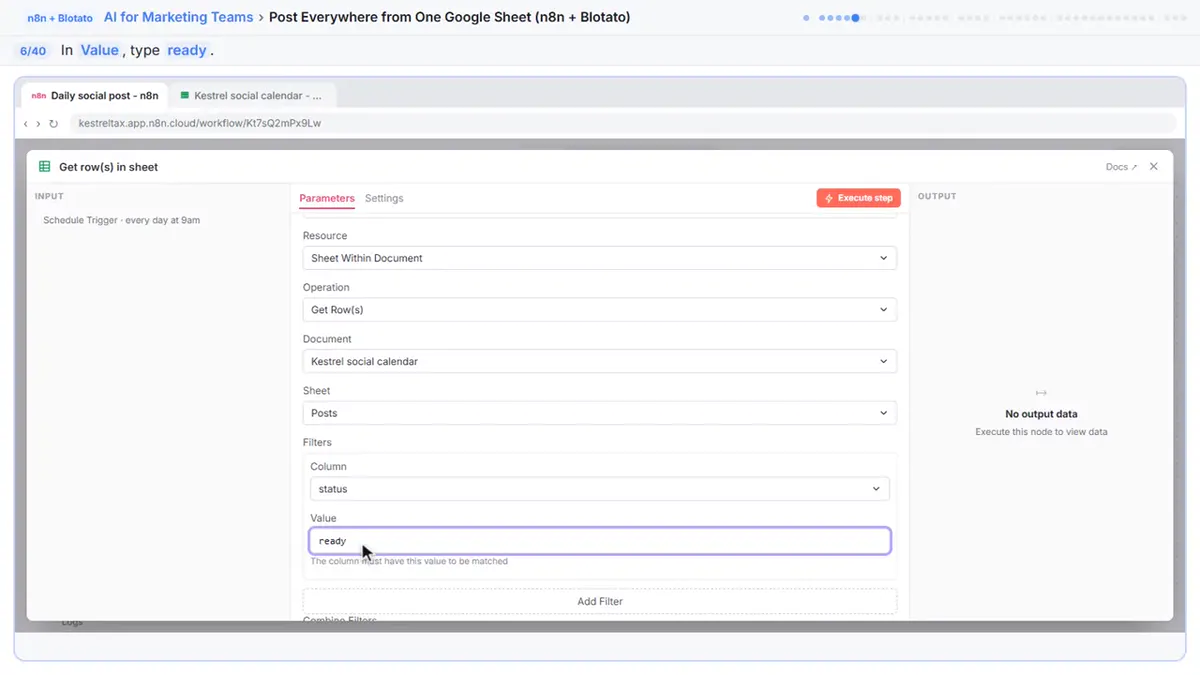 Post to Every Channel Daily from One Sheet using n8n + Blotato
Copying the same post into every social app can take half an hour a day, and on busy days nothing goes out. Plan a week of posts in one Google Sheet; every morning n8n…
Free · Live ~14 min Advanced
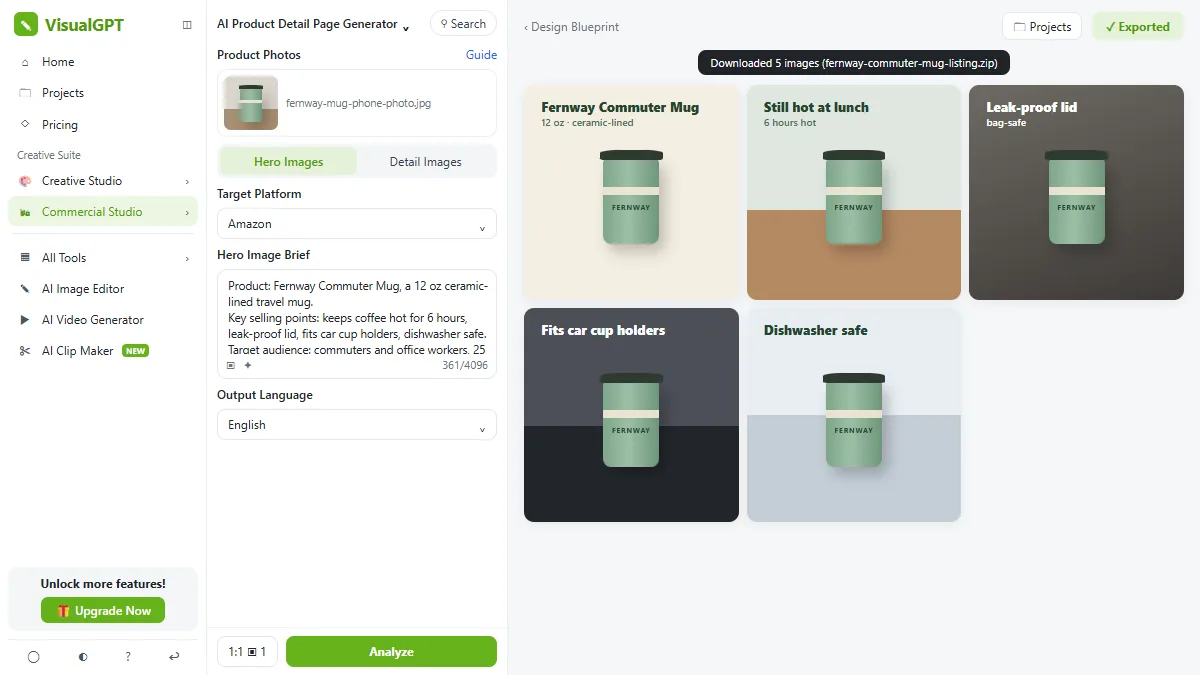 VisualGPT: Product Photos, Listing Images and Ads from One Phone Photo
Turn one phone photo into a lifestyle product shot, a five-image Amazon listing set and three launch ads in VisualGPT's Commercial Studio, checking the plan and every…
Free · Live ~8 min Beginner
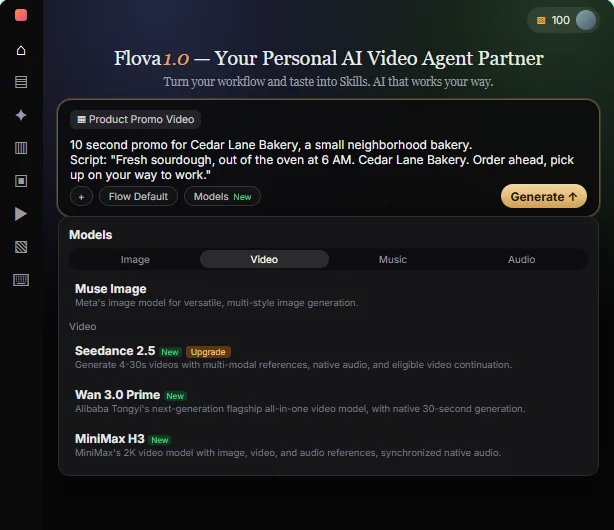 Flova: Plan a Promo Video from a Script Before You Spend a Credit
Give Flova's AI video agent a ten-second script for a small business, check its storyboard and credit estimate first, then make and fix one reference image.
Free · Live ~7 min Beginner
All 29 modules in AI Automation for Marketing
More Sitelemetry tutorials
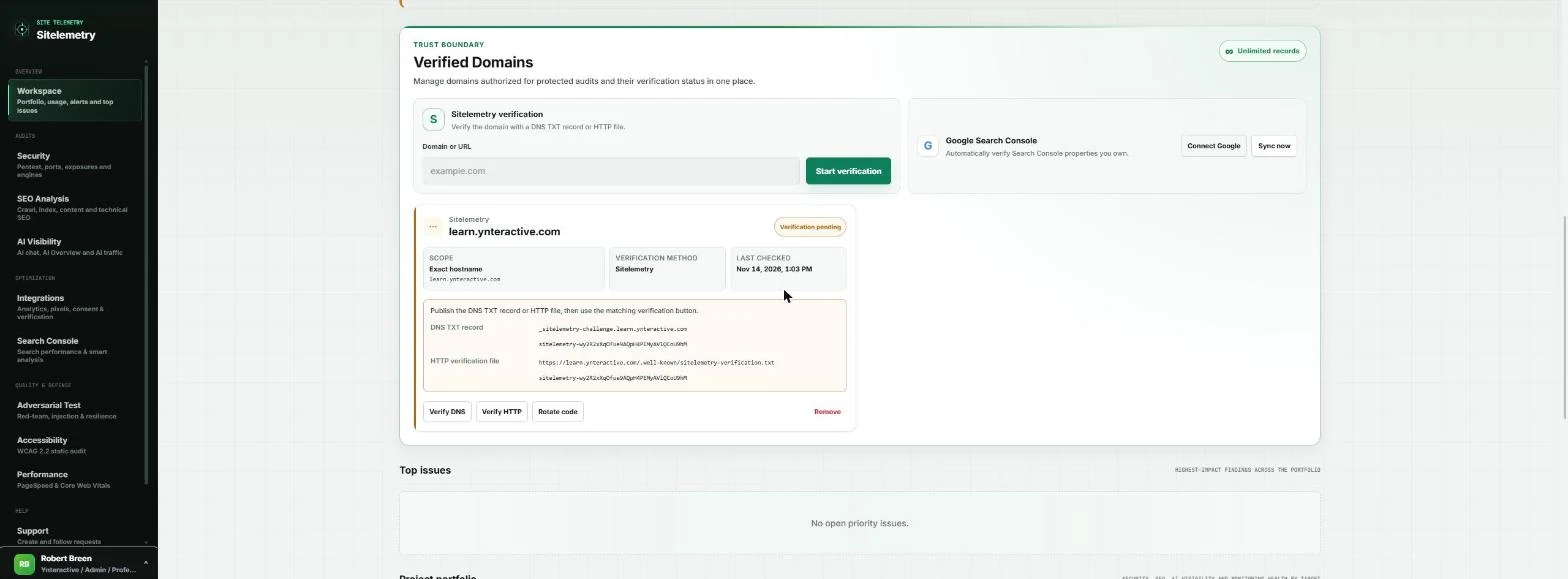 Sitelemetry: Check Your Website Is Campaign-Ready and AI-Visible
Before a paid campaign sends people to your site, verify it, then run security, SEO, AI visibility, accessibility and speed audits, triage what you find, and hand your…
Free · Live ~10 min Beginner
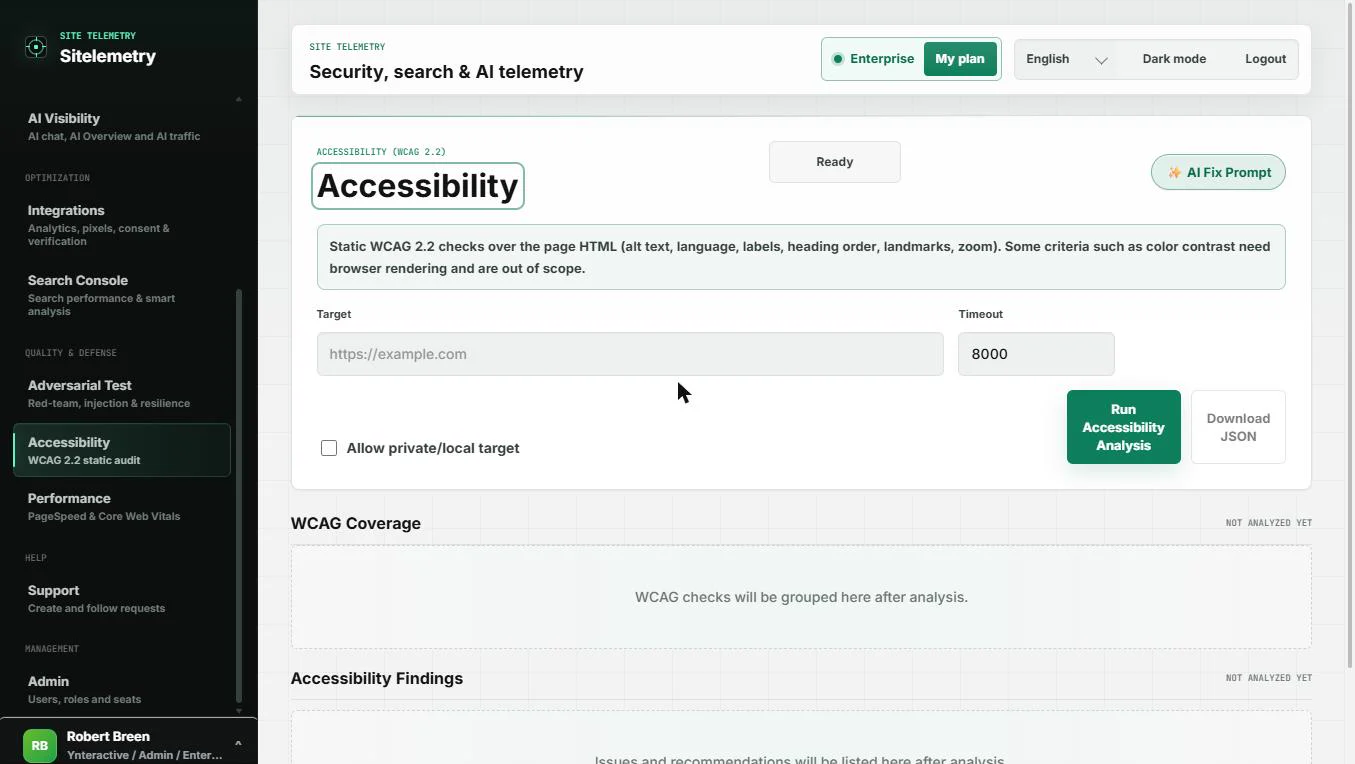 Sitelemetry: Check a Web Page for Accessibility Basics and Get an AI Fix Prompt
A client form asks if your website is accessible. Run a WCAG 2.2 static check on a page you own, read what passed and what was not tested, and copy a ready AI fix…
Free · Live ~7 min Beginner
Terms in this lesson
Plain-English definitions, each with an example from a free lesson.