Updated . Built against the tool’s current screens and checked step by step. How we check this lesson
A small bakery's holiday gift box only sells if people hear about it before the order deadline, and there is no time to film between early bakes and the counter. PixelDojo is an AI image and video platform, and its Marketing Studio turns one product (a product page link, or a photo, a name and two sentences) into a ready-to-post video ad from a template. In this free lesson on real PixelDojo screens, the owner of a made-up bakery adds her Holiday Cookie Gift Box, picks the TV Spot style, switches off a demo brand kit, writes the one line the ad says, sets 9:16 for Reels and TikTok, checks the 60-credit cost and generates the finished 10-second ad. 14 steps, about seven minutes, no account needed to practice.
At a glance
| Question | Answer |
|---|---|
| What you build | No time to film before the holiday rush? In the real PixelDojo Marketing Studio, turn one product photo and two sentences into a 10-second vertical video ad for a bakery's holiday cookie box, and see the credit cost before you spend. |
| Tools | PixelDojo |
| Time | About 7 minutes, 14 steps in 3 parts |
| Level | Beginner, no coding needed |
| Cost | Free |
| Ways to learn it | Practice it step by step |
The 3 parts, in short
- Add the product: Start with your product, Fill in the product, Create the product.
- Pick the ad: See the styles, Pick TV Spot, Check the brand kit, Write the line, then open the options, and 2 more steps.
- Generate and check it: Check the cost, then generate, Wait for it, Open the finished ad, Watch all of it, then save, and 1 more step.
Start here first: How to Use n8n in Marketing: An AI Agent That Plans Your Content Calendar (module 1 of AI Automation for Marketing)
Part of: AI Apps Worth Knowing (step 182 of 182)
Part of: AI Video & Audio for Marketing (step 10 of 10)
The business case: a holiday ad that lands before the deadline
Picture Rosa, owner of Maple Street Bakery, a made-up neighborhood bakery. Her Holiday Cookie Gift Box, a dozen hand-decorated cookies in a kraft box with a red bow for $28, is her best December seller, but only if customers order by December 20. She knows a short video on Instagram and TikTok would sell it. She also knows she will not find two hours to film and edit one in the busiest month of the year.
With Marketing Studio she adds the product once, picks a commercial style, types the one line she wants said, and gets a finished 10-second vertical ad with a voice-over and music for 60 credits. The product stays saved, so the next ad (a New Year's box, a Valentine's tin) starts from the same photo.
Who this is for, and what you need
Owners and marketing staff at bakeries, gift shops, cafes, studios and other small businesses with a product to sell and no video team. The practice runs in your browser with no account. To make a real ad you need a PixelDojo account on a paid plan: as of November 2026, plans start at $10 a month for 160 credits (Lite), and the free plan covers three watermarked effects a day. One 10-second, 720p TV Spot ad cost 60 credits in our run.
What we found when we made it
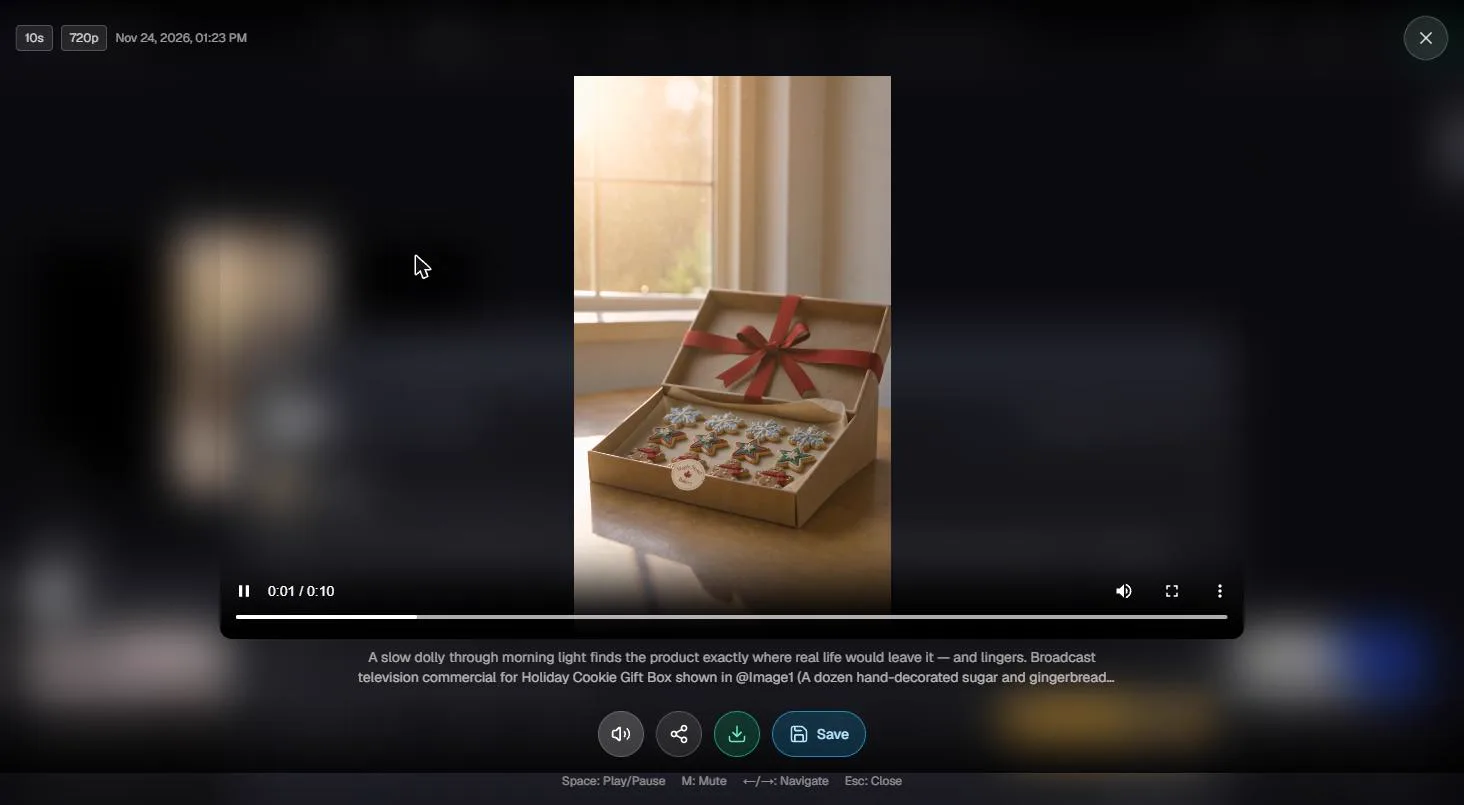
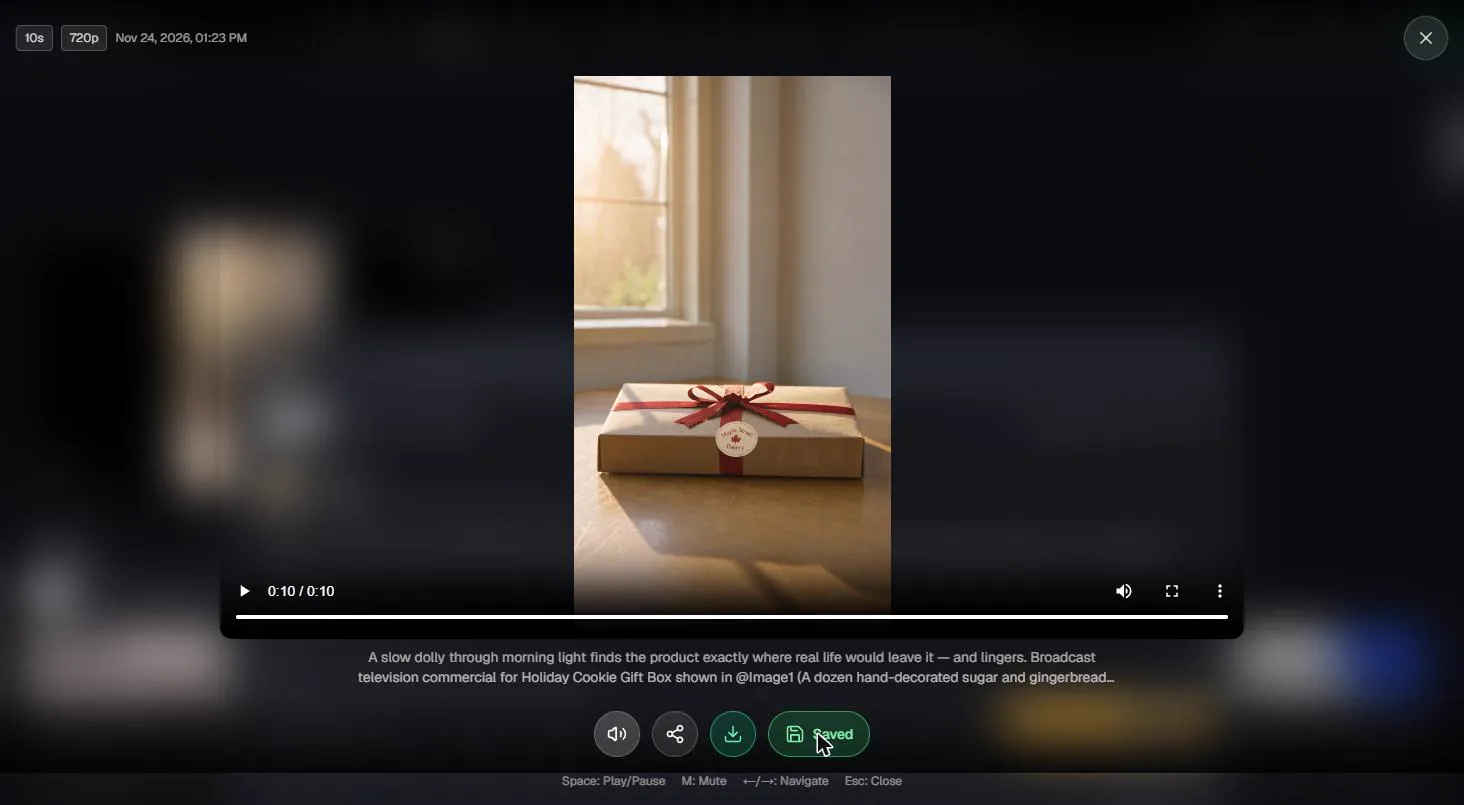
The ad took about four minutes. It opened on the gift box in morning window light, cut to a smiling woman at the counter and close-ups of the iced snowflakes and stars, and ended on the closed box with the bakery label. The voice-over said our line word for word, over gentle music. Two things to watch: a new account had a demo brand kit (Hydrogen Demo Store) switched on, which we turned off so its look would not end up in a bakery ad; and the small round label is soft in some frames, so a product with important text on it needs a careful look before you post.
What this saves you
- A phone shoot, an editor and a week of back-and-forth, at the one time of year a late ad is no ad.
- Re-entering the product for every new ad: it is saved, so the next style or the next season starts from it.
- What it does not do: it does not post for you or know your real stock and dates. Check every word and the product itself in the finished ad, and say it was made with AI where your platform asks.
How this lesson was built
Every practice screen is a capture of the real PixelDojo Marketing Studio, taken on 24 November 2026 on a free month PixelDojo gave us. The product photo was made with FLUX 3 Image Klein in PixelDojo, and one video ad was generated (60 credits). Nothing was posted anywhere. Maple Street Bakery is made up.
Links
- PixelDojo Marketing Studio: the studio this lesson uses: product link or photos in, video, photo or motion ads out.
- PixelDojo pricing: the free plan and the Lite, Pro and Pro Max credit plans.
- Kling motion control in PixelDojo: for when you want to direct the camera and movement yourself.
- PixelDojo in the AI tools directory: our directory listing.
- The best AI video tools for marketing: PixelDojo next to Opus Clip, Higgsfield, MaxVideoAI and others, by job.
Try it yourself, free
Reading the steps is a start. Doing them is how it sticks. The interactive module walks you through every click in a practice copy of PixelDojo, checks each step, and never touches your real accounts.
Start “PixelDojo Marketing Studio: Turn One Product into a Holiday Video Ad”Step by step: PixelDojo Marketing Studio: Turn One Product into a Holiday Video Ad
All 14 steps of the interactive module, in order. In the module you watch each one, then do it yourself in a practice copy that checks your work.
1. Add the product
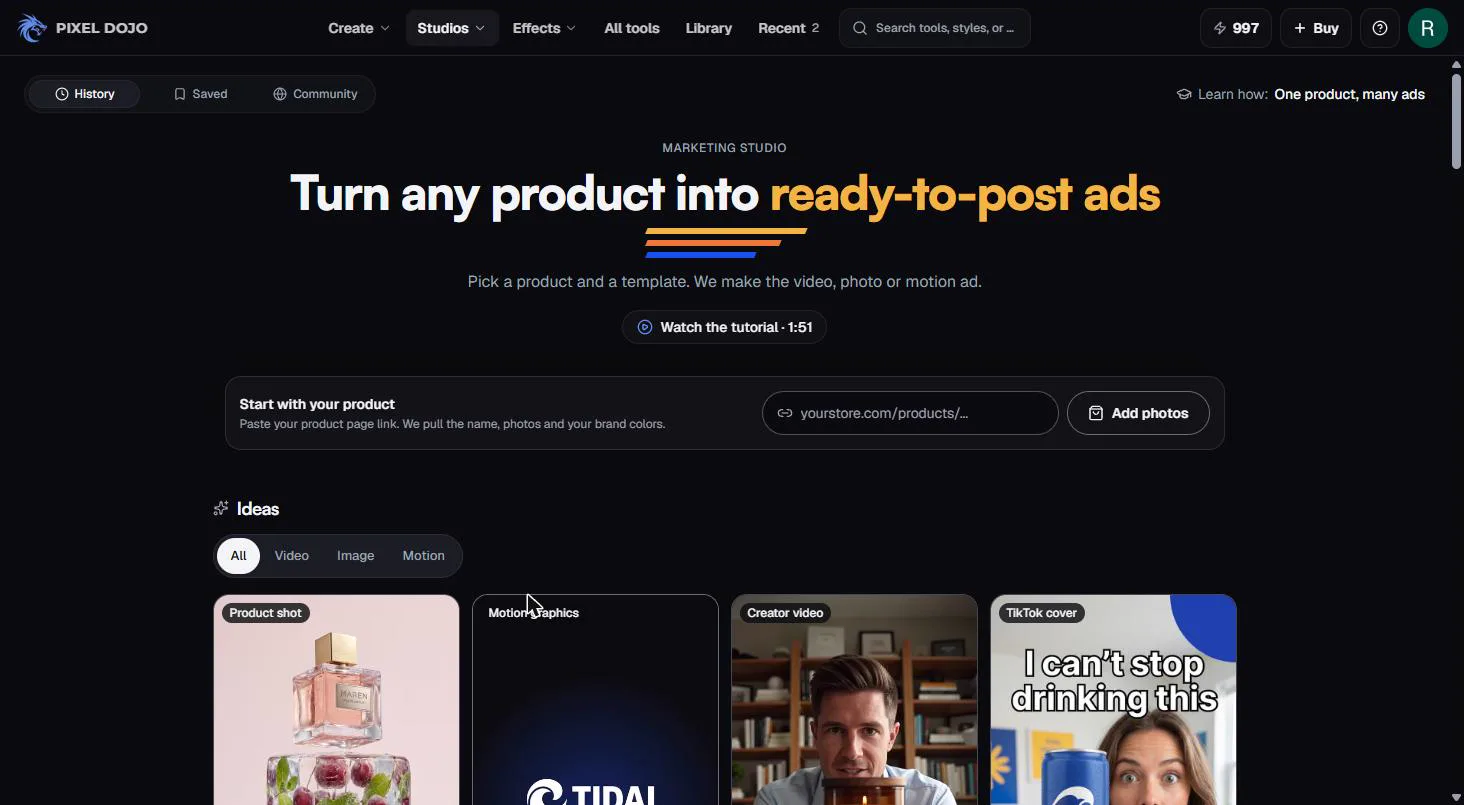
- Start with your product. You are Rosa, owner of Maple Street Bakery, a made-up neighborhood bakery. The Holiday Cookie Gift Box sells out in December, but only if people order by the 20th, and you have no time to film. Open Studios > Marketing Studio. Under Start with your product you can paste your product page link, or add photos yourself. Click Add photos.
Your holiday cookie box needs an ad before the rush, and you have no time to film. In Marketing Studio, start with your product.
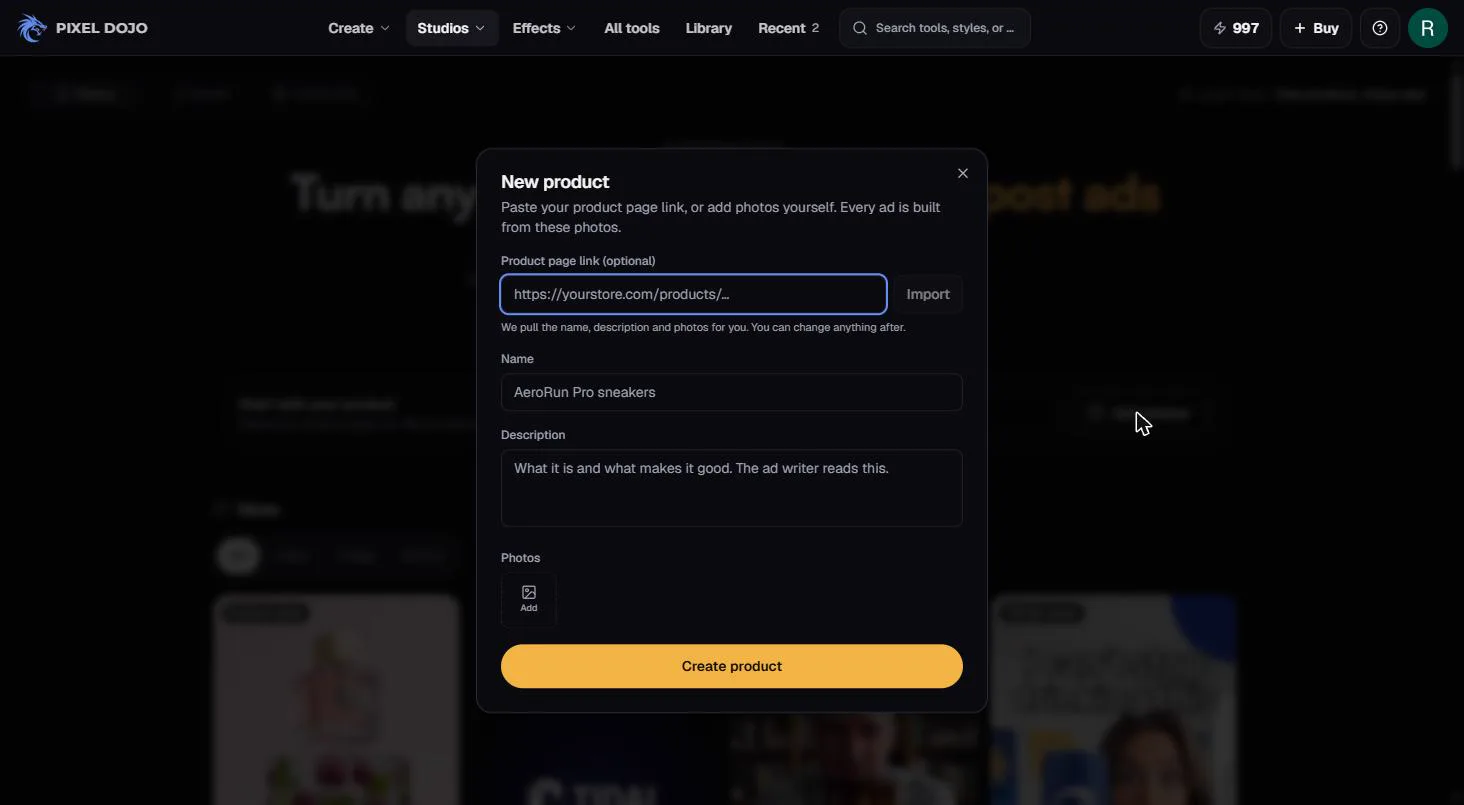
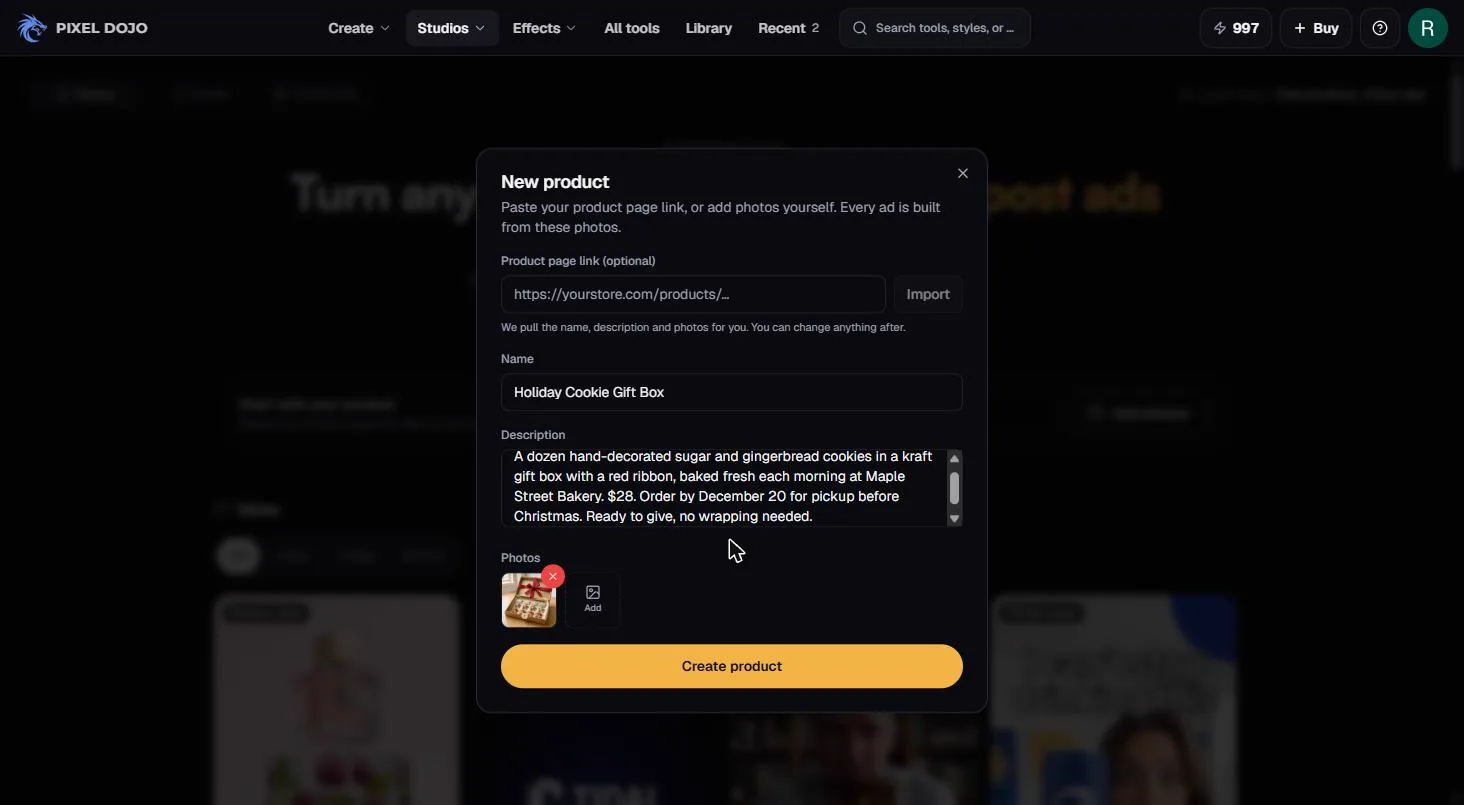
- Fill in the product. The New product dialog says every ad is built from these photos. If your shop has a product page, paste the link and click Import: PixelDojo pulls the name, description and photos for you. Our bakery is made up, so fill it in yourself: under Photos click Add and upload one clear photo, then type the Name (Holiday Cookie Gift Box) and a Description the ad writer reads: what is in the box, the price ($28), and order by December 20 for pickup. Click the Name box to continue.
Add one clear photo, the name, and a description with the price and the order-by date. The ad writer reads it.
- Create the product. Check the photo: it is what the video is built from, so use your best one, with the label readable. The first time you upload, PixelDojo asks you to confirm you have the rights to the photo and agree to its Terms of Service; tick that yourself. Click Create product.
Check the photo. The video is built from it, so use your best one.
2. Pick the ad
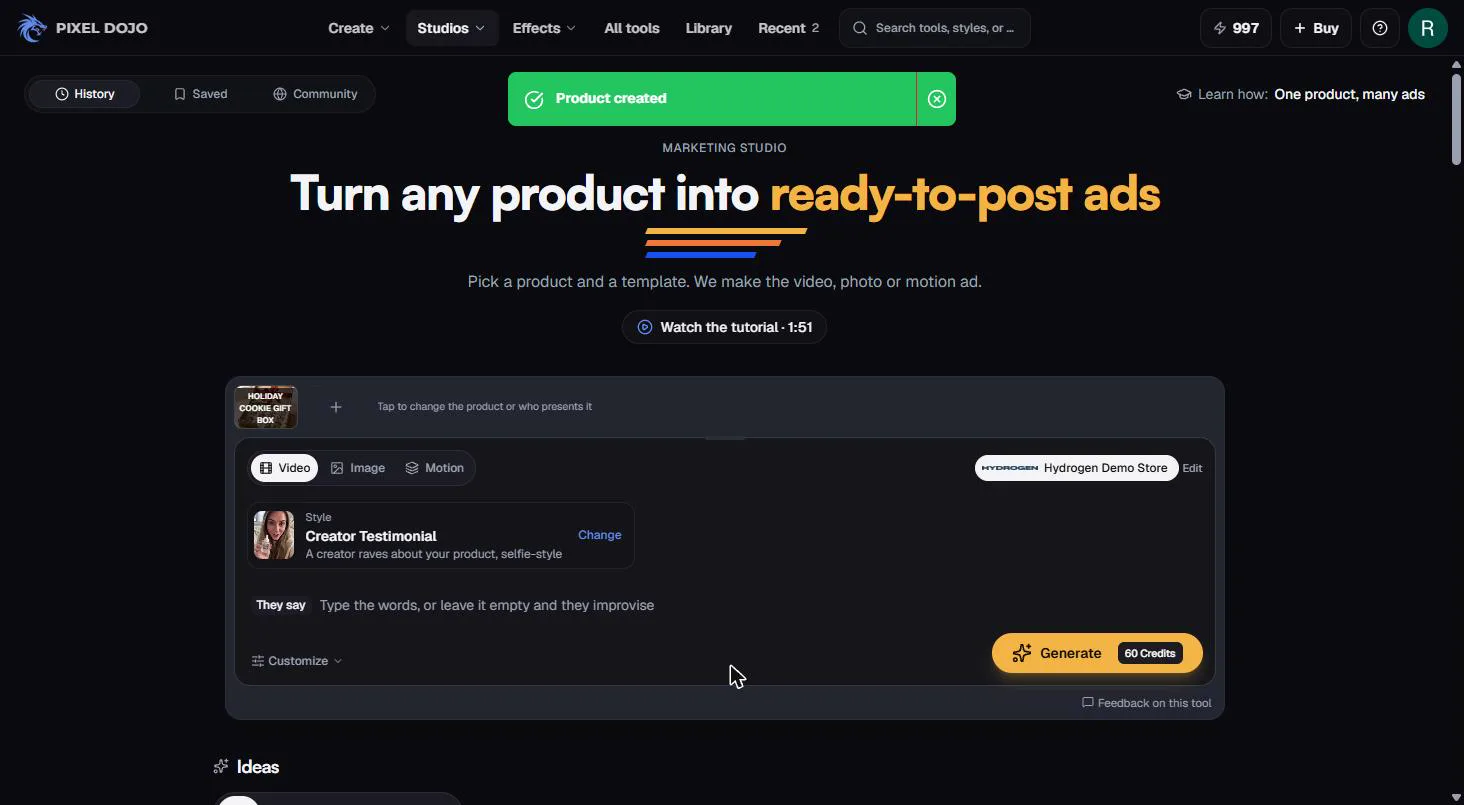
- See the styles. Product created. The product sits at the top left and is saved, so the next ad starts from it. The Video tab is open with the Creator Testimonial style, a creator raving about the product selfie-style. Note the button: Generate, 60 Credits. Every run shows its cost before you spend. Click Change next to the style.
Product created, and saved for next time. The Generate button shows the cost, sixty credits, before you spend.
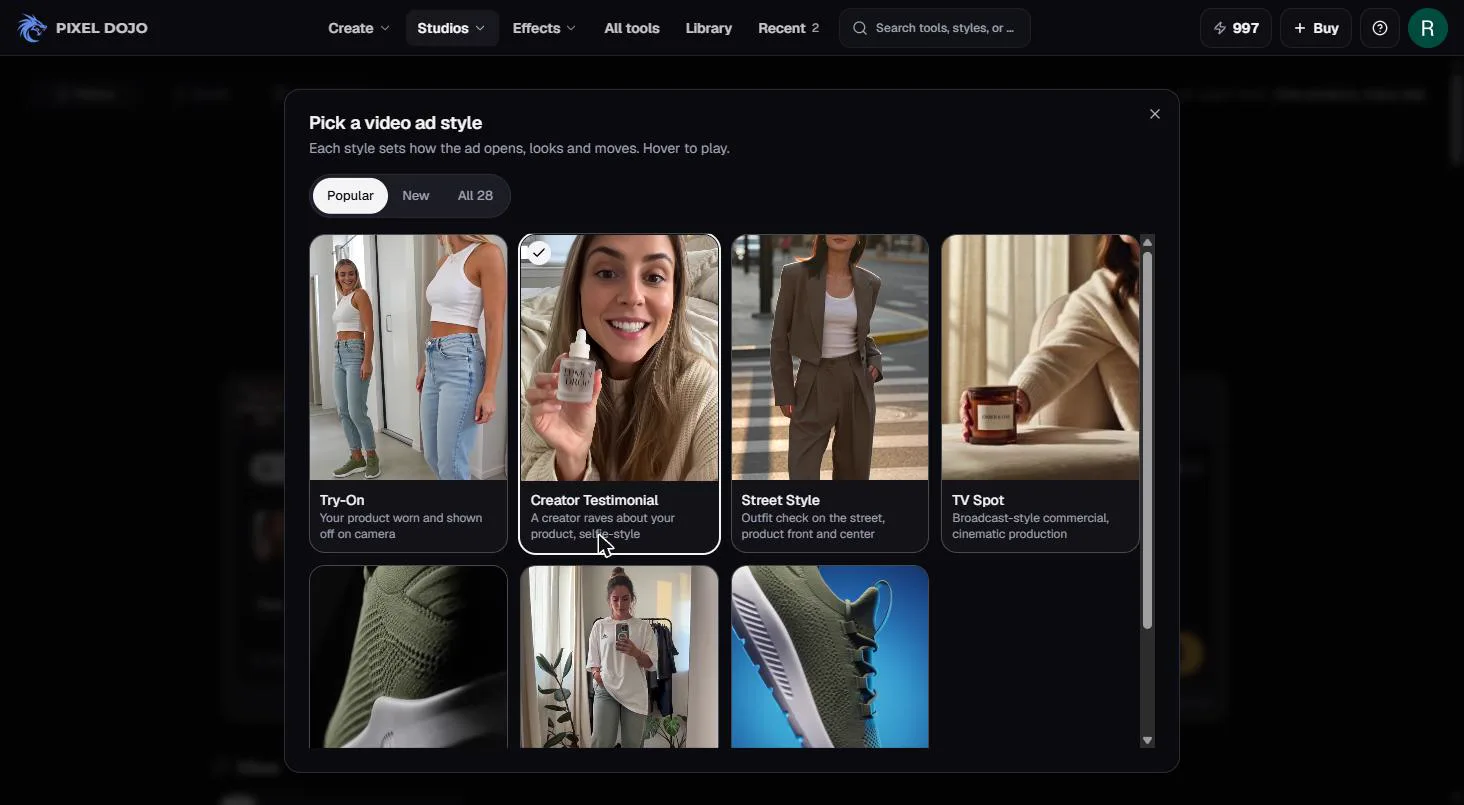
- Pick TV Spot. Pick a video ad style: each style sets how the ad opens, looks and moves, and you can hover to play. Popular shows Try-On, Creator Testimonial, Street Style and TV Spot; All 28 has the rest. A gift box on a counter suits a calm commercial. Click TV Spot, "broadcast-style commercial, cinematic production".
Each style sets how the ad opens, looks and moves. A gift box suits a calm commercial. Pick TV Spot.
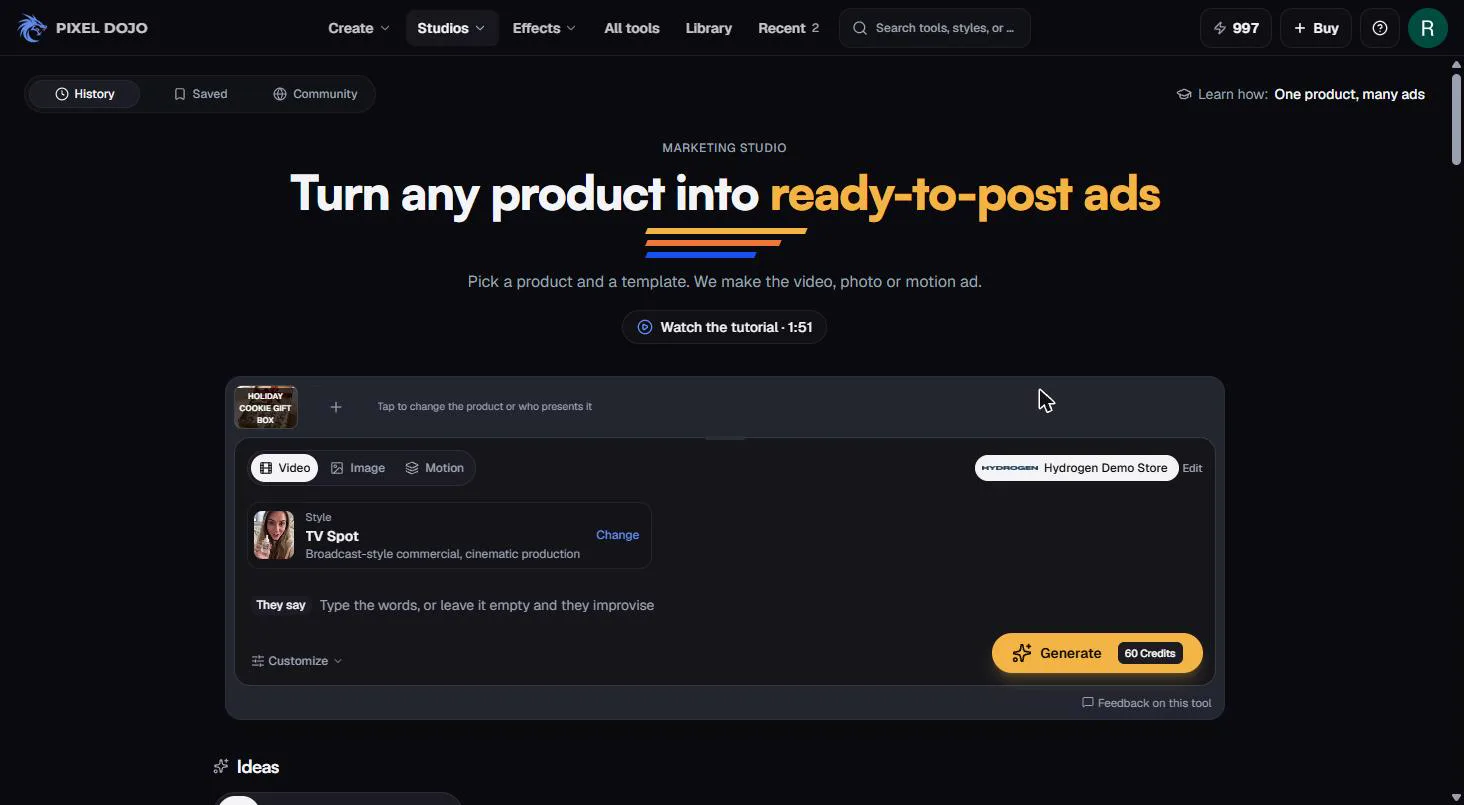
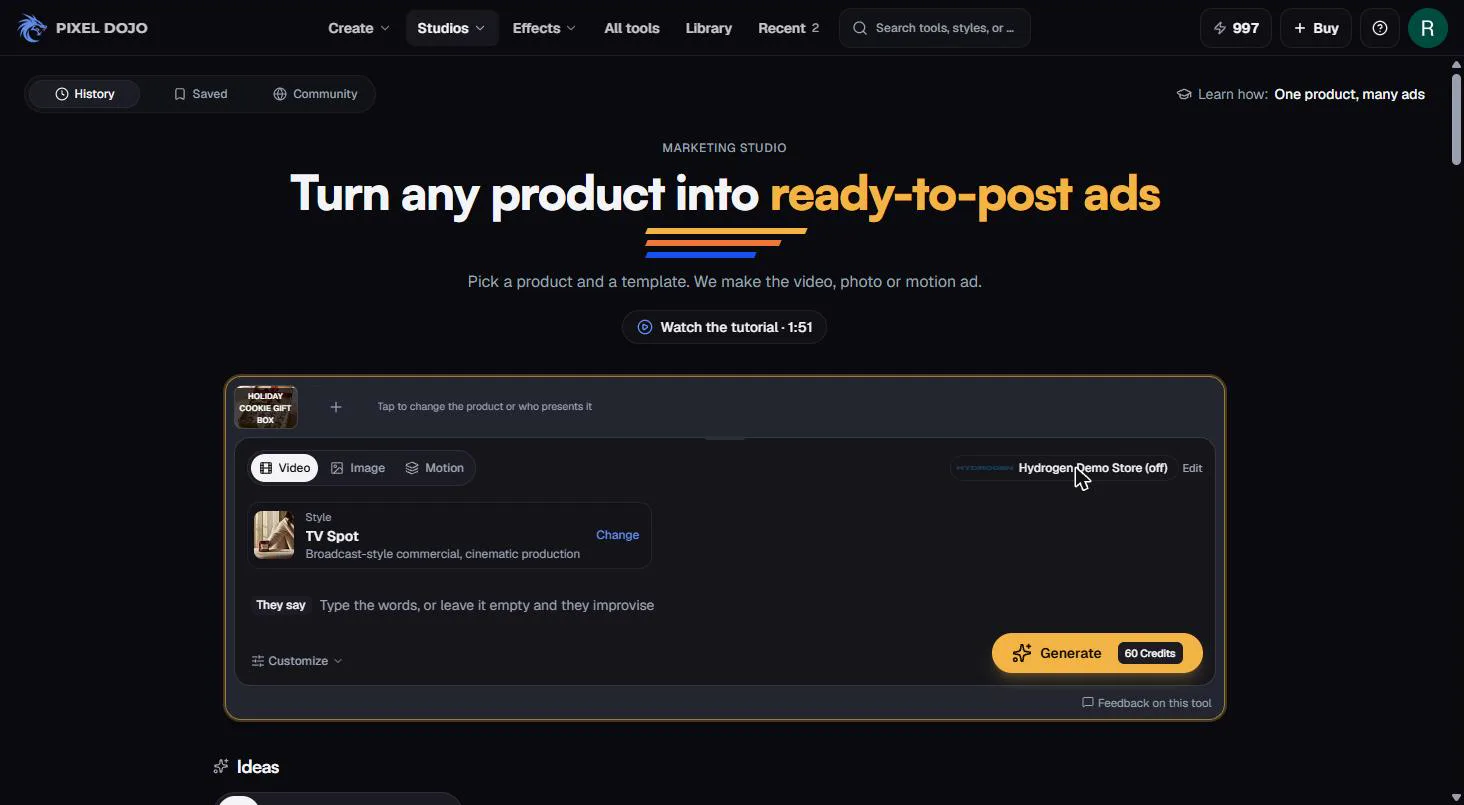
- Check the brand kit. The style now reads TV Spot. Look at the top right: a brand chip, Hydrogen Demo Store, is switched on. That is a demo brand kit, not your bakery, and a brand kit can pull its logo and colors into the ad. Click the chip to switch it off. (Use Edit later to set up your own brand.)
Check the brand chip at the top right. It is a demo brand, not your bakery.
- Write the line, then open the options. The chip now says (off). In They say, type the one line the ad should say, or leave it empty and it improvises: A dozen hand-decorated cookies, baked fresh this morning and boxed with a bow. Order by December 20 and pick it up ready to give. Writing it yourself keeps the price and dates right. Then click Customize.
The brand is off. Writing it yourself keeps the details right.
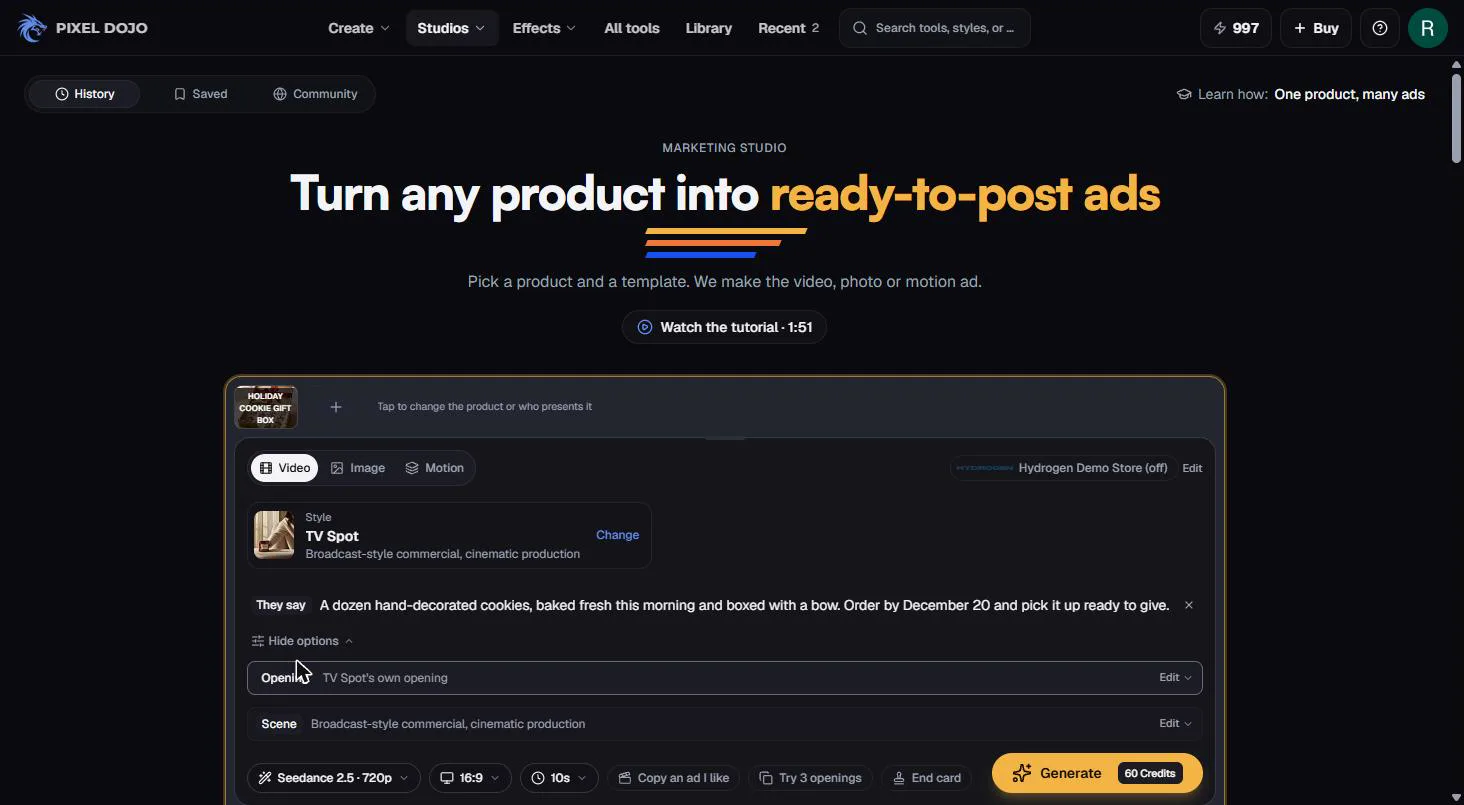
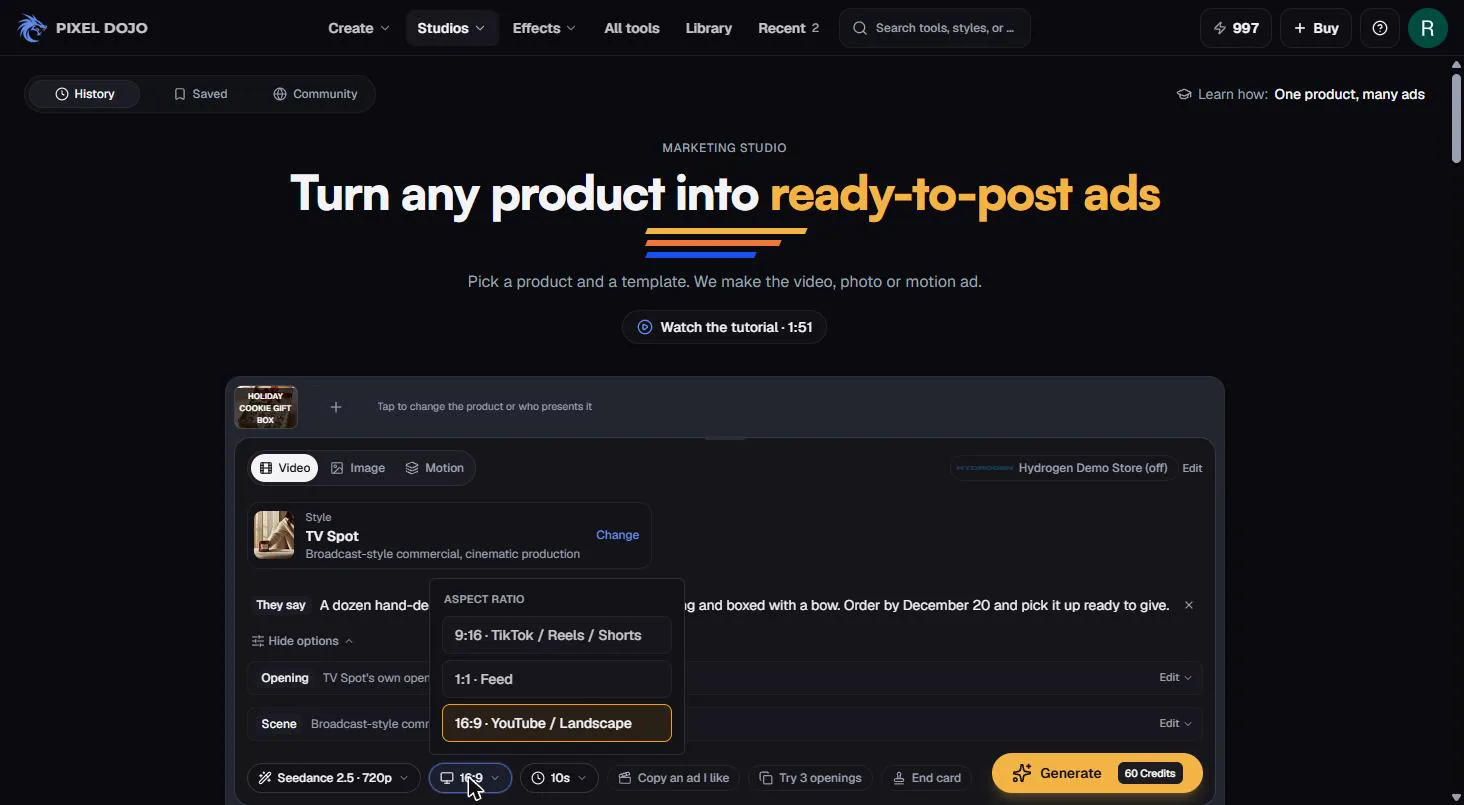
- Check the options. The options show the Opening and Scene (both from TV Spot, with Edit to change them), the video model (Seedance 2.5 · 720p), the shape (16:9), the length (10s), plus Copy an ad I like, Try 3 openings and End card. A 16:9 video is for YouTube. Click 16:9.
The options show the opening, the scene, the model and the length. Sixteen by nine is for YouTube.
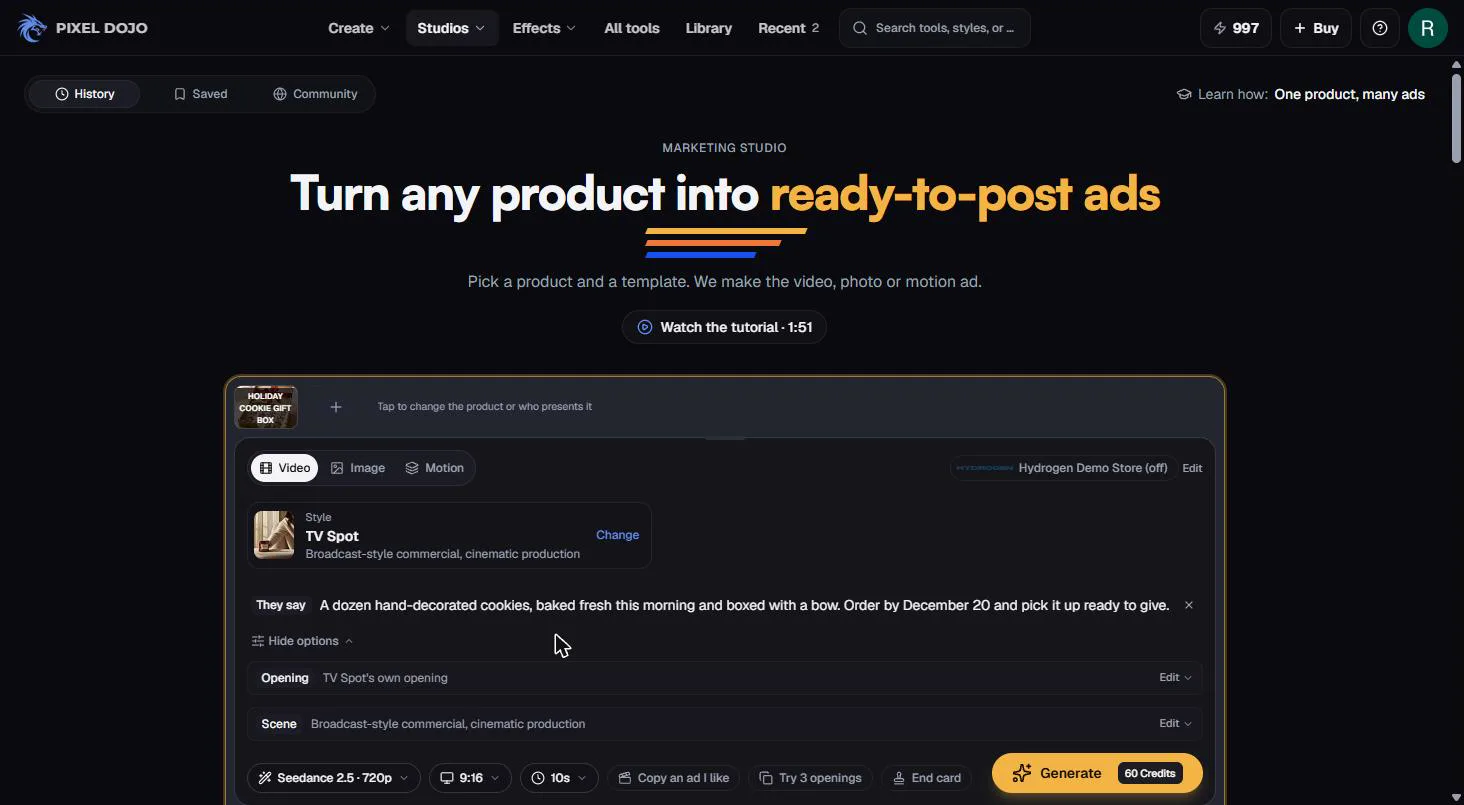
- Make it vertical. Aspect ratio: 9:16 · TikTok / Reels / Shorts, 1:1 · Feed or 16:9 · YouTube / Landscape. A bakery's customers scroll Instagram and TikTok on their phones. Click 9:16.
Your customers scroll on their phones. Pick nine by sixteen, for TikTok, Reels and Shorts.
3. Generate and check it
- Check the cost, then generate. Read the bar once more: Seedance 2.5 · 720p, 9:16, 10s, TV Spot, your line. The cost is on the button, 60 Credits, and your balance is at the top right (997). On PixelDojo's plans that is one ad out of a monthly credit pack, so draft carefully rather than re-rolling. Click Generate.
Check the settings and the cost on the button. Sixty credits.
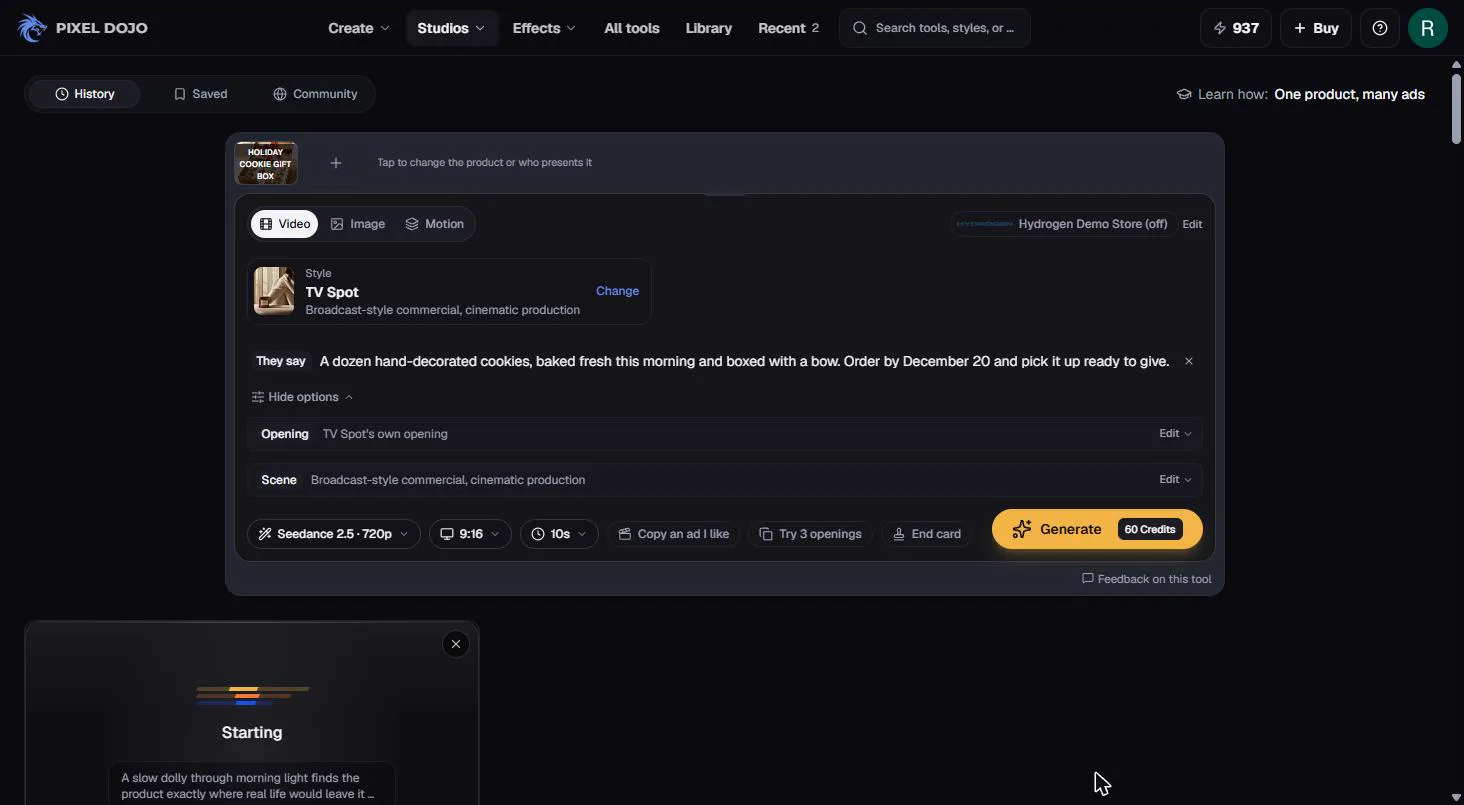
- Wait for it. The balance drops to 937 and a card appears below: Starting, then Processing, with the scene PixelDojo wrote ("A slow dolly through morning light finds the product..."). Ours took about four minutes. You can keep working while it runs. Click the card.
Sixty credits spent, and the ad starts processing. Ours took about four minutes.
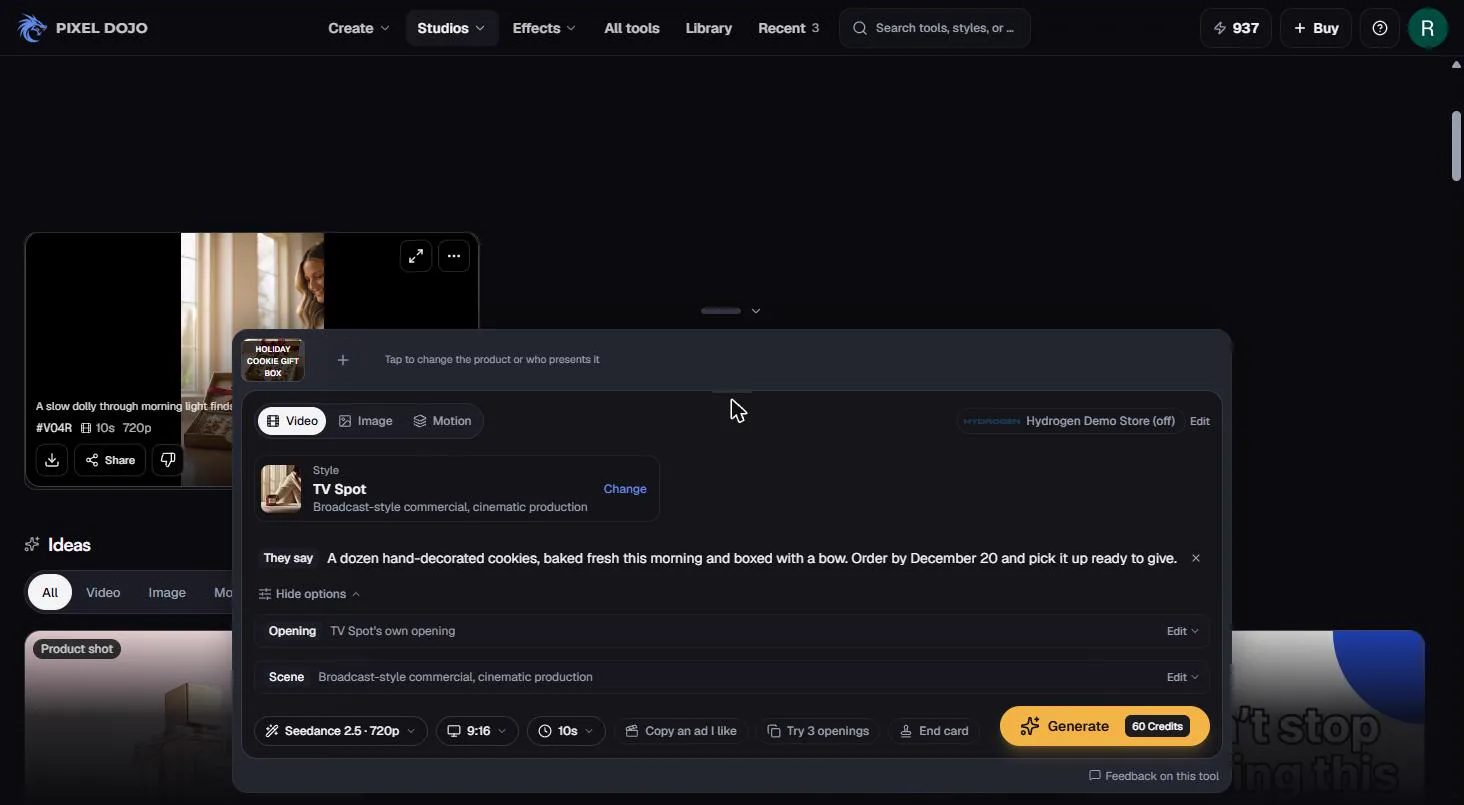
- Open the finished ad. The finished ad: 10s, 720p, with Download, Share and a thumbs-down to report a bad result. Generations are only kept for a limited time unless you save or download them. Click the full screen icon at the top right of the card.
The ad is ready. Ten seconds, seven twenty p.
- Watch all of it, then save. Play it with sound, start to finish. Ours opened on the box in morning window light, cut to a smiling woman by the counter and close-ups of the iced snowflakes and stars, and ended on the closed box with the bakery label; the voice said our line word for word, over gentle music. Check what AI video can get wrong: a bent label, text you did not write, the wrong number of cookies, or a price or date said wrong. Click Save to keep it in your Library.
Watch it with sound, start to finish. Check the label, the product and every word. Ours said our line word for word.
- Download and post. Save turns to Saved, so the ad stays in your Library. Click Download for the MP4, then post it to Instagram Reels and TikTok with the order link or your phone number in the caption, and a note that it was made with AI if your platform asks. Next week, open the same product and pick another style (or Try 3 openings) for a fresh ad without re-entering anything.
Saved. Download it and post it to Reels and TikTok, with your order link in the caption. Next time, start from the same product.
Screenshots
Frequently asked questions
- What is PixelDojo Marketing Studio?
- A studio inside PixelDojo that turns a product into ready-to-post ads. You add the product with a product page link or your own photos, pick a video, image or motion template, and it makes the ad, such as a 10-second vertical TV-style commercial with a voice-over.
- Can PixelDojo make a video ad from a product link?
- Yes. In New product, paste the product page link and click Import; PixelDojo pulls the name, description and photos, and you can change anything after. You can also add photos and type the details yourself, as in this lesson.
- How much does a PixelDojo video ad cost?
- The credit cost shows on the Generate button before you spend. A 10-second, 720p TV Spot on Seedance 2.5 cost 60 credits in our run. As of November 2026, paid plans start at $10 a month for 160 credits.
- Can I control what the ad says?
- Yes. Type the line in They say, or leave it empty and it improvises. Our ad said our line word for word. Writing it yourself is the best way to keep prices and dates right.
- Can I make vertical ads for TikTok and Reels?
- Yes. Under Customize, set the aspect ratio to 9:16 for TikTok, Reels and Shorts, 1:1 for feeds or 16:9 for YouTube.
- Was this lesson made in the real app?
- Yes. Every screen is a capture of the real PixelDojo Marketing Studio from 24 November 2026, and the ad described here was really generated. PixelDojo's labels may move as the app changes.
More in AI Automation for Marketing
 How to Use n8n in Marketing: An AI Agent That Plans Your Content Calendar
Build an AI agent for Harbor & Pine Coffee Roasters that turns one campaign theme into a two-week email and content calendar in Google Sheets — chat trigger, AI Agent…
Free · Live ~12 min Intermediate
 Build a Lead Magnet Signup Form with an AI Welcome Email
Build a "Get the free guide" signup form in Lovable for Harbor & Pine Coffee Roasters and connect it to n8n — the AI agent tags each lead by interest, saves it to…
Free · Live ~15 min Advanced
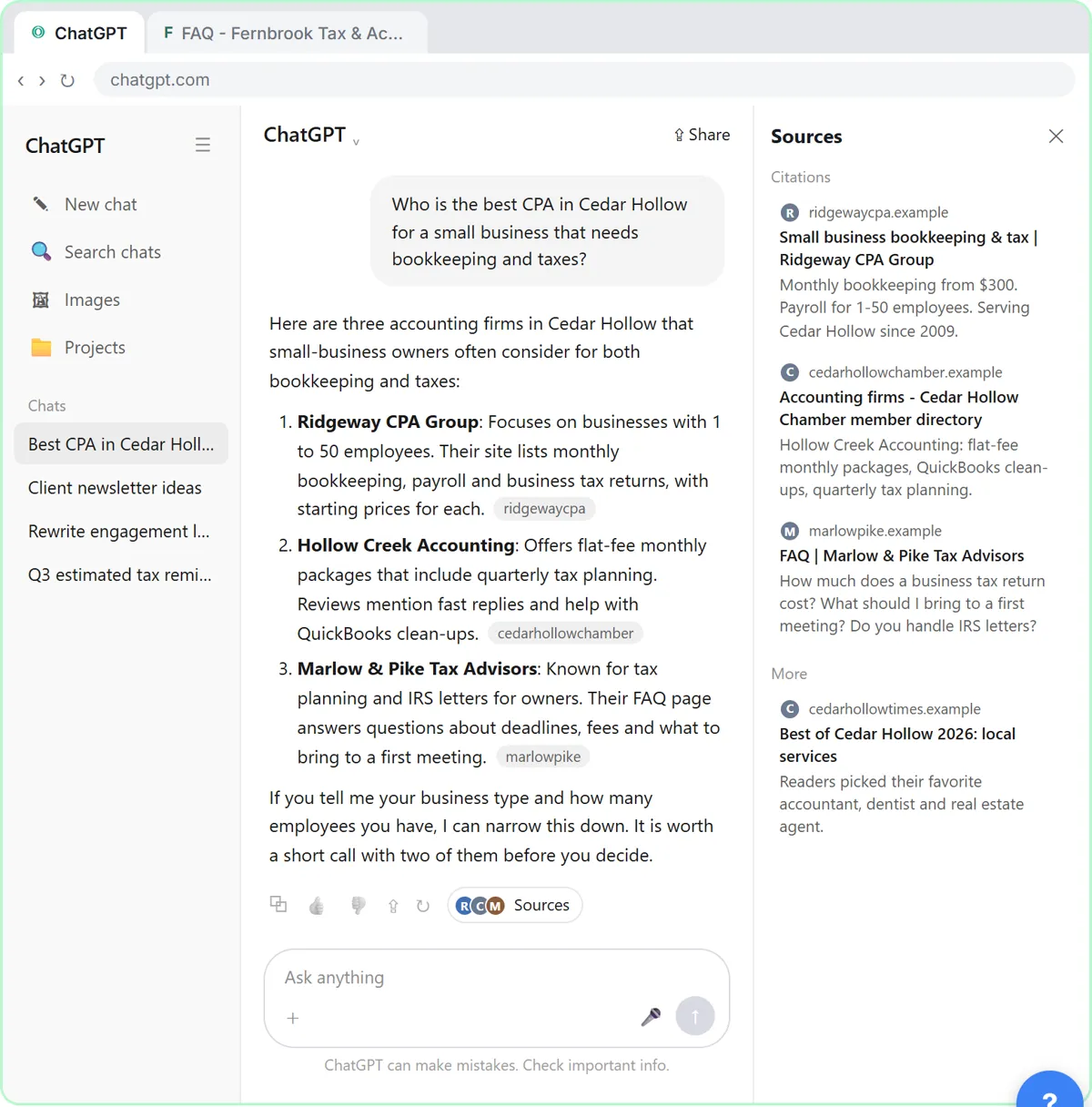 Get Your Business Recommended by ChatGPT
Ask ChatGPT who it recommends in your town, see which pages it trusts, then use it to write an FAQ page and Business Profile copy that answer real customer questions.
Free · Live ~10 min Intermediate
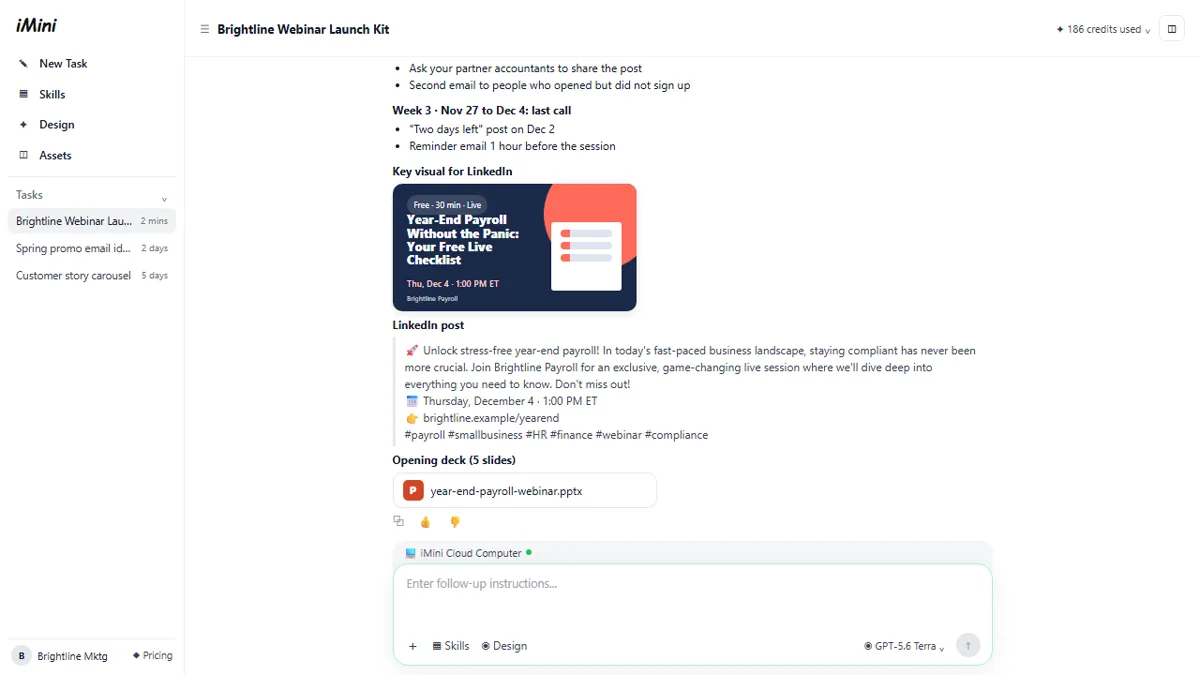 iMini AI Agent: Turn a Rough Idea into a Launch Kit
Brief the iMini Creative Agent once and get a launch plan, a LinkedIn visual, a post and a 5-slide deck, then fix the visual and humanize the post with follow-ups.
Free · Live ~8 min Beginner
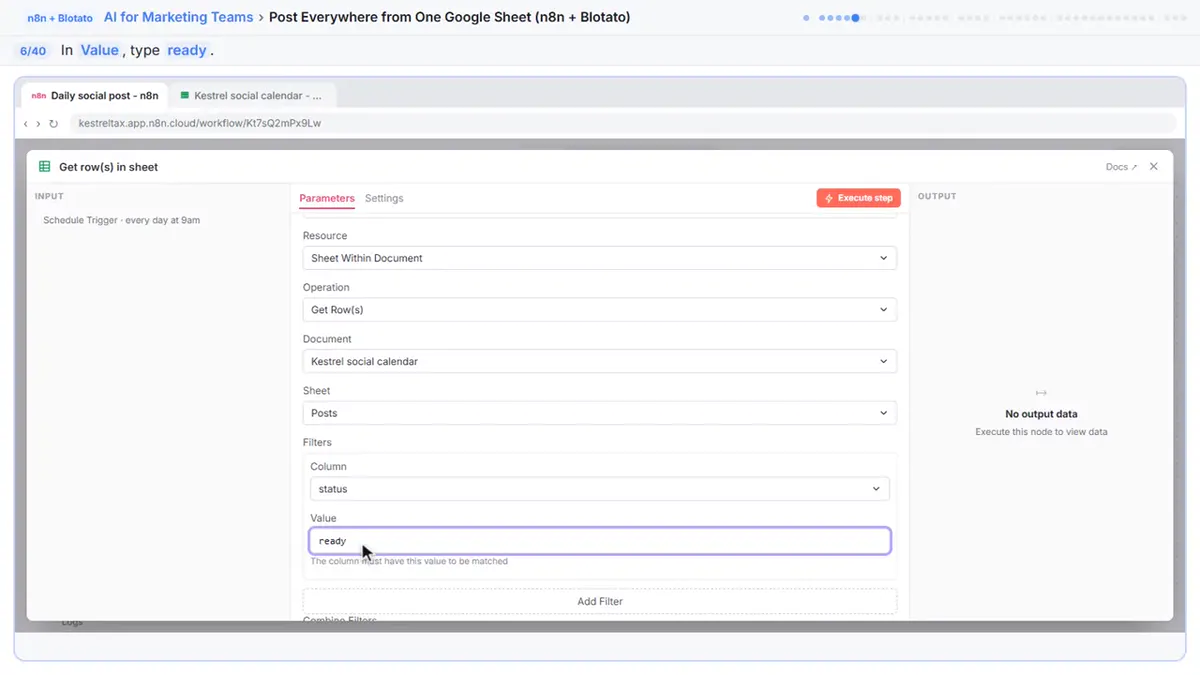 Post to Every Channel Daily from One Sheet using n8n + Blotato
Copying the same post into every social app can take half an hour a day, and on busy days nothing goes out. Plan a week of posts in one Google Sheet; every morning n8n…
Free · Live ~14 min Advanced
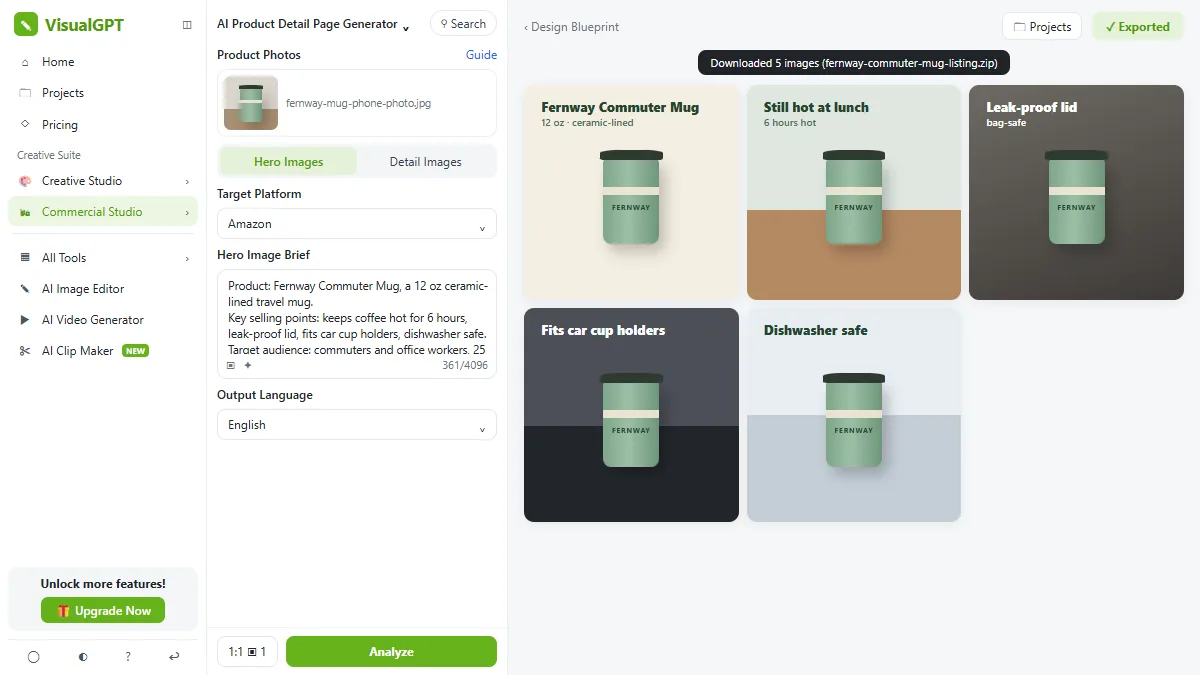 VisualGPT: Product Photos, Listing Images and Ads from One Phone Photo
Turn one phone photo into a lifestyle product shot, a five-image Amazon listing set and three launch ads in VisualGPT's Commercial Studio, checking the plan and every…
Free · Live ~8 min Beginner
All 33 modules in AI Automation for Marketing
Terms in this lesson
Plain-English definitions, each with an example from a free lesson.