Updated . Built against the tool’s current screens and checked step by step. How we check this lesson
Open house posts get scrolled past. In Moxion's free Text Animation studio, type what, where and when, pick Slide and 9:16, hold the words long enough to read, and make a Story GIF in your browser with no credits.
At a glance
| Question | Answer |
|---|---|
| What you build | Open house posts get scrolled past. In Moxion's free Text Animation studio, type what, where and when, pick Slide and 9:16, hold the words long enough to read, and make a Story GIF in your browser with no credits. |
| Tools | Moxion |
| Time | About 4 minutes, 7 steps in 3 parts |
| Level | Beginner, no coding needed |
| Cost | Free |
| Ways to learn it | Practice it step by step |
The 3 parts, in short
- Write the words: Type the three lines people need.
- Set the motion and size: Pick a motion that fits, Make it tall for Stories, Hold the words long enough to read.
- Make it and check it: Create the GIF, Check it before you post, Download it and post it.
Start here first: How to Use n8n in Marketing: An AI Agent That Plans Your Content Calendar (module 1 of AI Automation for Marketing)
Part of: AI for Real Estate (step 18 of 18)
Part of: AI Apps Worth Knowing (step 178 of 182). Next up: Qind: Save Your Sources and Get Answers That Cite Them
What you'll build
You are the listing agent at Lakeview Realty, a made-up brokerage. A new listing goes up today and the open house is Saturday, but the listing photo has already been posted and people scroll past it. In this lesson you use Moxion's free Text Animation studio to turn three short lines (JUST LISTED, the address and the open house time) into a tall GIF for Instagram or Facebook Stories. You pick a motion, set 9:16, hold the words long enough to read on a phone, create the GIF in your browser and check it before you post. It costs nothing and uses no credits.
You typed three short lines, picked Slide, set a 9:16 canvas, held the words for 1.8 seconds and created a 360 × 640 GIF of 218 KB, free and in your browser. For the next listing, change the address and the time and keep everything else, so every open house post looks like yours. To animate the listing photos themselves, Moxion's Images to GIF does that.
- Tools: Moxion
- Time: about 4 minutes, 7 steps in 3 chapters
- Level: beginner, no coding needed
- Price: free
Practice first, then build it for real
Practice copy built from real Moxion screens (moxion.ai), captured 20 November 2026 on Robert's account. Nothing here touches a Moxion account. Lakeview Realty and 14 Birch Lane are made up; the GIF is the one Moxion made in the browser. To build it for real you need your own Moxion account, and some services charge once you use them for real work, so check each tool's current pricing.
Try it yourself, free
Reading the steps is a start. Doing them is how it sticks. The interactive module walks you through every click in a practice copy of Moxion, checks each step, and never touches your real accounts.
Start “Moxion: Make an Open House Story GIF in Two Minutes, Free for Marketing”Step by step: Moxion: Make an Open House Story GIF in Two Minutes, Free for Marketing
All 7 steps of the interactive module, in order. In the module you watch each one, then do it yourself in a practice copy that checks your work.
1. Write the words
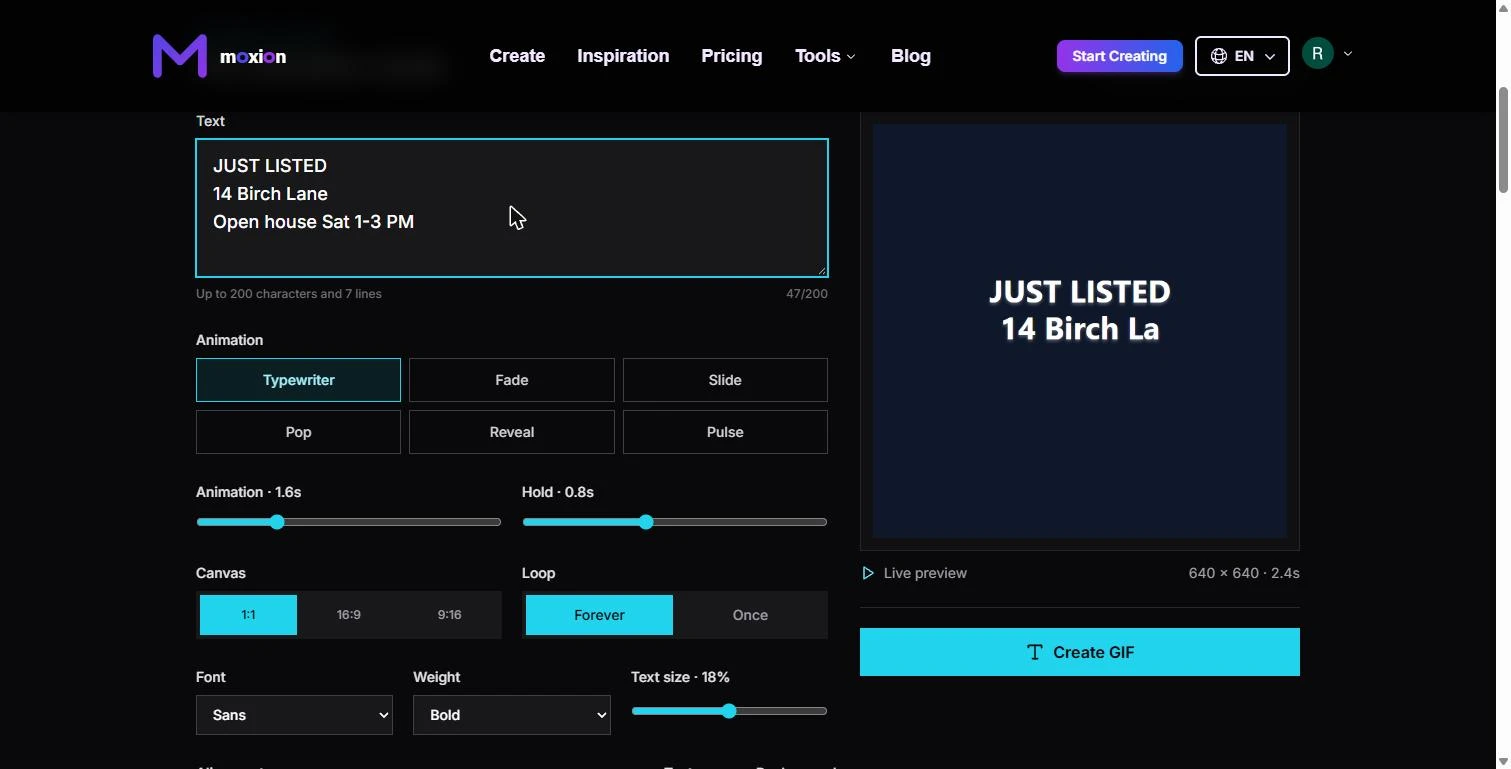
- Type the three lines people need. You are the listing agent at Lakeview Realty, a made-up brokerage. A new listing goes up today and the open house is Saturday. A plain photo post gets scrolled past; a short moving card in your Story stops people long enough to read the address. This is Moxion's free Text Animation studio. In Text, type three short lines: what it is, where, and when. Type: JUST LISTED, then 14 Birch Lane, then Open house Sat 1-3 PM.
You are a listing agent. The open house is Saturday, and a plain photo post gets scrolled past. In Moxion's free text animation studio, type three short lines. What it is, where, and when.
2. Set the motion and size
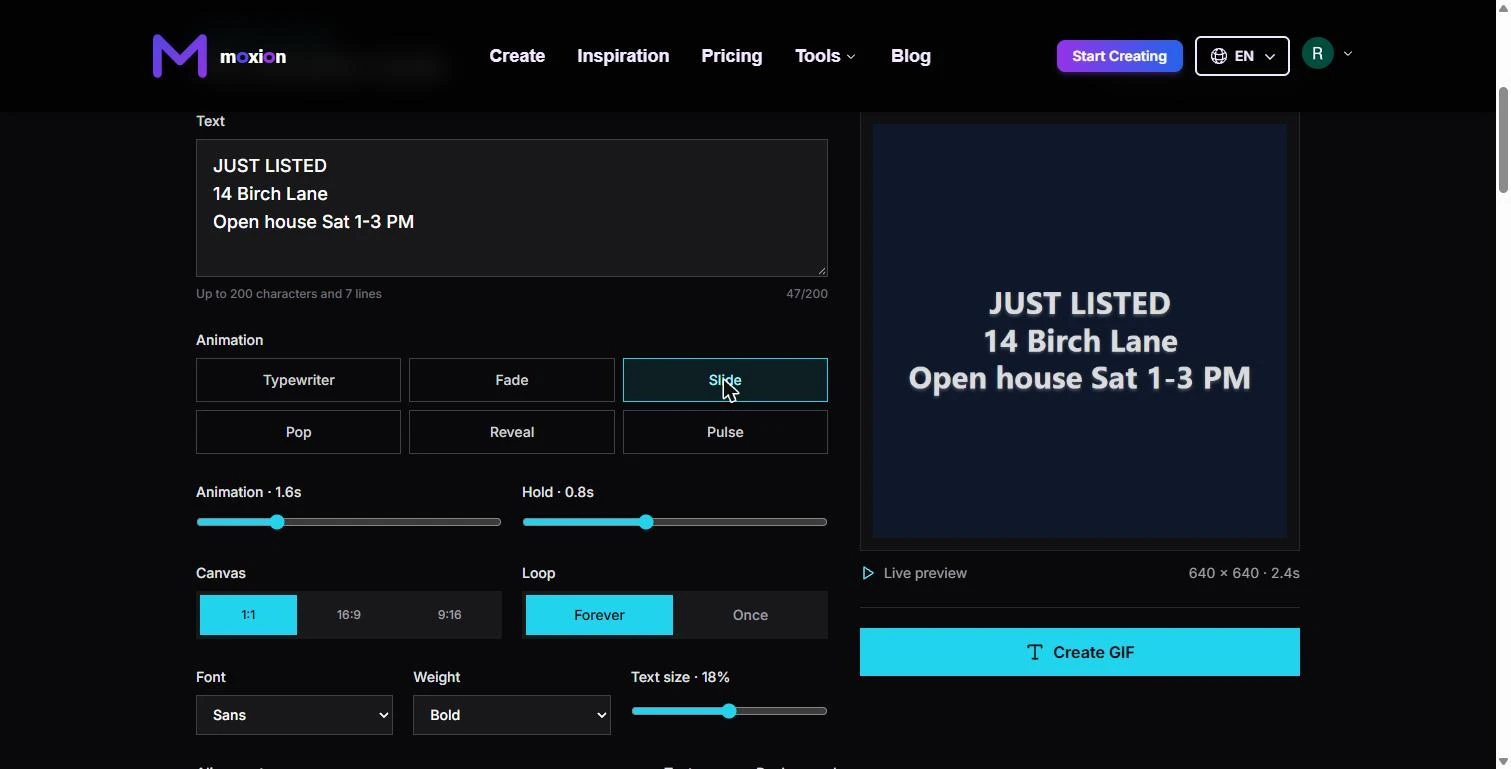
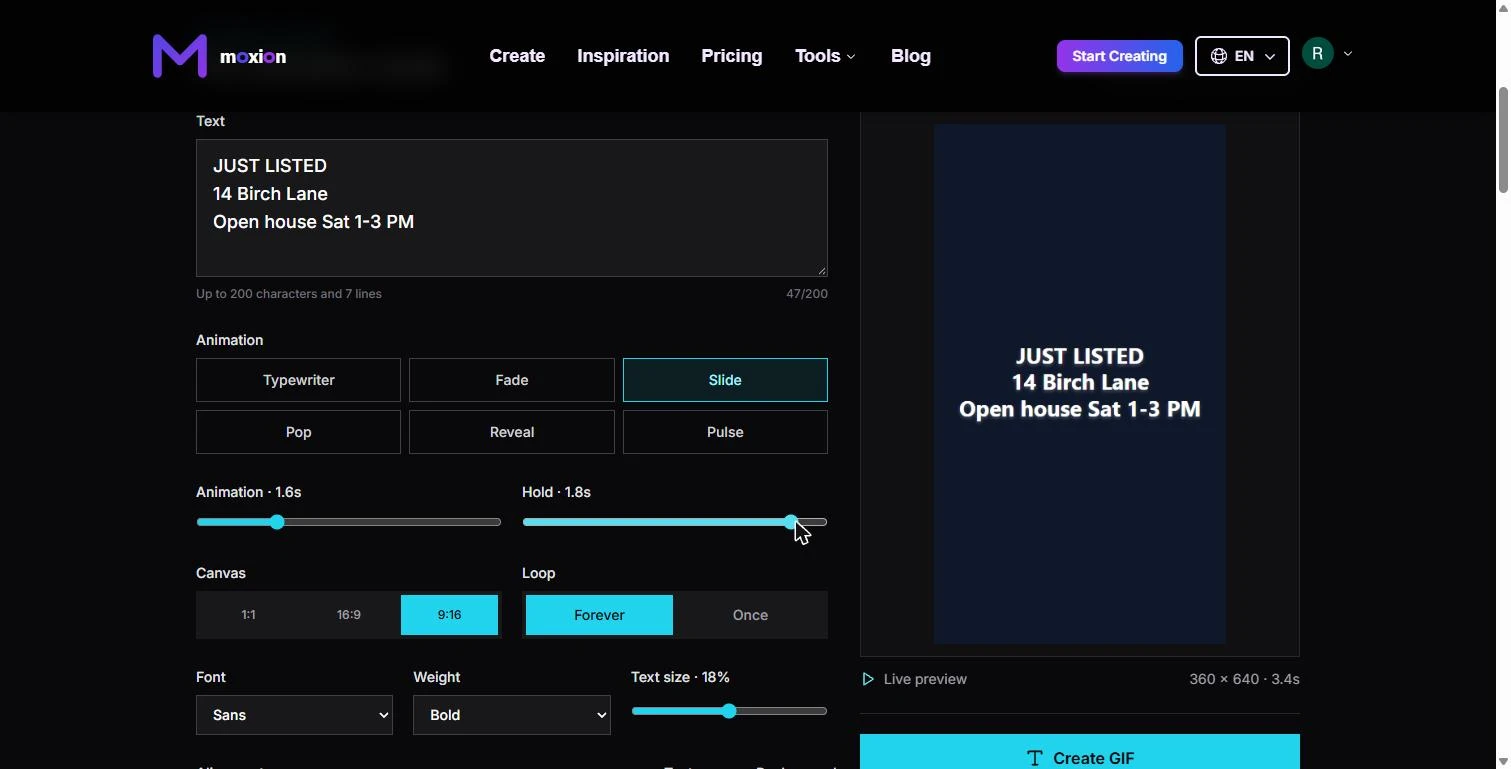
- Pick a motion that fits. The counter shows 47/200, and the preview starts typing your words with Typewriter. For an announcement, a clean Slide reads faster than letters appearing one by one. Click Slide.
Typewriter shows one letter at a time. For an announcement, Slide reads faster.
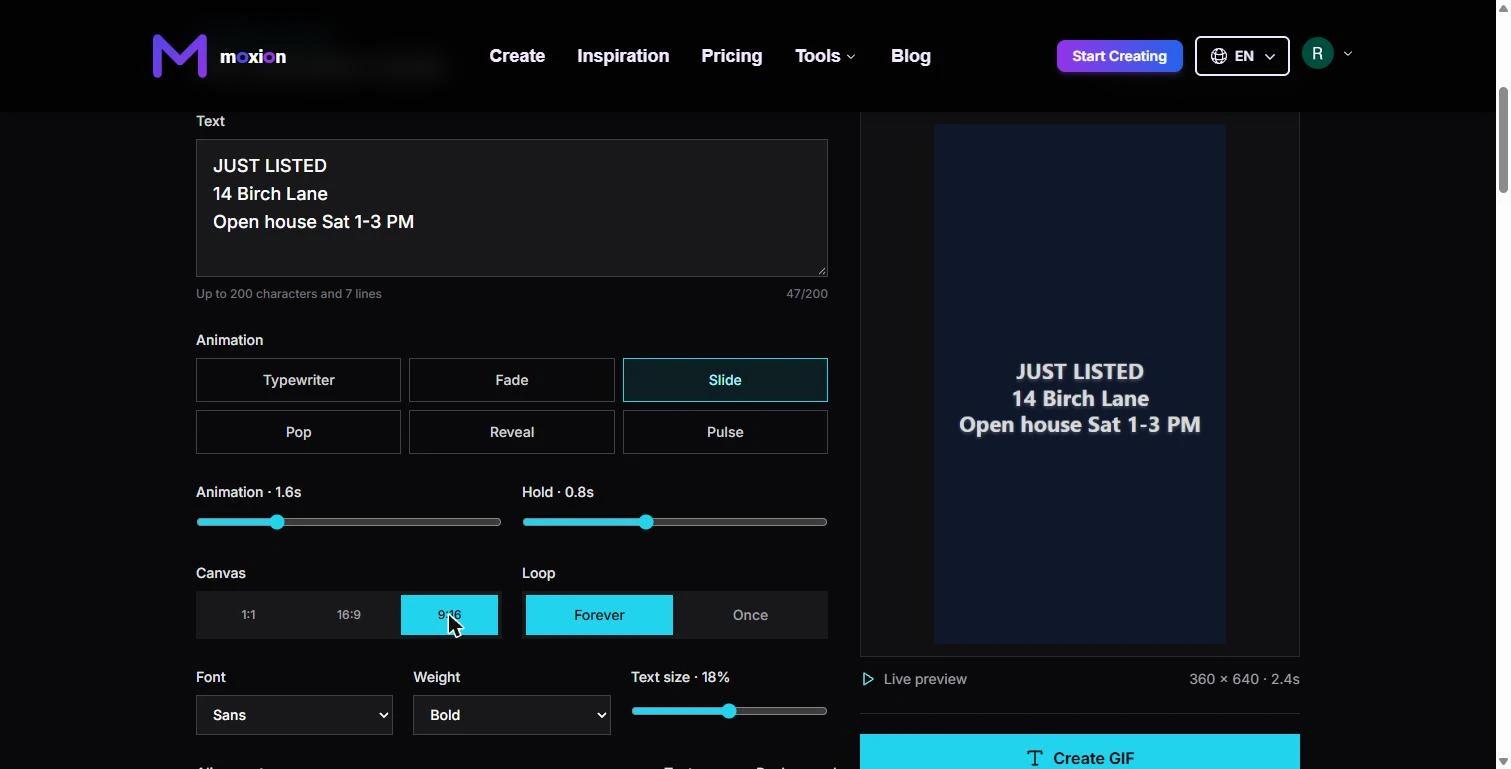
- Make it tall for Stories. Instagram and Facebook Stories are tall. Under Canvas, click 9:16. The preview changes to 360 × 640.
Stories are tall. Under Canvas, click nine by sixteen.
- Hold the words long enough to read. The address is the line people need to remember, so give them time. Drag Hold up to about 1.8s. The loop grows from 2.4 to 3.4 seconds.
Give people time to read the address.
3. Make it and check it
- Create the GIF. Click Create GIF. Moxion makes it in your browser, so nothing is uploaded and it uses no credits.
It is made in your browser, and it uses no credits.
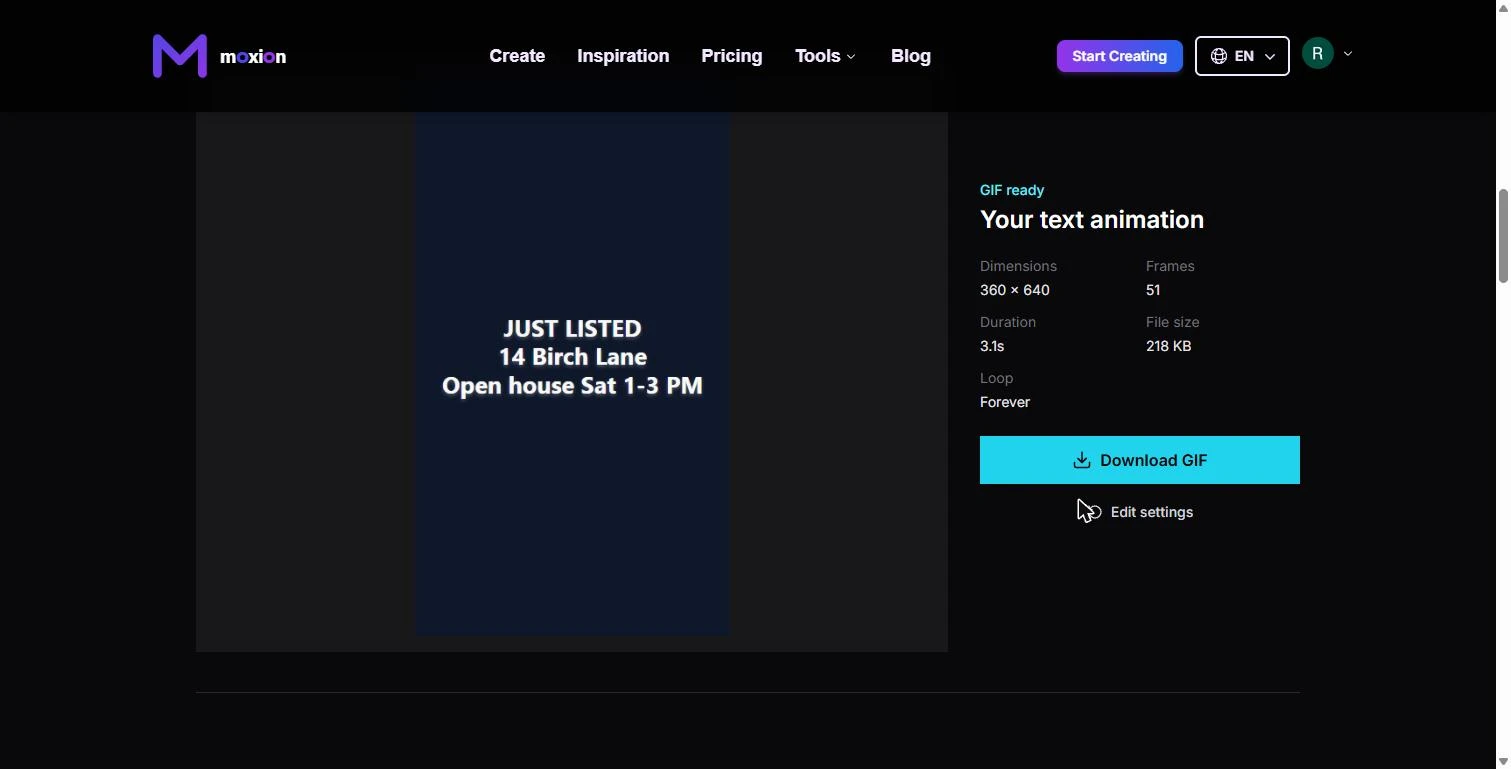
- Check it before you post. GIF ready: 360 × 640, 51 frames, 3.1s, 218 KB, looping Forever. Read it the way a buyer would: is the address right, is the time right, can you read it on a phone? Click the GIF.
Check it the way a buyer would. Is the address right, is the time right, and can you read it on a phone?
- Download it and post it. Click Download GIF and add it to your Story with the listing link. Next listing, change the address and the time and it is ready again in two minutes. If you would rather use Edit settings, everything you set is still there.
Next listing, change the address and the time, and it is ready in two minutes.
Screenshots
More in AI Automation for Marketing
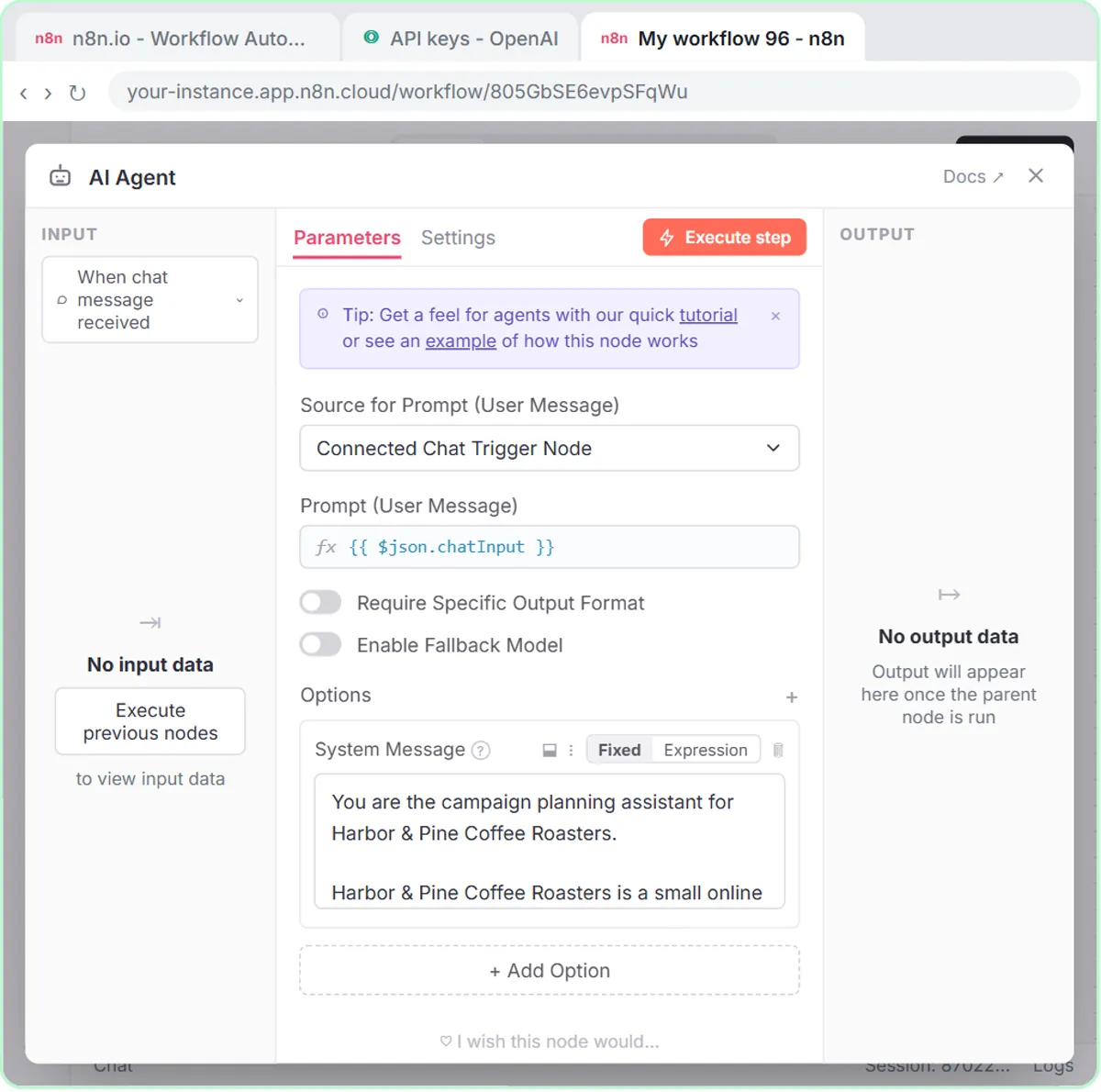 How to Use n8n in Marketing: An AI Agent That Plans Your Content Calendar
Build an AI agent for Harbor & Pine Coffee Roasters that turns one campaign theme into a two-week email and content calendar in Google Sheets — chat trigger, AI Agent…
Free · Live ~12 min Intermediate
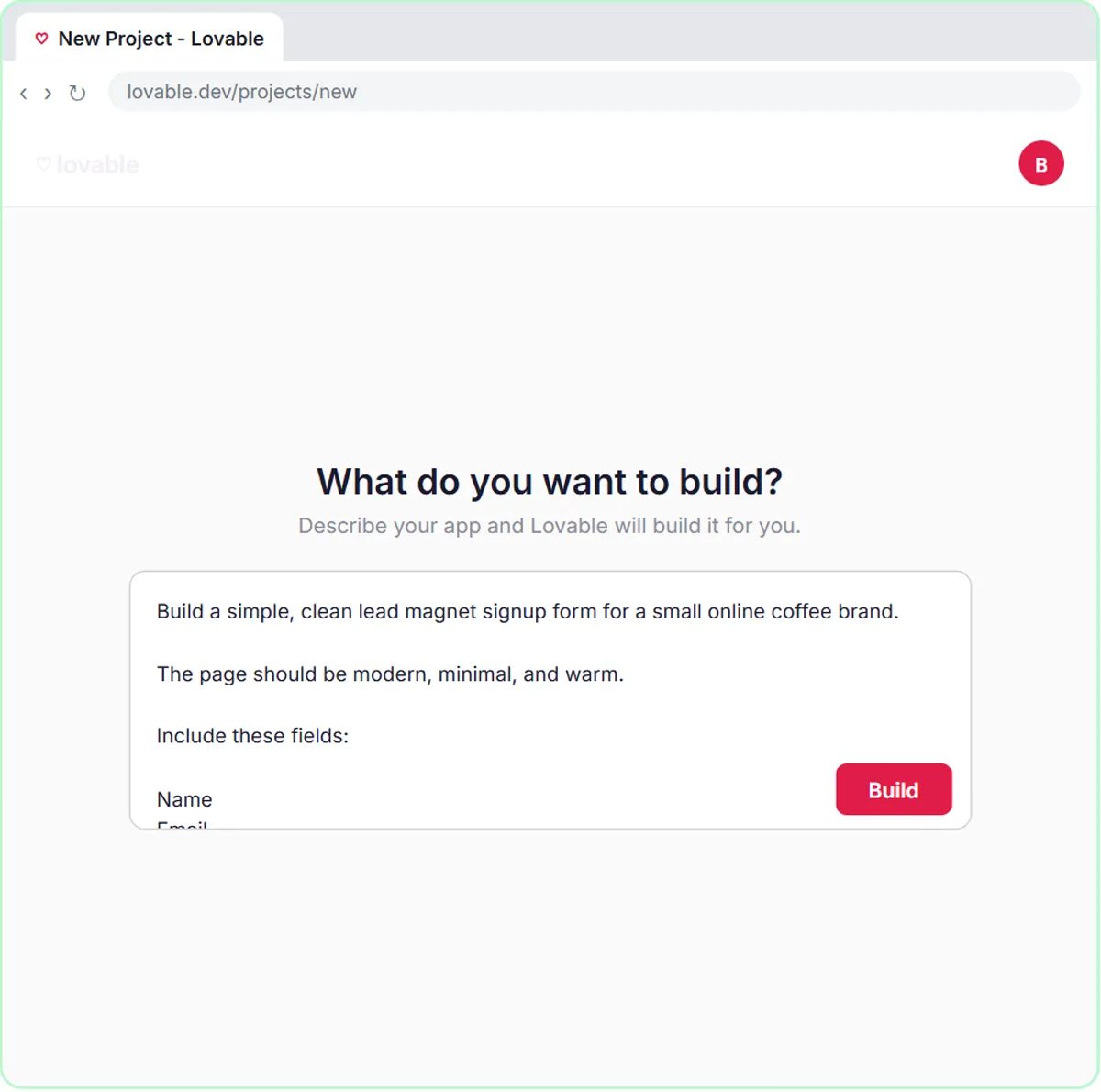 Build a Lead Magnet Signup Form with an AI Welcome Email
Build a "Get the free guide" signup form in Lovable for Harbor & Pine Coffee Roasters and connect it to n8n — the AI agent tags each lead by interest, saves it to…
Free · Live ~15 min Advanced
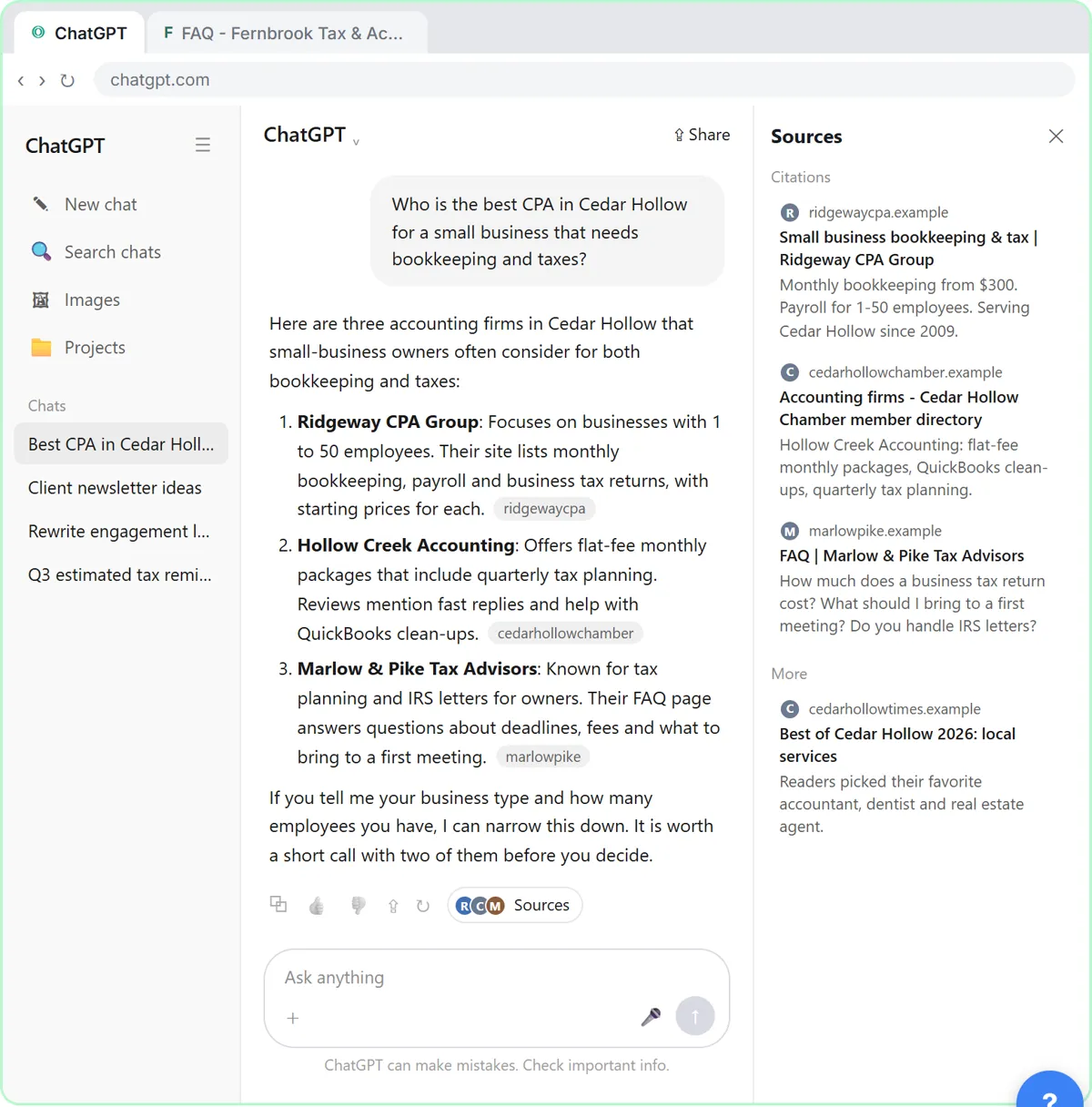 Get Your Business Recommended by ChatGPT
Ask ChatGPT who it recommends in your town, see which pages it trusts, then use it to write an FAQ page and Business Profile copy that answer real customer questions.
Free · Live ~10 min Intermediate
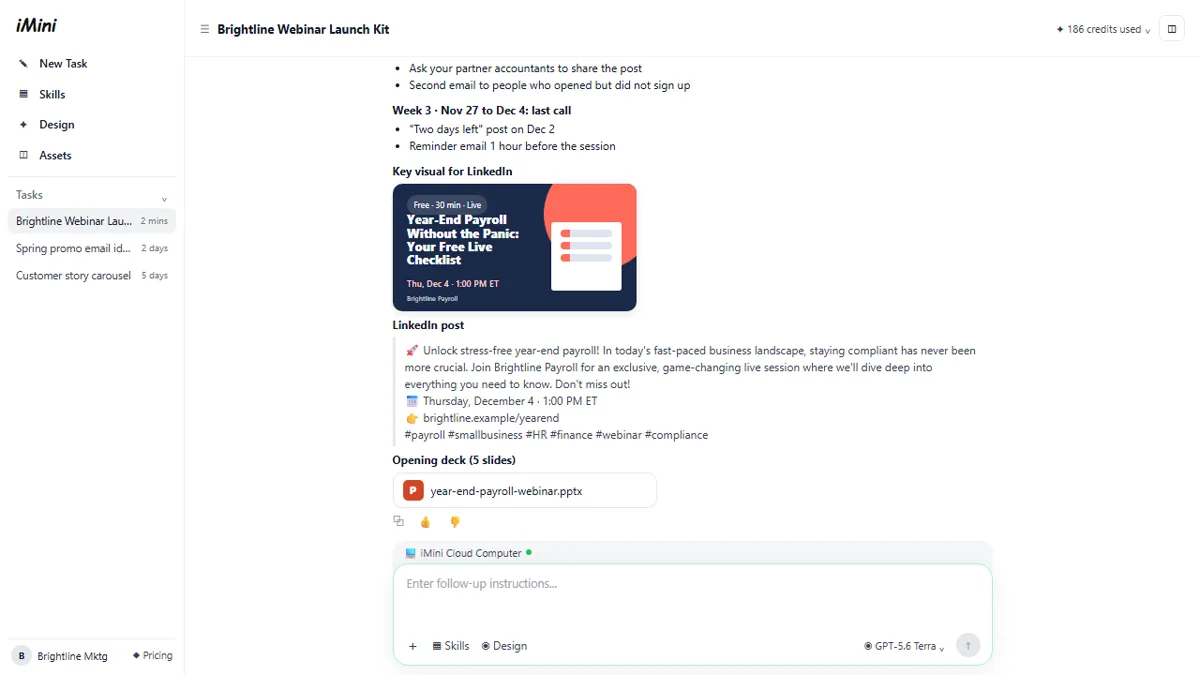 iMini AI Agent: Turn a Rough Idea into a Launch Kit
Brief the iMini Creative Agent once and get a launch plan, a LinkedIn visual, a post and a 5-slide deck, then fix the visual and humanize the post with follow-ups.
Free · Live ~8 min Beginner
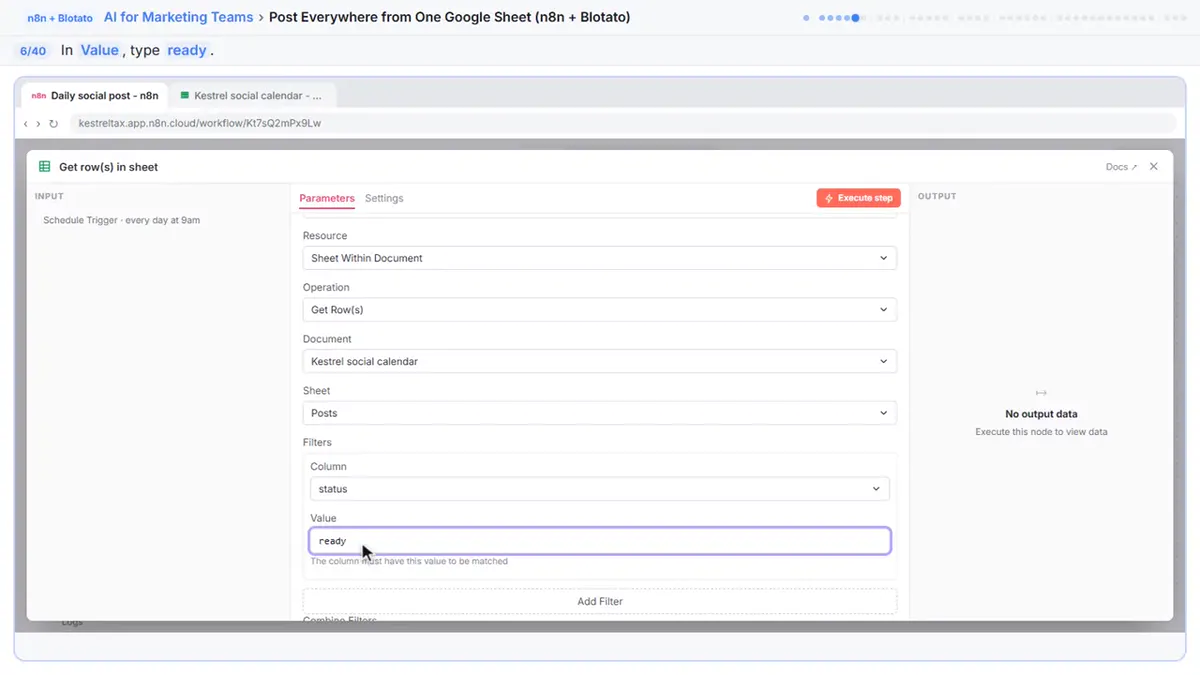 Post to Every Channel Daily from One Sheet using n8n + Blotato
Copying the same post into every social app can take half an hour a day, and on busy days nothing goes out. Plan a week of posts in one Google Sheet; every morning n8n…
Free · Live ~14 min Advanced
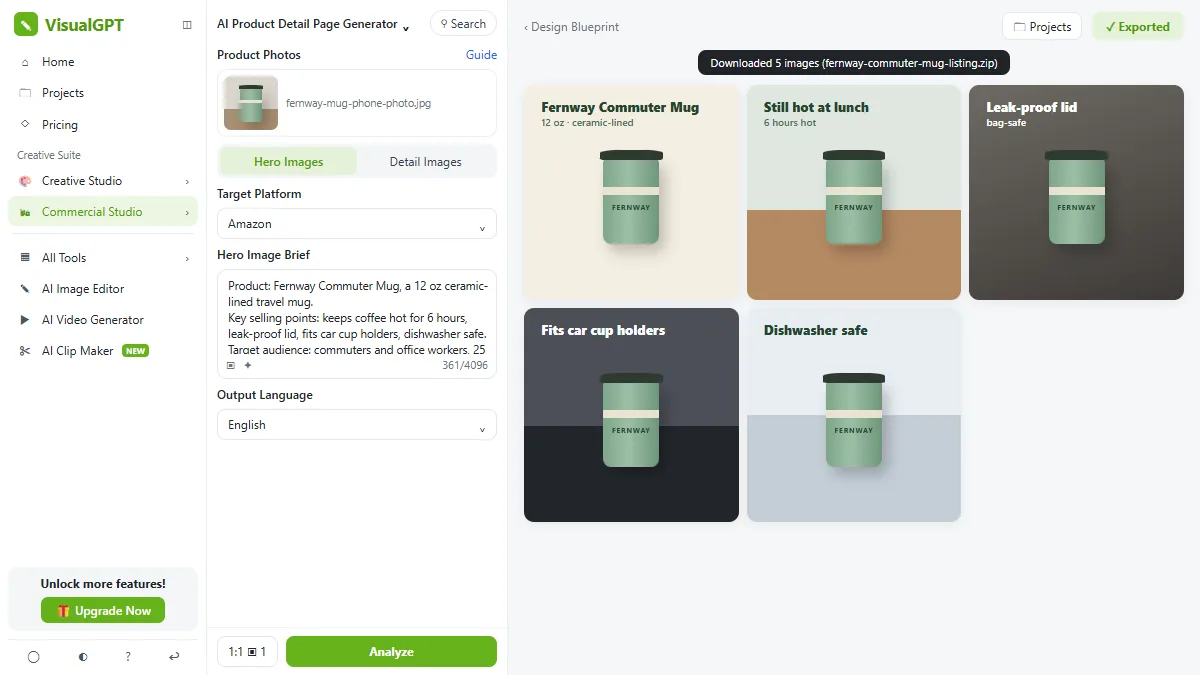 VisualGPT: Product Photos, Listing Images and Ads from One Phone Photo
Turn one phone photo into a lifestyle product shot, a five-image Amazon listing set and three launch ads in VisualGPT's Commercial Studio, checking the plan and every…
Free · Live ~8 min Beginner
All 33 modules in AI Automation for Marketing
More Moxion tutorials
Terms in this lesson
Plain-English definitions, each with an example from a free lesson.