What is JavaScript?
Quick answer
JavaScript is the programming language built into every web browser. HTML says what is on a page; JavaScript makes it do something: work out a price when a button is clicked, check a form, or load data from another system.
Last updated
Take the free module →Module 1 of the free JavaScript for Small Business Jump Start course, about 12 minutes. No account needed.
Updated · By Robert Breen
Why it matters for a small business
Small, useful page features are usually a few lines of JavaScript: an instant quote, a due-date check, a table filled from your CRM. Knowing the basics lets you build them, or at least read and adjust what a developer or an AI assistant wrote.
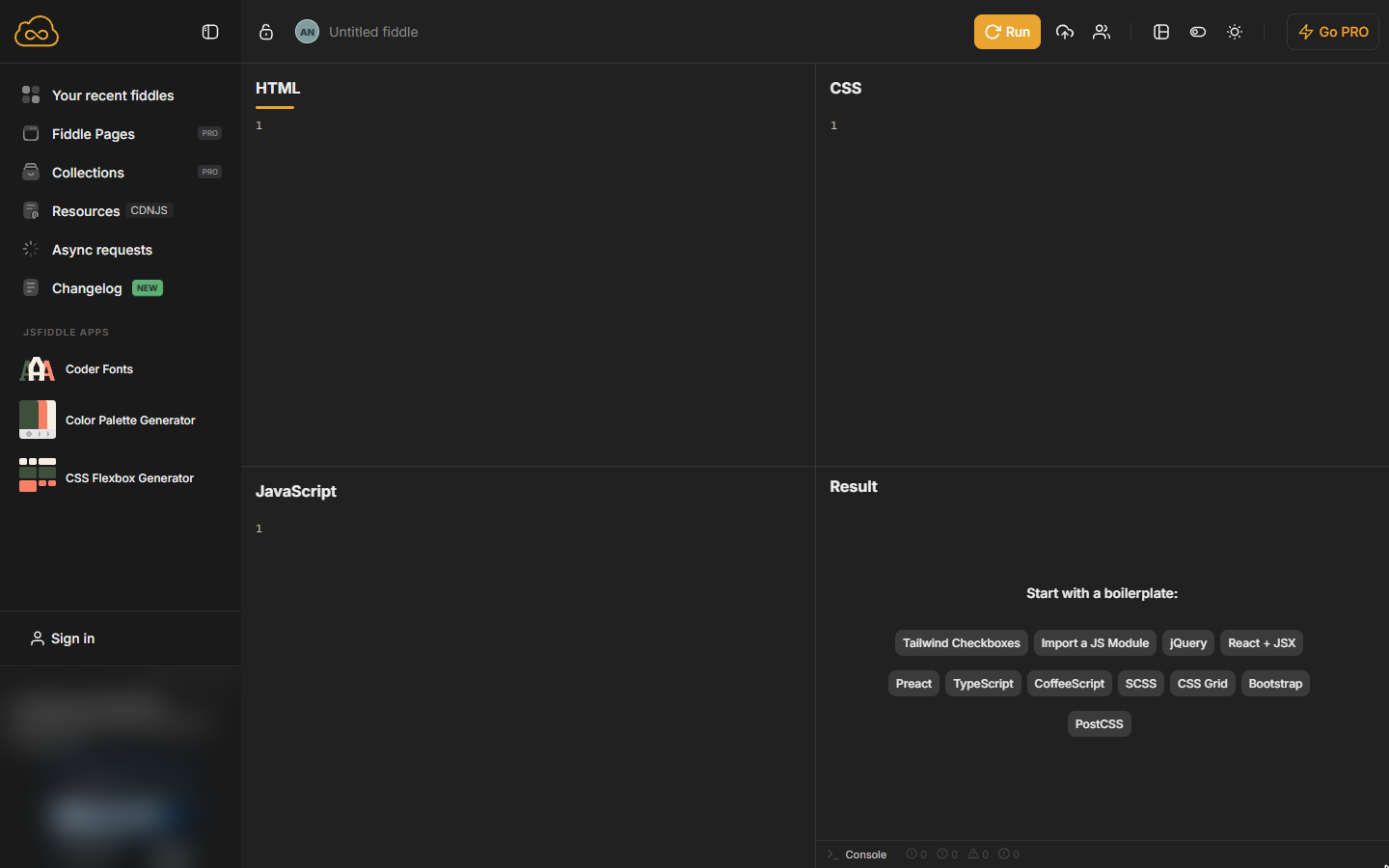
You need nothing installed. Every browser runs JavaScript, and free playgrounds such as JSFiddle show the HTML, the JavaScript and the result side by side.
Most of what a beginner needs is a short list: const for values that do not change, a function for a rule you use more than once, document.querySelector to find a part of the page, and onclick to react to a button. With those four ideas you can build a quote calculator, a date reminder or a simple form check, and you can read most small scripts that a website builder, a developer or an AI assistant hands you, and spot the line that holds the number you want to change.
In a real lesson: JavaScript: An Instant Quote Calculator for Your Website
In the free JavaScript quote calculator lesson, Jordan (made up) puts his office-cleaning price rule on a web page: 12 cents a square foot, never less than $150.
Four lines of HTML make the form; a few lines of JavaScript (two constants, a quote function using Math.max and a button.onclick handler) turn 2,000 square feet into Estimate: $240.00 and 800 square feet into the $150.00 minimum.
Try this lesson free or read the step-by-step guide.
Common confusions
JavaScript vs Java
Two unrelated languages with similar names. JavaScript runs in web browsers (and on servers with Node.js); Java is mostly used for large back-end systems and Android apps.
JavaScript vs HTML
HTML describes what is on the page. JavaScript changes it or reacts to clicks and typing.
Tips
- Give every element you want to use from JavaScript an id, and find it with document.querySelector('#id').
- Put business numbers such as rates in const lines at the top, so a price change is one edit.
Related terms
More Web apps terms
Where you use it: free lessons
- JavaScript: An Instant Quote Calculator for Your Website (JSFiddle, 12 min)
- JavaScript: Turn Invoice Dates into Due-Date Reminders (JSFiddle, 15 min)
- JavaScript: Pull Contacts from an API into a Table (JSFiddle, 12 min)
- n8n: Items, JSON and Expressions, Explained by Doing (n8n, 9 min)
Frequently asked questions
- Do I need to install anything to learn JavaScript?
- No. Every browser runs it, and JSFiddle (jsfiddle.net) lets you type HTML and JavaScript and see the result with no account.
- Can I add JavaScript to my business website?
- Usually yes: most site builders have an HTML or code block where the same HTML and JavaScript can be pasted. Ask whoever manages the site.
- Is JavaScript the same as Java?
- No. They are different languages; the similar name is historical.