What is a dashboard in data and business intelligence?
Quick answer
A dashboard is a single screen that shows one or more charts, numbers and filters about the same subject, such as revenue by region with a product filter, so people can answer their own questions without asking for a new report.
Last updated
Take the free module →Module 4 of the free Data and Dashboards for Beginners course, about 15 minutes. No account needed.
Updated · By Robert Breen
Why it matters for a small business
Weekly reporting often means exporting data, building a chart and emailing a screenshot, then doing it again when someone asks "what about just desk lamps?" A dashboard connected to the data replaces the screenshot: the viewer picks the filter and the charts update.
Good dashboards answer one question each, show the few key numbers (KPIs) that matter at the top and keep filters obvious. Tools range from Tableau and Power BI to a Google Sheet with charts, or a small web app built with an AI builder.
In a real lesson: Tableau Public: Your First Chart and Dashboard
In the free Tableau Public lesson, your VP wants weekly revenue by region and the option to look at one product line. You connect a four-row sample CSV, drag Region to Columns and Revenue to Rows (East $313, West $269), and add Product as a filter shown to the viewer.
Then New Dashboard and one drag put the sheet on a dashboard, and the filter comes with it. Publishing is File, Save to Tableau Public, and anything saved there is public, so the lesson uses sample data.
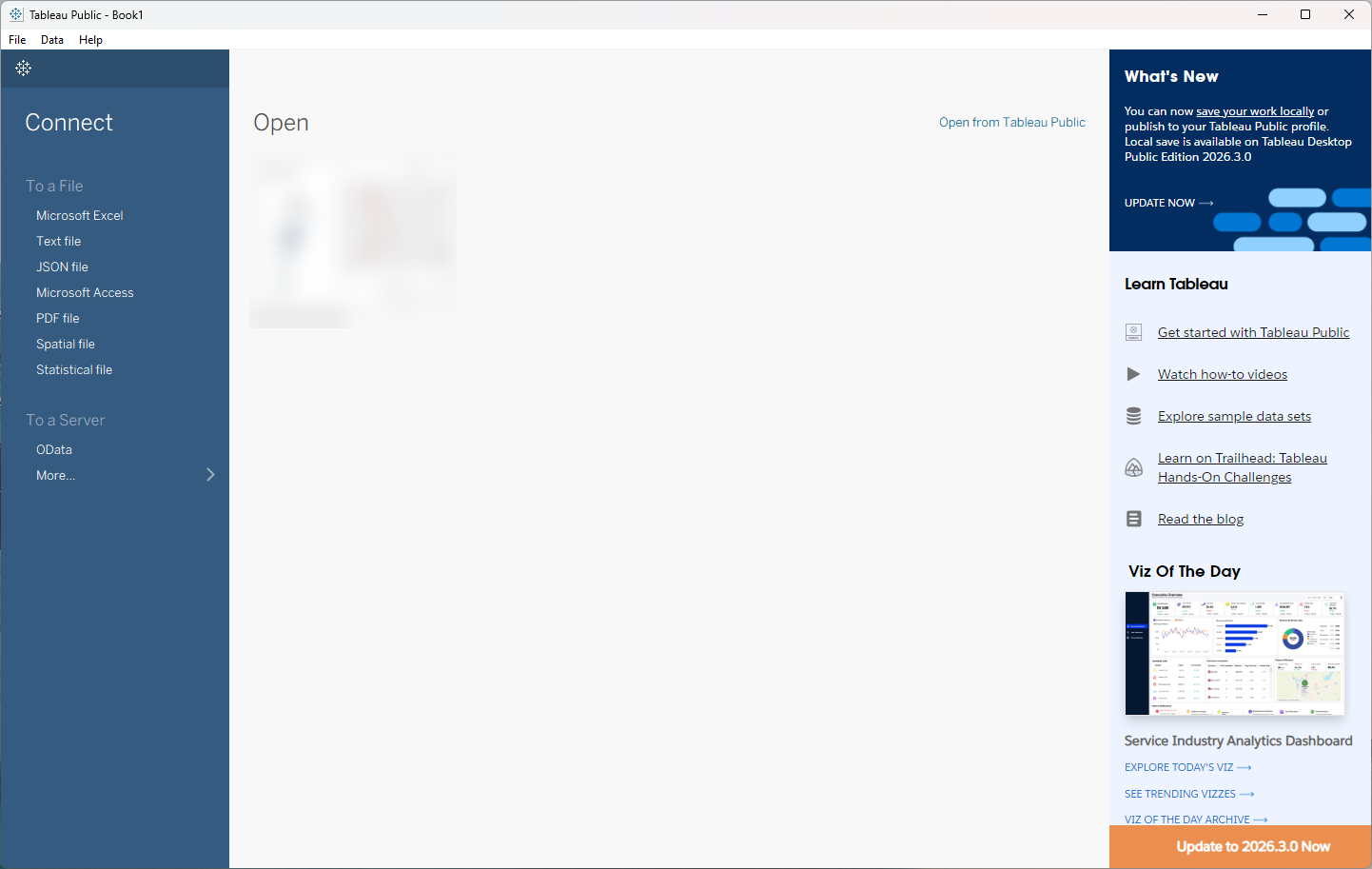
Try this lesson free or read the step-by-step guide.
Common confusions
Dashboard vs report
A report is usually a fixed document for one period. A dashboard stays connected to the data and lets the viewer filter it.
Dashboard vs sheet (in Tableau)
A Tableau sheet holds one chart. A dashboard is a page that arranges one or more sheets and their filters.
Tips
- Write the question the dashboard answers as its title.
- Never put client or company data in a public tool such as Tableau Public.
- Check the dashboard's numbers against the source once, by hand, before you share it.
Related terms
More Data, Sheets and Gmail terms
Where you use it: free lessons
- Tableau Public: Your First Chart and Dashboard (Tableau, 15 min)
- Build a Private Dashboard from Your Data in Lovable (Lovable, 9 min)
- Lovable + n8n: Build a Web App with an AI Backend (Lovable and n8n, 15 min)
- Mixo: Launch a Landing Page and Collect Early Sign-ups (Mixo, 12 min)
Watch it in a free lesson: Build an AI Demo Request Form That Qualifies Leads
 8:57
8:57AI Demo Request Form: video walkthrough
Build a "Book a demo" form in Lovable for Northwind Scheduling Software and connect it to n8n — the AI agent rates each lead hot, warm or nurture, saves it to Google Sheets and emails the right next step. The whole lesson narrated step by step, recorded in Stepthrough’s simulated practice environment.
Frequently asked questions
- What should a dashboard show?
- The few numbers and charts that answer one question, with filters the viewer actually needs. If it takes a long explanation, split it.
- Can I make a dashboard for free?
- Yes. Tableau Desktop Public Edition is free but publishes publicly, and Google Sheets charts or Looker Studio work for private data.
- Is a dashboard the same as business intelligence?
- A dashboard is one output of business intelligence (BI), the wider practice of collecting, cleaning and reading data to make decisions. Reports, alerts and one-off analyses are other outputs.
- How often should a dashboard update?
- As often as the decision it supports. A weekly sales review needs data refreshed weekly; Tableau Public refreshes a connected Google Sheet about every 24 hours, while a CSV has to be replaced and saved again by hand.