What is data validation in a spreadsheet?
Quick answer
Data validation is a spreadsheet rule that limits what can be typed in a cell, such as a list of allowed choices, a number range or a date. Its most common form is the in-cell drop-down list, so everyone picks the same value instead of typing their own version.
Last updated
Take the free module →Module 1 of the free Google Workspace for Work: Sheets, Gmail and Gemini course, about 15 minutes. No account needed.
Updated · By Robert Breen
Why it matters for a small business
Shared lists break on spelling. One person types "Done", another "done ", a third "Finished", and every formula or colour rule that looks for "Done" quietly misses the other two. A drop-down list removes the problem at the source: the cell only accepts the values on the list.
In Google Sheets the rule lives under Data, then Data validation, then Add rule, where the criteria default to Dropdown. In Excel it is Data, then Data Validation, then Allow: List. Validation also helps with numbers (only positive amounts) and dates (only dates this year).
In a real lesson: Google Sheets: Build a Job Tracker That Totals Itself
In the free Google Sheets job tracker lesson, you type D2:D100 in the Name box to select the Status cells for up to 99 jobs, open Data, Data validation, Add rule, and enter four options: Booked, Done, Invoiced and Paid.
One detail was found by doing it in the real app: the option boxes contain "Option 1" and "Option 2" as real text, so you select it before typing, or you get "Option 1Booked". After Done, every Status cell shows a small arrow, and the SUMIF totals and the yellow highlight always match.
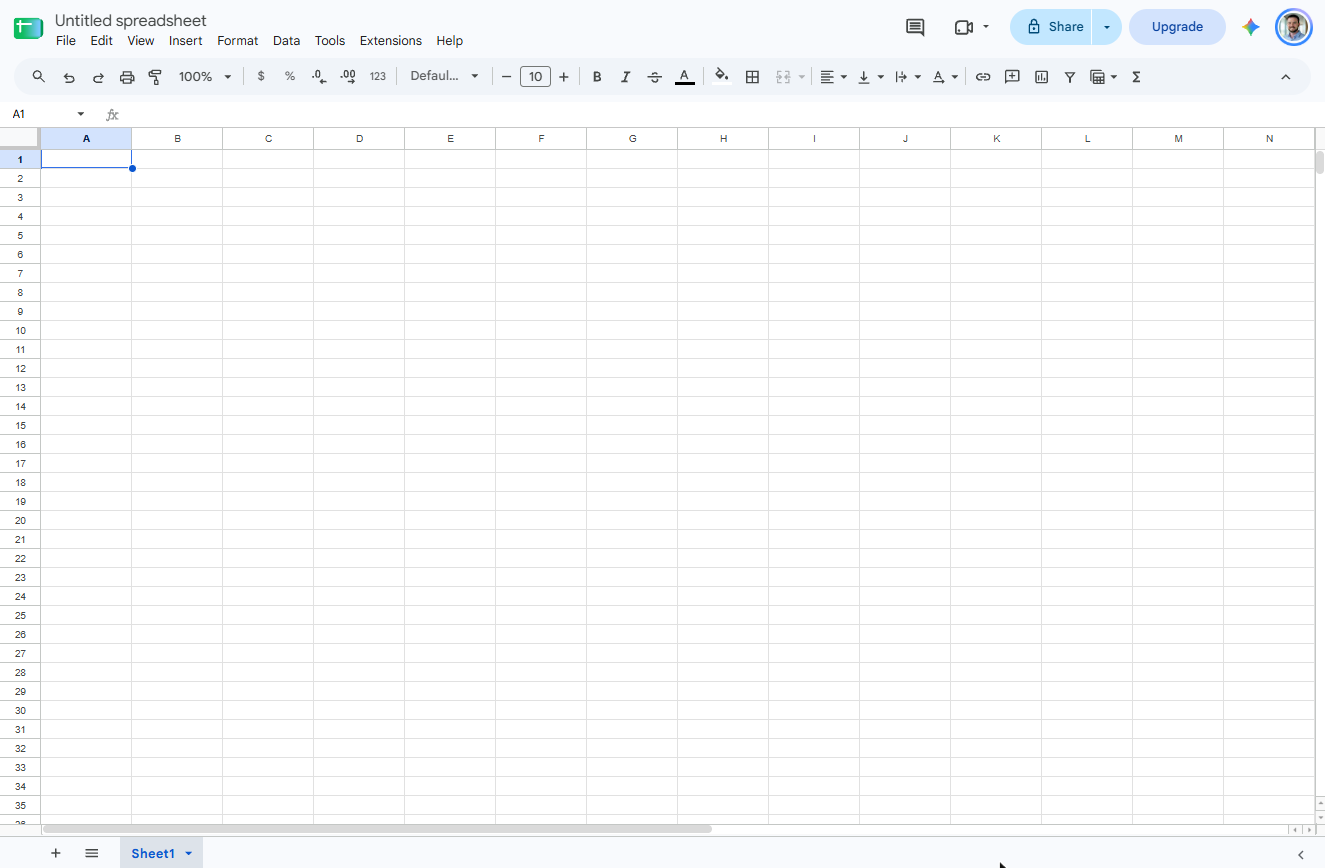
Try this lesson free or read the step-by-step guide.
Common confusions
Data validation vs form validation
Form validation checks what someone enters in a web form before it is sent. Data validation does the same job inside a spreadsheet cell.
Data validation vs conditional formatting
Validation decides what may go in a cell. Conditional formatting only changes how a cell looks based on what is already there.
Tips
- Apply the rule to the whole column range you will use, not only the rows you have today.
- Choose "Reject the input" in the rule's advanced options if you never want other values typed in.
Related terms
More Data, Sheets and Gmail terms
Where you use it: free lessons
- Google Sheets: Build a Job Tracker That Totals Itself (Google Sheets, 15 min)
Frequently asked questions
- How do I add a drop-down list in Google Sheets?
- Select the cells, choose Data, Data validation, Add rule, keep the criteria on Dropdown, type each option and click Done. Each cell then shows an arrow with your list.
- Can people still type something else?
- By default Google Sheets shows a warning but accepts it. In the rule's advanced options choose Reject the input to block anything that is not on the list.
- Does data validation work in Excel?
- Yes. In Excel it is Data, Data Validation, Allow: List, with the options typed in Source separated by commas.