n8n for beginners: triggers, nodes, items, expressions and the Execute buttons on one page
A free one-page n8n beginner cheat sheet: what n8n is, triggers vs actions, items and JSON, expressions, test vs production, schedules, forms and costs.
n8n for beginners: triggers, nodes, items, expressions and the Execute buttons on one page
How n8n thinks and the buttons you use every day, from the free n8n for Beginners course.
How n8n thinks
- Workflow
- A chain of steps (nodes) that n8n runs the same way every time.
- Trigger
- The first node: what starts it. Trigger manually, On a schedule, On form submission, On webhook call, On app event.
- Action
- Every node after the trigger: Edit Fields, Google Sheets, Gmail, OpenAI, If, Switch.
- Item
- One record. Most nodes run once per item: 5 in, 5 out.
Data and expressions
- Output views
- Schema, Table and JSON show the same items three ways.
- set mock data
- Paste test JSON on a node's OUTPUT. It is pinned for test runs.
- Expression
{{ $json.client }}= this item's client. Drag a field from INPUT to make one.- Earlier node
{{ $('Node name').item.json.from }}: drag from that node in INPUT.- Number field
- Switch the value to Expression before typing a formula. Round with
.round(2).
Test vs production
- Execute step
- Runs one node, using the data before it.
- Execute
- The button under the canvas: runs the whole workflow once, as a test.
- Test URL
- Forms and webhooks: listens only while you test in the editor.
- Publish
- Turns the workflow on. The Production URL and schedules only work after it.
Where it runs and what it costs (Oct 2026)
- n8n Cloud: free trial, no card. Starter $20 a month billed annually for 2,500 runs; Pro $50 for 10,000.
- Self-hosted Community Edition: free software, you run and update the server.
- n8n counts a whole workflow run as one execution, however many steps it has.
- Apps you connect (OpenAI, for example) bill you separately for what you use.
Remember: Build with test data, check where the result lands, then Publish. Keep keys in credentials, never in fields.
Practice it free: n8n: What Is n8n? Build Your First Workflow at learn.ynteractive.com/modules/n8n-what-is-n8n-first-workflow. This sheet: learn.ynteractive.com/content/cheat-sheets/n8n-beginner. Clearview Bookkeeping is a made-up business from the lesson. By Robert Breen, October 17, 2026.
Practice it in the free lesson
n8n: What Is n8n? Build Your First Workflow. What n8n is and how it thinks, then your first workflow: a client inquiry form that catches every request and writes a one-line summary. No code, no accounts to connect. You do every step yourself in a practice copy of n8n, it checks your work as you go, and “Do it for me” finishes any step you get stuck on. Free, and nothing touches your real accounts.
Start the free lessonLessons on this sheet
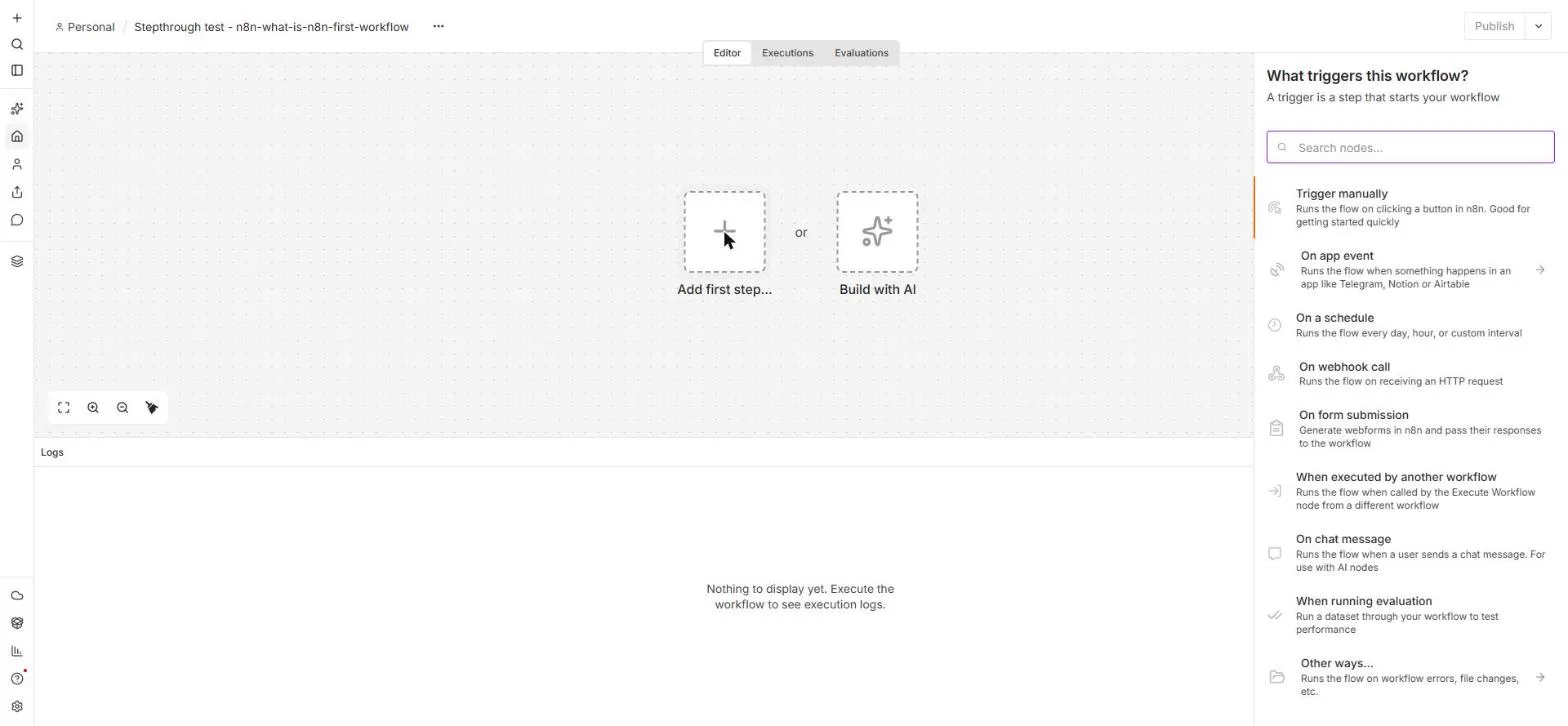 n8n: What Is n8n? Build Your First Workflow
What n8n is and how it thinks, then your first workflow: a client inquiry form that catches every request and writes a one-line summary. No code, no accounts to connect.
Free · Live ~8 min Beginner
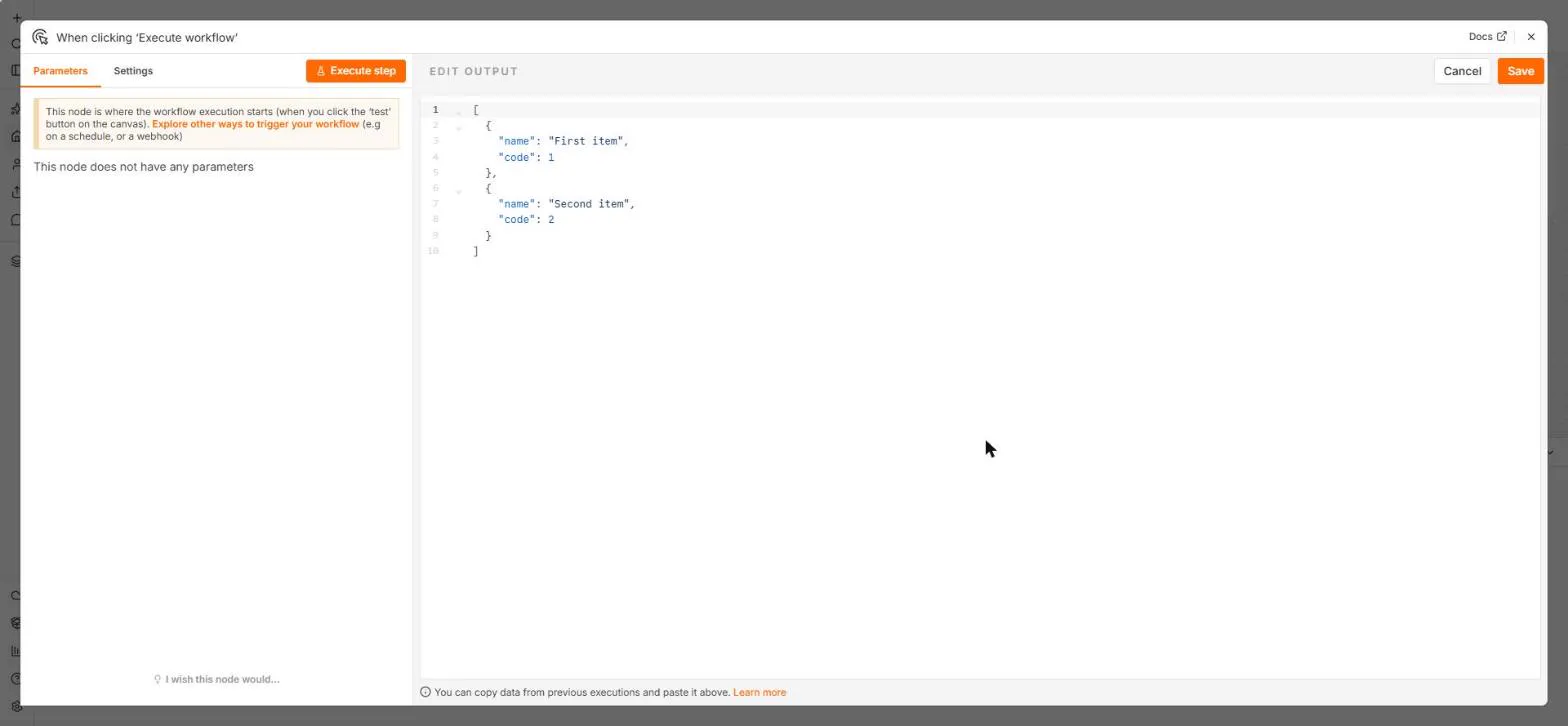 n8n: Items, JSON and Expressions, Explained by Doing
See how n8n holds data: pin five fake invoices, read them as items, Table and JSON, then write one reminder per invoice and a late fee with drag-and-drop expressions.
Free · Live ~9 min Beginner
◷n8n: Execute Step, Execute Workflow and PublishLearn the buttons in today's n8n editor: run one node with Execute step, pin test data, run everything with Execute workflow, then Publish and copy the Production URL.
Free · Live ~6 min Beginner
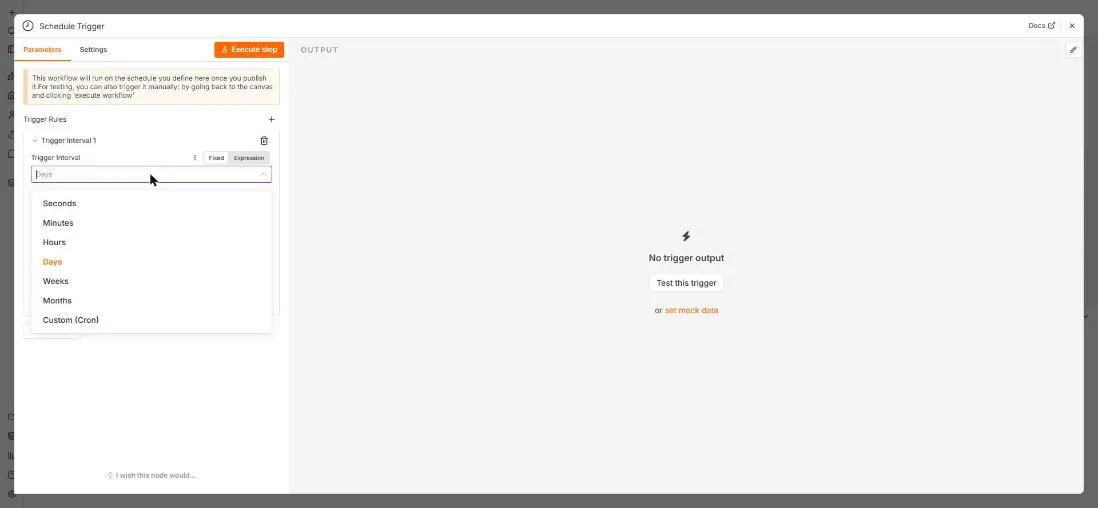 n8n: Run a Workflow on a Schedule (Every Monday at 8am)
Use the n8n Schedule Trigger to run a workflow by itself: every Monday at 8am, a timesheet reminder. Set the interval, test it now, and check the time zone.
Free · Live ~6 min Beginner
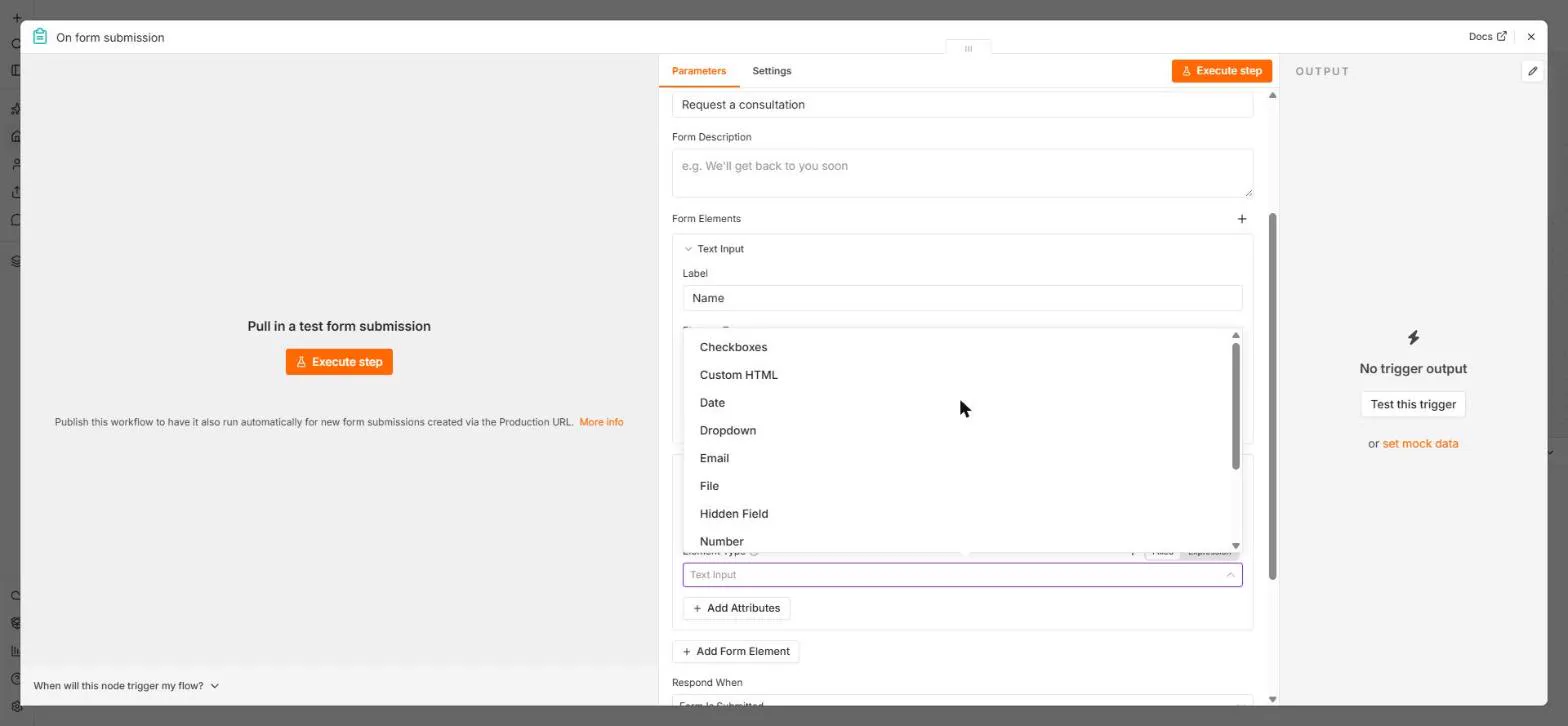 n8n: Send Form Answers Straight to Google Sheets
Build a consultation request form in n8n (required fields, email, dropdown), test it, and add every answer as a new row in Google Sheets. No webhook, no form tool to…
Free · Live ~10 min Beginner
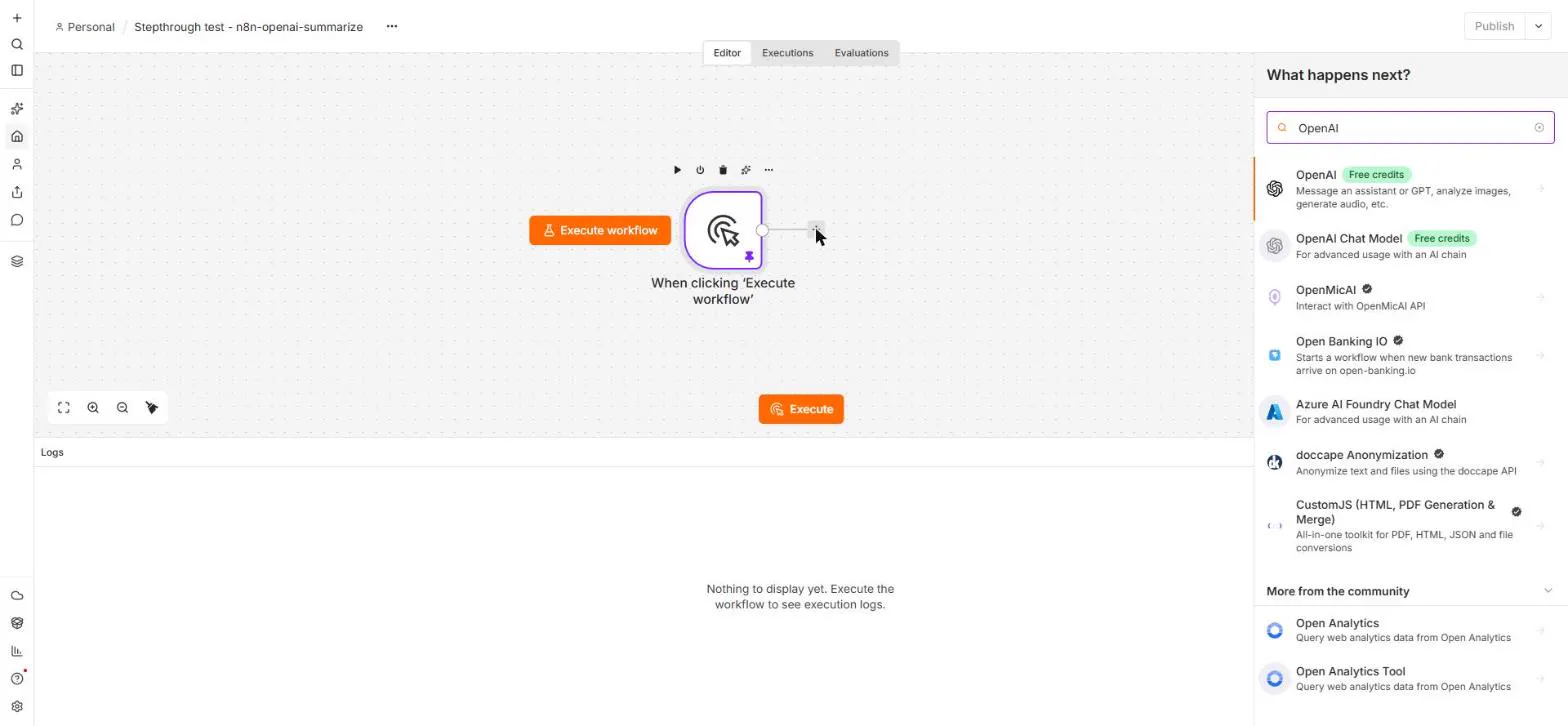 n8n: Summarize Customer Emails with OpenAI
Your first AI step in n8n: send each customer email to OpenAI with one prompt and get a one-line summary plus the next step. No agent needed, about a cent of API use.
Free · Live ~9 min Beginner
Related terms
Plain-English definitions, each with an example from a free lesson.
More cheat sheets
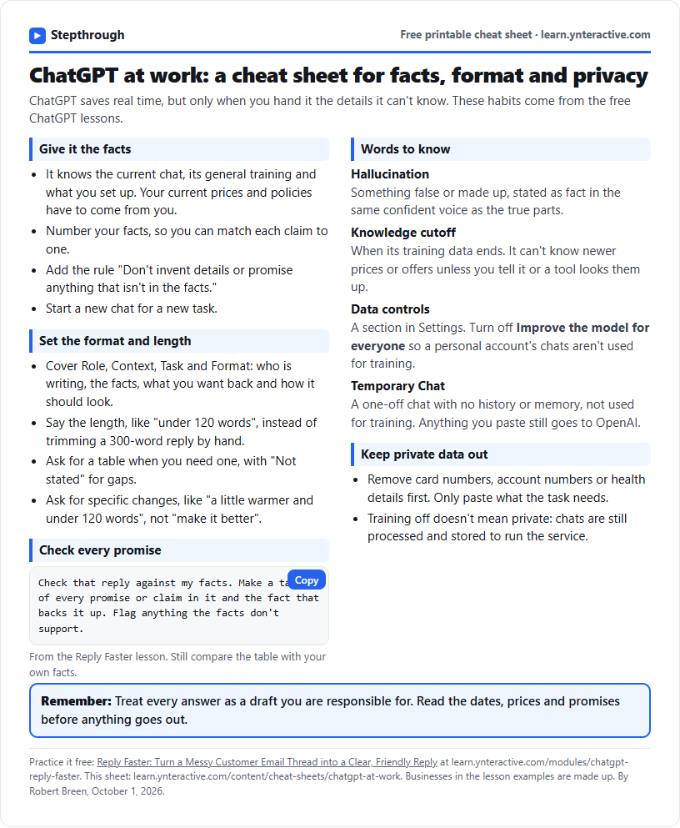 ChatGPT at Work Cheat Sheet: Facts, Format, Privacy
A free one-page cheat sheet for ChatGPT at work: give it facts, set the format and length, check every promise and keep private data out.
Tool cheat sheet Free PDF
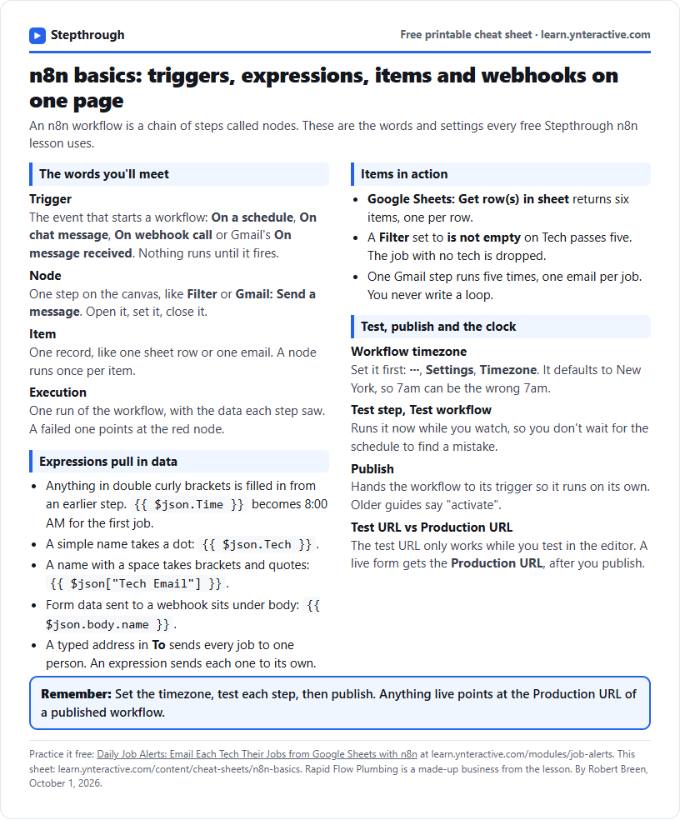 n8n Basics Cheat Sheet: Triggers, Items, Webhooks
A free one-page cheat sheet of n8n basics: triggers, expressions, items, executions, the workflow timezone and webhook test vs production URLs.
Tool cheat sheet Free PDF
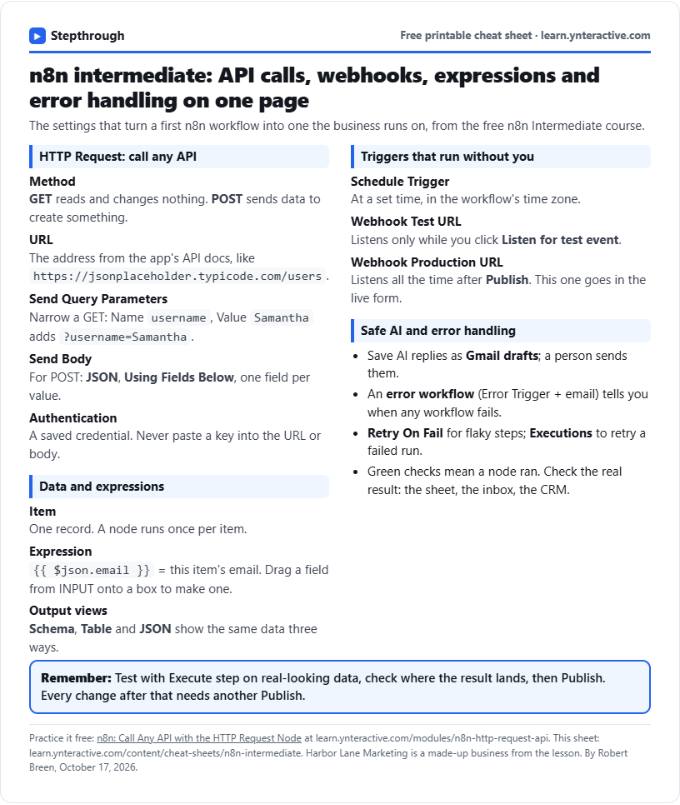 n8n Intermediate Cheat Sheet: APIs, Webhooks, Errors
A free one-page n8n intermediate cheat sheet: HTTP Request settings, GET vs POST, webhook URLs, expressions, items, AI approval and error handling.
Tool cheat sheet Free PDF