Claude's Excel skill: messy export in, clean workbook with formulas out
A free one-page cheat sheet for Claude's Excel skill: upload a messy CSV, get a Data tab, a SUMIFS Summary and a chart, then check what Claude changed.
Claude's Excel skill: messy export in, clean workbook with formulas out
Claude's built-in Excel skill, xlsx, builds real workbooks with working formulas and charts. There's nothing to install. Willow Creek Plant Shop is a made-up business.
Set up and upload
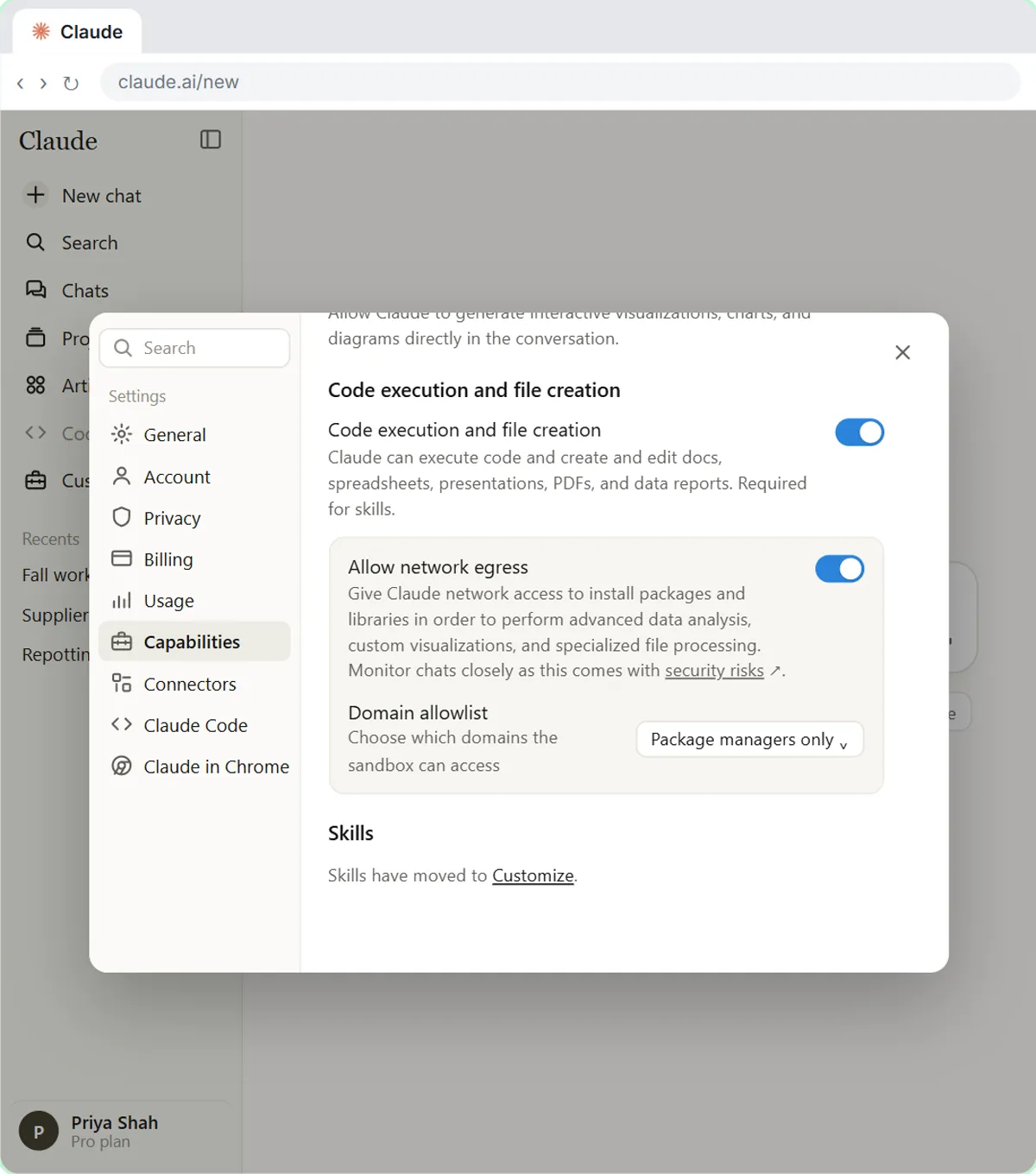
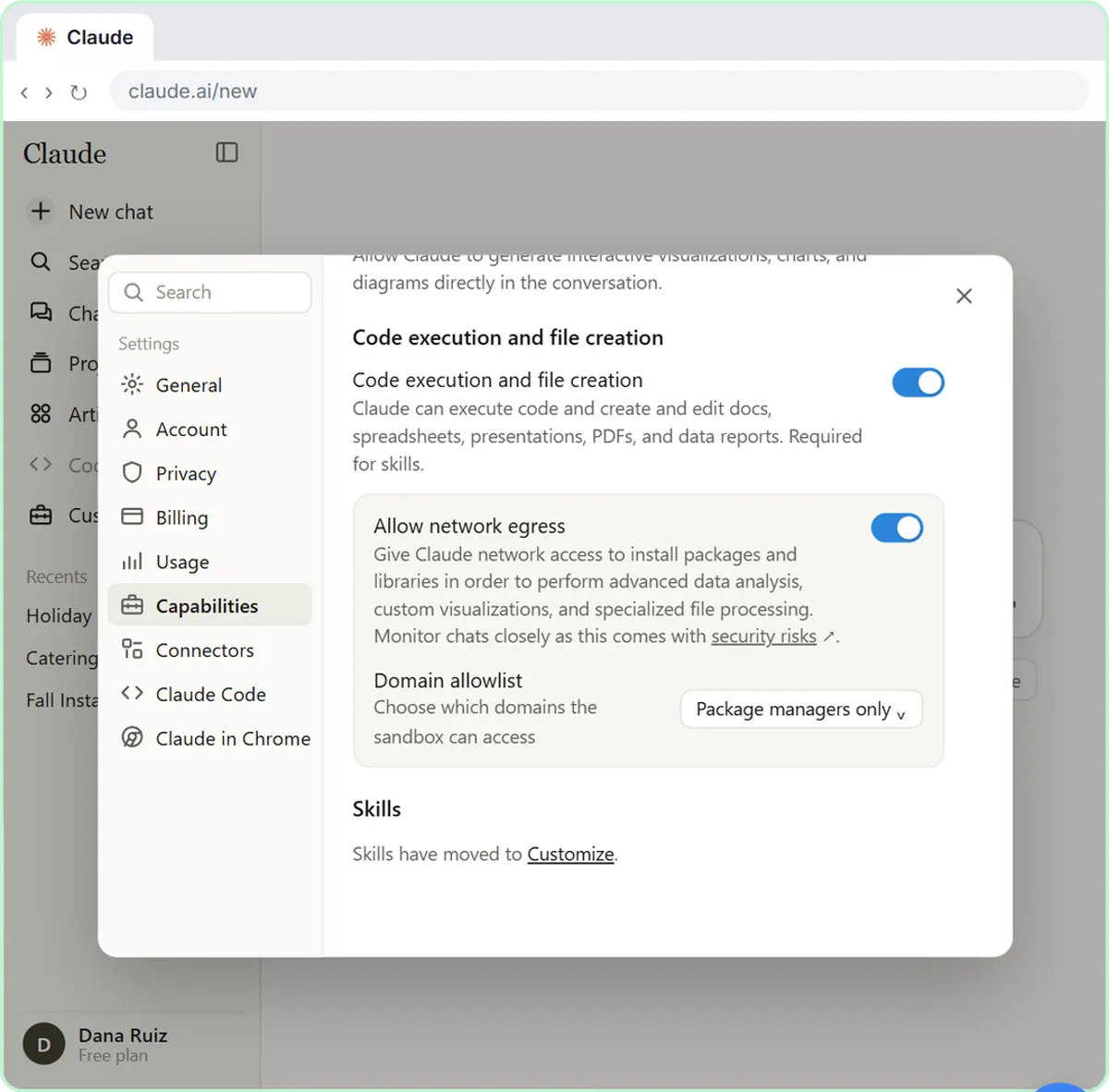
- Account menu, Settings, Capabilities: turn on Code execution and file creation.
- In a new chat, click +, then Upload or add files, and pick your CSV export.
- Paste the request below and send it.
Say exactly what you want
This is our [SYSTEM] export for [PERIOD]. Clean it up and turn it into an Excel workbook with: a Data tab with one clean row per sale (one date format, amounts as numbers, no duplicates or subtotal lines, consistent category names), a Summary tab with total sales by month and category using formulas, and a column chart of monthly sales by category. Tell me what you changed.
Open the line above the reply and look for Loaded skill xlsx.
Read what Claude changed
- The lesson's list: title lines skipped, dates in one format, text amounts made numbers, category spellings merged, 3 subtotal lines and 2 duplicate rows removed.
- Check each duplicate. If one was a real second sale, tell Claude to put it back.
- One more change? Ask in plain words: "Highlight the top category in each month in light green." Claude adds a conditional formatting rule.
Check it in Excel
- Open the download and click Enable Editing in Protected View.
- Click one month's category total, like B4. The formula bar should show =SUMIFS(...), not a typed number.
- Tie one month to the source: the export's July subtotal line was $900.75.
Remember: Ask for formulas, then read what Claude changed and check a few totals against the original before you share the file.
Practice it free: Claude's Excel Skill: Turn a Messy Export into a Clean Workbook at learn.ynteractive.com/modules/claude-skills-excel. This sheet: learn.ynteractive.com/content/cheat-sheets/claude-skills-excel. Willow Creek Plant Shop is a made-up business from the lesson. By Robert Breen, October 20, 2026.
Practice it in the free lesson
Claude's Excel Skill: Turn a Messy Export into a Clean Workbook. Upload a messy sales export to Claude and get back a clean Excel workbook with a Data tab, a Summary tab built with formulas, and a chart, thanks to Claude's built-in Excel skill. You do every step yourself in a practice copy of Claude, it checks your work as you go, and “Do it for me” finishes any step you get stuck on. Free, and nothing touches your real accounts.
Start the free lessonLessons on this sheet
 Claude's Excel Skill: Turn a Messy Export into a Clean Workbook
Upload a messy sales export to Claude and get back a clean Excel workbook with a Data tab, a Summary tab built with formulas, and a chart, thanks to Claude's built-in…
Free · Live ~8 min Intermediate
 What Are Claude Skills? Turn One On and Watch It Work
Learn what a Claude skill is, switch on the setting skills need, turn on an example skill in Customize, and watch Claude use its Excel and Word skills on its own.
Free · Live ~7 min Beginner
Related terms
Plain-English definitions, each with an example from a free lesson.
Related prompts
- Messy export to workbook prompt: A copy-ready prompt that tells Claude exactly how to clean a messy CSV export into an Excel workbook with a data tab, a formula…
- Brand skill brief prompt: A copy-ready prompt that gives Claude your colors, fonts, logo placement and voice so it drafts a brand skill that keeps…
- Repeat report skill interview prompt: A copy-ready prompt that asks Claude to interview you about a report you make every week, then draft it as a reusable skill with…
More cheat sheets
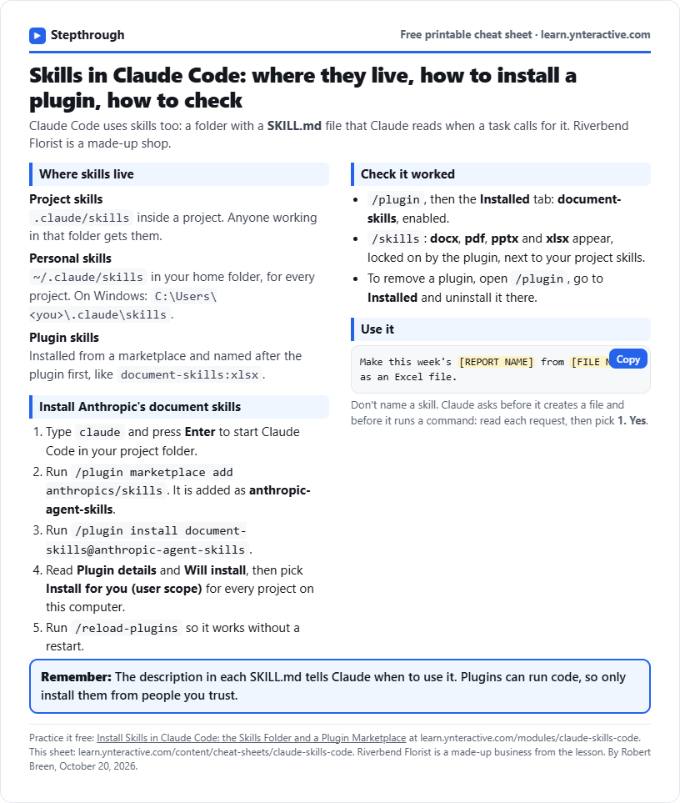 Claude Code Skills Cheat Sheet
A free one-page cheat sheet for skills in Claude Code: read a SKILL.md, find project and personal skills, install document-skills and check it worked.
Lesson cheat sheet Free PDF
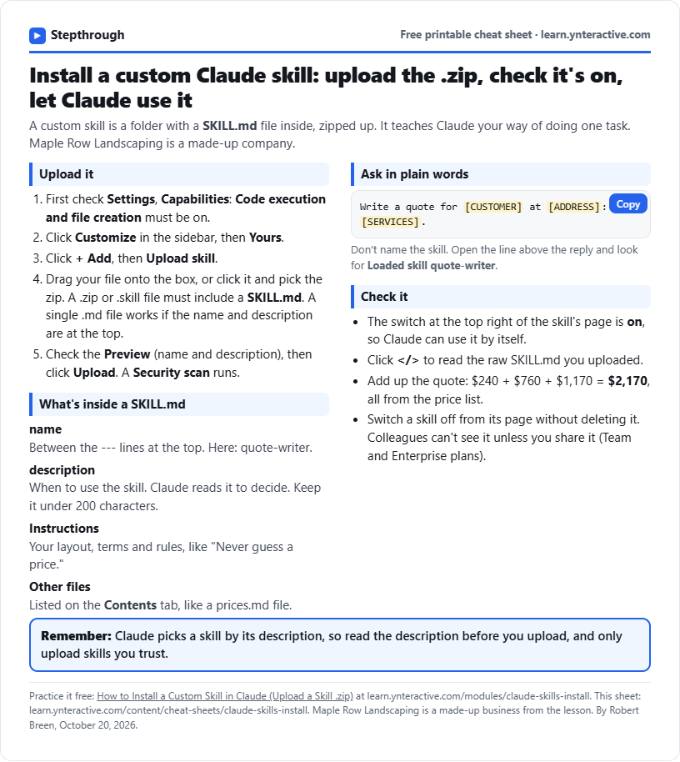 Install a Custom Claude Skill Cheat Sheet
A free one-page cheat sheet for installing a custom Claude skill: upload a .zip with a SKILL.md, check the switch, read the description and test it.
Lesson cheat sheet Free PDF
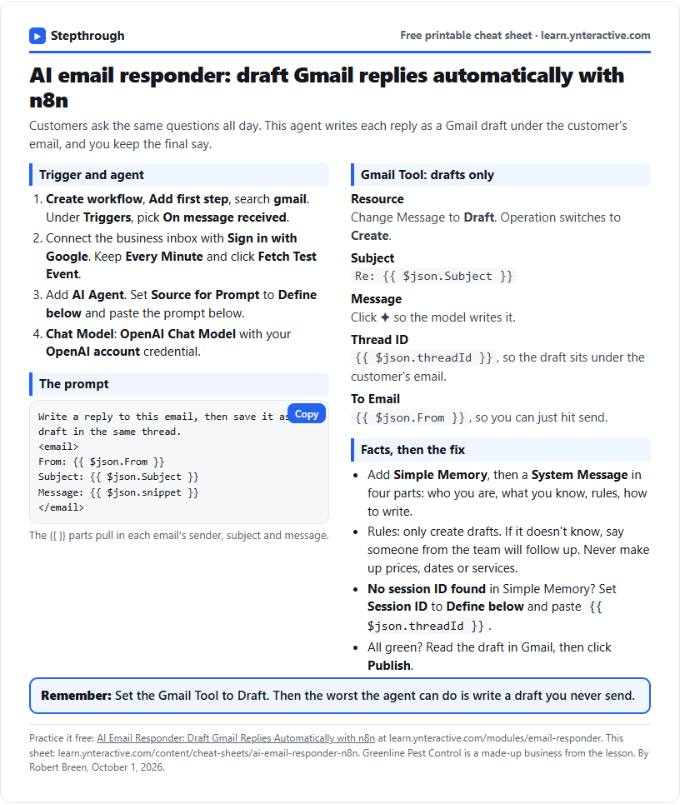 AI Email Responder in n8n Cheat Sheet
A free one-page cheat sheet: n8n watches Gmail, an AI agent reads each customer email and saves a reply as a draft in the same thread.
Lesson cheat sheet Free PDF