Install a custom Claude skill: upload the .zip, check it's on, let Claude use it
A free one-page cheat sheet for installing a custom Claude skill: upload a .zip with a SKILL.md, check the switch, read the description and test it.
Install a custom Claude skill: upload the .zip, check it's on, let Claude use it
A custom skill is a folder with a SKILL.md file inside, zipped up. It teaches Claude your way of doing one task. Maple Row Landscaping is a made-up company.
Upload it
- First check Settings, Capabilities: Code execution and file creation must be on.
- Click Customize in the sidebar, then Yours.
- Click + Add, then Upload skill.
- Drag your file onto the box, or click it and pick the zip. A .zip or .skill file must include a SKILL.md. A single .md file works if the name and description are at the top.
- Check the Preview (name and description), then click Upload. A Security scan runs.
What's inside a SKILL.md
- name
- Between the --- lines at the top. Here: quote-writer.
- description
- When to use the skill. Claude reads it to decide. Keep it under 200 characters.
- Instructions
- Your layout, terms and rules, like "Never guess a price."
- Other files
- Listed on the Contents tab, like a prices.md file.
Ask in plain words
Write a quote for [CUSTOMER] at [ADDRESS]: [SERVICES].
Don't name the skill. Open the line above the reply and look for Loaded skill quote-writer.
Check it
- The switch at the top right of the skill's page is on, so Claude can use it by itself.
- Click </> to read the raw SKILL.md you uploaded.
- Add up the quote: $240 + $760 + $1,170 = $2,170, all from the price list.
- Switch a skill off from its page without deleting it. Colleagues can't see it unless you share it (Team and Enterprise plans).
Remember: Claude picks a skill by its description, so read the description before you upload, and only upload skills you trust.
Practice it free: How to Install a Custom Skill in Claude (Upload a Skill .zip) at learn.ynteractive.com/modules/claude-skills-install. This sheet: learn.ynteractive.com/content/cheat-sheets/claude-skills-install. Maple Row Landscaping is a made-up business from the lesson. By Robert Breen, October 20, 2026.
Practice it in the free lesson
How to Install a Custom Skill in Claude (Upload a Skill .zip). Upload your own skill to Claude as a .zip, check that it’s switched on, see what’s inside its SKILL.md, and watch Claude use it to write a landscaping quote your way. You do every step yourself in a practice copy of Claude, it checks your work as you go, and “Do it for me” finishes any step you get stuck on. Free, and nothing touches your real accounts.
Start the free lessonLessons on this sheet
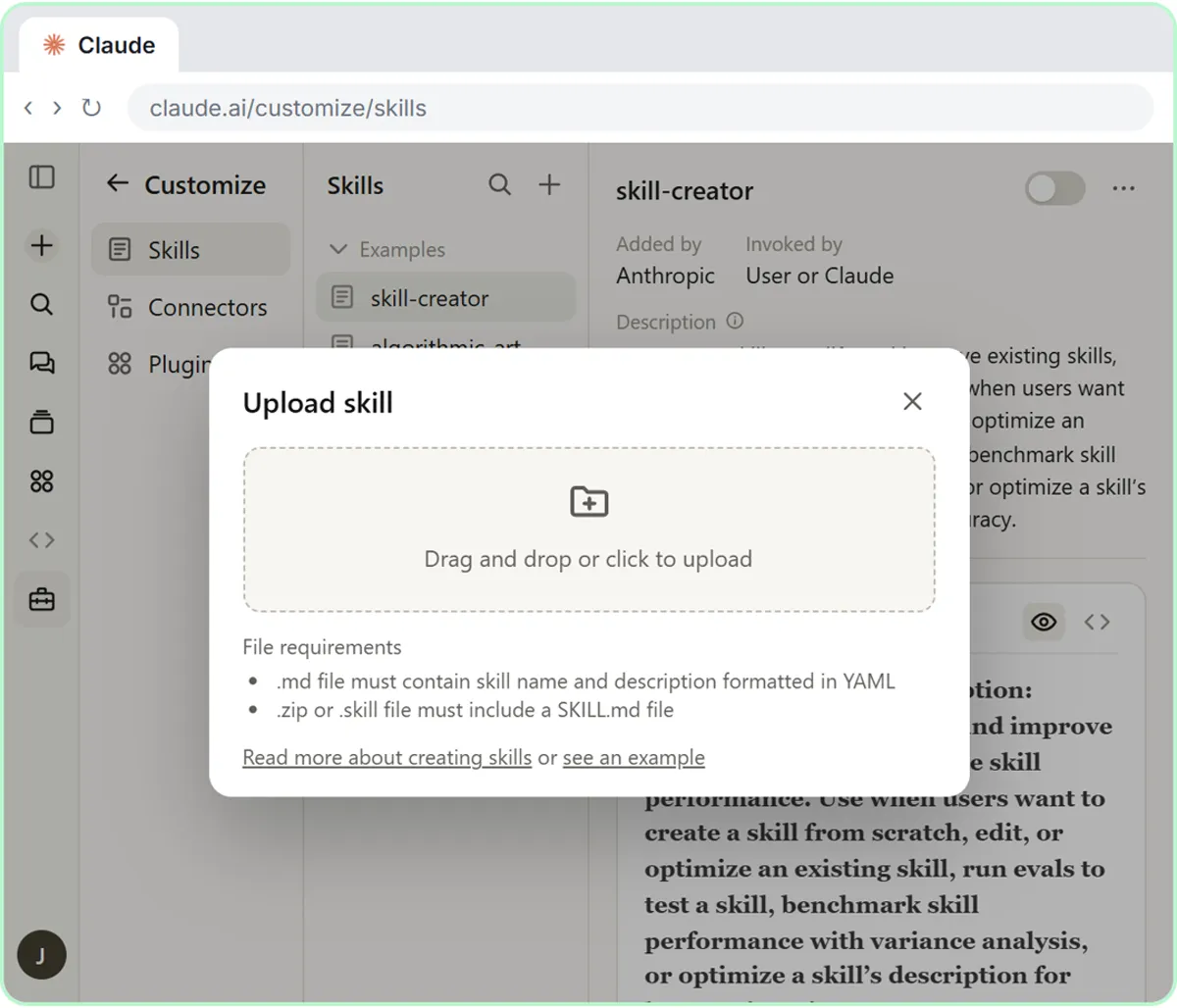 How to Install a Custom Skill in Claude (Upload a Skill .zip)
Upload your own skill to Claude as a .zip, check that it’s switched on, see what’s inside its SKILL.md, and watch Claude use it to write a landscaping quote your way.
Free · Live ~6 min Beginner
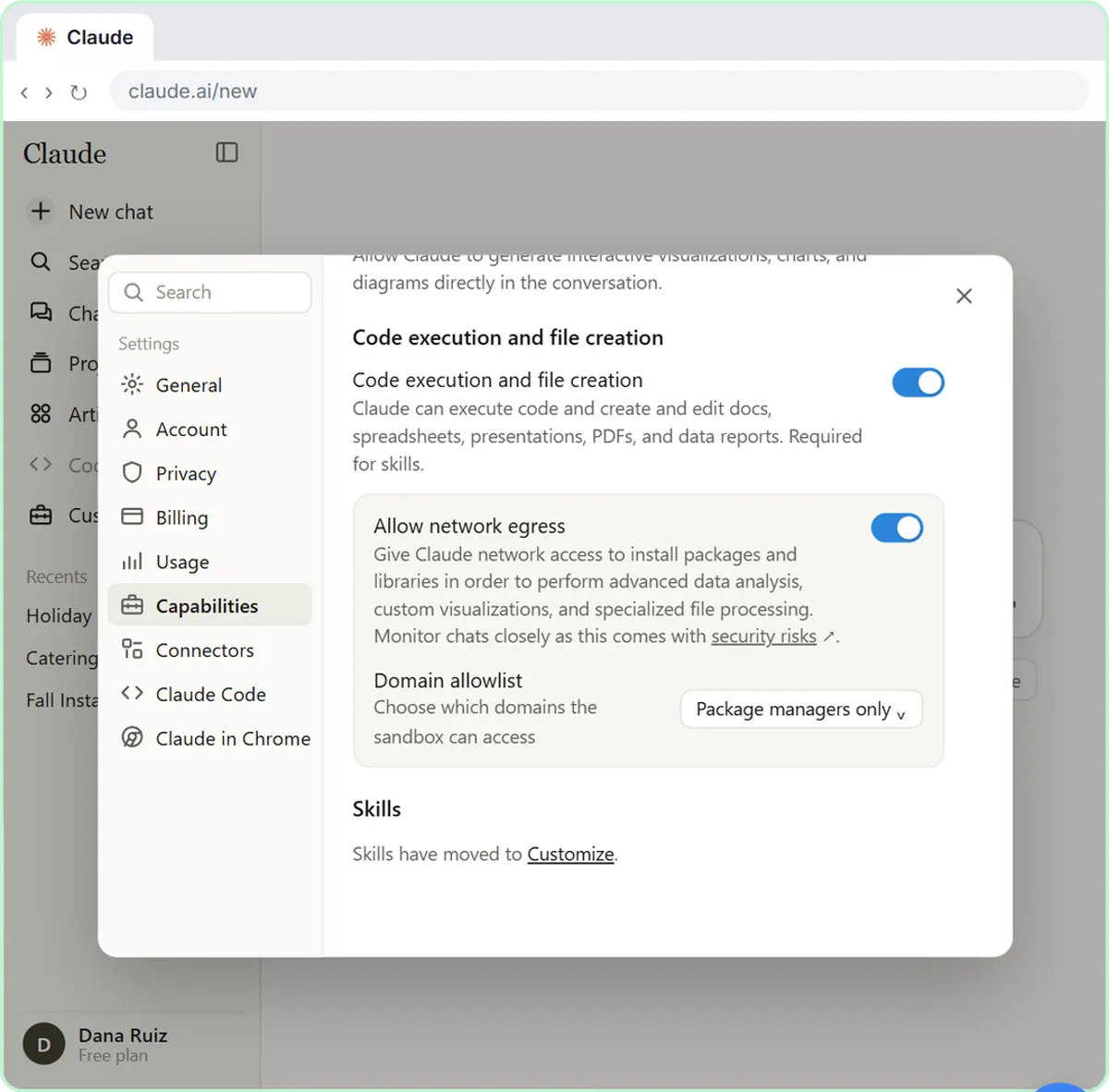 What Are Claude Skills? Turn One On and Watch It Work
Learn what a Claude skill is, switch on the setting skills need, turn on an example skill in Customize, and watch Claude use its Excel and Word skills on its own.
Free · Live ~7 min Beginner
Related terms
Plain-English definitions, each with an example from a free lesson.
Related prompts
- Brand skill brief prompt: A copy-ready prompt that gives Claude your colors, fonts, logo placement and voice so it drafts a brand skill that keeps…
- Repeat report skill interview prompt: A copy-ready prompt that asks Claude to interview you about a report you make every week, then draft it as a reusable skill with…
More cheat sheets
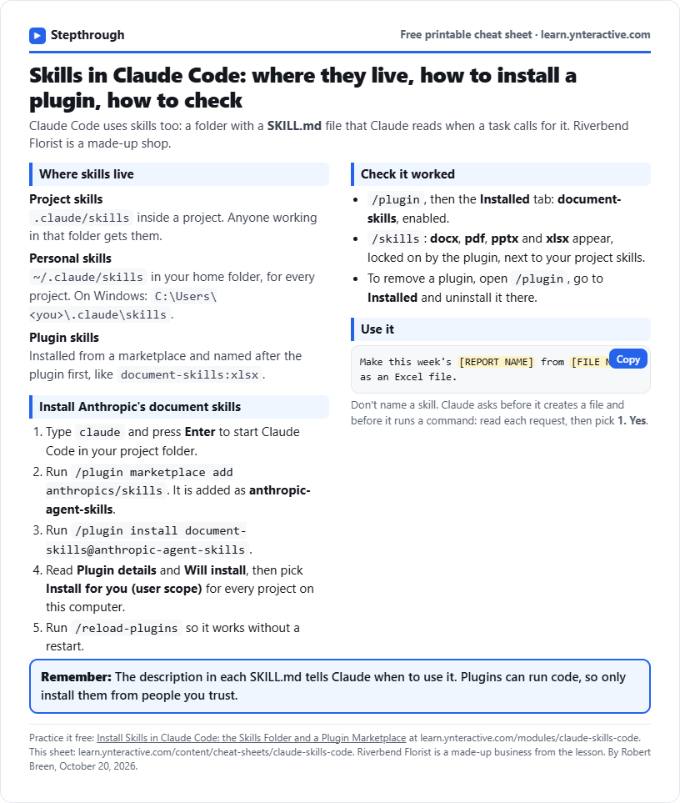 Claude Code Skills Cheat Sheet
A free one-page cheat sheet for skills in Claude Code: read a SKILL.md, find project and personal skills, install document-skills and check it worked.
Lesson cheat sheet Free PDF
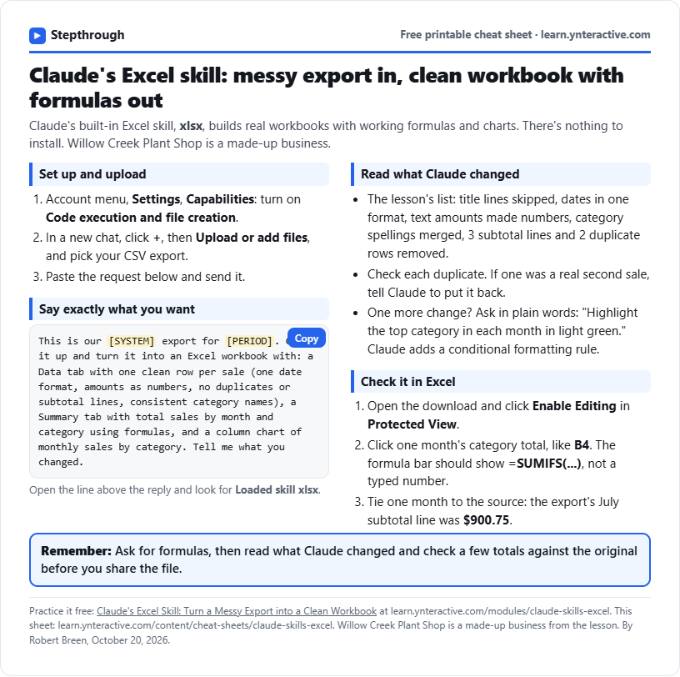 Claude Excel Skill Cheat Sheet
A free one-page cheat sheet for Claude's Excel skill: upload a messy CSV, get a Data tab, a SUMIFS Summary and a chart, then check what Claude changed.
Lesson cheat sheet Free PDF
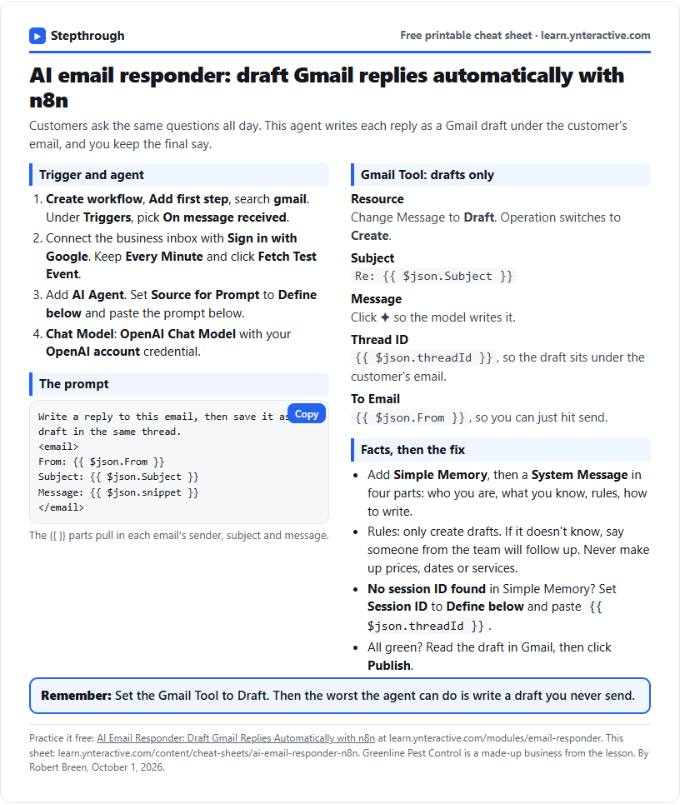 AI Email Responder in n8n Cheat Sheet
A free one-page cheat sheet: n8n watches Gmail, an AI agent reads each customer email and saves a reply as a draft in the same thread.
Lesson cheat sheet Free PDF