Claude Research: ask a cited question, read the report, check a source
A free one-page Claude Research cheat sheet: turn Research on, write a request that gets a source for every claim, check citations and follow up.
Claude Research: ask a cited question, read the report, check a source
Research is Claude's mode for big questions: it runs many searches, reads the pages and writes a report with a source for every claim. Bright Path Landscaping and its competitors are made up.
Turn it on
- Click + at the bottom left of the message box, then Research.
- A blue magnifier lights up next to the + while it's on.
- Paid plans only (Pro, Max, Team, Enterprise). It takes a few minutes and uses your limits faster.
Ask a checkable question
Research [TYPE OF BUSINESS] that serve [AREA]. For each, find published prices for [SERVICES]. Table with a source link for every price. Say when a price is missing, old, or not from the company itself. Then compare with ours: [YOUR PRICES].
Where to look, what to find, how to lay it out, what to compare with.
Read the report
- Progress card
- Shows the steps and how many sources Claude has looked at.
- Research complete
- Lists the sources it used.
- Citation
- A small tag on each claim. Click it to preview the page, then open it.
- Notes
- The gaps: a price from a review, a quote-only company, lawn sizes that differ.
Check, then follow up
- Open the source for anything you'll act on, and read the small print. In the lesson, one price list was from March 2024 and the report didn't say so.
- Turn Research off for quick follow-ups (click the magnifier if it's still lit).
- Follow up: "Mark that row as out of date. Then give me 3 talking points. Don't suggest changing our prices yet."
Remember: A citation shows where Claude looked. Open the source before you act on the number.
Practice it free: Claude Research: Get a Cited Competitor Price Scan, Then Check It at learn.ynteractive.com/modules/claude-research. This sheet: learn.ynteractive.com/content/cheat-sheets/claude-research. Bright Path Landscaping is a made-up business from the lesson. By Robert Breen, October 20, 2026.
Practice it in the free lesson
Claude Research: Get a Cited Competitor Price Scan, Then Check It. Turn on Research, have Claude check what nearby competitors charge, read the cited report, check a source and ask a follow-up. You do every step yourself in a practice copy of Claude, it checks your work as you go, and “Do it for me” finishes any step you get stuck on. Free, and nothing touches your real accounts.
Start the free lessonLessons on this sheet
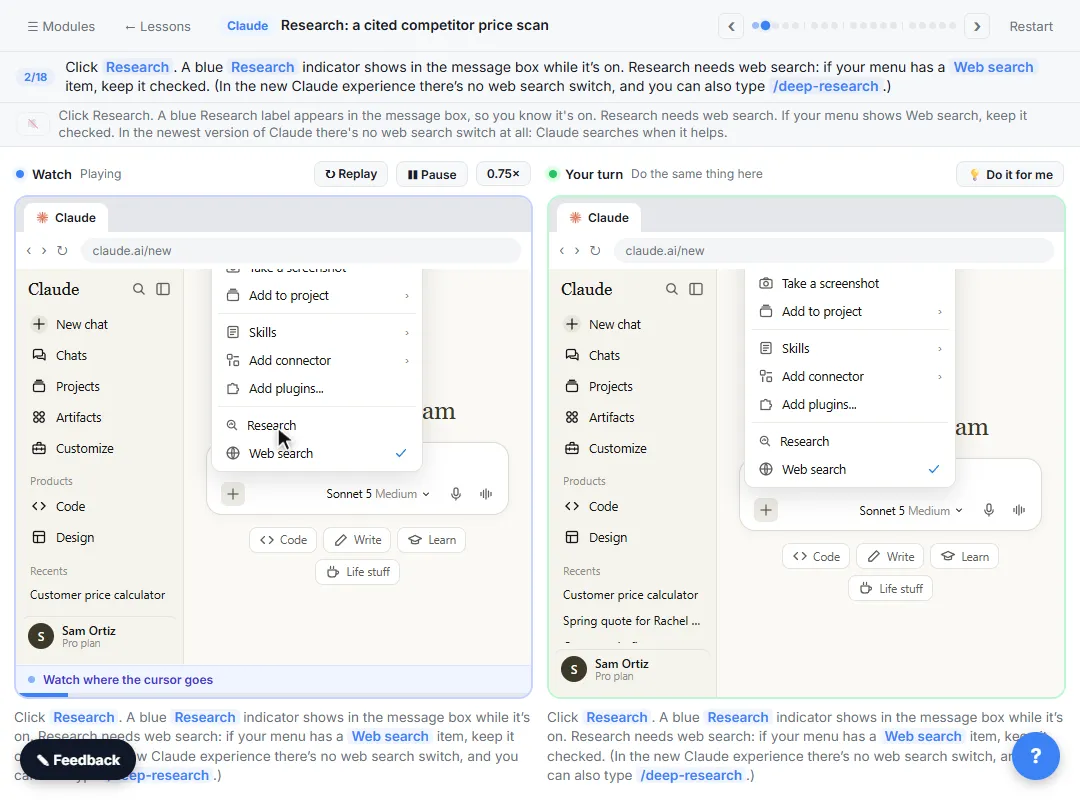 Claude Research: Get a Cited Competitor Price Scan, Then Check It
Turn on Research, have Claude check what nearby competitors charge, read the cited report, check a source and ask a follow-up.
Free · Live ~7 min Beginner
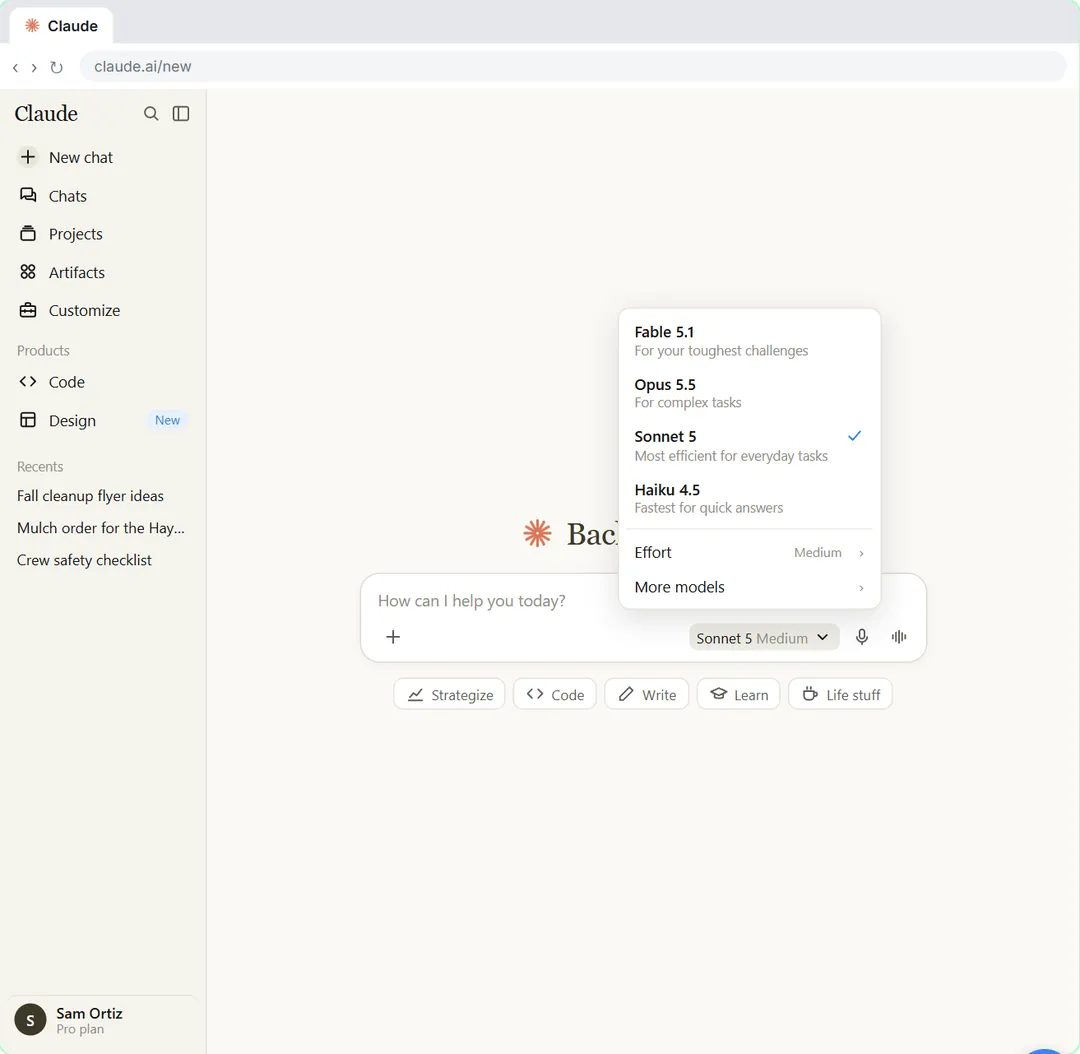 Your First Chat with Claude: Models, Files and a Great First Prompt
Pick a model, attach a customer's complaint email with the + menu, write a four-part prompt, read Claude's reply, ask a follow-up, then pin and rename the chat.
Free · Live ~7 min Beginner
Related terms
Plain-English definitions, each with an example from a free lesson.
Related prompts
- Cited competitor price scan prompt: A copy-ready Claude Research prompt that compares nearby competitors' published prices in a table, with a source for every…
- Complaint reply four-part prompt: A four-part prompt for your first AI chat: a role, the context, the task and the format, to reply to an unhappy customer and…
More cheat sheets
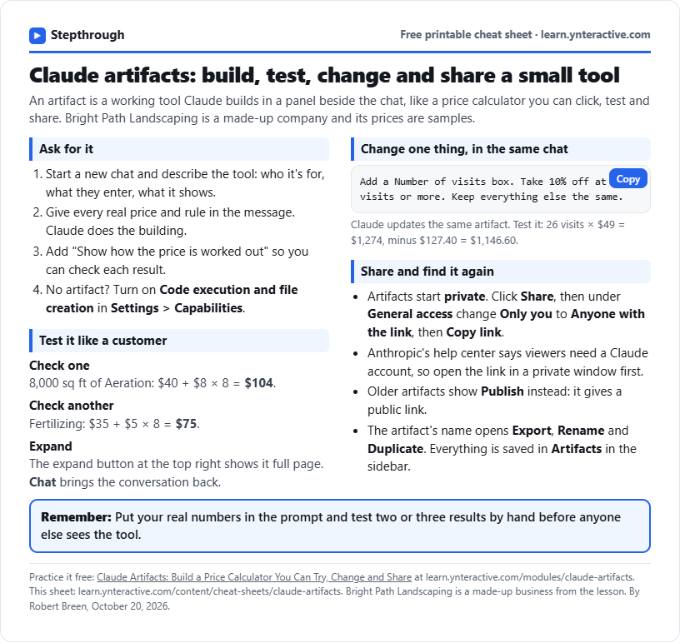 Claude Artifacts Cheat Sheet
A free one-page Claude artifacts cheat sheet: how to ask for a working tool, check the math, change it in the same chat and share it with a link.
Lesson cheat sheet Free PDF
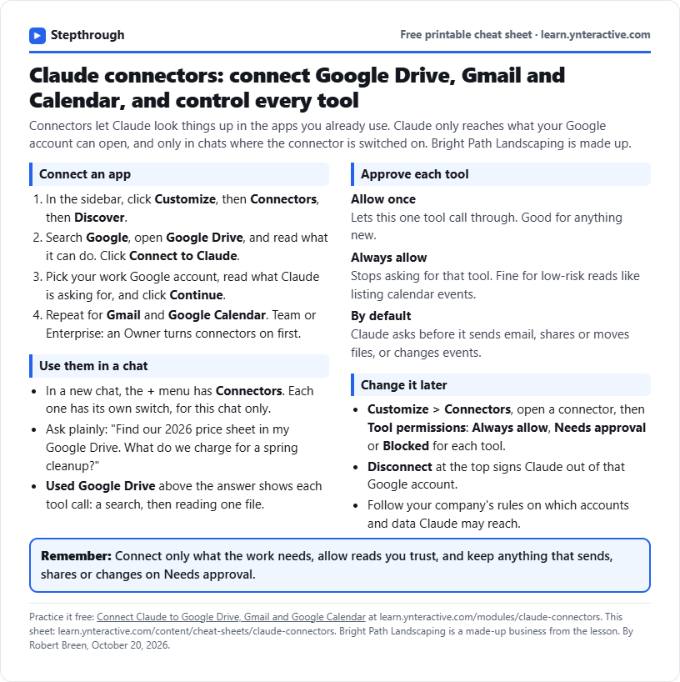 Claude Connectors Cheat Sheet: Drive, Gmail, Calendar
A free one-page Claude connectors cheat sheet: connect Google Drive, Gmail and Calendar, approve tools in a chat, and set or remove permissions later.
Lesson cheat sheet Free PDF
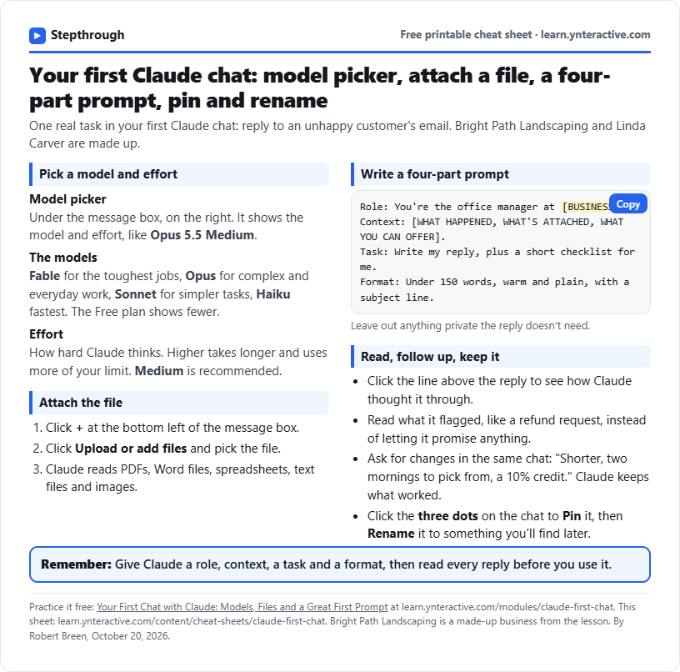 Claude First Chat Cheat Sheet: Models, Files, Prompts
A free one-page cheat sheet for your first Claude chat: the model picker and effort, attaching a file, a four-part prompt, follow-ups, pin and rename.
Lesson cheat sheet Free PDF