Updated . Built from ChatLLM’s official docs and help center. Screens may differ slightly in your account. How we check this lesson
Property managers answer the same policy questions every week, and the answer is usually buried in a long PDF. ChatLLM by Abacus.AI is one AI assistant with 100+ models, including GPT-6.2, Sonnet 5.5, Opus 5.5, Fable 5.2, Gemini 4 Carbon and Grok 4.7, plus document analysis. In this free starter lesson, built from ChatLLM's public pages, the leasing coordinator at a made-up property management company uploads the pet policy, asks a tenant's question, runs it on a second model to compare, checks the answer against the document and sends a professional reply. 9 steps, about seven minutes, no account needed to practice.
At a glance
| Question | Answer |
|---|---|
| What you build | Tenants ask the same policy questions every week, and the answer is buried in a PDF. Upload the policy to ChatLLM by Abacus.AI, ask the question, run it on a second model to compare, check it against the document and send a clear, professional reply, all from ChatLLM's own pages. |
| Tools | ChatLLM |
| Time | About 7 minutes, 9 steps in 3 parts |
| Level | Beginner, no coding needed |
| Cost | Free |
| Ways to learn it | Practice it step by step |
The 3 parts, in short
- Ask the policy: Pick a model, Attach the pet policy, Ask the tenant's question, Send it.
- Compare and check: Run it on a second model, Check both against the PDF.
- Reply to the tenant: Ask for the reply, Describe the reply, Give it a professional tone.
Start here first: How to Make ChatGPT Sound More Human: Listing Descriptions in Your Own Voice (module 1 of AI Automation for Real Estate)
The business case: policy answers without the reading
Picture Rosa, leasing coordinator at Harborview Property Management, a made-up company that manages 600 apartments. A tenant emails to ask whether she can get a second cat and what it would cost. The answer is spread across four sections of a 14-page pet policy.
With ChatLLM she attaches the policy, asks the question and gets the rules, fees and forms with section numbers in a minute. Because ChatLLM includes many models, she runs the same question on a second one, and it catches a detail the first left out. She checks the sections herself, then has ChatLLM draft the reply.
Who this is for, and what you need
Leasing coordinators, property managers and office staff who answer questions from policies, leases or handbooks. The same steps work for an employee handbook, a vendor contract or an insurance policy. The practice runs in your browser with no account. To do it for real you need a ChatLLM subscription and the document you want to ask about.
Why compare two models
Different models read the same document differently: one is shorter and clearer, another picks up an extra condition. Running the question twice costs a few seconds and shows where they disagree. It is not a fact-check. Asking for section numbers and reading those sections yourself is what makes the answer safe to send.
What the pages say about cost, limits and data
ChatLLM costs $10 per user a month, with the first month shown at $7, and there is no limit on how many team members you invite. Abacus.AI says usage limits are generous for normal messages, but large attachments can trigger rate limits, and then ChatLLM switches you to a different model. It says it does not use your data for training, encrypts it at all times and holds SOC-2 Type-2 and HIPAA compliance. Besides chat and documents, the plan includes data analysis of CSV and Excel files, image generation, web search, custom instructions, AI agents and integrations with Slack, Teams, Google Drive and others.
What this saves you
- Reading a long policy end to end for every tenant question.
- Paying for several AI subscriptions to compare models.
- What it does not do: it does not guarantee the answer. Check every figure against the document before you send it.
How this lesson was built
This is a starter lesson based on Abacus.AI's public ChatLLM pages (the home page and the FAQ), read on 20 November 2026. The practice screen is a plain frame; it is not a copy of ChatLLM's own screens, and the lesson was not run in the live app. The company, tenant, policy and fees are practice values.
Links
- ChatLLM by Abacus.AI: the assistant, the model list and the plan.
- ChatLLM FAQ: every feature, usage limits, data protection and pricing.
- ChatLLM in the AI tools directory: our directory listing.
Try it yourself, free
Reading the steps is a start. Doing them is how it sticks. The interactive module walks you through every click in a practice copy of ChatLLM, checks each step, and never touches your real accounts.
Start “ChatLLM: Answer a Tenant's Question From the Policy PDF and Compare Two AI Models”Step by step: ChatLLM: Answer a Tenant's Question From the Policy PDF and Compare Two AI Models
All 9 steps of the interactive module, in order. In the module you watch each one, then do it yourself in a practice copy that checks your work.
1. Ask the policy
- Pick a model. You are Rosa at Harborview Property Management, a made-up company. A tenant asks if she can get a second cat and what it costs. ChatLLM gives you 100+ models in one place. Choose Sonnet 5.5 for the first answer.
You manage apartments. Pick a model to start.
- Attach the pet policy. Click Attach file and add the pet policy PDF. ChatLLM's document analysis works on PDFs, Word, PowerPoint and images.
Attach the pet policy PDF.
- Ask the tenant's question. Ask the question the way the tenant asked it, and ask for the section numbers so you can check the answer.
Ask the tenant's question and ask for the section numbers.
Using only this pet policy: can a tenant who already has one cat get a second cat? List every fee and every form she needs, with the section number for each.
- Send it. Click Send and read the answer.
Send it and read the answer.
2. Compare and check
- Run it on a second model. Click Switch to GPT-6.2 Sol and ask again to get the same answer from a different model. Here the second model catches a detail the first left out: the pet must be registered before it moves in.
Run the same question on a second model.
- Check both against the PDF. Open the PDF at sections 3.1, 4.2, 4.3 and 5.2 and confirm the numbers. Turn on the check when they match.
Check both answers against the PDF.
3. Reply to the tenant
- Ask for the reply. Click Draft the tenant reply, then tell ChatLLM what the reply should say.
Ask for the reply to the tenant.
- Describe the reply. Type what the reply needs and send it, then read the draft ChatLLM writes.
Describe the reply, send it and read the draft.
Write a short reply to the tenant, Mei, from Rosa: yes to a second cat, the $300 refundable deposit and $35 monthly pet rent, the Pet Addendum, proof of vaccinations, and that the cat must be registered before it moves in.
- Give it a professional tone. ChatLLM can humanize a response in a Professional, Humorous or Caring tone. Choose Professional, then click Humanize. This lesson was built from ChatLLM's public pages, not run in the live app: start at chatllm.abacus.ai.
Frequently asked questions
- What is ChatLLM?
- An AI assistant from Abacus.AI that puts 100+ AI models in one place, including GPT-6.2 Astra and Sol, Sonnet 5.5, Opus 5.5, Fable 5.2, Gemini 4 Carbon and Grok 4.7, with document analysis, data analysis, image generation, web search and AI agents.
- Can ChatLLM read a PDF?
- Yes. Its document analysis can analyze, summarize and discuss uploaded PDFs, Word files, PowerPoint decks and images.
- How much does ChatLLM cost?
- $10 per user a month, with the first month shown at $7. There is no limit on team members; each is billed at $10 a month.
- Does Abacus.AI train on my documents?
- Abacus.AI says it does not use your data for training, keeps it encrypted and holds SOC-2 Type-2 and HIPAA compliance.
- Why run the same question on two models?
- To see where they disagree. One may catch a condition the other missed. It is not a fact-check, so read the cited sections yourself.
- Was this lesson tested in the live app?
- No. It is a free starter lesson built from ChatLLM's public pages. The practice frame is generic; check the labels on your own screen.
More in AI Automation for Real Estate
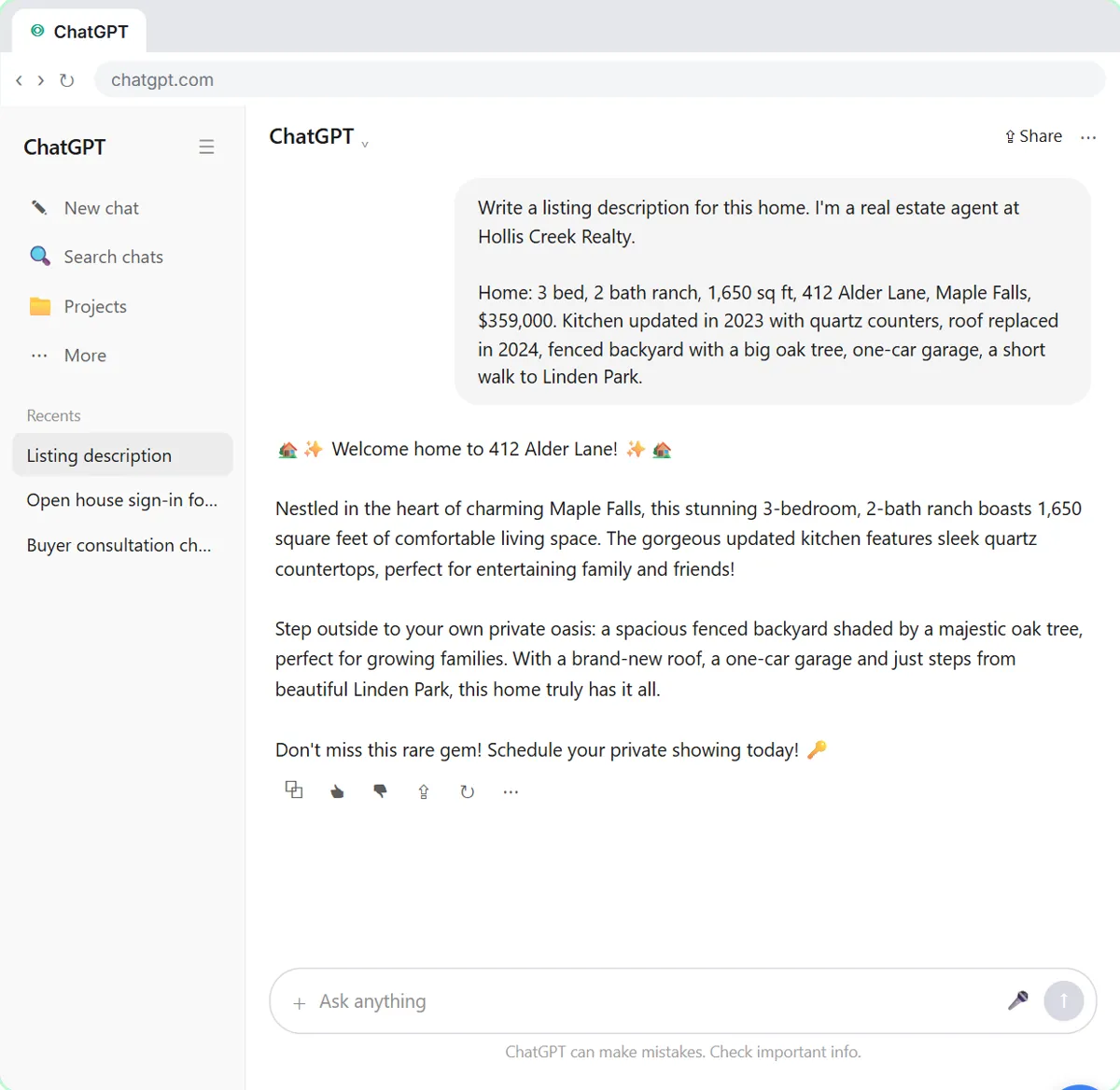 How to Make ChatGPT Sound More Human: Listing Descriptions in Your Own Voice
Paste three of your own past listing descriptions into ChatGPT and get new listings and just-listed posts that sound like you, with only the facts of the new home.
Free · Live ~7 min Beginner
◷Answer Anxious Buyers Without Overpromising using ChatGPTA buyer under contract wants to know about the roof, the closing date and his rate. Give ChatGPT the thread and the deal facts, catch the promises only the seller or…
Free · Live ~9 min Beginner
◷Turn Every Buyer Consultation into a Written Search Plan using ChatGPTTurn a buyer consultation transcript into the buyers' criteria, the next steps with owners and dates, notes for your CRM and a same-day follow-up, with nothing in…
Free · Live ~7 min Beginner
◷Build an n8n AI Agent That Turns Showing Feedback into a Seller UpdateBuild an AI agent in n8n for Meridian Realty Group that turns buyer agents’ showing feedback into one row per showing in Google Sheets, with interest, price feedback…
Free · Live ~12 min Intermediate
◷Moxion: Turn Listing Photos Into a Just Listed GIF in MinutesA new listing needs something that moves in the email and the social post, and waiting on a designer costs a day of showings. Turn six listing photos into one looping…
Free · Live ~6 min Beginner
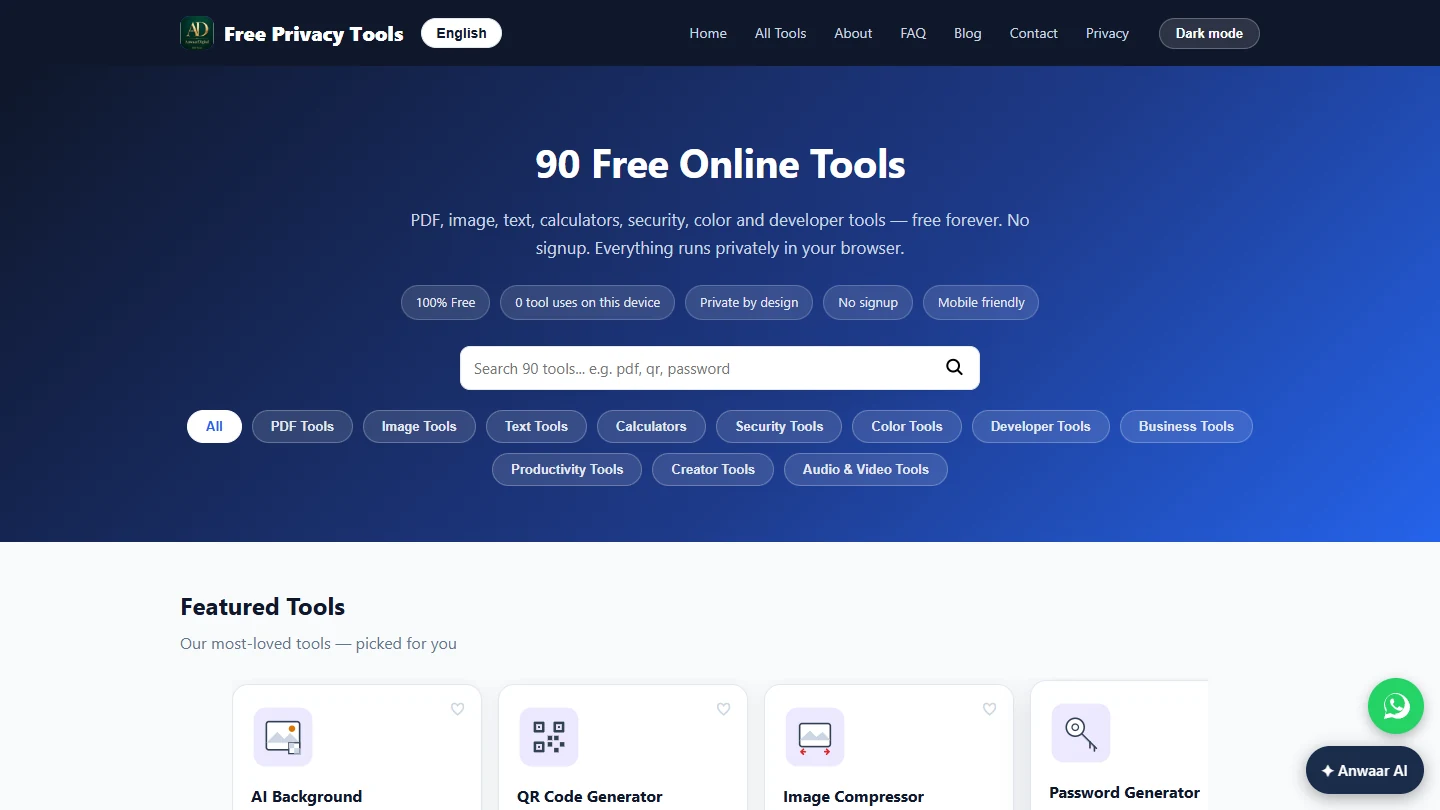 Anwaar Digital: Pull the Signature Pages Out of a 12-Page Lease for Real Estate
Send a new tenant only the three pages they must sign, and put the rent, deposit and notice terms in the email, with PDF Splitter and PDF to Text. Free, no sign-up…
Free · Live ~5 min Beginner
All 8 modules in AI Automation for Real Estate
Same business, other tools
Harborview Property Management shows up in these modules too, built with different tools.
Terms in this lesson
Plain-English definitions, each with an example from a free lesson.