To automate email replies with AI safely, start by drafting replies in ChatGPT with a numbered facts list and a promise check, then build an n8n agent that writes replies as Gmail drafts automatically. This guide is for anyone who spends hours a day answering email. Step 1 is the free Reply Faster lesson, and step 2 is the free AI Email Responder lesson.
Both lessons belong to Email on Autopilot, a free learning path. AI can take much of the writing off your plate, but none of the responsibility, so a person reads every reply in both steps.
Why start with ChatGPT before automating?
Start with ChatGPT because an automated responder is only as good as the facts you give it and your habit of checking what it wrote. Both are easier to learn by hand. If you can't get a good reply out of ChatGPT manually, an automation just produces bad replies faster.
What do you learn in step 1?
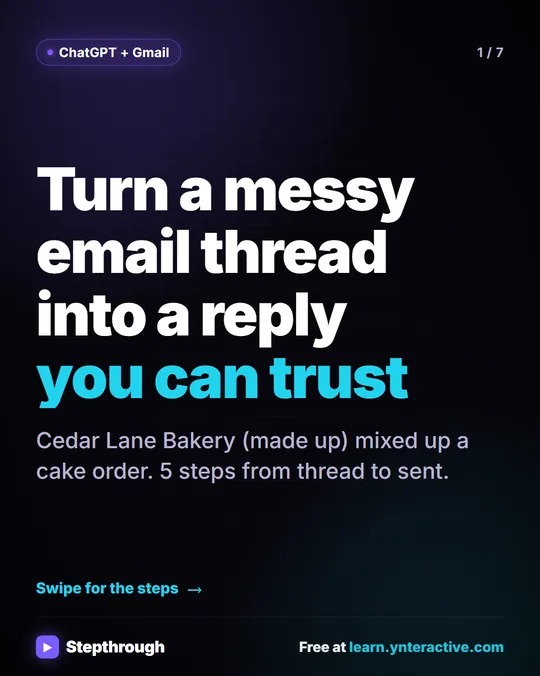
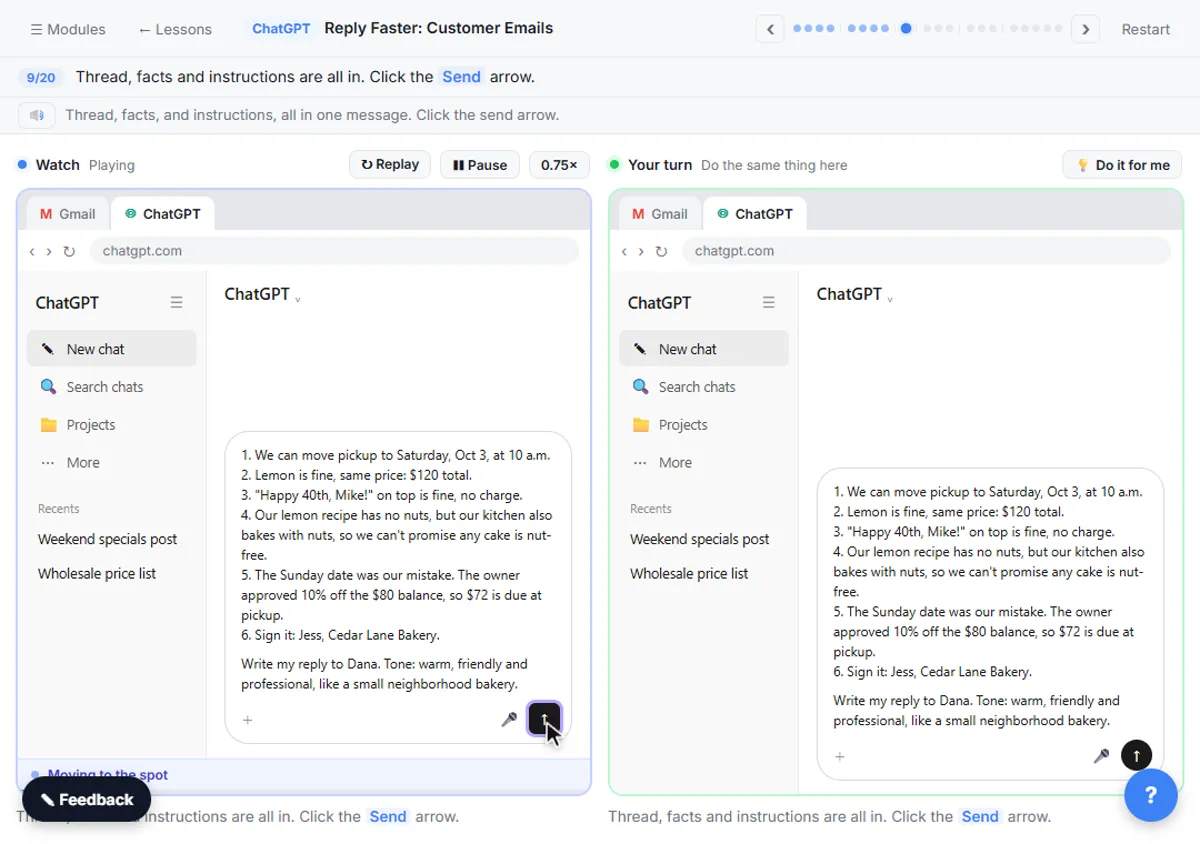
Step 1 teaches you to paste a customer thread into ChatGPT with a numbered list of facts, get a draft, and have ChatGPT check every promise before you send. The Reply Faster lesson uses a made-up bakery, Cedar Lane Bakery: a birthday cake was confirmed for the wrong day, the customer switched flavors, and a nut allergy question went unanswered.
You give ChatGPT three things in one message:
- The thread, oldest message first, with anything private left out.
- A numbered list of facts you can promise: the corrected pickup time, the price, the honest allergy answer and the approved discount.
- What a good reply looks like: warm and professional, one apology, all three questions answered, under 150 words, and nothing that isn't in the facts.
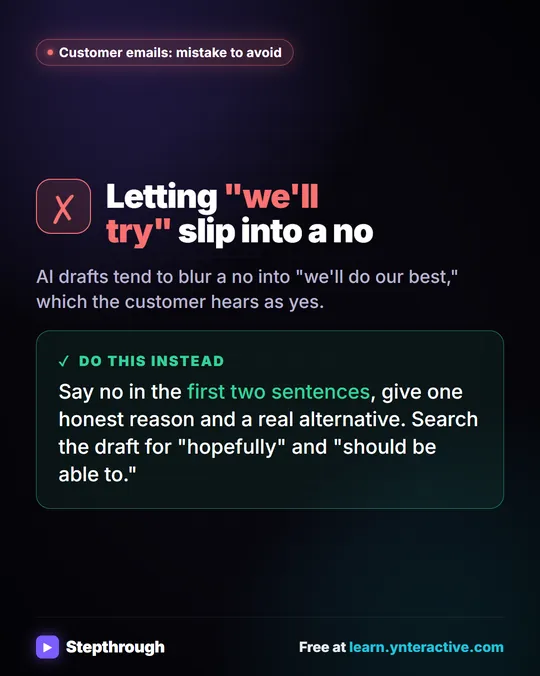
The first draft calls the cake "completely nut-free," which the facts never said. You ask ChatGPT for a table of every promise and the fact behind it, it flags the allergy line, and you ask for that specific fix. Then you click Copy, click Reply in Gmail, paste and send.
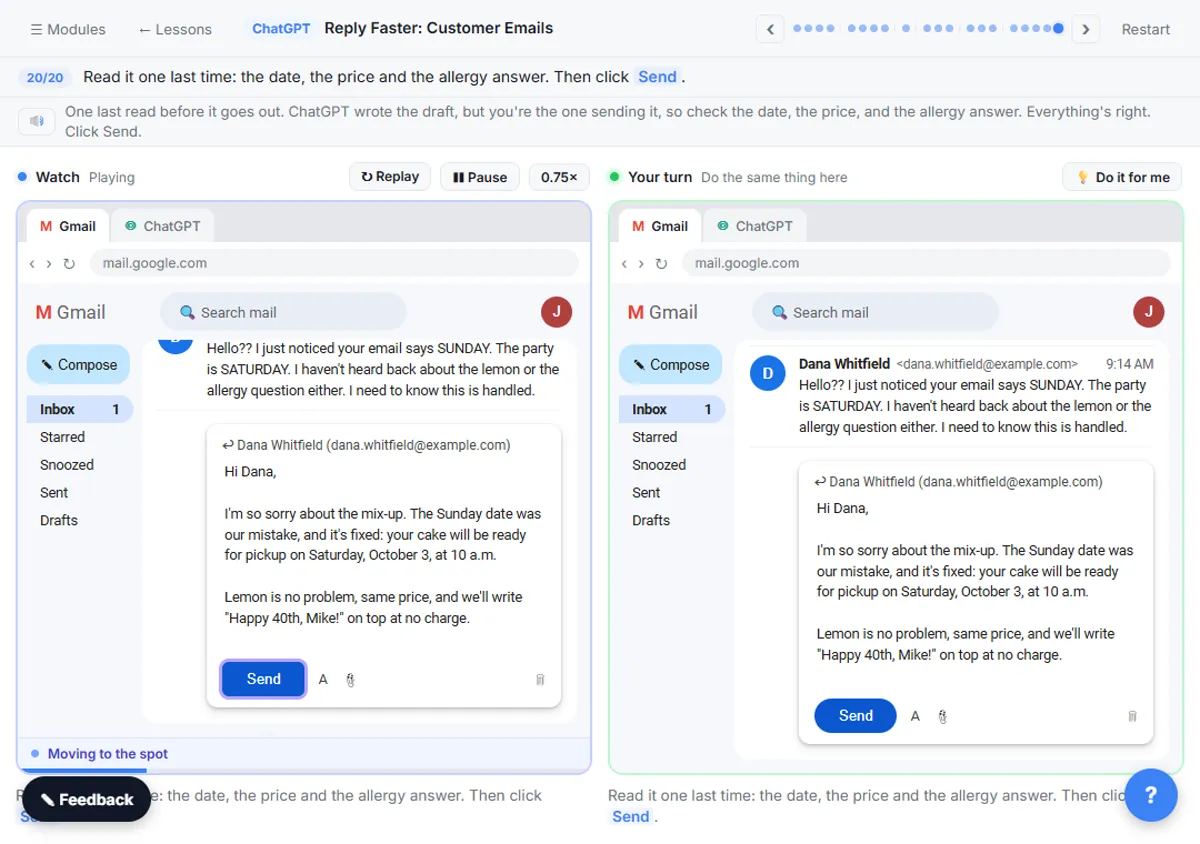
The promise check is the habit to carry through the rest of the path. There's a full post on it, with examples from an insurance agency and a law firm, in Check AI Email Drafts for Promises Before You Send.
What does step 1 cost?
The Reply Faster lesson is free and needs no account. Doing it for real needs a ChatGPT account; ChatGPT has a free plan and paid plans, and the copy-and-paste routine works on any of them.
If you answer a handful of tricky emails a day, each one different, step 1 may be all you need. Nothing runs in the background, and you control exactly what ChatGPT sees.
Try it free, step by step
Reply Faster: Turn a Messy Customer Email Thread into a Clear, Friendly Reply. Turn a messy customer email thread into a clear, friendly reply: give ChatGPT the thread and your facts, check every promise, fix the tone, and send it from Gmail. You do every step yourself in a practice copy of ChatGPT, it checks your work as you go, and “Do it for me” finishes any step you get stuck on. Free, and nothing touches your real accounts.
Start the free lessonWhat do you build in step 2?
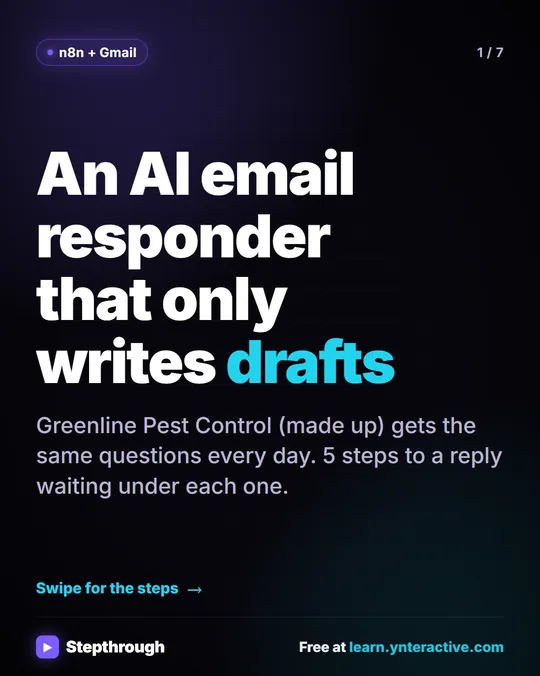
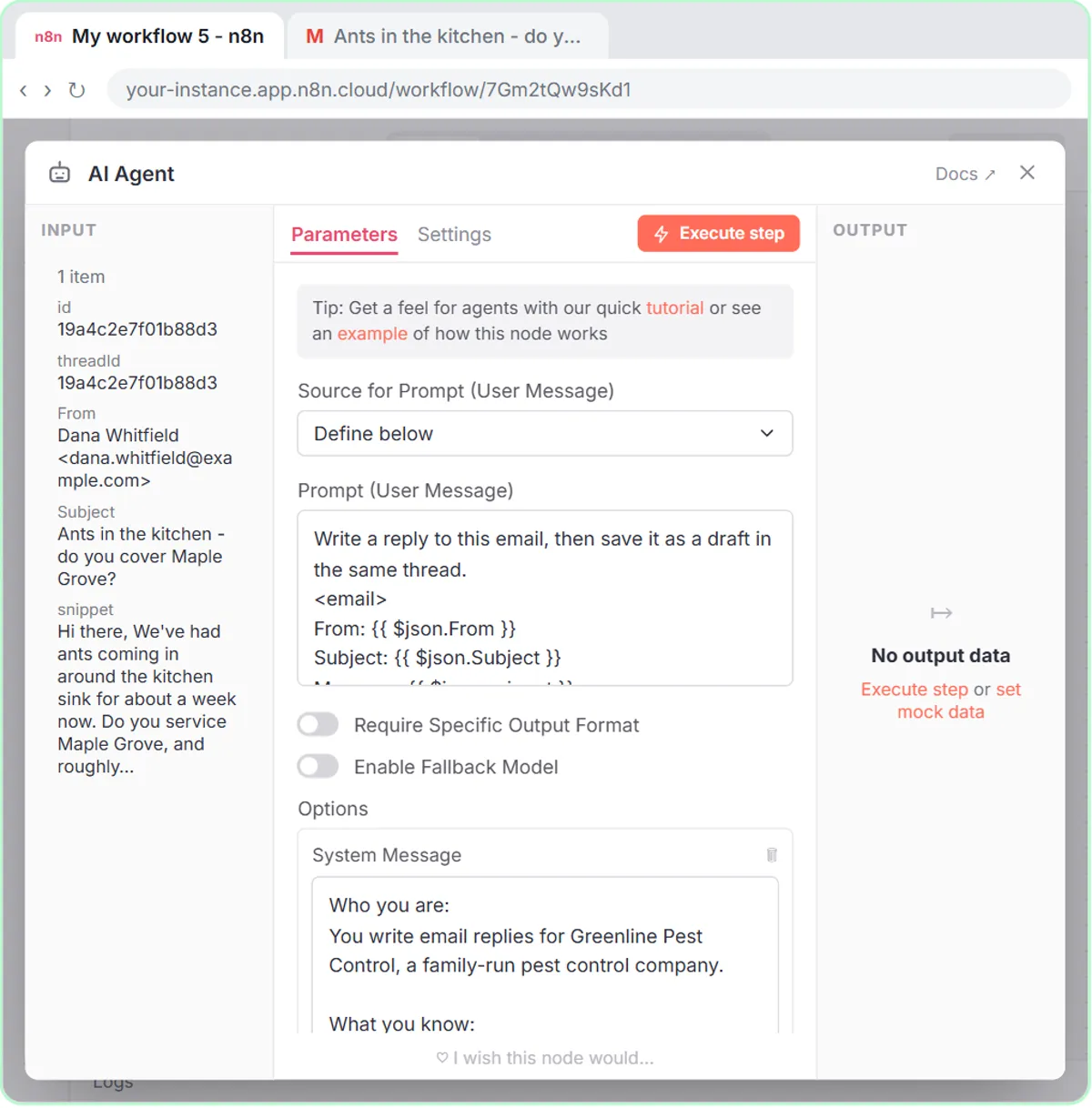
Step 2 builds an n8n workflow that checks Gmail every minute and saves an AI-written reply as a draft in each customer's thread. The AI Email Responder lesson uses a made-up company, Greenline Pest Control, whose inbox gets the same questions all day.
- A Gmail Trigger checks the inbox every minute.
- An AI Agent reads each new email, using an OpenAI Chat Model.
- A Gmail Tool set to Draft, not Send, saves the reply in the same thread.
- Simple Memory keeps track of each conversation, keyed to the email's thread ID.
The AI Agent's system message has four parts: who it is, what it knows (Greenline's towns, the $149 first visit and $89 follow-up, booking hours), the rules (drafts only, never make up prices, dates or services), and how to write. The system message is step 1's facts list, written once and reused for every email.
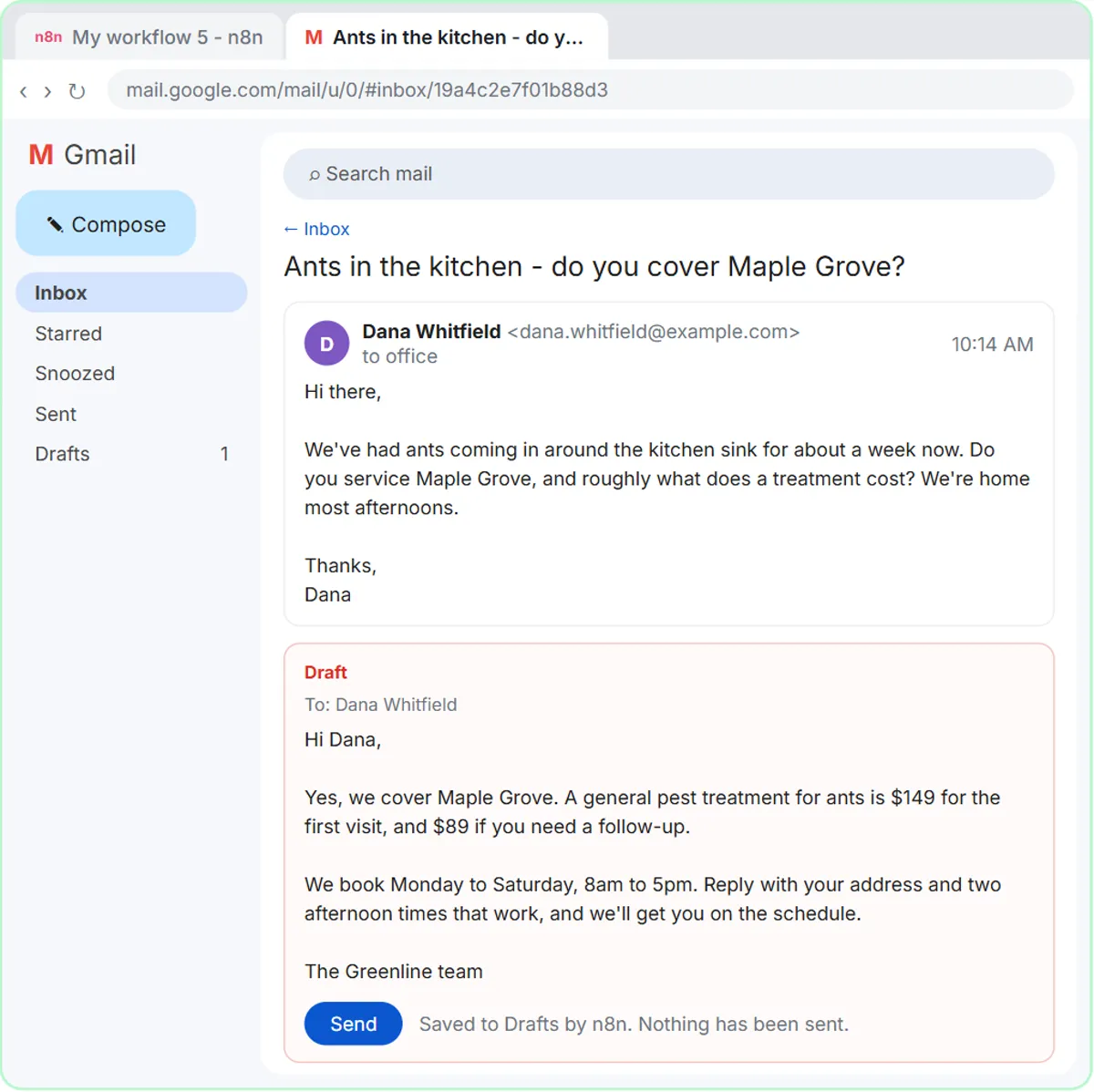
When a customer asks about ants in Maple Grove, the draft says yes to Maple Grove, quotes $149 for the first visit, and asks for an address and two times that work. After you click Publish, the workflow runs on its own. The full build is in AI Email Replies Without Auto-Sending: Gmail Drafts.
What does step 2 cost?
The AI Email Responder lesson is free and connects no real accounts, but the real build uses two paid services. The OpenAI API is pay-as-you-go and billed separately from any ChatGPT plan, so a ChatGPT subscription doesn't cover it; you add credit at platform.openai.com first, and the n8n lesson where you create the key suggests $10 of credit, charged per request. n8n Cloud is a paid service after its free trial, and n8n can also be self-hosted. Gmail works with a regular Google account.
Does "autopilot" mean email answers itself?
No. In both lessons a person reads every reply before it goes out, and in step 2 the n8n agent can only create drafts. What changes is where your time goes: instead of writing from a blank box, you read a draft that already has the right towns, prices and next step, fix a word if needed, and send.
What else is coming in the path?
More lessons in the Email on Autopilot path are on the way, covering AI drafting inside the email tools people already use and no-code automation tools like Zapier and Make. Those lessons are still being built. Today, the two lessons above are live and cover the journey from a chat window to an automated draft. The n8n Jump Start and ChatGPT Jump Start paths cover the basics of each tool.
Key takeaways
- The Email on Autopilot path starts with copy-paste replies in ChatGPT and ends with an n8n agent that drafts replies in Gmail.
- The promise check, a table of every promise in the draft and the fact behind it, is the habit that makes AI replies safe to send.
- The n8n agent's Gmail Tool is set to Draft, so no AI-written email is sent until a person clicks Send.
- ChatGPT has a free plan and paid plans; the OpenAI API used by n8n is pay-per-use and billed separately from ChatGPT.
- n8n Cloud is a paid service after its free trial, and n8n can also be self-hosted.
Frequently asked questions
- Can AI answer my email automatically?
AI can draft replies automatically. In the AI Email Responder lesson, an n8n agent checks Gmail every minute and saves a reply as a draft in the same thread, and you still read and send each one.
- Do I need to know how to code?
No. Step 1 is copy and paste in ChatGPT, and step 2 is built in n8n by connecting nodes and pasting a few short expressions.
- Does ChatGPT Plus pay for the n8n agent?
No. The n8n agent uses the OpenAI API, which is billed separately from ChatGPT plans and charged per request.
- Is the path free?
Yes. Every lesson is free and the practice copies need no accounts. Doing it for real uses your own ChatGPT, OpenAI API, n8n and Google accounts, and some of those cost money.