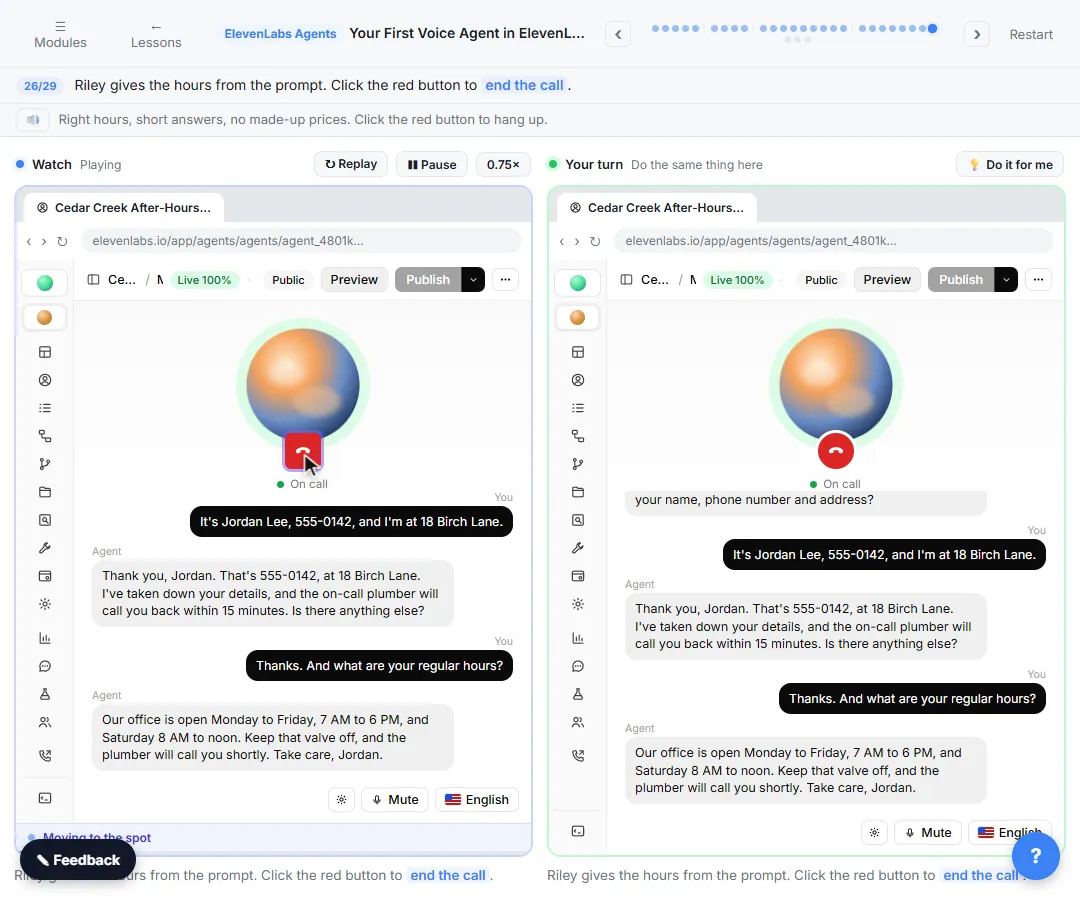
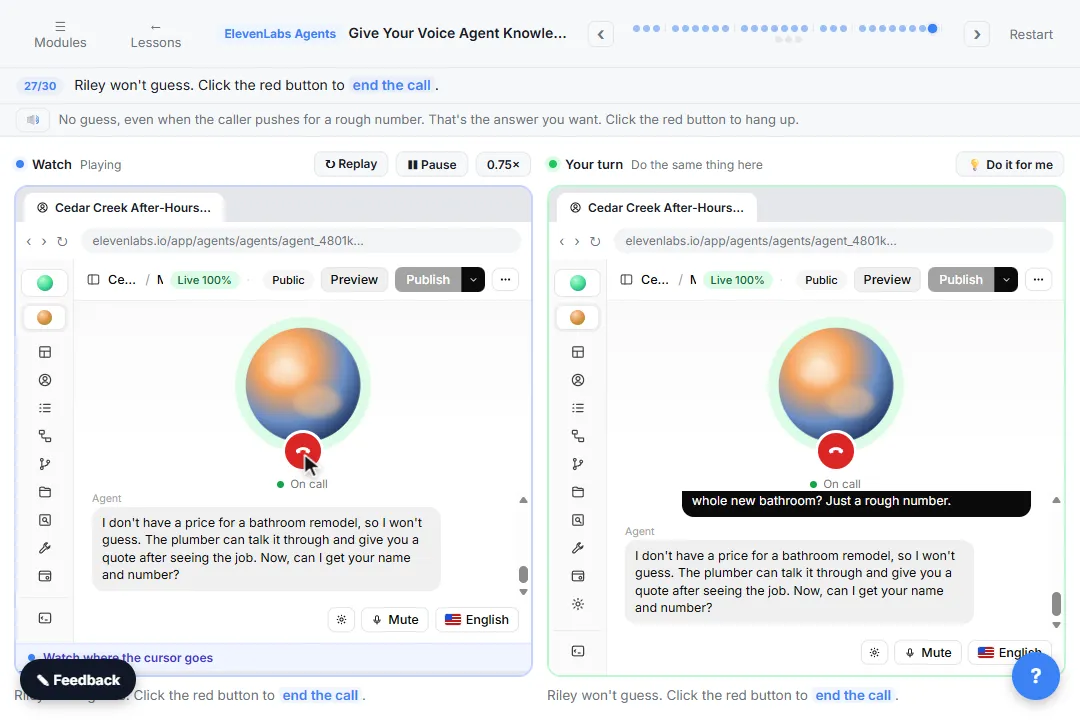
The example business is made up: Cedar Creek Plumbing, a small family company, and Riley, the after-hours AI receptionist you build for it in ElevenLabs Agents (ElevenAgents).
What are the most common first voice agent mistakes?
| # | Mistake | Fix |
|---|---|---|
| 1 | Keeping You are a helpful assistant. | Paste a real job: emergencies, details to collect, hours, rules |
| 2 | No rule against guessing | Add: never guess a price or promise an arrival time |
| 3 | Long, chatty answers | Add: one or two sentences, like a real phone call |
| 4 | A greeting that hides the AI | Name the company, say it is AI, say the call may be recorded |
| 5 | Choosing a voice without listening | Click play, then Use |
| 6 | A big, slow LLM | Pick a fast model, like Gemini 3.5 Flash |
| 7 | Testing while it still says Draft | Click Publish and confirm first |
| 8 | Going live with no alert | Read Conversations, then connect a number and an alert |
Which mistakes are in the system prompt?
1. Keeping the default prompt. Click inside System prompt and replace the default with the real job. Riley's prompt lists what counts as an emergency (active leak, burst pipe, no water, sewage backup), tells it to collect a name, phone number and address and read the number back, gives the office hours, and says when the callback comes: within 15 minutes for emergencies, the next business morning for anything else. Without the hours in the prompt, the agent has to guess them.
2. No rule against guessing. A made-up price or arrival time on the phone sounds like a promise. Riley's rules say: never guess a price or promise an arrival time, and say the plumber will go over that on the callback. Safety rules belong here too: for a gas smell, tell the caller to leave the house and call the gas company or 911 first.
3. Long, chatty answers. What reads fine on screen is too long when spoken. The prompt says to keep answers to one or two sentences, like a real phone call, and to be calm and kind, because people calling at night are often stressed.
Which mistakes are about how it sounds?
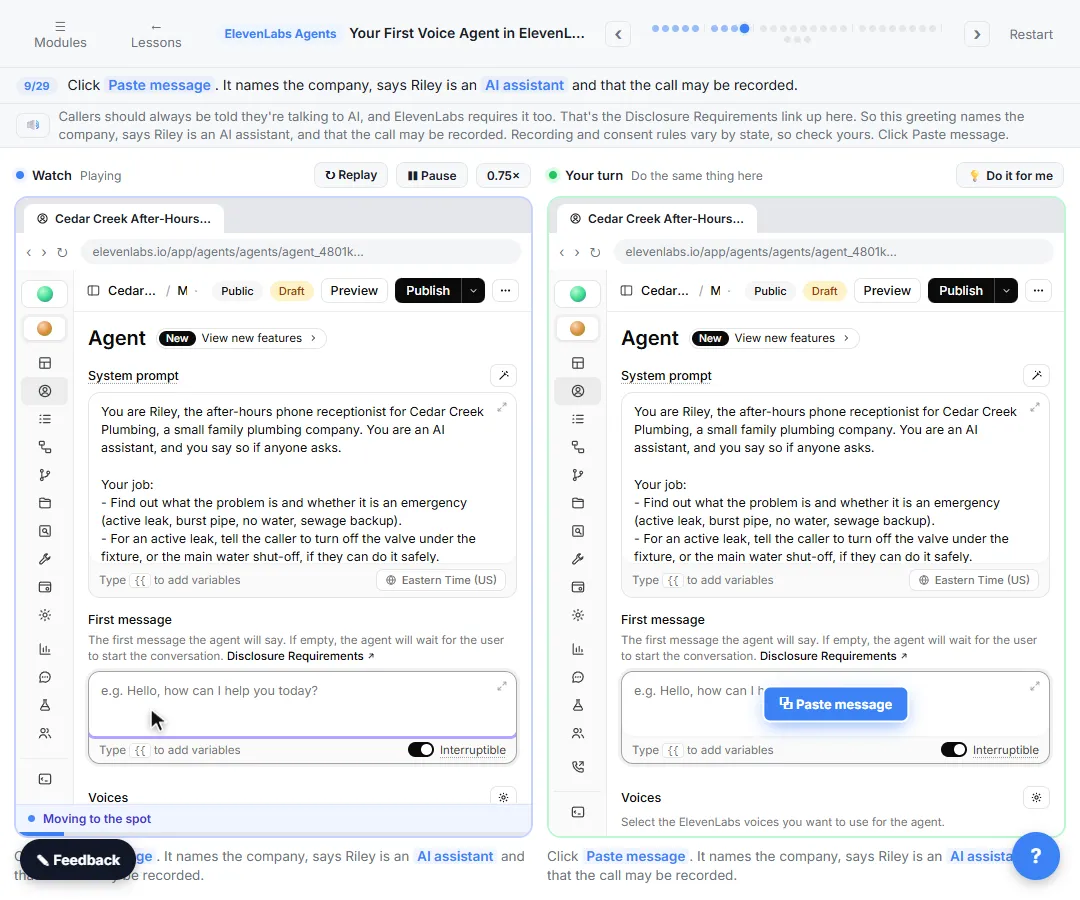
4. A greeting that hides the AI. The First message is the first thing callers hear. Riley's says: Hi, thanks for calling Cedar Creek Plumbing. I'm Riley, the after-hours AI assistant, and this call may be recorded. How can I help you tonight? Callers should always be told they are talking to AI, and ElevenLabs requires it too: that is the Disclosure Requirements link in the editor. Recording and consent rules vary by state, so check yours.
5. Choosing a voice without listening. Under Voices, click the Primary voice, then the Voice row, and search the library. The lesson searches calm and clicks play next to Dana - Calm and Clear before clicking Use. A voice made for promos can sound wrong to someone with water on the floor.
6. A big, slow LLM. The LLM decides what the agent says. A big model thinks longer, and on a phone call the caller hears the pause. LLM use is also charged on top of call minutes. Pick a fast Flash model: the lesson uses Gemini 3.5 Flash. The AI latency entry explains the trade-off.
Which mistakes happen at test time?
7. Testing while it still says Draft. The Draft chip at the top means your changes are not live yet. Click Publish, check what changed in Review Changes, add a short description if you like, and click Publish again. Then click Preview and the round phone button to call it in your browser.
8. Going live with no alert. In the lesson, every call is saved under Monitor, then Conversations, where Overview gives a summary and Transcription has the whole call. That is the only place the plumber would find the message. Read the transcript after every test, and don't put the agent on a real line until you have connected a phone number and an alert. The AI receptionist setup checklist covers urgent handoffs, and how to test a voice AI agent gives you a list of tricky test callers.
Try it free, step by step
Your First Voice Agent in ElevenLabs: An After-Hours Receptionist. Build an after-hours phone receptionist for a small plumbing company: system prompt, a greeting that says it is AI, a calm voice and a fast model, then test-call it in your browser and read the… You do every step yourself in a practice copy of ElevenLabs Agents, it checks your work as you go, and “Do it for me” finishes any step you get stuck on. Free, and nothing touches your real accounts.
Start the free lessonKey takeaways
- Replace the default prompt with the real job, the hours and the rules.
- Write "never guess a price or promise an arrival time" into the prompt.
- Say it is an AI and that the call may be recorded, in the first message.
- Listen to the voice, and pick a fast LLM.
- Publish before you test, and read every transcript.
- Don't go live until messages reach a person.
The first voice agent FAQ answers the how-to questions, and the setup is on one printable page in the cheat sheets library. To compare platforms first, see ElevenLabs vs Vapi vs Retell AI.
Frequently asked questions
- Why does my agent say "you are a helpful assistant" things?
Because the System prompt still has the default. Click inside it, paste the real job, then Publish again.
- Why are my test changes not showing up?
The agent is probably still on Draft. Click Publish and confirm in Review Changes, then start a new Preview call.
- My agent pauses before every answer. What can I change?
Check the LLM. A big model thinks longer. Open LLM, click the model marked Primary, and pick a fast Flash model.
- Is it enough to read the summary?
No. Overview is a good start, but read Transcription too, word for word, to check the agent said only what the prompt allows.