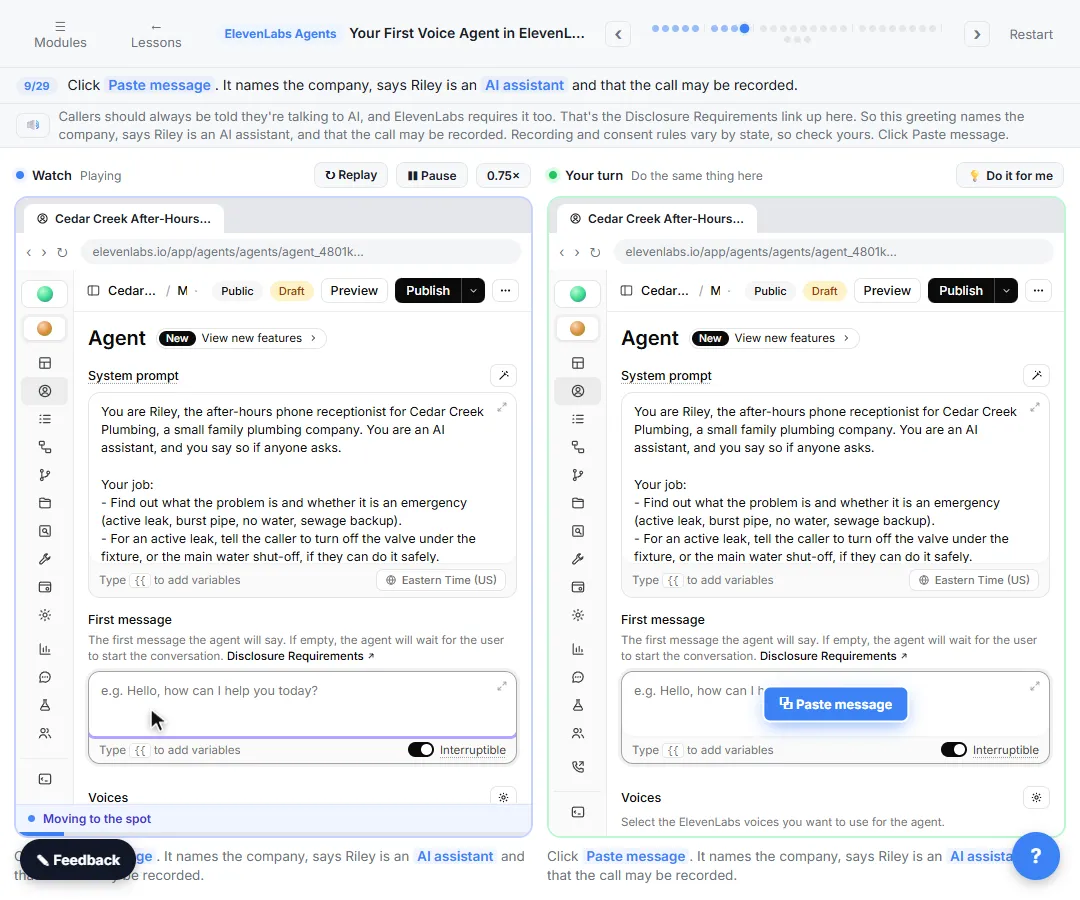
The example is made up: Casey, the after-hours AI receptionist for Hartwell Accounting, a small firm that prepares taxes and does bookkeeping. Nothing here is tax advice.
What are the most common after-hours receptionist mistakes?
| # | Mistake | Fix |
|---|---|---|
| 1 | No message flow in the prompt | Write the six steps: name, number, reason, urgent, callback, goodbye |
| 2 | Not reading the number back | Make step 2: read it back to confirm |
| 3 | No urgent flag | Ask if it is urgent, with an example like an IRS deadline this week |
| 4 | Promising callback times you can't keep | Only promise the next business morning |
| 5 | Giving advice or quoting prices | Rule out tax advice and prices not in the knowledge base |
| 6 | Asking for sensitive numbers | Never ask for a Social Security number, bank account number or password |
| 7 | Facts nobody approved | One Create Text document with approved hours, services and answers |
| 8 | Thinking the message reaches the team | It sits in Conversations until you add an alert |
Which mistakes ruin the message?
1. No message flow in the prompt. "Take a message" is too vague for an AI. Casey's System prompt spells it out in six steps: ask for the name, ask for the best phone number and read it back, ask what the call is about in one sentence, ask if it is urgent, say a team member will call back the next business morning (urgent messages first), then ask if there is anything else and say goodbye. The result is an Overview your team can act on: who called, why, the number and whether it is urgent.
2. Not reading the number back. One wrong digit and the message is useless. In the test call, Casey answers "I have your number as 555-0147" before moving on. That number is made up.
3. No urgent flag. Without step 4, an IRS notice due Friday waits in the same pile as a question about parking. Give the agent an example of urgent so it knows what to listen for. In the lesson, the caller mentions a Friday deadline and Casey marks the message urgent.
4. Promising callback times you can't keep. The prompt allows exactly one promise: a call back the next business morning, with urgent messages returned first. Anything faster is a promise the office may break.
Which mistakes put trust at risk?
5. Giving advice or quoting prices. A worried caller with an IRS letter will ask what to do. Casey's rules say never give tax advice, and never quote a price that is not in the knowledge base. In the test call, Casey tells the caller not to ignore the letter, and not to call the number on it if it seems suspicious, then moves straight into the message steps. That line comes from the firm's own approved FAQ, not from the AI. The firm's document says pricing depends on the work and that the agent does not quote prices.
6. Asking for sensitive numbers. Phone calls are not the place for a Social Security number, a bank account number or a password, and the prompt says so. The firm's document adds that clients should use the client portal for documents, never the phone or regular email.
7. Facts nobody approved. Without a document, the agent guesses your hours and services, and a wrong answer at night costs you trust. The lesson adds one Create Text document under Knowledge Base, Hartwell Accounting hours, services and FAQ, with the hours (including the February 1 to April 15 extension), the services, what the firm does not do, how new clients start and the common questions. The prompt says to use only facts from it, and to offer a message when the answer isn't there. The grounding entry explains why that rule matters.
What goes wrong after the call ends?
8. Thinking the message reaches the team. In this lesson the agent is tested in the browser only. No phone number is connected, and the message waits in Conversations, under Monitor, until someone opens it. Before a real office relies on it, connect a number and send the message to the team. The lesson's suggested next step is to text or email the message the moment the call ends, so urgent notices do not wait until morning.
A related slip: skipping the disclosure. The greeting should say the office is closed, that Casey is an AI assistant and that the call may be recorded. ElevenLabs asks for the AI disclosure, and recording rules vary by state.
Try it free, step by step
Never Miss an After-Hours Client Call: An AI Receptionist for a Small Office (ElevenLabs). A small accounting firm loses new clients to voicemail after 5 PM. Build an AI receptionist in ElevenLabs that answers, knows your hours and services, and takes a clear message for the morning. You do every step yourself in a practice copy of ElevenLabs Agents, it checks your work as you go, and “Do it for me” finishes any step you get stuck on. Free, and nothing touches your real accounts.
Start the free lessonKey takeaways
- Write the six-step message flow into the prompt, and read the number back.
- Ask whether it is urgent, and give an example.
- Promise only the next business morning.
- No tax advice, no unlisted prices, no sensitive numbers.
- Answer only from one approved document.
- Connect an alert before a real caller depends on it.
The after-hours receptionist FAQ answers the how-to questions. For the general planning list, see the AI receptionist setup checklist, and to test it like a real caller, read how to test a voice AI agent. The steps are on one page in the cheat sheets library.
Frequently asked questions
- Why does my receptionist forget to ask for a phone number?
The steps are not in the System prompt. Write the message flow as a numbered list, publish, and test again.
- Should the agent answer tax questions if it knows the answer?
No. Casey's rules say never give tax advice. It takes a message, and a person calls back.
- What if a caller asks something that is not in the document?
The prompt tells the agent to say it does not know and offer to take a message.
- Is the summary enough for the team?
The Overview is the message. Read Transcription when you need the caller's exact words.