The example is made up: Cedar Creek Plumbing, a small family company, wants its after-hours calls answered. You build Riley, an AI receptionist that spots emergencies, takes the caller's details and gives the office hours. The setup is the same for any office that misses calls after closing.
How do you build the agent, step by step?
The lesson runs in five short parts:
- Create it. In the left menu, click Agents, then the + next to it. Choose Blank Agent, type the name Cedar Creek After-Hours and click Create agent.
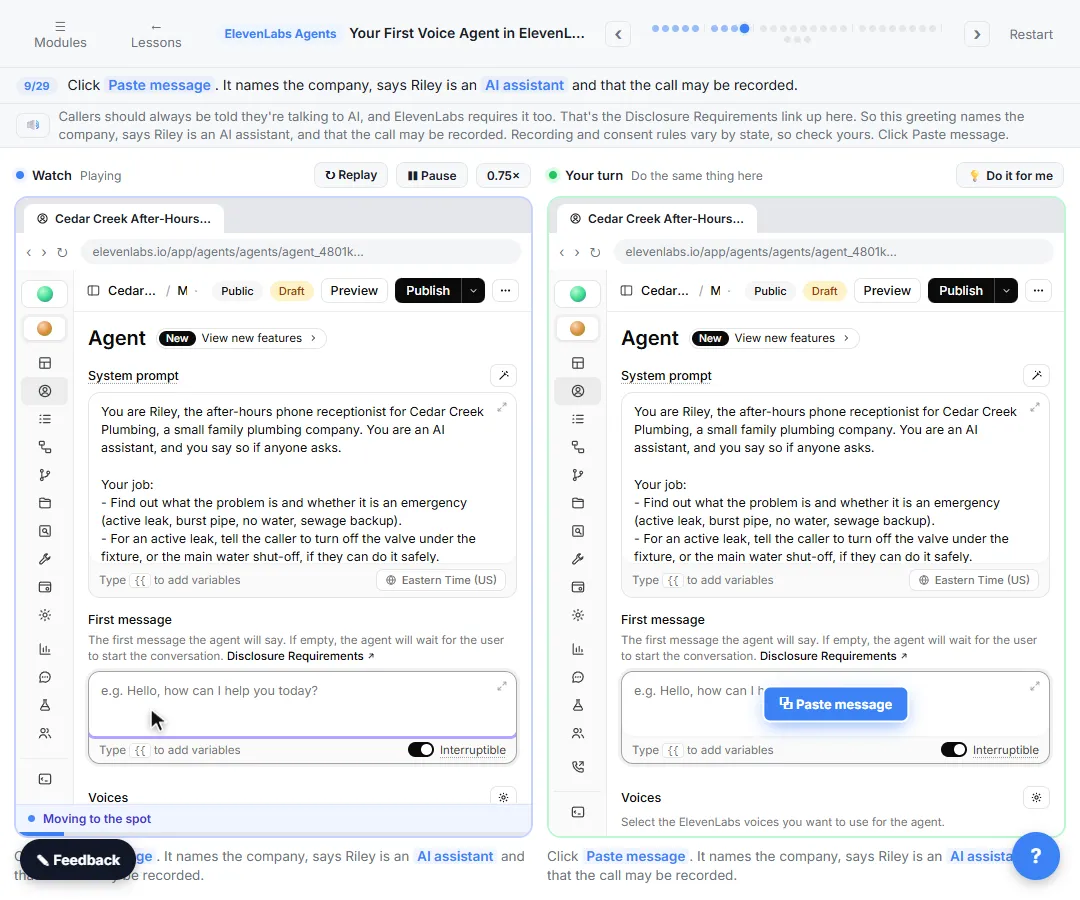
- Tell it who it is. Replace You are a helpful assistant. in System prompt with the real job, and write the First message.
- Pick a voice and a model. Under Voices, open the Primary voice, search the library, listen, and click Use. Under LLM, pick a fast model.
- Publish and test. Click Publish, confirm, then click Preview and the round phone button.
- Read the call. Under Monitor, click Conversations, open the call, and check Overview and Transcription.
A voice agent is an AI that answers the phone and talks with callers in a natural voice. Used as a front desk, it is an AI receptionist.
What goes in the system prompt?
The system prompt is the agent's job description: who it is, what it does, and the rules it follows on every call. Riley's prompt has three parts:
- Who it is. The after-hours receptionist for Cedar Creek Plumbing. It is an AI assistant, and it says so if anyone asks.
- The job. Find out the problem and whether it is an emergency (active leak, burst pipe, no water, sewage backup). Give the shut-off valve tip for a leak, and the leave-the-house rule for a gas smell. Take the name, phone number and address, and read the number back. Say when the callback comes.
- The rules. One or two sentences per answer, like a real phone call. Never guess a price or promise an arrival time. Be calm and kind.
The office hours go in the prompt too, so the agent can answer "when are you open?" without guessing.
Frequently asked questions
- Should I start from a template or a blank agent?
The lesson starts blank, so you see what every setting does. Browse Templates has receptionist agents too, and they are worth a look once you know the settings.
- What should the first message say?
Name the company, say the agent is an AI, and say the call may be recorded. Riley's greeting is: Hi, thanks for calling Cedar Creek Plumbing. I'm Riley, the after-hours AI assistant, and this call may be recorded. How can I help you tonight? ElevenLabs requires callers to be told they are talking to AI, which is the Disclosure Requirements link in the editor. Recording and consent rules vary by state, so check yours.
- How do I pick a voice?
On the right, under Voices, click the voice marked Primary. The Agent voice panel opens. Click the Voice row, search the library (the lesson searches calm), click play to hear a sample, then click Use. The lesson picks Dana - Calm and Clear, because a caller with a leak at night wants someone calm. The sliders fine-tune how it speaks, and the defaults are fine to start.
- Which LLM should a phone agent use?
A fast one. The LLM is the brain that decides what the agent says. On a call, a big model thinks longer and the caller hears the pause. The lesson opens LLM, clicks the model marked Primary and picks Gemini 3.5 Flash. ElevenLabs also charges LLM use on top of call minutes, so check its pricing page for what each model costs. The AI latency entry explains why speed matters in a conversation.
- What does the Draft chip mean?
You have changes that are not live yet. Click Publish at the top. The Review Changes dialog shows what changed since the last version, and you can add a short description so you know later what you changed. Click Publish again to confirm.
- Do I need a phone number to test it?
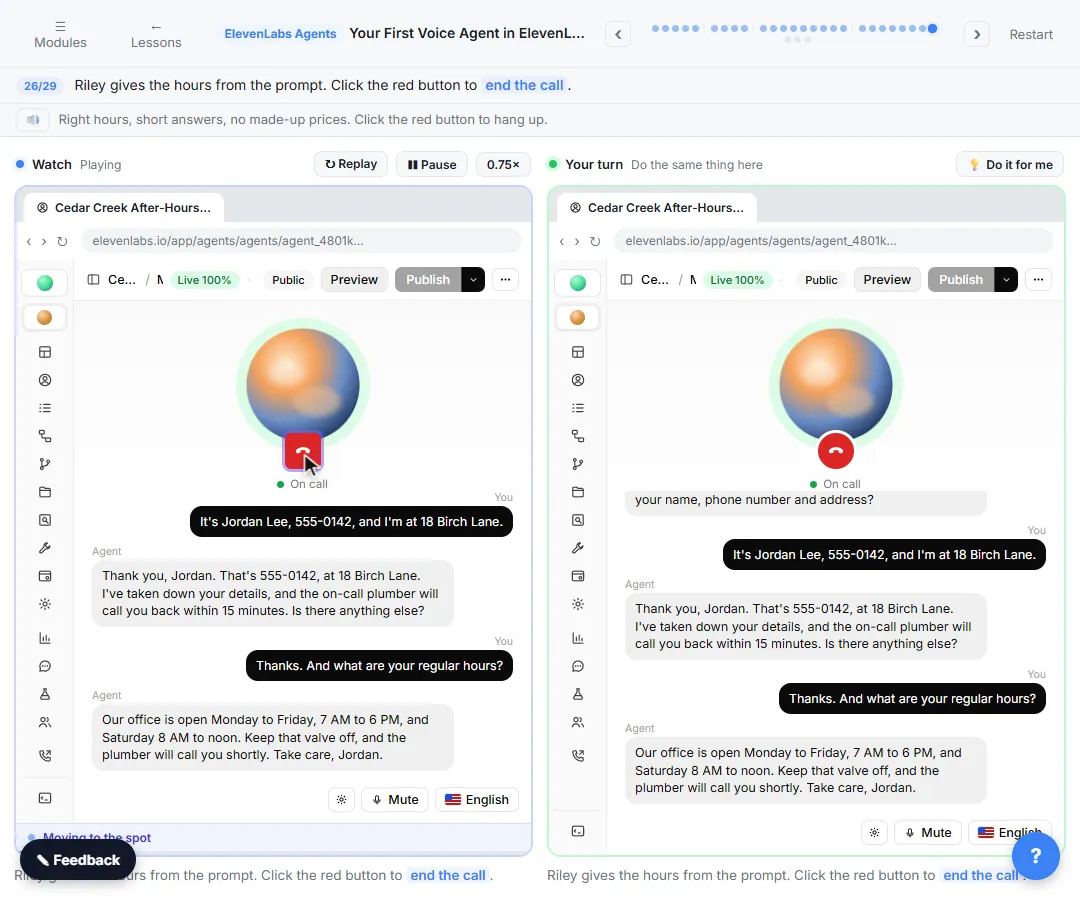
No. Click Preview to talk to the agent in your browser, then click the round phone button under the orb. On the real site your browser asks to use your microphone the first time. In the practice copy you click Say it instead of talking.
- What should I say on the test call?
Play a real caller. The lesson describes a leak that won't stop, gives a name, number and address, then asks about regular hours. Check that the agent gives the safety tip, reads the number back and gives the hours from the prompt. For a longer list of test calls, see how to test a voice AI agent.
- Where do I read the call afterwards?
In the left menu, under Monitor, click Conversations. Every call is saved, including tests. Open the call at the top: Overview gives a short summary with the caller's details, and Transcription has the whole call, word for word.
- Can the agent send the message to the plumber?
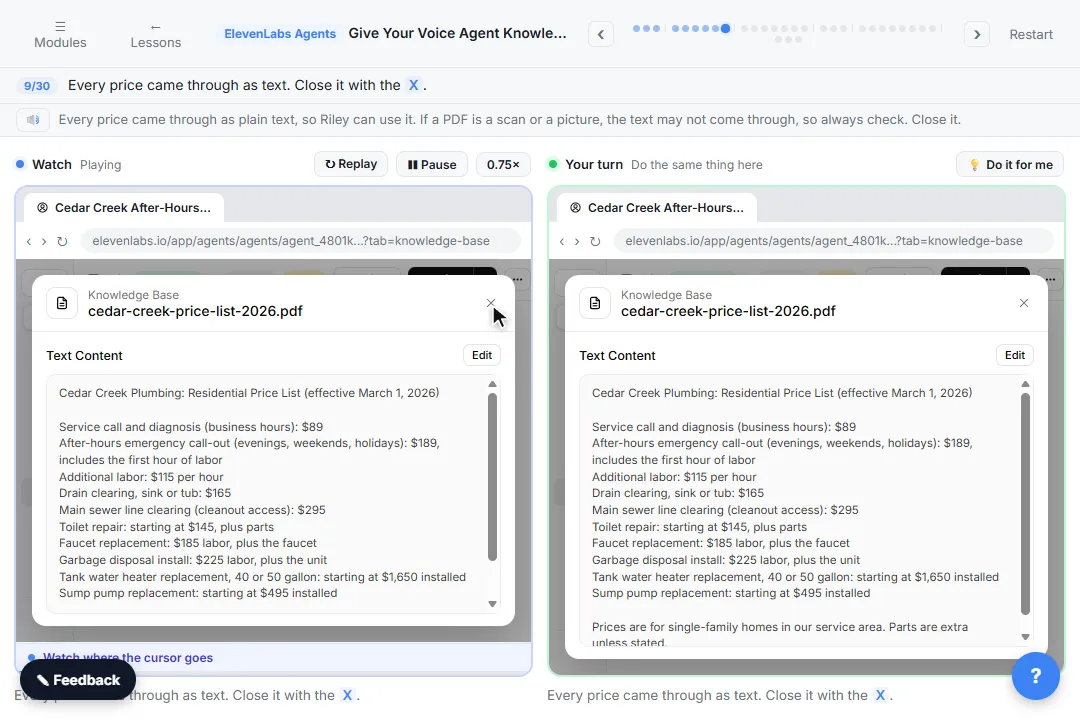
Not yet, in this lesson. Right now the message waits in Conversations, so someone has to read it there. Don't put the agent on a real line until you have connected a phone number and an alert. The next lessons add a price list and FAQ, and connect a number.
- How long does it take?
About 9 minutes in the practice copy, for 29 steps.
Try it free, step by step
Your First Voice Agent in ElevenLabs: An After-Hours Receptionist. Build an after-hours phone receptionist for a small plumbing company: system prompt, a greeting that says it is AI, a calm voice and a fast model, then test-call it in your browser and read the… You do every step yourself in a practice copy of ElevenLabs Agents, it checks your work as you go, and “Do it for me” finishes any step you get stuck on. Free, and nothing touches your real accounts.
Start the free lesson
Key takeaways
- The system prompt is the job description: the emergencies, the details to collect, the hours and the rules.
- The first message names the company, says it is an AI and says the call may be recorded.
- Pick a calm voice and a fast LLM. Listen before you click Use.
- Draft means not live. Publish, then test in Preview.
- Read Overview and Transcription in Conversations after every test call.
Next, read the first voice agent mistakes, or the AI receptionist setup checklist to plan what yours must say. The steps are on one printable page in the cheat sheets library. Then build Riley in the practice copy.