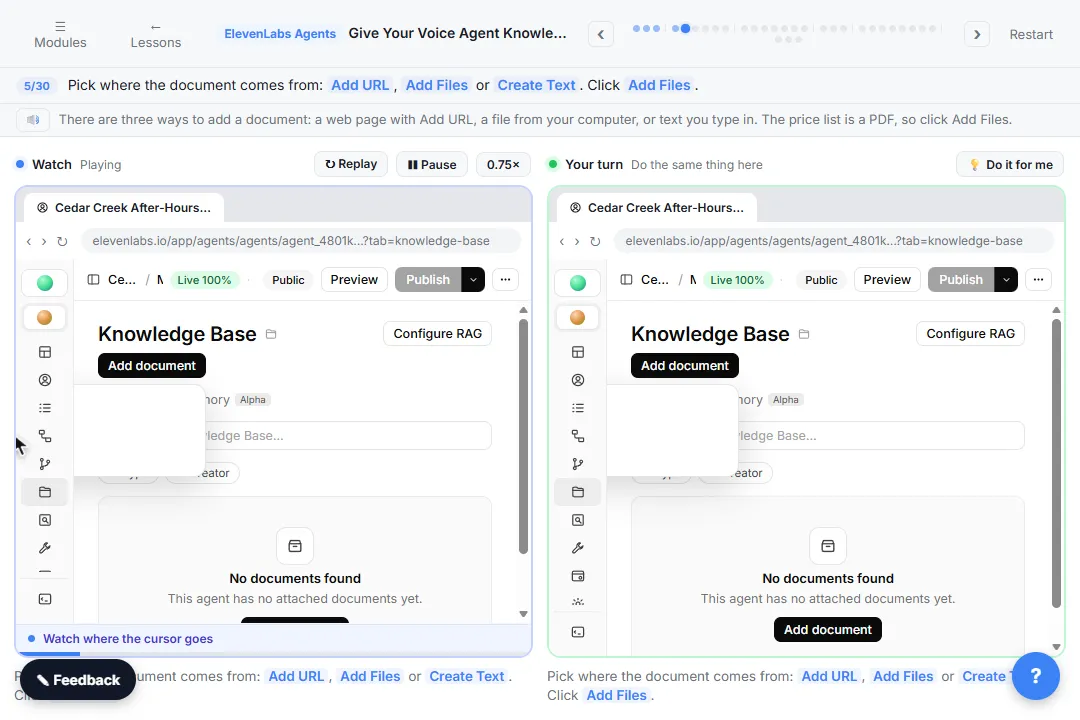
The example is made up: Riley, the after-hours AI receptionist for Cedar Creek Plumbing, gets the company's price list as a PDF and a short FAQ as text.
What are the most common knowledge base mistakes?
| # | Mistake | Fix |
|---|---|---|
| 1 | Uploading documents but not changing the prompt | Add a Prices and services section |
| 2 | Letting the agent round or estimate | Quote exactly, including "starting at" or "plus parts" |
| 3 | Trusting a PDF without opening it | Click the document and read the extracted text |
| 4 | Leaving out what you don't do | List services you do NOT offer in the FAQ |
| 5 | Making a file for a few paragraphs | Use Create Text |
| 6 | Turning on RAG for two short documents | Leave Retrieval mode on Prompt only |
| 7 | Testing only questions it can answer | Ask a listed price, a service you don't offer and an unlisted price |
| 8 | Forgetting to update the list | Change the document first, publish, re-test |
Which mistakes are in the prompt?
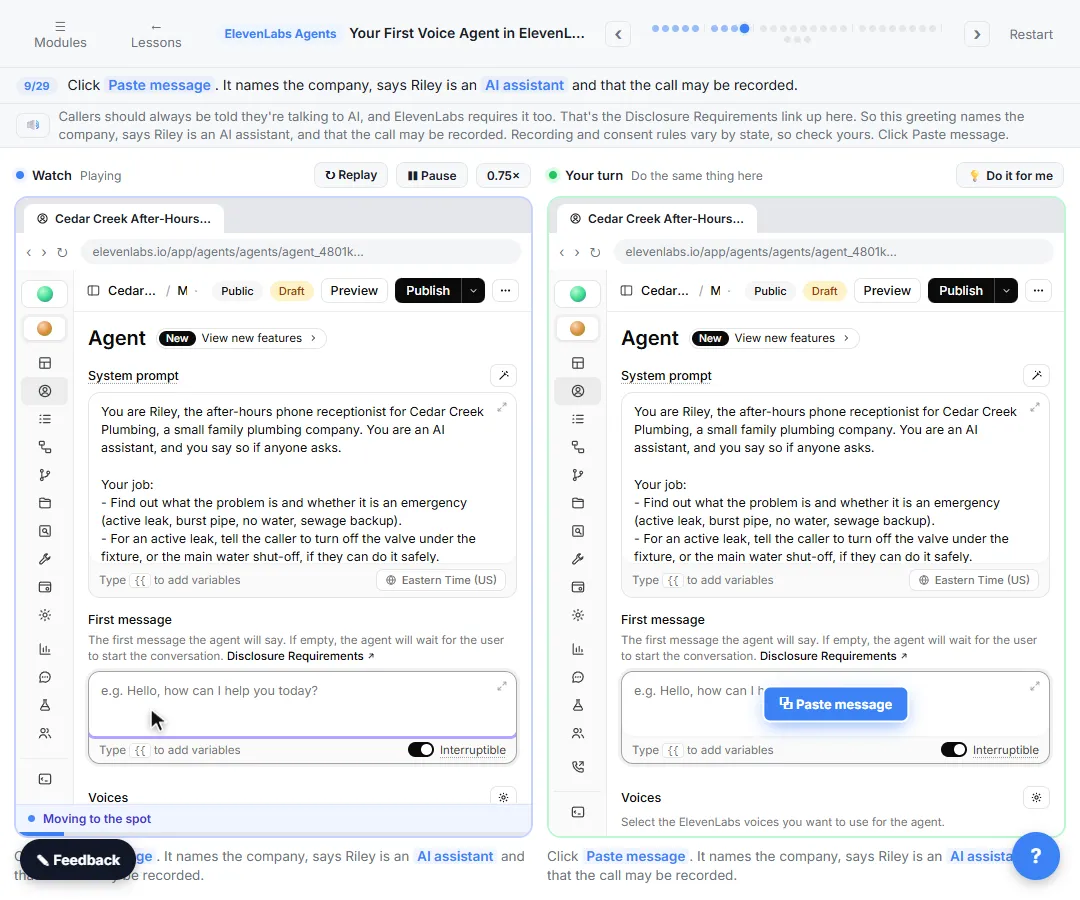
1. Uploading documents but not changing the prompt. In the lesson, Riley's old prompt still says to leave every price to the plumber, so it would ignore the new price list. The fix is a new Prices and services section: answer questions about prices, services and policies only from the Cedar Creek price list and FAQ. If a price is not on the list, say so, and say the plumber will give a quote after seeing the job. Never guess.
2. Letting the agent round or estimate. The prompt says to give a price exactly as the list says it, including "starting at" or "plus parts", and never to round, combine or estimate. "Starting at, plus parts" and a flat number are two very different promises to a caller.
Which mistakes are in the documents?
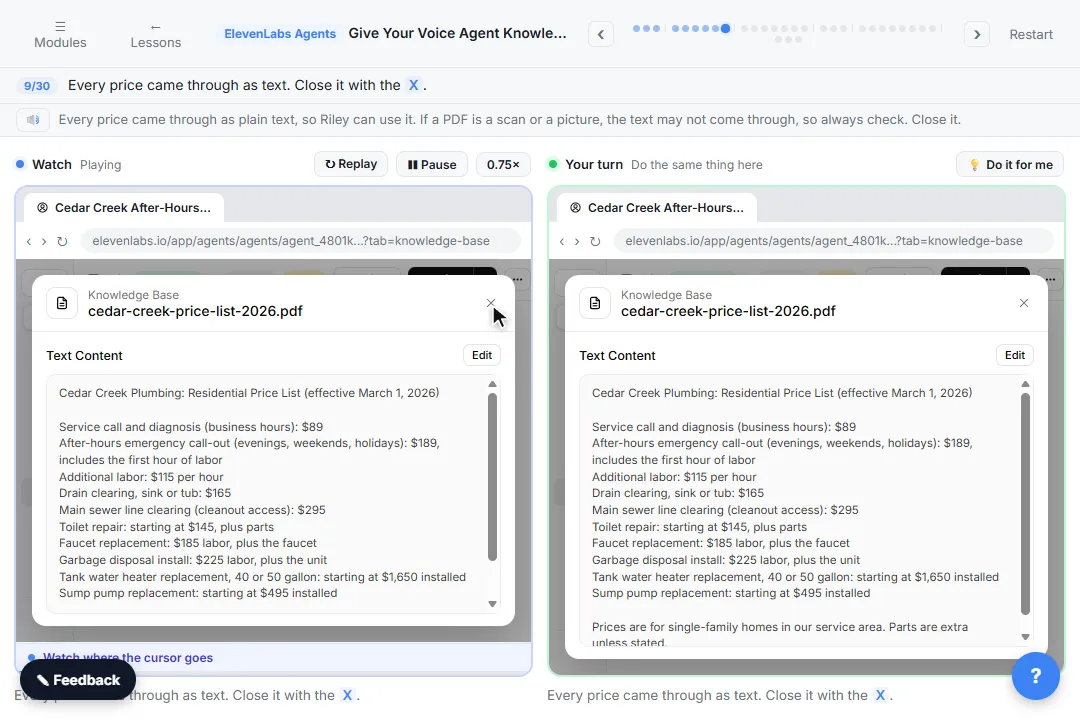
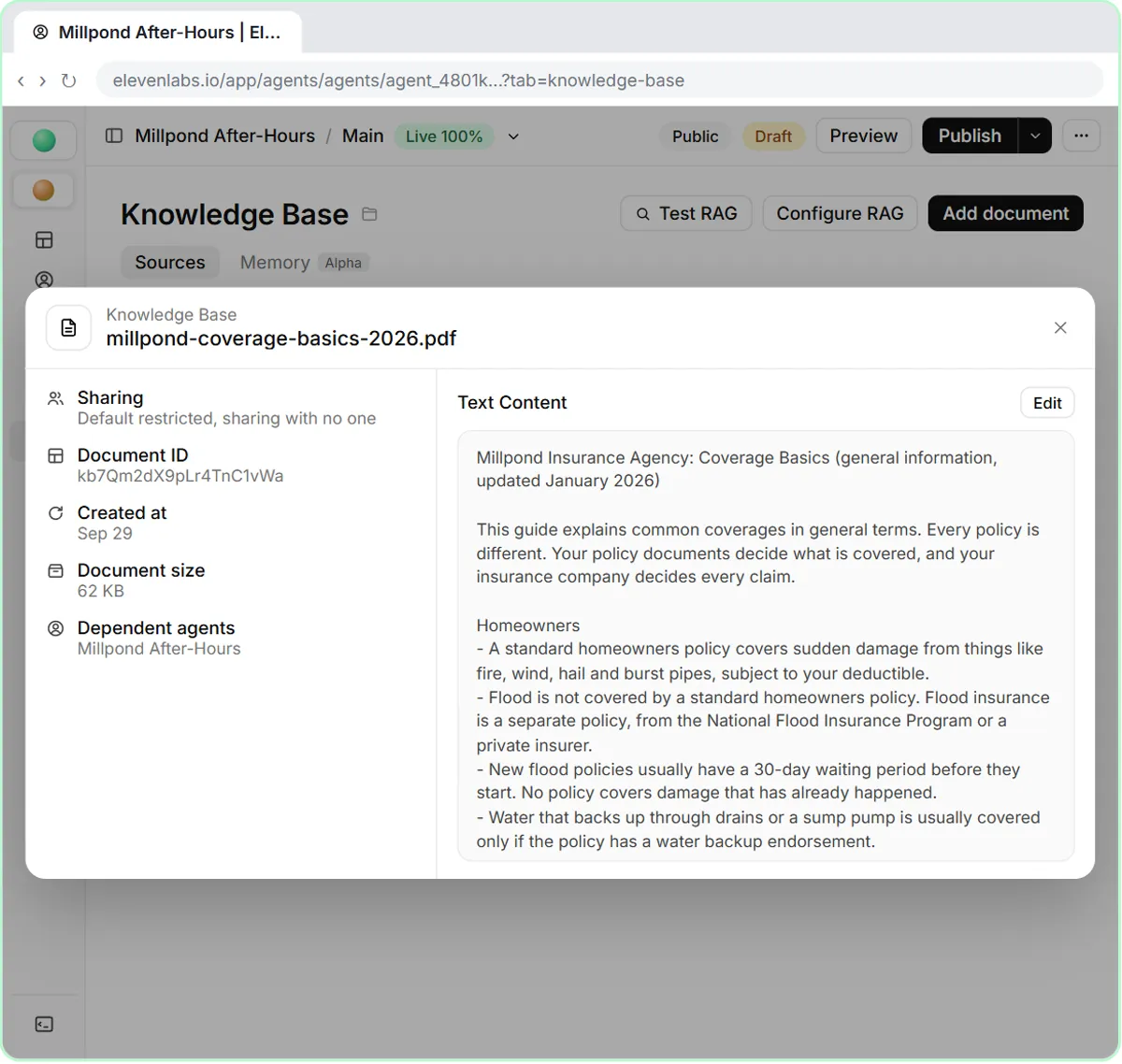
3. Trusting a PDF without opening it. After Add File, click the document's name and read what ElevenLabs pulled out of it. In the lesson every price came through as plain text. If a PDF is a scan or a picture, the text may not come through, and the agent would have nothing to quote.
4. Leaving out what you don't do. An agent with no list of "no" services may try to help with anything. Cedar Creek's FAQ has a Services we do NOT offer line: heating or air conditioning, well pumps, septic tank pumping and gas line work, with a note to call a licensed HVAC, well or septic company. That is how Riley turns the furnace caller away politely.
5. Making a file for a few paragraphs. The FAQ is short, so the lesson uses Create Text, types Cedar Creek FAQ in Text Name and pastes it into Text Content. Write it like a brief for a new receptionist: short, plain facts.
When is RAG a mistake?
6. Turning on RAG for two short documents. The Retrieval tab shows Retrieval mode. On Prompt only, the knowledge base is never searched and small documents go into the prompt in full. That is the most reliable setup for a short price list and FAQ. On demand and Every turn search the knowledge base instead, which suits big documents like a product manual. The lesson notes RAG adds about a quarter of a second per answer. On the other side, everything in the prompt adds to the LLM cost of each call, so keep the documents short.
What goes wrong in testing?
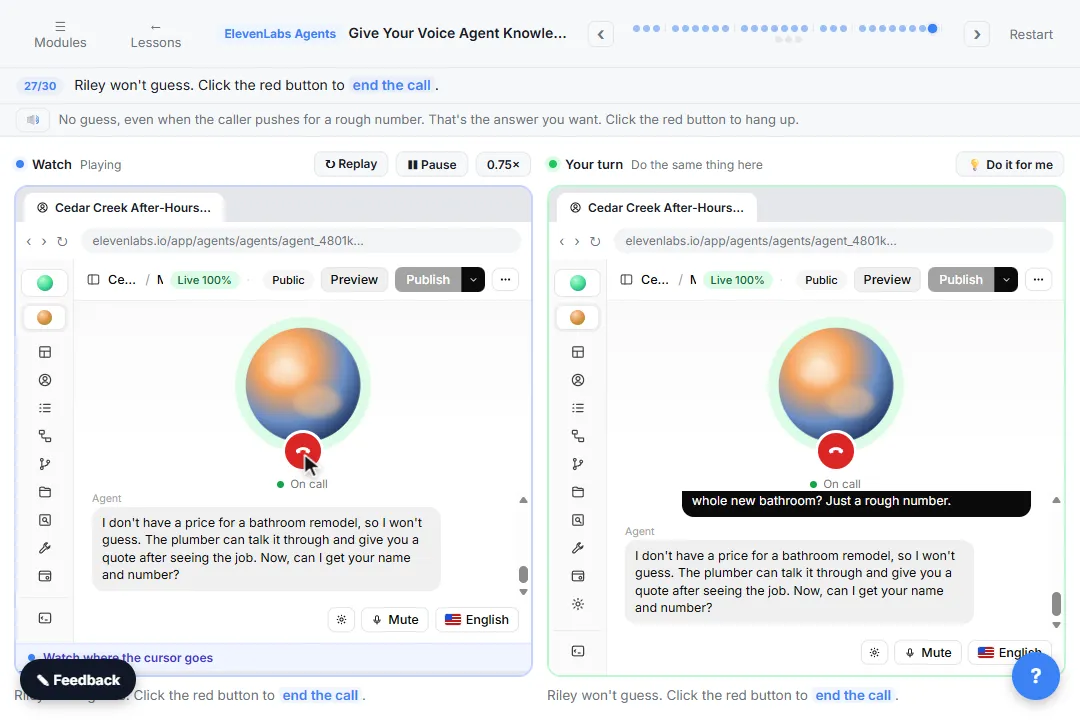
7. Testing only the questions it can answer. A call about a listed price proves little. The lesson tests three: a price on the list (what a visit costs tonight), a service Cedar Creek doesn't offer (a furnace) and a price that is not on the list (a rough number for a whole new bathroom). Riley quotes the after-hours call-out from the list, turns the furnace down, and won't guess the bathroom price even when pushed. Then check Transcription in Conversations against the documents. The lesson's call summary also notes that the caller did not give contact details before the call ended, so read the whole call, not just the answers you were testing. For more caller types, see how to test a voice AI agent.
8. Forgetting to update the list. The price list in the lesson is dated: effective March 1, 2026. When your prices change, update the document in the knowledge base first, publish, and re-test. A stale list makes the agent quote old prices with full confidence. The hallucination entry explains why an AI sounds just as sure when it is wrong.
Try it free, step by step
Give Your Voice Agent Knowledge: A Price List and FAQ in ElevenLabs. Upload a plumbing company's price list and FAQ to your ElevenLabs agent's knowledge base, tell it to answer only from them, and test it with three tricky questions, including a price it must not… You do every step yourself in a practice copy of ElevenLabs Agents, it checks your work as you go, and “Do it for me” finishes any step you get stuck on. Free, and nothing touches your real accounts.
Start the free lessonKey takeaways
- Documents don't change behavior on their own. The prompt does.
- Quote prices exactly as listed. Never round, combine or estimate.
- Open every upload and check the text came through.
- Write down the services you don't offer.
- Keep short documents on Prompt only.
- Test an unlisted price every time, and update the list when prices change.
The ElevenLabs knowledge base FAQ answers the how-to questions, and the steps are on one printable page in the cheat sheets library.
Frequently asked questions
- Why does my agent still say the plumber will give every price?
The old rule is still in the System prompt. Replace it with a Prices and services section that points to the documents, then Publish.
- Why can't my agent find a price that is in my PDF?
Open the document and check the extracted text. If the PDF is a scan or a picture, the prices may not have come through. Use a text PDF, or paste the list with Create Text.
- Should I switch to On demand to make answers better?
Not for short documents. Prompt only gives the agent the whole document every time. Switch when the documents get too big, like a full manual.
- The agent gave a wrong price. What now?
Fix the document or the prompt, publish, and test again with the same question.